
 View on Asset Store (opens in new tab)
Package details
- Latest version
- 1.2
- Last updated
- First released
- Unity version
- 6000.2.8 or later
- Package size
- 1.4 MB
- Files
- 94
- Favorites
- 61
- Views in the past week
- 286
Price tracking
- Last checked
- Tracked since
- Lowest recorded
- Free on
Keywords
MotionCore – Physics Character Controller
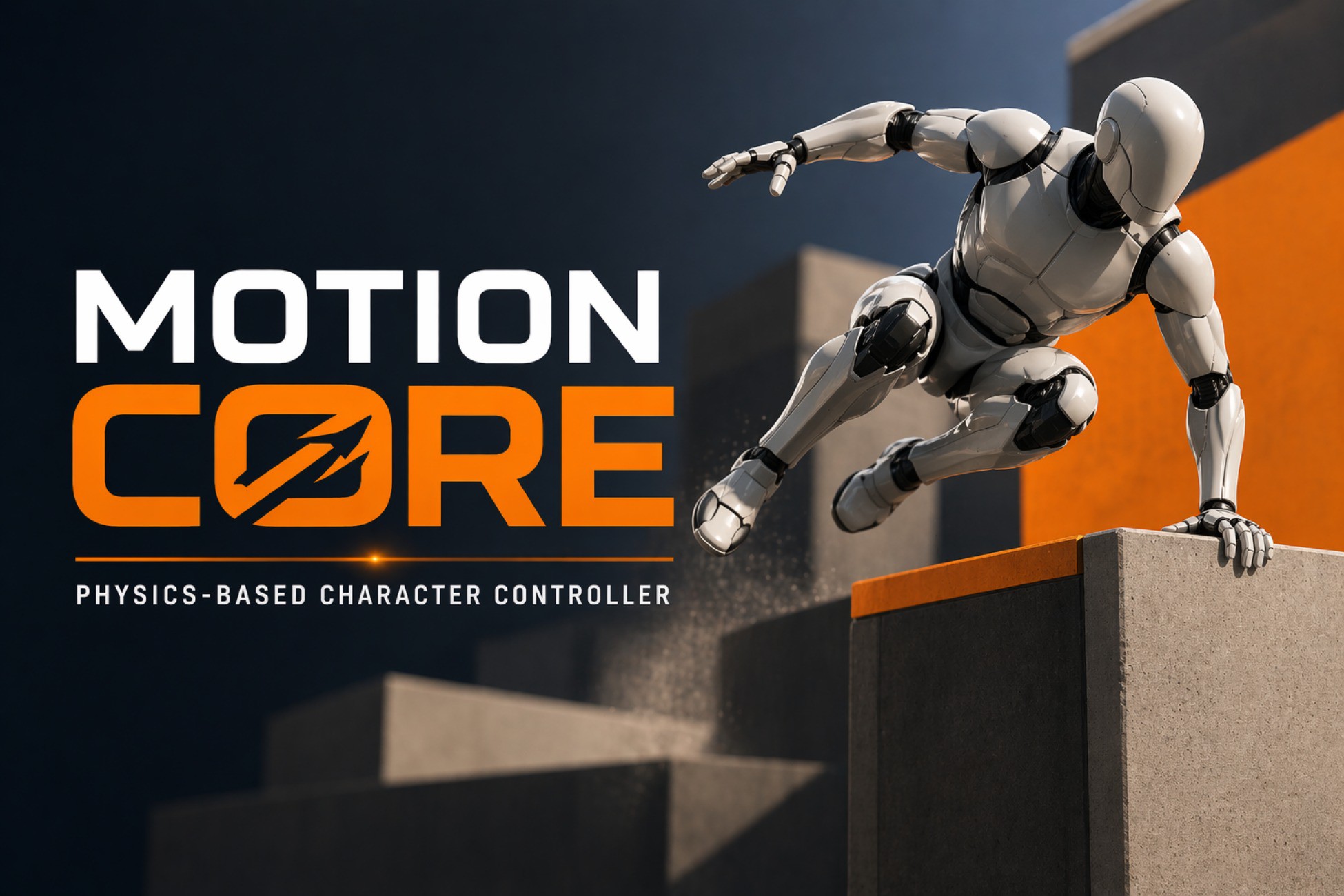
MotionCore: a Physics-Based Character Controller for Unity using Rigidbody movement. Supports slopes, stairs, grounding, and modular ability packs.
Affiliate link · Purchases support this site
Price history
Last 6 months
USDAsset preview
1 / 4
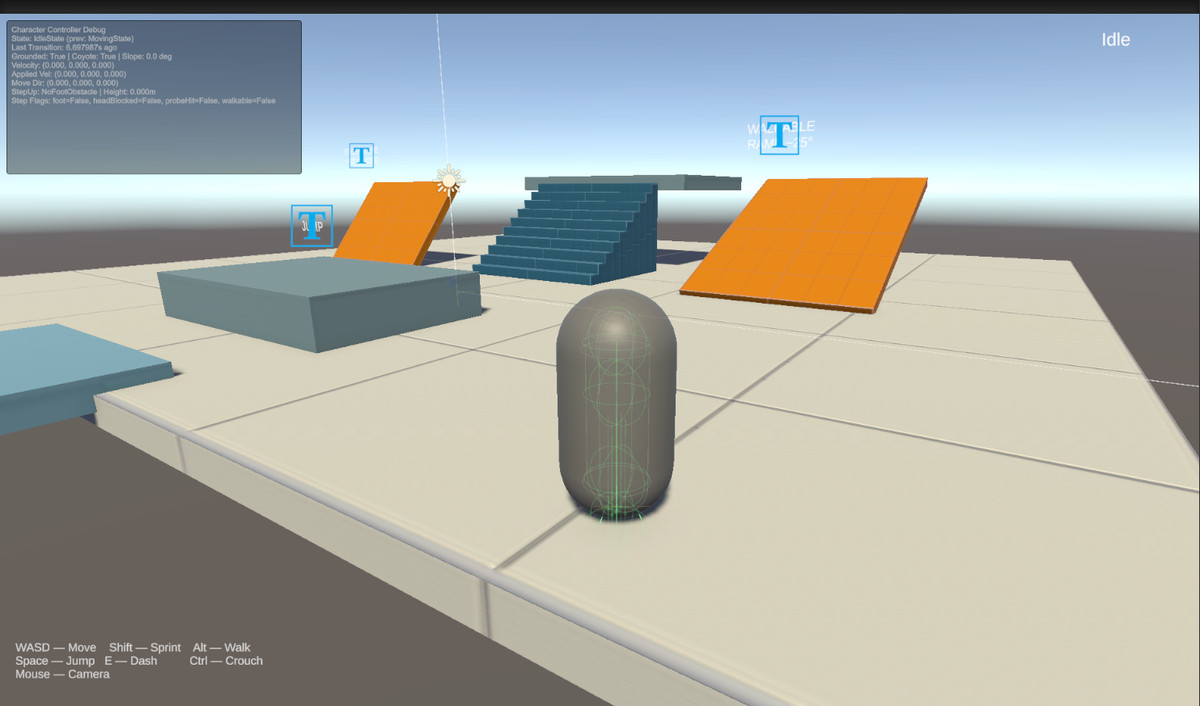
MotionCore – Physics Character Controller screenshot 1
About this asset
A physics-based character controller for Unity built on Rigidbody movement.
Designed to provide smooth, stable character motion while remaining fully modular and extensible.
The controller handles common gameplay challenges such as slopes, stairs, grounding, and step detection, making it suitable for many game genres including FPS, RPG, and third-person games.
This package focuses on clean physics interaction and reliable movement, while allowing developers to extend the system with additional abilities and gameplay mechanics.
Features
• Physics-Based Movement – Built entirely on Unity’s Rigidbody system
• Stable Ground Detection – Reliable grounding and surface detection
• Slope Handling – Smooth movement on angled surfaces
• Step Detection – Walk up stairs and small obstacles naturally
• Air Control – Responsive movement while airborne
• Modular Ability System – Easily extend the controller with new movement abilities
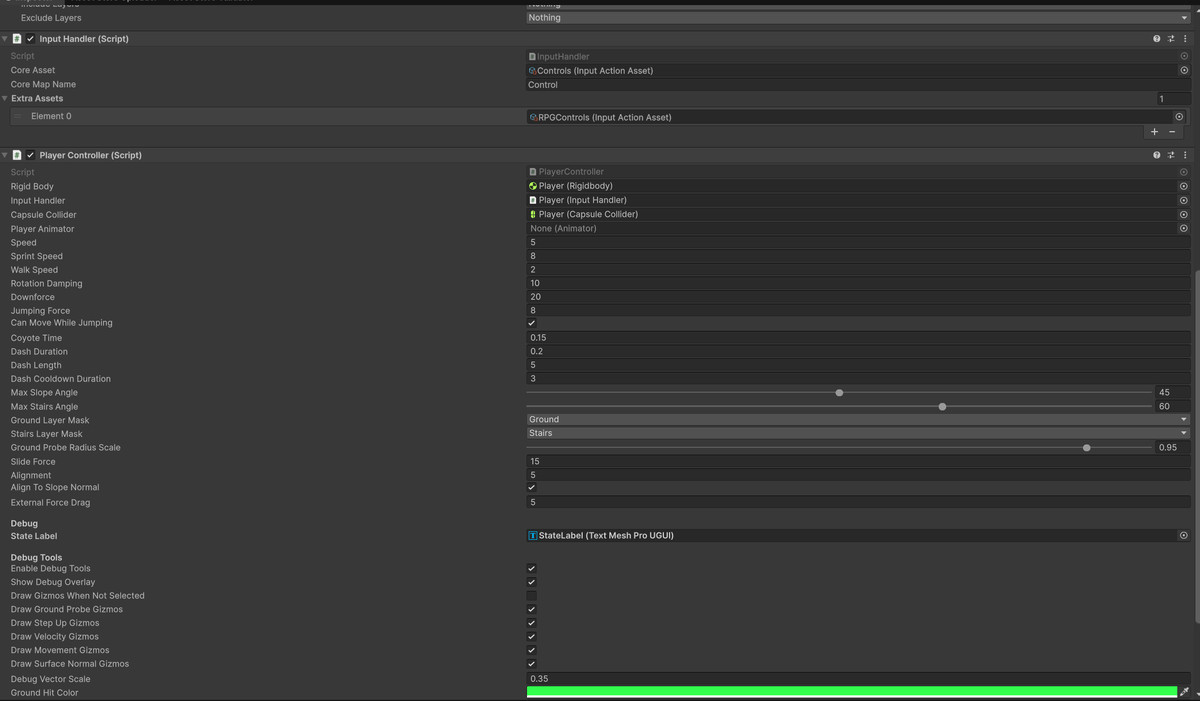
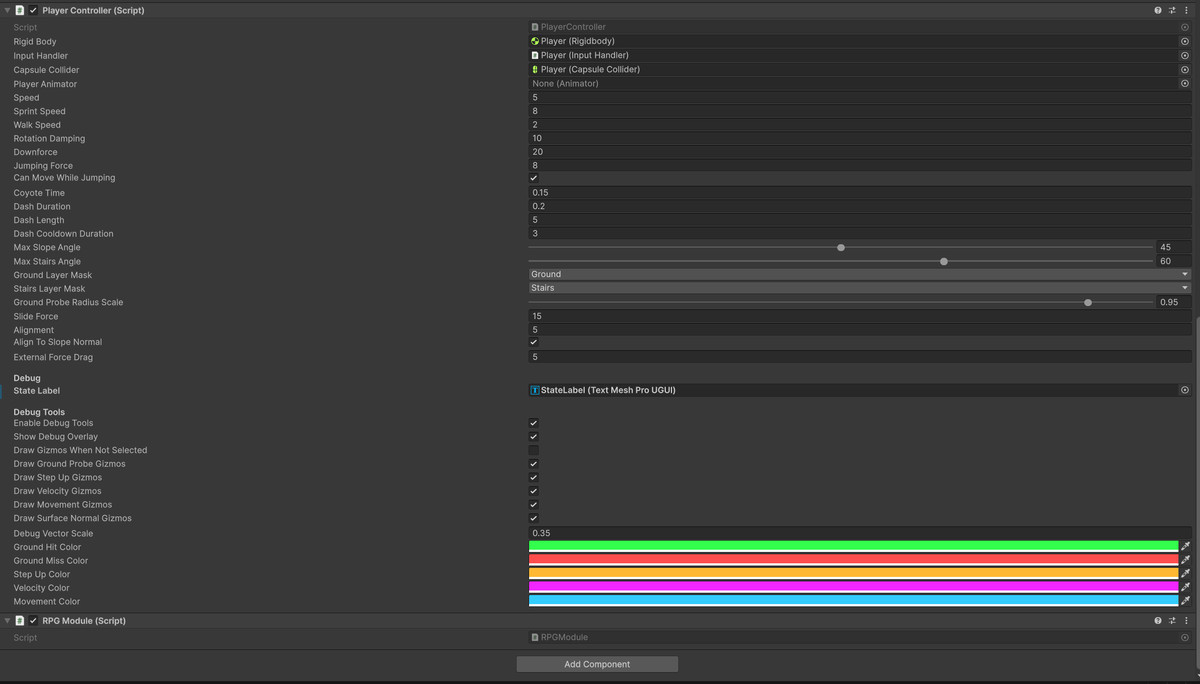
• Debug Tools – Visualization tools for grounding, steps, and slope detection
• Clean Architecture – Designed for easy customization and extension
Modular System
The controller is designed to be extended through modular ability packs.
Additional systems such as parkour movement, combat abilities, FPS mechanics, or RPG locomotion can be added without modifying the core controller.
This allows developers to start with a lightweight movement system and expand it as their game grows.
Ideal For
• First Person Games
• Third Person Games
• Action / RPG Projects
• Physics-Driven Gameplay
• Developers who want a customizable Rigidbody controller
By me a coffee:buymeacoffee.com/moeara
From the publisher's Asset Store listing.
Technical details
Rigidbody-Based Controller – Movement implemented using Unity’s physics system (no CharacterController component)
• Capsule Collision Model – Designed for stable player collision and smooth navigation
• Advanced Ground Detection – Multi-ray grounding system for reliable surface detection
• Slope Handling – Movement projected along surface normals for smooth traversal of inclined surfaces
• Step Detection System – Automatically steps over small obstacles and stairs
• Air Movement Control – Configurable airborne acceleration and control
• Surface Normal Analysis – Detect and react to walkable and non-walkable surfaces
• Velocity-Based Movement – Physics-consistent movement using Rigidbody velocity control
• Extensible Ability Architecture – Ability-driven system allowing new movement mechanics to be added easily
• Debug Visualization – Gizmos and debug UI for grounding, slope angles, and step detection
• Modular Code Architecture – Clean, organized runtime systems for easy customization
• Input-Agnostic Design – Works with Unity Input System or custom input setups
Compatibility
| Unity version | Built-in | URP | HDRP | Custom |
|---|---|---|---|---|
| 6000.4.7f1 | Compatible | Compatible | Compatible | Compatible |
| 6000.2.8f1 | Compatible | Compatible | Compatible | Compatible |
As listed on the Asset Store.