
 View on Asset Store (opens in new tab)
Package details
- Latest version
- 1.0.1
- Last updated
- First released
- Unity version
- 6000.0.62 or later
- Package size
- 145.2 MB
- Files
- 531
- Favorites
- 3
- Views in the past week
- 9
Price tracking
- Last checked
- Tracked since
- Lowest recorded
- $20.30 on
Keywords
- Search for Face Mask
- Search for AR Face Filter
- Search for Facial Expression
- Search for Face Mesh Tracking
- Search for Animate Face 3D
- Search for AR face Content
- Search for Virtual Tryon
- Search for Face Tracking
- Search for Sunglass Tryon
- Search for Face Landamrks
- Search for 3d face
- Search for face detection

FaceMeshTracking
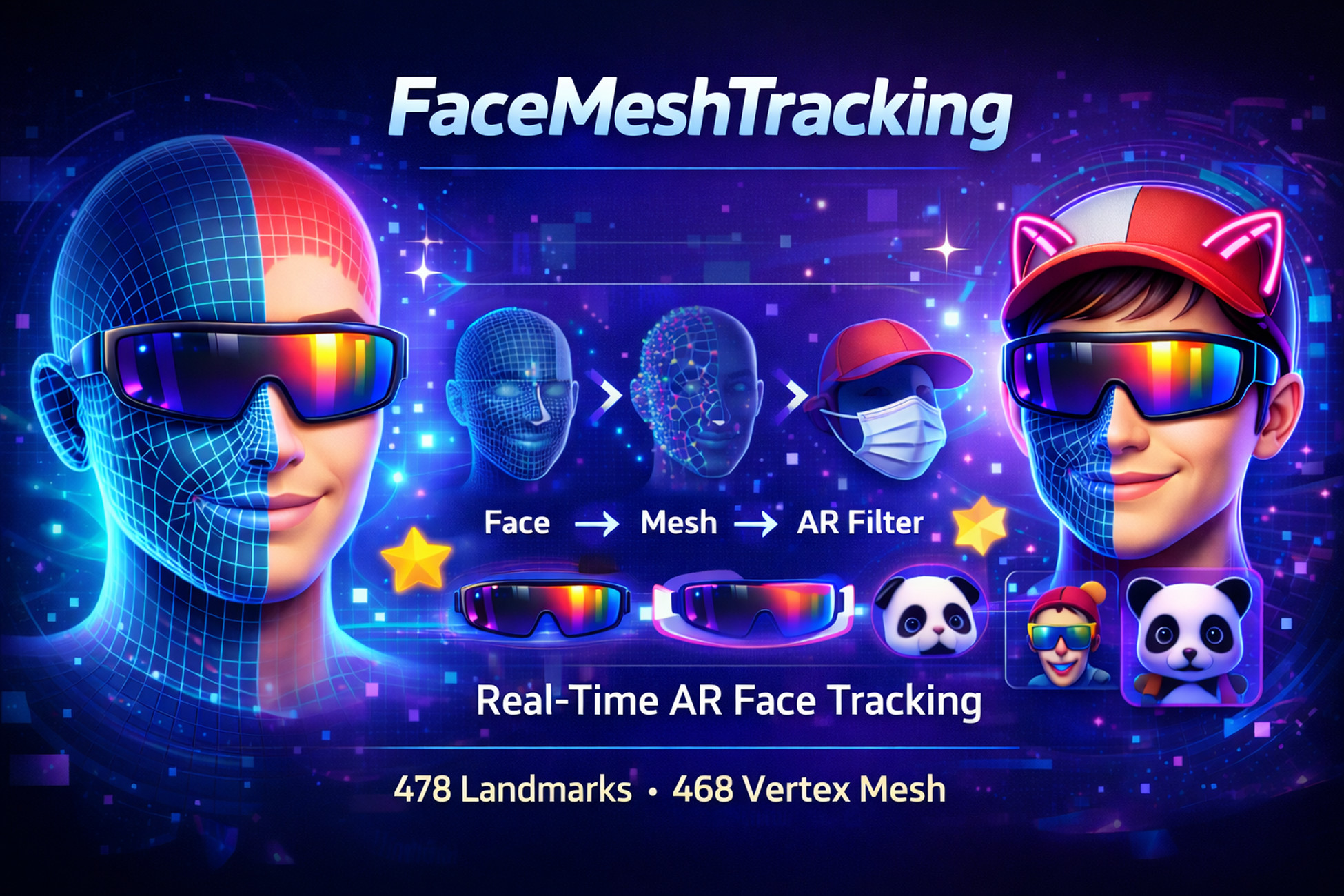
Real-time FaceMesh tracking for Unity with 478 landmarks. Generate a 468-vertex facemesh, animate expressions, and create AR face filters or virtual try-on apps. No API required.
Affiliate link · Purchases support this site
Price history
Last 6 months
USDAsset preview
1 / 9

FaceMeshTracking screenshot 1



About this asset
FaceMeshTracking is a real-time face tracking plugin for Unity that detects 478 facial landmark points and generates a fully animated 468-vertex FaceMesh that accurately follows the user’s facial shape and expressions.
The system reconstructs a runtime 3D facemesh from tracked facial landmarks, allowing developers to render materials, attach AR objects, or animate a custom facemesh that mirrors the user's facial movements in real time.
You can either generate the facemesh automatically at runtime or use a custom facemesh model with 468 vertices that maps directly to the tracking topology. This allows precise facial deformation and realistic expression animation.
FaceMeshTracking also includes AR template facemesh prefabs, making it easy to attach AR objects such as sunglasses, hats, masks, or other face accessories. Simply place your AR content on the template mesh and it will automatically follow the user's face.
The plugin runs entirely locally on device with no API keys, cloud services, or third-party dependencies required. It works with standard RGB cameras and does not require a depth camera.
FaceMeshTracking supports Android, iOS, Windows, macOS, and Linux, and can run directly inside the Unity Editor, making development, testing, and debugging easy.
Key Features
- Real-time tracking of 478 facial landmark points
- Runtime generation of 468-vertex FaceMesh
- Custom facemesh support with 468 vertices
- Real-time facial expression animation
- Easy creation of AR face filters
- Attach AR objects such as glasses, hats, and masks
- Includes Template FaceMesh prefabs for quick AR setup
- Works on Android, iOS, Windows, macOS, and Linux
- Works directly inside the Unity Editor
- No external dependencies or API keys required
- Works with standard RGB cameras
Use Cases
- AR Face Filters (masks, effects, face decorations)
- Virtual Try-On (sunglasses, hats, accessories, makeup)
- Avatar Facial Animation
- Face Replacement / Face Mask Effects
- Interactive Face-Based Apps and Games
- Live Streaming Face Filters
From the publisher's Asset Store listing.
Technical details
- Face Landmarks: 478 facial landmark points
- FaceMesh Vertices: 468 vertices used to generate the runtime facemesh
- Tracking Type: Real-time facial landmark tracking and expression tracking
- Mesh Generation: Runtime FaceMesh generation or custom FaceMesh support (468 vertices required)
- AR Attachment System: Template FaceMesh prefabs for attaching AR content to facial regions
Supported Platforms
- Android
- iOS
- Windows
- macOS
- Linux
Unity Compatibility
- Compatible with Unity 2021+ (or your tested version)
- Works in both Unity Editor and runtime builds
Camera Support
- Works with standard RGB cameras / webcams
- No depth camera required
Processing
- Fully on-device processing
- No internet connection required
- No cloud processing
Dependencies
- No external SDK required
- No third-party plugin required
- No API key required
Input Source
- Device camera (mobile)
- Webcam (desktop)
- Camera feed in Unity
Performance
- Performance depends on device hardware and input resolution
- Higher FPS achievable using lite models and lower camera resolution
Use with Custom FaceMesh
- Custom FaceMesh must contain 468 vertices
- Vertex order must match the ML model topology for proper deformation
Editor Support
- Tracking works inside the Unity Editor, making testing and debugging easier.
Compatibility
| Unity version | Built-in | URP | HDRP | Custom |
|---|---|---|---|---|
| 6000.3.7f1 | Compatible | Compatible | Compatible | Compatible |
| 6000.0.62f1 | Compatible | Compatible | Compatible | Compatible |
As listed on the Asset Store.