
 View on Asset Store (opens in new tab)
Package details
- Latest version
- 1.0
- Last updated
- First released
- Unity version
- 6000.3.8 or later
- Package size
- 32 KB
- Files
- 33
- Favorites
- 4
- Views in the past week
- 6
Price tracking
- Last checked
- Tracked since
- Lowest recorded
- Free on
Keywords

ChronoSaveLite
ChronoSave Lite is a lightweight Unity save system with scene-aware loading, runtime prefab support, and multiple save slots. Upgrade to ChronoSave Full for encryption,compression, and advanced tools.
Affiliate link · Purchases support this site
Price history
Last 6 months
USDAsset preview
1 / 5

ChronoSaveLite screenshot 1
About this asset
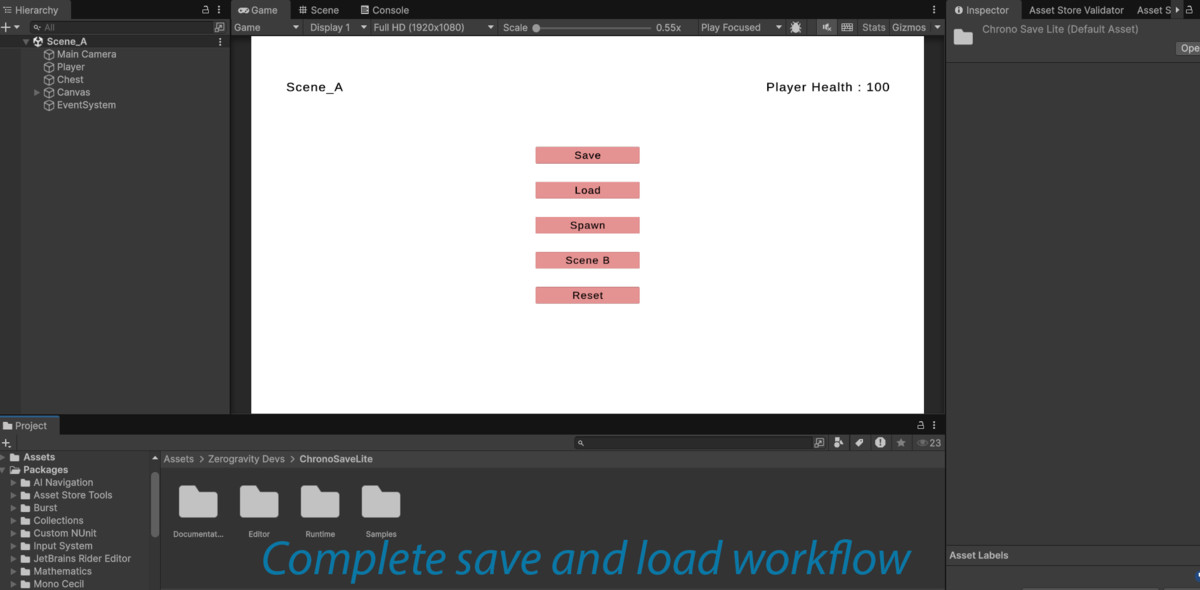
ChronoSave Lite is a lightweight Unity save system designed to provide a simple and reliable way to implement save and load functionality in your games. It allows developers to persist game data such as player progress, object states, and runtime-generated content without relying on PlayerPrefs or manual key-value storage.
Built with an object-based save architecture, ChronoSave Lite ensures that game objects maintain stable identities across scenes and play sessions. This makes it easy to save and restore player data, world state, and runtime-spawned objects such as enemies, pickups, and interactable items.
The system supports multiple save slots, scene-aware loading, and runtime prefab restoration, making it suitable for many types of projects including RPGs, simulations, survival games, and sandbox experiences.
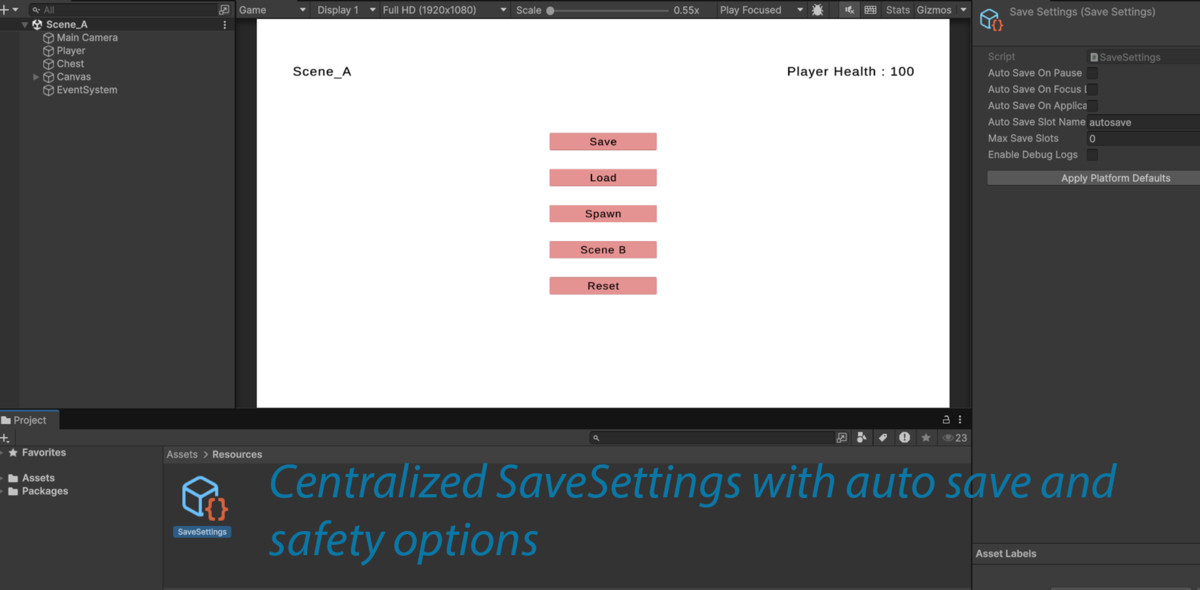
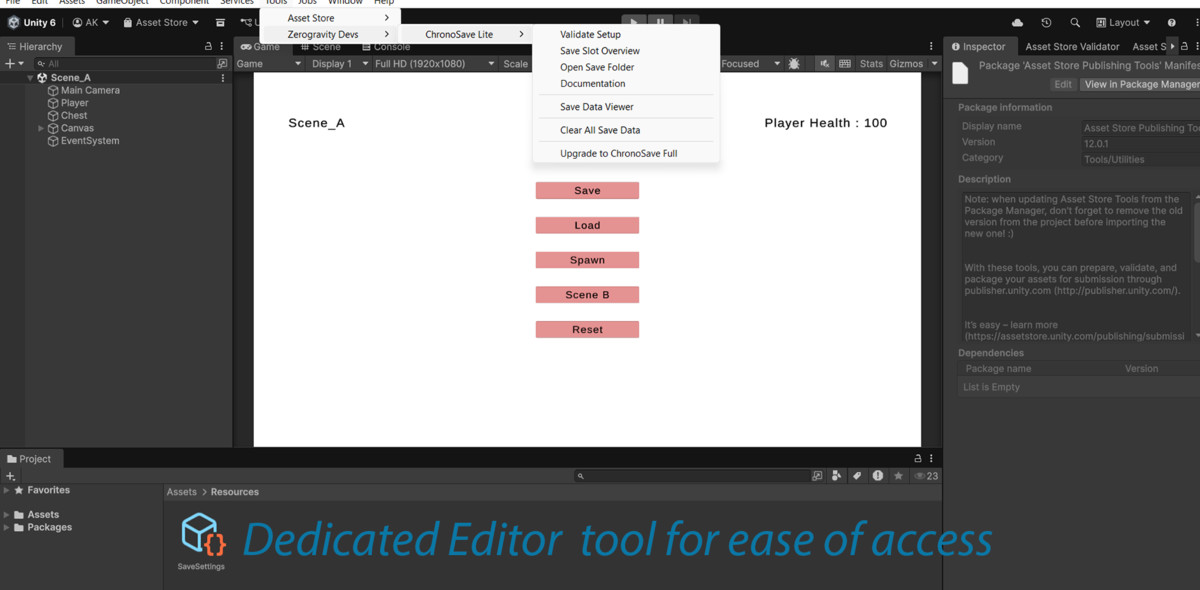
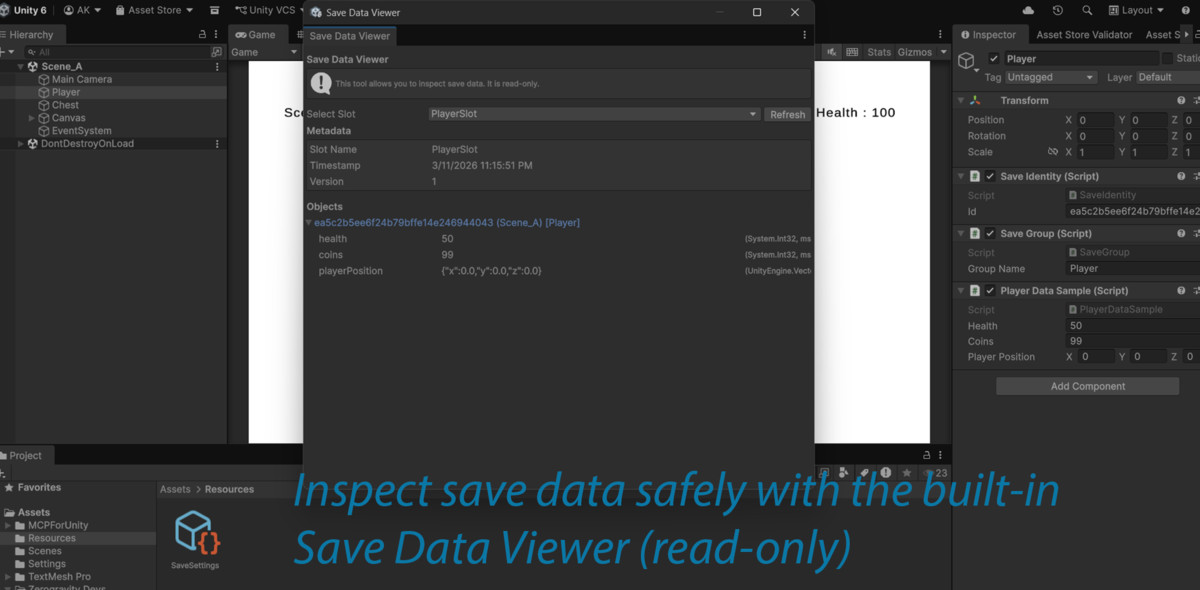
ChronoSave Lite also includes developer-friendly editor tools that allow you to inspect save data, validate project setup, and manage save files directly from the Unity Editor.
This Lite version provides the core save system functionality needed for most projects, while the full version of ChronoSave adds advanced features such as encryption, compression, migration support, and performance optimization tools.
Key Features
✓ Object-based save system (no key-value hacks)
✓ Stable SaveIdentity system for persistent objects
✓ Multiple save slots
✓ Scene-aware save and load system
✓ Runtime-spawned prefab restoration
✓ Save Groups for selective saving
✓ Global (cross-scene) data support
✓ Editor tools for debugging and inspecting save data
✓ Setup validation tool
✓ Save slot overview tool
✓ Prefab registry system
✓ Platform-agnostic architecture
From the publisher's Asset Store listing.
Technical details
• Unity Version: 2021.3 or newer recommended
• Render Pipeline: Built-in, URP, and HDRP compatible
• Runtime Language: C#
• Architecture: Object-based save system
• Serialization: JSON-based serializer
• Assembly Structure: Runtime and Editor assemblies separated
• Runtime Prefab System: Supports dynamically spawned objects
• Scene Awareness: Objects restore in their original scene
• Save Slots: Multiple independent save files supported
• Editor Tools: Debugging and validation utilities included
• Platform Support: PC, Mac, Linux, Android, and iOS
Lite vs Full Version
ChronoSave Lite includes the core save functionality.
The full version of ChronoSave adds advanced features including:
• Encrypted save files
• Save file tamper detection
• LZ4 save compression
• Async save execution
• Dirty object tracking optimization
• Save migration system for long-term project compatibility
• Save profiler tools
• Screenshot metadata for save slots
• Advanced Unity object reference persistence
Compatibility
| Unity version | Built-in | URP | HDRP | Custom |
|---|---|---|---|---|
| 6000.3.8f1 | Compatible | Compatible | Compatible | Compatible |
As listed on the Asset Store.