
 View on Asset Store (opens in new tab)
Package details
- Latest version
- 1.0
- Last updated
- First released
- Unity version
- 6000.3.2 or later
- Package size
- 162 KB
- Files
- 9
- Favorites
- 2
- Views in the past week
- 6
Price tracking
- Last checked
- Tracked since
- Lowest recorded
- $4.99 on
Keywords
Simple 2D Shine Shader
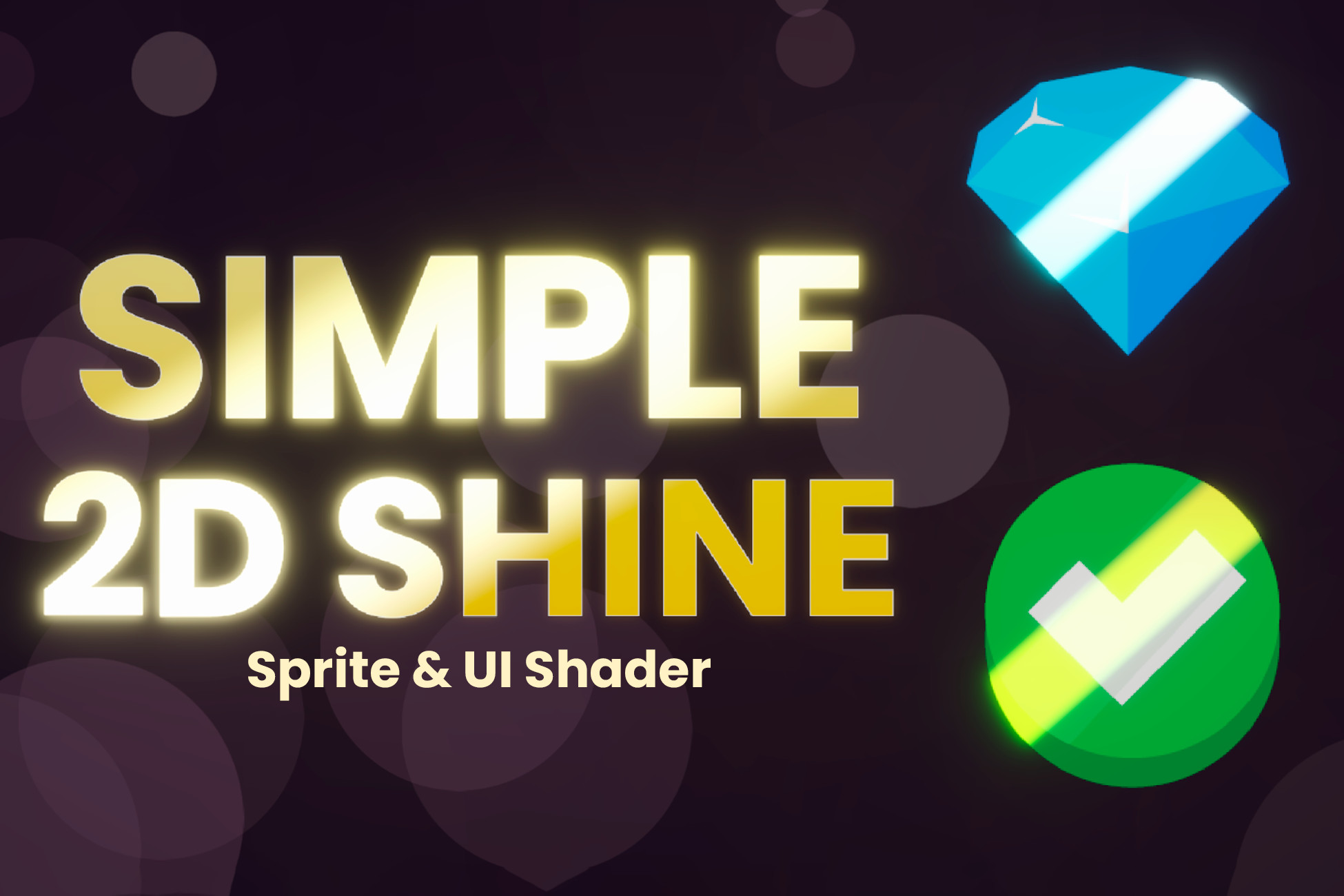
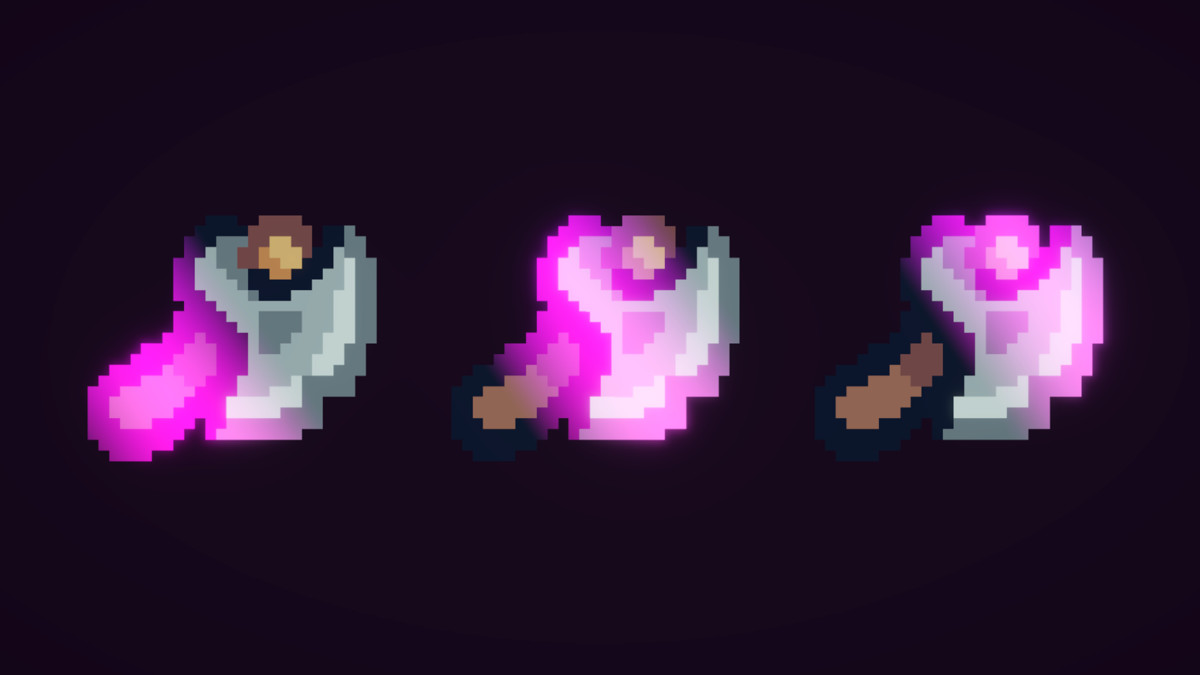
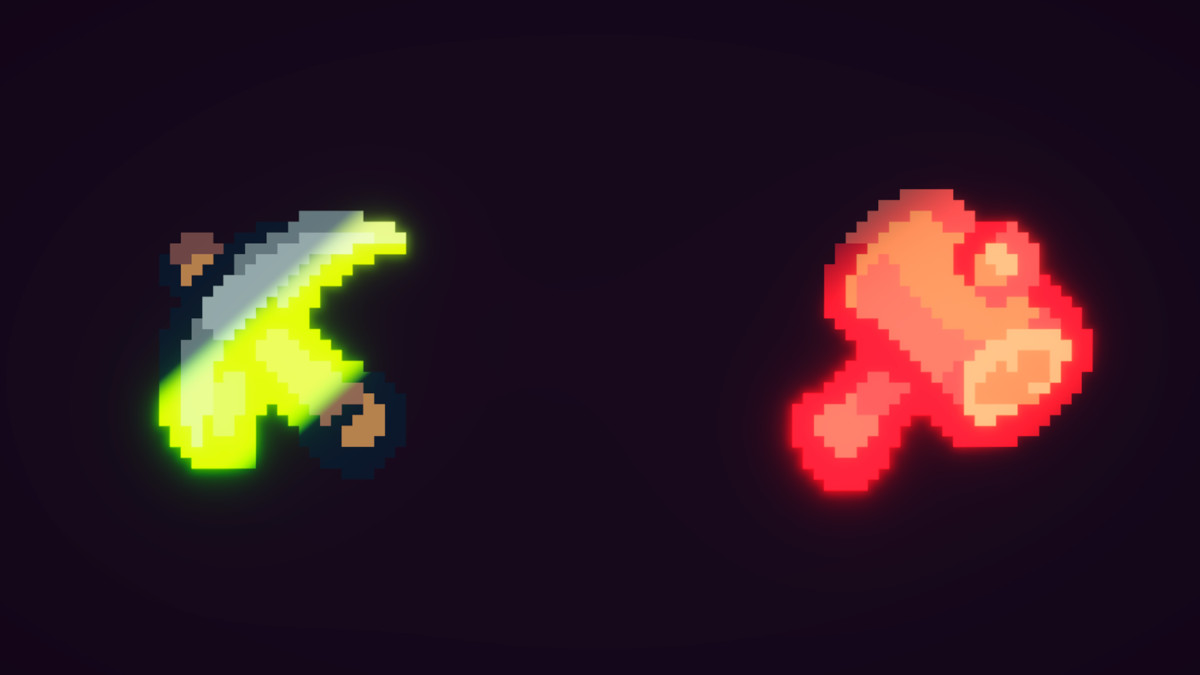
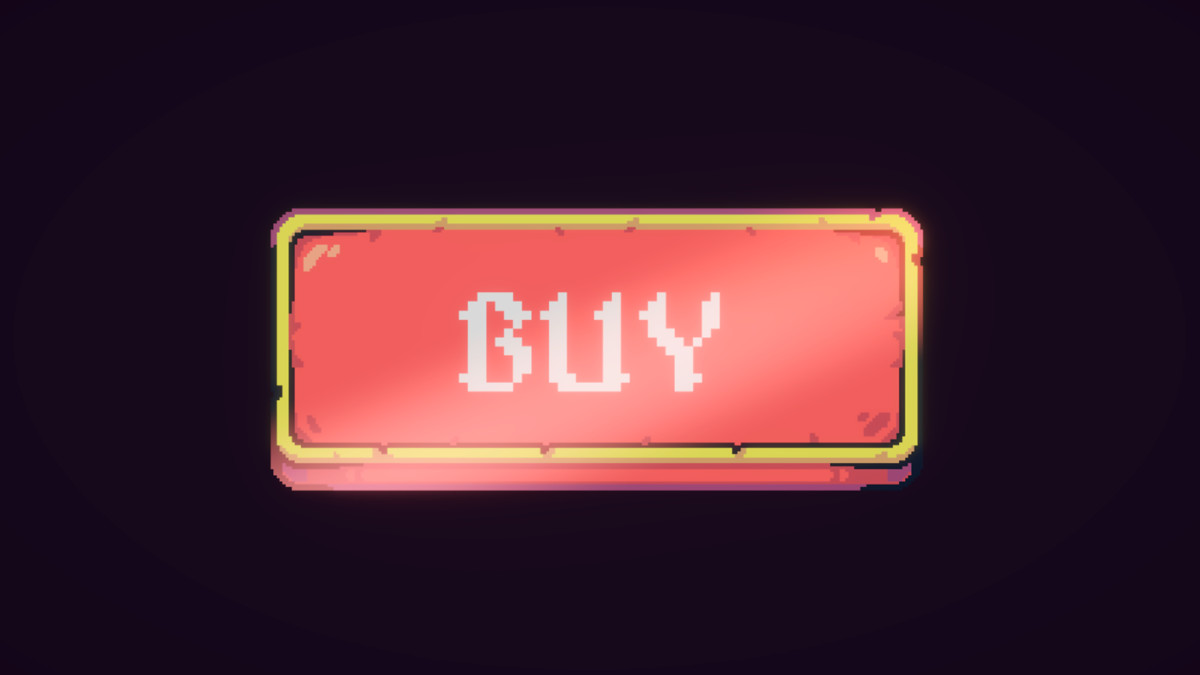
Instantly add polished shine, glint, and sweep effects to your 2D Sprites and UI Canvas elements with this highly customizable, optimized Shader Graph asset.
Affiliate link · Purchases support this site
Price history
Last 6 months
USDAsset preview
1 / 4
Simple 2D Shine Shader screenshot 1
About this asset
Bring your 2D games and user interfaces to life in seconds!
The Simple 2D Shine Shader is a plug-and-play solution designed to add premium, eye-catching highlights to your project. Whether you want to make rare loot sparkle, highlight a "Buy" button, or add a dynamic light sweep to your game's logo, this tool does it all without writing a single line of code.
Built for Versatility
We know that rendering UI and rendering world Sprites require different technical approaches. That's why this package includes two separate, purpose-built shaders: one perfectly optimized for standard 2D Sprites, and another engineered specifically for Unity's UI Canvas system (Screen Space support).
Key Benefits:
- Zero Friction: Just create a material, assign it to your Image/Sprite Renderer, and tweak the sliders.
- Fake Glow Technology: Don't want to use heavy Post-Processing (Bloom)? Use our built-in "Softness" parameter to simulate beautiful, glowing light diffusion with zero performance impact. Perfect for mobile games!
- Time Saver: Spend your time designing your game, not fighting with math nodes.
From the publisher's Asset Store listing.
Technical details
Package Contents & Features:
- 2 Custom Shaders (Built with Shader Graph):Shine_Sprite: Optimized for world-space Sprite Renderers.
Shine_Canvas: Built specifically for UI Image components (Supports Canvas Screen Space and native UI Alpha transparency).
- Fully Exposed Parameters:
Wave Speed: Control the velocity of the light sweep.
Cycle Time (Delay): Add pauses between loops for intermittent glints.
Thickness & Softness: From hard pixel-perfect lines to soft, feathered gradients (Fake Glow).
HDR Colors (A/B): Create beautiful gradients that pop when used with Bloom.
Blend Mode Toggle: Choose between 'Additive' (translucent light) or 'Solid Shine' (overwrites base color).
- Demo Scene: Includes a neatly organized gallery showcasing different use cases (buttons, loot, text).
- Documentation: Comprehensive PDF User Guide included for quick setup and troubleshooting.
Requirements:
- Unity 6+ URP
Compatibility
| Unity version | Built-in | URP | HDRP |
|---|---|---|---|
| 6000.3.2f1 | Not listed | Compatible | Not listed |
As listed on the Asset Store.