
 View on Asset Store (opens in new tab)
Package details
- Latest version
- 1.0
- Last updated
- First released
- Unity version
- 6000.2.6 or later
- Package size
- 1.3 MB
- Files
- 23
- Views in the past week
- 4
Price tracking
- Last checked
- Tracked since
- Lowest recorded
- $5.99 on
Keywords
Scene Camera Bookmarks
Save and jump between Scene View camera positions using visual bookmarks and keyboard shortcuts. Navigate large scenes faster with an intuitive overlay and thumbnail bookmarks.
Affiliate link · Purchases support this site
Price history
Last 6 months
USDAsset preview
1 / 4
Scene Camera Bookmarks screenshot 1
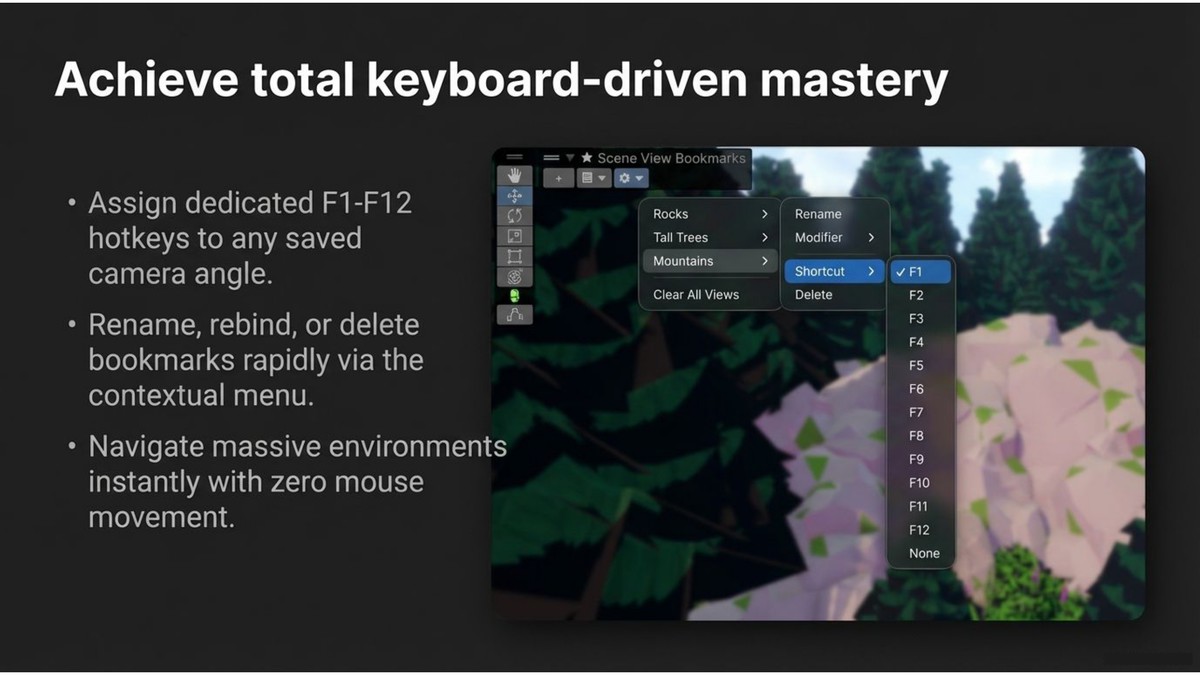
About this asset
Navigate your scenes faster with Scene Camera Bookmarks, a lightweight Unity editor tool that lets you save and instantly jump between Scene View camera positions.
Working in large scenes can slow down your workflow when you constantly pan, zoom, and search for important areas. Scene Camera Bookmarks solves this by allowing you to save camera locations as bookmarks and return to them instantly with a click or a keyboard shortcut.
Designed for level designers, environment artists, and developers, this tool provides a fast and intuitive way to move around complex scenes directly from the Scene View.
Features:
• Save Scene View camera positions as bookmarks
• Jump instantly to saved camera locations
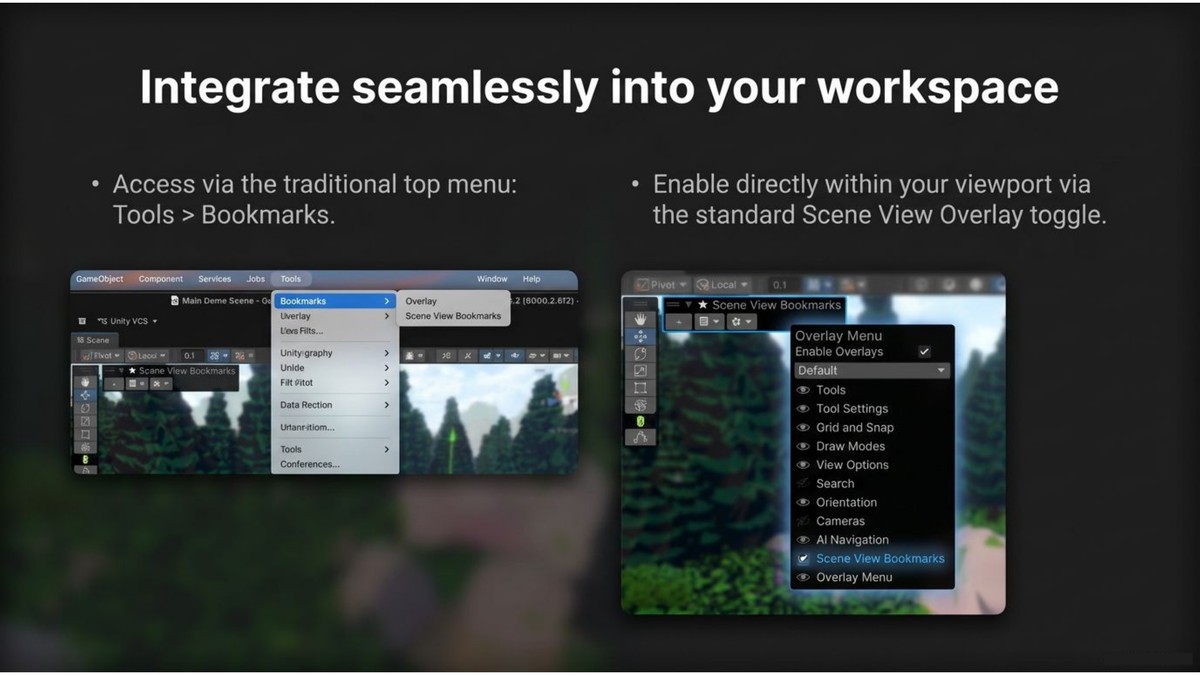
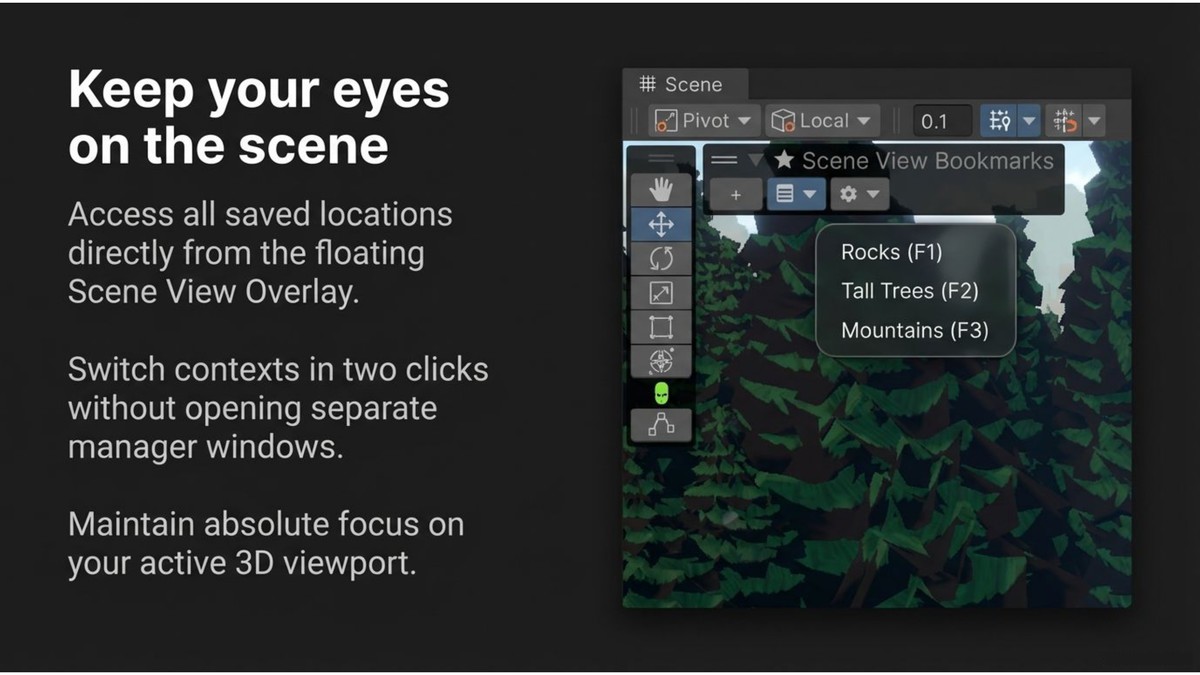
• Scene View overlay for quick access
• Assign keyboard shortcuts (F1–F12)
• Support for modifier keys (Shift / Ctrl / Alt)
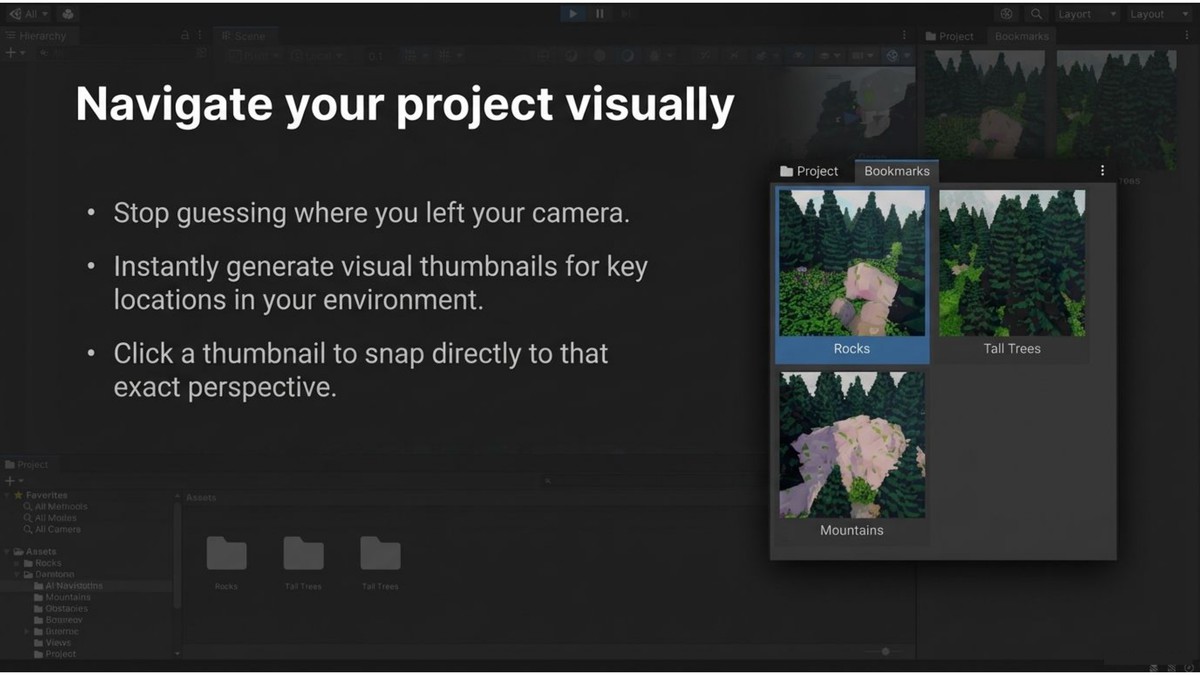
• Visual bookmark window with thumbnail previews
• Click thumbnails to navigate instantly
• Automatically updated preview images
• Lightweight and easy to use
How It Works:
- Move the Scene View camera to a location you want to save.
- Click the + button in the Scene View Bookmarks overlay.
- Assign an optional shortcut key.
- Instantly jump back to that location anytime.
No setup required. Start saving and navigating bookmarks in seconds.
Perfect For
• Level design
• Environment design
• Large open worlds
• Complex scenes
• Faster editor navigation
From the publisher's Asset Store listing.
Technical details
Engine Version: Unity 2021.3 or newer
Editor Tool: Works inside the Unity Editor (Scene View)
Runtime Impact: None (Editor-only tool)
Supported Platforms: Windows, macOS, Linux (Editor)
Project Type: Compatible with both 2D and 3D projects
Dependencies: No external packages required
Installation: Import the package into your project and enable the Scene Camera Bookmarks overlay in the Scene View
Compatibility
| Unity version | Built-in | URP | HDRP | Custom |
|---|---|---|---|---|
| 6000.2.6f2 | Compatible | Compatible | Compatible | Compatible |
As listed on the Asset Store.