
 View on Asset Store (opens in new tab)
Package details
- Latest version
- 1.0.1
- Last updated
- First released
- Unity version
- 6000.3.2 or later
- Package size
- 2.5 MB
- Files
- 48
- Favorites
- 11
- Views in the past week
- 7
Price tracking
- Last checked
- Tracked since
- Lowest recorded
- Free on
Keywords

Cool Scene Transition Manager
A lightweight, drag-and-drop scene management system for Unity that gives you full control over scene loading, grouping, and custom transition effects — all without complex setup.
Affiliate link · Purchases support this site
Price history
Last 6 months
USDAsset preview
1 / 4
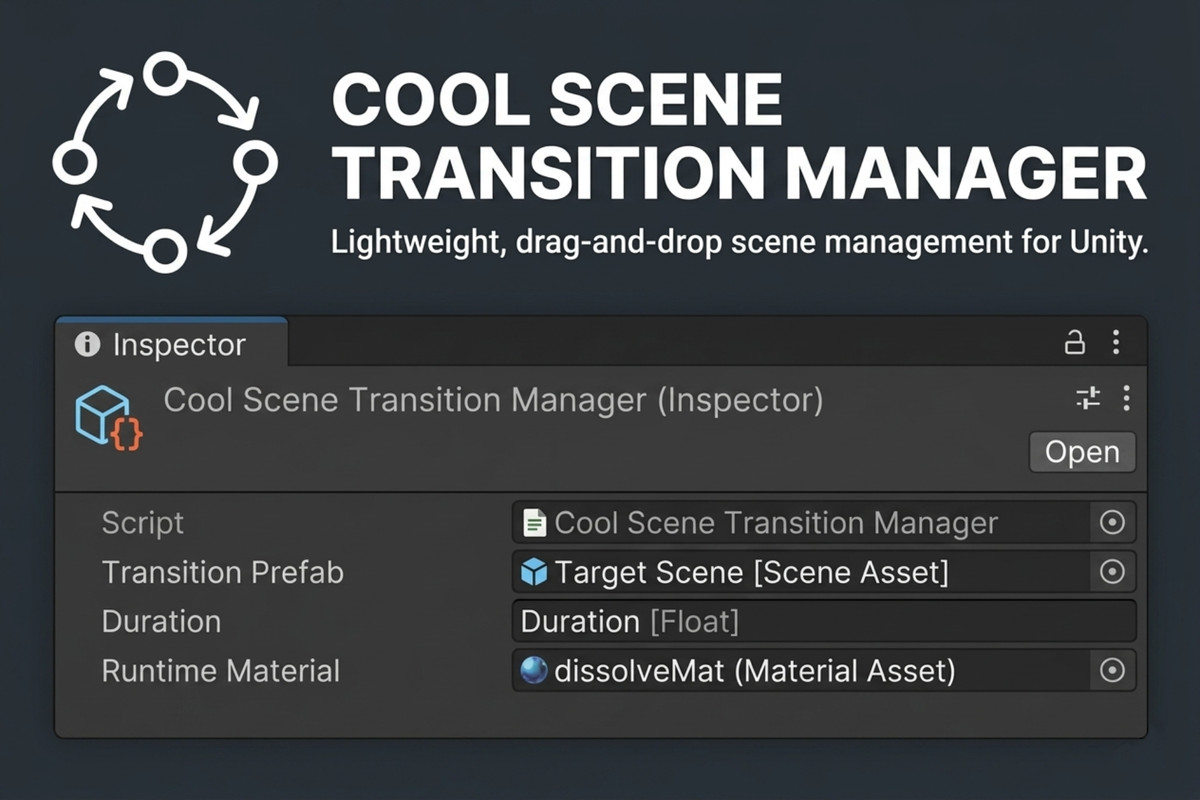
Cool Scene Transition Manager screenshot 1
About this asset
ScriptableObject-Driven Scene Transitions
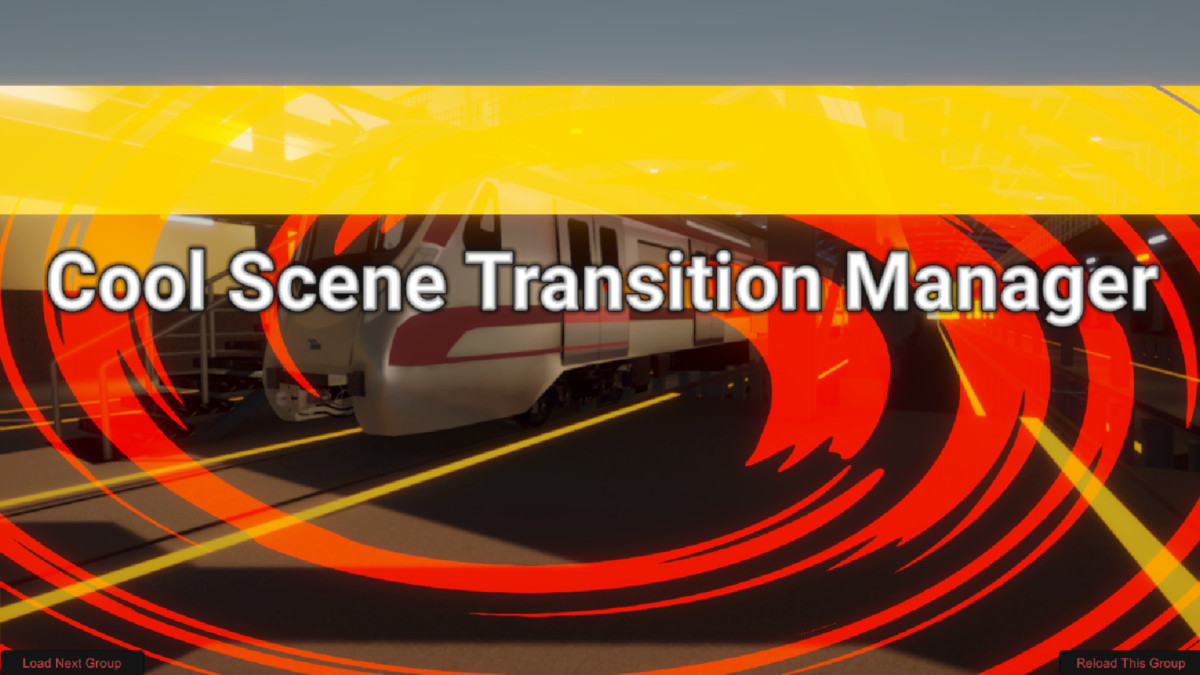
Create and assign custom transition effects using ScriptableObjects.
Supports:
- Simple fade in/out
- Dissolve effects
- Custom shader-based transitions
- Fully extendable transition system
Swap transition styles per scene group with zero code changes.
From the publisher's Asset Store listing.
Technical details
Two Flexible Scene Change Systems
1️. Bootloader Scene Group System
A centralized bootloader controller that:
- Loads scene groups
- Unloads scene groups
- Manages multi-scene setups
- Keeps your project organized and scalable
- Ideal for large or modular projects
Perfect for:
- Multi-scene architecture
- Streaming setups
- Level + UI + Lighting separation workflows
2️. Persistent Toggle-Based Scene System
Includes:
✔ A Persistent Scene Manager component
✔ A Toggle Caller component for any scene
How it works:
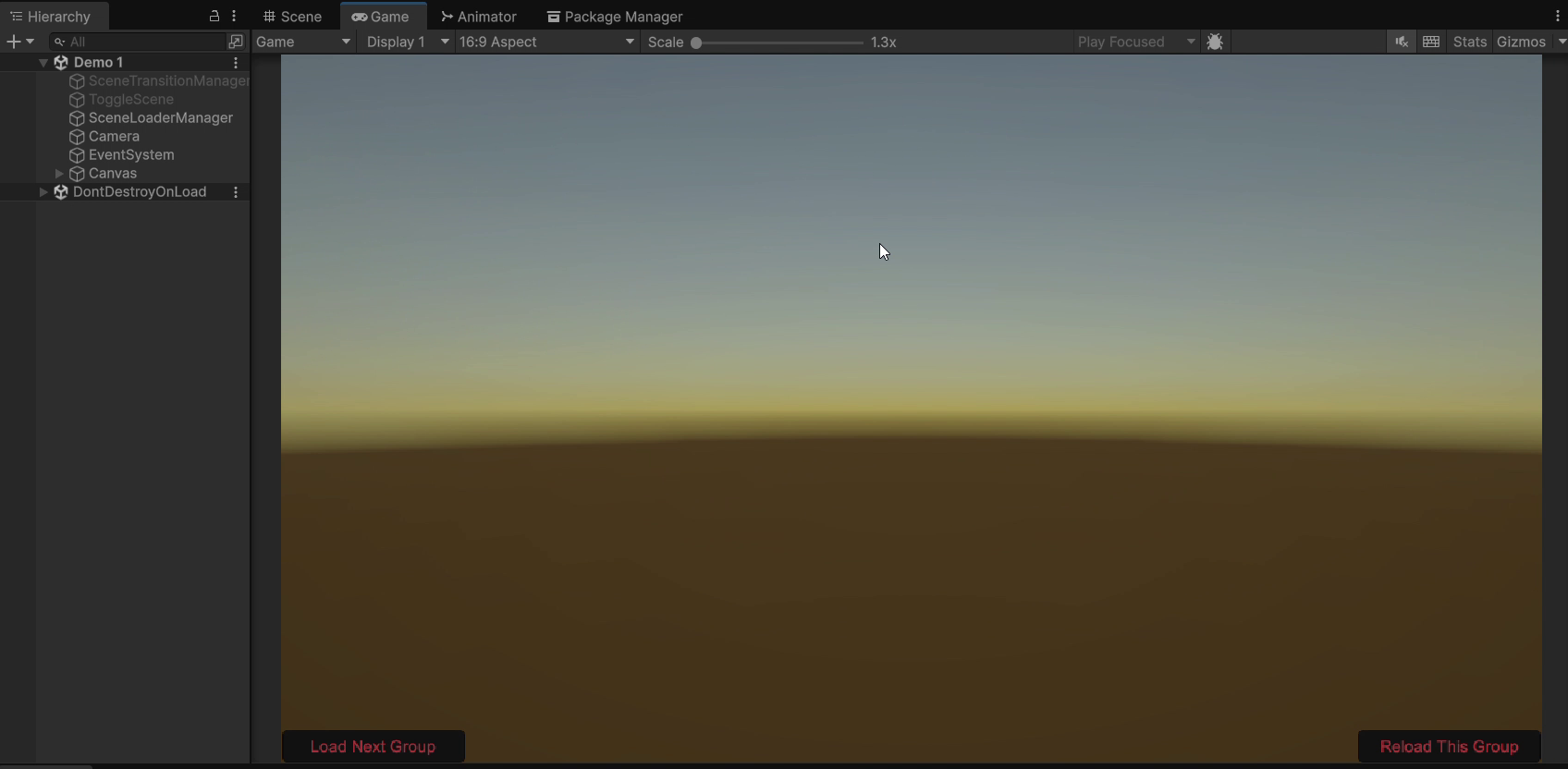
- The Persistent Manager stays alive across scene changes
- Any scene can call a toggle to trigger a scene switch
- Clean separation between caller and manager
- No tight coupling between scenes
Perfect for:
- Menu systems
- Level selectors
- Modular gameplay flow
Compatibility
| Unity version | Built-in | URP | HDRP | Custom |
|---|---|---|---|---|
| 6000.3.2f1 | Compatible | Compatible | Compatible | Compatible |
All Example shaders are of URP. You can make your own or alter them slightly to suit your needs.
As listed on the Asset Store.