
 View on Asset Store (opens in new tab)
Package details
- Latest version
- 1.0.0
- Last updated
- First released
- Unity version
- 2022.3.62 or later
- Package size
- 1.4 MB
- Files
- 13
- Views in the past week
- 3
Price tracking
- Last checked
- Tracked since
- Lowest recorded
- $4.99 on
Keywords
Pivot and Alignment Tool
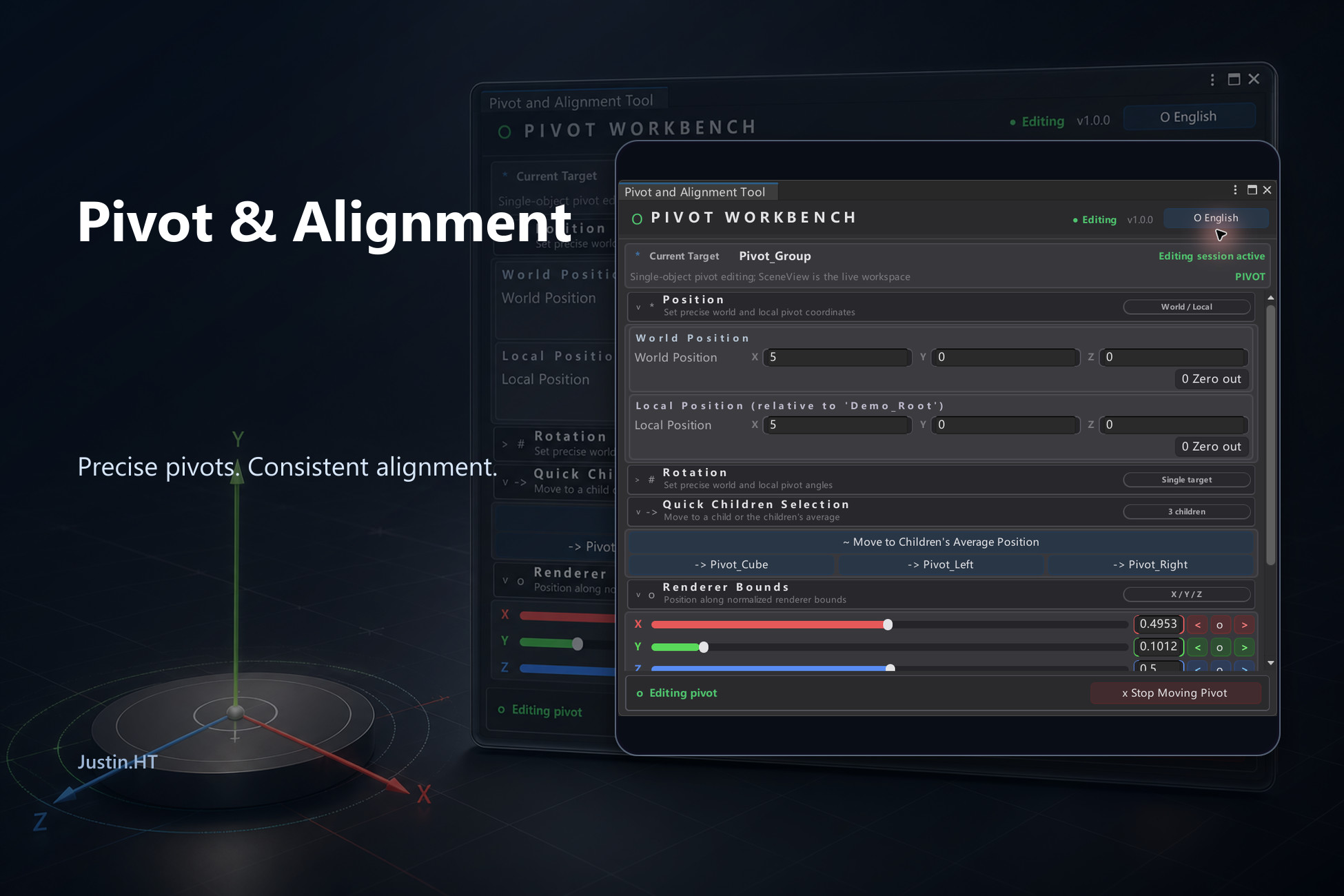
A bilingual Unity workbench for precise pivot editing, bounds placement, child-based positioning, and grid snapping without visually moving grouped children.
Affiliate link · Purchases support this site
Price history
Last 6 months
USDAsset preview
1 / 10
Pivot and Alignment Tool screenshot 1
About this asset
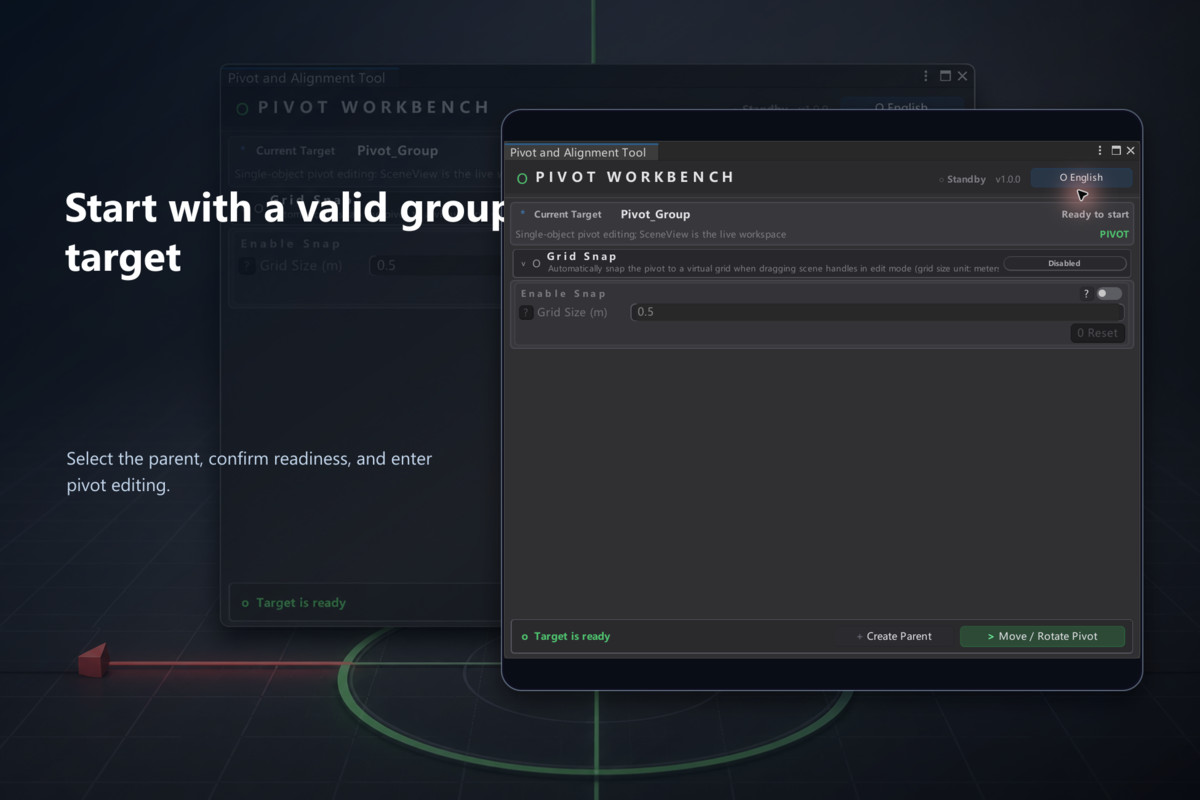
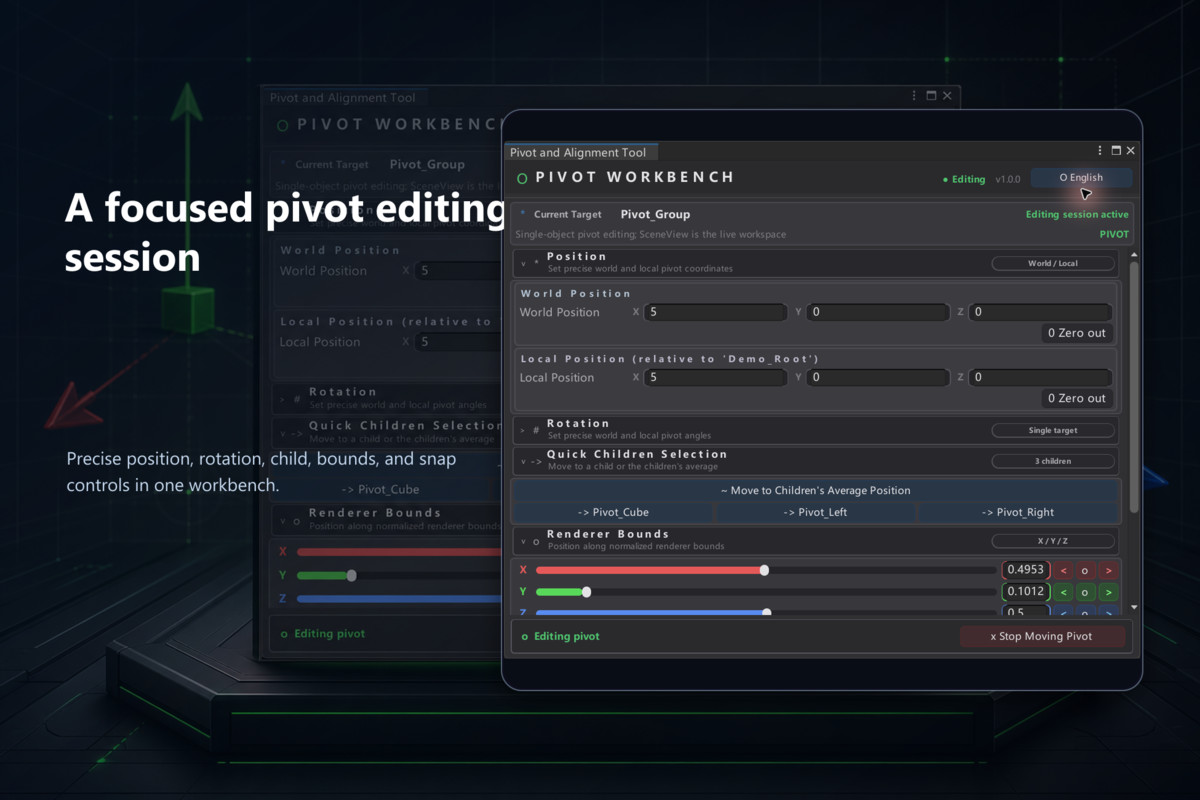
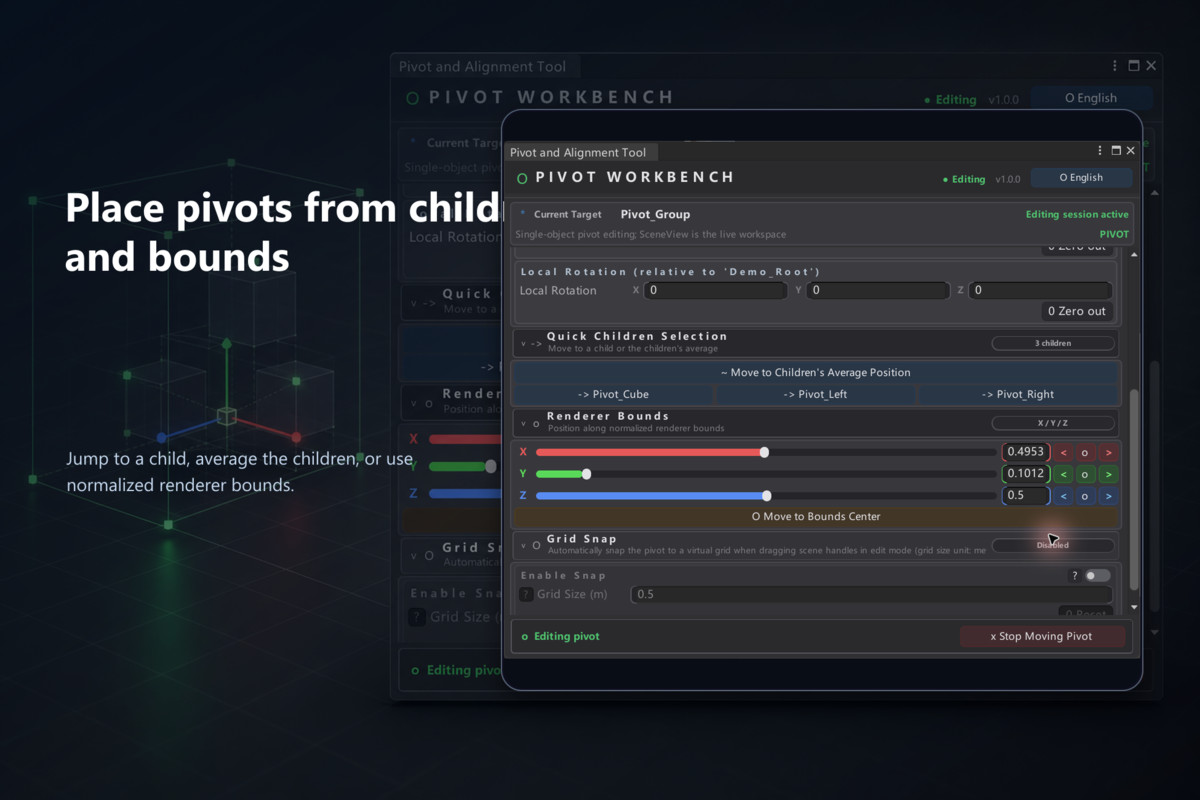
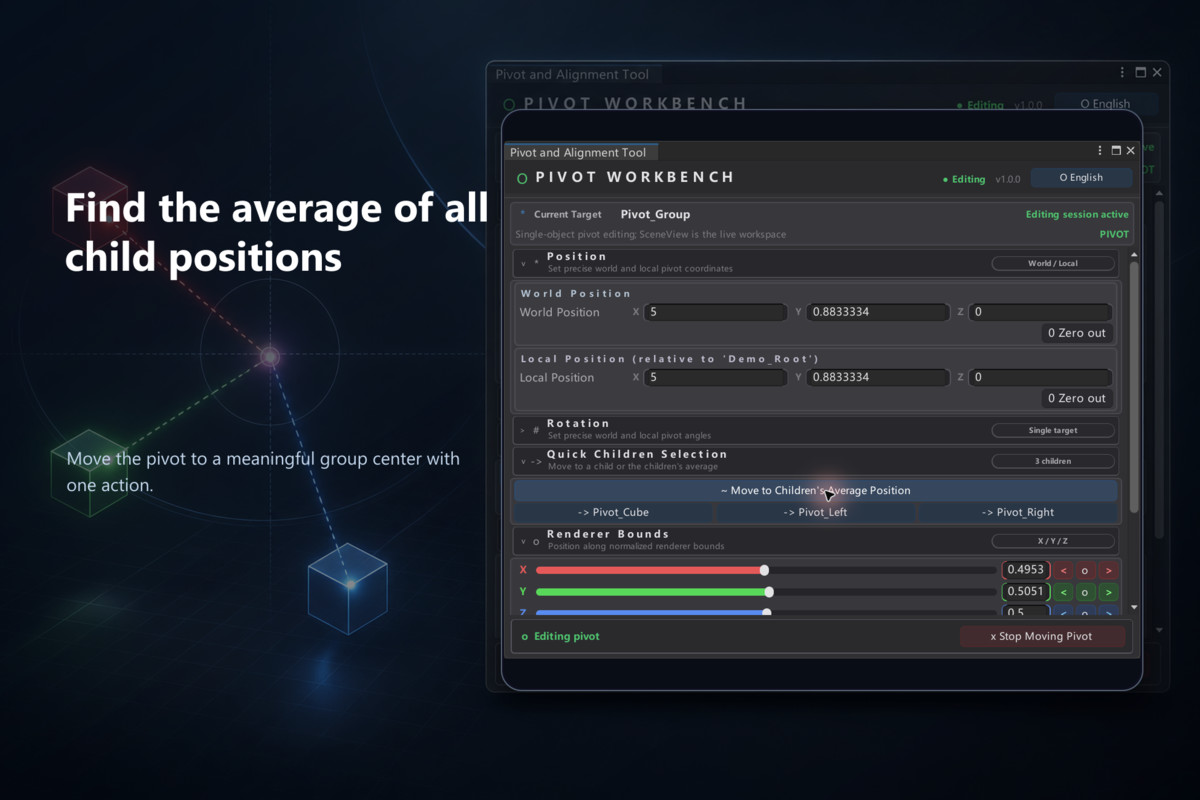
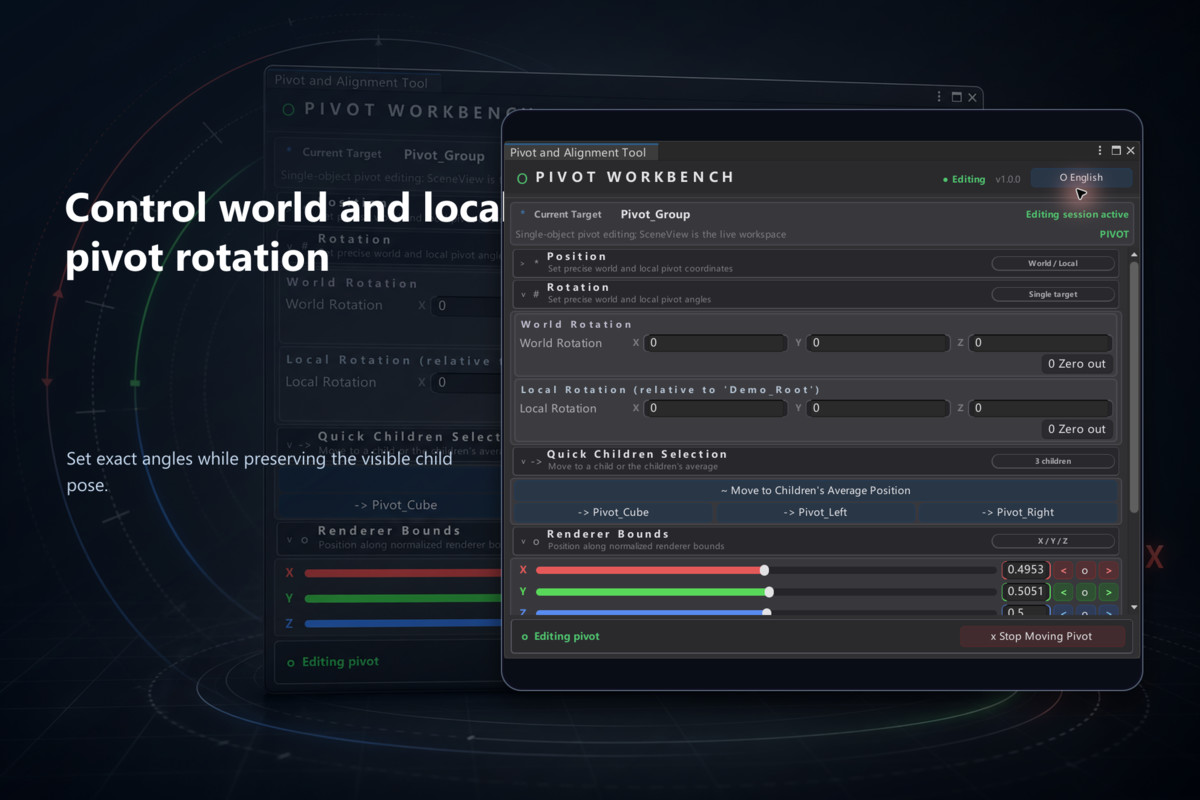
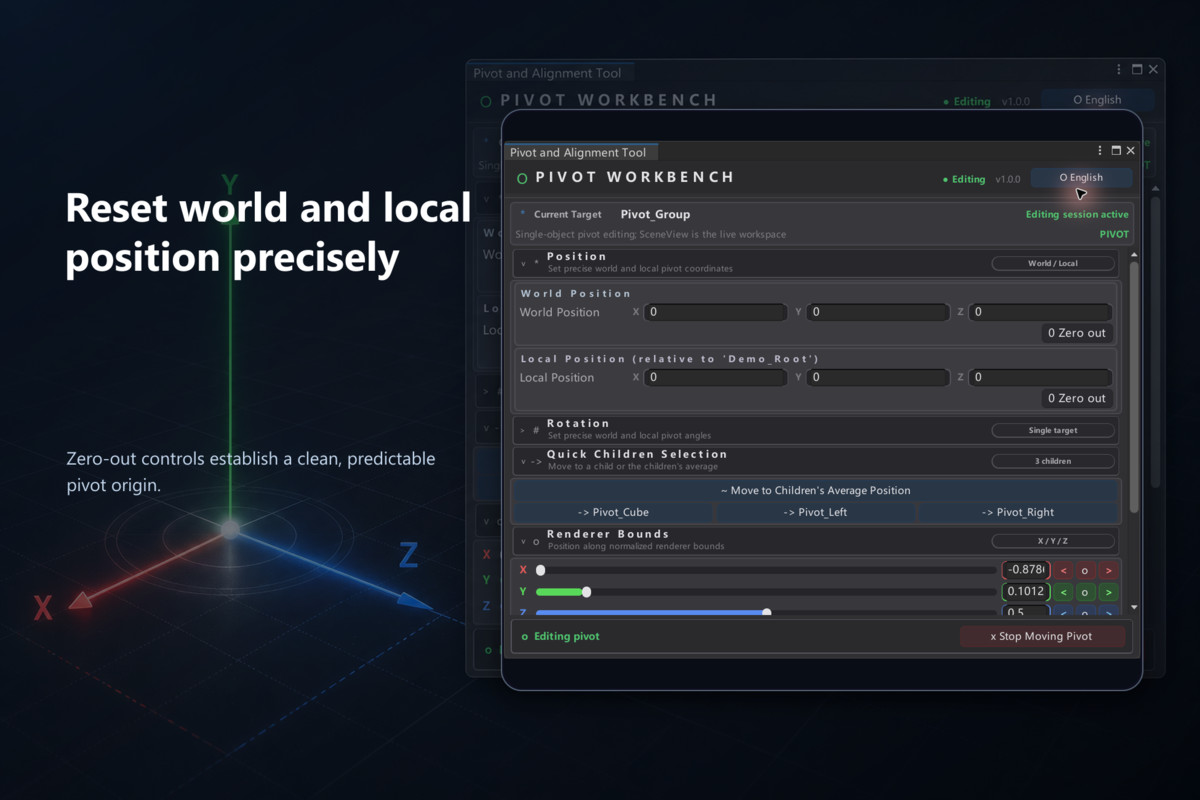
Pivot and Alignment Tool makes group-pivot work direct and repeatable. Select a valid parent Transform, enter an edit session, then place or rotate its pivot in world or local space while the children keep their visible world placement. Use exact values, a direct child, the children's average, normalized Renderer Bounds, or a configurable snap grid.
The package also includes parent and wrapper helpers, Undo-aware operations, a runtime API, a self-contained primitive-based Demo scene, English and Chinese Editor UI, and two embedded PDF user guides.
Core features
• Exact world and local pivot position and rotation controls.
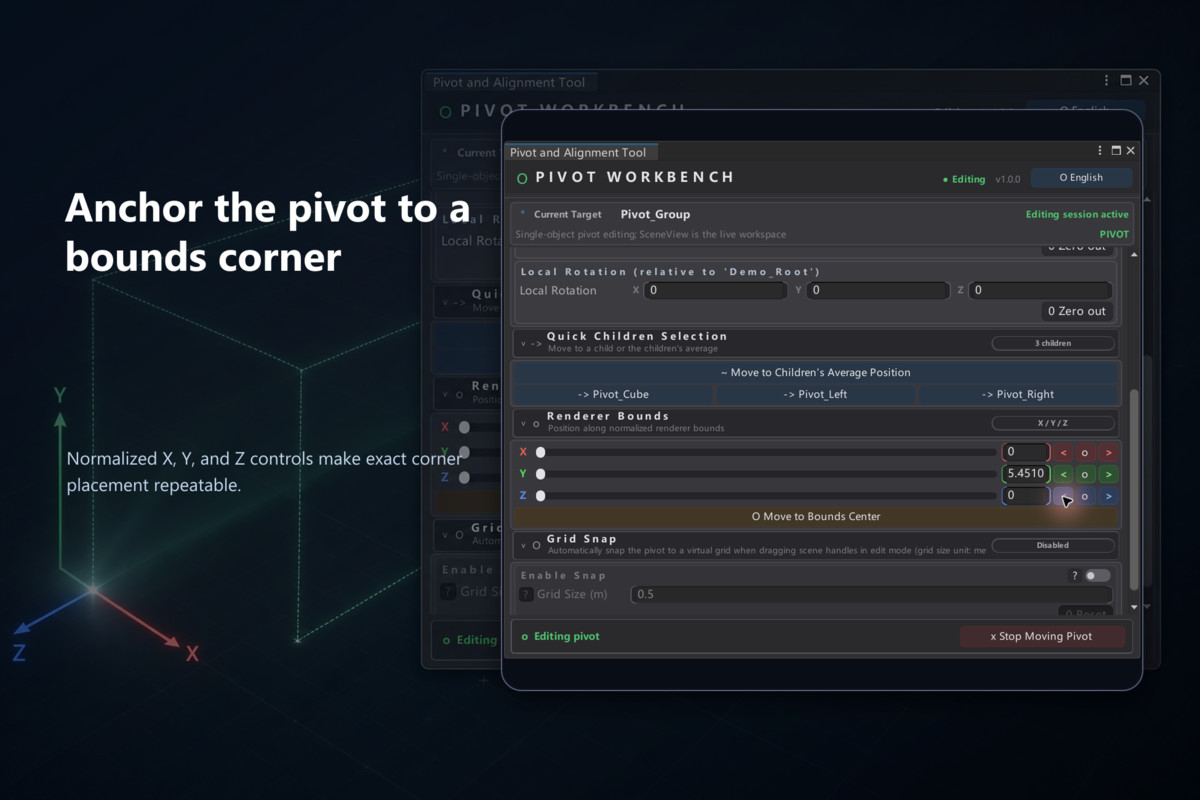
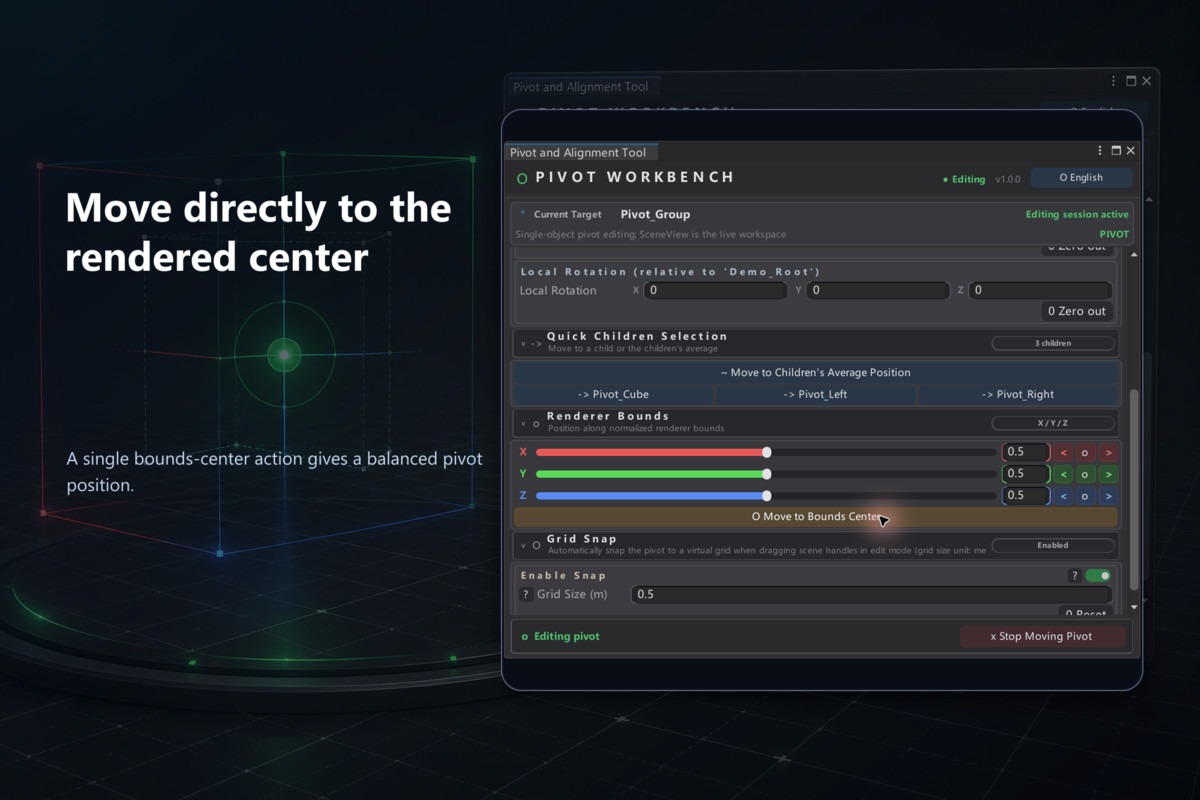
• Fast placement at a child, child average, bounds corner, face center, or bounds center.
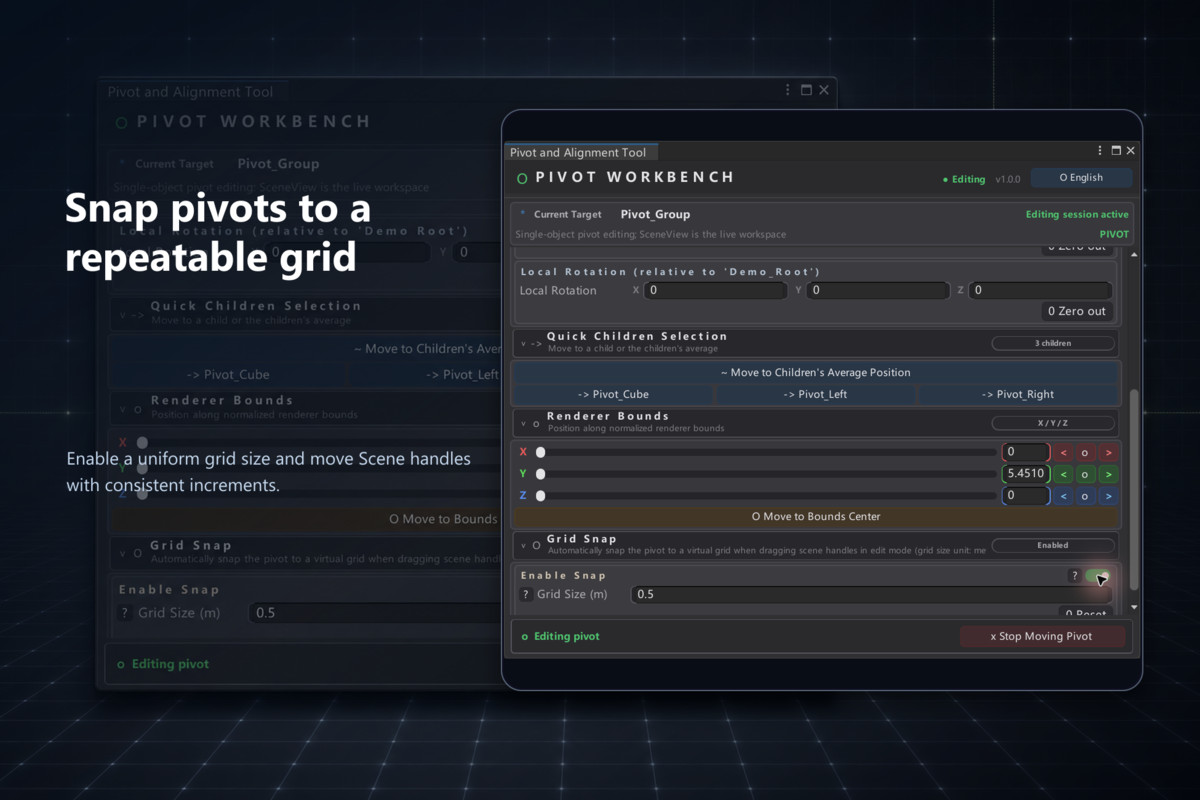
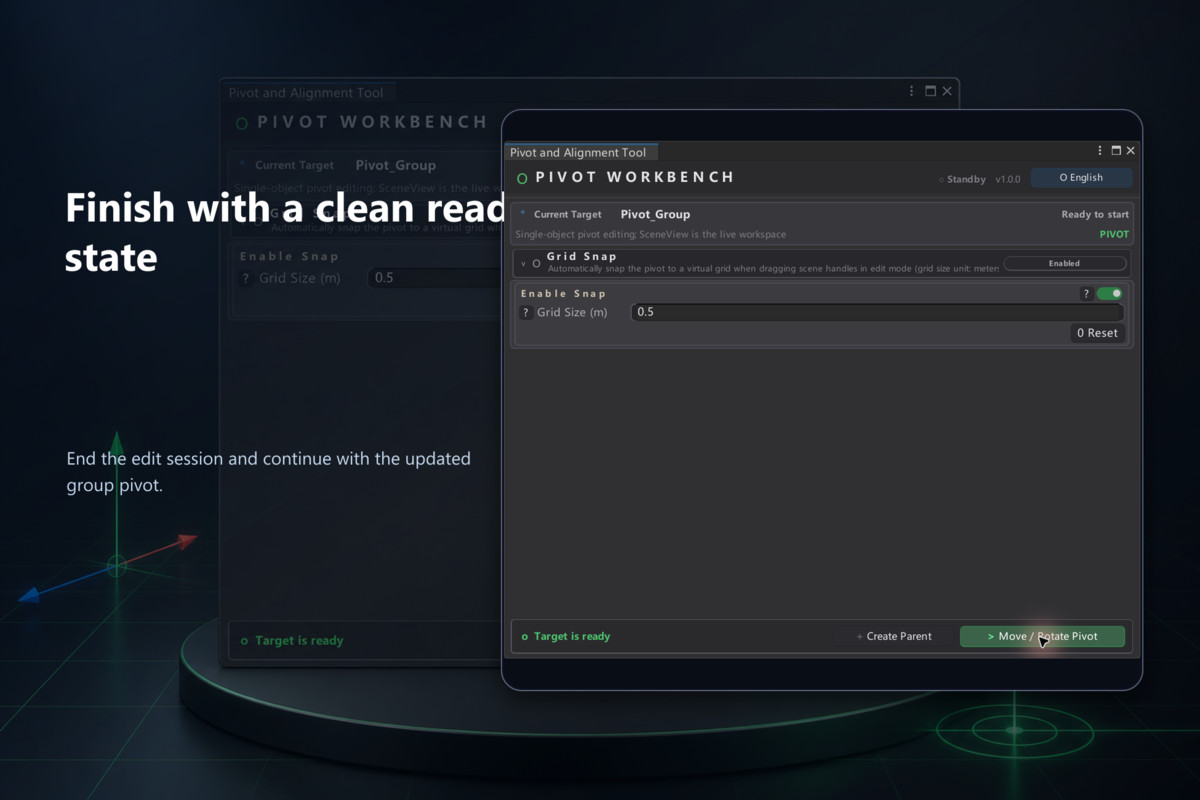
• Uniform or per-axis grid snapping for Scene handle movement.
• Parent and wrapper helpers for targets that cannot be edited directly.
• Undo integration plus runtime APIs for pivot, alignment, and bounds calculations.
• English and Chinese UI, a self-contained Demo, and bilingual PDF guides.
Quick start
1. Open the included Demo scene and select Demo_Root/Pivot_Group.
2. Open Pivot and Alignment Tool from the Tools/HT menu.
3. Choose Move / Rotate Pivot and select an exact, child-based, bounds, or snap-grid placement method.
4. Stop the edit session and use Unity Undo whenever you need to revert.
Typical workflows
Center group pivots using hierarchy bounds; align a pivot with a child or the average of direct children; place a pivot at a bounds corner or face; and normalize pivots using repeatable coordinates and grid increments.
From the publisher's Asset Store listing.
Technical details
Unity 2022.3 or newer. Validated with Unity 2022.3.62f3 on Windows.
Editor workflow with a runtime pivot/alignment API. Package-owned core code is supplied as protected DLLs, not editable source.
Select a valid parent Transform; parent/wrapper helpers are available where direct editing is unsuitable.
Includes a primitive-based Demo scene and offline English and Chinese PDF guides.
No external service, telemetry, account, or additional service fee is required. Pivot operations are deterministic and local.
Compatibility
| Unity version | Built-in | URP | HDRP |
|---|---|---|---|
| 2022.3.62f3 | Compatible | Compatible | Compatible |
As listed on the Asset Store.