
 View on Asset Store (opens in new tab)
Package details
- Latest version
- 1.0
- Last updated
- First released
- Unity version
- 2022.3.25 or later
- Package size
- 41.8 MB
- Files
- 39
- Favorites
- 2
- Views in the past week
- 17
Price tracking
- Last checked
- Tracked since
- Lowest recorded
- $4.99 on
Keywords
Slot 2D
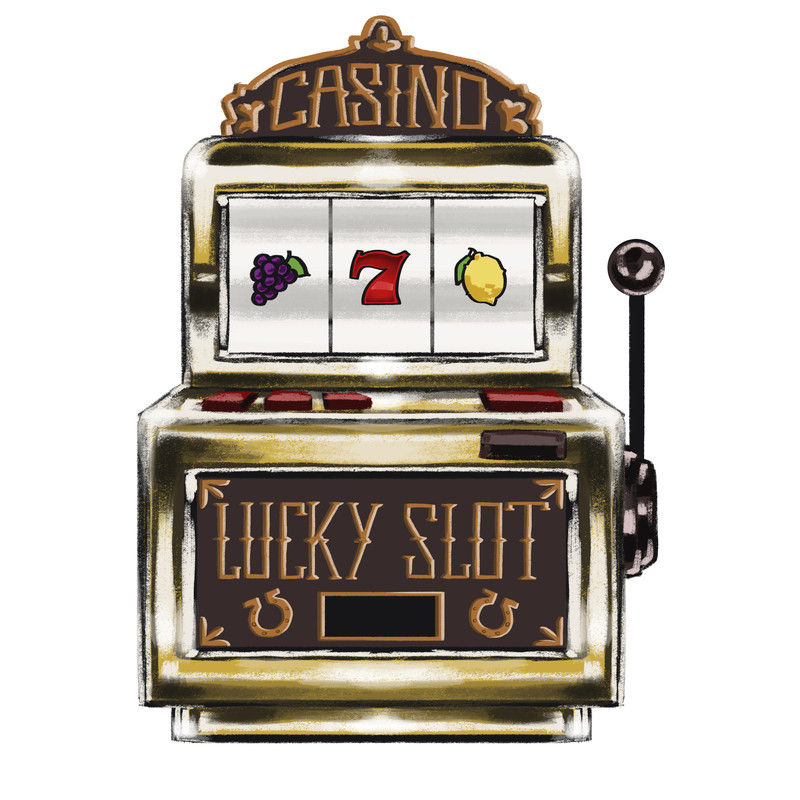
This asset provides a complete 2D Slot Machine System including: • 3 Pre-configured Reels • Editable Symbol Set • Fully Customizable Payout Tables • Animated Lever/Reels • Audio • Score Output
Affiliate link · Purchases support this site
Price history
Last 6 months
USDAsset preview
1 / 3
Slot 2D screenshot 1
About this asset
SLOT 2D
======================================
Overview
--------
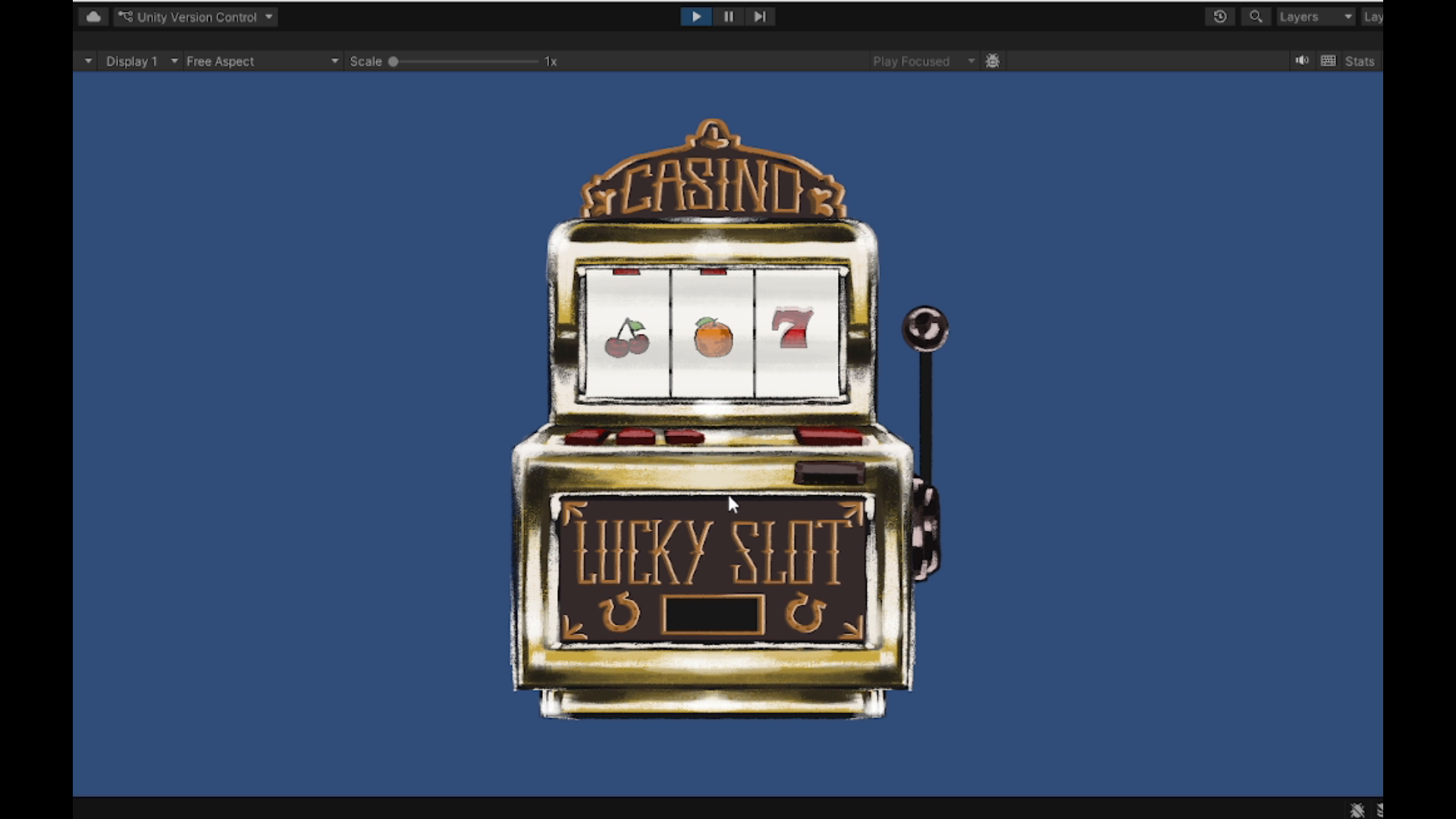
This asset provides a complete 2D Slot Machine System including:
• 3 Pre-configured Reels
• Editable Symbol Set
• Fully Customizable Payout Tables
• Lever Animation System
• Audio Integration
• UnityEvent-based Score Output
• Plug & Play Prefab Setup
The system is designed to be modular, expandable, and easy to integrate into any 2D project.
What Is Included
----------------
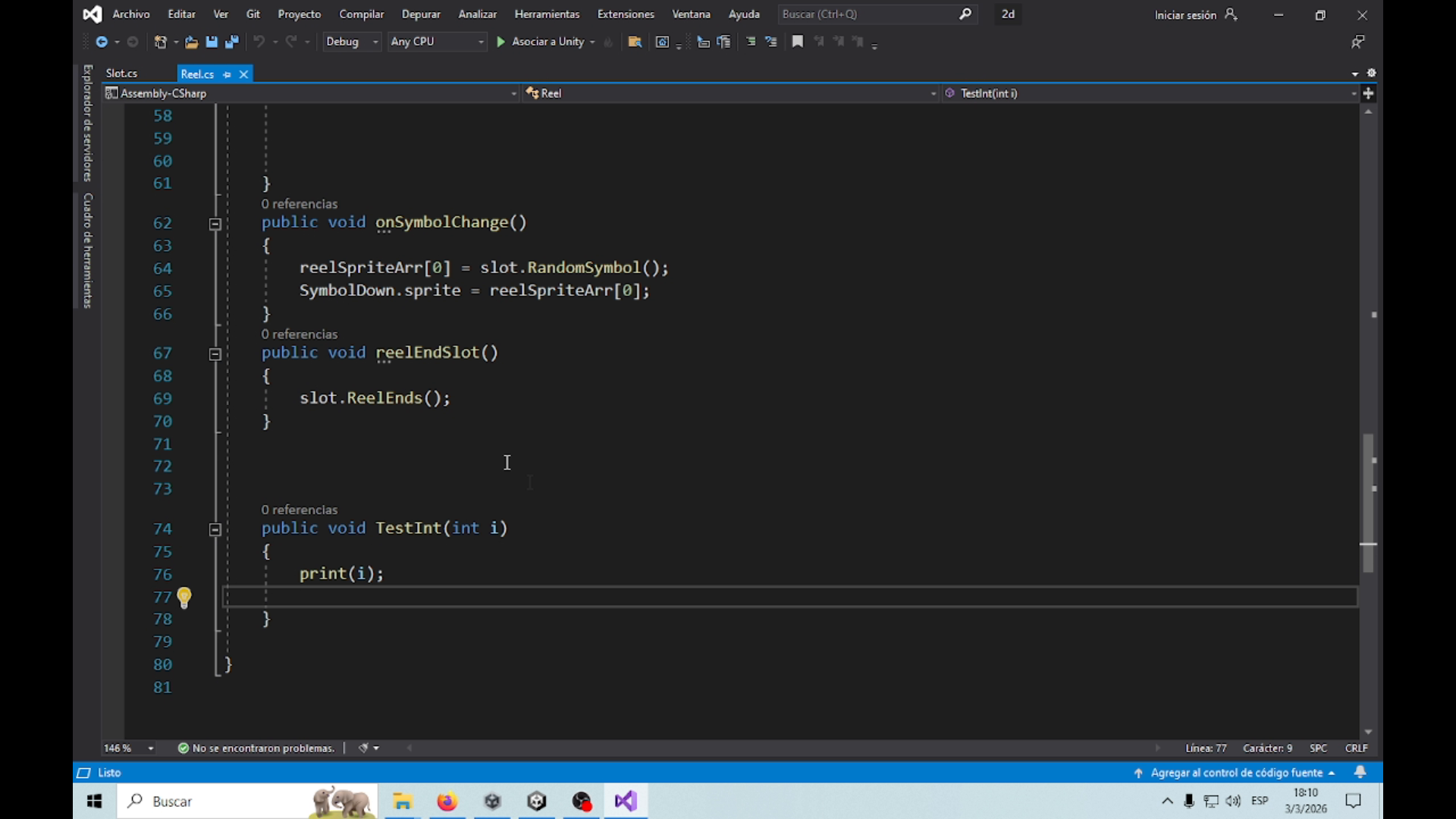
• Slot.cs (Main Controller)
• Reel.cs (Reel Logic)
• 3 Ready-to-use Reel Prefabs
• Symbol Sprite Pack (Editable)
• Example Scene Setup
• Animator Controllers
• Audio Sources Setup
• Documentation File
Package Structure
-----------------
Assets/
└── Slot2D/
├── Scripts/
│ ├── Slot.cs
│ └── Reel.cs
├── Prefabs/
│ └── SlotMachine.prefab
├── Sprites/
│ └── Symbols/
├── Animations/
└── Documentation.txt
Quick Start Guide
-----------------
1. Open the Example Scene
OR
2. Drag the SlotMachine prefab into your scene.
The system works immediately.
Press SPACE to spin.
How It Works
------------
The Slot controller:
• Controls 3 Reels
• Waits for them to stop
• Reads the middle symbol of each reel
• Counts matches
• Calculates payout
• Triggers events
• Plays sounds
Customization
=============
Changing Symbols
----------------
1. Open Slot GameObject
2. Modify the SymbolArray in the Inspector
3. Replace sprites with your own
IMPORTANT:
If you add or remove symbols,
you must also update:
• payoutTablePairs
• payoutTableTriple
Array sizes must match SymbolArray length.
Editing Payouts
---------------
payoutTablePairs:
Defines reward for 2 matching symbols.
payoutTableTriple:
Defines reward for 3 matching symbols.
Example:
SymbolArray:
Cherry
Lemon
Seven
payoutTablePairs:
10
20
50
payoutTableTriple:
100
200
1000
Connecting Score to Your Game
-----------------------------
The system uses UnityEvent<int> to return the final score.
Slot → ReturnScore
You can connect:
• UI Text update
• Player currency
• Score manager
• Sound effects
• Visual effects
Example:
Slot → ReturnScore → GameManager.AddCoins(int amount)
Inspector Overview
==================
Functions
ReturnScore (UnityEvent<int>)
Returns the total win amount.
otherFunctions (UnityEvent)
Called after scoring calculation.
Reels
3 Reel references are included by default.
Each reel can be individually modified.
Animation
Each reel has its own Animator.
Lever has its own Animator.
Audio
jackpotAudio
Played when a winning combination occurs.
leverAudio
Played when spinning.
From the publisher's Asset Store listing.
Compatibility
| Unity version | Built-in | URP | HDRP |
|---|---|---|---|
| 2022.3.25f1 | Compatible | Not listed | Not listed |
As listed on the Asset Store.