
 View on Asset Store (opens in new tab)
Package details
- Latest version
- 1.0.0
- Last updated
- First released
- Unity version
- 2022.3.62 or later
- Package size
- 745 KB
- Files
- 45
- Favorites
- 6
- Views in the past week
- 17
Price tracking
- Last checked
- Tracked since
- Lowest recorded
- Free on
Keywords

Audio Dispatcher for DOTS
A zero-GC, thread-safe bridge to trigger AudioSource sounds directly from Burst-compiled ECS jobs. High-performance DOTS audio with smart voice stealing and no main thread stalls.
Affiliate link · Purchases support this site
Price history
Last 6 months
USDAsset preview
1 / 7
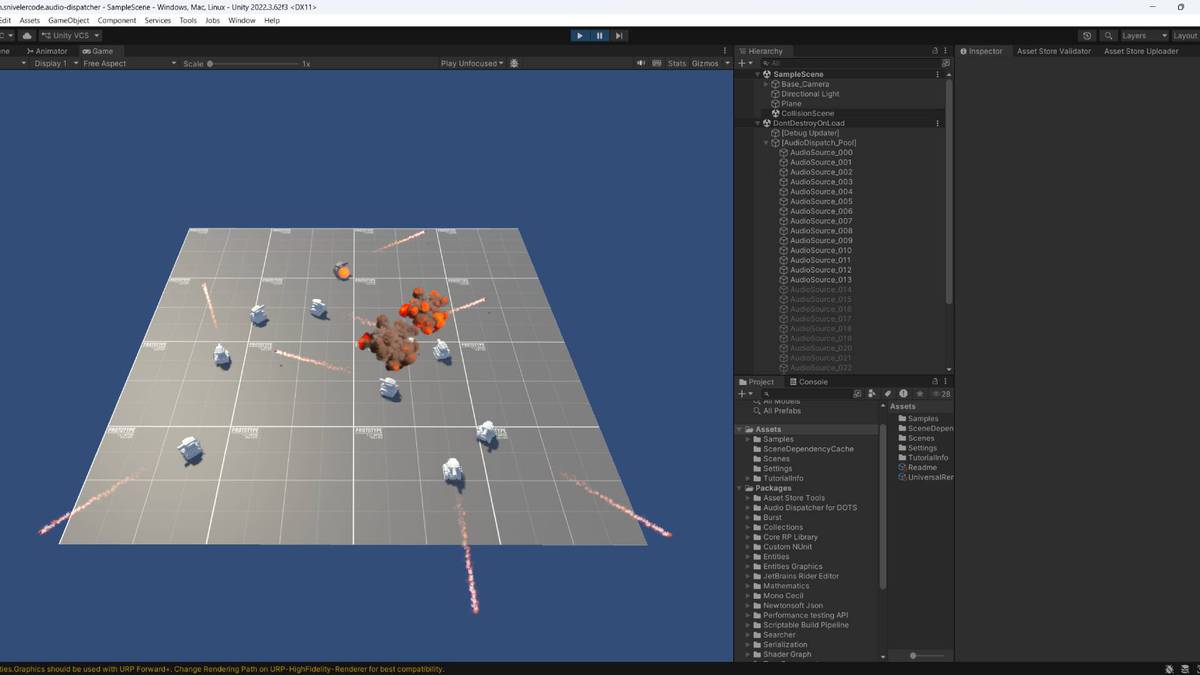
Audio Dispatcher for DOTS screenshot 1

About this asset
Triggering standard Unity audio from pure ECS is notoriously difficult.
Audio Dispatcher solves this elegantly.
Audio Dispatcher for DOTS is a production-ready, Data-Oriented audio bridging system. It allows your Burst-compiled Jobs to trigger, move, and stop managed AudioSource components without ever touching the Managed Heap or stalling the Main Thread.
How it works:Instead of forcing the Main Thread to wait for your Jobs to finish, the system uses a Double Buffering Command Architecture. Your high-frequency systems (like bullets or explosions) write 32-byte cache-aligned events into a lock-free queue. A dedicated Burst-compiled "Brain" processes these events, handles pooling logic, and passes a clean command buffer to the Main Thread for execution.
Key Highlights:
- Zero-GC & Thread-Safe: Built strictly for Data-Oriented Technology Stack (DOTS) performance.
- Smart Voice Stealing: If your audio pool is full, the system doesn't just cut off random sounds. It calculates priorities and automatically replaces the quietest or furthest sound.
- Shadow Tracking: Looping sounds (like tank engines) follow your entities using shadow components. Your core gameplay archetypes remain untouched and tightly packed in memory.
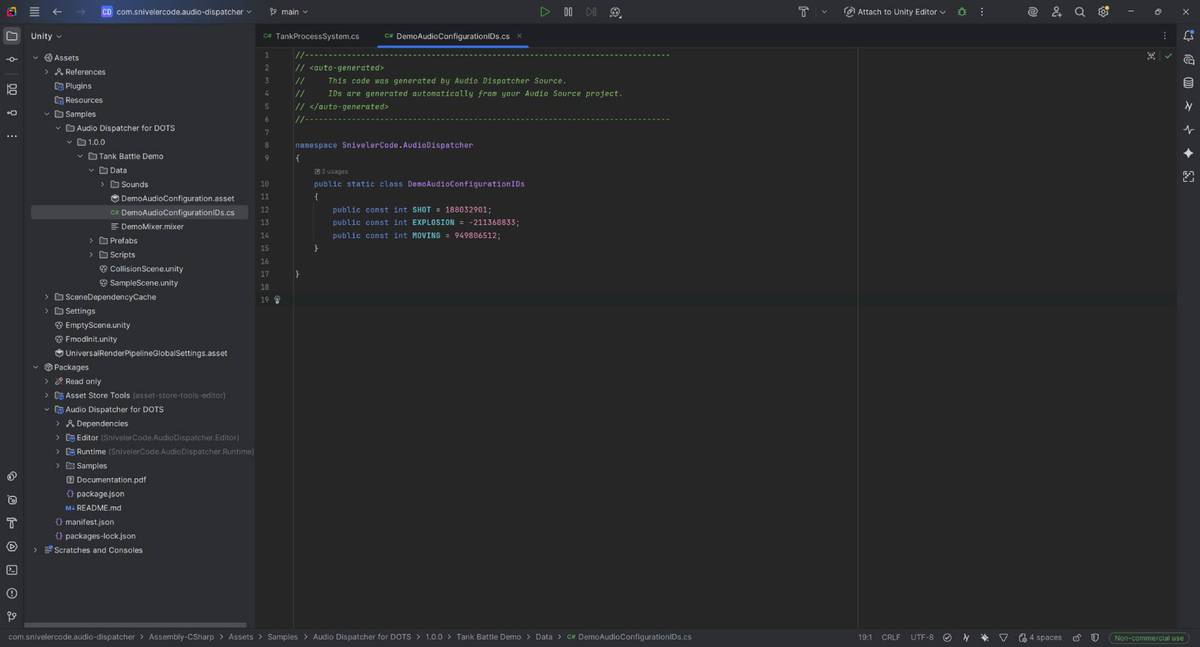
- Stable Hashes: Audio IDs are generated as stable Hashes. Reordering your audio database will never break your code.
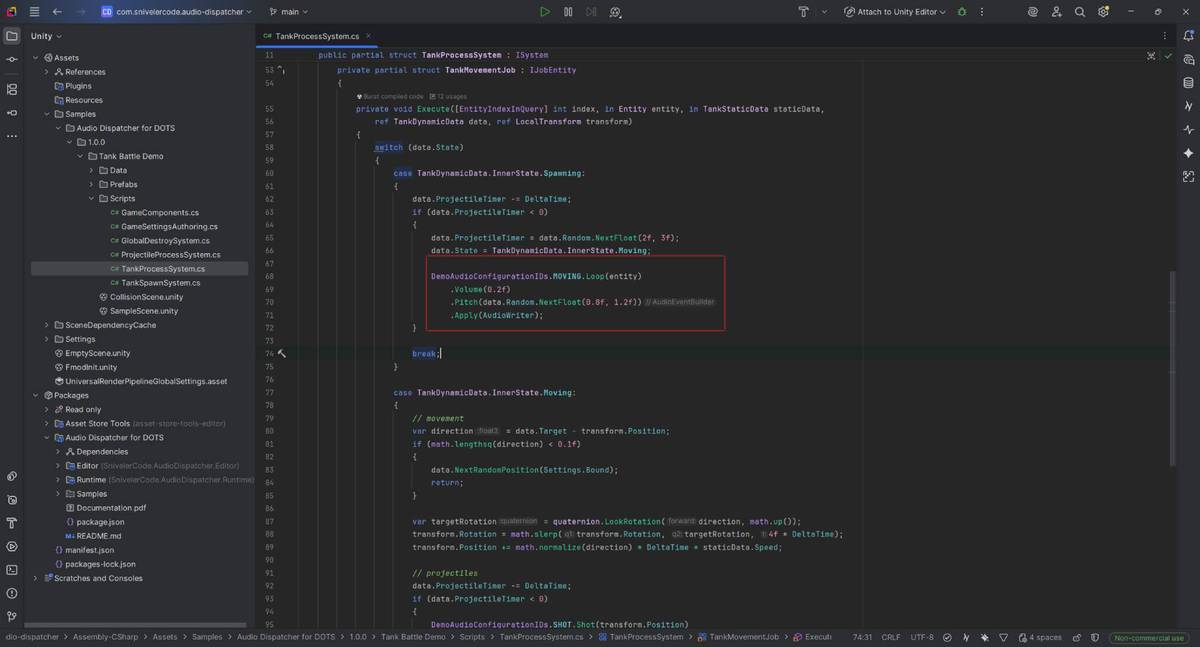
Developer Friendly:No boilerplate code required. Use the included Fluent API to trigger sounds directly inside your IJobEntity: AudioID.EXPLOSION.Shot(position).Volume(0.8f).Apply(writer);
Perfect for any genre:Whether you are building a massive RTS, a chaotic Bullet Hell, or a fast-paced Shooter, this tool ensures your audio scales with your entity count.
🚀 Using FMOD Studio in your project?If you are moving away from standard Unity AudioSource and need a native, Zero-GC C-API wrapper for FMOD, check out the Advanced Audio Dispatcher for DOTS! It features async raycast occlusion and pure native performance.
From the publisher's Asset Store listing.
Technical details
Architecture & Performance:
- 100% Burst Compatible: Trigger sounds from any Job or System.
- Zero GC Allocations: Fully pre-allocated object pools for both One-Shot and Looping sounds.
- No Main Thread Stalls: Double Buffering ensures the Main Thread never waits for ECS workers.
- Cache Optimized: AudioEvent structs are explicitly packed to 32 bytes, allowing exactly two events per CPU cache line.
Features:
- Priority-Based Voice Stealing: Automatically recycles the lowest-volume AudioSources when pools reach capacity.
- Shadow Entity Loop Tracking: Attach looping sounds to moving entities. The system automatically stops the sound when the target entity is destroyed.
- TimeScale Independent: Uses AudioSettings.dspTime to ensure sound lifetimes are calculated correctly even during slow-motion effects.
- Fluent Builder API: Clean, chainable syntax for triggering sounds.
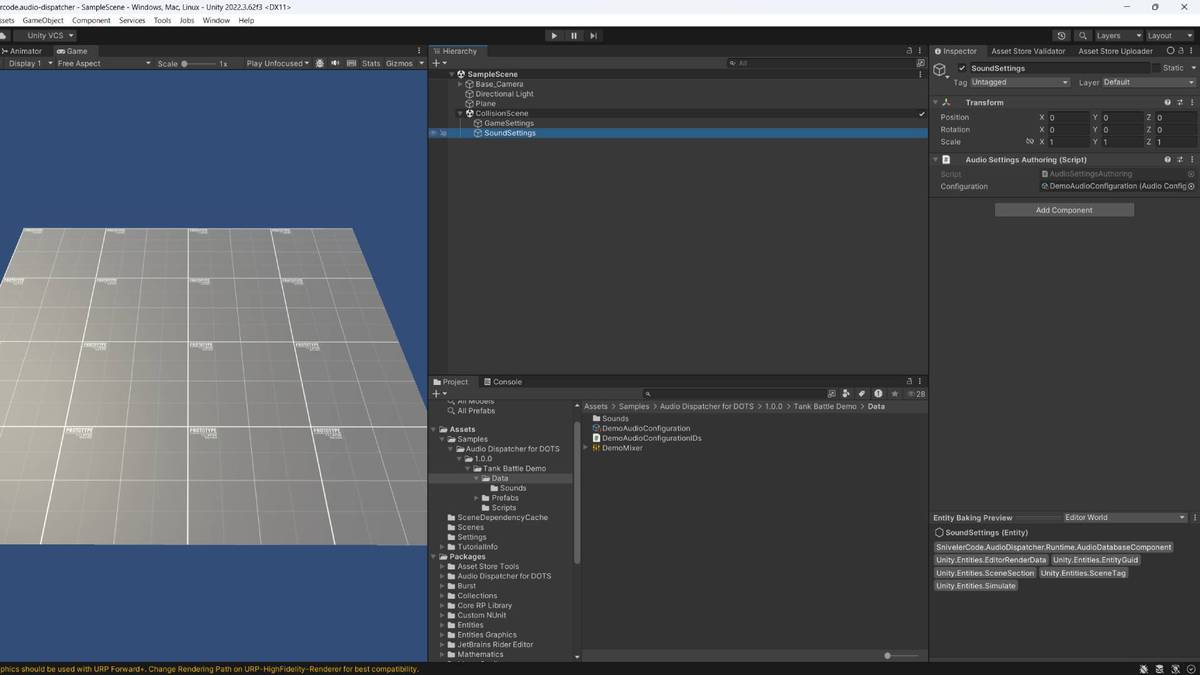
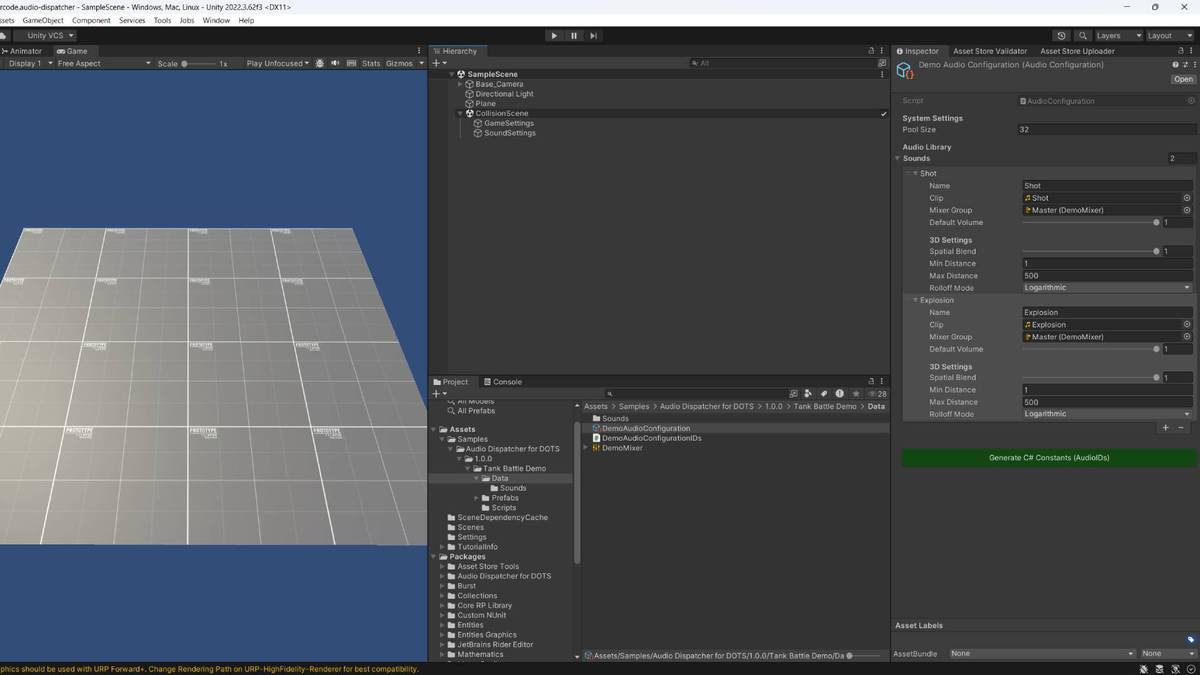
- AudioMixer Support: Route sounds to different Mixer Groups (SFX, Music, UI).
- 3D Spatial Audio: Full support for Spatial Blend, Min/Max Distance, and Rolloff curves.
- Auto-Generated C# Constants: Eliminates string-based lookups and typos using stable Hash IDs.
Compatibility
| Unity version | Built-in | URP | HDRP | Custom |
|---|---|---|---|---|
| 2022.3.62f3 | Compatible | Compatible | Compatible | Compatible |
Supported Unity Versions: 2022.3 LTS and higher.
Dependencies:
- com.unity.entities (1.0.0 or newer)
- com.unity.burst
- Platforms: Compatible with all platforms supported by Unity Burst (PC, Consoles, Mobile, WebGL).com.unity.collections
Render Pipelines: Compatible with Built-in, URP, and HDRP (System is purely logic/audio based).
As listed on the Asset Store.