
 View on Asset Store (opens in new tab)
Package details
- Latest version
- 1.1
- Last updated
- First released
- Unity version
- 6000.0.25 or later
- Package size
- 3.5 MB
- Files
- 18
- Favorites
- 9
- Views in the past week
- 25
Price tracking
- Last checked
- Tracked since
- Lowest recorded
- $10.00 on
Keywords
- Search for destruction fx
- Search for 2d VFX
- Search for shatter effect
- Search for break effect
- Search for particle system
- Search for 2D effects
- Search for Unity editor tool
- Search for visual effects
- Search for impact effects
- Search for game juice
- Search for sprite shatter
- Search for sprite destruction

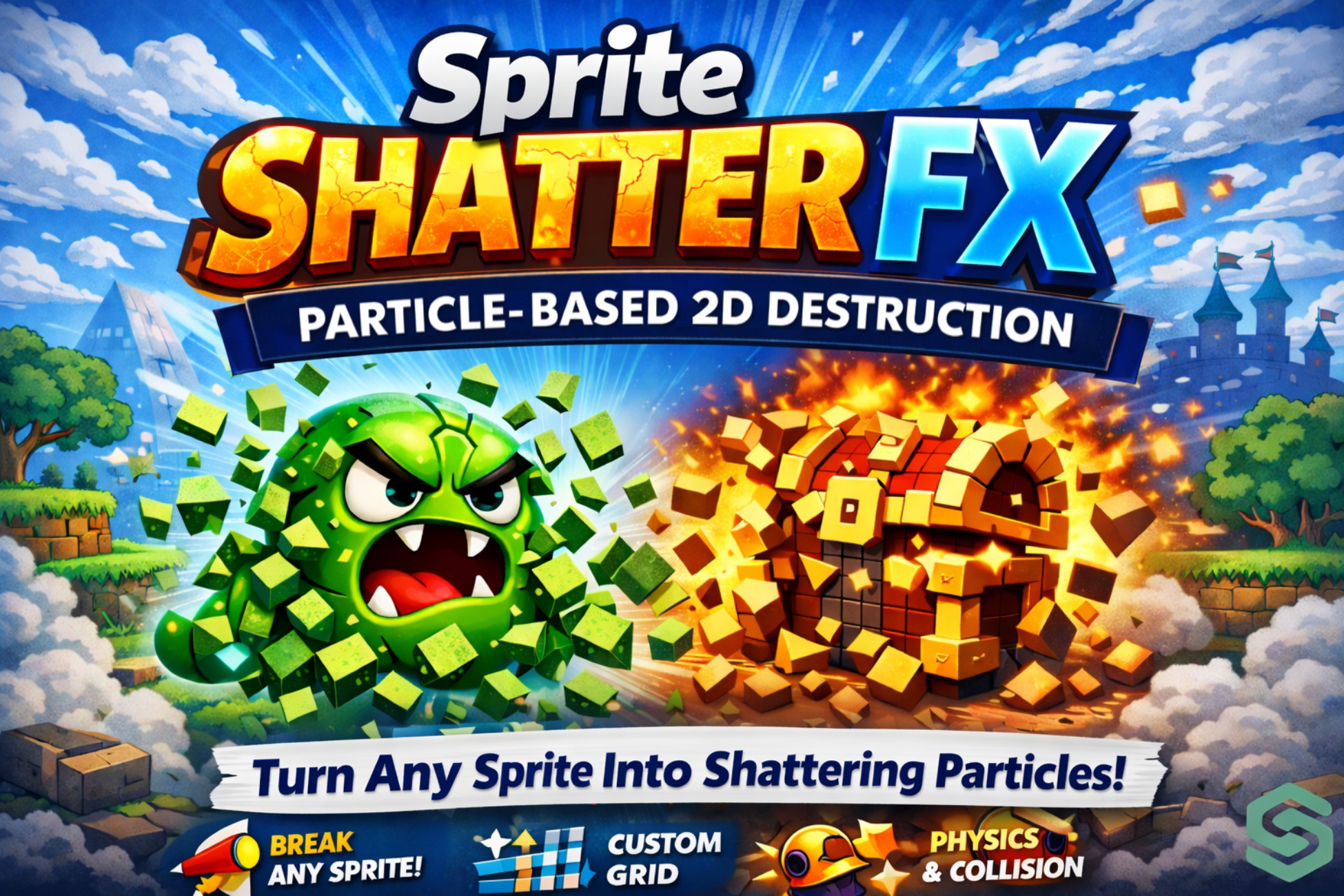
Sprite Shatter FX — Particle-Based 2D Destruction
Turn any sprite into a particle shatter effect — bake, preview, and tweak it all inside the Unity Editor.
Affiliate link · Purchases support this site
Price history
Last 6 months
USDAsset preview
1 / 8

Sprite Shatter FX — Particle-Based 2D Destruction screenshot 1




About this asset
Sprite Shatter FX — Description
Sprite Shatter FX is a powerful and easy-to-use Unity tool that lets you transform any sprite into a dynamic shattering effect using the built-in Particle System.
It automatically breaks your sprite into multiple pieces (shards) and applies physics, motion, rotation, and visual effects — making it perfect for destruction, impact, and stylized VFX scenarios.
✨ Key Features
- One-Click Shatter & Bake — instantly generate and place the effect in your scene
- Live Preview in Editor — see results in real time before baking
- Grid-Based Shattering — control shard count with rows and columns
- Advanced Explosion Controls — fine-tune force, gravity, decay, and impulse
- Rotation & Lifetime Systems — realistic shard movement and behavior
- Turbulence & Noise — organic, unpredictable motion
- Trails & Flash Effects — enhance visual impact
- 2D Collision Support — shards interact with world geometry
- Mask System — create stylized and custom shard shapes
- Preset System — fast workflow with built-in presets (Default, Fire Burst, Ice Break, etc.)
🎮 Use Cases
- Destruction effects (breaking objects, explosions)
- UI element transitions and disintegration
- Enemy death animations
- Interactive environment props
- Stylized VFX (fire, ice, magic effects)
⚙️ Why Choose Sprite Shatter FX?
Sprite Shatter FX gives you maximum control with minimal effort. No need for complex shaders or custom physics systems — everything is built on Unity’s native Particle System, ensuring smooth performance and easy integration into any project.
Quick Workflow
- Assign your sprite
- Choose a preset or tweak settings
- Click Shatter & Bake
- Instantly get a ready-to-use effect in your scene
From the publisher's Asset Store listing.
Technical details
- Grid slicing — configurable rows and columns slice the source sprite into individual fragment particles; optional scatter offset randomizes starting positions
- 9 launch directions — Radial, Up, Down, Left, Right, and four diagonals, each with an adjustable spread angle
- Physics-style motion — explosion force, gravity multiplier, speed modifier, burst impulse, decay sharpness, and velocity retention give fine control over how fragments move and slow down
- Scale on impact — fragments punch outward with a configurable scale peak at burst, then settle back down
- Turbulence (Noise) — strength, frequency, and scroll speed controls add organic drift to fragment paths
- Limit Velocity — cap max fragment speed with a separate dampen value
- Color tint + flash — optionally shift all fragments to a tint color and trigger a flash at the moment of burst
- Trails — per-fragment trails with independent width, lifetime, and color
- Collision — world-collision support with dampen and bounce coefficients, layer mask selection
- Mask materials — apply shape-mask materials to fragments in Random or Sequential order, loaded from a dedicated asset folder
- Lifetime & rotation — independent min/max lifetime and rotation-over-lifetime ranges; optional random start rotation
- Loop mode — optional looping with manual duration override
- Live preview — built-in PreviewRenderUtility viewport with Play / Pause / Stop controls, no need to enter Play Mode
- Batch tab — bake multiple sprites in one pass
- Preset system — built-in factory presets plus unlimited user presets, persisted via EditorPrefs; supports save, rename, and delete
- Clean output — bakes to a standard UnityEngine.ParticleSystem prefab; optional auto-delete of the previously baked object
Compatibility
| Unity version | Built-in | URP | HDRP |
|---|---|---|---|
| 6000.0.25f1 | Compatible | Compatible | Not listed |
As listed on the Asset Store.