
 View on Asset Store (opens in new tab)
Package details
- Latest version
- 1.0
- Last updated
- First released
- Unity version
- 6000.3.10 or later
- Package size
- 3.3 MB
- Files
- 87
- Views in the past week
- 14
Price tracking
- Last checked
- Tracked since
- Lowest recorded
- $9.99 on
Keywords
Quick Mobile Joystick - Touch Movement
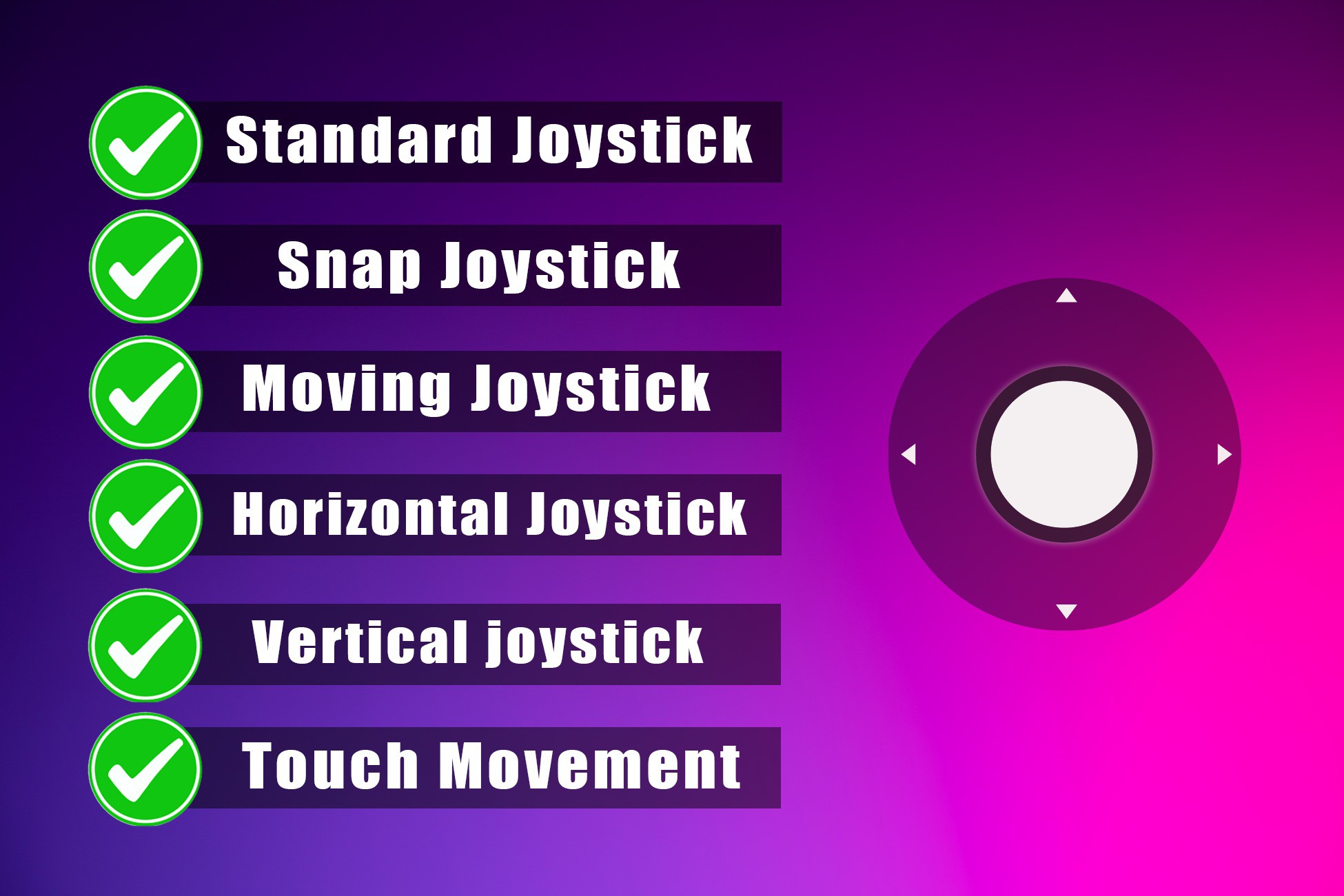
Mobile control system with 3 joystick types (Standard, Snap, Moving), touch camera movement, third & first person views, and smooth camera follow. Optimized and easy to integrate.
Affiliate link · Purchases support this site
Price history
Last 6 months
USDAsset preview
1 / 4
Quick Mobile Joystick - Touch Movement screenshot 1
Technical details
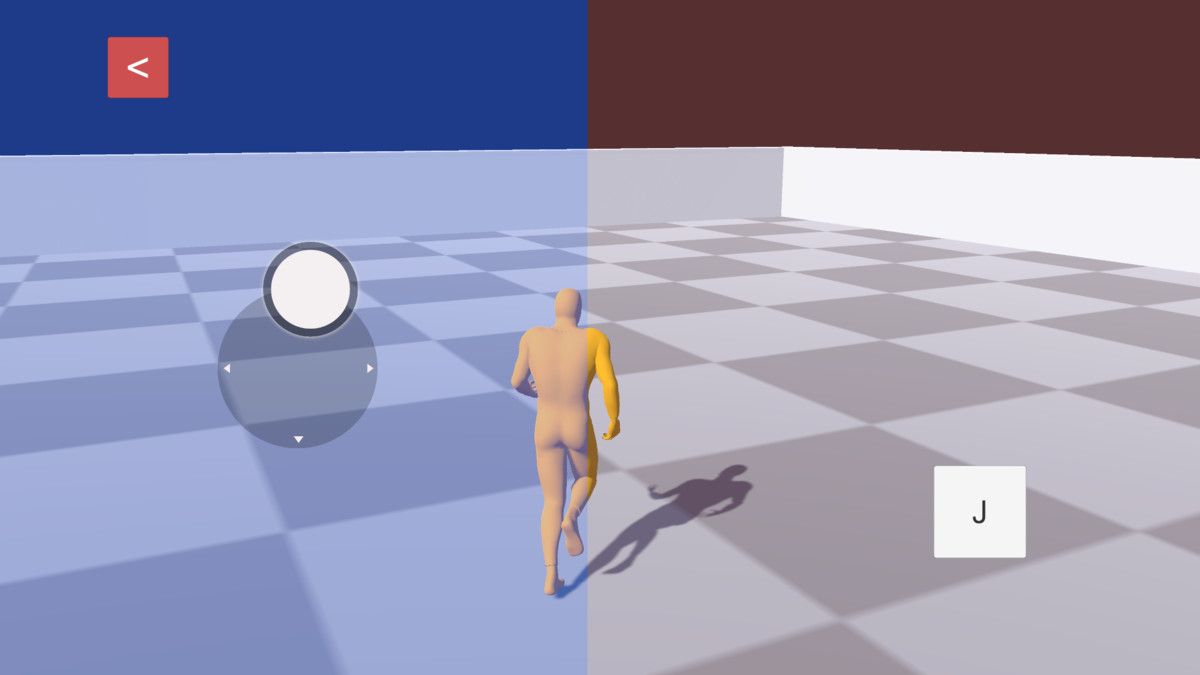
A complete mobile control system featuring 3 joystick types (Standard, Snap, and Moving), smooth touch camera movement, third-person and first-person views, plus simple object movement with camera follow. Optimized for mobile games and easy to integrate into any project.
We have 3 different joysticks that have different features.
1. Standard Joystick
2. Snap Joystick
3. Moving Joystick
Standard Joystick
A classic fixed-position virtual joystick.
The joystick stays visible in a predefined area on the canvas, and the player controls movement by
dragging the handle within this area. Best for traditional mobile controls and players who prefer
consistent UI placement.
Snap Joystick
A dynamic joystick that appears where the player touches.
When the player touches the defined joystick area, the joystick spawns at the finger position. When
the finger is released, the joystick disappears. This gives a clean screen and flexible control placement.
Moving Joystick
An advanced version of the snap joystick with finger-follow movement.
The joystick appears at the touch position and moves along with the player’s finger while dragging. It
does not stay fixed in one spot, allowing more natural and comfortable control for fast or extended
movement.
Touch Camera Movement System (Core Feature)
This asset is built around a smooth and responsive touch-based camera movement system designed specifically for mobile games. Players can control the camera naturally using screen gestures, making it ideal for action, shooter, adventure, and simulation games.
The touch camera system works seamlessly in both First Person and Third Person modes, providing fluid rotation and an optimized mobile experience.
First Person & Third Person Support
The touch camera system is fully integrated with both:
- First Person View – Smooth touch look control for immersive and responsive gameplay experience.
- Third Person View (Fully Animated Character) – Fluid and responsive camera rotation around a fully animated character with optimized touch movement support for realistic gameplay feel.
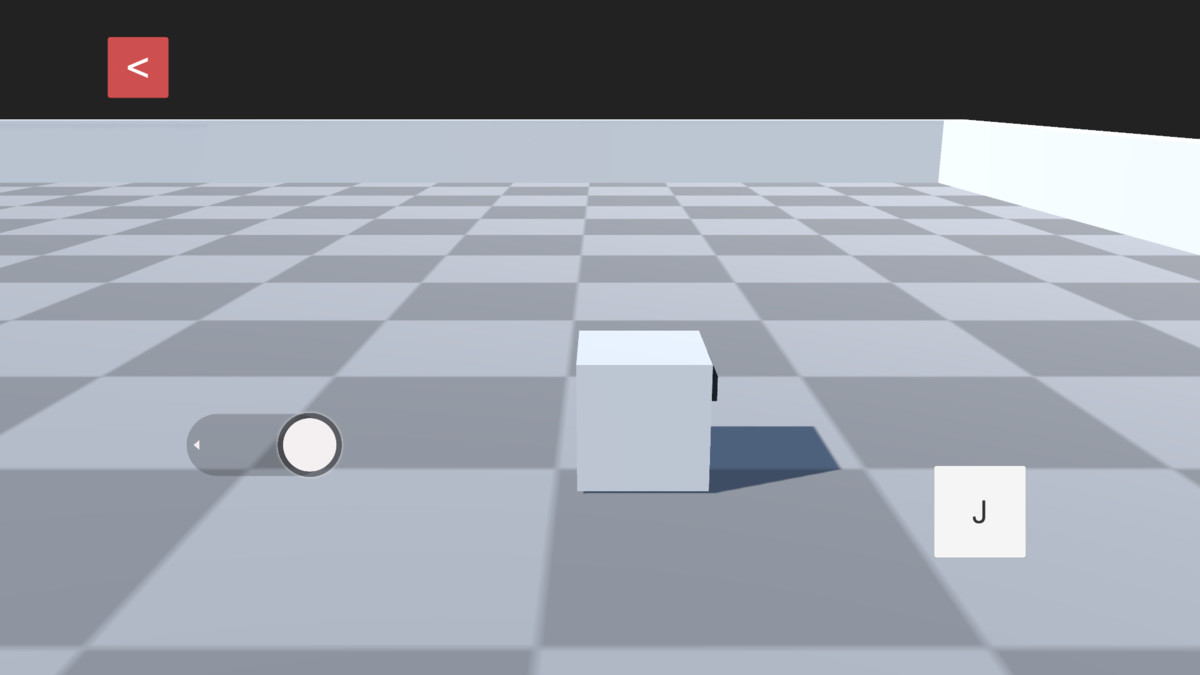
- Simple Object Movement – Lightweight cube-based movement system without animated characters, perfect for prototypes, demos, and basic gameplay mechanics.
For any help
Compatibility
| Unity version | Built-in | URP | HDRP |
|---|---|---|---|
| 6000.3.10f1 | Compatible | Not listed | Not listed |
As listed on the Asset Store.