
 View on Asset Store (opens in new tab)
Package details
- Latest version
- 1.0
- Last updated
- First released
- Unity version
- 6000.4.0 or later
- Package size
- 66 KB
- Files
- 6
- Favorites
- 10
- Views in the past week
- 11
Price tracking
- Last checked
- Tracked since
- Lowest recorded
- $7.50 on
Keywords
Rig Transfer Tool
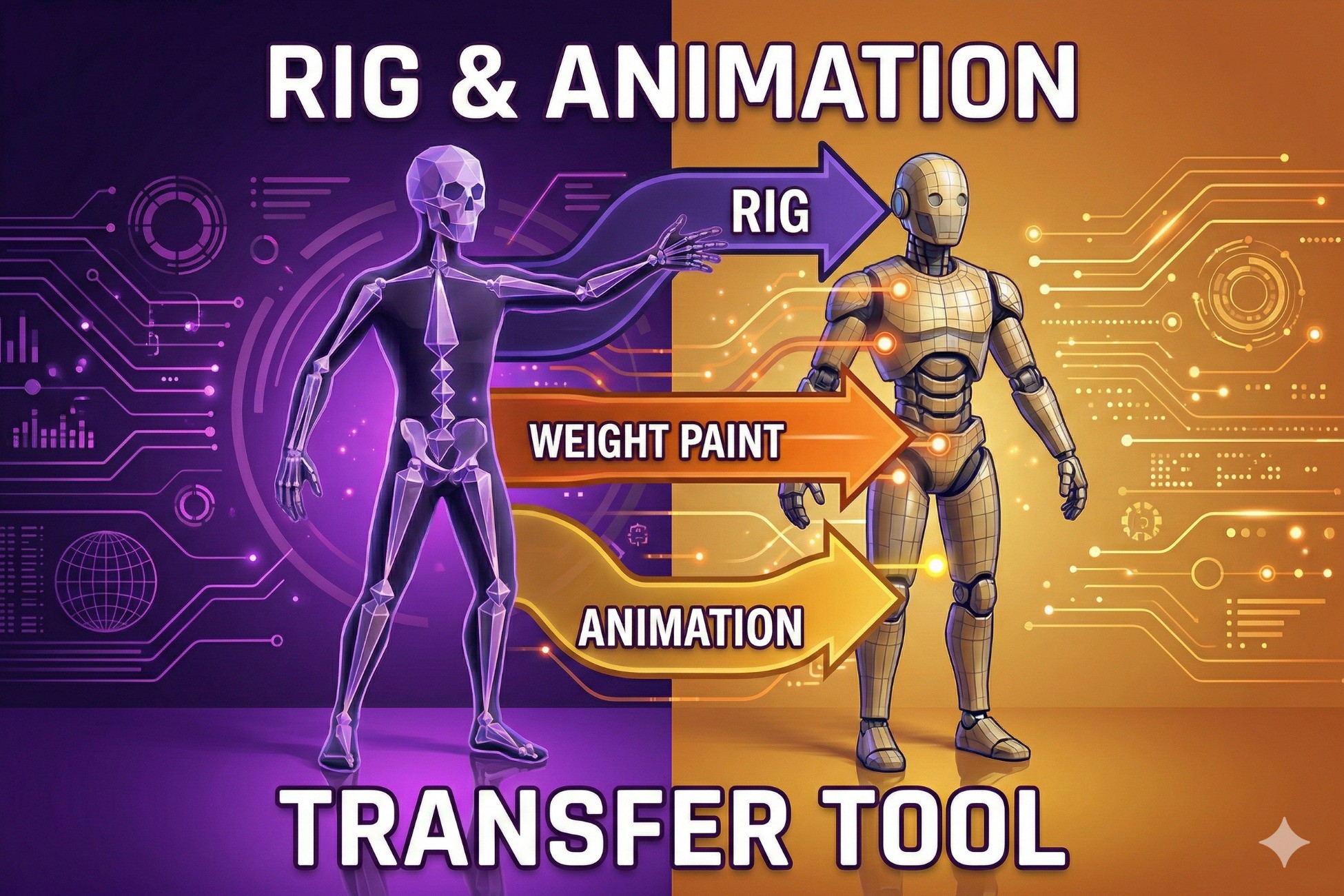
Transfer rig & animations from one FBX to another with a single click! Perfect for retargeting Mixamo animations to custom characters. Requires Blender (free).
Affiliate link · Purchases support this site
Price history
Last 6 months
USDAsset preview
1 / 4
Rig Transfer Tool screenshot 1

About this asset
RIG TRANSFER TOOL
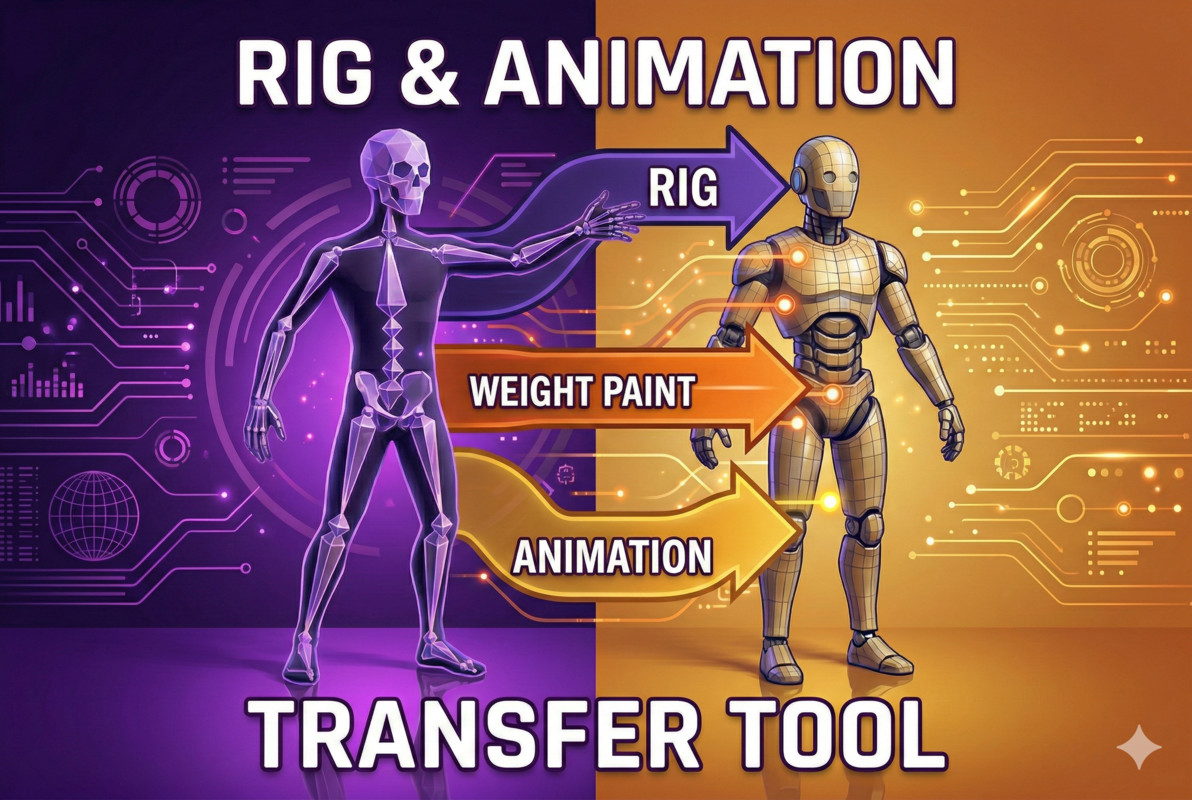
Transfer rig and animations from one FBX to another with a single click!
PERFECT FOR:
• Retargeting Mixamo animations to custom characters
• Applying mocap data to game-ready models
• Transferring rigs between similar meshes
• Quick character animation setup
FEATURES:
✓ One-click rig and animation transfer
✓ Transfers ALL animation clips (not just one!)
✓ Automatic facial animation removal
✓ Facial bone weights merged to head bone
✓ Works with similar topology meshes
✓ Clean Unity Editor integration
✓ Real-time progress logging
✓ Auto-detects Blender installation
HOW IT WORKS:
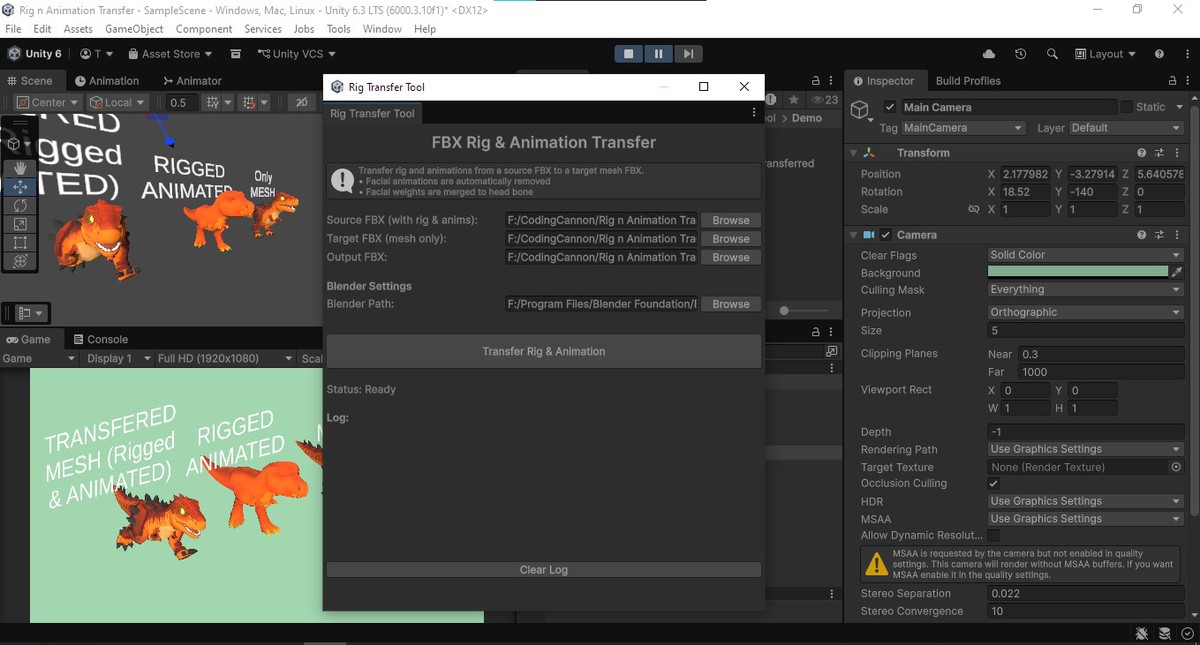
1. Open Tools > Rig Transfer Tool
2. Select Source FBX (with rig and animations)
3. Select Target FBX (mesh only)
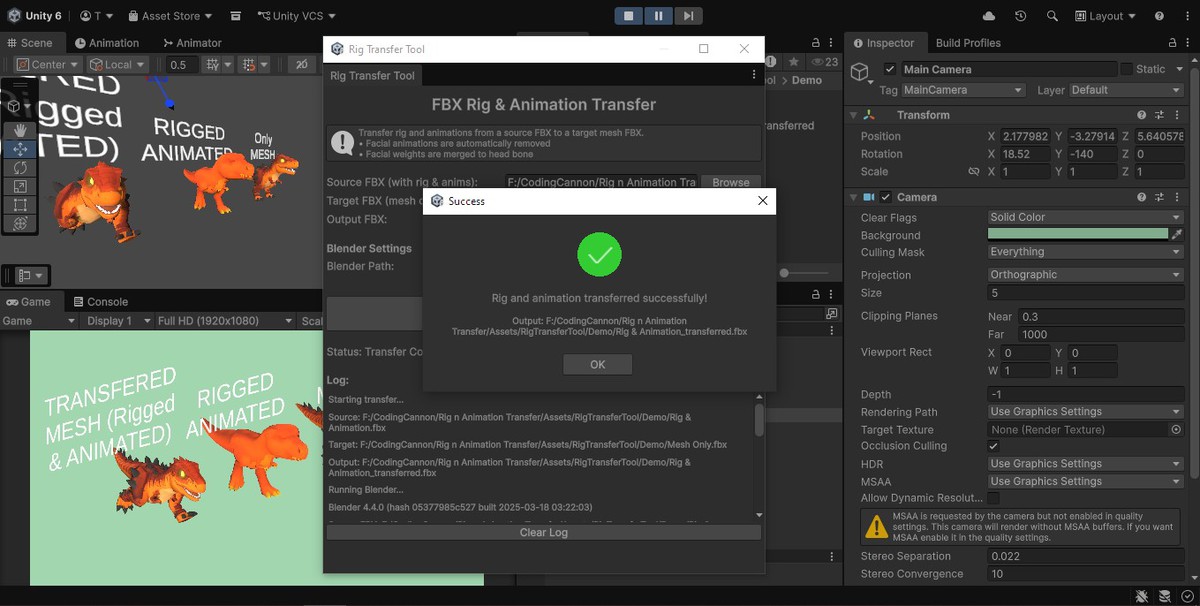
4. Click "Transfer Rig & Animation"
5. Done! Your new rigged model is ready
REQUIREMENTS:
• Unity 2020.3 or later
• Blender 3.0+ (free download from blender.org)
• Windows, macOS, or Linux
WHY BLENDER?
This tool uses Blender's powerful FBX processing in the background. Blender is free, open-source, and handles complex rig transfers reliably.
SUPPORT:
Email: [email protected]
Created by CodingCannon
From the publisher's Asset Store listing.
Technical details
TECHNICAL SPECIFICATIONS:
Supported Unity Versions: 2020.3+
Supported Platforms: Windows, macOS, Linux
Dependencies: Blender 3.0+ (free, external)
File Formats:
• Input: FBX
• Output: FBX
Features:
• Editor tool (Tools menu)
• Runs Blender in background (headless)
• No runtime dependencies
• No impact on build size
Package Contents:
• RigTransferWindow.cs - Unity Editor GUI
• rig_transfer_blender.py - Blender processing script
• Documentation and License files
Processing:
• Vertex weight transfer via nearest-vertex matching
• NLA track-based animation export
• Automatic facial bone detection and removal
• Head bone weight consolidation
Compatibility
| Unity version | Built-in | URP | HDRP | Custom |
|---|---|---|---|---|
| 6000.4.0f1 | Compatible | Compatible | Compatible | Compatible |
As listed on the Asset Store.