
 View on Asset Store (opens in new tab)
Package details
- Latest version
- 2026.2.27
- Last updated
- First released
- Unity version
- 6000.3.9 or later
- Package size
- 126 KB
- Files
- 6
- Favorites
- 3
- Views in the past week
- 3
Price tracking
- Last checked
- Tracked since
- Lowest recorded
- $22.22 on
Keywords
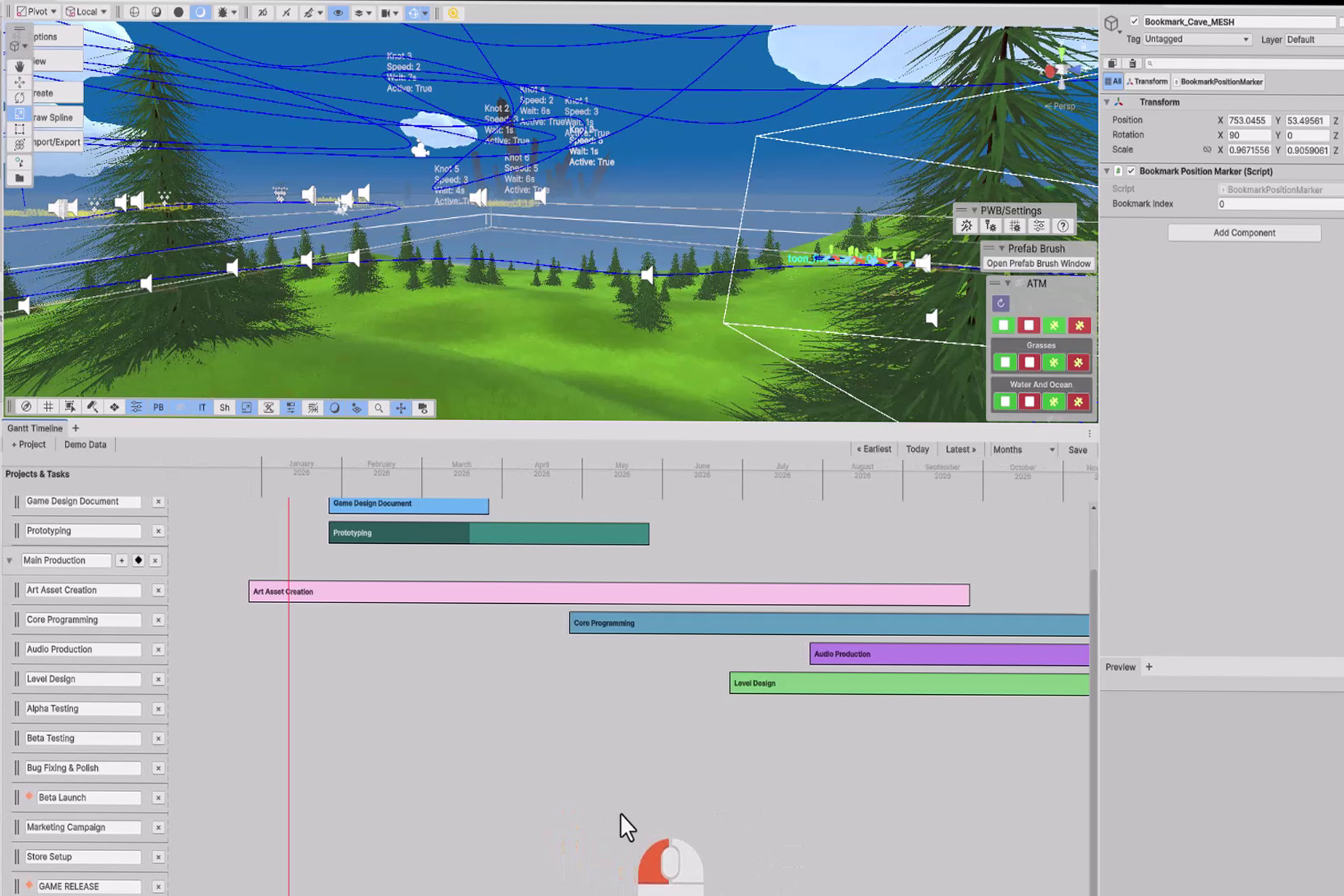
Gantt Timeline - Game Development Project Tracker
Professional Gantt chart tool for Unity Editor: Plan your game dev schedule, manage interactive tasks, track progress and visualize deadlines.
Affiliate link · Purchases support this site
Price history
Last 6 months
USDAsset preview
1 / 3
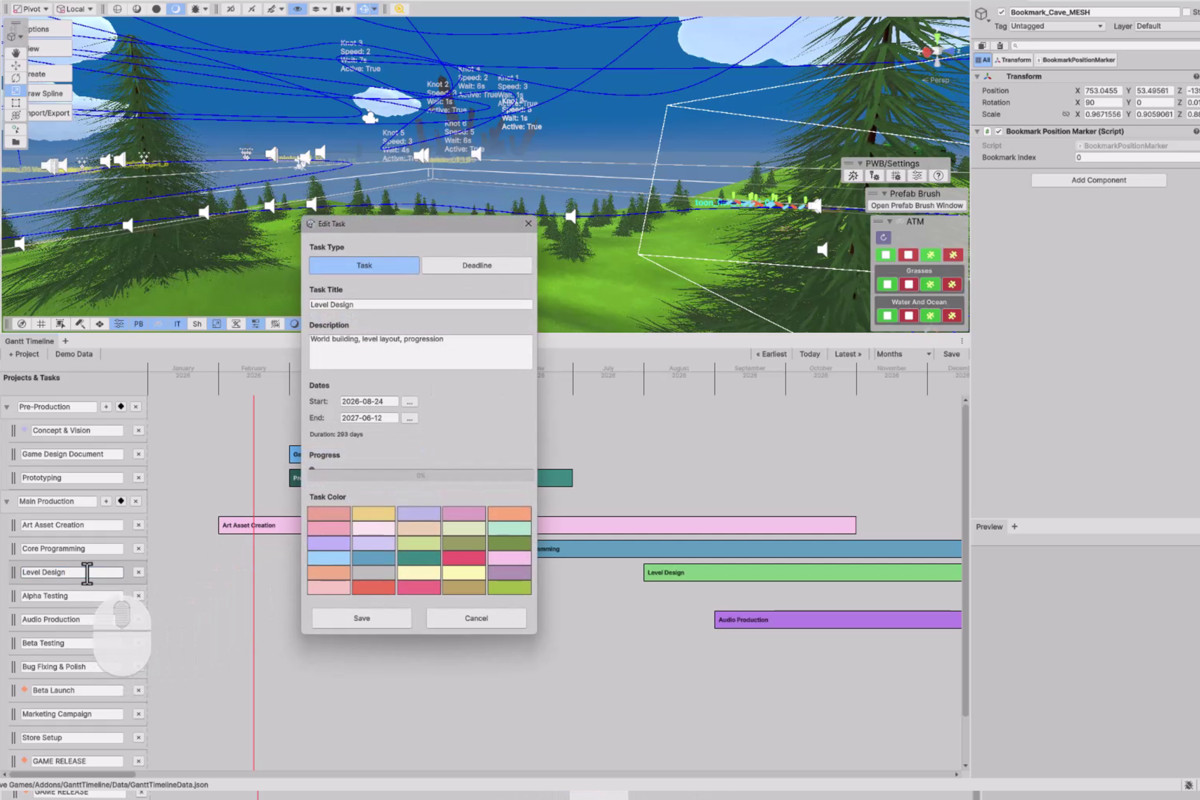
Gantt Timeline - Game Development Project Tracker screenshot 1
About this asset
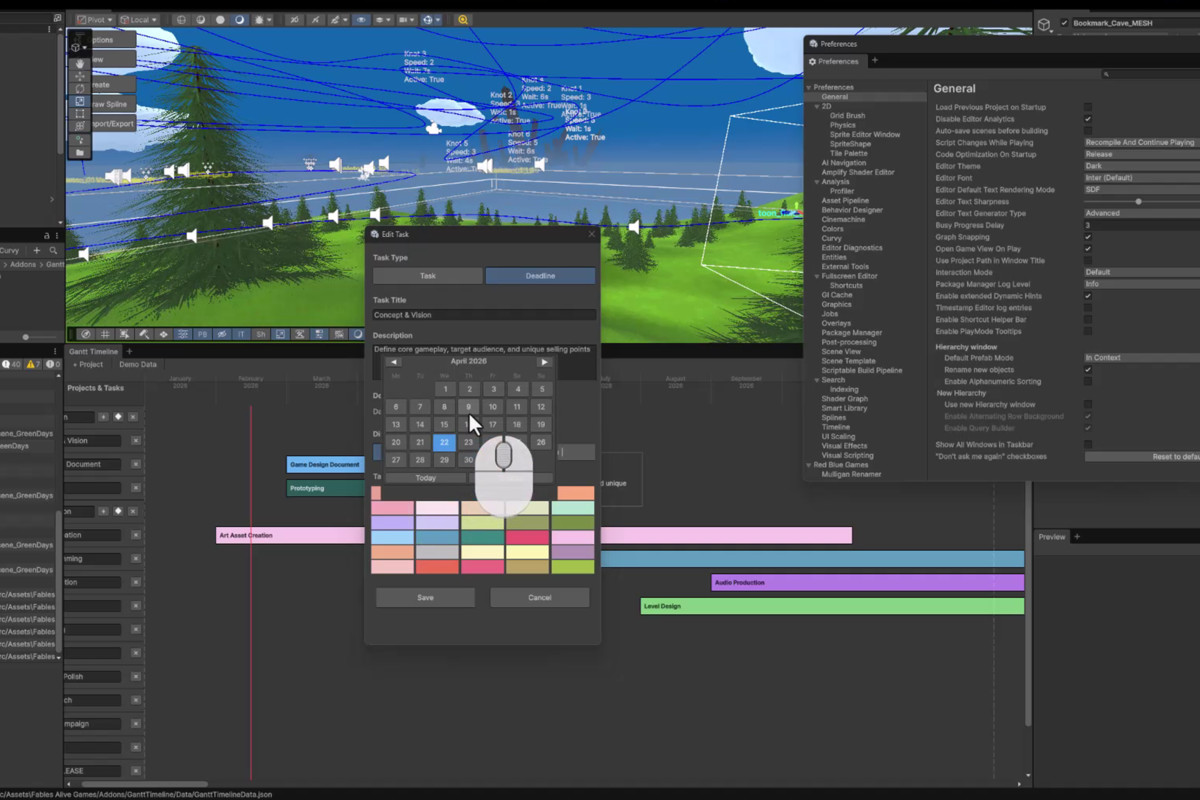
Gantt Timeline brings professional project management directly into the Unity Editor. Plan your game development roadmap, track task progress, and visualize deadlines with an intuitive drag-and-drop interface.
Key Features:
- Interactive timeline with multiple zoom levels (days, weeks, months)
- Drag-and-drop task scheduling with visual bars
- Project organization with expandable/collapsible groups
- Progress tracking with visual indicators
- Deadline milestones with diamond or vertical line styles
- Demo data wizard for quick setup
- Dark and light theme support
- 30 color palette options for task categorization
- Calendar popup for easy date selection
- Automatic text contrast for readability
- Mouse drag scrolling for navigation
- Task duration calculation
- Export/import project data
From the publisher's Asset Store listing.
Technical details
- Unity Version: 6000.2 LTS / 6000.3 LTS or higher
- Platform: Unity Editor extension (Windows, Mac, Linux)
- File Format: JSON-based data storage
- Architecture: Custom EditorWindow with IMGUI
- Performance: Optimized rendering with event-driven repaints
- No external dependencies required
- Fully documented C# source code included
USAGE
-----
1. Open via Window > Gantt Timeline
2. Create projects and tasks using the toolbar buttons
3. Drag task bars to adjust dates
4. Right-click tasks to edit details
5. Use zoom controls to change timeline view
6. Navigate using mouse drag or scroll bars
7. Save automatically persists to JSON
PERFECT FOR
-----------
- Game developers planning production schedules
- Project managers tracking development milestones
- Team leads organizing task assignments
- Solo developers managing project timelines
- Educational purposes in game development courses
SUPPORT
-------
Full C# source code included
Documentation provided
Compatible with Unity 6000.2+ LTS versions
Compatibility
| Unity version | Built-in | URP | HDRP | Custom |
|---|---|---|---|---|
| 6000.3.9f1 | Compatible | Compatible | Compatible | Compatible |
As listed on the Asset Store.