
 View on Asset Store (opens in new tab)
Package details
- Latest version
- 1.1.0
- Last updated
- First released
- Unity version
- 6000.3.11 or later
- Package size
- 24.9 MB
- Files
- 43
- Views in the past week
- 7
Price tracking
- Last checked
- Tracked since
- Lowest recorded
- $10.00 on
Keywords

Mesh LOD Visualizer
- Price drop
Visualize Mesh LOD transitions, hierarchy badges, scene markers, and per-LOD costs in Unity 6.2+ to speed up LOD tuning and QA.
Lowest recorded price
Get 33% off on Asset Store (opens in new tab)Affiliate link · Purchases support this site
Price history
Last 6 months
USDAsset preview
1 / 4

Mesh LOD Visualizer screenshot 1
About this asset
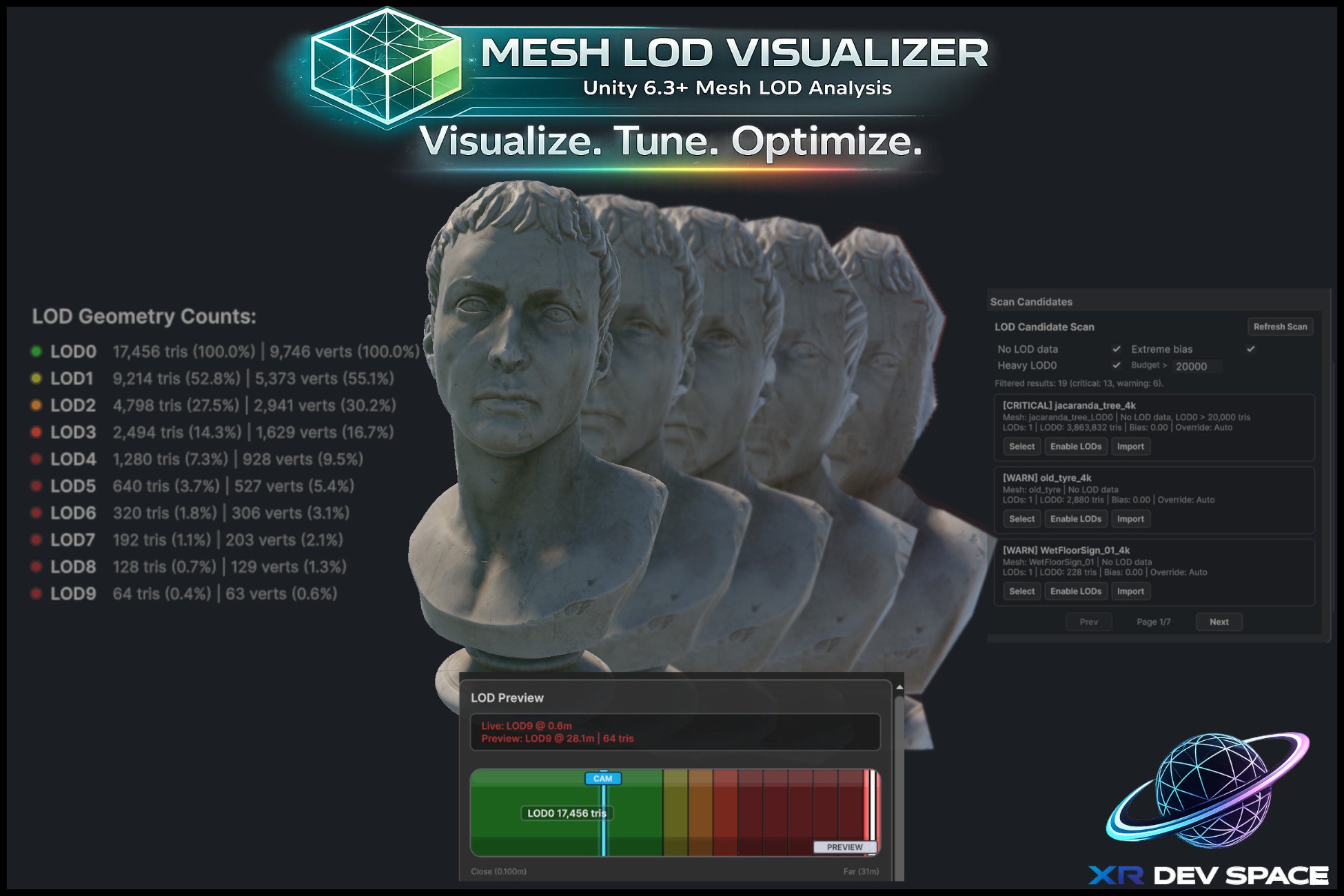
Mesh LOD Visualizer for Unity 6 is an Editor extension focused on practical LOD tuning workflows. It helps you inspect how Mesh LOD levels switch, preview transition distances, and compare camera-driven behavior in Scene and Game workflows.
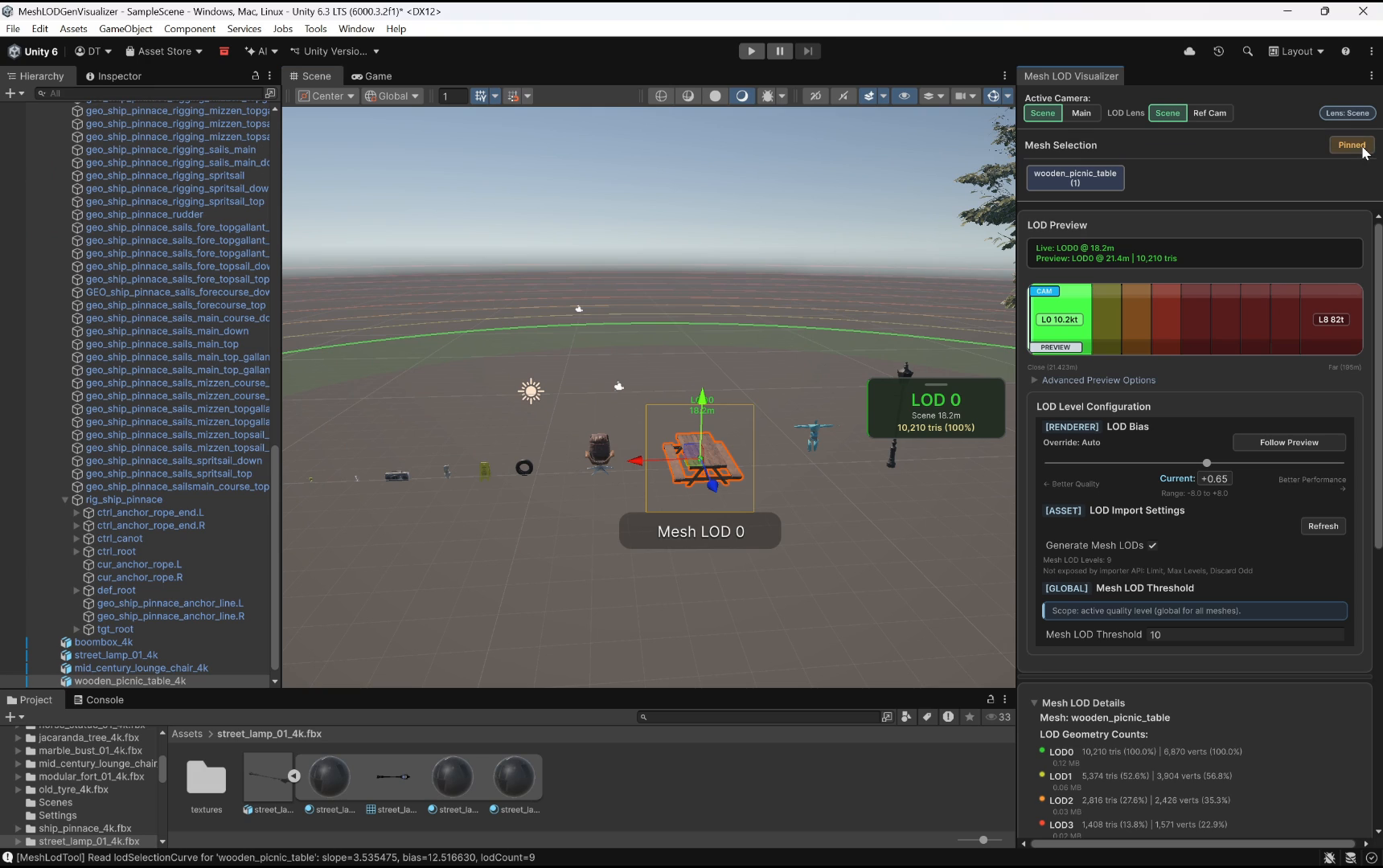
The tool provides a live LOD preview bar, scene monitor overlay, per-LOD triangle/vertex visibility, and direct controls for renderer bias and preview/override modes. New in 1.1: hierarchy LOD badges and scene-view markers identify every Mesh-LOD renderer at a glance, color-coded by the live active LOD, and a Mesh LOD Highlights Scene Overlay lets you toggle, refresh, and jump-to-next across the cache. The bundled demo also exposes the global Project Quality > LOD Threshold inline so transitions are visible at typical demo distances.
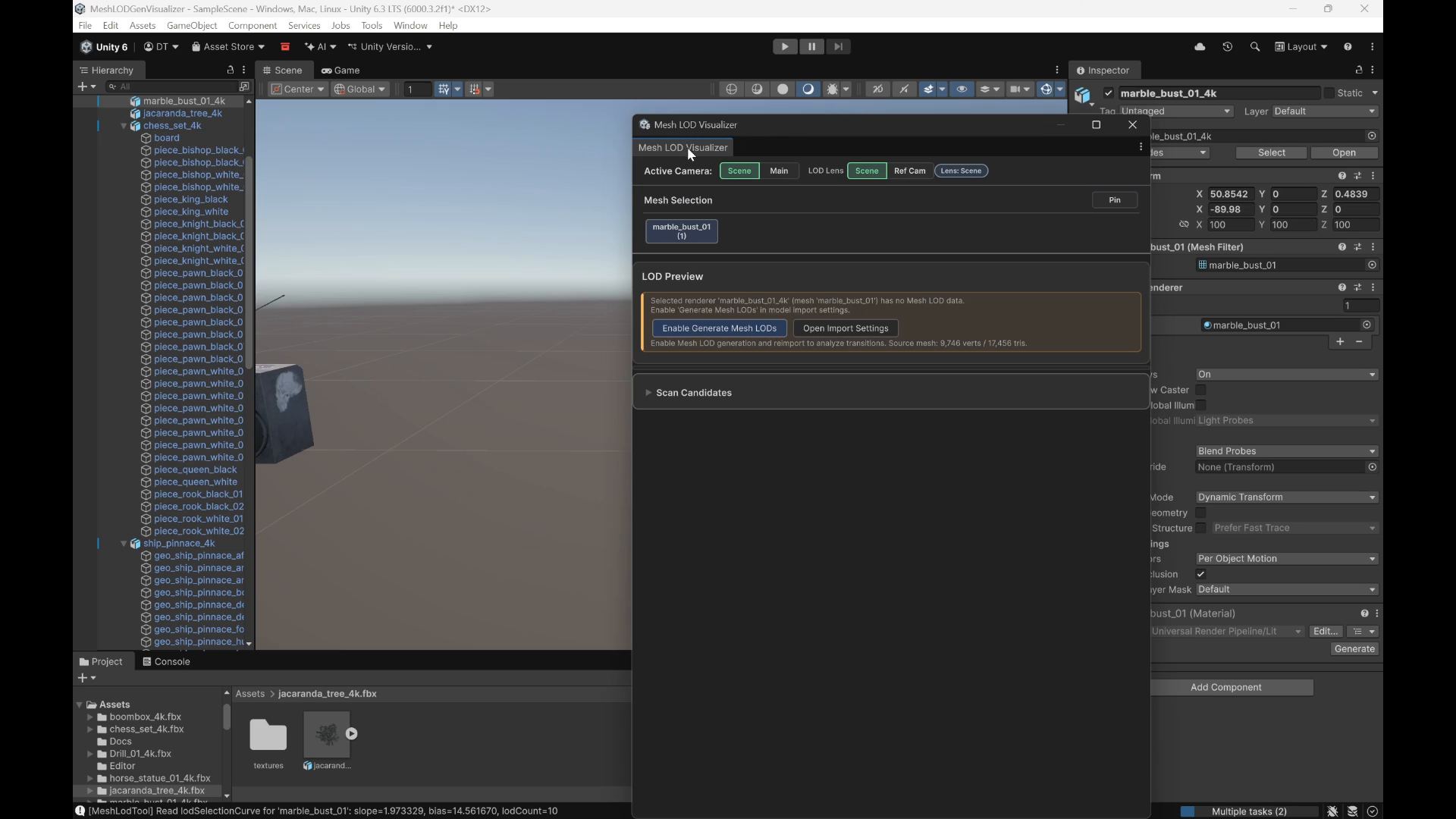
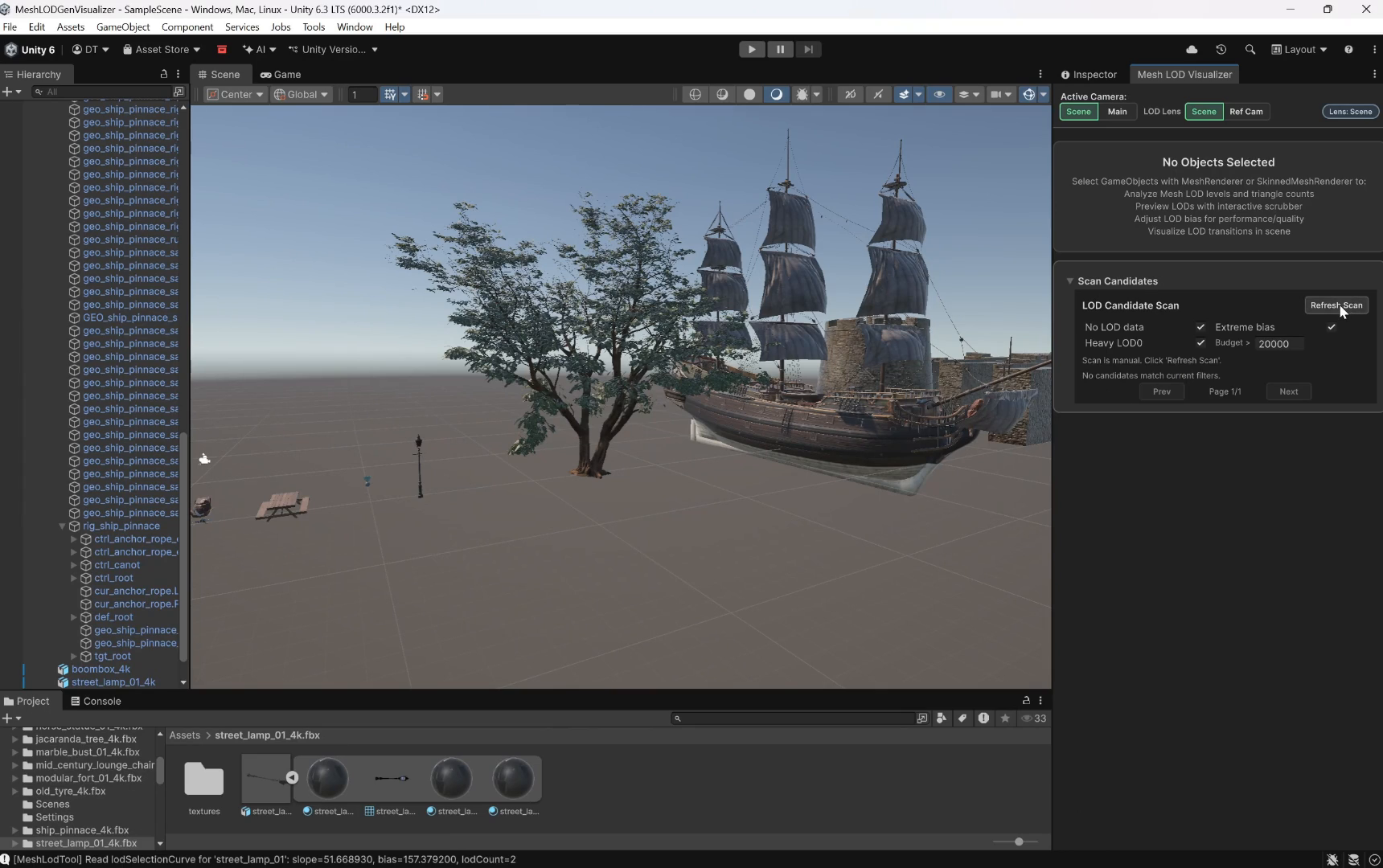
A candidate scan workflow lets you quickly find meshes with missing Mesh LOD data or heavy LOD0 budgets and jump straight to them for correction.
This package is built for technical artists and optimization workflows that need clear, repeatable LOD validation inside the Unity Editor.
From the publisher's Asset Store listing.
Technical details
- Unity version: 6000.2+ (Unity 6.2+ — Mesh LOD API).
- Type: Editor-only tool (no runtime dependency).
- Supported renderers: MeshRenderer, SkinnedMeshRenderer.
- Window path: Tools > Mesh LOD Visualizer > Open Visualizer.
Features:
- Live LOD preview/range scrubber with camera marker.
- Scene overlay monitor with compact HUD.
- Hierarchy LOD badges (Lx/N) on every Mesh-LOD GameObject, color-coded by live active LOD; click to ping/select.
- Scene-view LOD markers billboarded above each Mesh-LOD renderer; frustum-culled and capped at 200 visible per frame for large scenes.
- Mesh LOD Highlights Scene Overlay (Scene > Overlays) with toggles, renderer count, Refresh, and Jump-to-next.
- Persistent Visualization Settings toggles for badges and scene markers.
- Scene Camera / Main Camera lens workflows.
- Renderer LOD bias controls and preview follow/lock flow.
- Mesh LOD details (triangles, vertices, transition distances).
- Scan Candidates for missing LOD data and heavy LOD0 meshes.
- Demo overlay exposes QualitySettings.meshLodThreshold inline so transitions are visible at default project settings.
- Compatible with Built-in, URP, and HDRP editor workflows.
Limitation:
- Requires Unity Mesh LOD APIs introduced in Unity 6.2.
Compatibility
| Unity version | Built-in | URP | HDRP |
|---|---|---|---|
| 6000.3.11f1 | Compatible | Compatible | Compatible |
As listed on the Asset Store.