
 View on Asset Store (opens in new tab)
Package details
- Latest version
- 1.0.0
- Last updated
- First released
- Unity version
- 6000.0.37 or later
- Package size
- 2.0 MB
- Files
- 117
- Views in the past week
- 8
Price tracking
- Last checked
- Tracked since
- Lowest recorded
- $14.99 on
Keywords
Omni Console
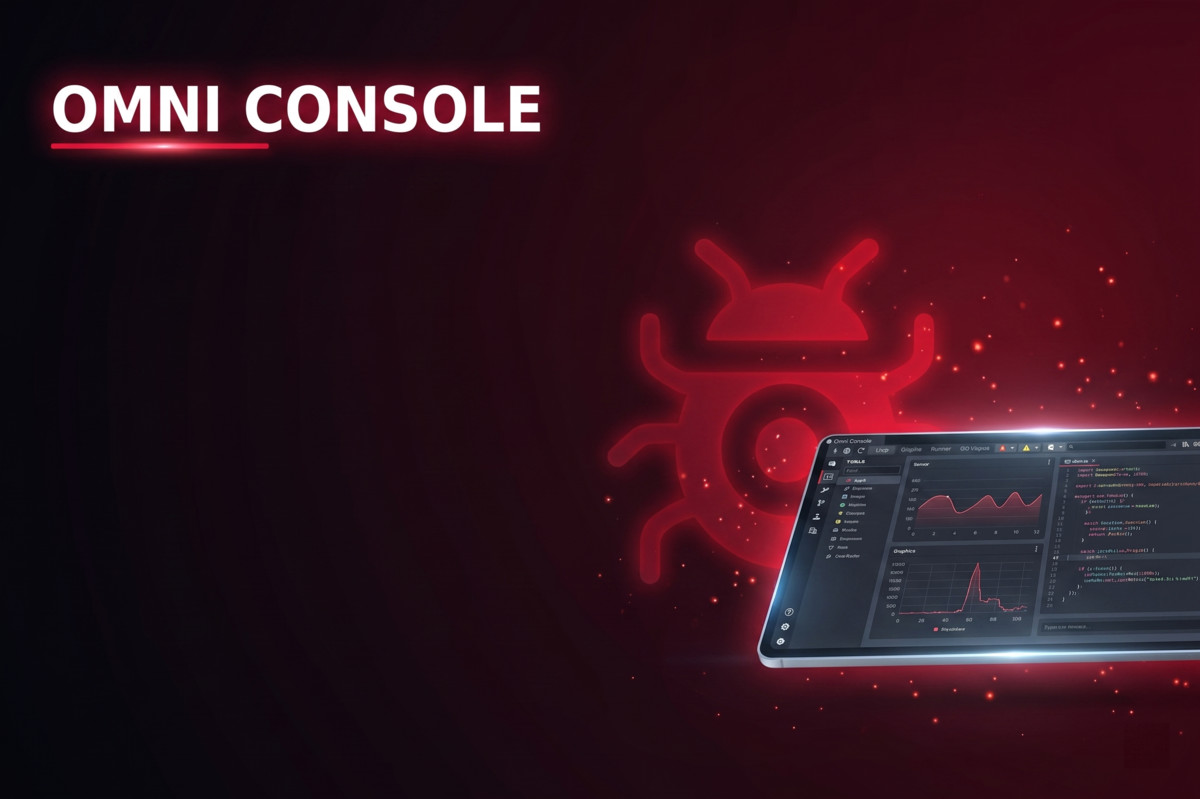
Power up your debugging with AI diagnostics, remote web monitoring, real-time graphing, and advanced filtering. The ultimate console replacement for professional Unity developers.
Affiliate link · Purchases support this site
Price history
Last 6 months
USDAsset preview
1 / 8
Omni Console screenshot 1
About this asset
OMNICONSOLE - THE DEFINITIVE AI-DRIVEN DEBUGGING SUITE
Stop just "viewing" logs. Start solving them.
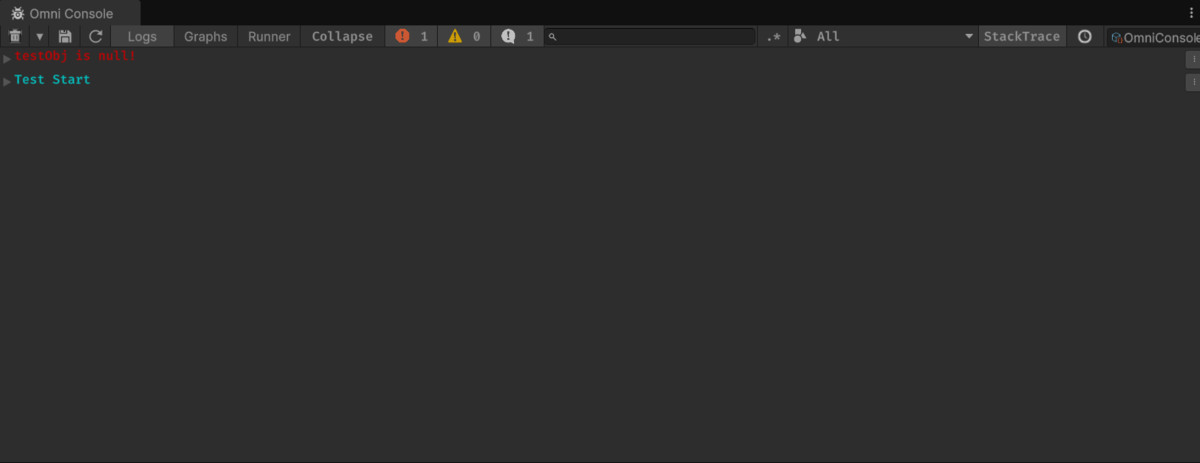
OmniConsole is a ground-up reimagining of the Unity Console, designed to transform your development workflow from a frustrating search for bugs into a streamlined, high-speed diagnostic experience. By combining industrial-grade filtering, real-time remote monitoring, and integrated AI diagnostics, OmniConsole is the only debugging tool you will ever need.
🤖 AI DIAGNOSTICS: THE FUTURE OF DEBUGGING
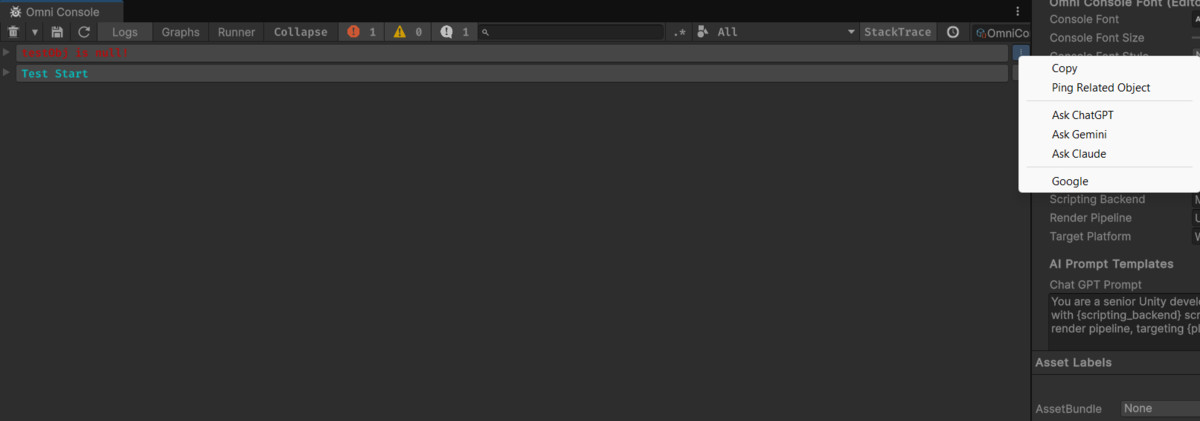
Tired of copy-pasting stack traces into a browser? OmniConsole integrates directly with ChatGPT, Gemini, and Claude.
• Right-click any error to get an instant, context-aware solution.
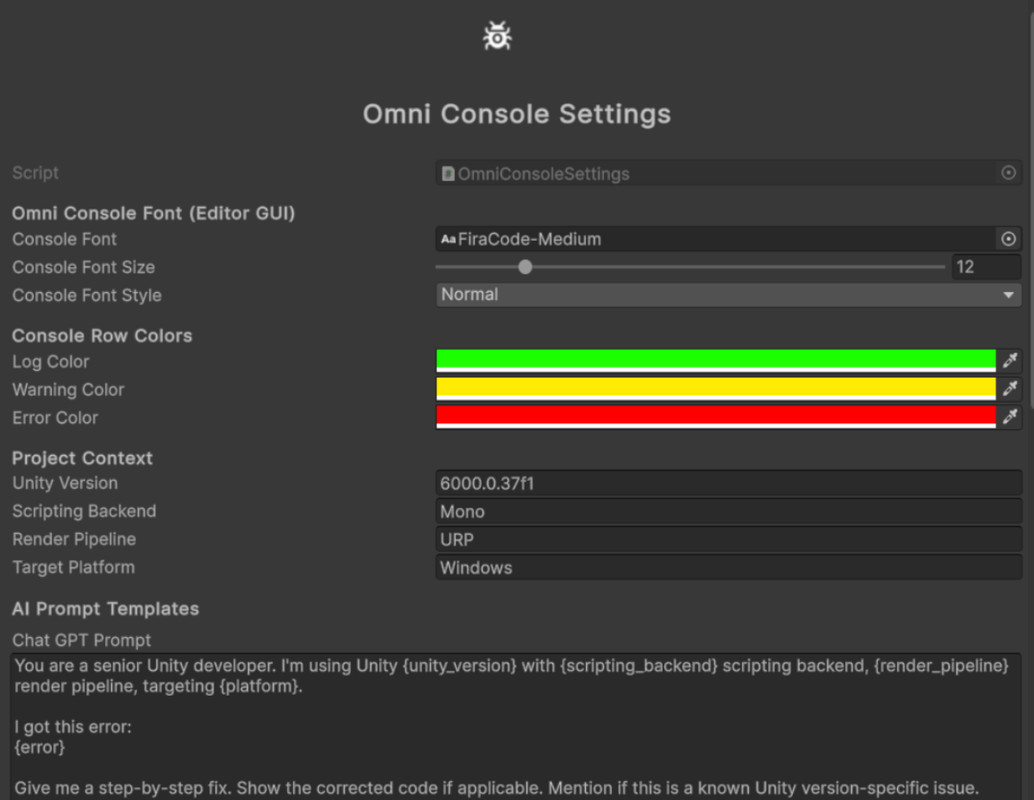
• Automatically sends Unity version, Render Pipeline, and Platform data for precise fixes.
• Receives corrected code snippets directly in your workflow.
🌐 REAL-TIME WEB DASHBOARD
Debug your mobile, standalone, or VR/AR builds globally without cables.
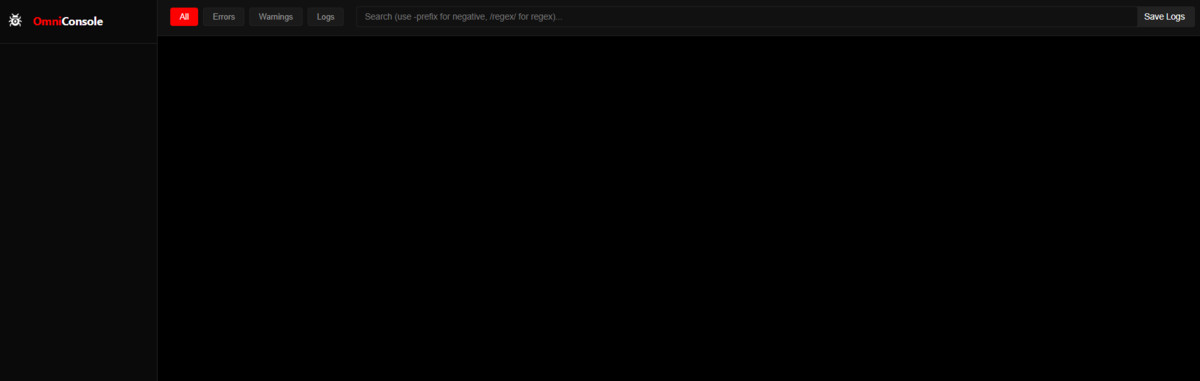
• Stream logs from Android, iOS, or PC builds directly to a modern web browser.
• Zero-cost deployment: Use our guide to host your dashboard for free on Netlify/Render.
• Monitor multiple sessions simultaneously with App Name and Version tracking.
⚡ THE ULTIMATE COMMAND CENTER
Don't write UI for debug tools. Use the console.
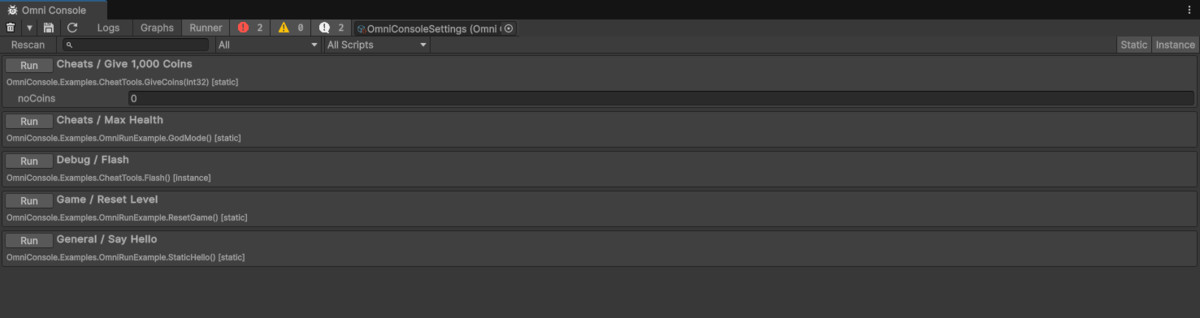
• OmniRun: Mark any C# method with [OmniRun] to execute it from the console UI.
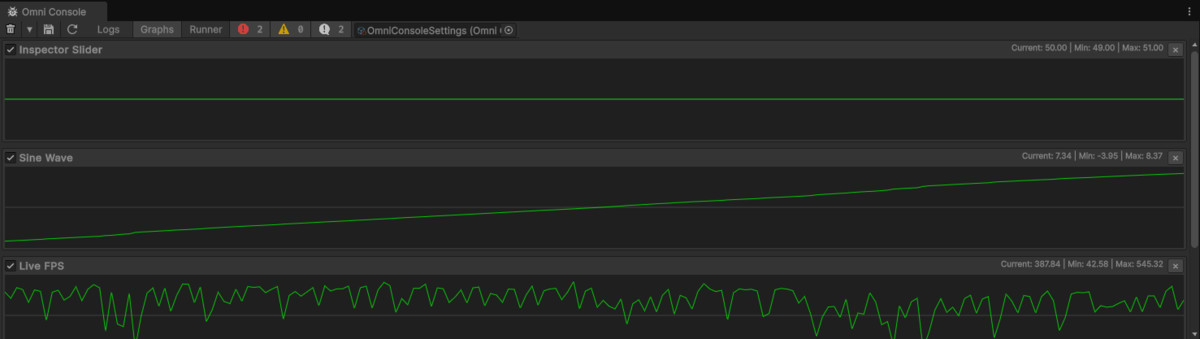
• Visual Graphing: Use Debugger.Watch to plot performance data (FPS, variables, physics) in real-time.
• Hierarchy Sync: Errors are visually flagged in the scene hierarchy for instant localization.
🎨 FULLY CUSTOMIZABLE & GENRE AGNOSTIC
Whether you are building a stylized 2D platformer, a complex VR simulation, or a massive 3D RPG, OmniConsole adapts to your needs.
• Themed Experience: High-contrast "Black & Red" design for reduced eye strain.
• Premium Typography: Includes JetBrains Mono, Fira Code, and Roboto Mono.
• ScriptableObject Driven: Configure every aspect of the console—from fonts to AI prompt templates—in a single asset.
From the publisher's Asset Store listing.
Technical details
-----------------------------------------------------------------------------------------------
CORE FEATURES:
-----------------------------------------------------------------------------------------------
- Advanced Filtering Engine: Full Regex support, negative keyword filtering (~Keyword), and directory-based scoping.
- AI Diagnostic Engine: Native integration for OpenAI, Google Gemini, and Anthropic Claude via URL schemes.
- Remote Web Console: Socket.io-based real-time dashboard (Full Node.js source included).
- Function Runner: Execute static or instance methods with support for Vector3, Color, and Enum parameters.
- Real-time Graphing: Auto-scaling multi-stream graphing for any numerical data.
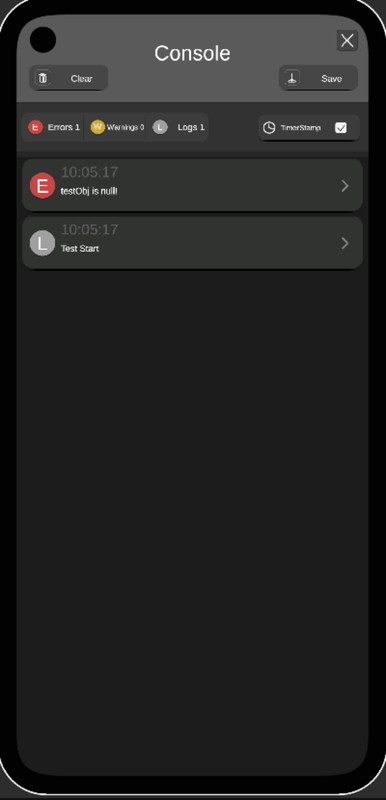
- Mobile Runtime Console: A lightweight, draggable UI Toolkit-based console for on-device debugging.
- Window Snapshots: Capture high-quality sRGB correct .png screenshots of any Editor Window.
- Live Logger: Real-time Markdown/Text mirroring of console output to local files for external editors.
- Auto-Color Rules: Keyword-based log coloring to categorize systems (e.g., [Network] = Blue) without code changes.
-----------------------------------------------------------------------------------------------
COMPATIBILITY:
-----------------------------------------------------------------------------------------------
- Unity Versions:
- Minimum: Unity 2022.3 LTS
- Recommended: Unity 6 (6000.0.37f1+)
- Render Pipelines:
- Built-in Render Pipeline
- Universal Render Pipeline (URP)
- High Definition Render Pipeline (HDRP)
- Operating Systems (Editor): Windows, macOS, Linux.
- Target Platforms (Runtime):
- PC / Mac / Linux
- Android / iOS
- VR / AR / MR (Quest, Vision Pro, OpenXR)
- WebGL
- Dependencies: Uses standard Unity namespaces (IMGUI, UI Toolkit, Reflection). No 3rd-party DLLs.
-----------------------------------------------------------------------------------------------
DOCUMENTATION & SUPPORT:
-----------------------------------------------------------------------------------------------
- 1500+ word HTML documentation included.
- 7+ Example scenes covering all logging, graphing, and runner features.
- Free updates for the lifetime of the product.
-----------------------------------------------------------------------------------------------
Developed with ❤️ by Red Glass Games.
-----------------------------------------------------------------------------------------------
Compatibility
| Unity version | Built-in | URP | HDRP | Custom |
|---|---|---|---|---|
| 6000.0.37f1 | Compatible | Compatible | Compatible | Compatible |
- Unity Versions:
- Minimum: Unity 2022.3 LTS
- Recommended: Unity 6 (6000.0.37f1+)
- Render Pipelines:
- Built-in Render Pipeline
- Universal Render Pipeline (URP)
- High Definition Render Pipeline (HDRP)
- Operating Systems (Editor): Windows, macOS, Linux.
- Target Platforms (Runtime):
- PC / Mac / Linux
- Android / iOS
- VR / AR / MR (Quest, Vision Pro, OpenXR)
- WebGL
As listed on the Asset Store.