
 View on Asset Store (opens in new tab)
Package details
- Latest version
- 1.0.0
- Last updated
- First released
- Unity version
- 6000.2.8 or later
- Package size
- 6.5 MB
- Files
- 89
- Favorites
- 56
- Views in the past week
- 43
Price tracking
- Last checked
- Tracked since
- Lowest recorded
- Free on
Keywords
CENSOR - Screen-Space Quantization and Refraction
"SSQR" for Non-Degenerate Rendering and μ-Rasterization via Per-Pixel, GPU-Accelerated Parallel Processing in Unity (URP).
Affiliate link · Purchases support this site
Price history
Last 6 months
USDAsset preview
1 / 6
CENSOR - Screen-Space Quantization and Refraction screenshot 1
About this asset
Are you pro-censorship? We are.
With CENSOR ("PRO-fessional Edition"), *you* can be, too.
⚠️ ** See it in action!
🔗 Try the realtime, WebGL Demo.
^ WARNING: Somewhat censored/pixelated/blurred content.
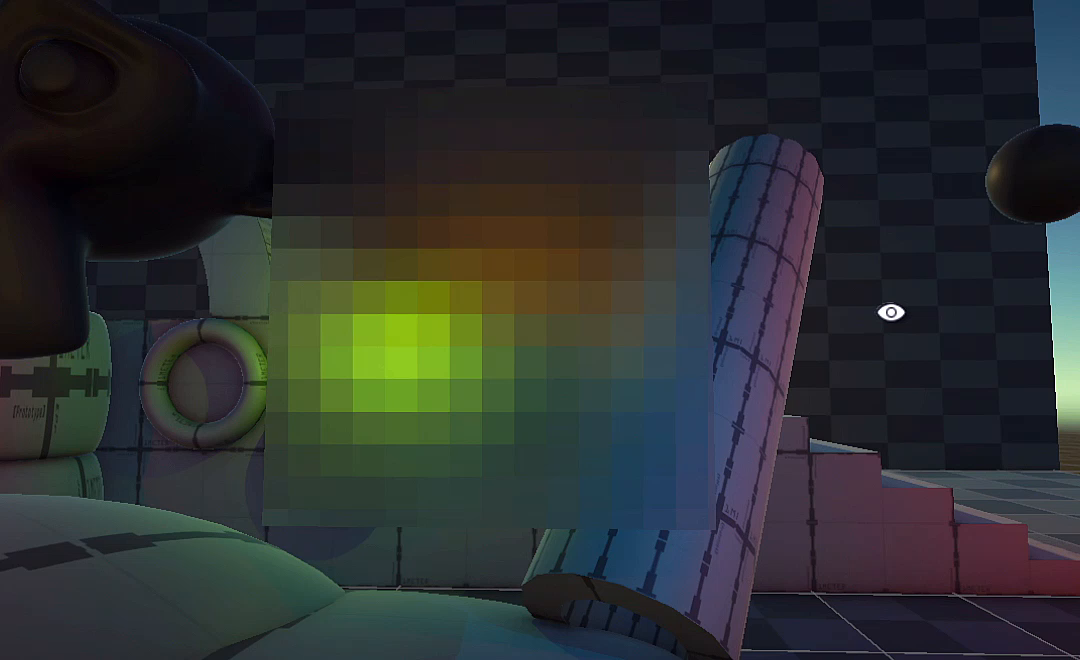
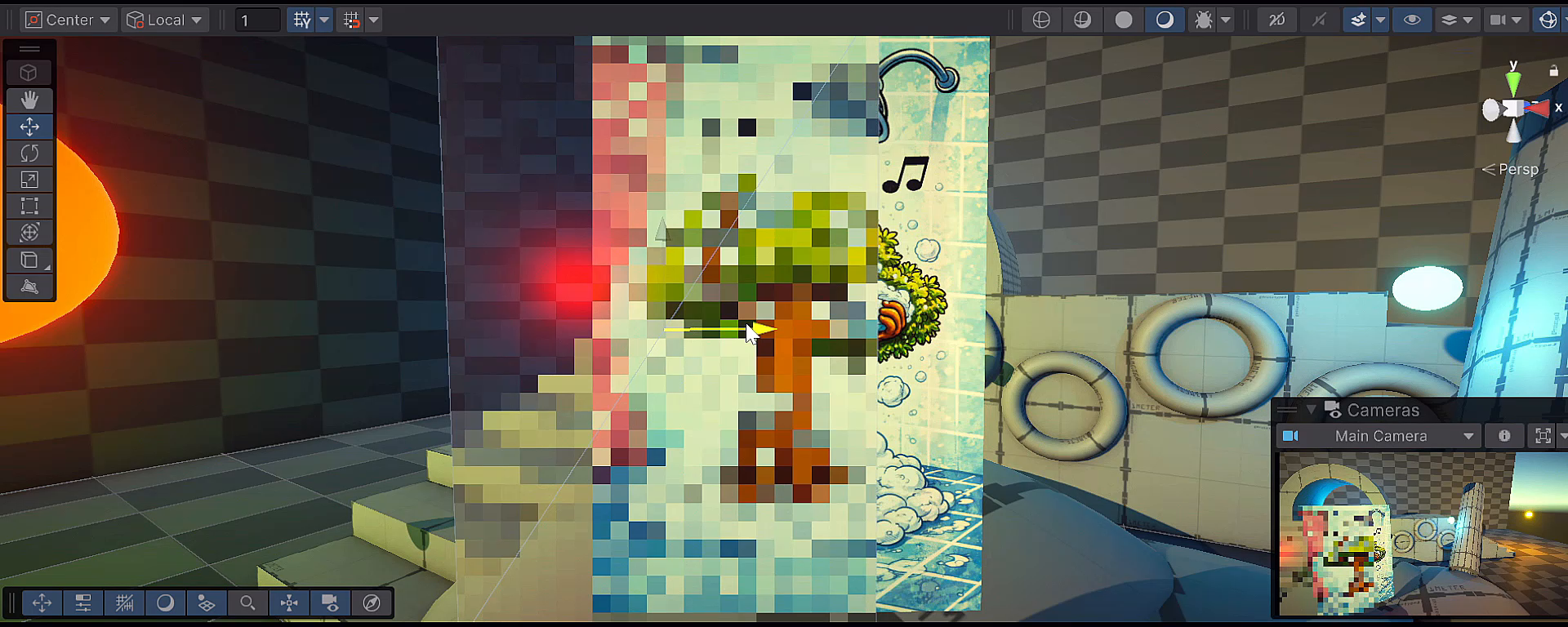
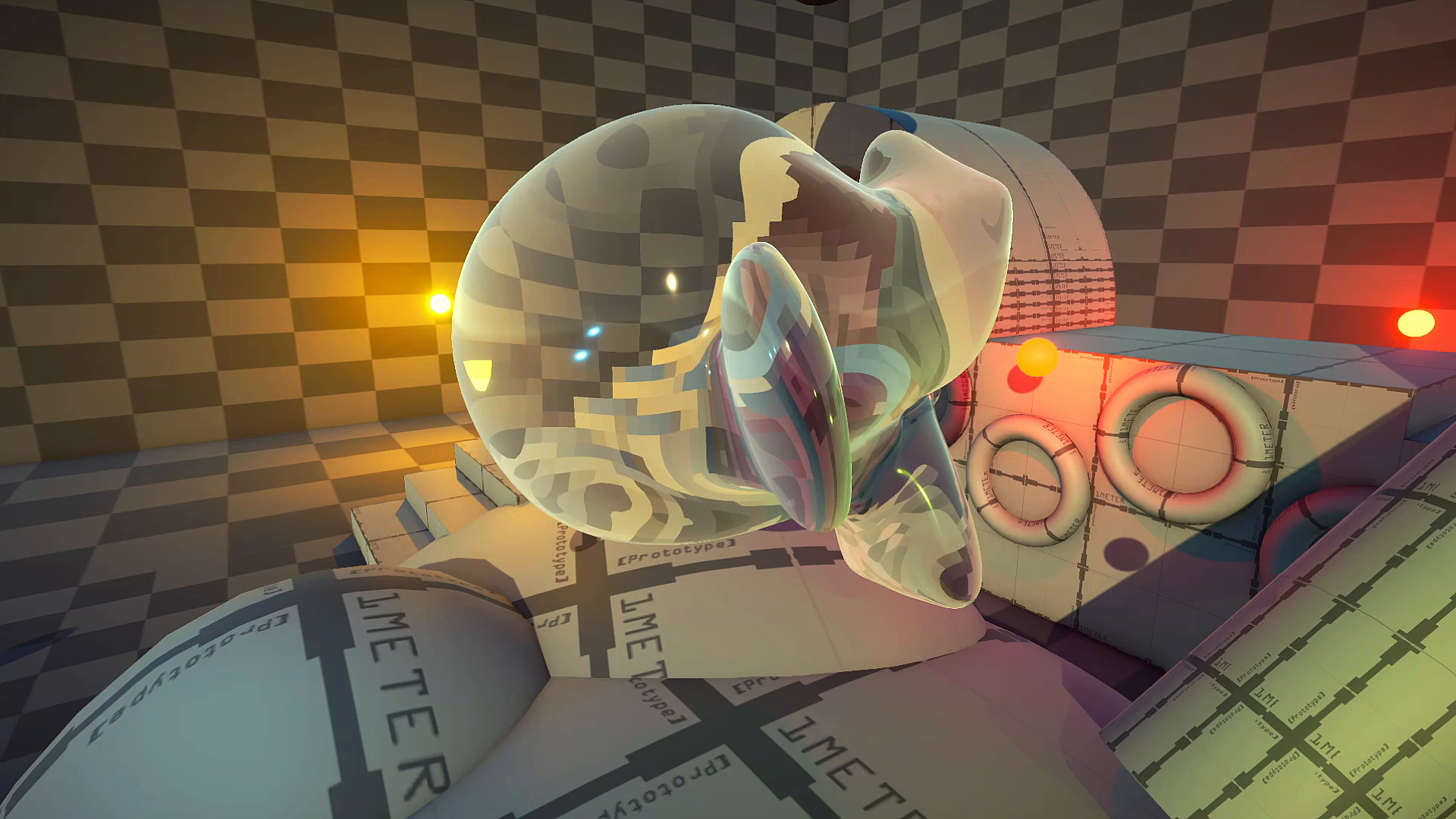
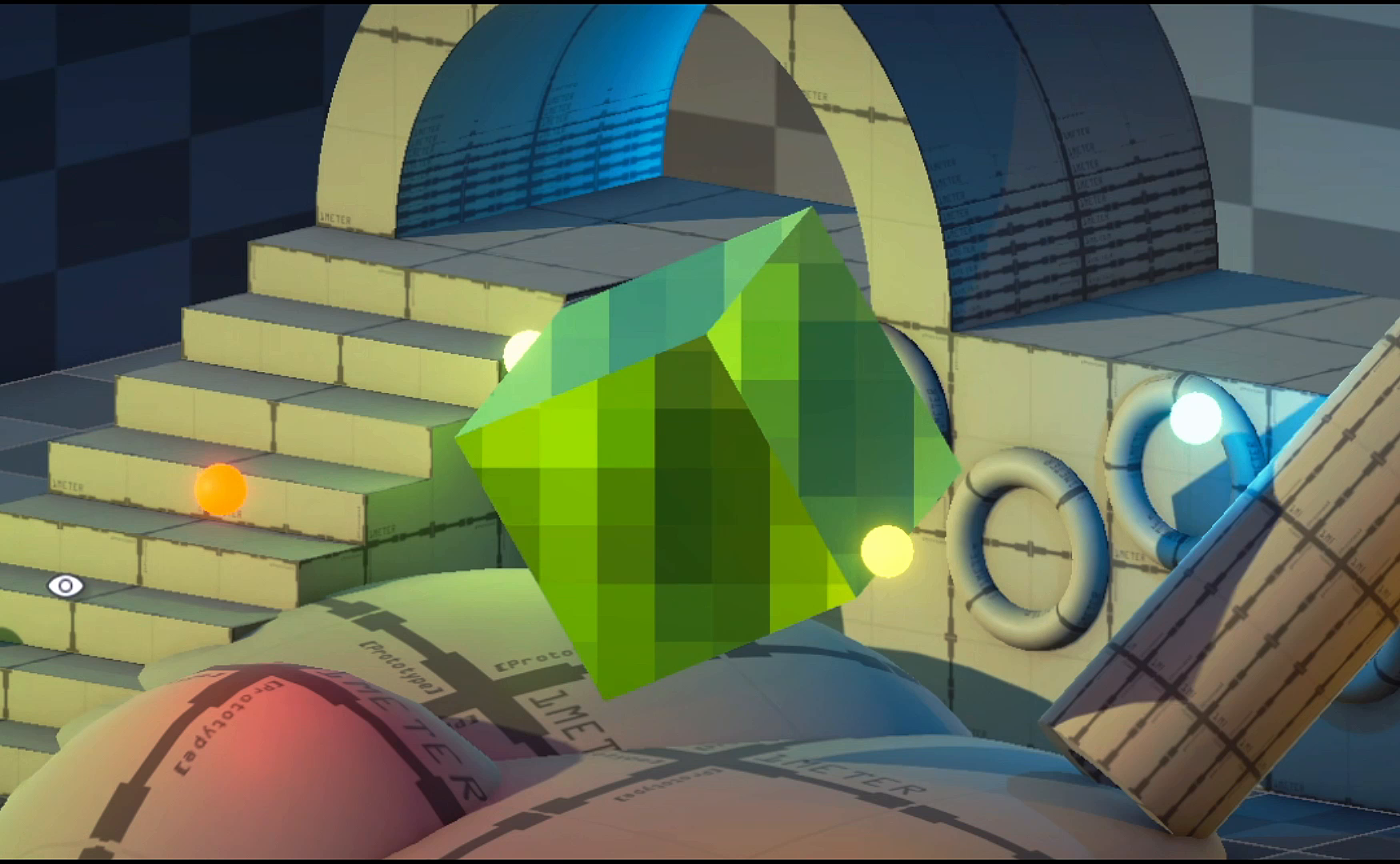
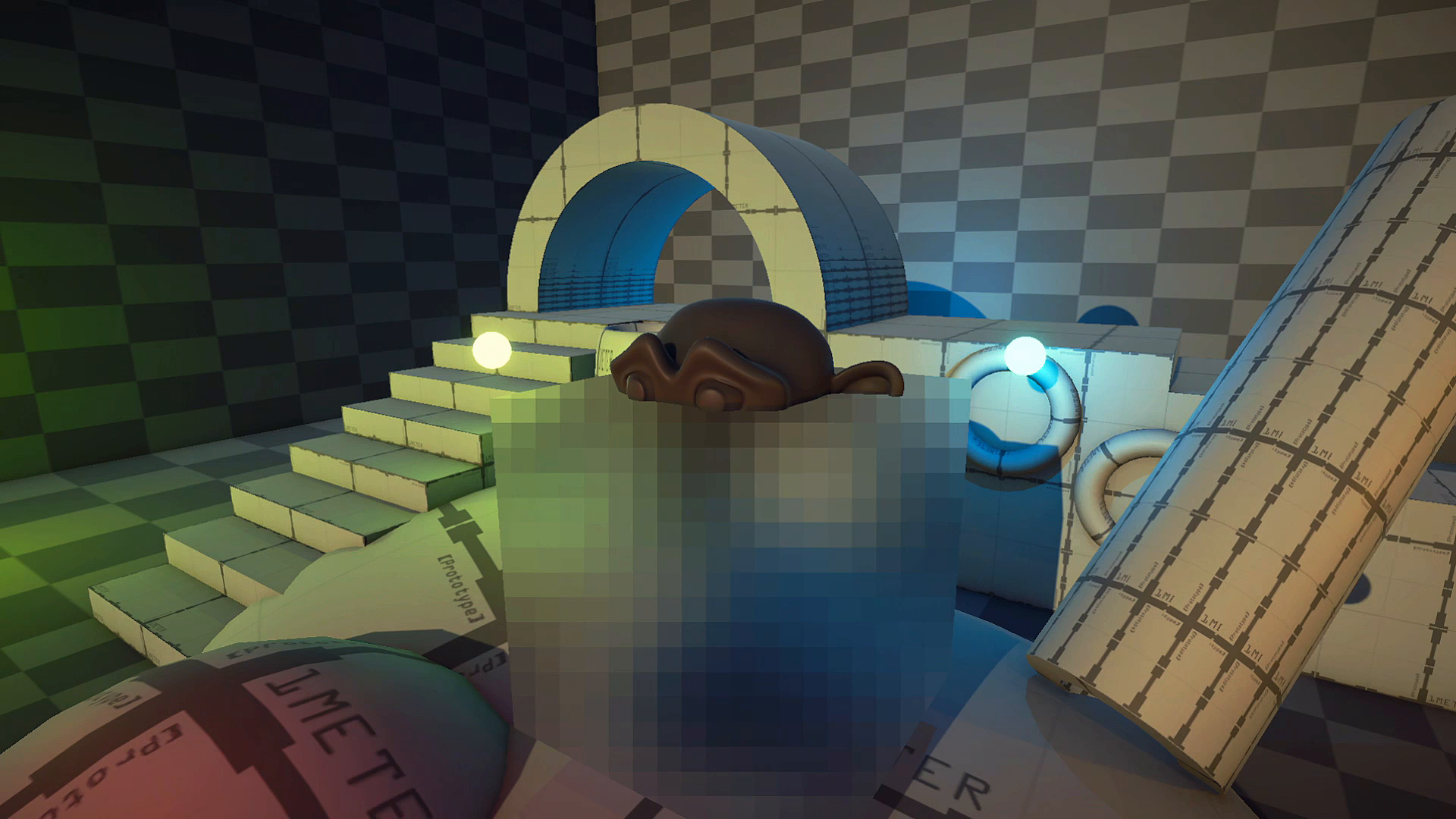
> It's a pixelated glass and blur + censorship shader (visual effect).
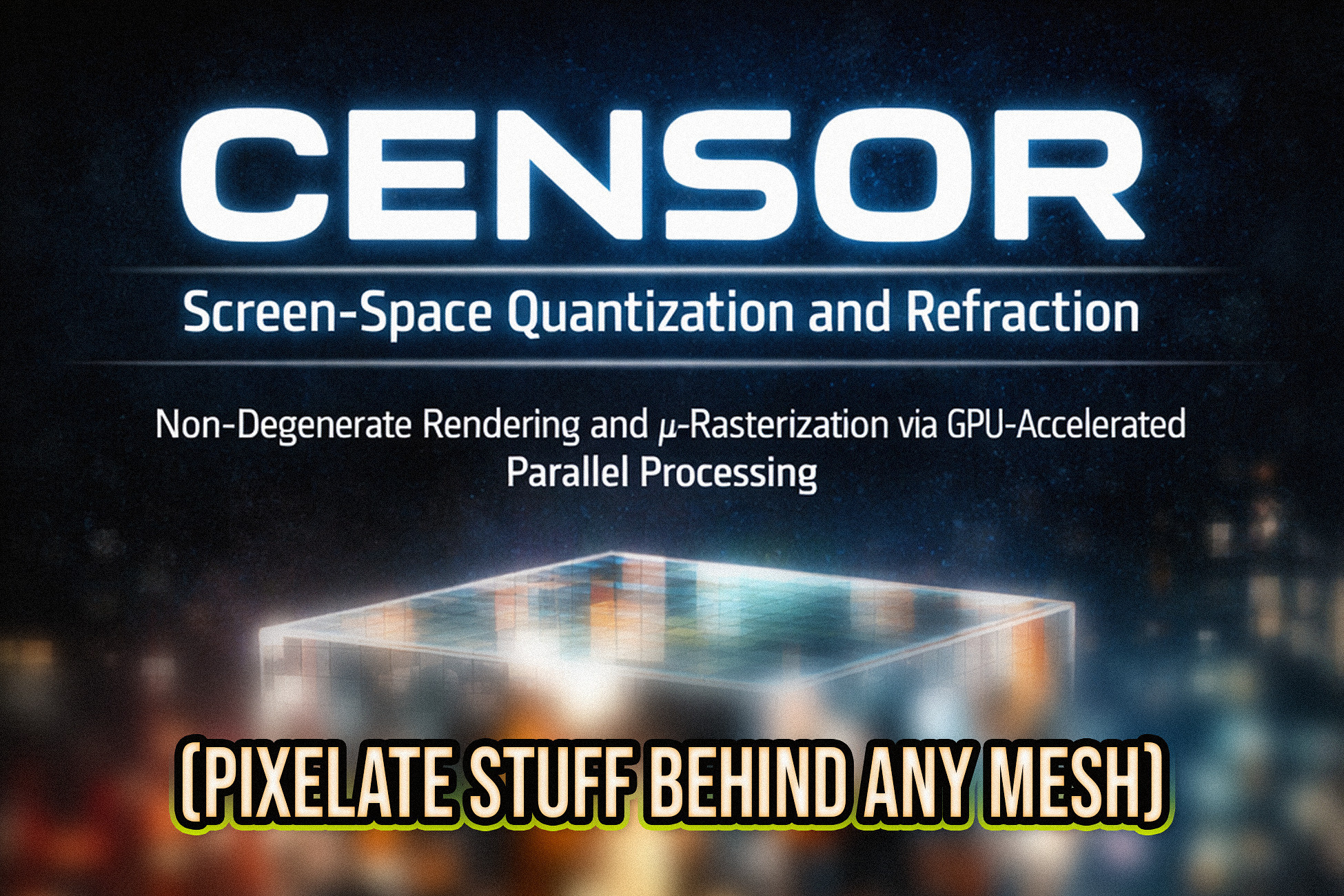
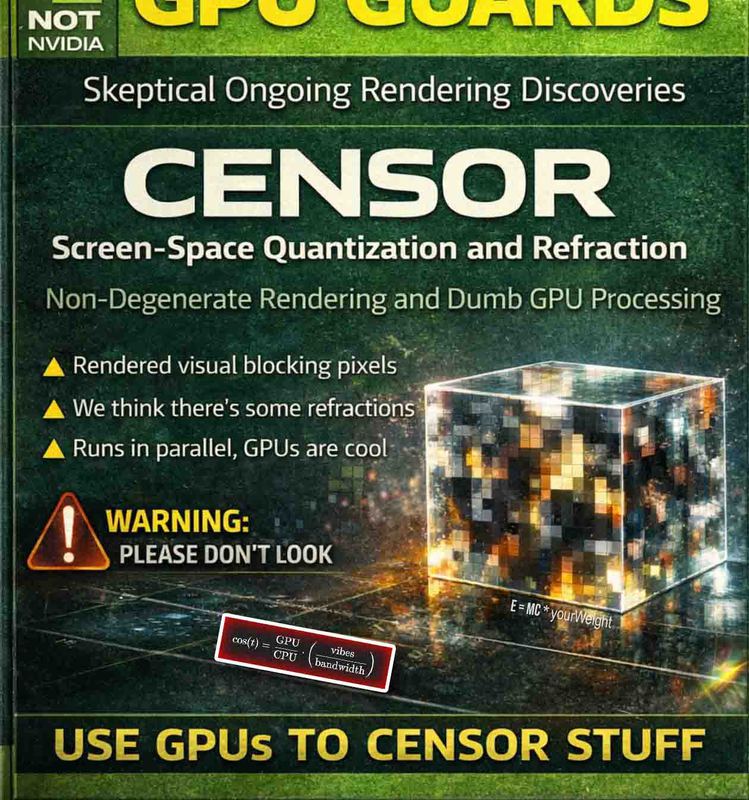
-- Read the satirical 'paper' (article) about this asset and technique.
Apply it to meshes like squares and disable refraction for a pixelating censor effect. Or, use it as an actual straightforward glass shader with complex meshes, by turning up the resolution (no performance cost for higher resolutions).
🎉 It's fast, and works on desktop, mobile, and WebGL.
(Just make sure to enable Opaque Texture rendering.)
Happy censoring!
---
Use the shader with any material, it's self-explanatory.
Adjust the resolution (aka: steps, quantization scale).
> increase/decrease pixelation.
Adjust refraction strength to increase/decrease glass-like distortion.
-- Refraction can be scaled by distance, for relative quantization.
If you supply a global _CameraBlurTexture, you can use the toggle.
From the publisher's Asset Store listing.
Compatibility
| Unity version | Built-in | URP | HDRP |
|---|---|---|---|
| 6000.2.8f1 | Not listed | Compatible | Not listed |
As listed on the Asset Store.