
 View on Asset Store (opens in new tab)
Package details
- Latest version
- 1.1.0
- Last updated
- First released
- Unity version
- 6000.3.5 or later
- Package size
- 745 KB
- Files
- 79
- Favorites
- 39
- Views in the past week
- 133
Price tracking
- Last checked
- Tracked since
- Lowest recorded
- Free on
Keywords
realvirtual.io MCP Server
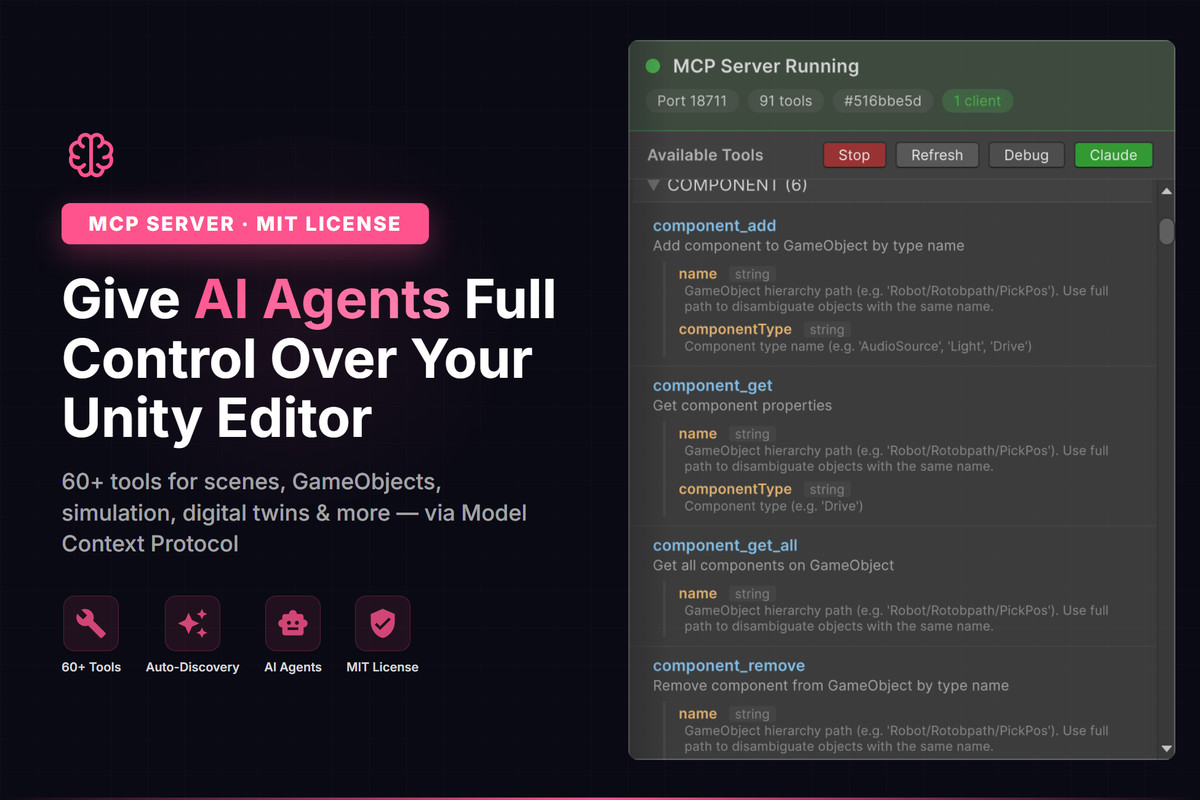
Give AI agents full control over your Unity Editor. 60+ MCP tools for scenes, GameObjects, simulation, digital twins & more. Works with Claude, Cursor & any MCP client.
Affiliate link · Purchases support this site
Price history
Last 6 months
USDAsset preview
1 / 3
realvirtual.io MCP Server screenshot 1
About this asset
realvirtual MCP Server brings the Model Context Protocol (MCP) to Unity, allowing AI agents to interact directly with your Unity Editor.
With 60+ pre-configured tools, AI agents can create and modify scenes, manage GameObjects, control transforms, handle physics, work with materials, and much more — all through natural language.
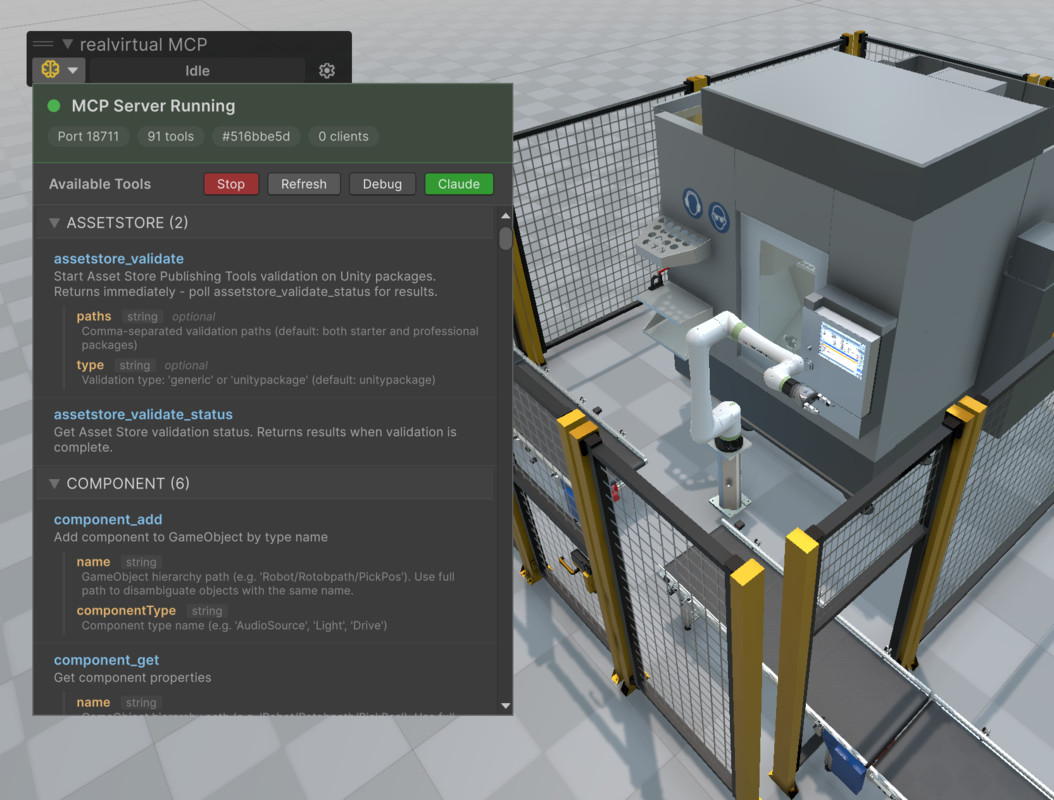
The server runs as a WebSocket server inside Unity and is fully domain reload safe. Setup takes just one click: open the MCP Server window and start the server.
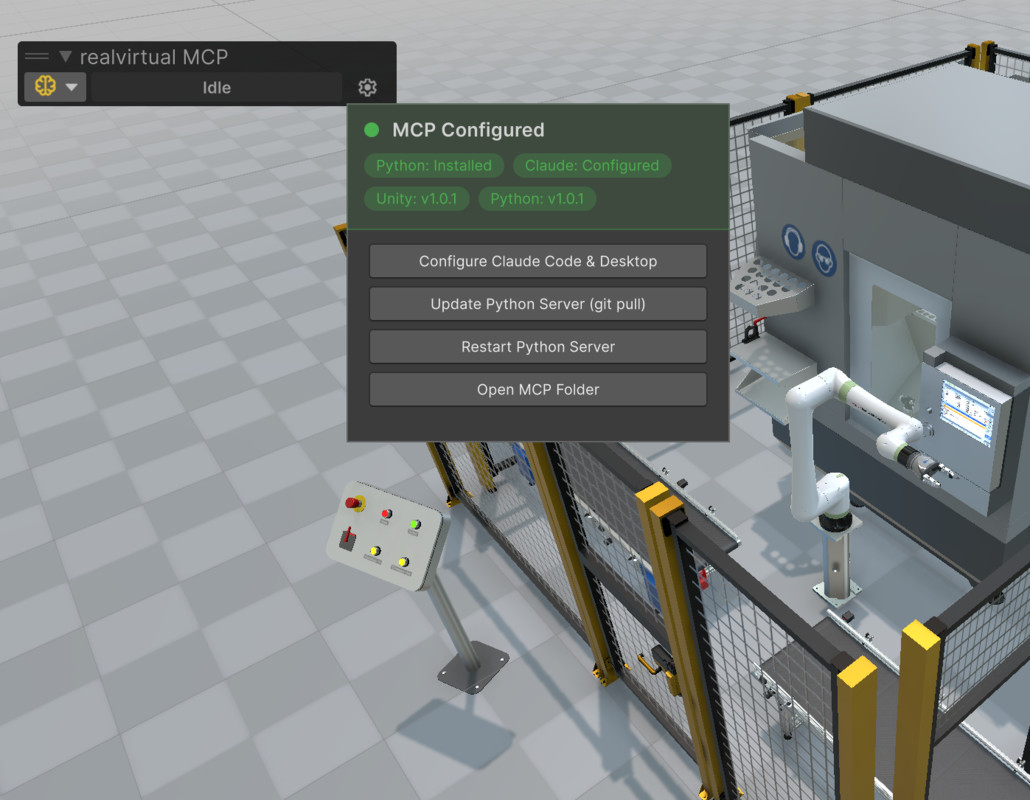
The package includes an embedded Python 3.12 runtime — no system Python installation required. A Python MCP bridge forwards AI agent tool calls over WebSocket to Unity. The bridge can be downloaded directly from the Unity toolbar popup.
For the Python MCP server source and documentation, visit: https://github.com/game4automation/realvirtual-MCP
Extend the tool set with a single line of code: just add the [McpTool] C# attribute to any method — no Python, no external scripts needed.
Built for industrial digital twins and simulation: includes tools for drives, sensors, signals, and robot inverse kinematics via the realvirtual.io framework.
Fully open source under the MIT License.
Requires Unity 6000.0 or later. Git must be installed for downloading the Python bridge.
From the publisher's Asset Store listing.
Technical details
• 60+ pre-configured MCP tools for scenes, GameObjects, transforms, physics, materials, lighting, audio, navigation & more
• One-click setup: open MCP Server window, click Start
• Works with Claude, Cursor, and any MCP-compatible AI client
• WebSocket server — domain reload safe, runs inside Unity Editor
• One-line extensibility: add [McpTool] C# attribute to create custom tools instantly
• Auto-discovery of all [McpTool] attributed methods — zero Python needed
• Digital twin support: drives, sensors, signals & robot inverse kinematics
• Full Unity 6 support (requires Unity 6000.0+)
• MIT License — free & open source
Compatibility
| Unity version | Built-in | URP | HDRP | Custom |
|---|---|---|---|---|
| 6000.3.5f1 | Compatible | Compatible | Compatible | Compatible |
As listed on the Asset Store.