
 View on Asset Store (opens in new tab)
Package details
- Latest version
- 1.7
- Last updated
- First released
- Unity version
- 2022.3.62 or later
- Package size
- 117.1 MB
- Files
- 366
- Favorites
- 40
- Views in the past week
- 52
Price tracking
- Last checked
- Tracked since
- Lowest recorded
- $7.50 on
Keywords
- Search for character movement
- Search for first person controller
- Search for First Person
- Search for cinemachine
- Search for FPS Movement
- Search for legacy input
- Search for player controller
- Search for Character Controller
- Search for Modular
- Search for walking simulator
- Search for New Input System
- Search for FPS
MFPC - Modular First Person Controller
- Price drop
MFPC is a modular, production-ready first person controller, built for flexibility, clean integration, and Cinemachine workflows — without forcing animation systems, UI, or rigid architecture.
Lowest in 6 months
Get 20% off on Asset Store (opens in new tab)Affiliate link · Purchases support this site
Price history
Last 6 months
USDAsset preview
1 / 15
MFPC - Modular First Person Controller screenshot 1



About this asset
MFPC – Modular First Person Controller
MFPC is a clean, modular, production-ready first person controller for developers who want full control over their projects — not a rigid framework.
Designed around Cinemachine and modern Unity workflows, MFPC provides responsive movement, polished camera presentation, optional gameplay modules, and clean extension points while remaining independent from animation systems, UI, networking, or project-specific architecture.
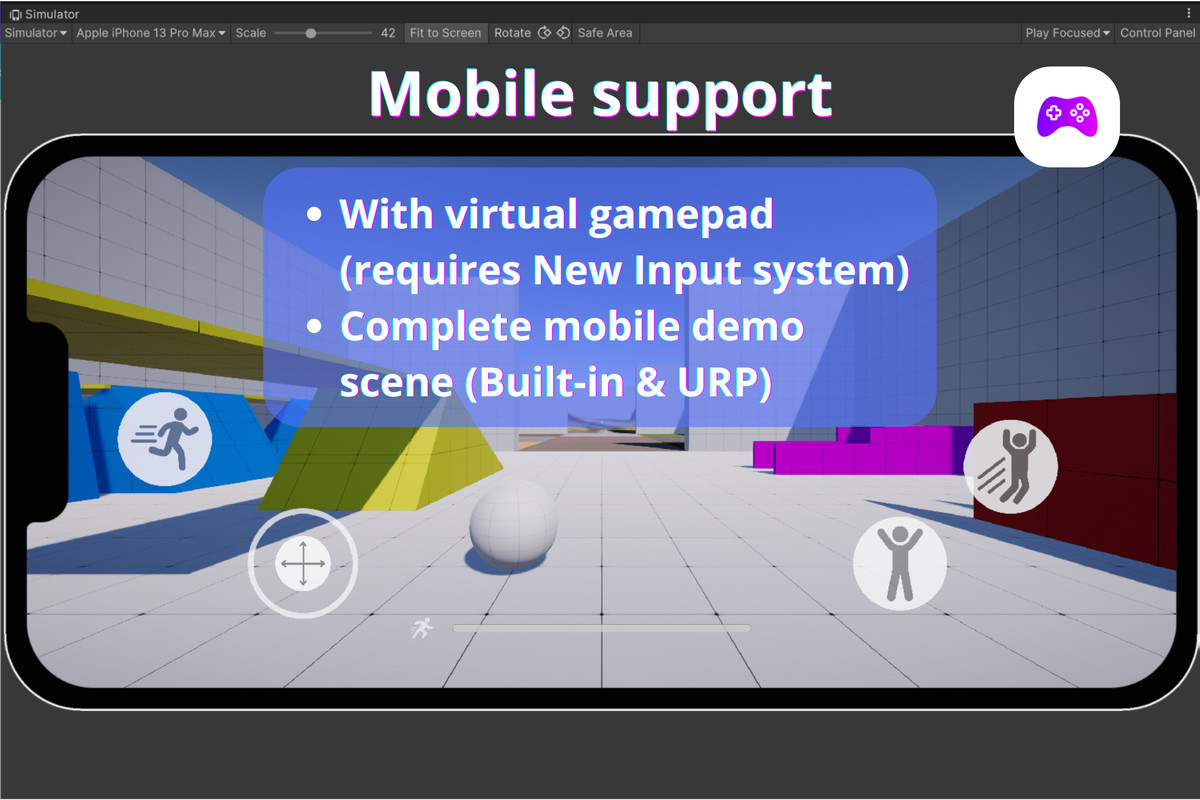
MFPC supports both desktop, gamepad and mobile workflows. A complete mobile demo scene using Unity's New Input System and On-Screen Controls is included for touch-based projects.
Whether you're building an FPS, immersive sim, horror game, walking simulator, or narrative experience, MFPC gives you a solid first-person foundation that integrates cleanly into existing projects instead of forcing you to adapt to it.
Controller-first, not demo-first.
Take a look at the WebGL demo, documentation, roadmap, youtube tutorials and join the discord server!
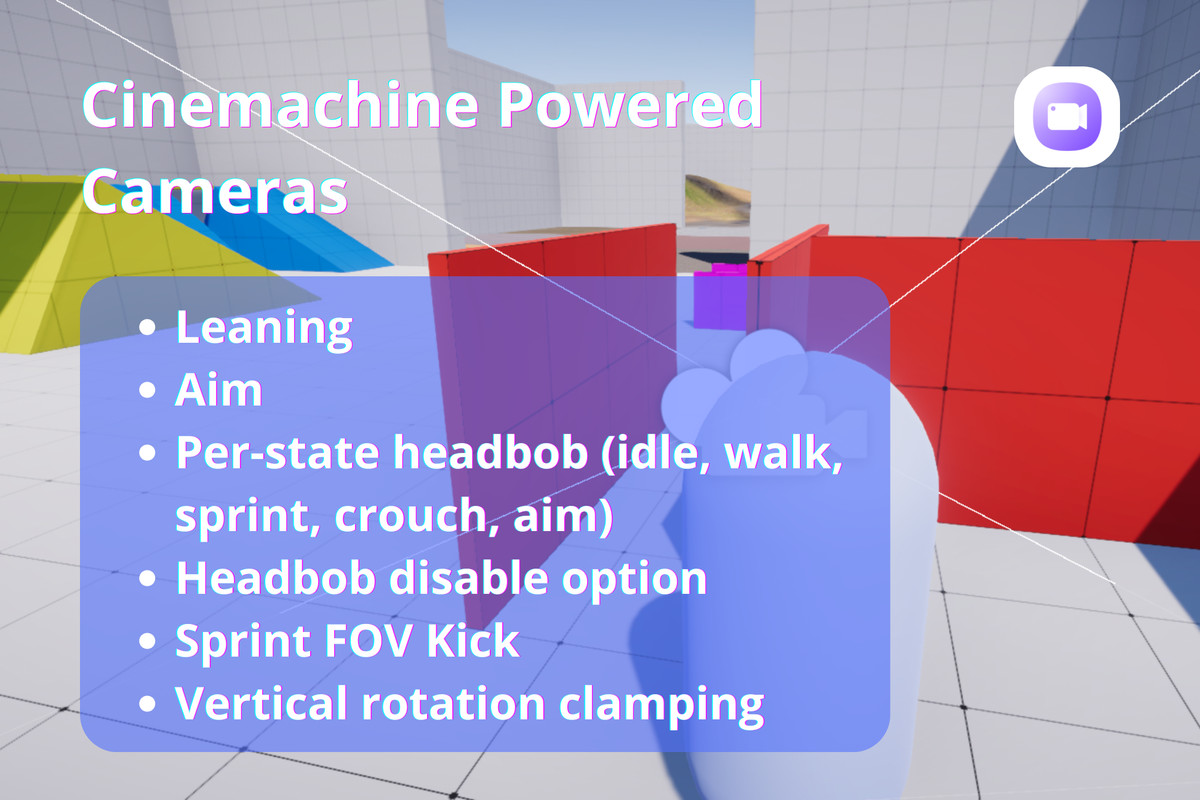
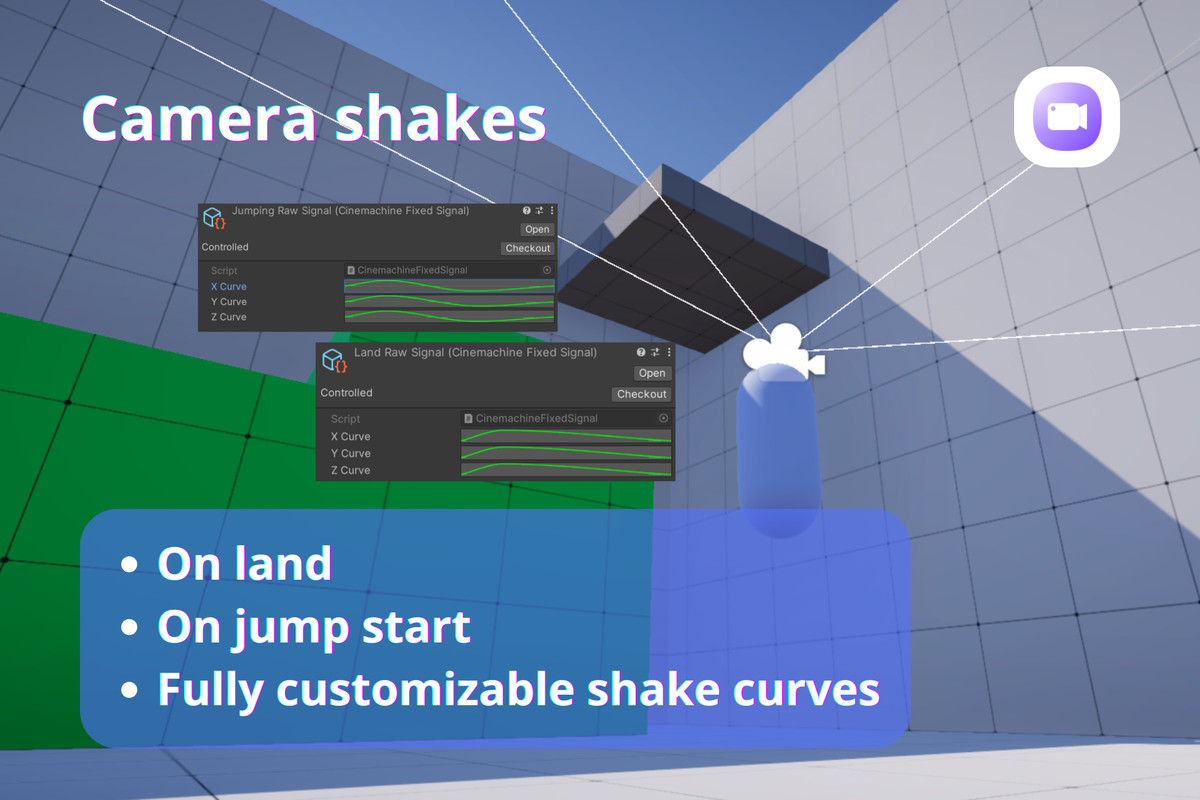
Camera System (Cinemachine-based)
MFPC is built around Cinemachine, not custom camera math.
- Virtual Camera setup for: idle, walk, sprint, crouch, aim
- FOV kick on sprint (via Virtual Camera swap)
- Headbob via Cinemachine Noise (no custom scripts)
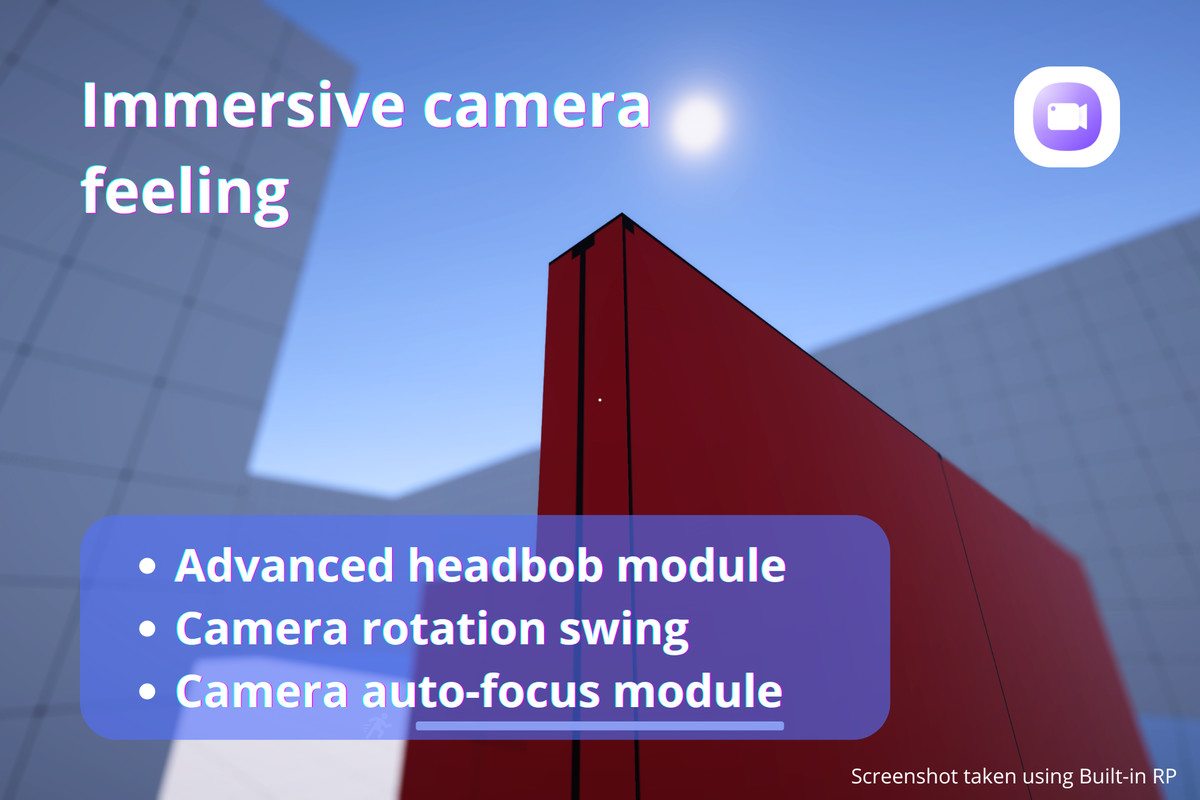
- Optional advanced Headbob module
- Automatic Depth-of-Field focus
- Camera swing while turning
- Custom camera blends for smooth transitions
- Lean-based camera roll (Dutch)
- Camera tilt feedback on slopes
- Separate aim camera variants
- Clean integration with camera stacks
- Simplified pause system
Optional module:
Disable headbob/noise globally (no need to edit cameras manually)
All camera behavior is visual and editable — no black-box scripts.
Movement & Player State
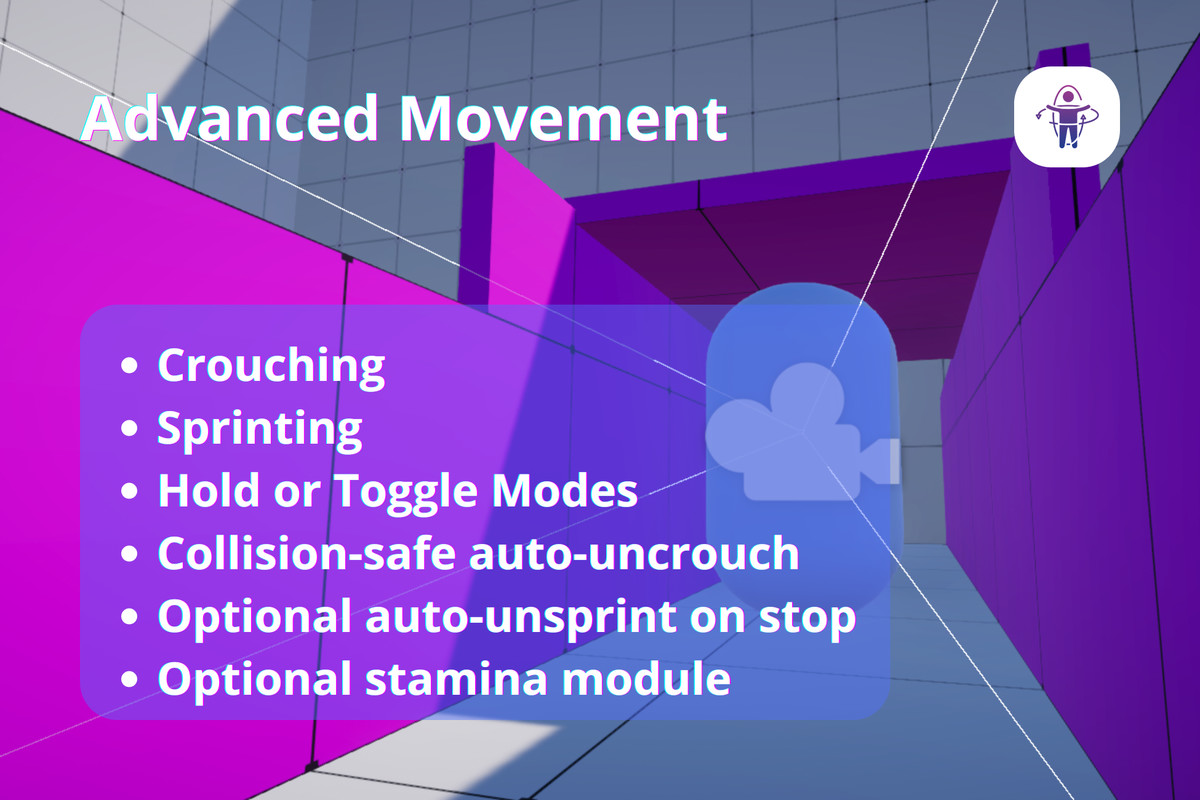
- Walk, Sprint, Crouch, Jump, Aim, Lean
- Hold or Toggle modes (configurable)
- Forward-only sprint restriction
- Collision-safe auto-uncrouch
- Optional auto-unsprint when stopping movement (toggle mode)
- Optional advanced slope handling
- Optional steep slope sliding
- Optional movement acceleration (smoothed movement in and out)
- Optional parentless platform follow system (both for translation, rotation and velocity inheritance)
- Physics interactions with environment
- Simplified pause system
Movement is predictable, tweakable, and free from hidden behavior.
Input Systems
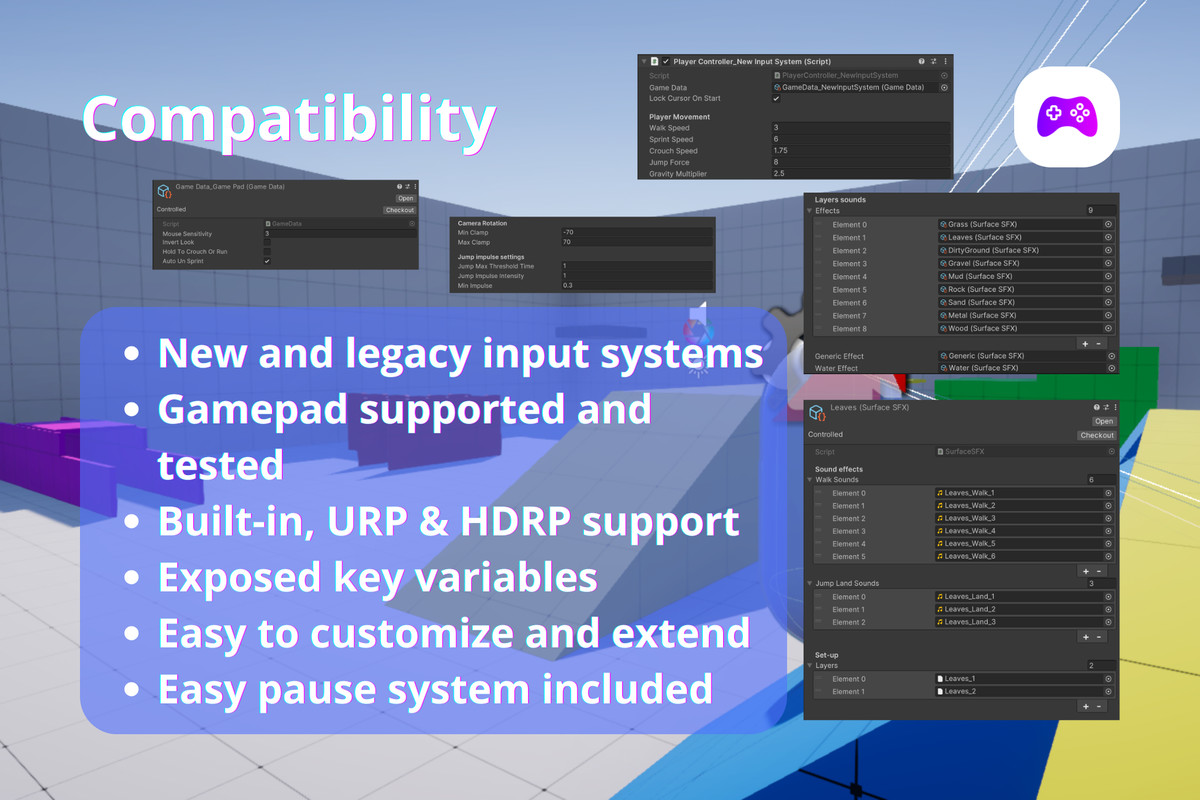
- Legacy Input System controller
- New Input System controller
- Mouse + keyboard support
- Gamepad support (tested with multiple controllers)
- Mobile touch controls (New Input System only)
- Sensitivity parity between input systems
- Frame-rate independent mouse smoothing
- No need to rewrite gameplay logic when changing input workflows
No need to rewrite gameplay logic when changing input workflows. The included mobile demo scene uses Unity's New Input System and On-Screen Controls. Mobile support is therefore available when using the New Input System controller.
Animation & Events (Optional Modules)
MFPC does not require an Animator — but integrates seamlessly with one.
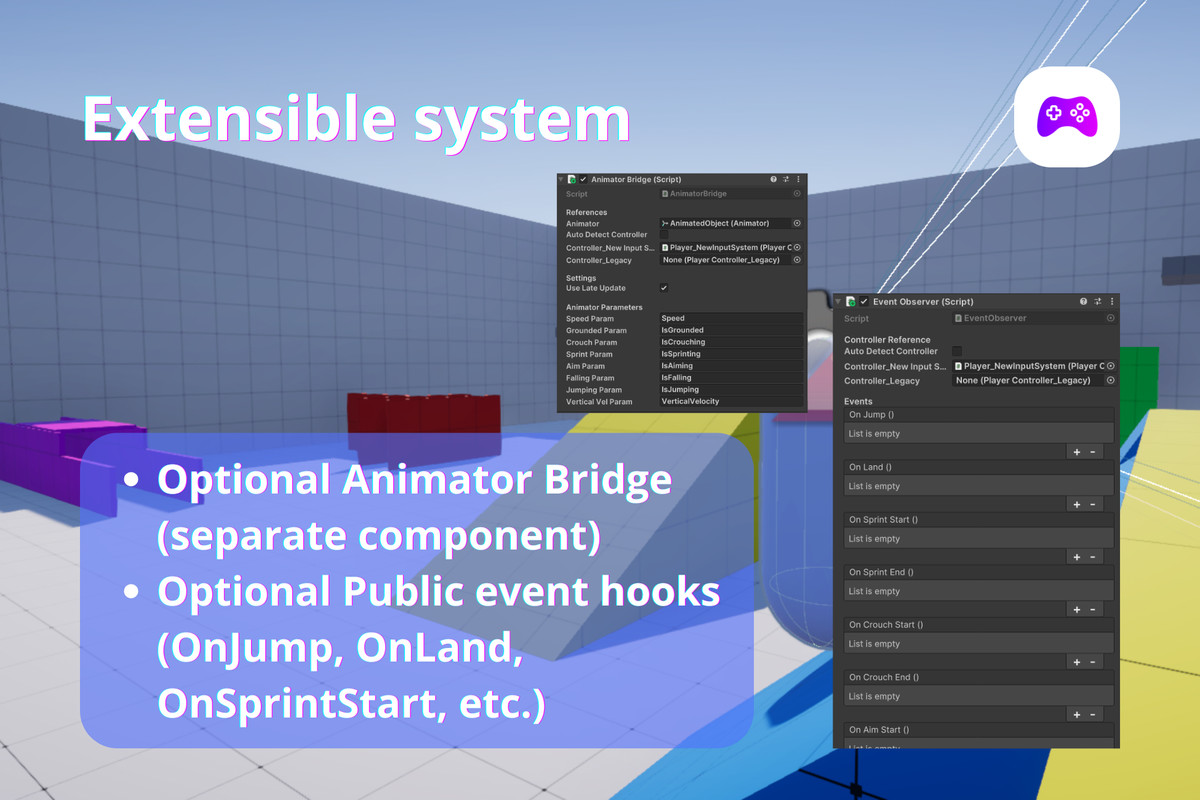
AnimatorBridge:
- Syncs Animator parameters from controller state and velocity
- Supports movement speed, grounded, crouch, sprint, aim
- Includes jump/fall detection and vertical velocity
- Works with both input system controllers
- Optional auto-detection and LateUpdate syncing
Perfect for driving blend trees and layered animation setups without modifying the controller.
EventObserver:
- UnityEvent-based state transitions — Jump (leave ground), Land, Sprint / Crouch / Aim / Move / Lean
- Inspector-friendly — no custom scripting required
- Ideal for audio, VFX, UI, or gameplay hooks
These modules keep MFPC lightweight while enabling full production integration.
Included Animation Starter Setup
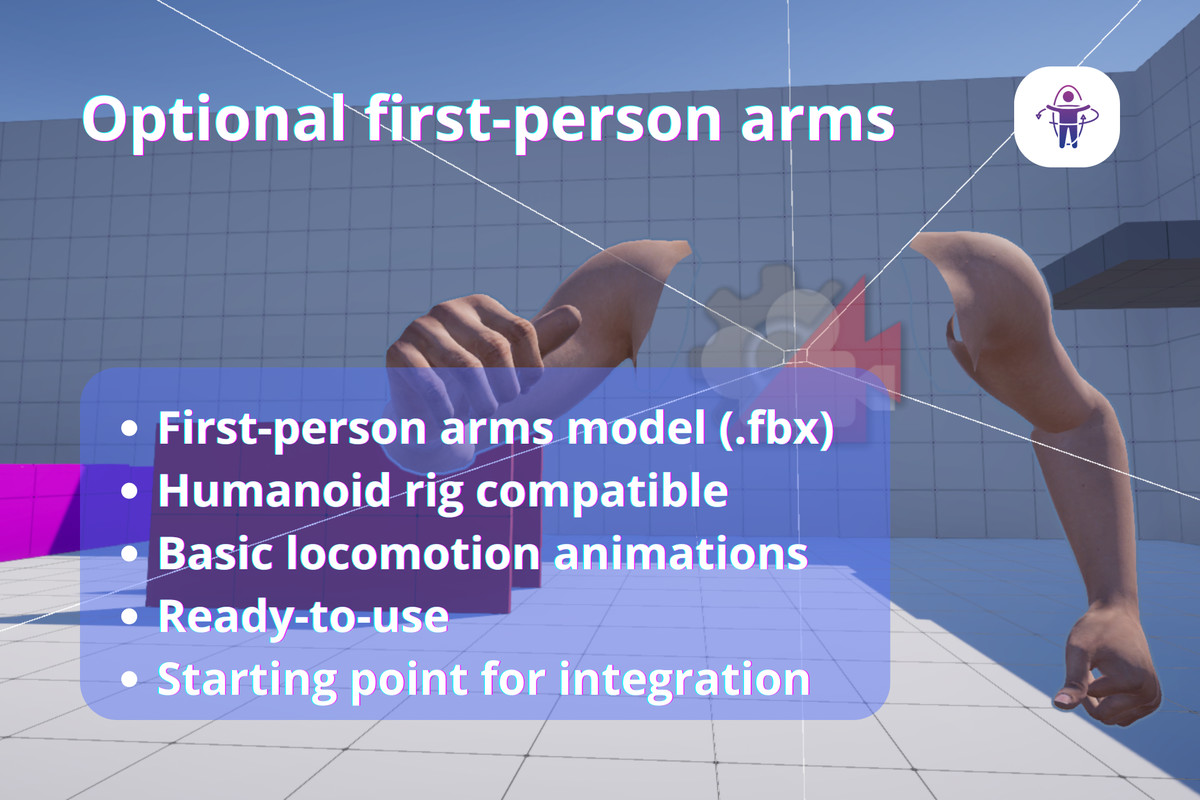
MFPC includes a lightweight first-person animation starter setup to help you quickly prototype:
- Clean first-person arms model (.fbx)
- Humanoid rig compatible
- Basic locomotion animations included
- Ready to use with AnimatorBridge
This setup is fully optional and can be replaced with your own assets without affecting the controller.
Optional Stamina System
- Sprint drain and regeneration
- Jump stamina cost
- Exhaustion and recovery behavior
- Fully optional — no UI or HUD required
Includes a demo stamina UI example, which can be completely removed without affecting MFPC.
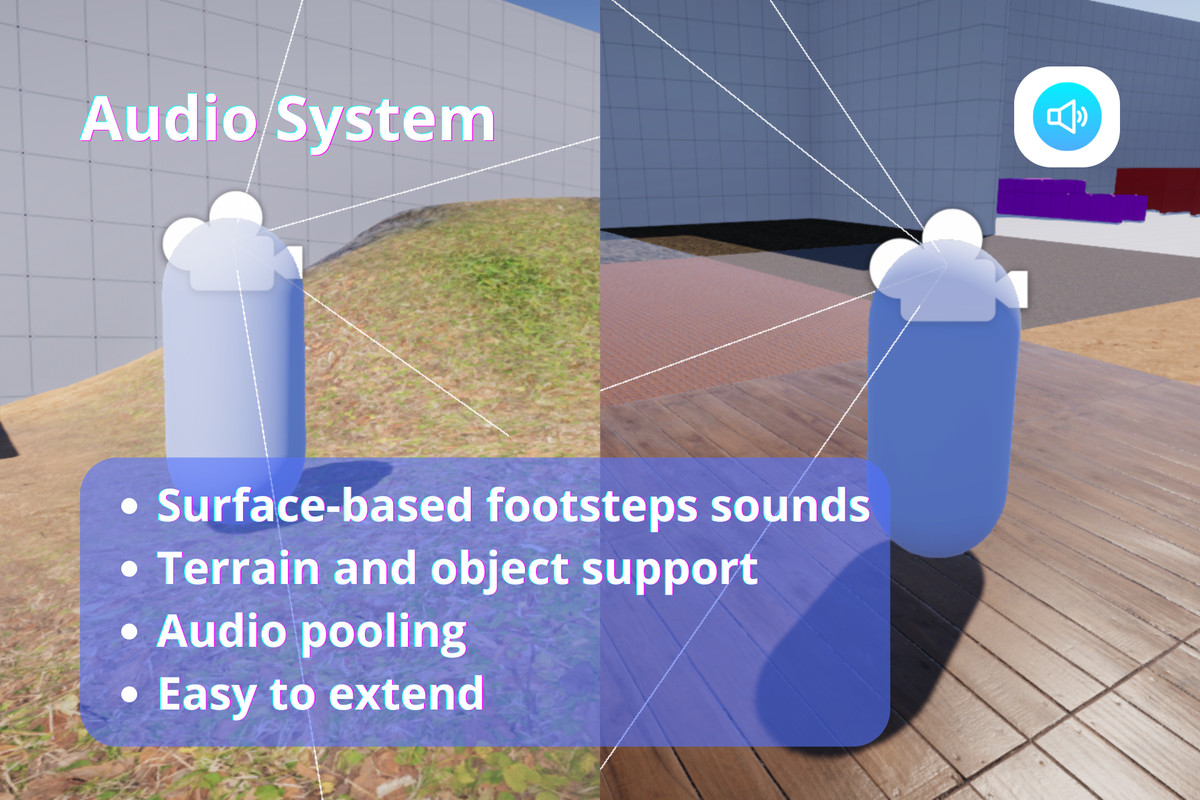
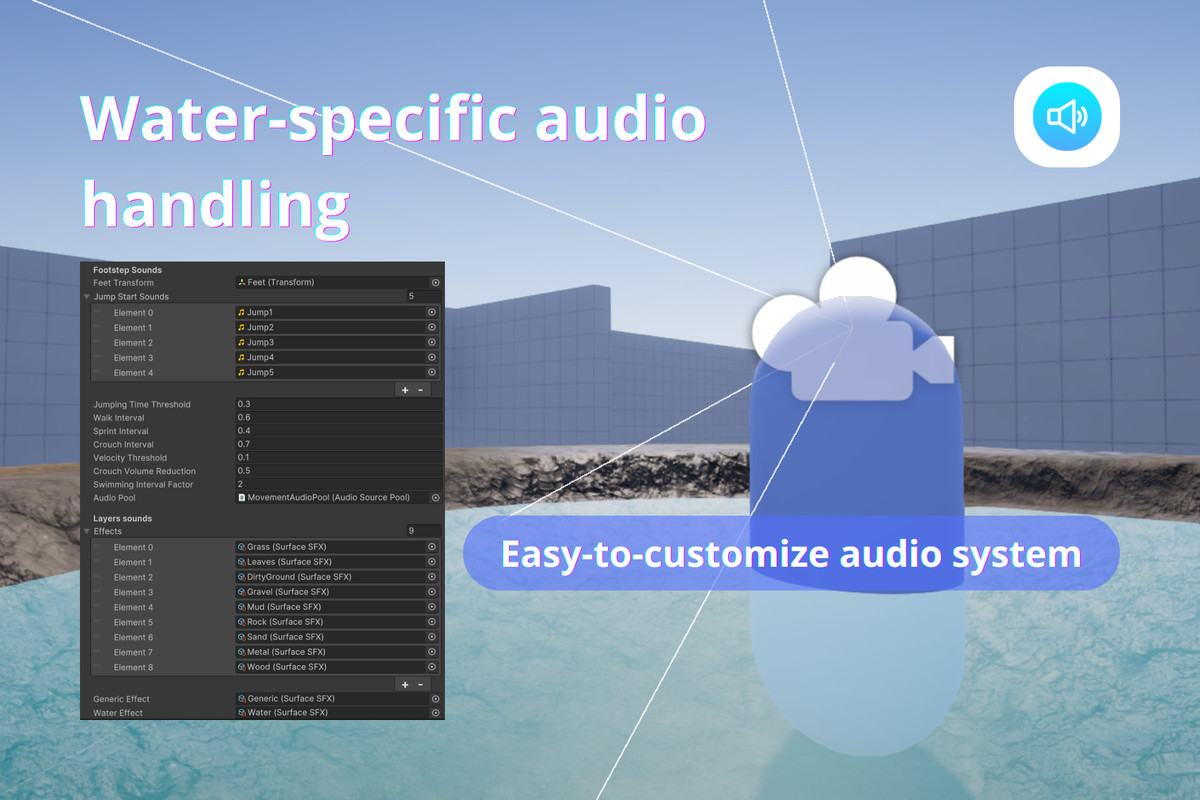
Audio System
- Surface-based footsteps and landing sounds
- Terrain and object support
- Water surface handling
- Audio pooling (no runtime instantiation spikes)
- Easy to extend with ScriptableObjects
No hardcoded layers. No forced setup.
Architecture & Design Philosophy
MFPC is intentionally not an all-in-one solution.
- No forced Animator Controller
- No stamina system assumptions
- No UI or HUD dependencies
- No required layers or tags
- No multiplayer logic baked in
- Zero GC allocations in Update
Instead, MFPC gives you:
- Clean state logic (by exposing variables)
- Clear extension points
- Optional systems via future modules
Build exactly what you need — nothing more.
From the publisher's Asset Store listing.
Technical details
Unity Versions:
- Unity 2021.3 LTS and newer (recommended)
- Unity 6.0+
Render Pipelines:
- Built-in
- URP
- HDRP
Dependencies:
- Cinemachine (Unity package)
- New Input System (only for New Input System controller & Mobile controller)
Platforms Tested:
- PC (mouse & keyboard)
- Gamepad controllers (Nintendo and Xbox controllers)
Code Quality:
- Well-commented
- Inspector-friendly
- Modular and readable
- No runtime allocations in Update (GC-free during gameplay)
Package Size
• Full package (with demo content and example arms): ~110 MB
• Core controller only (no demo assets): ~6.5 MB
• Optional animated arms (.fbx with 2k albedo and normal textures): ~16MB
Demo assets (such as textures, scene, materials, models, etc.) are fully optional and can be removed without affecting functionality.
Compatibility
| Unity version | Built-in | URP | HDRP |
|---|---|---|---|
| 6000.0.68f1 | Compatible | Compatible | Compatible |
| 2022.3.62f3 | Compatible | Compatible | Compatible |
MFPC supports Built-in, URP, and HDRP render pipelines.
Required package
- Cinemachine
Optional package
- Input System, only if you want to use the New Input System controller
If you are using the Legacy Input System only, you can remove the New Input System scripts/folder. See the documentation for setup details and compatibility notes.
As listed on the Asset Store.