
 View on Asset Store (opens in new tab)
Package details
- Latest version
- 1.3.0
- Last updated
- First released
- Unity version
- 6000.3.2 or later
- Package size
- 79 KB
- Files
- 46
- Favorites
- 4
- Views in the past week
- 1
Price tracking
- Last checked
- Tracked since
- Lowest recorded
- $9.99 on
Keywords
FPSPro
- Price drop
Editor-first runtime performance monitor, live FPS, memory, GPU timing, spike detection, session export, and runtime HUDs with zero setup.
Lowest recorded price
Get 50% off on Asset Store (opens in new tab)Affiliate link · Purchases support this site
Price history
Last 6 months
USDAsset preview
1 / 9

FPSPro screenshot 1

About this asset
FPS Pro is a performance monitoring toolkit that gives you instant, actionable diagnostics during Play Mode, no UI setup, no prefabs, no TextMeshPro, no scene wiring. Open the editor window, press Play, and get live stats immediately.
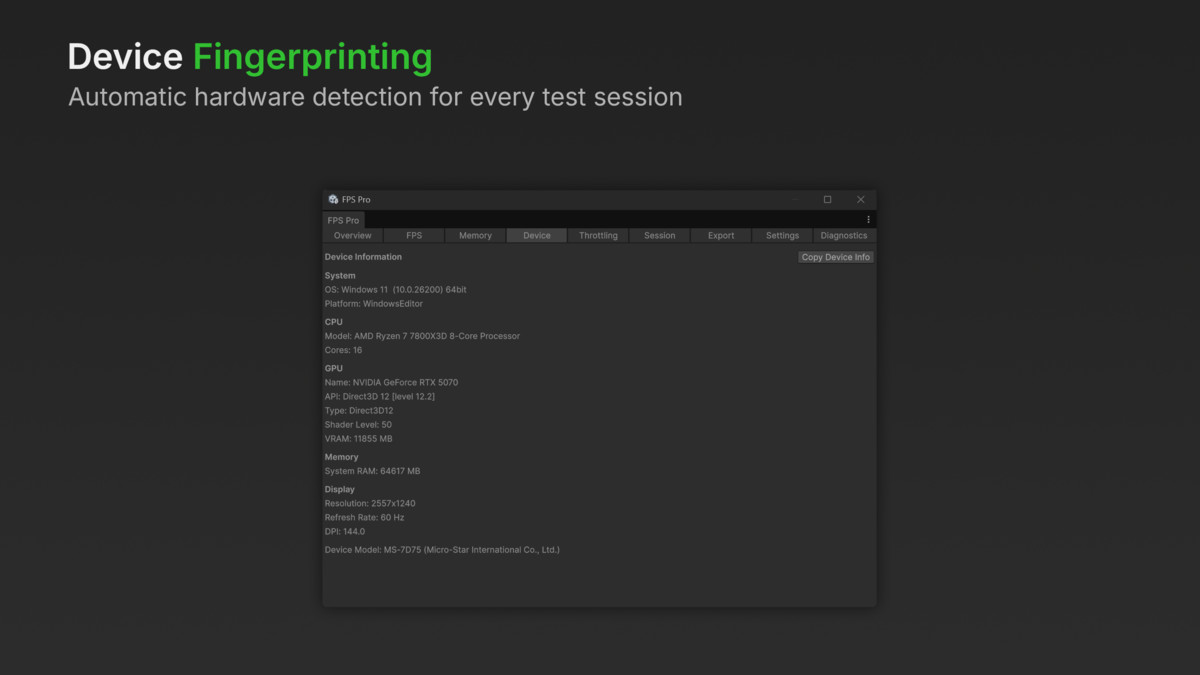
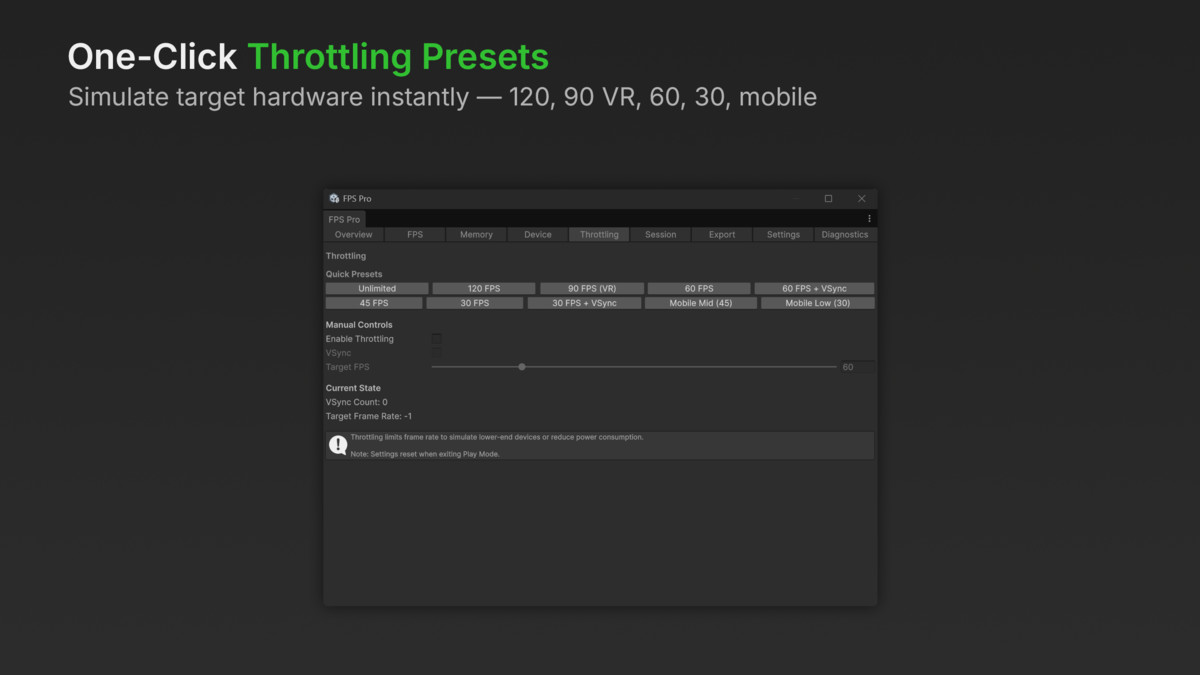
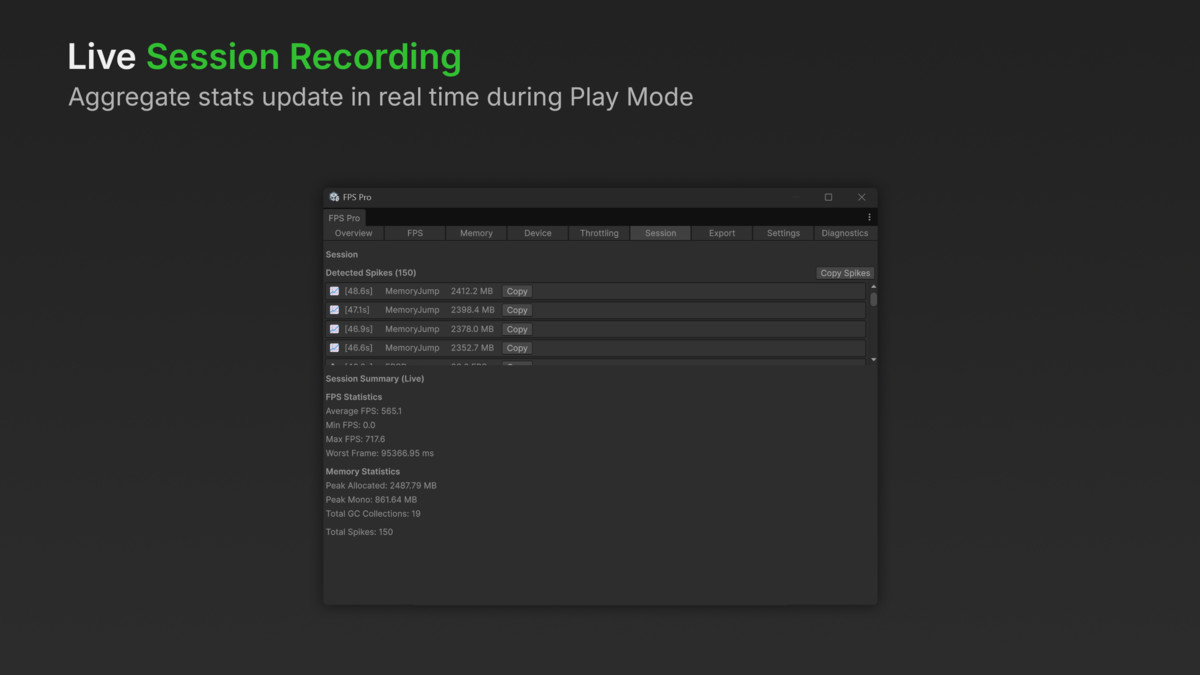
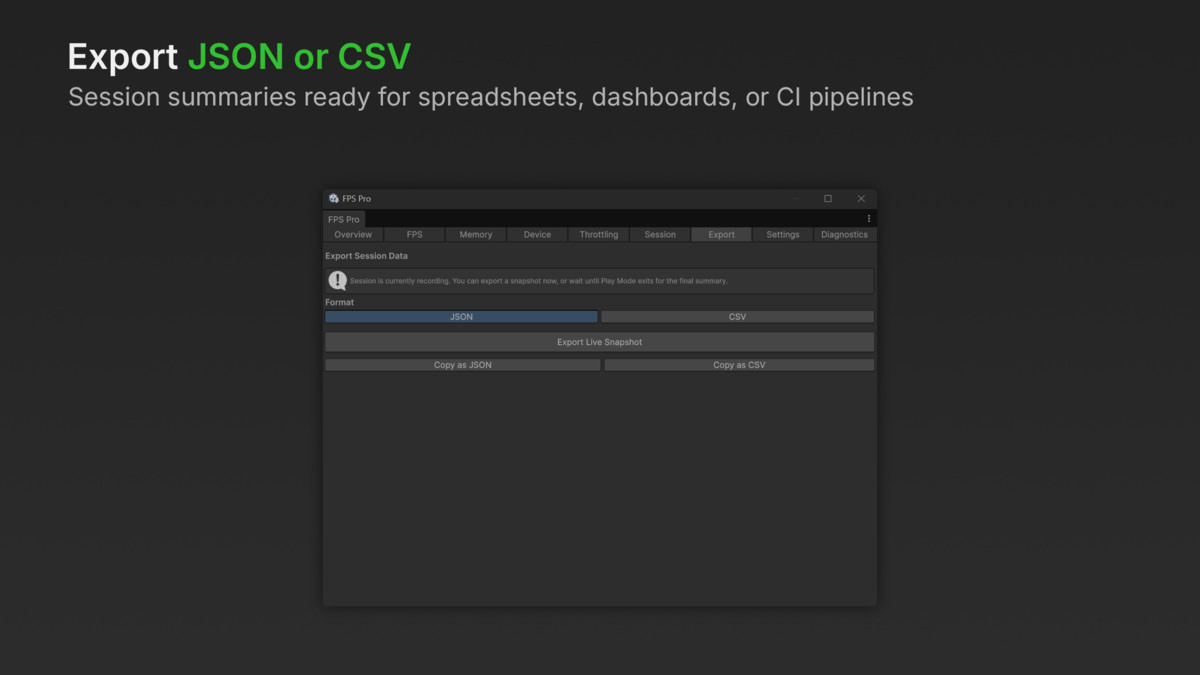
The tabbed editor window provides real-time FPS and frame time tracking, memory and GC monitoring, GPU/CPU render timing, audio analysis, device info capture, and rolling graphs with automatic spike markers. A built-in session recorder aggregates your entire Play Mode run into exportable summaries (JSON or CSV), and frame rate throttling presets let you simulate target hardware with one click.
Beyond the editor, FPS Pro includes a runtime HUD overlay (IMGUI-based for screen space, Canvas-based for VR world space) and a full programmatic API with event-driven architecture. The conditional debugger lets you set programmable performance triggers, log warnings when FPS drops below a threshold, fire callbacks on memory spikes, or auto-generate bug reports with system state, console logs, and screenshots attached.
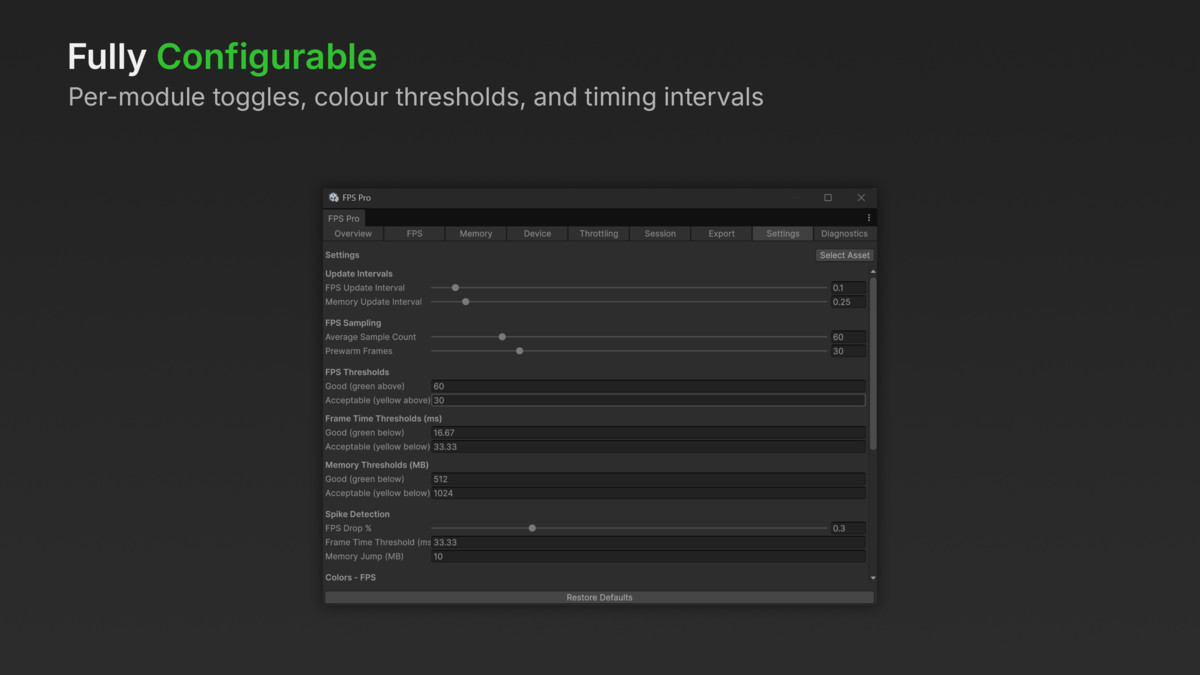
FPS Pro is render-pipeline agnostic (Built-in, URP, HDRP), works across Unity 2022.3 LTS through Unity 6, and has zero external dependencies. Every module can be individually enabled or disabled via settings, and the public module registration API lets you write custom stat modules that plug directly into the scheduler and TickContext system.
Suitable for any genre or project type, prototyping, production profiling, QA workflows, or shipping as an embedded diagnostic layer in your game.
From the publisher's Asset Store listing.
Technical details
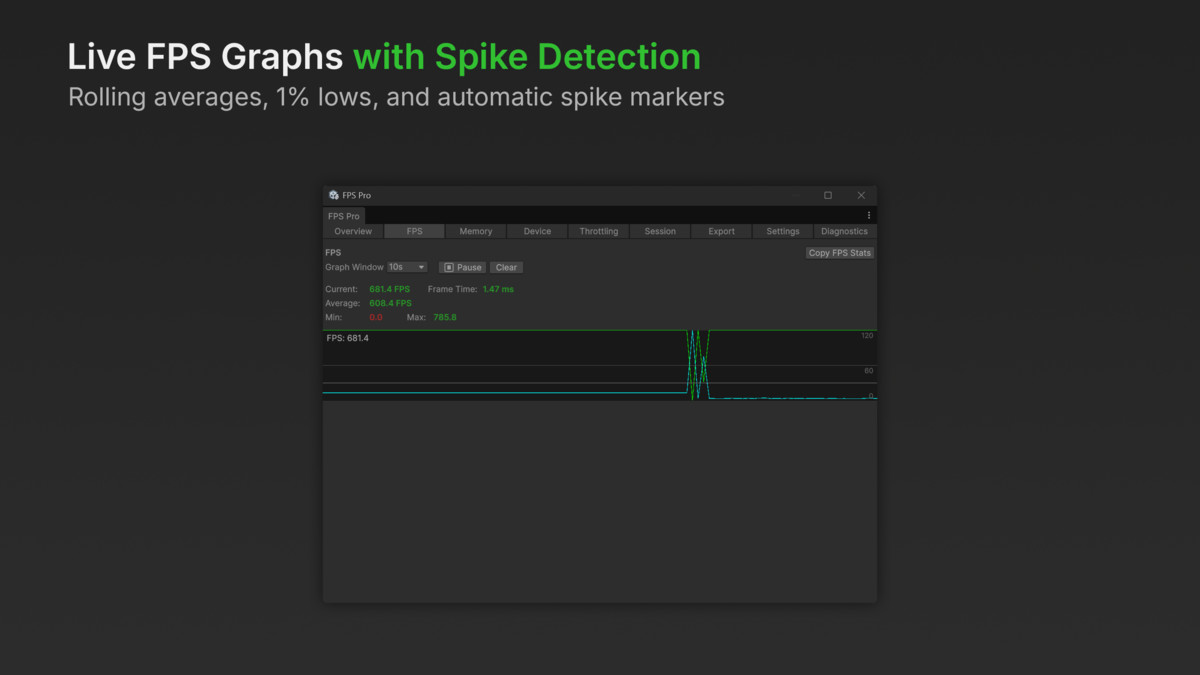
- Live FPS, frame time (ms), min/max, and rolling average with configurable sample windows
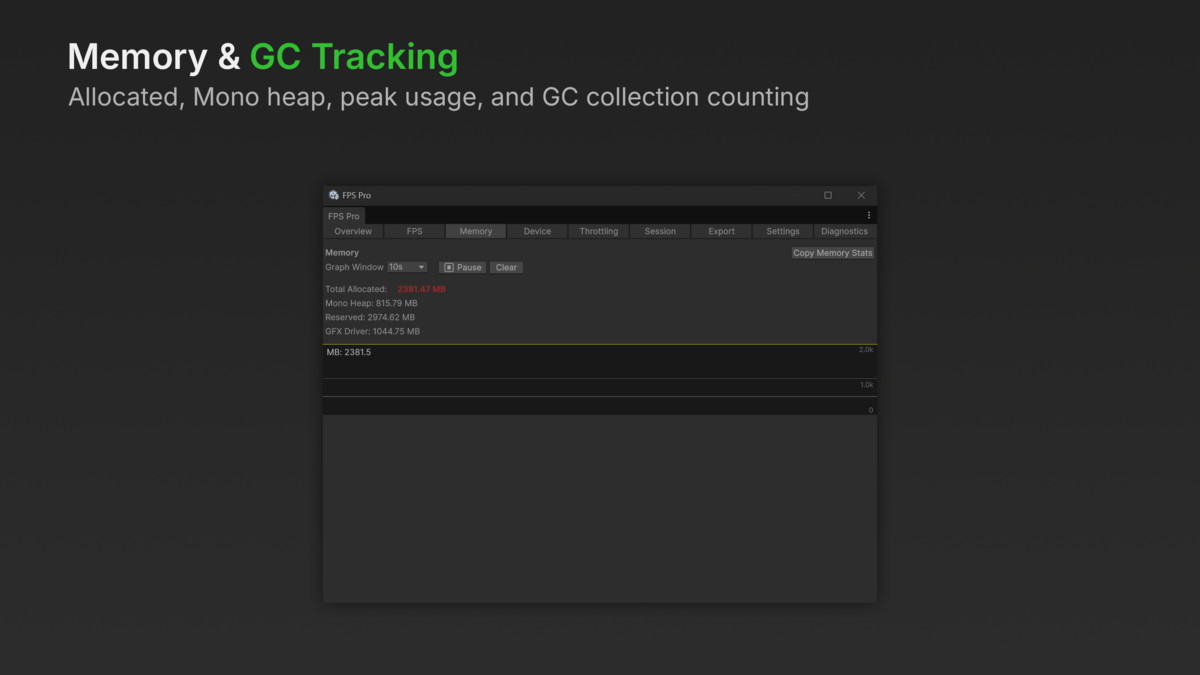
- Memory tracking: total allocated, Mono heap, GC collection counter, peak usage
- GPU and CPU render timing via FrameTimingManager (where platform-supported)
- Audio monitoring: dB levels, spectrum data, AudioSource counting with configurable scan intervals
- Automatic spike detection: frame time spikes, FPS drops, memory jumps - logged with timestamps
- Session recording with live stats during Play Mode and final summary on exit
- Export to JSON or CSV; copy to clipboard
- Frame rate throttling presets: Unlimited, 120, 90 VR, 60, 30, plus VSync and mobile variants
- Conditional debugger: programmable triggers with log, callback, pause, screenshot, and bug report actions
- Bug reporter: collects system state, performance snapshot, console logs, and optional screenshots
- Runtime HUD overlays: IMGUI screen-space and VR world-space Canvas
- Tabbed editor window with rolling graphs, spike markers, colour-coded thresholds, and DPI scaling
- Zero-setup workflow: open window → press Play → see stats
- Render pipeline agnostic: Built-in, URP, HDRP
- Unity 2022.3 LTS through Unity 6 supported
- Zero external dependencies
- Per-module enable/disable toggles in settings
- Public module registration API for custom extensions
- Event-driven architecture (OnSnapshotUpdated, OnModuleRegistered)
- FPSPRO_DISABLE scripting define for zero-overhead release builds
- Assembly definitions for clean compilation isolation
- UPM compatible (package.json included)
- Three sample scenes: Basic Setup, Advanced API, VR Demo
Compatibility
| Unity version | Built-in | URP | HDRP |
|---|---|---|---|
| 6000.3.2f1 | Compatible | Compatible | Compatible |
As listed on the Asset Store.