
 View on Asset Store (opens in new tab)
Package details
- Latest version
- 1.1
- Last updated
- First released
- Unity version
- 6000.3.5 or later
- Package size
- 1.5 MB
- Files
- 4
- Views in the past week
- 5
Price tracking
- Last checked
- Tracked since
- Lowest recorded
- $7.50 on
Keywords
- Search for fullscreen effects
- Search for fullscreen
- Search for Unity Editor Tools
- Search for Editor
- Search for Tool
- Search for Utility
- Search for fullscreen sceneview
- Search for fullscreen gameview
- Search for Fullscreen Editor
- Search for window
- Search for fullscreen playmode
- Search for Editor Extension

Fullscreen Editor & PlayMode
- Price drop
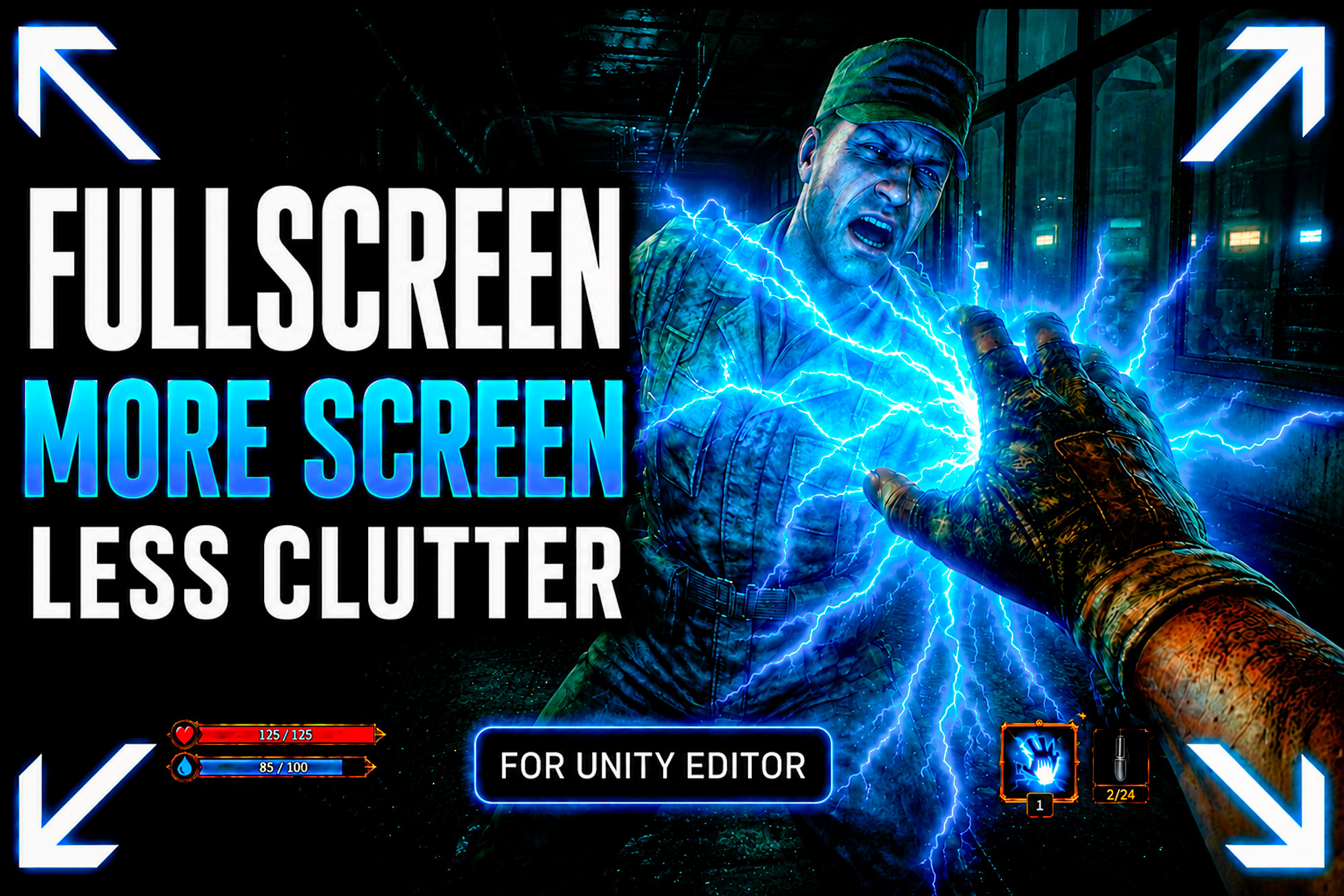
Fullscreen Editor & PlayMode is a Unity Editor fullscreen tool for Play Mode, Game View, Scene View, Main View, or the focused window, with hotkeys, multi-monitor support, and no build required.
Lowest in 6 months
Get 33% off on Asset Store (opens in new tab)Affiliate link · Purchases support this site
Price history
Last 6 months
USDAsset preview
1 / 6

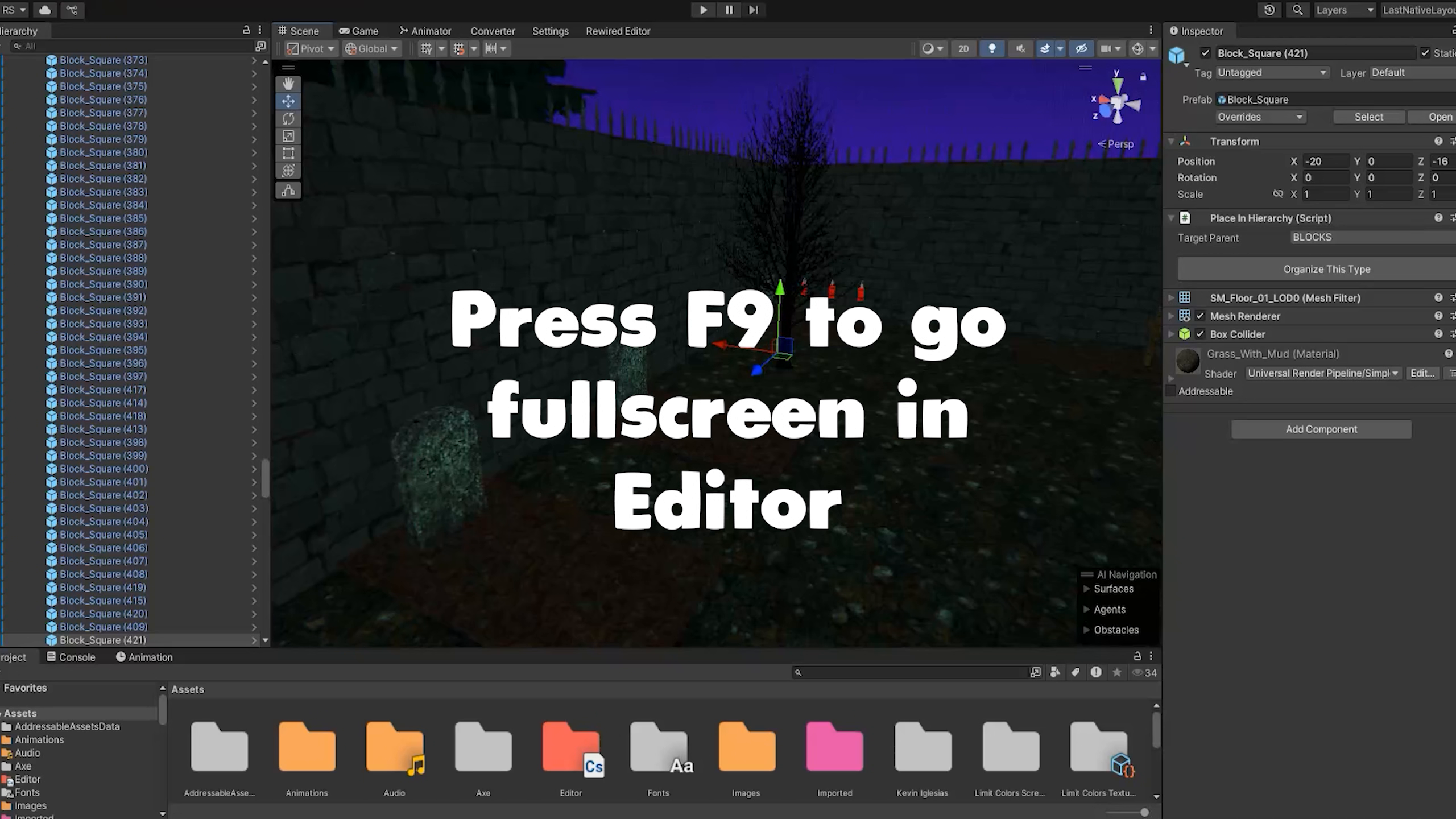
Fullscreen Editor & PlayMode screenshot 1


About this asset
Tired of squinting at a tiny Game View? Fullscreen Editor & PlayMode puts your game front and center — inside the Unity Editor, no build required.
Fullscreen Editor & PlayMode removes the clutter between you and the part of Unity you actually need. Launch fullscreen Play Mode automatically when you press Play, use fullscreen Scene View across an entire monitor while building levels, or instantly fullscreen the current editor window when you need total focus.
No more tiny docked windows for gameplay checks, scene polish, UI review, demos, or recording. This tool helps you test, review, present, and capture your project directly inside the Unity Editor with less noise and more usable screen space.
✨ Why developers choose it:
- Fullscreen Play Mode the moment you hit Play, so you can test your game closer to the real player experience.
- Jump into fullscreen Game View, fullscreen Scene View, Main View, or the currently focused Unity window whenever you need it.
- Work in both Edit Mode and Play Mode depending on the task in front of you.
- Use customizable hotkeys instead of constantly resizing, docking, and switching layouts.
- Take advantage of dual-monitor and multi-monitor setups with smarter placement and display control.
- Hide distracting editor chrome and keep your attention on gameplay, level design, UI, art review, or debugging.
🚀 More powerful than basic maximize workflows:
Unity's standard maximize options are useful, but limited. Fullscreen Editor & PlayMode gives you quicker access, more window targets, better fullscreen placement, customizable shortcuts, toolbar visibility control, and multi-monitor features that fit real production workflows.
Need to preview your game at real scale without making a build, demo it to a client, record cleaner footage for YouTube, or simply reduce eye strain during long editor sessions? This tool is built for exactly that.
💡 Built for real workflows:
- Playtest in fullscreen without waiting for a build.
- Review scenes and lighting on a full monitor while staying inside the editor.
- Keep utility views usable with the option to keep them above fullscreen views.
- Customize behavior from Preferences, including shortcuts, toolbar visibility, fullscreen on Play, placement, and Mosaic display mapping.
👥 Perfect for:
- Indie developers iterating on gameplay and UI
- Level designers working in Scene View for long sessions
- Technical artists and designers reviewing content on large displays
- QA, demos, presentations, and clean gameplay capture
- Any team that wants a cleaner, faster Unity Editor workflow
Less editor clutter. More screen space. Faster iteration.
From the publisher's Asset Store listing.
Technical details
🛠️ Key Features:
- Auto Fullscreen on Play: Automatically switch to fullscreen Play Mode when entering Play, or toggle it manually whenever needed.
- Fullscreen Any Window: Open Game View, Scene View, Main View, or the current focused Unity Editor window in fullscreen.
- Edit Mode and Play Mode Workflow: Use fullscreen not only while playtesting, but also while reviewing scenes, UI, and content in the editor.
- Fully Customizable Hotkeys: Configure shortcuts that match your workflow, with support for Ctrl/Cmd, Shift, and Alt modifiers.
- Smart Placement Modes: Choose where fullscreen opens with Main Display, At Mouse Position, or Custom placement.
- Multi-Monitor Support: Great for dual-monitor and multi-display workflows, with Mosaic options for distributing Game Views.
- Keep Utility Views Above Fullscreen: Preserve a practical workflow by allowing utility windows to stay above fullscreen views when needed.
- Toolbar Visibility Control: Show or hide the top toolbar for a cleaner fullscreen workspace.
- Performance-Friendly Option: Disable Scene View rendering while fullscreen is active to improve performance in heavier scenes.
- Cross-Platform Support: Designed for Windows, macOS, and Linux Unity Editor workflows.
- Editor Workflow Extension: Built for fullscreen game view, fullscreen scene view, fullscreen play mode, and distraction-free Unity development.
ℹ️ Compatibility note
- Linux native X11 fullscreen support can depend on the local system configuration.
Compatibility
| Unity version | Built-in | URP | HDRP |
|---|---|---|---|
| 6000.3.5f2 | Compatible | Compatible | Compatible |
As listed on the Asset Store.