
 View on Asset Store (opens in new tab)
Package details
- Latest version
- 1.0.0
- Last updated
- First released
- Unity version
- 2022.3.62 or later
- Package size
- 8.5 MB
- Files
- 123
- Favorites
- 24
- Views in the past week
- 99
Price tracking
- Last checked
- Tracked since
- Lowest recorded
- Free on
Keywords
Simple Modular Vehicle Controller (SMVC)
A modular, component-based vehicle controller. Includes independent modules (Engine, Gearbox, Steering, etc.). Input-agnostic, lightweight, easy to extend.
Affiliate link · Purchases support this site
Price history
Last 6 months
USDAsset preview
1 / 6
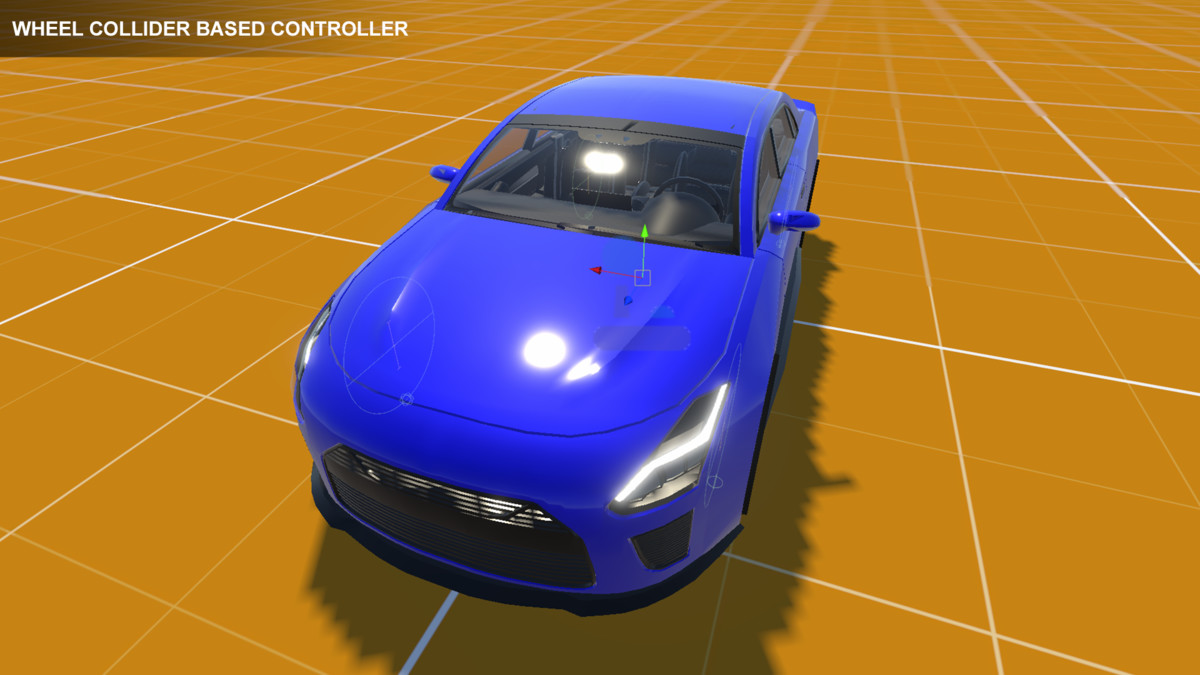
Simple Modular Vehicle Controller (SMVC) screenshot 1
About this asset
Play a WebGL demo:
https://transylvanian-tales.itch.io/simple-modular-vehicle-controller-demo
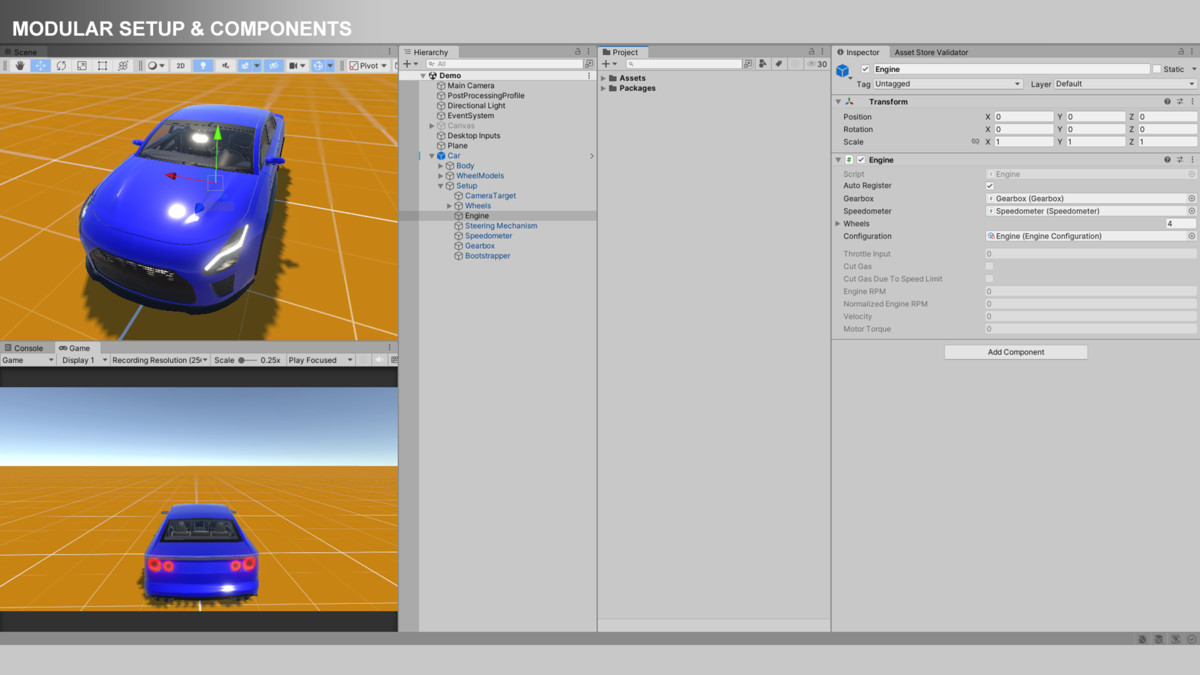
SMVC (Simple Modular Vehicle Controller) is a modular, extensible vehicle framework built using a clean component-system architecture.
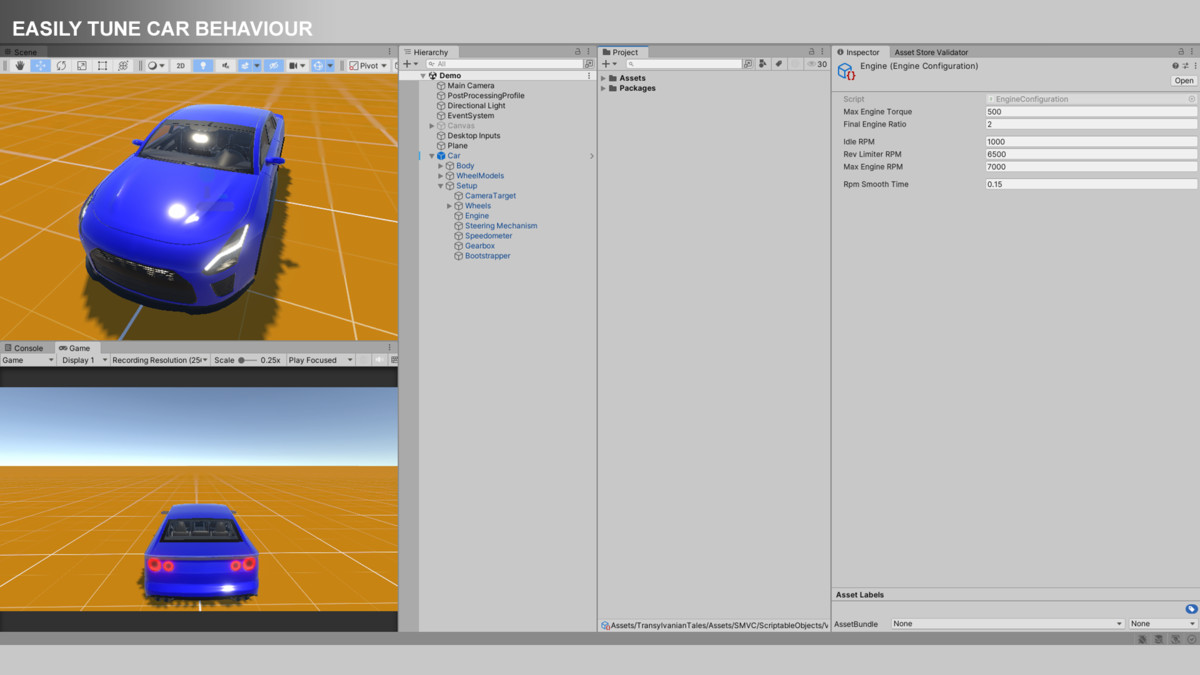
Instead of relying on a single monolithic car controller, SMVC breaks vehicle behavior into independent modules such as Engine, Gearbox, Steering, Brakes, and more. This allows you to easily customize, extend, or replace functionality without affecting the rest of the system.
----------------------------------------
Contact And Support
----------------------------------------
Don't know how to run SMVC?
Don't know how to setup your own car models?
Have any questions or suggestions?
Contact us at:
Step-by-step tutorials are available here:
https://www.youtube.com/playlist?list=PL2ESxGsWSBc4aL4EqsdrzWQ9cuPCrFuSN
----------------------------------------
Use Any Car Model
----------------------------------------
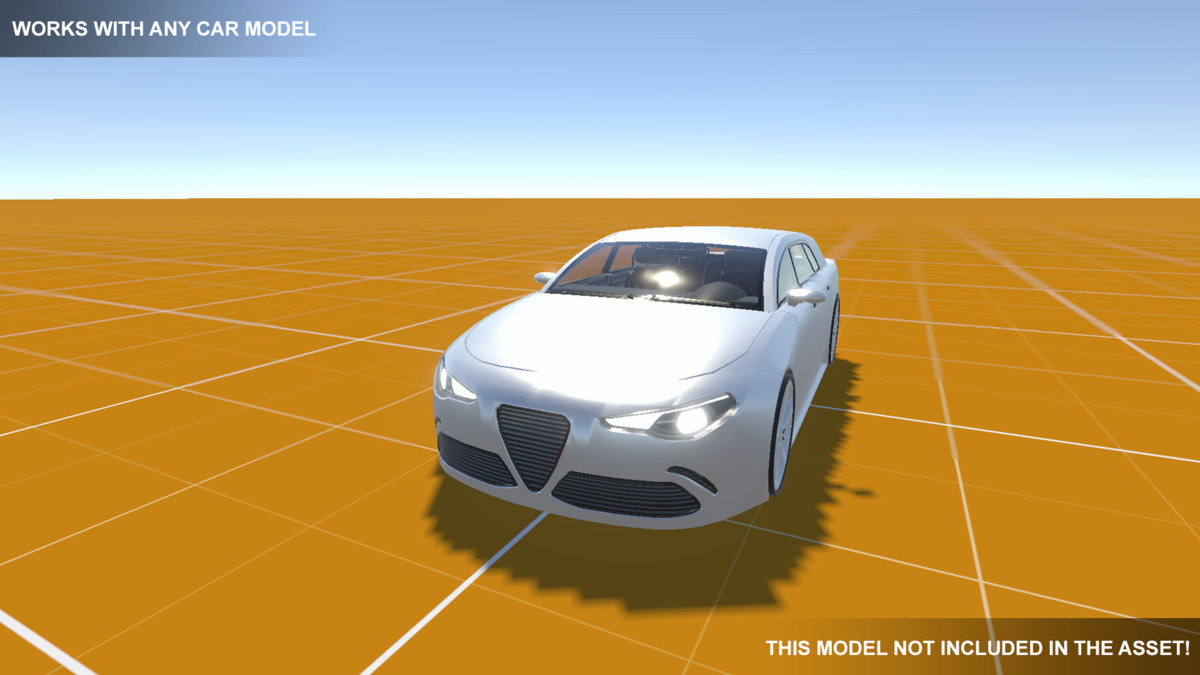
SMVC works with any car model, feel free to use your own models.
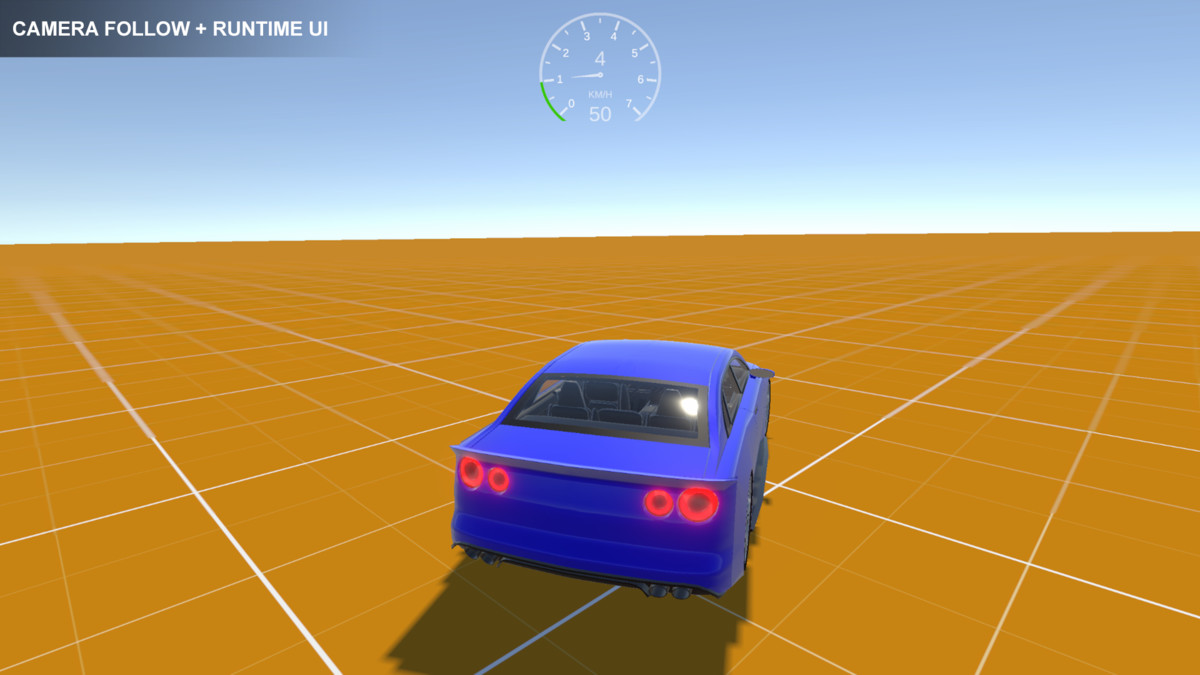
The blue car comes with SMVC and is fully driveable.
The white car from the screenshots is NOT included!
If you don't know how to setup your own car models, watch the tutorial videos or contact us.
----------------------------------------
Core Architecture
----------------------------------------
SMVC follows a structured, data-driven design:
• Configurations (ScriptableObjects)
Define static data such as engine power, gear ratios, and braking force
• Components (MonoBehaviours)
Store runtime state and reference configurations
• Systems
Process all components globally, keeping logic centralized and efficient
This separation ensures clean code, high scalability, and easy maintenance.
----------------------------------------
Key Features
----------------------------------------
• Modular Design
Each vehicle feature is its own independent module
• Input Agnostic
Works with any input system (New Input System, legacy input, custom input systems, etc.)
• Data-Driven
Tune vehicles using ScriptableObjects without changing code
• Component-System Architecture
Systems process all components globally for better organization and performance
• Highly Extensible
Add new systems and modules without modifying existing code
• Multi-Pipeline Support
Supports Built-in, URP, and HDRP.
URP and HDRP demo content is provided via included .unitypackage files for easy import.
----------------------------------------
Included Modules
----------------------------------------
• Engine & Gearbox
RPM simulation, torque calculation, automatic shifting
• Steering
Wheel-based steering with configurable angles
• Brakes
Simple and responsive braking system
• Wheels
Physics + visual synchronization using WheelColliders
• Speedometer
Real-time speed calculation (KPH / MPH)
• Camera & Dashboard
Basic chase camera and UI needle system for demos
----------------------------------------
Use Cases
----------------------------------------
• Prototype vehicle mechanics
• Learn modular architecture in Unity
• Build arcade-style driving systems
• Create your own custom vehicle controllers
Note:
This asset is designed as a flexible foundation and learning resource, not a full realistic vehicle simulation.
----------------------------------------
Third-Party Content
----------------------------------------
This asset includes third-party demo content:
• A 3D car model used in the demo scenes
The model is provided as part of this asset and is covered under the Unity Asset Store Standard EULA for use within your projects.
Important:
• You can freely use the included car model in your games and applications
• No attribution is required
• There are no additional restrictions beyond the standard Asset Store EULA
Full details, including the original author, source, and permissions, are available inside the asset at:
/Assets/TransylvanianTales/SMVC/THIRD-PARTY NOTICES.txt
Note:
The demo content is optional and can be safely removed if you only need the core vehicle system.
----------------------------------------
API Usage Disclosure
----------------------------------------
This asset does NOT use any external APIs, web services, or third-party code libraries.
• No API keys are required
• No external services are accessed
• No data is sent or received over the network
All functionality is implemented entirely using Unity’s built-in systems.
From the publisher's Asset Store listing.
Technical details
Unity Version:
Developed in Unity 2022.3 LTS
Compatible with Unity 2022+ and Unity 6
Can be adapted to earlier versions with minimal changes
Render Pipeline Support:
• Built-in Render Pipeline (BRP) – ready out of the box
• Universal Render Pipeline (URP) – requires importing included URP.unitypackage
• High Definition Render Pipeline (HDRP) – requires importing included HDRP.unitypackage
Demo scenes are included for each pipeline.
Dependencies:
• Demo requires Input System package for controls
• Demo requires TextMeshPro for UI elements
Both can be installed via Unity Package Manager.
Core Requirements:
• Rigidbody (for vehicle physics)
• WheelCollider (for wheel simulation)
Architecture:
• Component-System-Configuration pattern
• Built on a reusable MonoBehaviour Component System
• Data-driven design using ScriptableObjects
Performance:
• Centralized system processing (no per-object update overhead)
• No per-frame allocations in core systems
• Scales efficiently with multiple vehicles
• Suitable for both mobile and desktop projects
Modularity:
• Each vehicle feature is implemented as a separate module
• Systems operate independently of each other
• New modules can be added without modifying existing code
Input:
• Input-agnostic design
• Accepts normalized float inputs (throttle, brake, steering)
• Compatible with any input solution (New Input System, legacy, custom, AI)
Project Organization:
• Core logic isolated in reusable packages
• Demo content separated for easy removal
• Clean structure suitable for production projects
Third-Party Content:
This asset includes third-party demo assets, but they are also licensed under the Unity Asset Store Standard EULA.
API Usage Disclosure:
This asset does NOT use any external APIs or third-party services.
• No API keys are included or required
• No external dependencies
• No network communication
All systems are fully self-contained within Unity.
Links And External Resources:
• Play a WebGL demo: https://transylvanian-tales.itch.io/simple-modular-vehicle-controller-demo
• Contact us at: [email protected]
• Step-by-step tutorials are available here: https://www.youtube.com/playlist?list=PL2ESxGsWSBc4aL4EqsdrzWQ9cuPCrFuSN
Compatibility
| Unity version | Built-in | URP | HDRP |
|---|---|---|---|
| 2022.3.62f2 | Compatible | Compatible | Compatible |
1. Navigate to:
/Assets/TransylvanianTales/SMVC/
2. Import the correct package:
- URP.unitypackage or HDRP.unitypackage
(BRP requires no import)
3. After importing, open:
/RenderPipelines/[Your RP]/
4. Open the Demo scene and press Play
As listed on the Asset Store.