
 View on Asset Store (opens in new tab)
Package details
- Latest version
- 1.0
- Last updated
- First released
- Unity version
- 6000.2.12 or later
- Package size
- 7.4 MB
- Files
- 12
- Favorites
- 3
- Views in the past week
- 8
Price tracking
- Last checked
- Tracked since
- Lowest recorded
- $10.99 on
Keywords
- Search for object placer
- Search for Prefab Paint
- Search for Object Paint
- Search for prefab placer
- Search for Level Design
- Search for fast level design
- Search for prefab brush
- Search for open world tools
- Search for Prefab painter
- Search for object brush
- Search for Environment Tool
- Search for prop placer

MAG Prop Placer Pro - Fast Prefab Painter
- Price drop
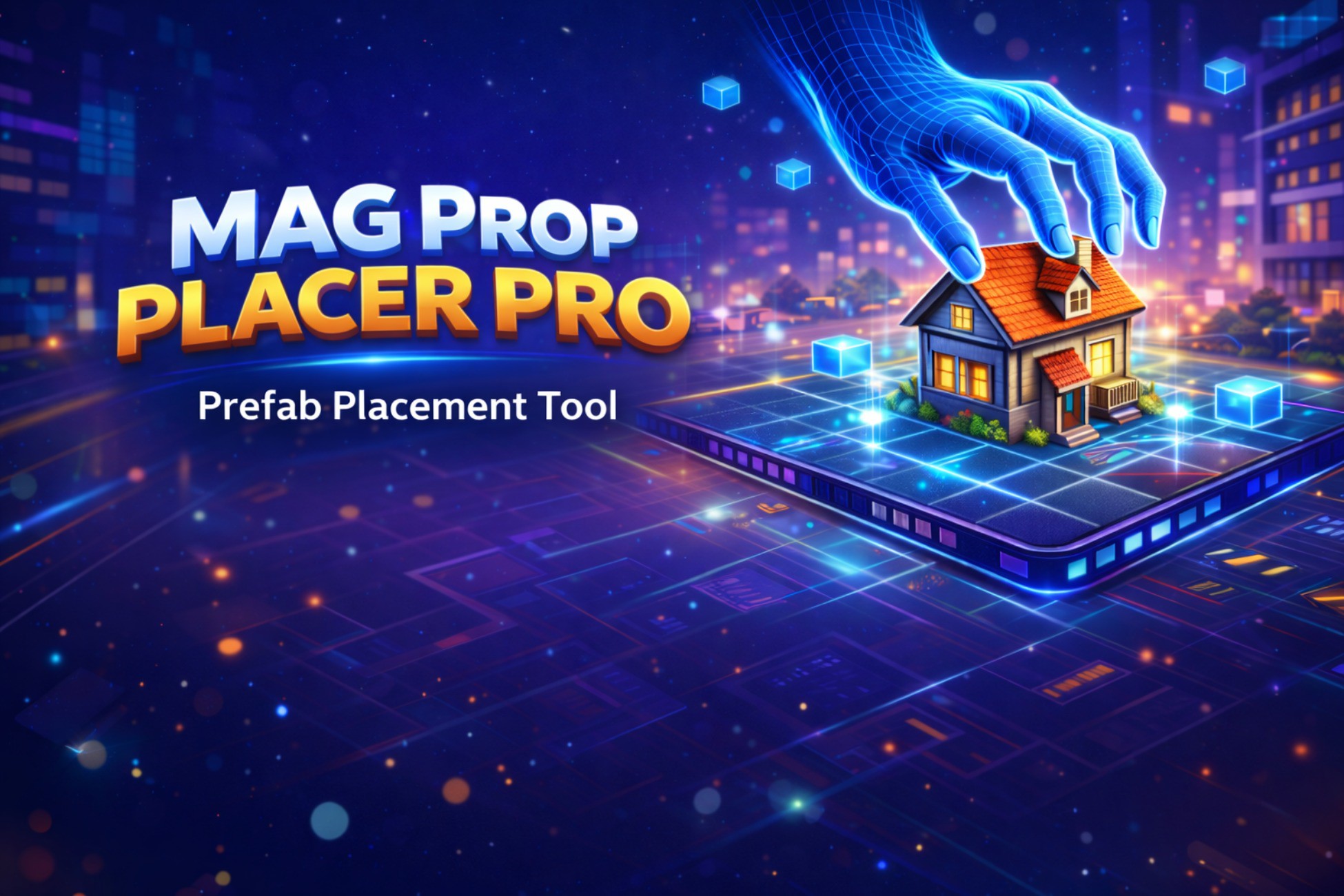
MAG Prop Placer PRO is a professional Unity editor tool for fast, safe and precise prefab placement using Place, Brush and Area modes, optimized for large scenes and mobile projects.
Lowest recorded price
Get 35% off on Asset Store (opens in new tab)Affiliate link · Purchases support this site
Price history
Last 6 months
USDAsset preview
1 / 4

MAG Prop Placer Pro - Fast Prefab Painter screenshot 1


About this asset
MAG Prop Placer PRO is a production-ready Unity Editor tool designed to drastically speed up level design and environment creation, while keeping full control, safety and performance in mind.
It allows you to place prefabs using single placement, brush painting, or multi-object area stamping, with real-time scene preview, strict placement rules and optional renderer overrides.
The tool is built to work reliably in large scenes, open worlds, and especially mobile and low-end mobile projects, where performance and consistency are critical.
Core Placement Modes
- Place Mode – precise single-click placement using surface raycasts
- Brush Mode – paint prefabs while dragging, with minimum distance control to prevent overlaps
- Multi-Object (Area) Mode – place multiple prefabs randomly inside a radius, with density control and safe spacing
- Eraser Mode – remove only tool-placed objects using a configurable radius (safe deletion)
Professional Placement Control
- Real-scale ghost preview (no flickering)
- Align to surface normal with slope limits
- Random or fixed rotation (yaw)
- Random or fixed scale
- Grid snapping for modular level design
- Surface offset to avoid z-fighting
- Optional collider auto-add for prefabs without colliders
Avoid Layers & Safety
- Fully enforced Avoid Layers system
- Placement is blocked in Place, Brush and Area modes if avoid layers are detected
- Prevents accidental placement on roads, buildings, water or protected geometry
- Optional marker component to safely identify tool-placed objects
Smart Organization & Workflow
- Profile-based system using Prop Palette assets
- Unlimited categories per profile
- Fast search (category or global)
- Pagination for large prefab libraries
- Select All / Deselect All for quick batch operations
- Duplicate scanner and auto-fix for clean palettes
- Replace Tool for swapping scene objects while keeping transforms
Mobile & Performance Friendly
- Optional Force Renderer Settings (Cast Shadows / Receive Shadows)
- Applied only when enabled, otherwise original prefab settings are preserved
- Designed to reduce draw cost and shadow overhead on low-end devices
- Ideal for mobile, open-world and optimization-focused projects
Profiles & Data Safety
- JSON import/export for profiles (backup & sharing)
- Non-destructive workflow (never deletes prefab assets)
- Safe erase mode only affects objects placed by the tool
MAG Prop Placer PRO is built for indie developers, solo creators, and studios who want fast iteration, clean scenes and predictable results — without sacrificing performance or control.
From the publisher's Asset Store listing.
Technical details
- Editor-only Unity tool (no runtime overhead)
- Place / Brush / Multi-Object (Area) / Eraser modes
- Profile-based prefab palettes (ScriptableObject)
- Real-time scene preview with stable rotation & scale
- Minimum distance enforcement (Brush & Area)
- Random prefab selection in Multi-Object mode
- Avoid Layers validation (Place / Brush / Area)
- Grid snapping support
- Terrain & mesh placement support
- Optional collider auto-generation
- Safe deletion using marker component
- Duplicate prefab scanner & auto-fix
- Replace Tool for scene objects
- Force Renderer Settings (Cast / Receive Shadows)
- Optimized for mobile & low-end devices
- JSON profile import / export
- Clean hierarchy support (manual parent or zone-based parenting)
- Compatible with large scenes and open worlds
Compatibility
| Unity version | Built-in | URP | HDRP | Custom |
|---|---|---|---|---|
| 6000.2.12f1 | Compatible | Compatible | Compatible | Compatible |
Compatible with Built-in, URP and HDRP.
Editor tool only | pipeline independent.
Does not include shaders or runtime dependencies.
Safe for mobile, PC and console projects.
Tested on Unity 2021.3 LTS → Unity 6.
No external packages required.
As listed on the Asset Store.