
 View on Asset Store (opens in new tab)
Package details
- Latest version
- 1.0
- Last updated
- First released
- Unity version
- 2022.3.62 or later
- Package size
- 777 KB
- Files
- 46
- Favorites
- 11
- Views in the past week
- 16
Price tracking
- Last checked
- Tracked since
- Lowest recorded
- Free on
Keywords

2D Room Auto-Link & Scene Transition
The definitive 2D scene transition and auto room linking system for Unity. Create seamless room to room links and transitions without any manual effort. Five minutes setup and Zero coding required.
Affiliate link · Purchases support this site
Price history
Last 6 months
USDAsset preview
1 / 7

2D Room Auto-Link & Scene Transition screenshot 1


About this asset
2D Room Auto-Link & Scene Transition System is a complete scene transition and room-linking system explicitly built for 2D Unity games. It takes the headache out of building expansive multi-room worlds like Metroidvanias, RPGs, and puzzle games by handling scene loading, fading, and precise player placement out of the box.
Stop manually keeping track of door IDs and let the built-in proximity Auto-Linker connect your world for you!
✨ Highlights & Key Features
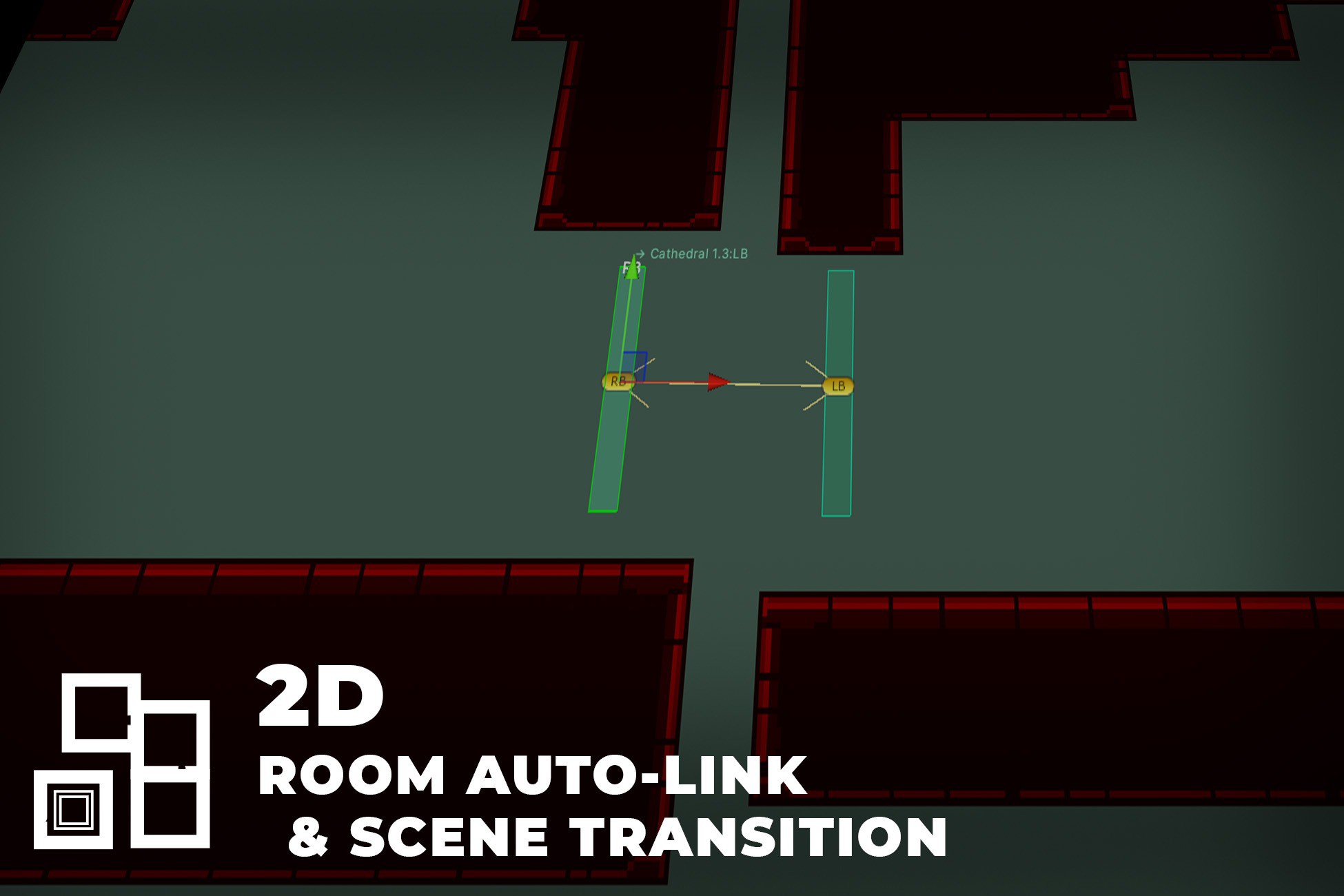
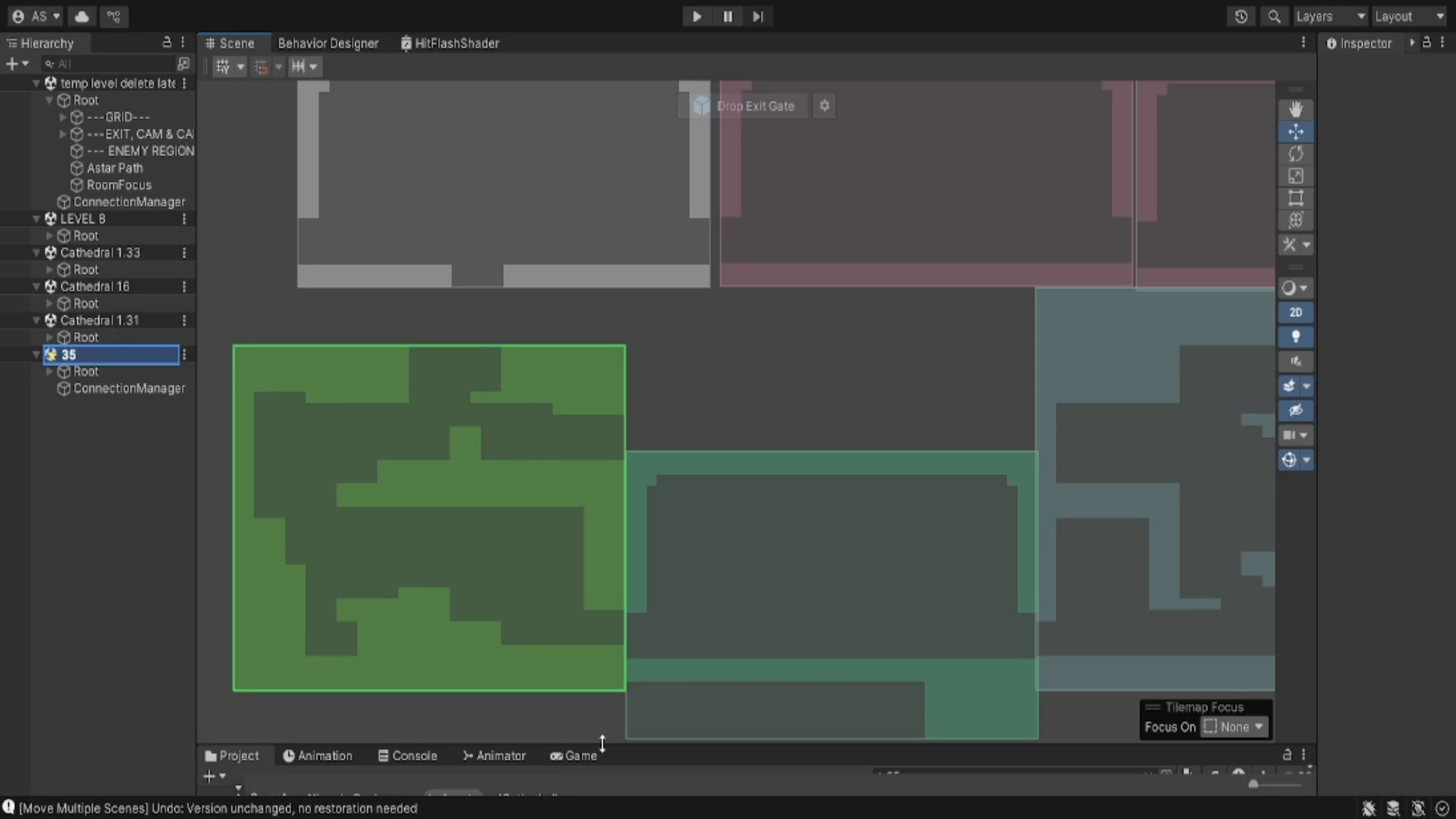
- Proximity Auto-Linking: Move your rooms side-by-side in the Scene View, and the exit gates will automatically connect to each other based on proximity. No manual ID entry needed.
- Intelligent Player Placement: Automatically offsets the player based on the door direction or applies upward velocity for bottom-exit jump pads.
- Visual Debugging: Green/Red connection gizmos and directional lines make it instantly clear which doors are linked and which are broken.
- Connection Validator: A one-click pre-build check that scans your entire project for broken links or scenes missing from the Build Settings.
- Robust Event System: Hook into Unity Events (OnBeforeTransition, OnAfterSceneUnload, OnAfterPlayerPlaced, etc.) to easily pause gameplay, play audio, or save the game during transitions.
💡 Use Cases
- Metroidvanias: Connect hundreds of rooms seamlessly without unloading your core managers.
- Zelda-like RPGs: Transition smoothly between the overworld, houses, and dungeons.
- Platformers: Create interconnected zones with logic for spawn offsets and launch pads.
From the publisher's Asset Store listing.
Technical details
REQUIREMENTS
• Minimum Unity Version: 2021.3 LTS +
• Project Type: 2D Project
• Pipeline Support: Built-In, URP, HDRP
DEPENDENCIES
• No external dependencies required.
ARCHITECTURE & INTEGRATION
• Persistence Models: Fully supports both Persistent Scene (never unloads) and Persistent Prefab (DontDestroyOnLoad) architectures out of the box.
• Component Ecosystem: Driven by a lightweight Singleton SceneTransitionController for loading/fading, ConnectionManager for per-scene exit management, and PlayerSpawnPlacer for collision-safe coordinate calculations.
• Physics Interaction: Safe player placement requires Rigidbody2D and Collider2D setup on the Player object.
• Event-Driven API: Exposes Unity Events bridging each step of the transition pipeline (OnBeforeTransition, OnAfterFadeIn, OnAfterSceneUnload, OnAfterSceneLoad, OnAfterPlayerPlaced, OnTransitionComplete).
• Custom Data Passing: Static SceneTransitionData wrapper permits optional arbitrary data to be passed cleanly across scene loads. ✨
Compatibility
| Unity version | Built-in | URP | HDRP | Custom |
|---|---|---|---|---|
| 2022.3.62f3 | Compatible | Compatible | Compatible | Compatible |
As listed on the Asset Store.