
 View on Asset Store (opens in new tab)
Package details
- Latest version
- 1.0.1
- Last updated
- First released
- Unity version
- 2022.3.62 or later
- Package size
- 4.2 MB
- Files
- 348
- Views in the past week
- 3
Price tracking
- Last checked
- Tracked since
- Lowest recorded
- $24.49 on
Keywords

ObjectShot
Capture isolated GameObjects and UI as shippable stills and animations — scene-safe, deterministic, and pixel-perfect to the preview.
Affiliate link · Purchases support this site
Price history
Last 6 months
USDAsset preview
1 / 14
ObjectShot screenshot 1
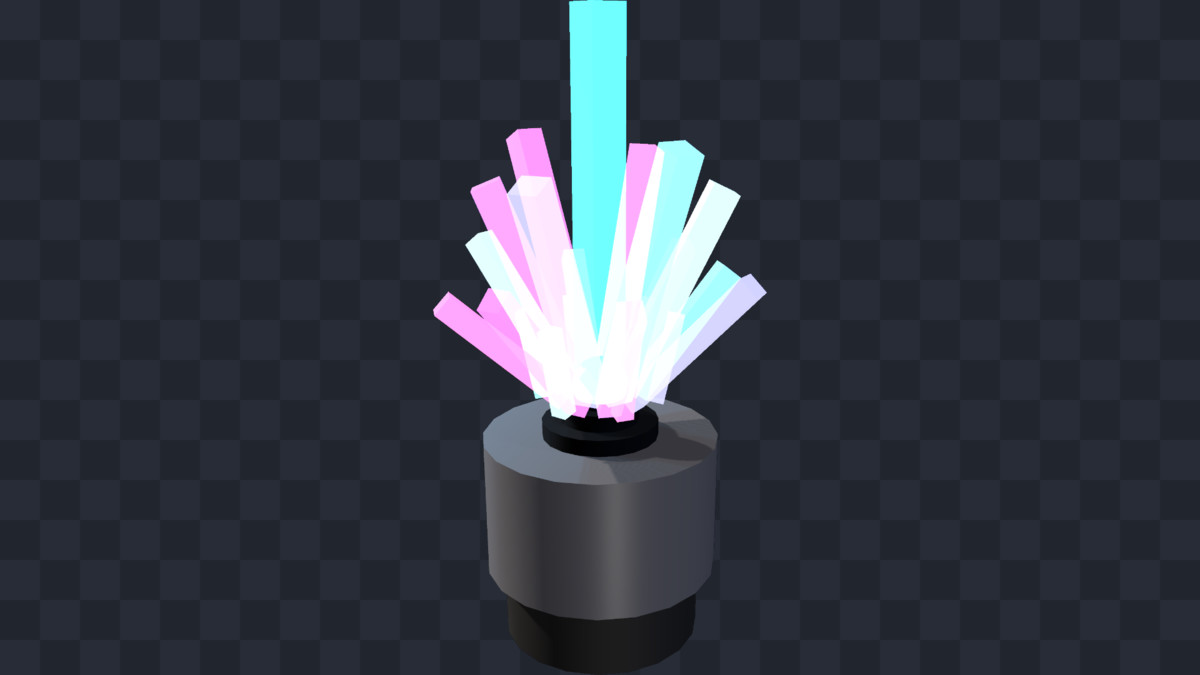
About this asset
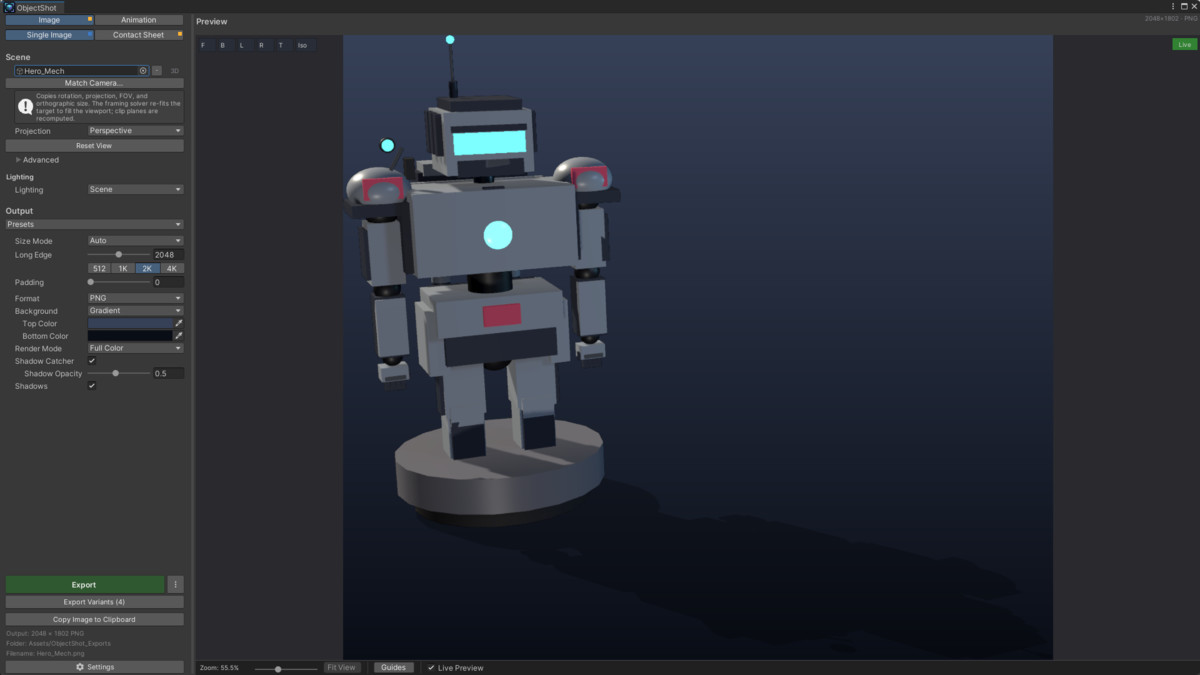
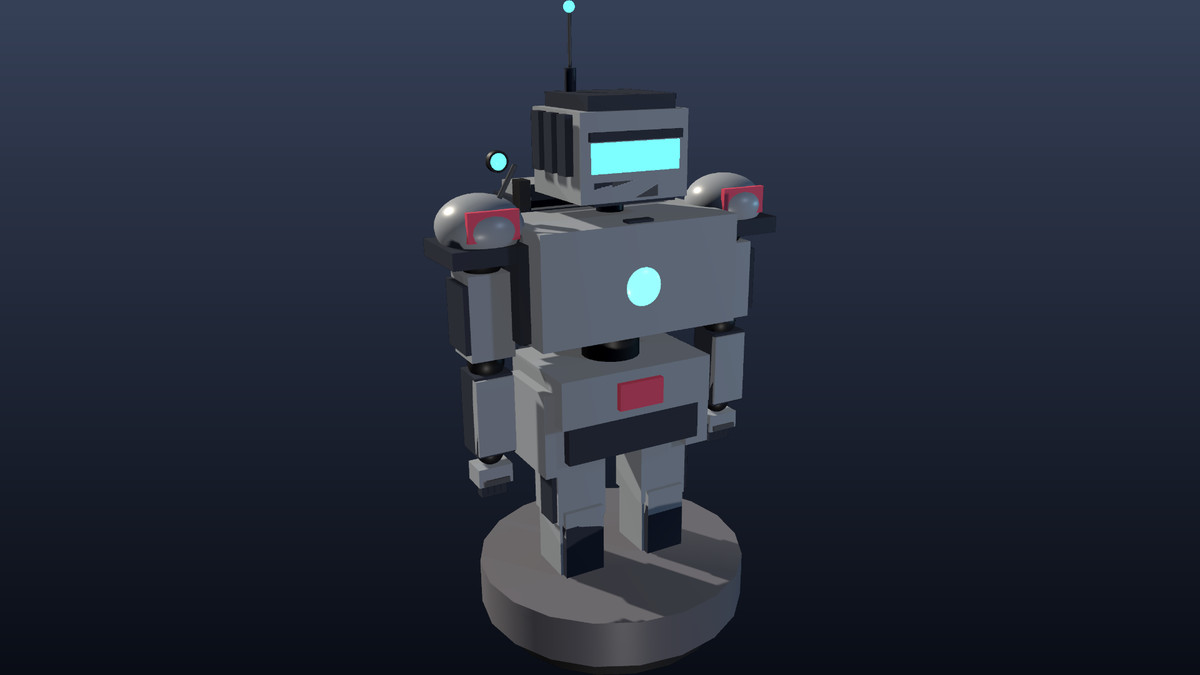
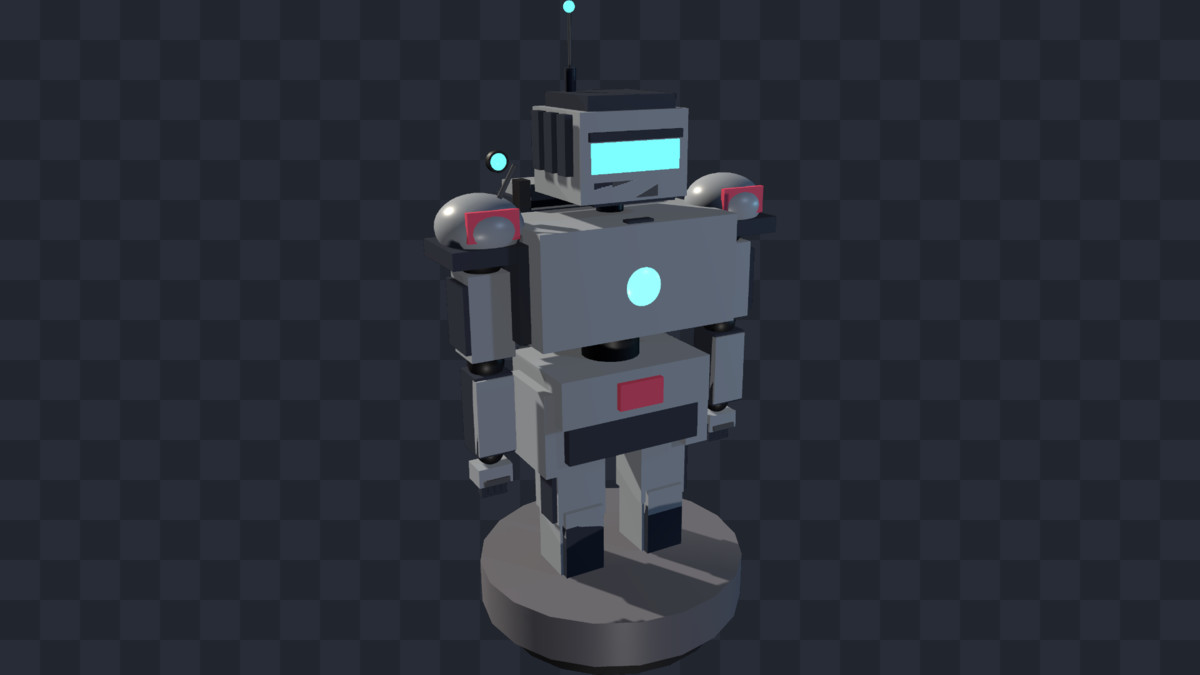
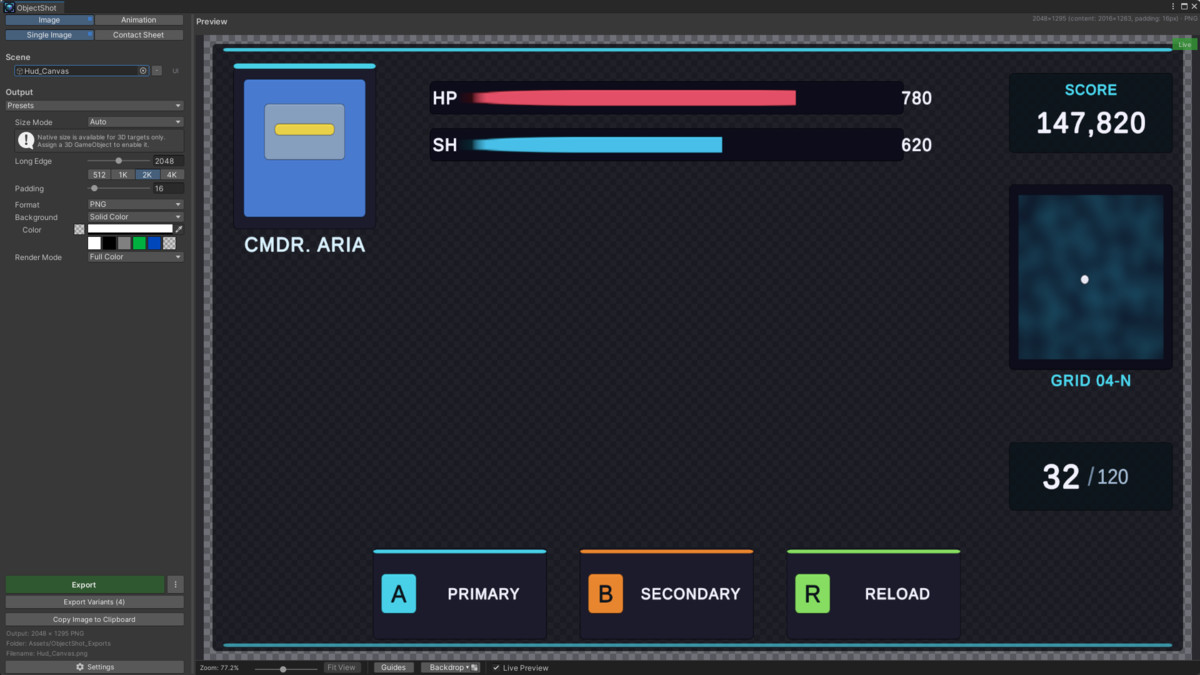
ObjectShot turns any GameObject or UI hierarchy into a clean, shippable image or animation — without ever touching your scene.
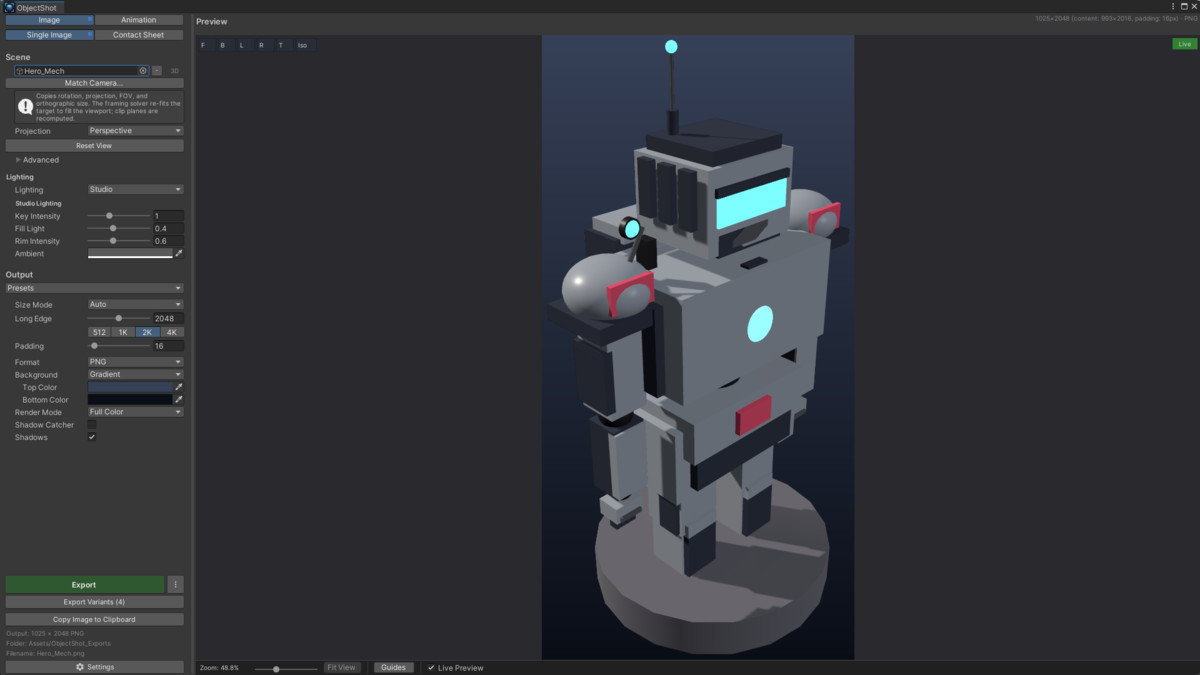
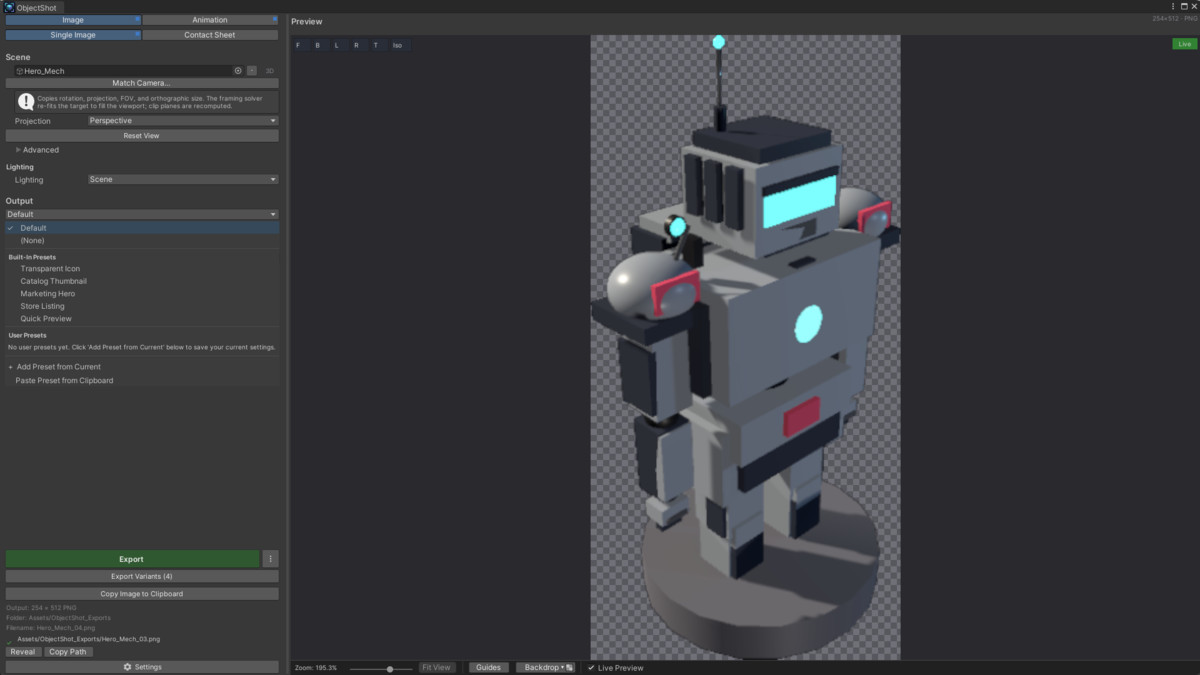
Frame your subject by moving the view, see exactly what you'll get in the live preview, and export. The preview is the export: the pixels you see are the pixels you ship. ObjectShot runs entirely in the Editor — there is no runtime component and zero runtime cost.
Two modes, four workflows
- Single Image — one composed capture of your target.
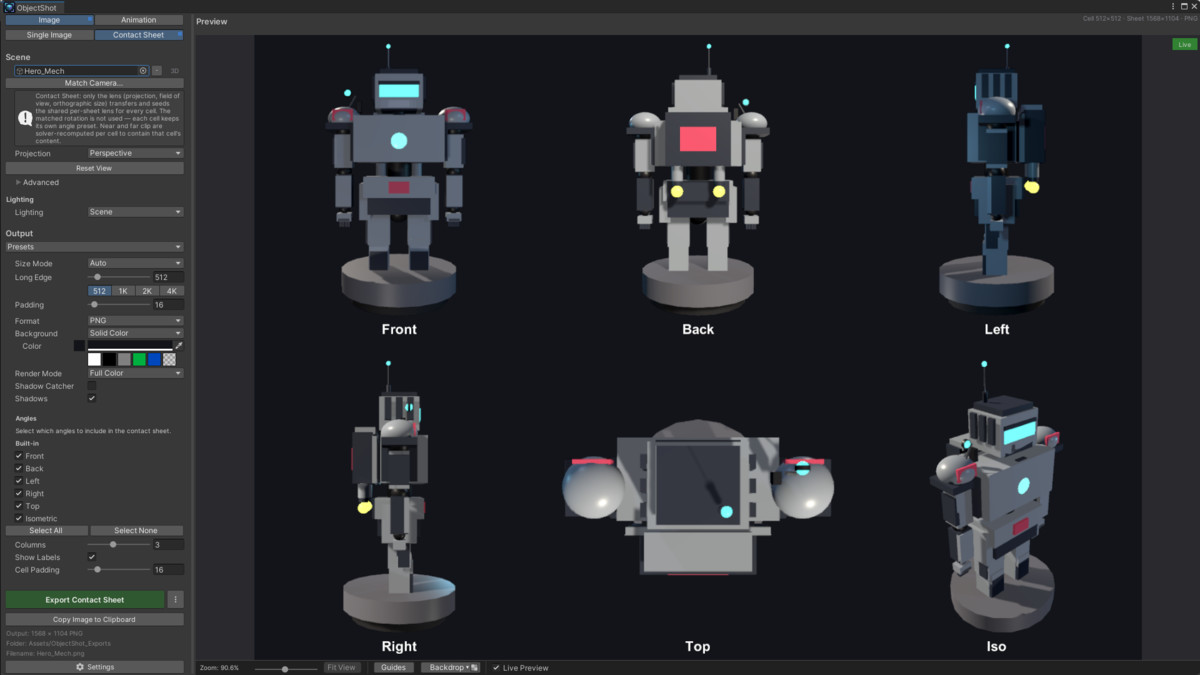
- Contact Sheet — a multi-angle grid of the same target (front, back, sides, top, iso, or your own angles).
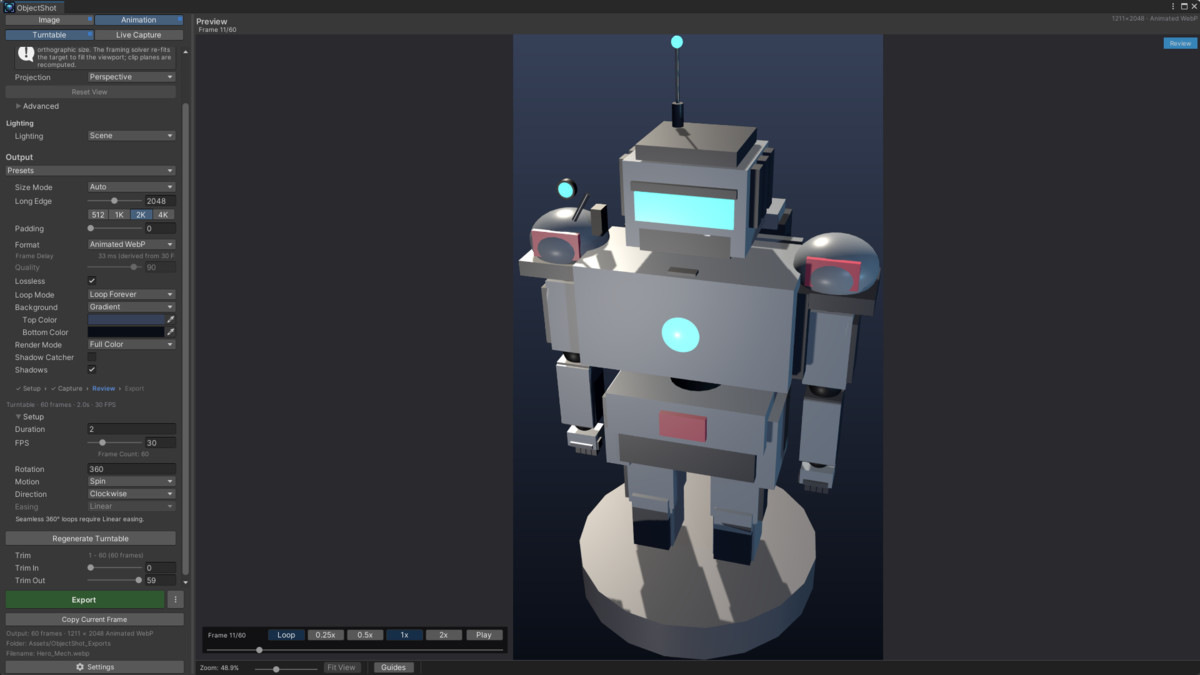
- Turntable — a smooth 360° spin, captured without entering Play mode.
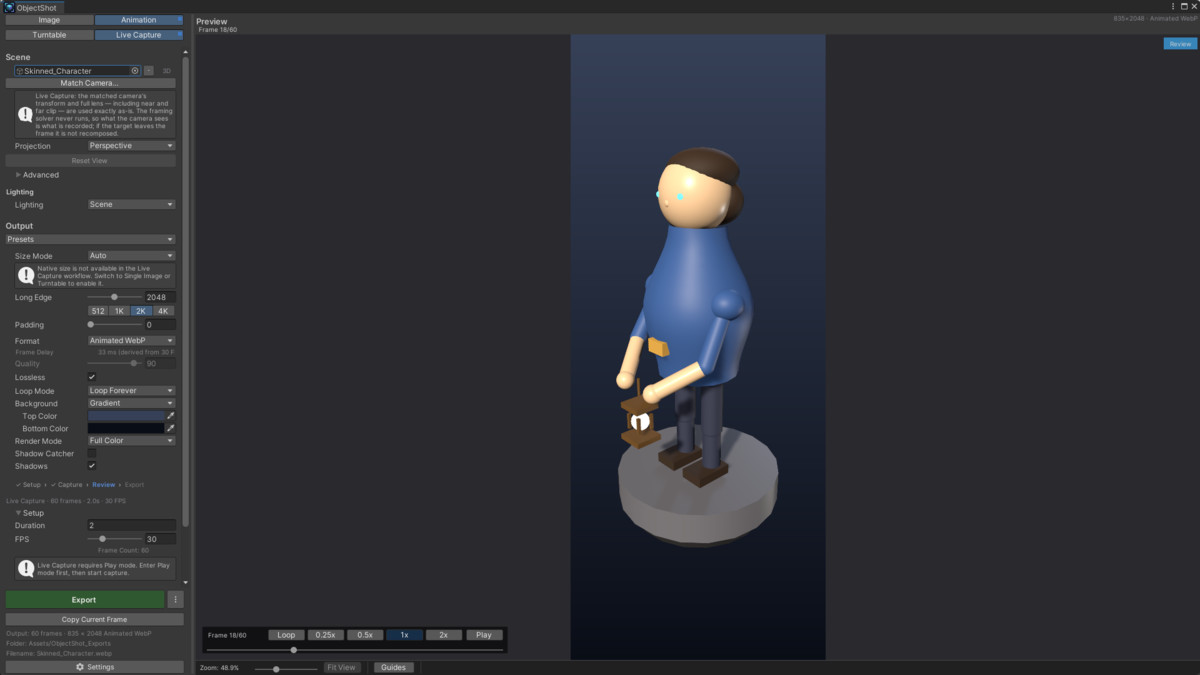
- Live Capture — record an isolated animation while the game plays, with the rest of the scene excluded.
Built for production
- Scene-safe by design. Capture runs against an internal cloned world — no transform, layer, or component changes to your live scene, ever.
- Preview equals export. What you see is what you get, every time.
- Deterministic output. Explicit, repeatable file paths, names, formats, and collision handling — friendly to version control and automation.
- Professional defaults. The first result already looks shippable: studio lighting, sensible framing, clean backgrounds.
Formats
- Stills: PNG, JPG, WebP, TGA (with alpha where the format supports it).
- Animations: APNG, GIF, animated WebP, Sprite Sheet, Image Sequence.
Every render pipeline
Works on the Built-in Render Pipeline, URP, and HDRP — no pipeline-specific setup.
More
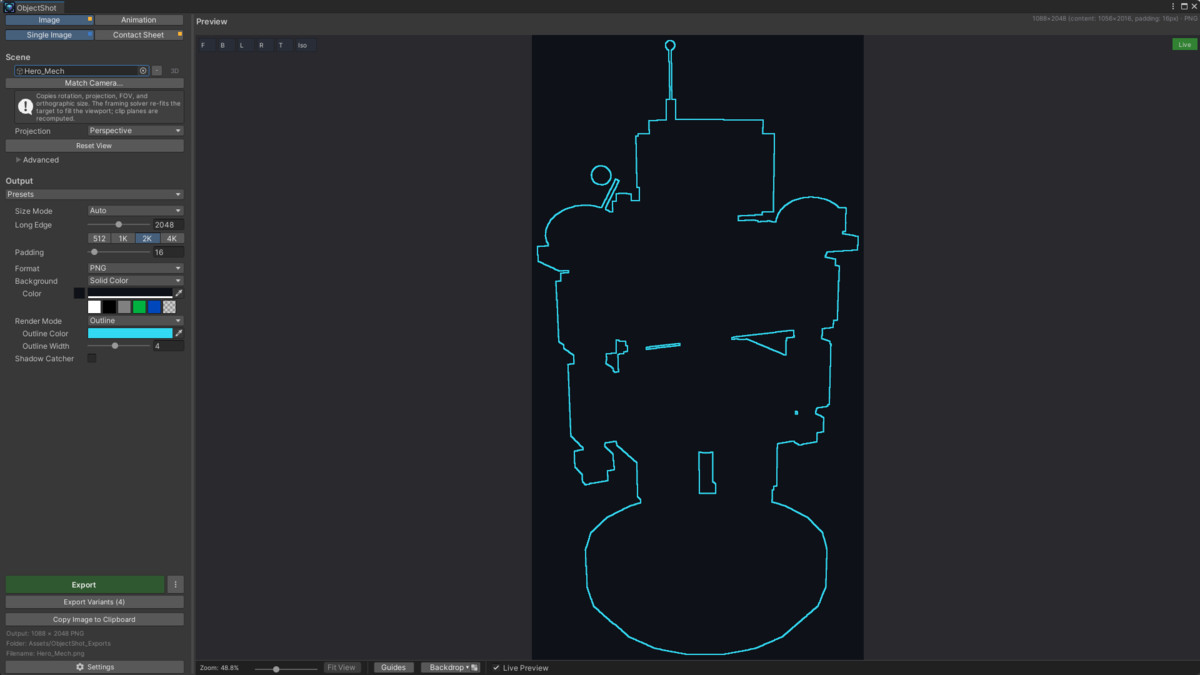
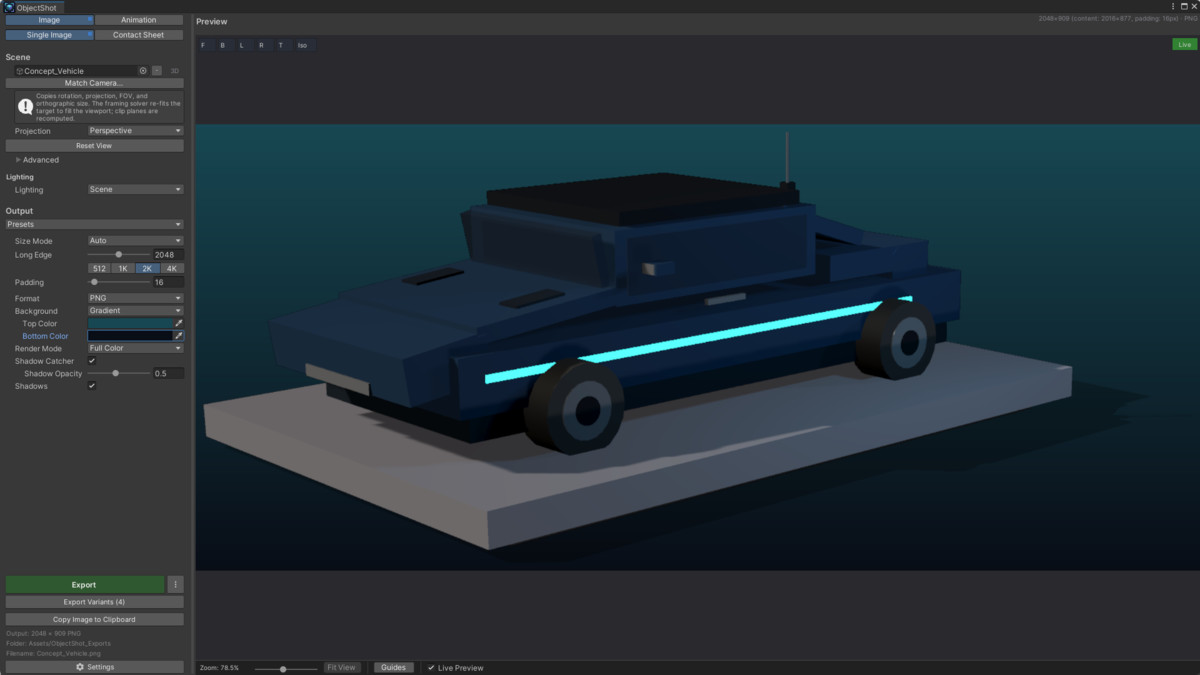
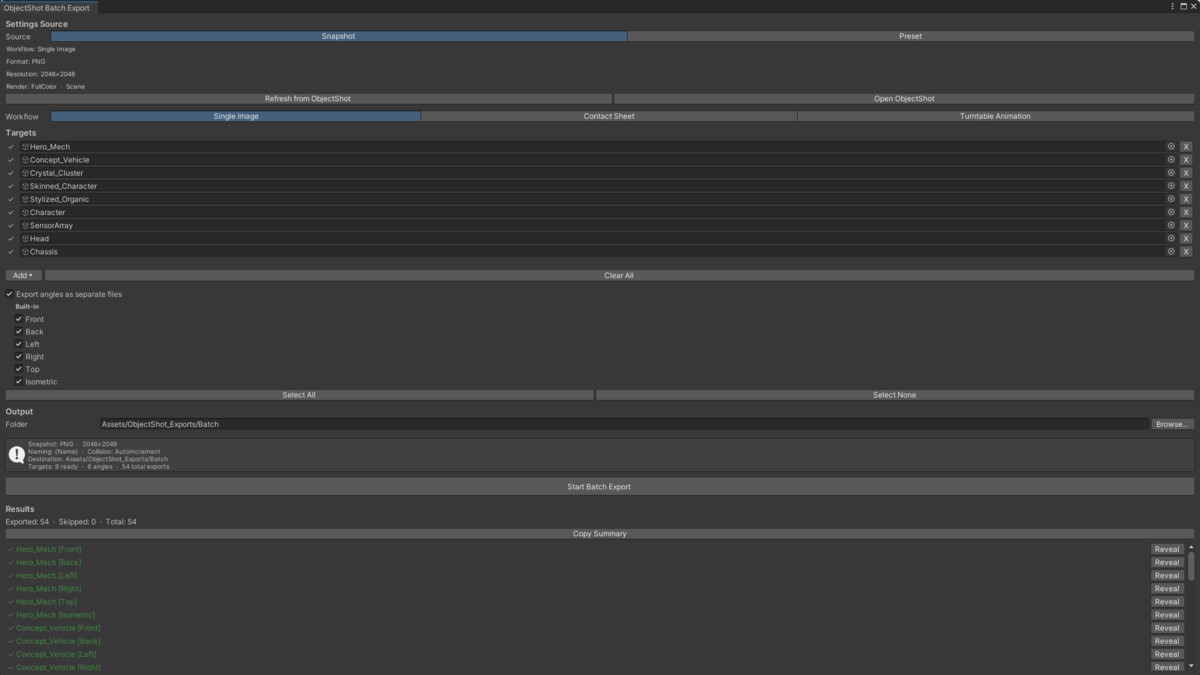
Transparent / solid / gradient backgrounds · render modes (full color, silhouette, outline) · shadow catcher · built-in and custom presets · batch export · one-click clipboard copy (Windows & macOS) · post-export Unity import-profile application · Prefab-Stage capture · a generated sample scene to explore every feature.
Note: ObjectShot does not capture particle systems — particle effects are temporal and fall outside its isolated-snapshot model.
Editor-only. Zero runtime dependencies. Requires Unity UI (com.unity.ugui).
From the publisher's Asset Store listing.
Technical details
- Capture isolated 3D objects and UI hierarchies — scene-safe, never mutating your scene
- Single Image, Contact Sheet, Turntable, and Live Capture workflows
- Still export: PNG, JPG, WebP, TGA · Animation export: APNG, GIF, animated WebP, Sprite Sheet, Image Sequence
- Built-in, URP, and HDRP support with no extra setup
- Transparent, solid, and gradient backgrounds; silhouette and outline render modes; shadow catcher
- Preview equals export — deterministic, collision-safe file output
- Built-in + custom presets, batch export, clipboard copy, post-export import profiles, Prefab-Stage capture
- Editor-only, zero runtime impact
Compatibility
| Unity version | Built-in | URP | HDRP |
|---|---|---|---|
| 2022.3.62f3 | Compatible | Compatible | Compatible |
ObjectShot auto-detects your project's active render pipeline (Built-in, URP, HDRP) automatically — no manual setup. All workflows, render modes, and Shadow Catcher work identically across all three. Verified on Unity 2022.3, 6000.0, and 6000.3 LTS. Switch pipelines? Regenerate the optional sample scene (Window ▸ ObjectShot ▸ Generate Sample Scene).
As listed on the Asset Store.