
 View on Asset Store (opens in new tab)
Package details
- Latest version
- 1.0
- Last updated
- First released
- Unity version
- 6000.1.11 or later
- Package size
- 5.5 MB
- Files
- 23
- Favorites
- 6
- Views in the past week
- 15
Price tracking
- Last checked
- Tracked since
- Lowest recorded
- Free on
Keywords
Runtime Texture Compressor
The Runtime Texture Compressor is a tool that allows you to freely retrieve images from the web or locally while Unity is running and encode them into GPU-compressed textures.
Affiliate link · Purchases support this site
Price history
Last 6 months
USDAsset preview
1 / 4
Runtime Texture Compressor screenshot 1
About this asset
With a simple API, you can download and encode images asynchronously in the background.
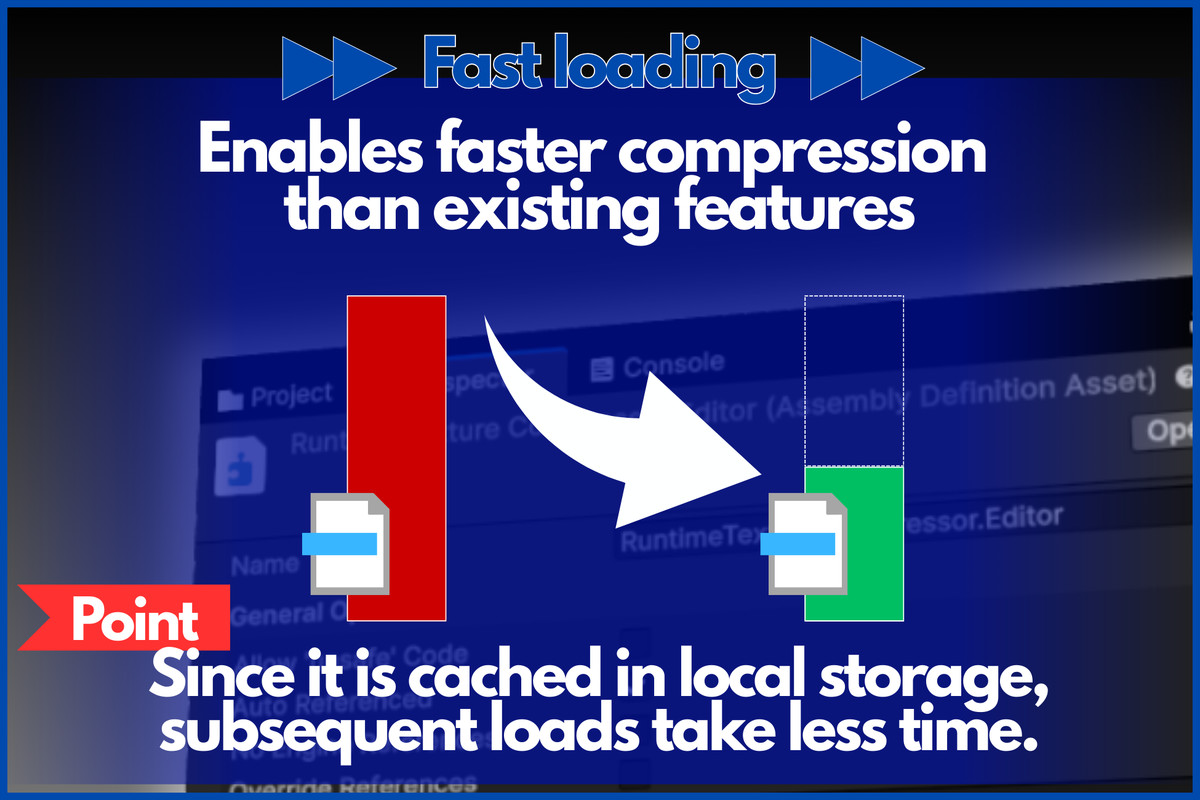
Encoded images are automatically cached in local storage using the URL and compression format as keys, requiring almost no load time on subsequent requests.
For any questions about functionality or feature requests, please contact us.
✅ Required Libraries
UniTask (https://github.com/Cysharp/UniTask) is used internally and must be installed.
Install via PackageManager using the git URL or OpenUPM (https://openupm.com/packages/com.cysharp.unitask/).
✅ Benefits of This Library
- Supports loading a wide variety of image formats
- Offers multiple output compression formats (ASTC included!)
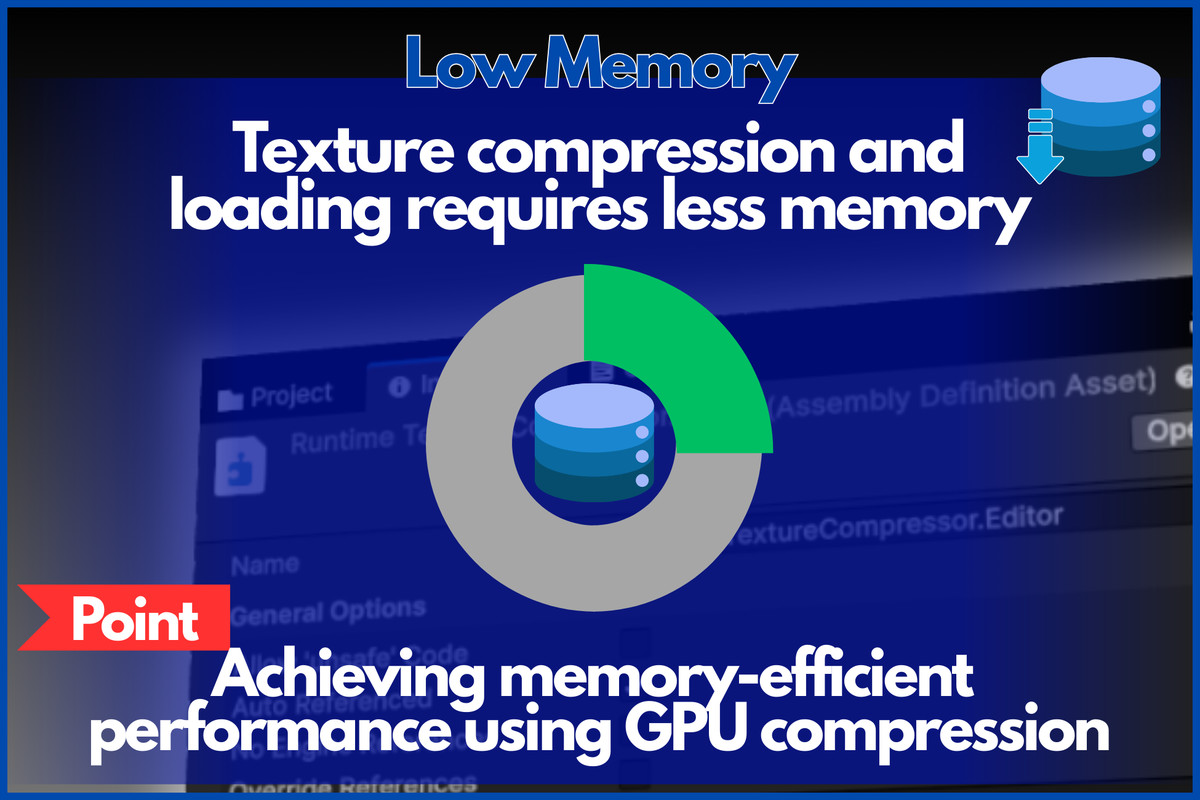
- Memory-efficient performance through GPU compression
- Optimizes textures
- Compatible with iOS/Android
- Fast compression processing performed almost entirely on background threads, ensuring it doesn't interfere with game performance
- Fast loading for subsequent accesses via local storage caching (can be disabled)
- Minimal GC Alloc by maximizing NativeArray utilization
- Simple API
✅ Precautions for Use
- Please back up your data before installation
- Operation with unsupported formats is not guaranteed
- If you encounter compilation errors after installation, first verify that UniTask is properly installed
From the publisher's Asset Store listing.
Technical details
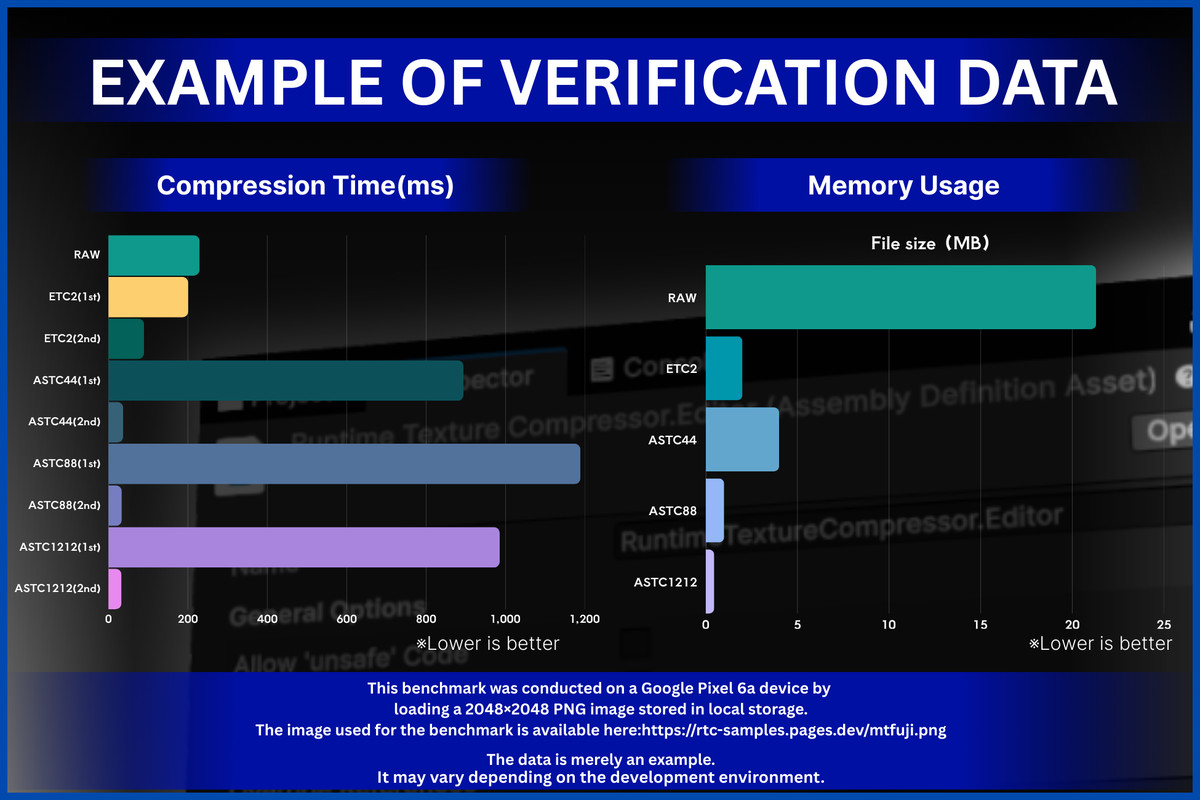
✅ Supplementary Notes on Examples of Verification Data
- This benchmark was conducted on a Google Pixel 6a device by loading a 2048×2048 PNG image stored in local storage.
- The image used for the benchmark is available here:
https://rtc-samples.pages.dev/mtfuji.png
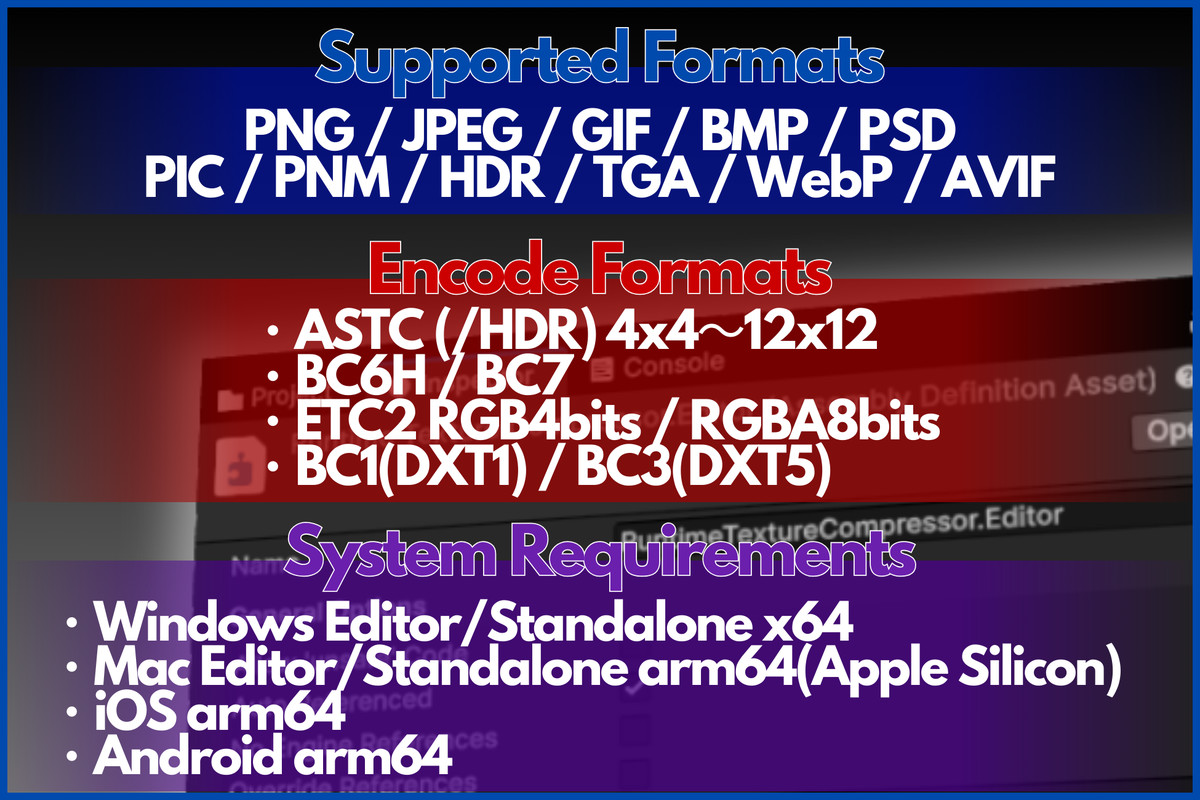
✅ Input Supported Formats
- PNG
- JPEG
- GIF
- BMP
- PSD
- PIC (Softimage)
- PNM
- HDR
- TGA
- WebP
- AVIF
✅ Output Supported Formats
- ASTC (/HDR) 4x4 to 12x12
- BC6H / BC7
- ETC2 RGB4bits / RGBA8bits
- BC1(DXT1) / BC3(DXT5)
✅ Supported Environments
- Windows Editor (x64)
- Windows Standalone (x64) not supported ASTC
- Mac Editor (Apple Silicon) not supported BC1/3, BC6/7
- Mac Standalone (Apple Silicon) not supported BC1/3, BC6/7
- iOS (64-bit) not supported BC1/3, BC6/7
- Android (ARM64) not supported BC1/3, BC6/7
✅ Supported Unity Versions
- 2022.3.62f3 and later
Compatibility
| Unity version | Built-in | URP | HDRP | Custom |
|---|---|---|---|---|
| 6000.1.11f1 | Compatible | Compatible | Compatible | Compatible |
As listed on the Asset Store.