
 View on Asset Store (opens in new tab)
Package details
- Latest version
- 1.0
- Last updated
- First released
- Unity version
- 6000.2.12 or later
- Package size
- 47.2 MB
- Files
- 56
- Favorites
- 2
- Views in the past week
- 6
Price tracking
- Last checked
- Tracked since
- Lowest recorded
- $38.99 on
Keywords
- Search for boost fps
- Search for Performance
- Search for memory optimizer
- Search for Texture Optimization
- Search for unity tools
- Search for shader optimization
- Search for ram optimizer
- Search for low-end devices
- Search for GPU optimization
- Search for fps boost
- Search for mobile optimization
- Search for profiler

MAG Optimization Mega Pack
- Price drop
All-in-one professional optimization toolkit for Unity. Boost FPS, reduce memory usage and fix performance bottlenecks with easy-to-use workflows, perfect for both beginners and advanced developers.
Lowest recorded price
Get 29% off on Asset Store (opens in new tab)Affiliate link · Purchases support this site
Price history
Last 6 months
USDAsset preview
1 / 15
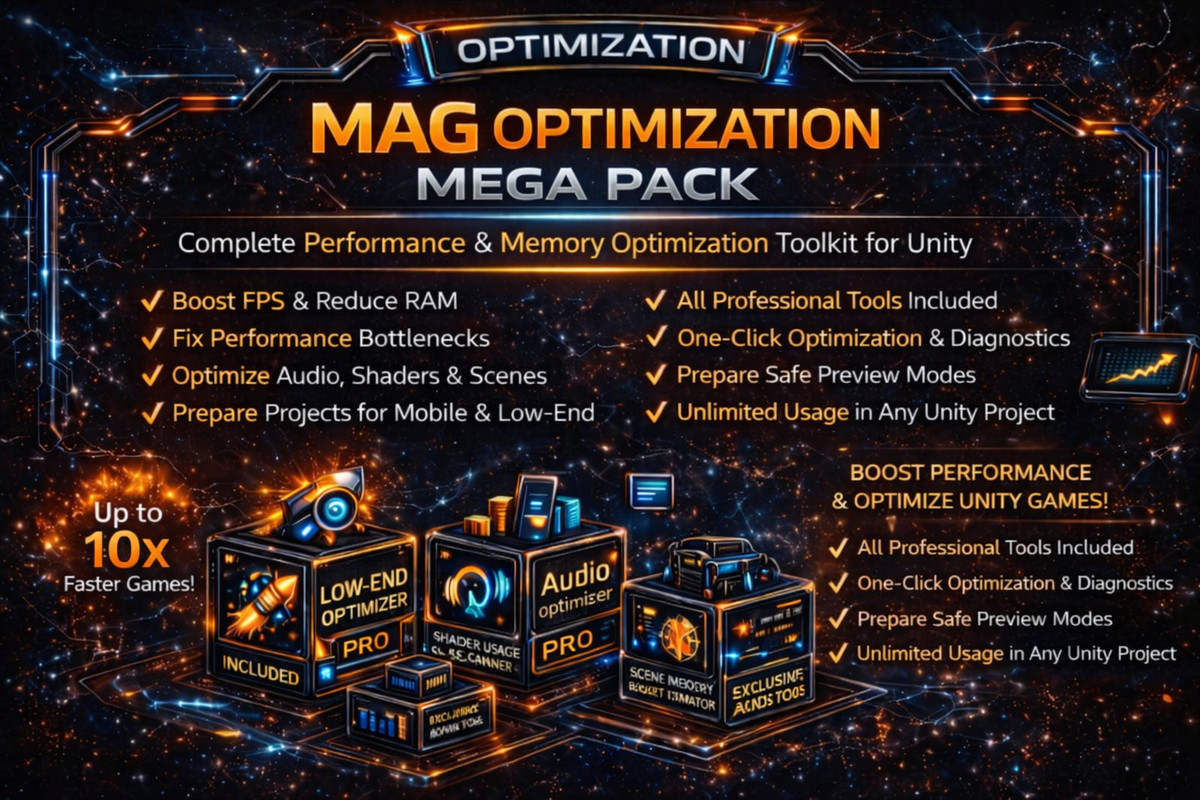
MAG Optimization Mega Pack screenshot 1






About this asset
MAG Optimization Mega-Pack– Professional Performance Toolkit for Unity
Do you want to bring your game back to life even on low-end devices?
Do you want to optimize your project easily, even if you are not an optimization expert?
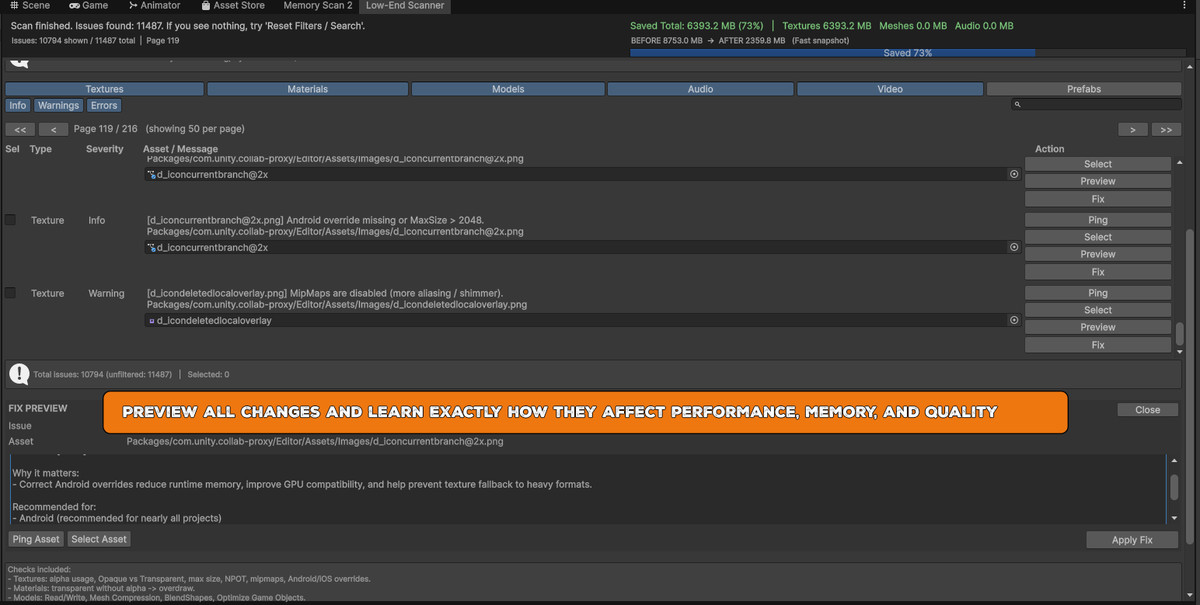
MAG Optimization Mega-Pack is a complete professional solution that helps you analyze, diagnose and optimize your Unity projects in just a few clicks.
With this toolkit, you can achieve massive performance boosts, reduce memory usage, fix hidden performance bottlenecks and prepare your project for production and publishing.
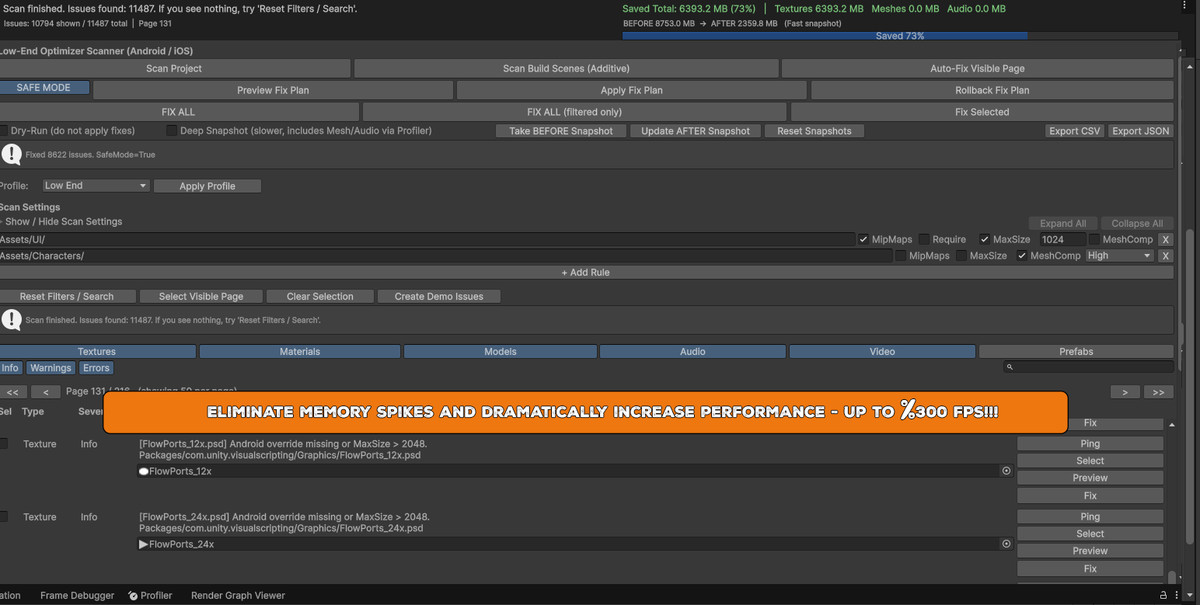
In many real projects, developers achieved FPS improvements of up to 5x – 10x, depending on the initial project state.
Why choose MAG Optimization Mega-Pack?
With MAG Optimization Mega-Pack, optimization becomes simple, fast and safe.
- Boost FPS dramatically
- Reduce RAM & VRAM usage
- Decrease build size
- Fix performance bottlenecks
- Improve editor responsiveness
- Optimize shaders, audio, textures, meshes & scenes
- Prepare projects for mobile & low-end devices
- Professional workflow with safe preview & batch processing
Everything is fully explained, guided and safe.
You don’t need advanced optimization knowledge — just follow the workflow and apply fixes with a few clicks.
With just a few clicks, you can obtain huge FPS improvements and memory reductions, even if you are not an optimization expert.
What’s Included in the Mega-Pack
This Pack contains ALL professional tools, including paid standalone assets, at a much better price:
Included Paid Tools:
- MAG Low-End Optimizer PRO
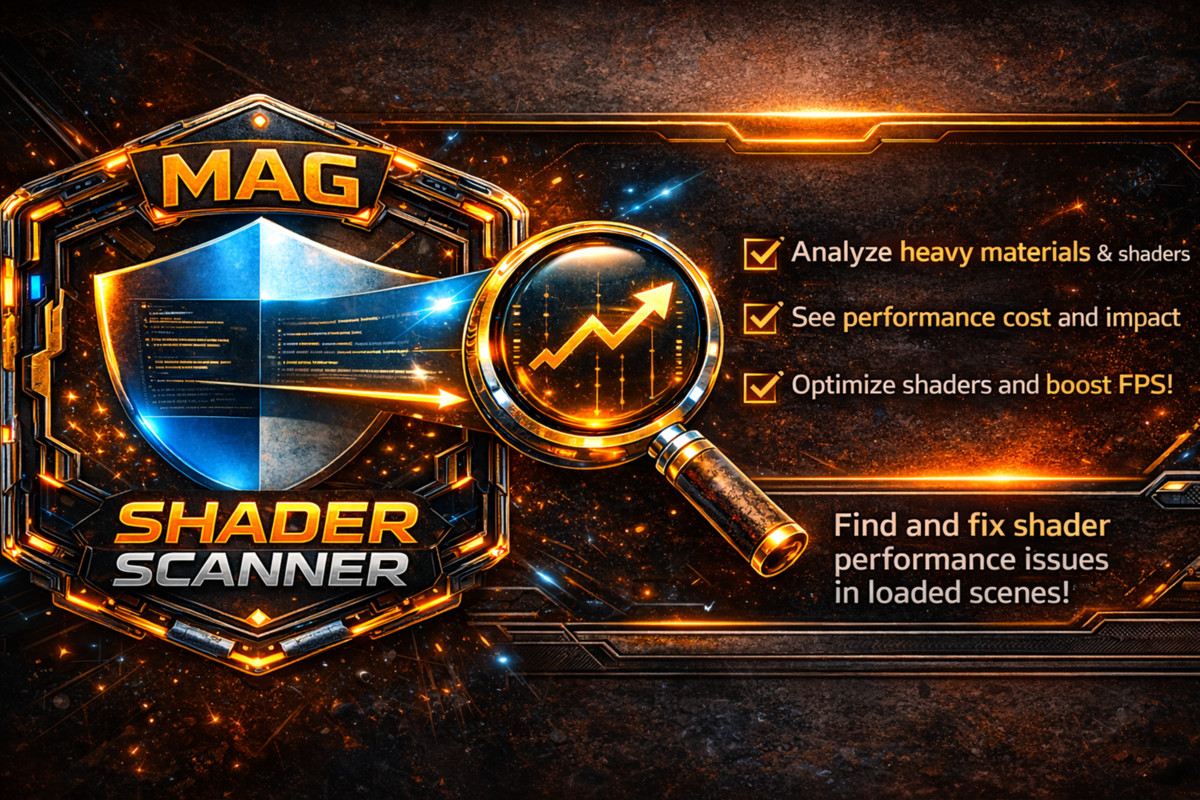
- MAG Shader Usage Scanner
- MAG Audio Optimizer PRO
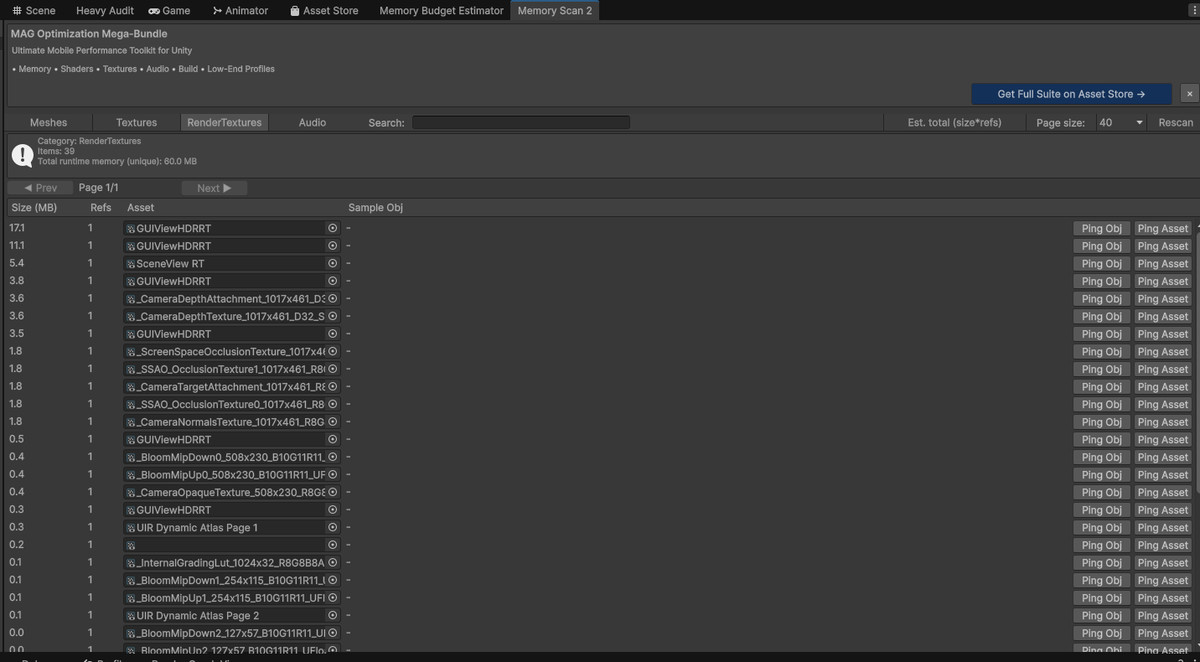
- Memory Scan 2 – Advanced Memory Profiler
Exclusive Bonus Tools (Mega-Pack Only):
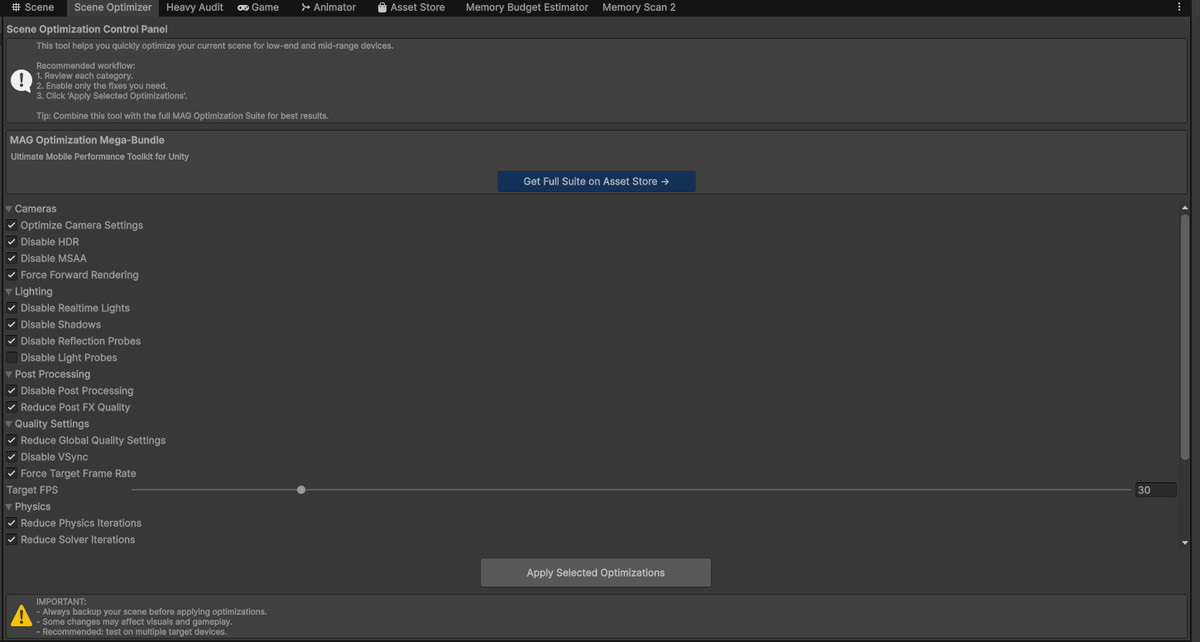
- Scene Optimizer Window
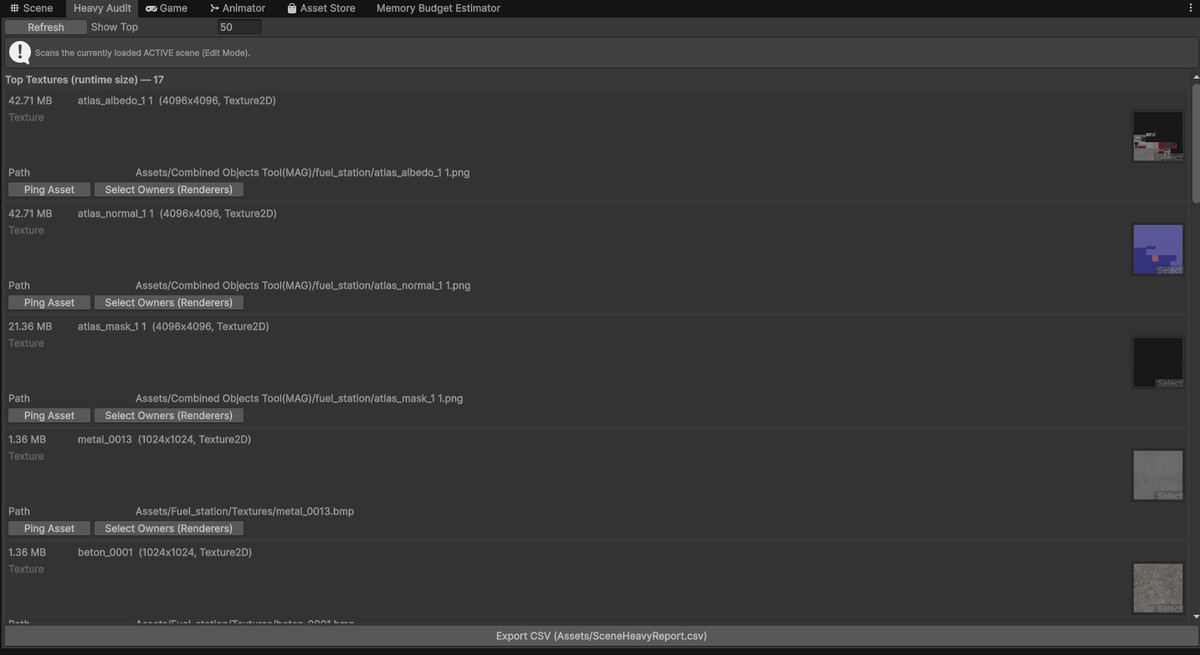
- Scene Heavy Asset Audit
- Scene Memory Budget Estimator
- Segment Auditor – World Streaming & Chunk Analysis
Essentials & Utility Tools:
- Selected Object Memory Inspector
- Find Objects On Layer
- Opaque Material Alpha Auditor
- Multiple productivity & diagnostics utilities
What Can You Optimize?
- Textures (resolution, compression, alpha usage, mipmaps, NPOT, platform overrides)
- Materials (opaque vs transparent, shader complexity, overdraw reduction)
- Meshes & Models (compression, read/write flags, blend shapes, optimization)
- Audio (streaming, compression, sample rate, mono conversion)
- Shaders (usage analysis, GPU cost detection)
- Scenes (memory usage, object complexity, draw calls estimation)
- World Streaming & Segmentation (large worlds, open-world projects)
- RAM & VRAM memory usage (profiling & diagnostics)
Designed For:
- Mobile Games
- Low-End Android & iOS Devices
- Open-World Projects
- Simulation Games
- Performance-Critical Applications
- Indie Developers & Professional Studios
Why Buy the Mega-Pack?
Buying this Pack is far more cost-effective than purchasing each tool separately.
You get:
- A complete professional optimization pipeline
- Tools you can use in unlimited future projects
- Long-term productivity & performance gains
Instead of manually optimizing every project again and again, you get a permanent professional optimization toolkit.
Result:
- Faster games
- Smoother gameplay
- Lower crashes & memory spikes
- Better player retention
- Higher store ratings
All-in-one professional optimization toolkit for Unity. Boost FPS, reduce memory usage, fix performance bottlenecks and ship smoother games on any device — easy to use even for beginners, with guided workflows, clear explanations and powerful one-click optimizations.
From the publisher's Asset Store listing.
Technical details
- Advanced performance scanning system
- Memory profiling (RAM & VRAM estimation)
- Scene memory budget calculation
- Shader usage & GPU cost analysis
- Audio memory optimization pipeline
- Automated texture optimization system
- Model & mesh optimization workflow
- Scene complexity & heavy asset auditing
- Segment & chunk analysis for world streaming
- Safe preview mode before applying fixes
- Batch processing & one-click optimization
- Detailed logs, statistics & progress bars
- Precise object navigation & filtering
Included Tools
- MAG Low-End Optimizer PRO
- MAG Shader Usage Scanner
- MAG Audio Optimizer PRO
- Memory Scan 2
- Scene Optimizer Window
- Scene Heavy Asset Audit
- Scene Memory Budget Estimator
- Segment Auditor
- Selected Object Memory Inspector
- Find Objects On Layer
- Opaque Material Alpha Auditor
Supported Platforms
- Windows
- macOS
- Linux
- Android
- iOS
Supported Unity Versions
- Unity 2020 LTS
- Unity 2021 LTS
- Unity 2022 LTS
- Unity 2023+
- Unity 6.000+
Compatibility
| Unity version | Built-in | URP | HDRP | Custom |
|---|---|---|---|---|
| 6000.2.12f1 | Compatible | Compatible | Compatible | Compatible |
Fully compatible with Built-in Render Pipeline, URP and HDRP. Works at editor level and is independent of the active render pipeline. Supports Windows, macOS, Linux, Android and iOS. Compatible with
Unity 2020 LTS
Unity 2021 LTS
Unity 2022 LTS
Unity 2023+, 6.000 and newer.
All tools include safe preview modes before applying changes.
As listed on the Asset Store.