
 View on Asset Store (opens in new tab)
Package details
- Latest version
- 1.0
- Last updated
- First released
- Unity version
- 6000.2.12 or later
- Package size
- 17.6 MB
- Files
- 12
- Favorites
- 4
- Views in the past week
- 3
Price tracking
- Last checked
- Tracked since
- Lowest recorded
- $14.49 on
Keywords
- Search for unity tools
- Search for low-end
- Search for Texture Optimization
- Search for optimization help
- Search for Performance Tools
- Search for memory optimization
- Search for game optimization
- Search for Performance
- Search for begginner optimization
- Search for beginner tool
- Search for mobile optimization
- Search for mesh optimization

Low-End Optimization Scanner
- Price drop
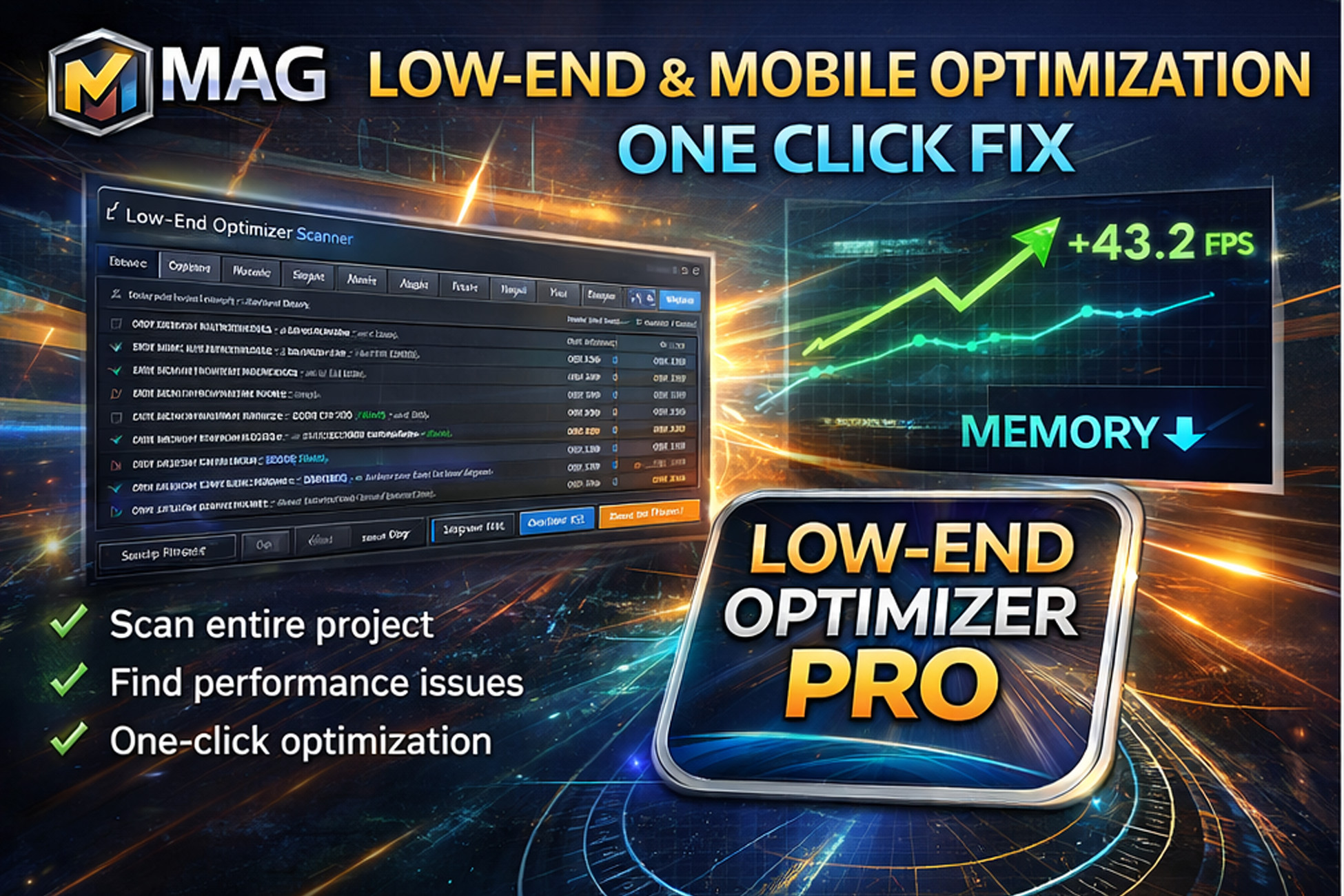
Professional low-end & mobile performance optimization suite for Unity. Scans your entire project&scenes, detects real performance & memory bottlenecks, and safely applies one-click fixes with preview
Lowest in 6 months
Get 48% off on Asset Store (opens in new tab)Affiliate link · Purchases support this site
Price history
Last 6 months
USDAsset preview
1 / 3

Low-End Optimization Scanner screenshot 1


About this asset
MAG Low-End Optimizer Scanner – PRO
MAG Low-End Optimizer Scanner – PRO is a professional-grade automated performance analysis and optimization suite for Unity, specially designed for mobile, low-end, VR and WebGL projects.
Beginner-friendly – Professional results
Each option includes clear explanations and professional best-practice gurove their optimization skills for future projects.
idelines, allowing both beginners and advanced developers to continuously imp
• One-click optimization
• Automatically fixes textures, audio, meshes
• Designed for mobile & low-end devices
• Reduces memory usage and improves performance
It scans your entire project and scenes, detects real-world performance & memory bottlenecks, and provides safe one-click auto-fix solutions, saving days or even weeks of manual optimization work.
Built from real production experience on large-scale mobile simulation projects, this tool focuses on practical optimization problems, not theoretical metrics.
Whether you are a beginner or a professional Unity developer, MAG Optimizer helps you keep large, complex projects running smoothly on low-end devices, with maximum safety and full control.
Why developers love MAG Optimizer
- Designed for large scenes & heavy projects
- Ideal for low-end Android & iOS devices (4GB RAM and below)
- Perfect for beginners who want professional-grade optimization without deep technical knowledge
- Essential for advanced developers who need full control, profiling, and automation
You don’t need to be an optimization expert — MAG Optimizer does the hard work for you.
What does it scan?
Textures
- Oversized textures
- Missing mipmaps
- Alpha channel misuse
- NPOT textures
- Android & iOS platform override issues
- Compression & memory optimization
Materials & Shaders
- Unnecessary transparent materials
- Alpha mismatch detection
- Expensive shader usage
- Overdraw risks
- Shader keyword explosion detection
Models & Meshes
- Read/Write enabled detection
- Mesh compression validation
- BlendShape usage detection
- Rig & GameObject optimization
- Collider & physics overhead detection
Audio
- Stereo → mono optimization
- Sample rate optimization
- Compression recommendations
- Streaming detection
🗺 Scenes
- Renderer & draw call complexity
- HDR usage
- MSAA & Anti-aliasing
- Realtime lights & shadows
- Post-processing impact
- Reflection probes
- Particle system cost
- Canvas rebuild & UI performance
- Physics & simulation bottlenecks
Automatic Optimization System (Enterprise-grade)
- One-click Auto-Fix
- Fix Preview System – see exactly what will change before applying
- Risk Detection System (SAFE / CHECK / RISKY)
- Safe Mode – blocks all high-risk operations automatically
- Fix Plan + Rollback System – fully reversible workflow
- Dry-run simulation mode
- Android & iOS platform override automation
- Folder-based optimization rules
- Batch optimization engine
Beginner-friendly – Professional results
MAG Optimizer is specifically designed to help beginners build large projects without breaking performance.
Even if you are new to Unity:
- You can safely optimize complex scenes
- You can prevent memory crashes & ANRs
- You can keep stable FPS on low-end devices
- You can avoid common optimization mistakes
Build big projects. Run them fast. Even on weak devices.
Reports & Export
- Detailed per-category reports
- Memory & performance snapshots
- Estimated optimization savings
- CSV export
- JSON export
- CI / automated pipeline ready
Designed for
- Android & iOS developers
- Low-end device targeting
- Indie developers
- Mobile simulation games
- Open-world mobile games
- VR & WebGL projects
- Large scenes & streaming environments
Why MAG Tools?
Unlike generic optimization scripts, MAG tools are built from real-world production pipelines, solving performance problems encountered in commercial Unity projects with tens of thousands of daily users.
Every feature in MAG Optimizer exists because it solved a real production bottleneck.
From the publisher's Asset Store listing.
Technical details
Key Features:
- Full project & scene performance scanner
- Texture, material, mesh, audio and scene auditing
- Fix Preview System (see before you apply)
- Risk Detection & Safety System (SAFE / CHECK / RISKY)
- Safe Mode – prevents destructive fixes
- Rollback System – fully reversible workflow
- Snapshot-based memory & performance analysis
- One-click automated optimization
- Advanced batch fixing system
- Safe optimization presets
- Android & iOS platform override support
- Folder-based optimization rules
- CSV & JSON reporting
- CI / automation pipeline ready
- Designed for mobile & low-end devices
- Zero runtime overhead
- Editor-only tool
Compatibility
| Unity version | Built-in | URP | HDRP | Custom |
|---|---|---|---|---|
| 6000.2.12f1 | Compatible | Compatible | Compatible | Compatible |
Editor-only optimization tool. No Render Pipeline dependencies.
Works with:
• Built-in
• URP
• HDRP
• Custom SRPs
Analyzes assets and applies optional import & setting optimizations (textures, meshes, audio, materials) for mobile, PC, console & large-scale projects.
Results may vary. We strongly recommend version control or full project backup before applying fixes.
As listed on the Asset Store.