
 View on Asset Store (opens in new tab)
Package details
- Latest version
- 1.2.0
- Last updated
- First released
- Unity version
- 6000.2.14 or later
- Package size
- 5.9 MB
- Files
- 148
- Favorites
- 1
- Views in the past week
- 27
Price tracking
- Last checked
- Tracked since
- Lowest recorded
- $9.99 on
Keywords

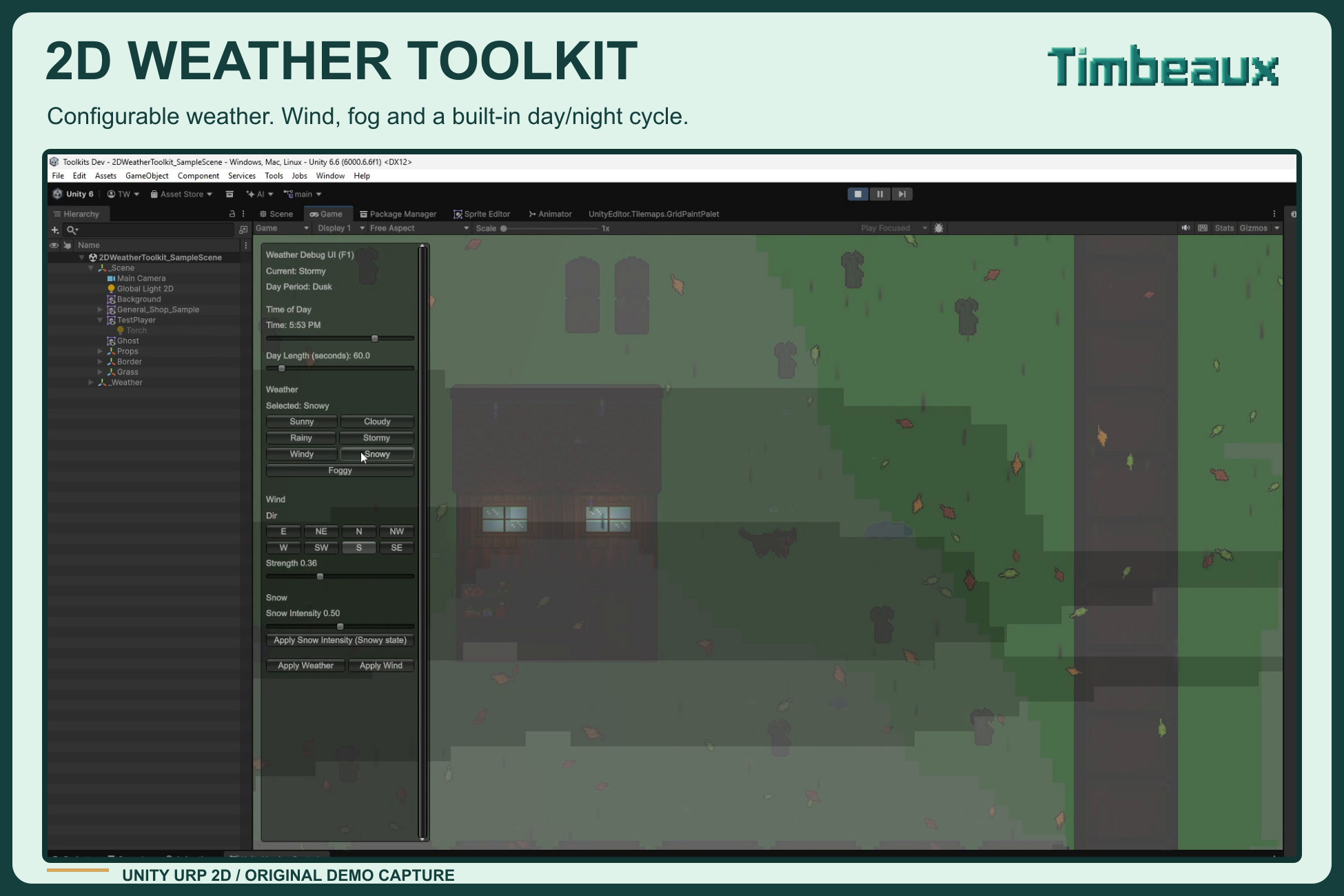
Timbeaux's 2D Weather Tooolkit
A customizable 2D weather system for Unity URP, with seven weather states, wind-driven effects, cuttable fog, day/night lighting, and scene setup tools.
Affiliate link · Purchases support this site
Price history
Last 6 months
USDAsset preview
1 / 12
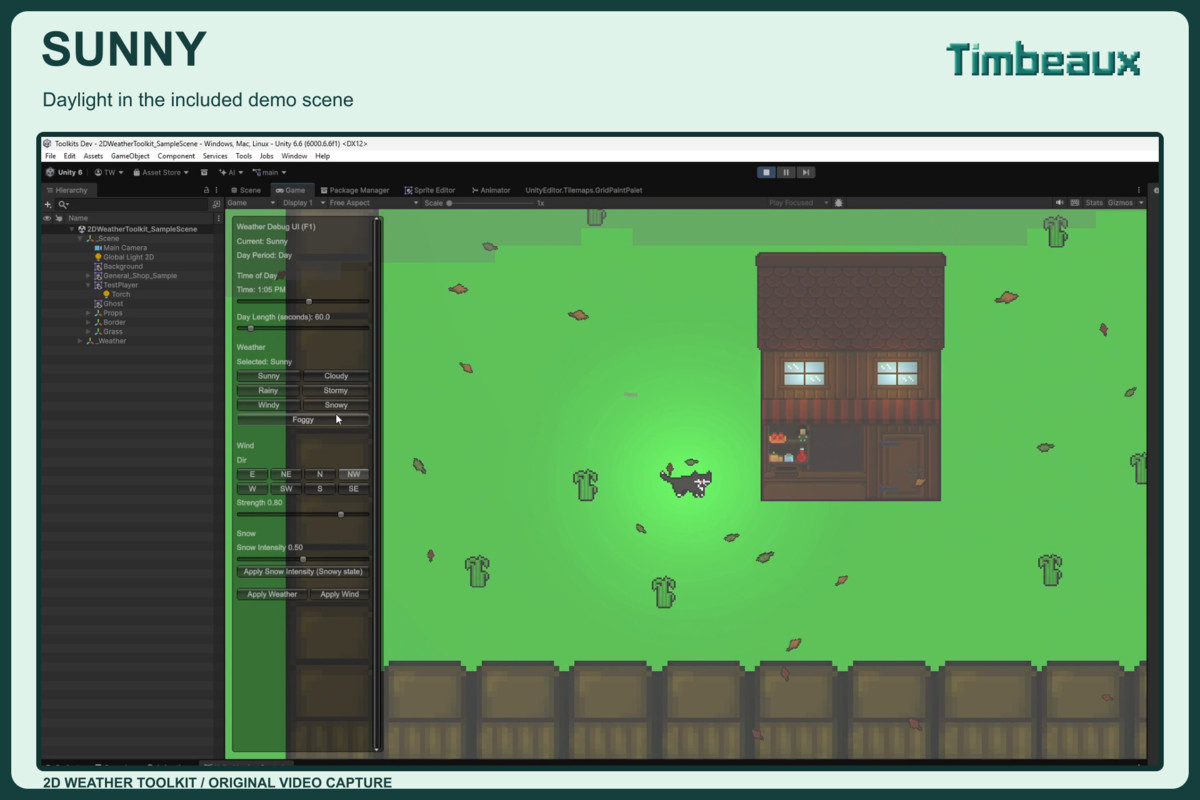
Timbeaux's 2D Weather Tooolkit screenshot 1
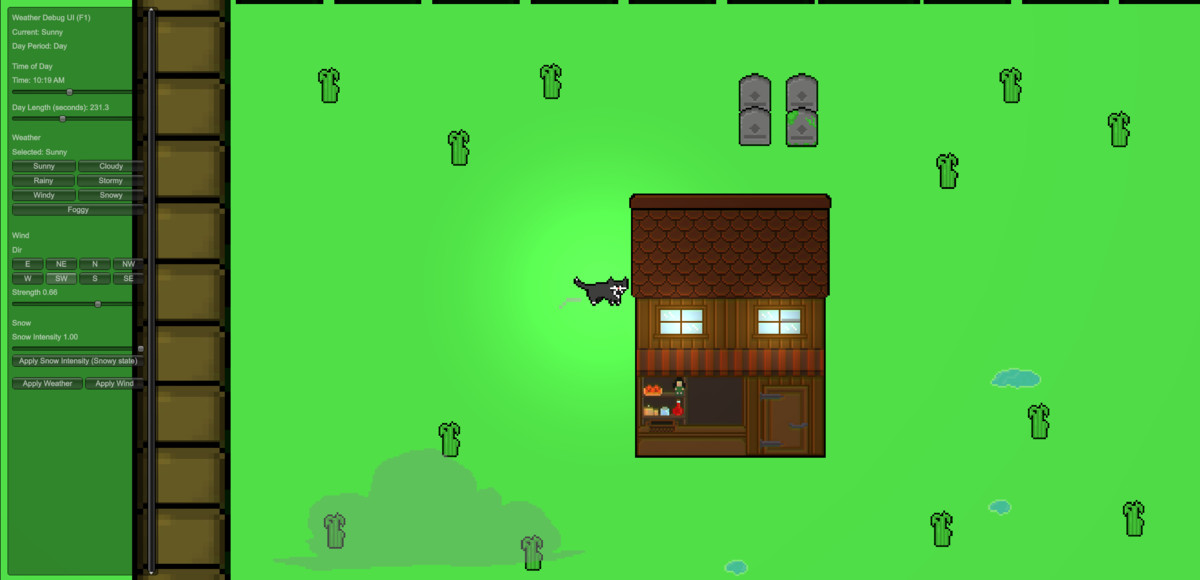
About this asset
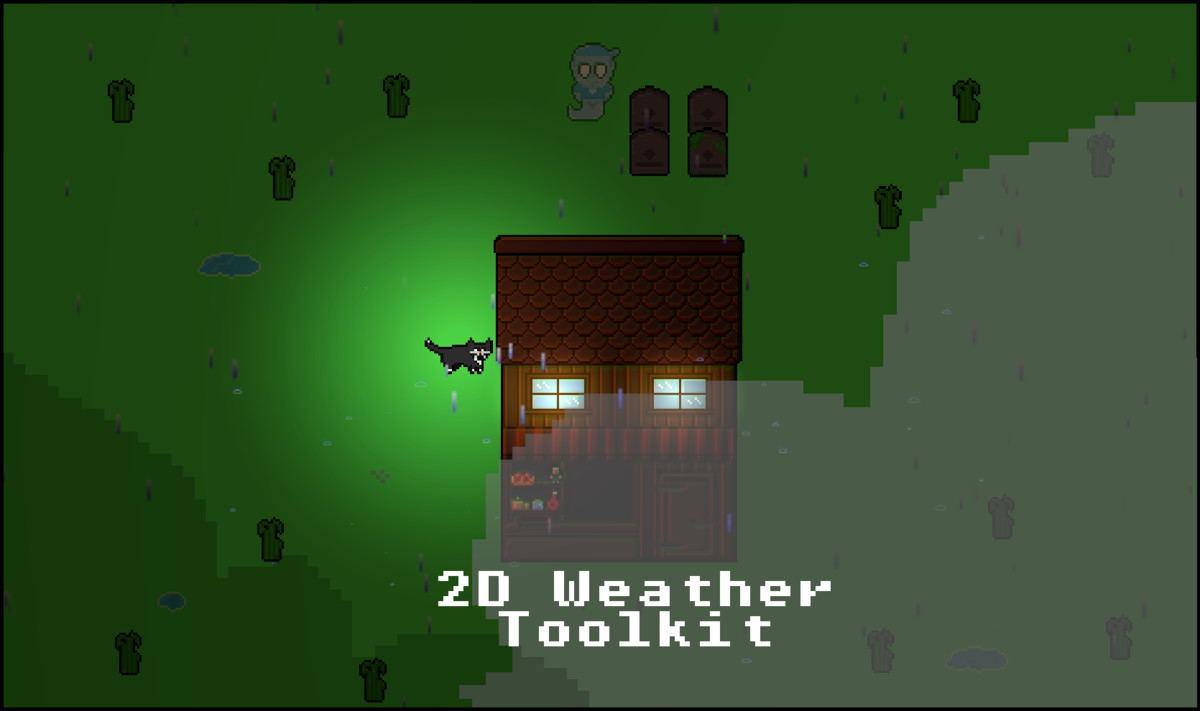
Timbeaux’s 2D Weather Toolkit brings configurable weather and environmental effects to 2D games using Unity’s Universal Render Pipeline and 2D Renderer.
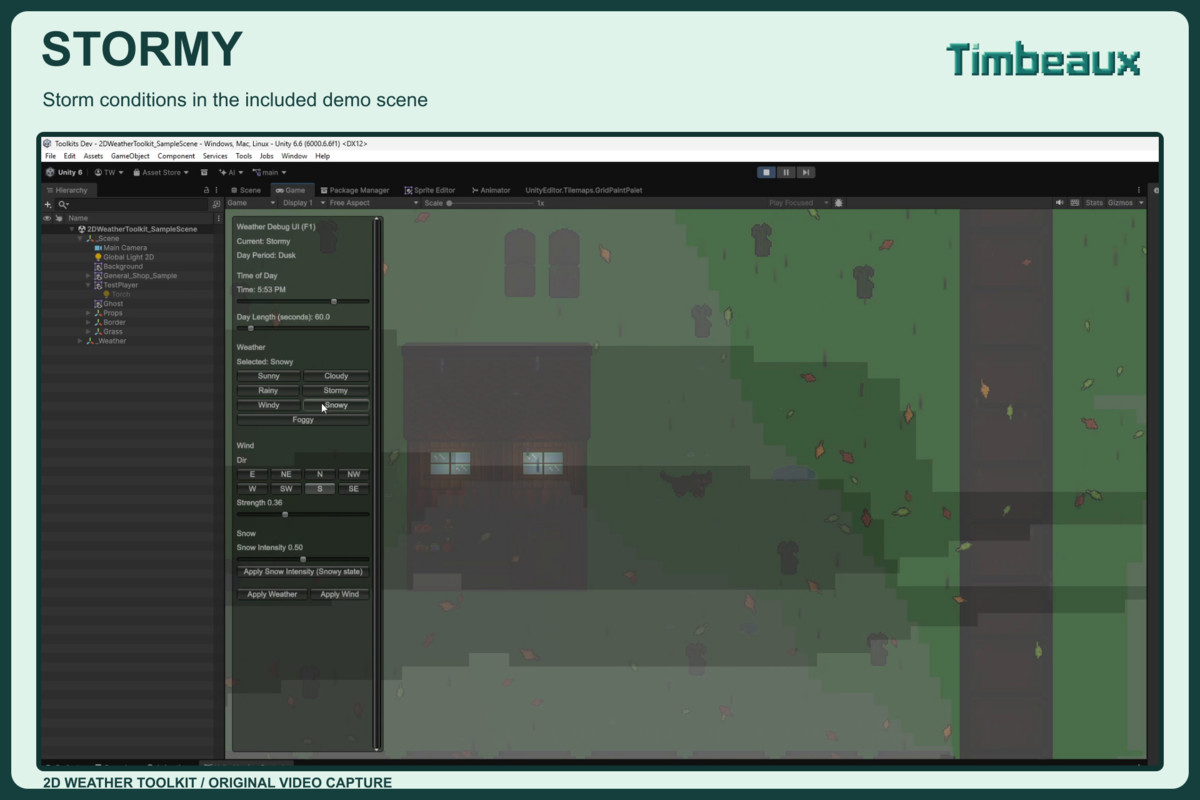
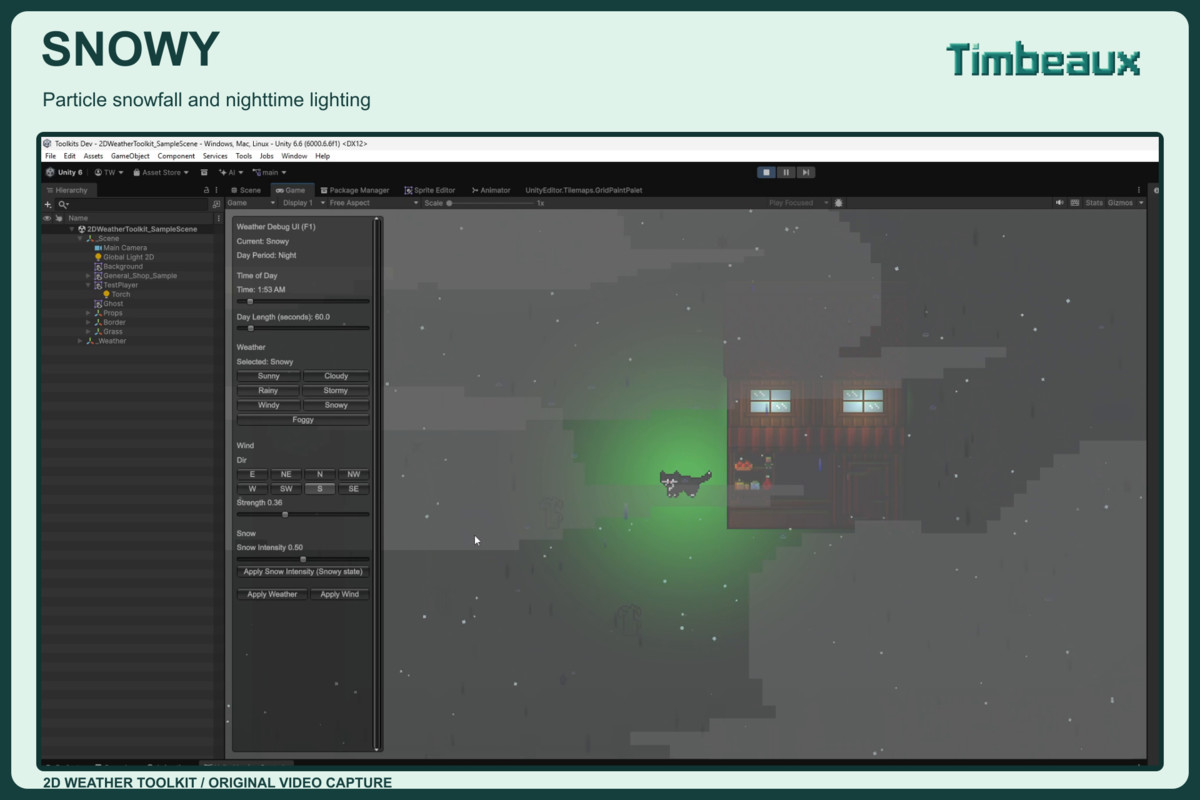
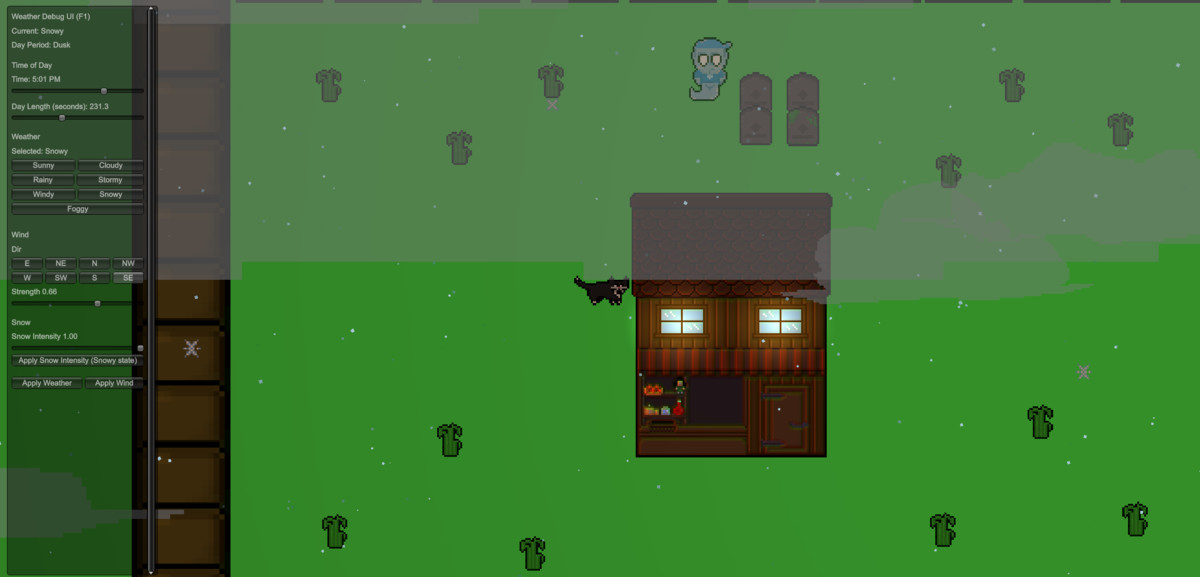
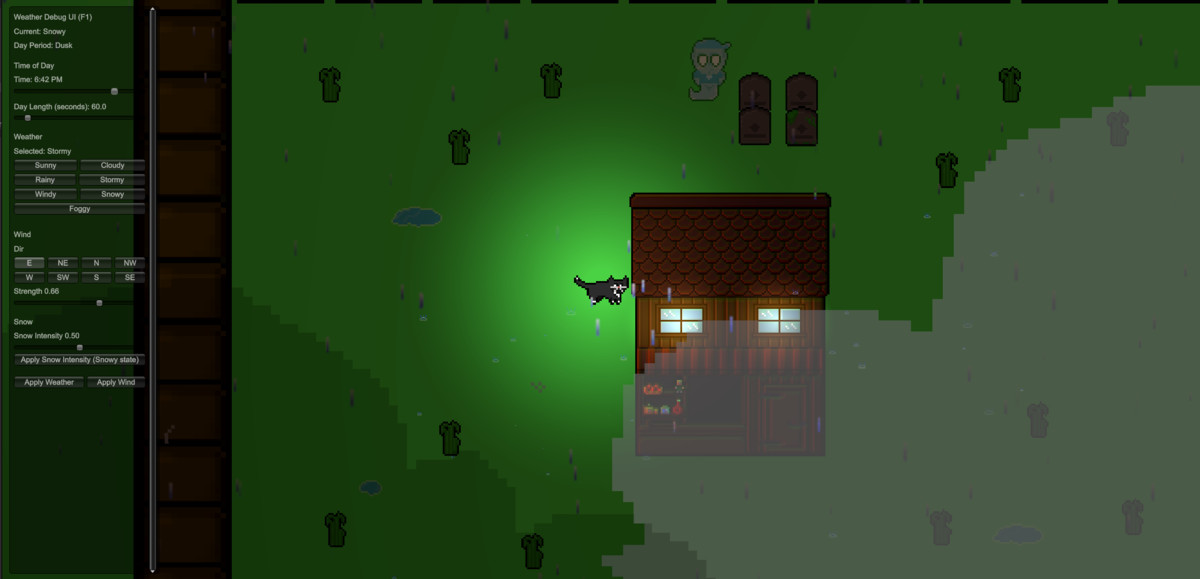
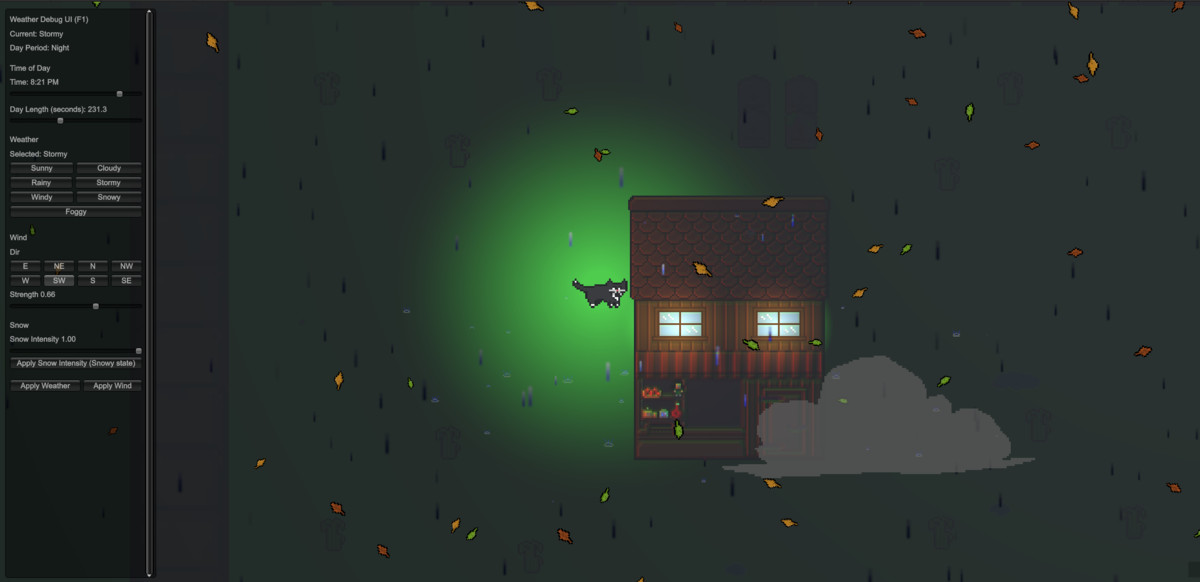
Create Sunny, Cloudy, Windy, Rainy, Stormy, Snowy, and Foggy conditions. Configure transitions, wind, precipitation, clouds, fog, thunder, and lighting to suit your scene.
Weather features:
• Configurable weather transitions with staged storm buildup
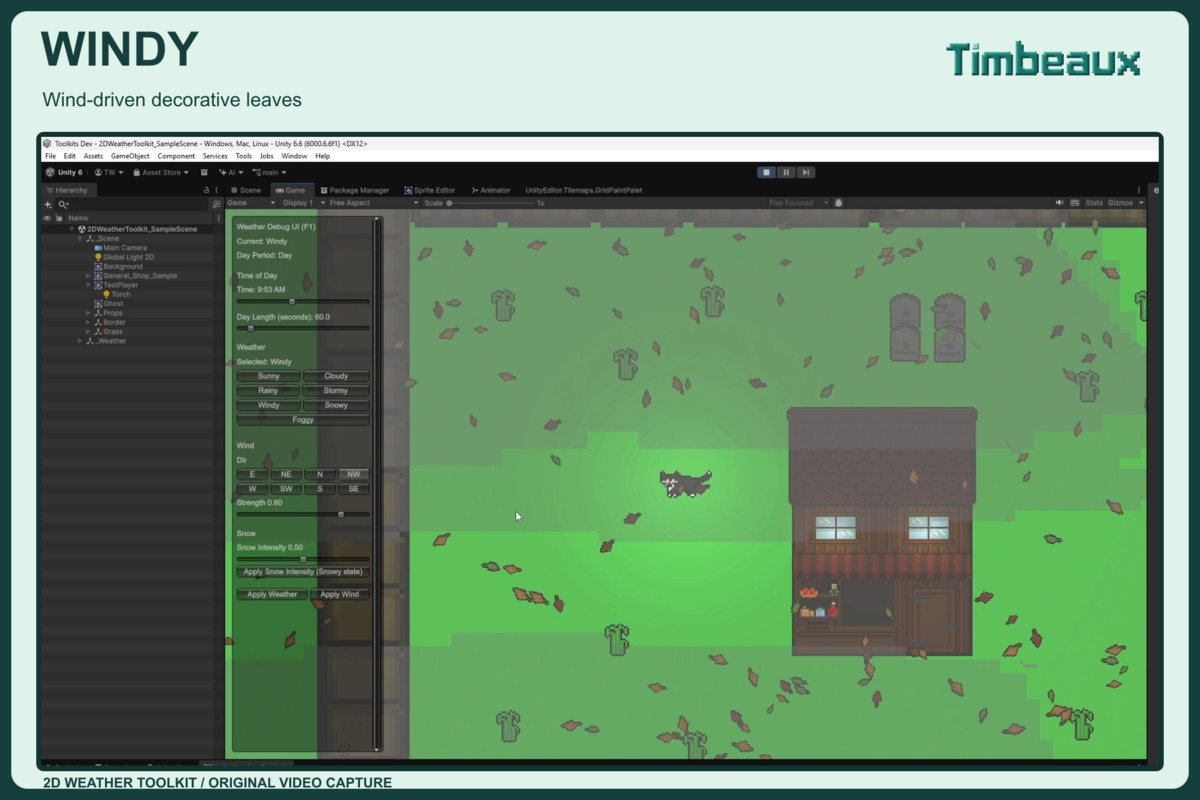
• Wind direction, strength, gusts, and directional wobble
• Wind-driven clouds, rain, snow, leaves, and decorative effects
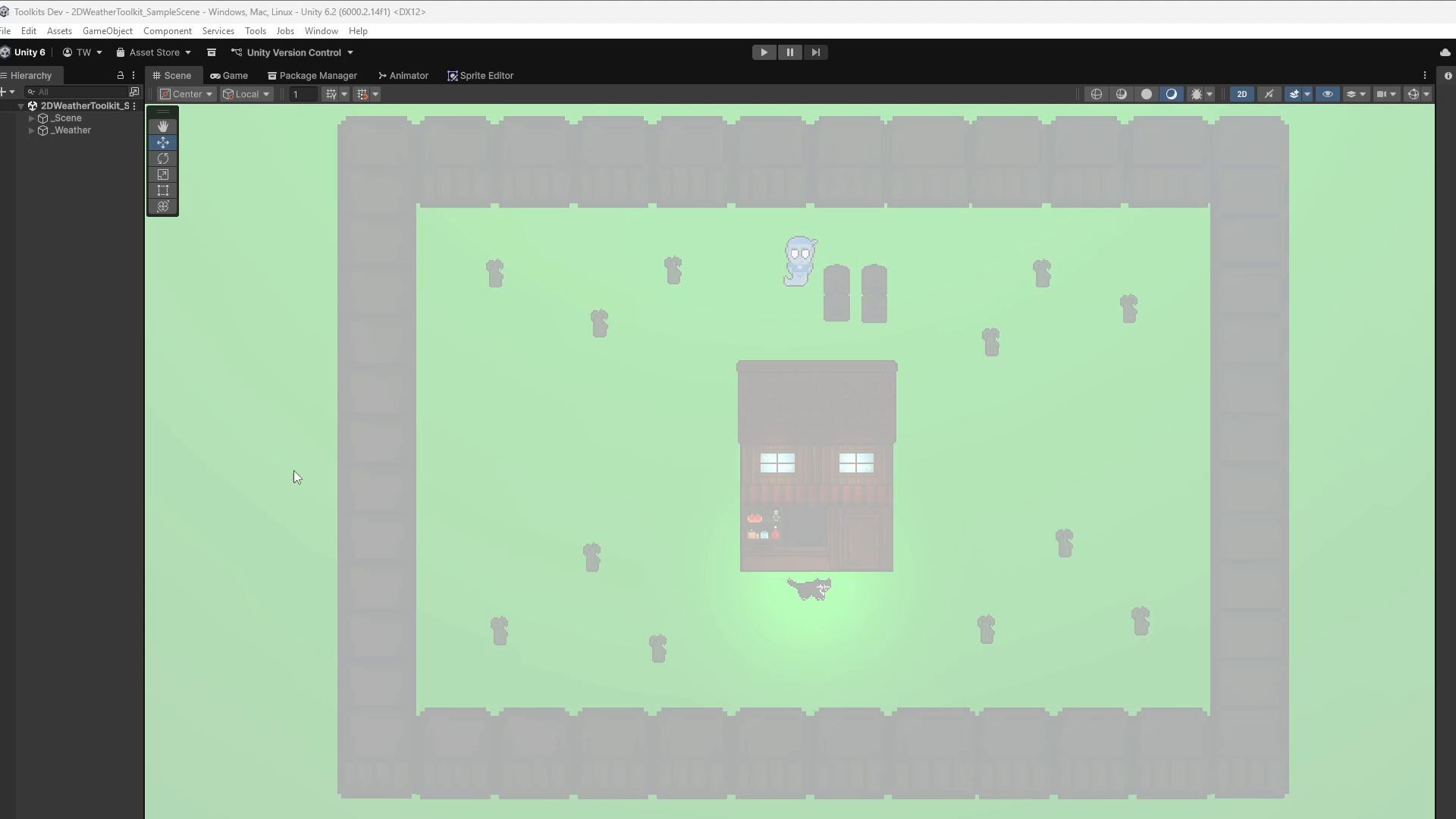
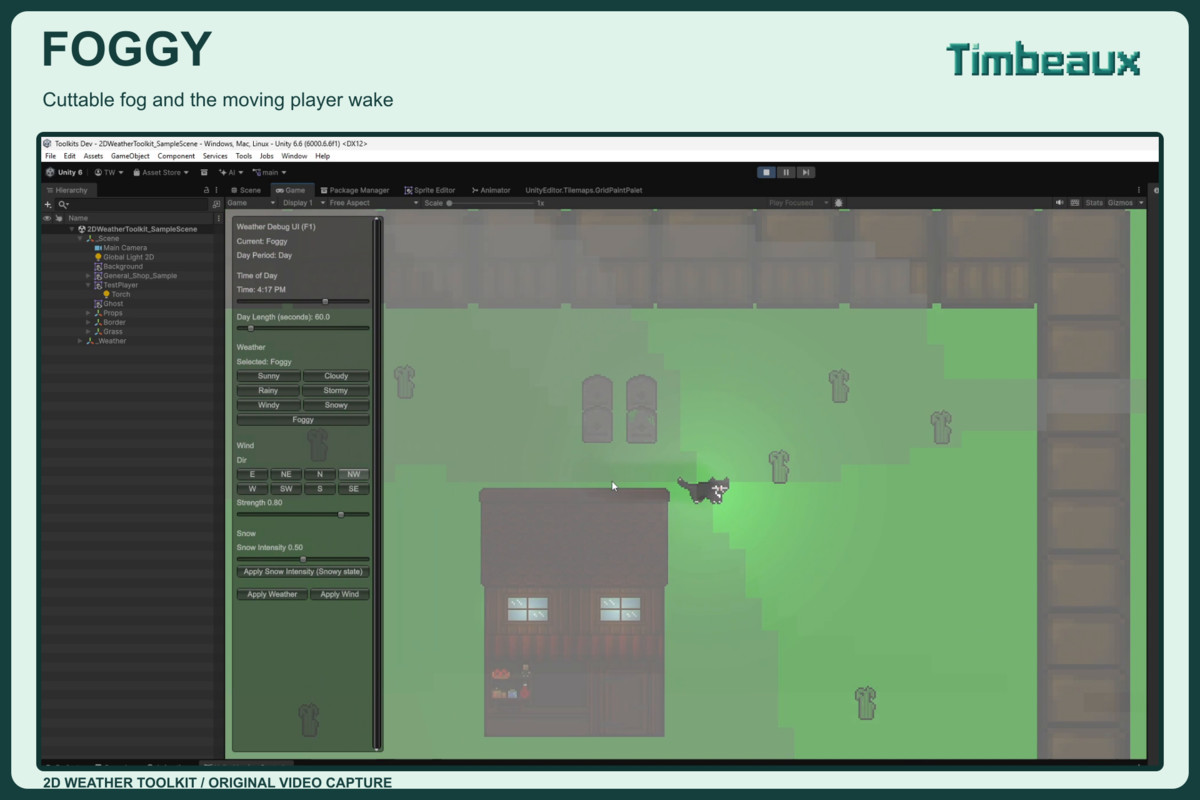
• Cuttable fog with player trails and gradual refill
• Thunder, lightning, and weather-driven lighting
• Included time-of-day, sun, and day/night components
• Weather-driven puddle controls
• Cloud visibility controls independent of the selected weather
Setup and debugging:
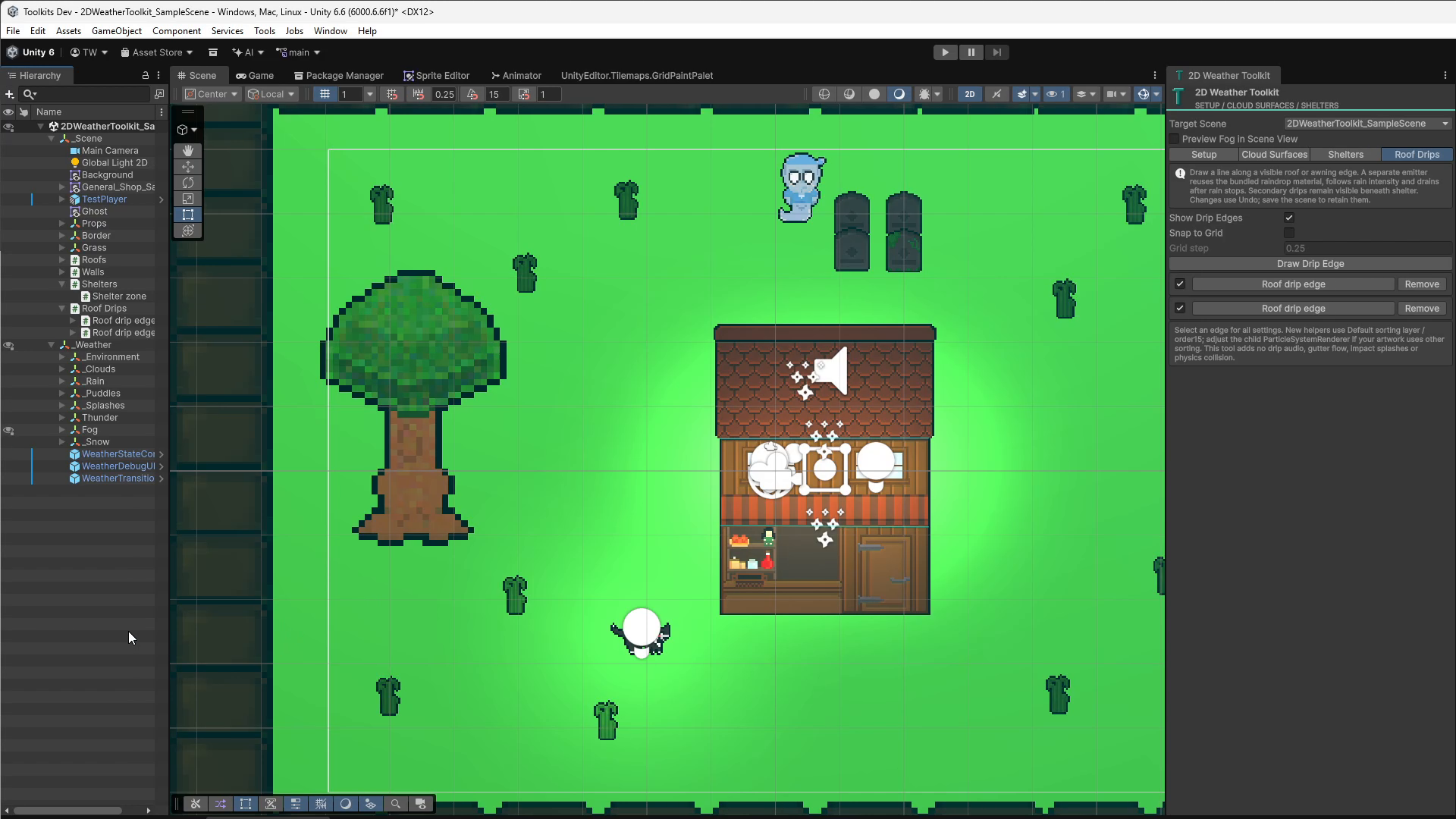
• Prominent one-click starter setup for the active scene
• Installation into selected loaded scenes
• Existing-setup detection and per-scene Undo/Redo
• Runtime debug panel with weather selection and rain/storm arrival status
• Cinematic transitions toggle for immediate debug rain/storm intensity changes
• Inspector tooltips and runtime control hover help
Customization and gameplay:
• Configurable weather-state settings and public APIs
• Weather-change events for gameplay reactions
• Example weather-reactive ghost that appears during Snowy weather
• Demo scene and bundled effect prefabs/materials
• Quick setup, API, material, and troubleshooting documentation
The toolkit includes its own time-of-day components; the separate Timbeaux Day/Night product is not required.
Designed for URP’s 2D Renderer. Review effect sorting, camera framing, and fog bounds for your project.
From the publisher's Asset Store listing.
Technical details
• Tested configuration: Unity 6000.6.6f1, URP 17.6.0, 2D Renderer
• Player build tested: Windows x64 development build
• Seven weather states: Sunny, Cloudy, Windy, Rainy, Stormy, Snowy, Foggy
• Configurable transitions and staged storm buildup
• Wind direction, strength, gusts, and wobble
• Rain, snow, clouds, leaves, snowflake, and wind-swoosh effects
• Cuttable fog with player-emitter trails and mask refill
• Thunder, lightning, and weather-driven lighting
• Included time-of-day, sun, and celestial components
• Weather-driven puddle controls
• Scene setup window with loaded-scene targeting and Undo/Redo
• Runtime debug UI with cloud visibility and cinematic transition controls
• Weather-change events and public scripting APIs
• Demo scene, effect prefabs, materials, and documentation included
• Built-in Render Pipeline and HDRP compatibility not verified
• Optional Dialog bridge included; combined integration testing remains pending
Compatibility
| Unity version | Built-in | URP | HDRP |
|---|---|---|---|
| 6000.6.6f1 | Not listed | Compatible | Not listed |
| 6000.2.14f1 | Not listed | Compatible | Not listed |
- This asset is built and tested with Unity 6.000.6.6f1 using the Universal Render Pipeline (2D Renderer).
- Built-in Render Pipeline is not supported.
- HDRP is not supported.
As listed on the Asset Store.