
 View on Asset Store (opens in new tab)
Package details
- Latest version
- 1.7.0
- Last updated
- First released
- Unity version
- 6000.5.0 or later
- Package size
- 191.0 MB
- Files
- 212
- Favorites
- 8
- Views in the past week
- 54
Price tracking
- Last checked
- Tracked since
- Lowest recorded
- $19.99 on
Keywords

Easy FP Full Body Controller
Create immersive "Body Cam" style games with a stable First-Person Controller. Features advanced procedural IK, a "Stable Anchor" camera system to eliminate motion sickness. Features a Mesh Cutter
Affiliate link · Purchases support this site
Price history
Last 6 months
USDAsset preview
1 / 9
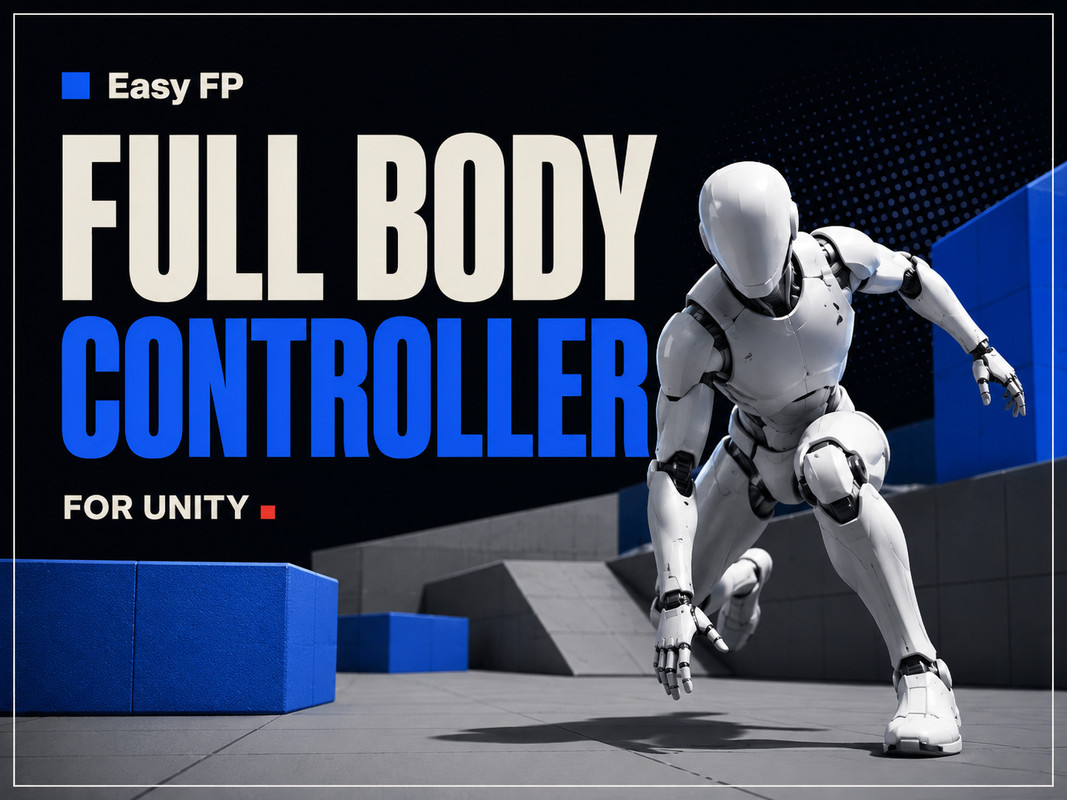
Easy FP Full Body Controller screenshot 1
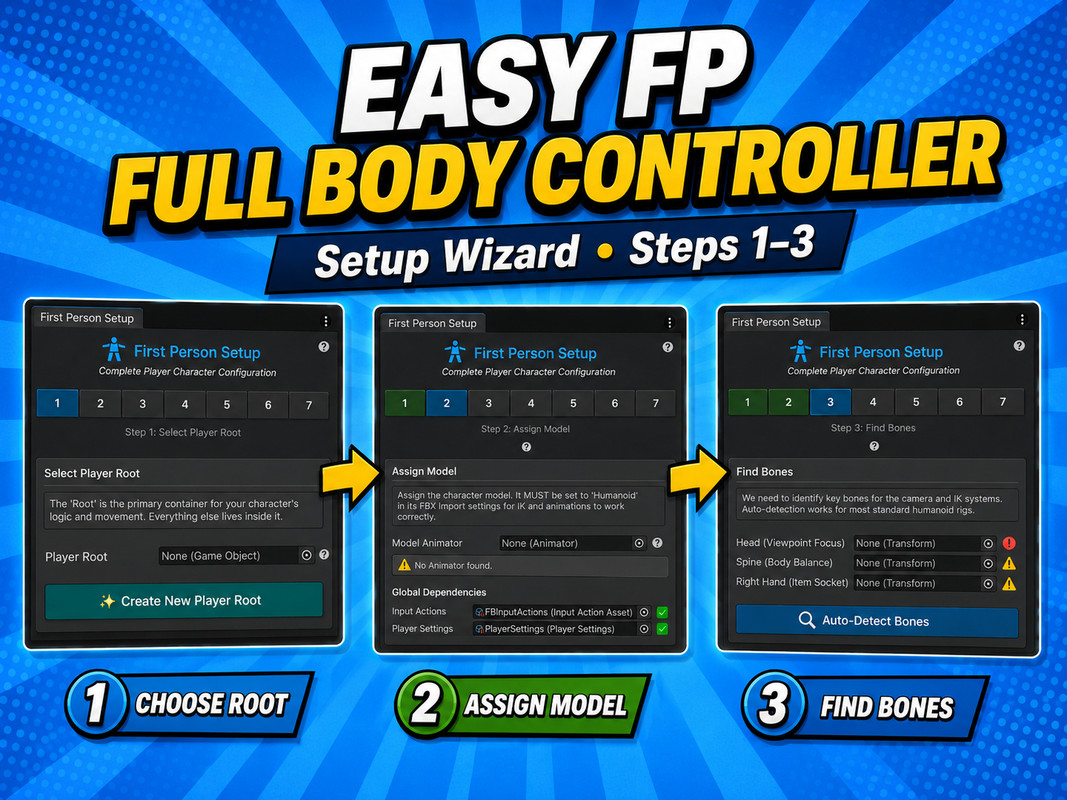
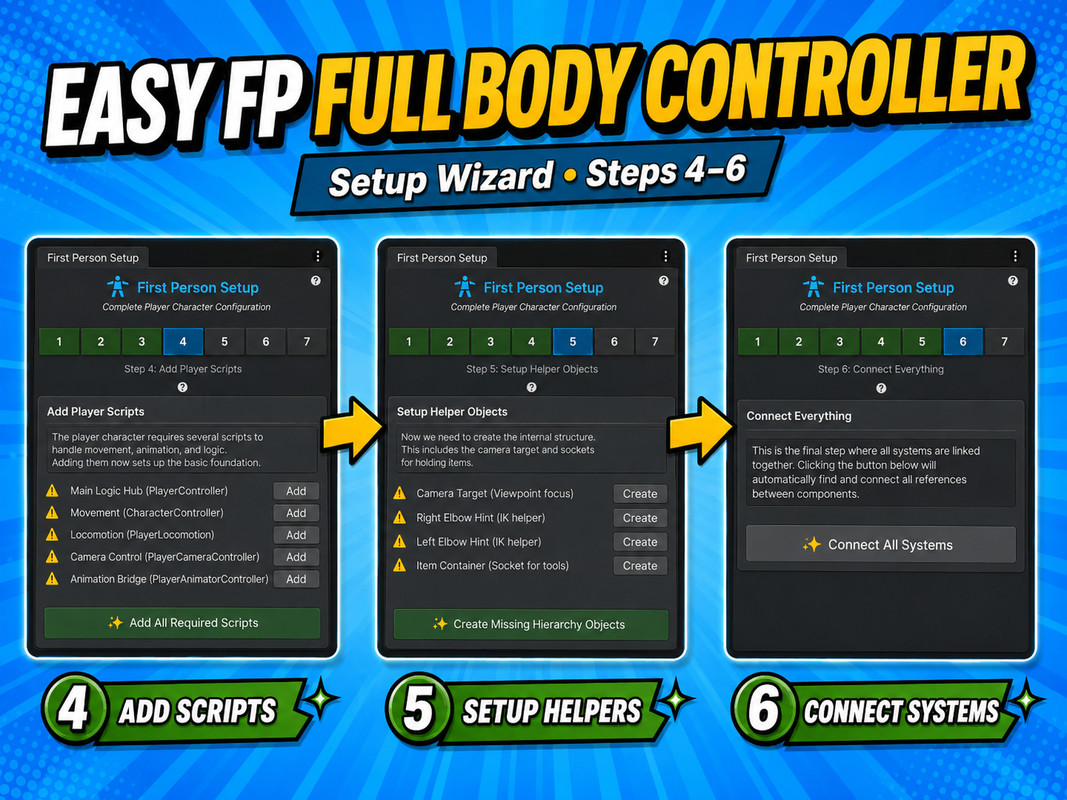


About this asset
Stop being a floating camera. Start being a character.
Easy FP Full Body Controller is a first-person and third-person character controller for Unity, built for games where body awareness matters.
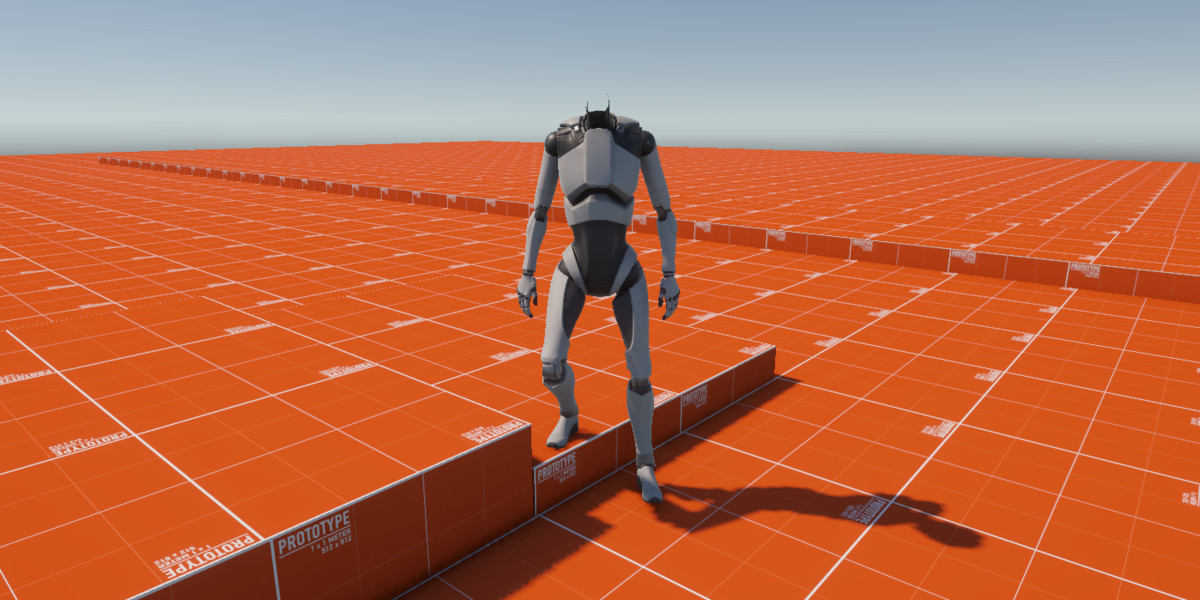
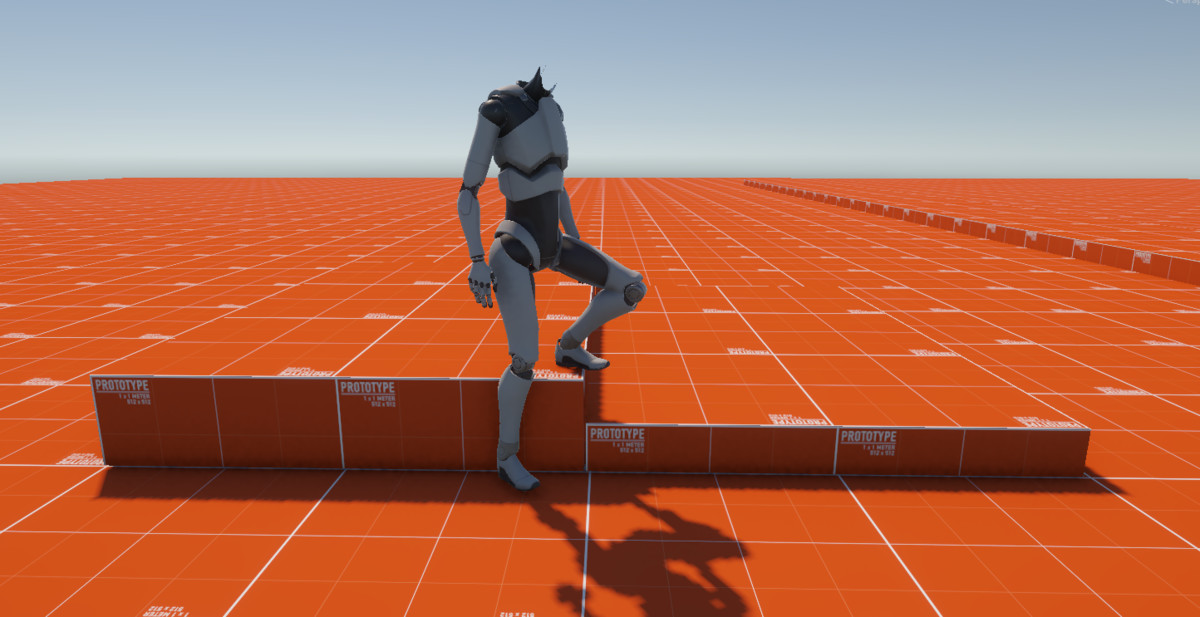
Unlike standard FPS controllers that hide the character mesh, it works with full-body animations while solving two common True First Person problems: camera jitter and mesh clipping.
🎥 Stable Anchor Camera
Attaching a camera directly to an animated head bone transfers every small animation movement to the player’s view.
The Stable Anchor system follows the character’s eye position frame by frame while keeping camera rotation independent.
The result is a visible full body with the smooth and precise aiming of a traditional FPS controller.
✂️ FPCutter: The Mesh Solution
FPCutter prepares characters for True First Person without requiring a manually edited headless model.
- Automatic slicing: Separates the head using bone-weight data.
- Non-destructive workflow: Creates a separate _FPCut character variant while leaving the original assets untouched.
- Shadow preservation: Hidden head geometry can still cast shadows.
- Adjustable thresholds: Preview and fine-tune cuts before generation.
⚡ Key Features
- Procedural IK: Hand, head, and spine alignment.
- Full locomotion: Idle, walk, sprint, jump, and crouch.
- First and third person: Switch perspectives using the same controller.
- Modular architecture: Components are automatically discovered and connected.
- Unity 6 ready: Supports Cinemachine 3.x and the Unity Input System.
- Flexible input: Keyboard, mouse, and gamepad support.
- Pipeline-independent runtime: The demo scene and FPCutter shader require URP.
- Support for Fishnet Multiplayer
- Support for Purrnet Multiplayer
- Foot Planting: Feet stay anchored on stairs and slopes, keep their heading through turns and re-step ahead of the turn. Stride warping matches step length to the real speed, so feet do not slide.
- Finger Grips: Self-calibrating finger poses per item that work on any humanoid rig, with an Edit Mode preview.
- Smooth Item Switching: A holster animation lowers the current item and draws the next one.
- Hand Sway: The held item trails your look, breathes, bobs with each step and leans into strafes.
- Natural Turning: A fast look turns the view first and the body follows with a short delay, while movement eases in and out.
- Event API: C# events, UnityEvents and listener interfaces for items, locomotion and footsteps.
- Footsteps: Step sounds detected from the animated feet, no animation events needed.
- Health & Stamina (optional): Damage, healing and heart-rate based sprint stamina.
- Item Definitions (optional): Id, category and prefabs of each item in one asset.
🛠️ Setup and Tools
- Setup Wizard: Configure a playable character in seven guided steps.
- FPCutter Wizard: Preview and generate mesh cuts visually.
- Item System: Attach items with custom hold positions and reusable IK presets, managed for all items in one window.
- Transfer Configuration: Copy a finished setup, including all tuning, to a new character.
- Ready-made Prefabs: Drag the configured player and camera rig into your scene and press Play.
- Guided Demo Scenes: Movement & Camera, Items & Events and Finger Grips, each with an on-screen guide.
📖 Documentation
Full setup guides and API documentation are available online. The package also includes a complete offline manual (Documentation.pdf).
From the publisher's Asset Store listing.
Technical details
- Unity Version: Unity 6000.5 (Unity 6.5) or newer.
- Dependencies: Input System, Cinemachine.
- Render Pipeline: URP.
- Animator Requirements: Requires a Humanoid Animator with "IK Pass" enabled on the Layers (essential for Head IK and Spine Stabilization logic + Hand IK) .
Compatibility
| Unity version | Built-in | URP | HDRP |
|---|---|---|---|
| 6000.5.0f1 | Not listed | Compatible | Not listed |
As listed on the Asset Store.