
 View on Asset Store (opens in new tab)
Package details
- Latest version
- 1.0.0
- Last updated
- First released
- Unity version
- 6000.0.59 or later
- Package size
- 6.6 MB
- Files
- 96
- Favorites
- 3
- Views in the past week
- 12
Price tracking
- Last checked
- Tracked since
- Lowest recorded
- $13.65 on
Keywords
- Search for designer friendly audio
- Search for audio queue system
- Search for audio manager
- Search for sound effects system
- Search for sound manager
- Search for lightweight audio
- Search for narration audio system
- Search for unity audio system
- Search for audio debugging
- Search for Audio Pooling
- Search for audio framework
- Search for game audio tools

Zero-Setup Audio Manager - Woi Audio
A lightweight and deterministic audio framework for Unity. Simple to use, production-safe, with queueing, anti-spam protection, runtime debugging, and zero-code designer workflows.
Affiliate link · Purchases support this site
Price history
Last 6 months
USDAsset preview
1 / 7
Zero-Setup Audio Manager - Woi Audio screenshot 1



About this asset
🎧 Woi Audio System
Clean. Simple. Deterministic. Production-Ready.
🧩 Simple to Use
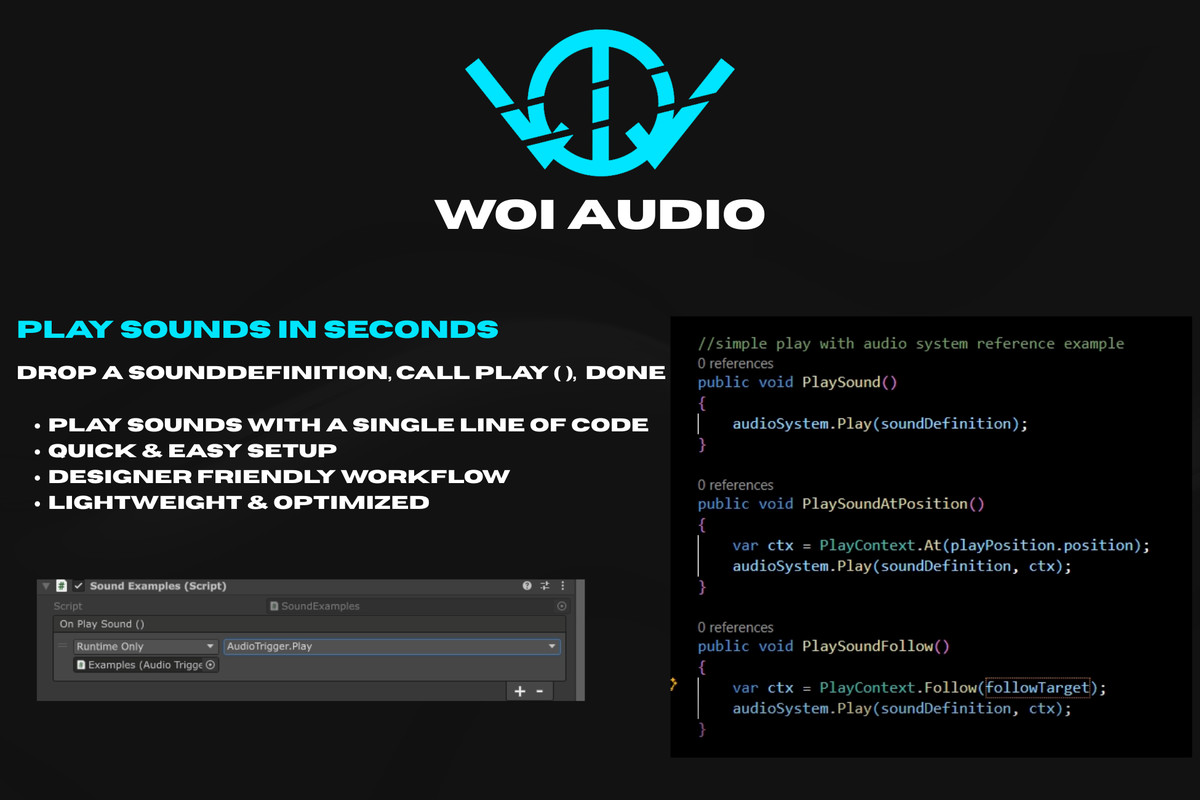
Add AudioSystem → Create SoundDefinition → Call Play()
That’s it.
No setup chaos. No hidden magic. Just structured audio.
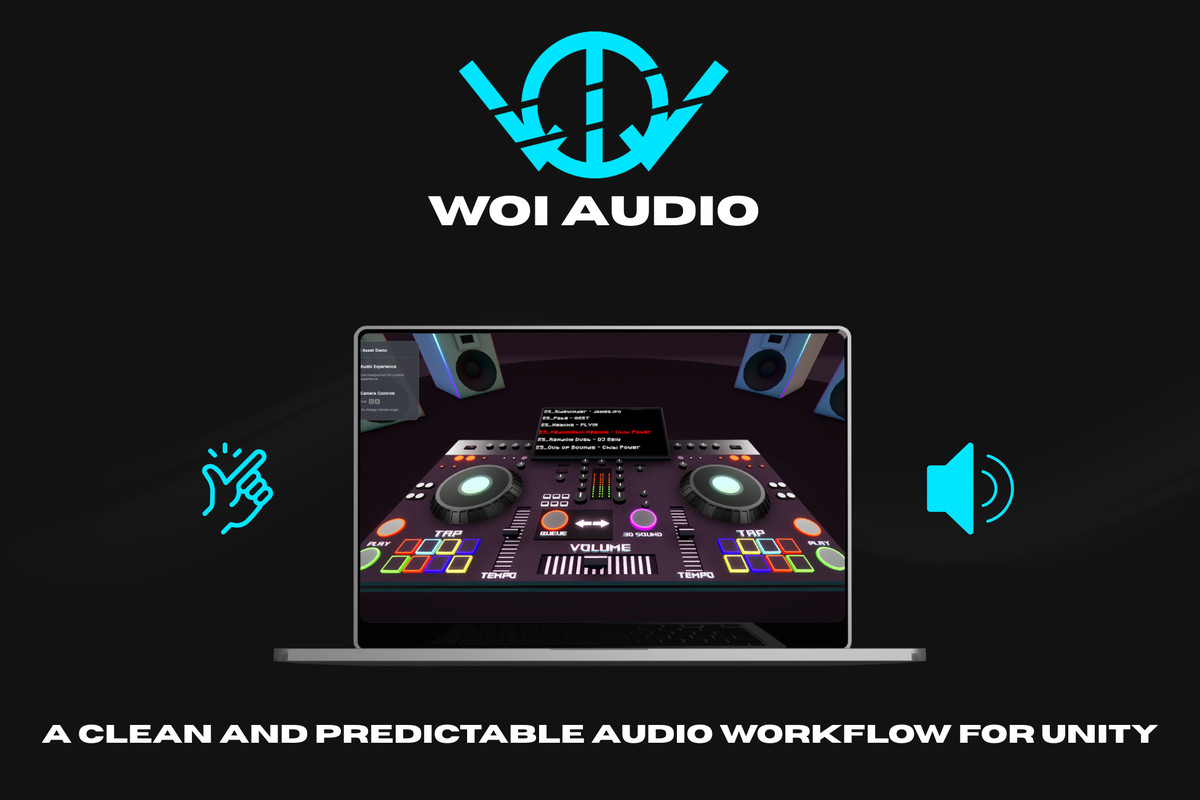
🎮 Live Demo
Try the system directly in your browser or pc:
Important Note:
This package does not include any music, sound effects, or demo audio clips.
Any audio used in preview videos, promotional content, or demonstration materials is for presentation purposes only and is not included in the package.
👨🎨 Designer-Friendly
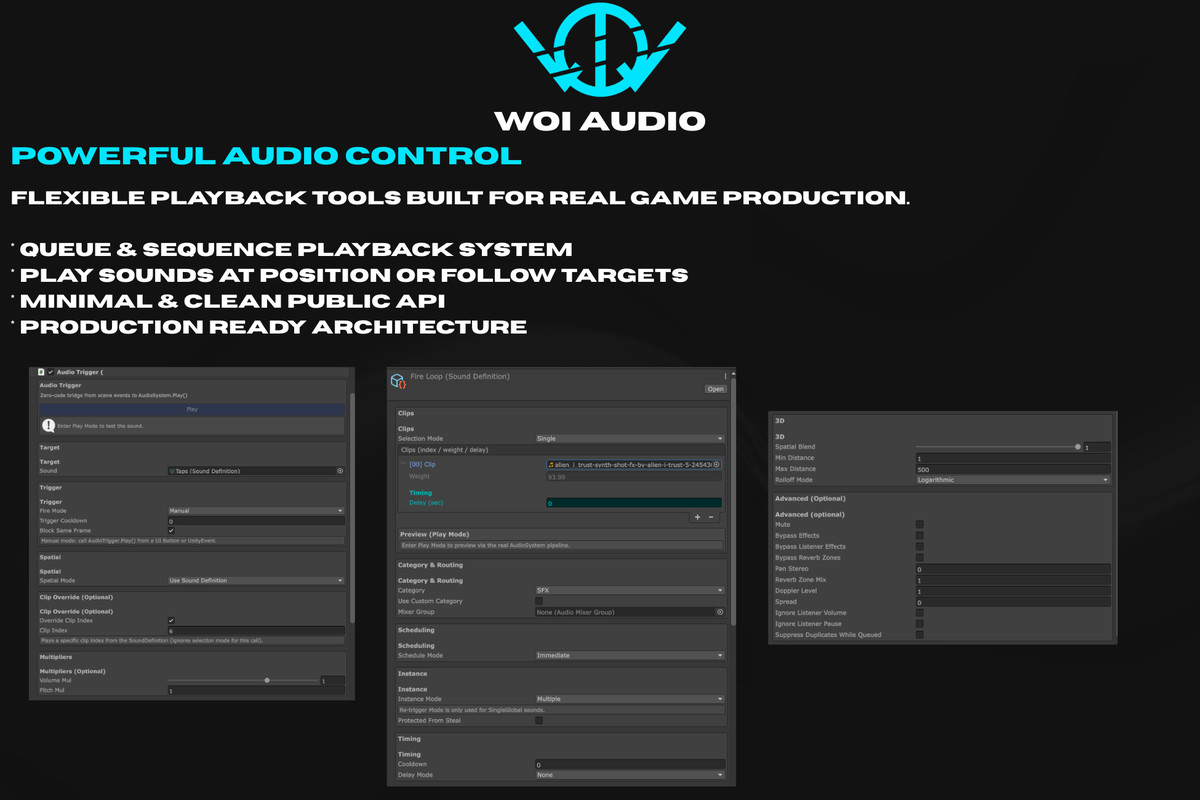
All behavior lives inside SoundDefinition.
No hardcoded rules.
No scattered logic.
Use AudioTrigger for zero-code playback.
Designers control behavior. Programmers just send intent.
🚀 Why Developers Choose It
🧠 Deterministic Playback
No unpredictable overlap. Clear execution rules.
⚡ Optimized & Safe
Zero runtime allocations during playback
AudioSource pooling
Global voice limit protection
Safe shutdown handling
🔁 Advanced When Needed
Queue system
Sequence / Random / QueueAll
SingleGlobal rules
Cooldown & anti-spam
Runtime queue control
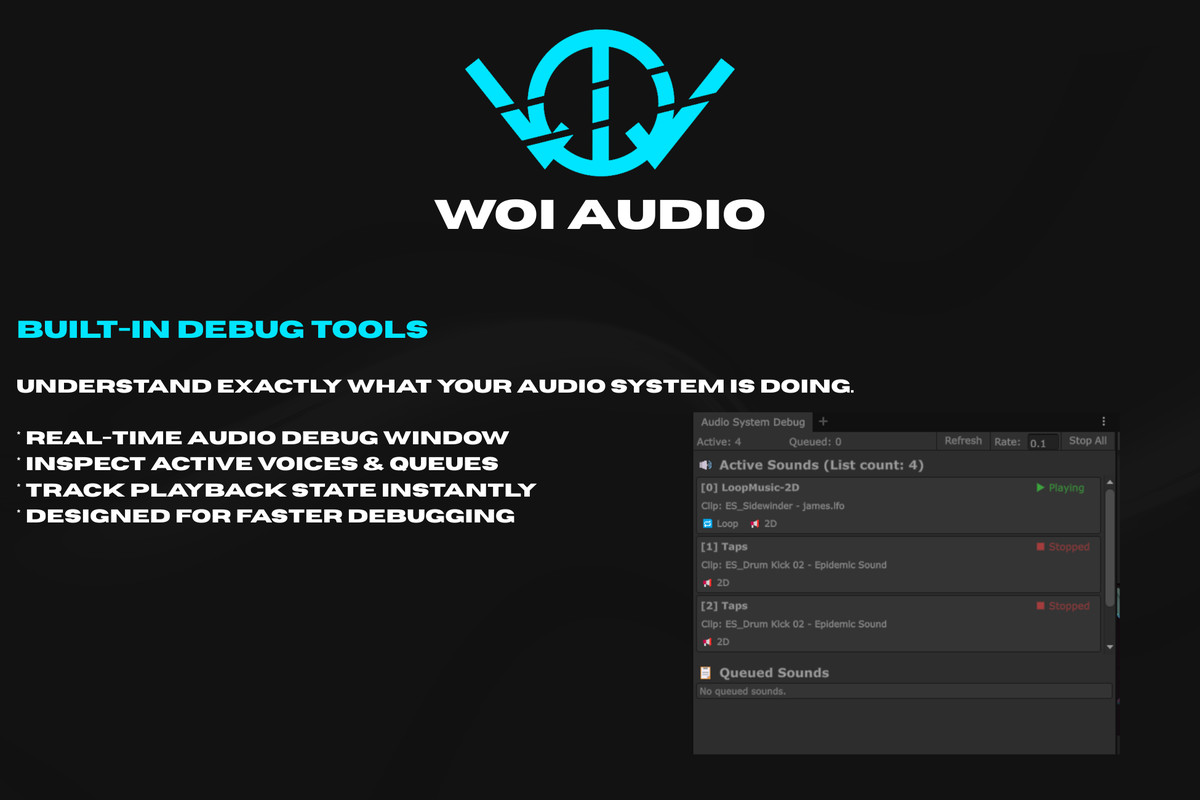
🔍 Built-In Debug Window
See active sounds
See queued sounds
Skip / Clear instantly
No more “Why is this not playing?” questions.
🎮 Built for Indie PC Developers
Perfect for:
• Story-driven games
• UI-heavy projects
• Dialogue systems
• Audio-sensitive mechanics
• Small teams that need structure
Lightweight enough for indie scale.
Structured enough for production.
📚 Well documented
🤝 Ongoing support
🧱 Clean architecture
⚙ Production-safe
Woi Audio System keeps audio predictable, optimized, and scalable — without overengineering.
From the publisher's Asset Store listing.
Technical details
Unity Version: 2021.3 LTS or newer
Render Pipeline: Built-in / URP / HDRP compatible
Platforms: All Unity-supported platforms (PC, Mobile, VR, Console*)
Dependencies: None (no third-party packages required)
Audio Middleware: Uses Unity’s native AudioSource system
Architecture
- Centralized AudioSystem
- Data-driven SoundDefinition
- Struct-based PlayContext (no runtime allocations)
- Deterministic QueueController
- Pooled AudioVoice instances
- Runtime Debug Window (Editor only)
Layered Flow:
AudioTrigger → AudioSystem → QueueController → AudioVoice → AudioSource
Performance & Optimization
- Zero runtime allocations during playback
- No LINQ usage
- No reflection
- No dynamic GameObject creation during play
- AudioSource pooling (no instantiation spikes)
- Global voice limit protection
- Deterministic voice stealing
- Safe shutdown handling
Suitable for:
- Mobile projects
- VR applications
- UI-heavy systems
- Dialogue-heavy games
- Long-running sessions
Features
- QueueAllClip selection modes:
Single
Sequence
RandomWeighted - Per-sound or per-category queueing
- Cooldown & anti-spam protection
- SingleGlobal instance mode
- Protected voices
- Delay modes (Fixed / RandomRange)
- Runtime queue control (Next / Prev / Skip / Clear)
- PlayContext temporary overrides
- Zero-code AudioTrigger component
- Editor Debug Window (Active + Queued sounds)
Code Quality
- No static global state corruption
- No hidden runtime editor coupling
- Clear public API surface
- Deterministic execution order
- Safe under heavy load
Documentation
- Structured workflow documentation
- API reference examples
- Usage best practices
- Performance notes
- Common mistake guidance
Compatibility
| Unity version | Built-in | URP | HDRP | Custom |
|---|---|---|---|---|
| 6000.0.59f2 | Compatible | Compatible | Compatible | Compatible |
As listed on the Asset Store.