
 View on Asset Store (opens in new tab)
Package details
- Latest version
- 1.0
- Last updated
- First released
- Unity version
- 6000.0.39 or later
- Package size
- 132 KB
- Files
- 5
- Favorites
- 12
- Views in the past week
- 19
Price tracking
- Last checked
- Tracked since
- Lowest recorded
- Free on
Keywords
Play Mode Camera Sync
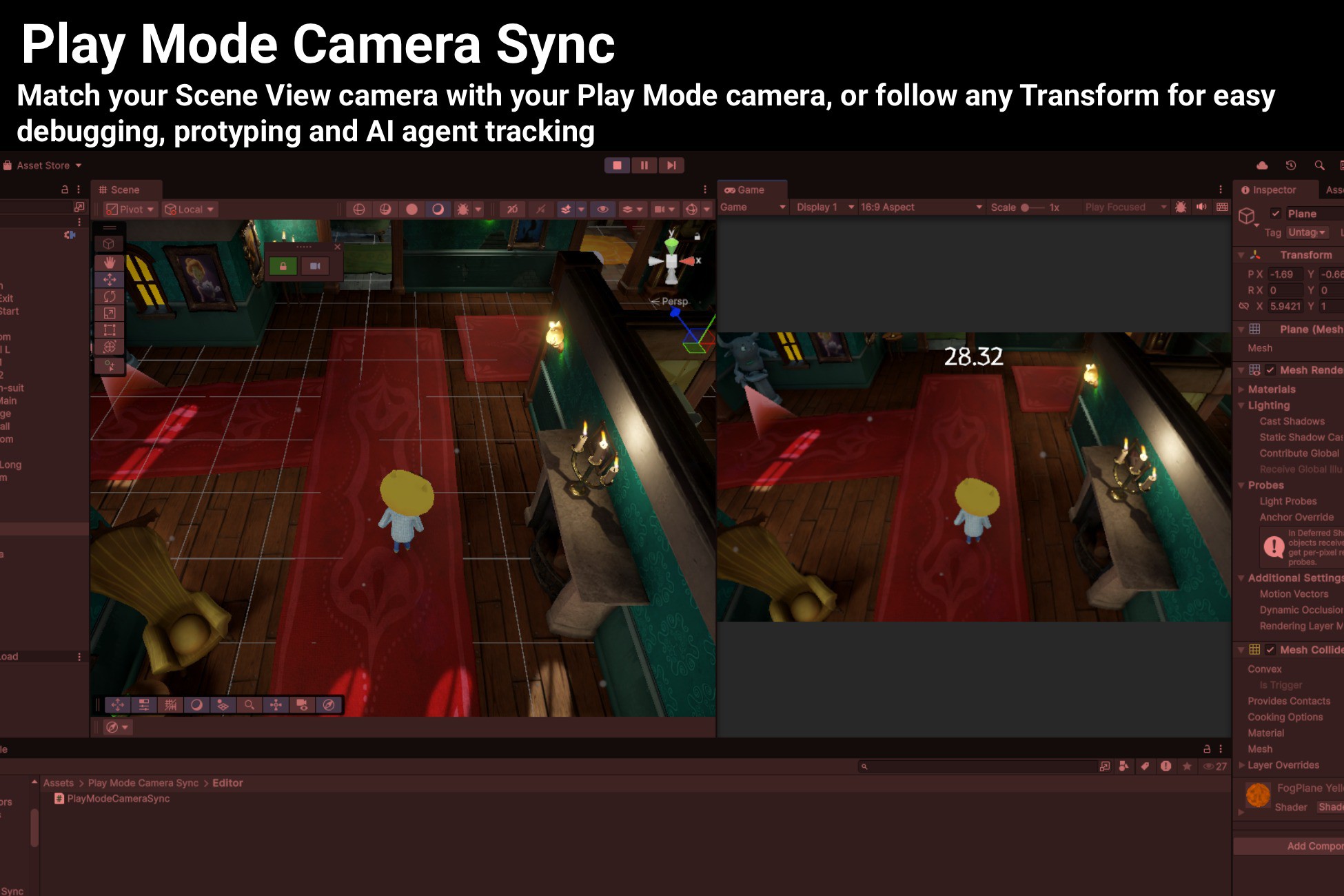
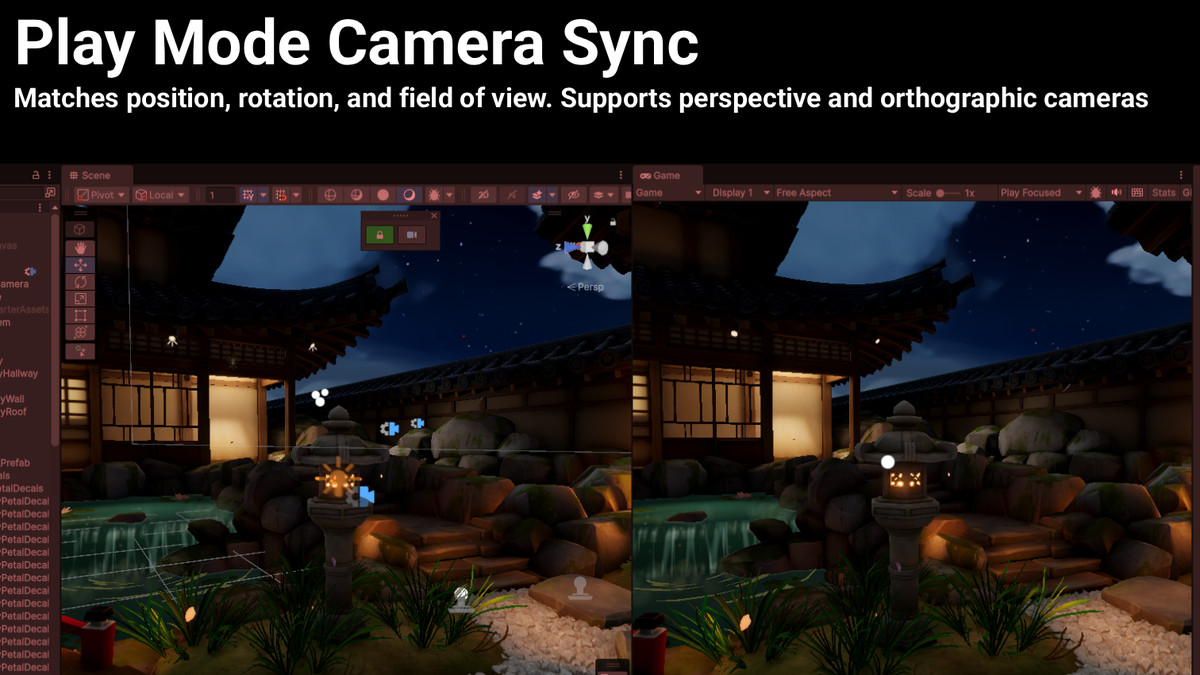
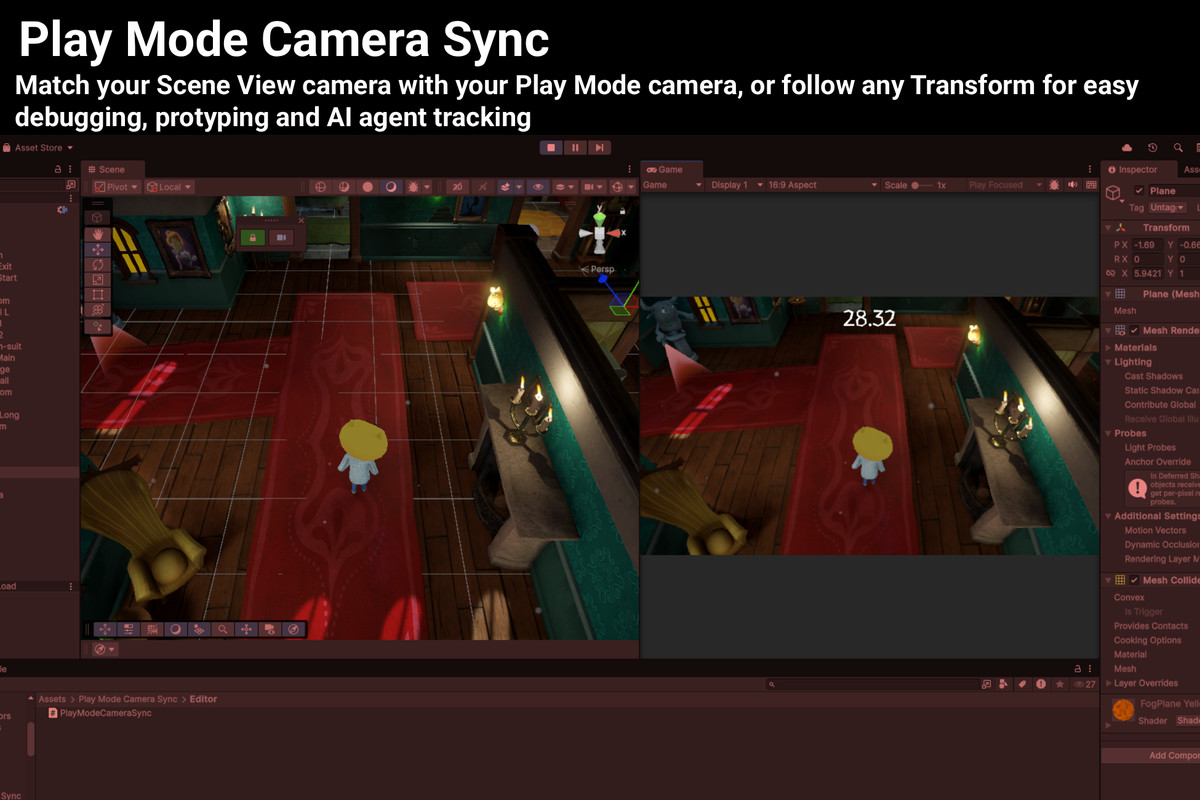
Play Mode Camera Sync automatically synchronizes your Scene View camera with your Game camera or to any transform during Play Mode, giving you the perfect view for debugging, tuning, and iterating.
Affiliate link · Purchases support this site
Price history
Last 6 months
USDAsset preview
1 / 4
Play Mode Camera Sync screenshot 1
About this asset
Effortlessly sync your Scene view with your game camera during Play Mode!
Play Mode Camera Sync automatically synchronizes your Scene view camera with your game camera during Play Mode, and allows you to follow any GameObject in real time, giving you the perfect view for debugging, tuning, and iterating!
Automatic Camera Following
- Scene view automatically tracks Camera.main during Play Mode
- Matches position, rotation, and field of view
- Supports both perspective and orthographic cameras
- Zero setup required!
Transform Follow Mode
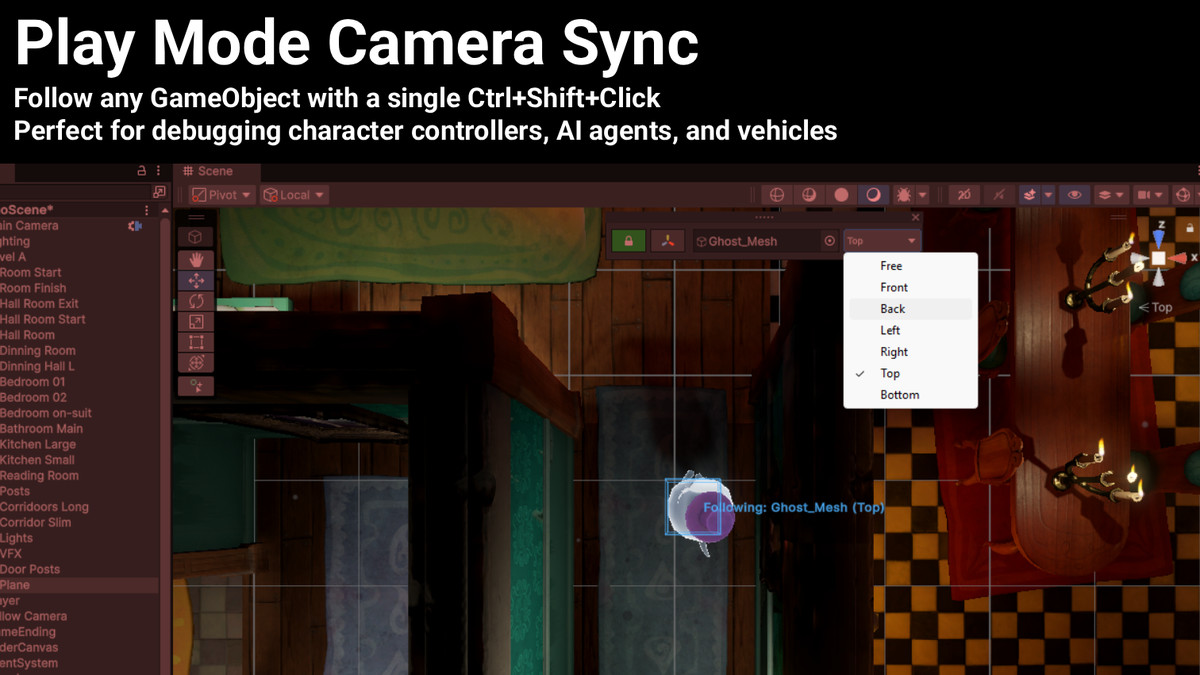
- Follow any GameObject with a single Ctrl+Shift+Click
- Perfect for debugging character controllers, AI agents, and vehicles
- View presets: Front, Back, Left, Right, Top, Bottom, and Free
- Adjust viewing distance with mouse scroll wheel
Floating Overlay Controls
- Compact, draggable control panel
- Switch between Camera and Transform modes instantly
- Drag-and-drop GameObject selection
- Remembers position and settings between sessions
Perfect For
- Debugging character movement and animations
- Tuning camera systems and shake effects
- Following AI agents to understand behavior
- Inspecting vehicle physics and handling
- Monitoring gameplay from specific viewpoints
Try our other tools Clever Clicker and Scene Layers!
From the publisher's Asset Store listing.
Technical details
- Editor-Only Tool – Does not affect runtime builds.
- Compatibility:
- Unity 2021.3 LTS and newer (tested up to 6000.1.x).
- Supports Built-in Render Pipeline, URP, and HDRP.
- Platforms: All (Windows, macOS, Linux) - editor functionality only.
- Dependencies: None - no external packages required.
- Installation:
- Import the package.
- Open Tools → Play Mode Camera Sync → Toggle Overlay
- Open Tools → Play Mode Camera Sync → Settings to change settings
- Ctrl+Shift+Click an object to follow it
Compatibility
| Unity version | Built-in | URP | HDRP | Custom |
|---|---|---|---|---|
| 6000.0.39f1 | Compatible | Compatible | Compatible | Compatible |
As listed on the Asset Store.