
 View on Asset Store (opens in new tab)
Package details
- Latest version
- 1.3.0
- Last updated
- First released
- Unity version
- 2022.3.62 or later
- Package size
- 501 KB
- Files
- 39
- Favorites
- 3
- Views in the past week
- 6
Price tracking
- Last checked
- Tracked since
- Lowest recorded
- $10.50 on
Keywords

Image Contours (Outlines) in Pure C#
- Price drop
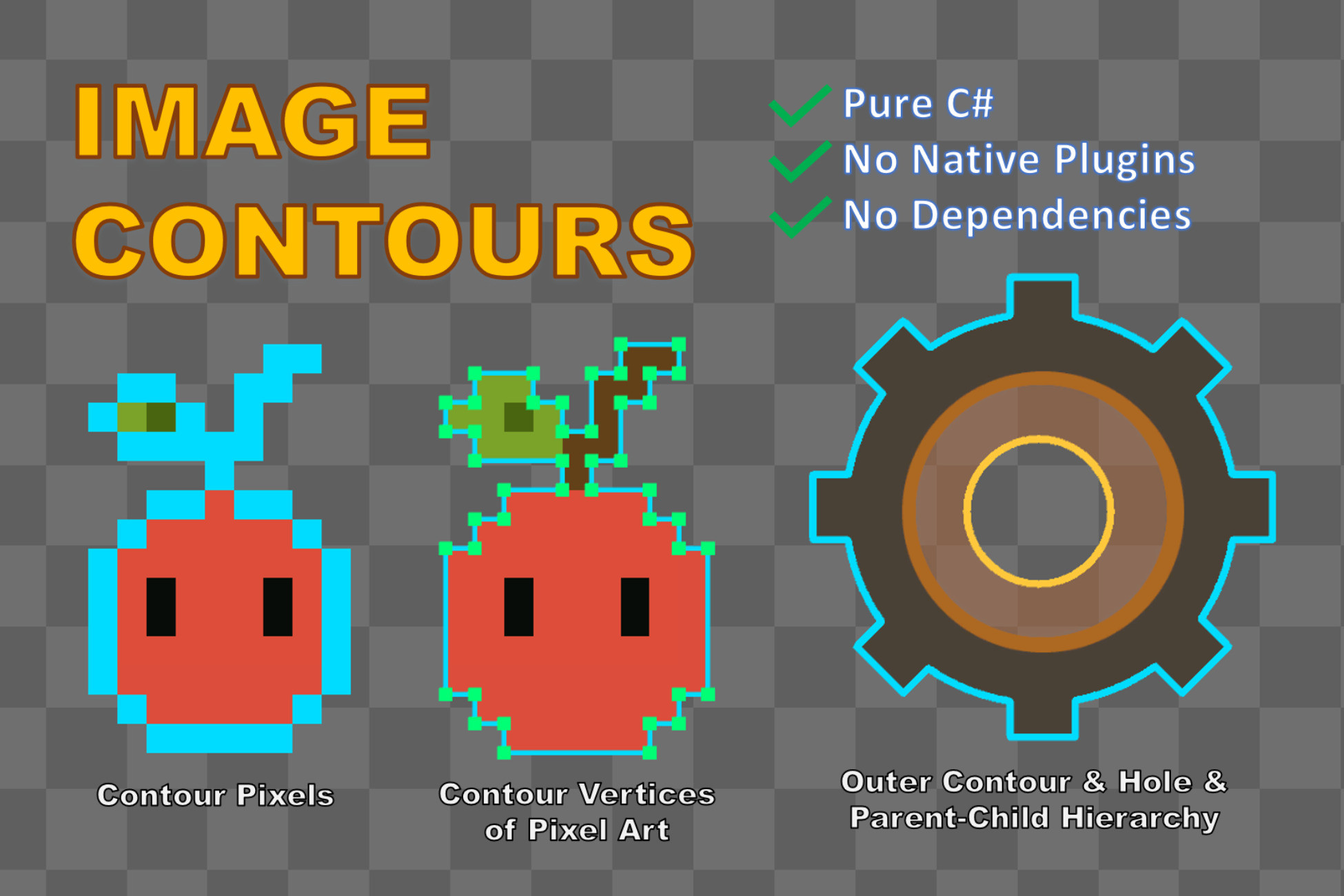
Extract contours (outlines) — outer shapes and holes — from textures. Pure C#, zero dependencies. Also provide: contour simplification, pixel-art vertices.
Lowest in 6 months
Get 7% off on Asset Store (opens in new tab)Affiliate link · Purchases support this site
Price history
Last 6 months
USDAsset preview
1 / 5
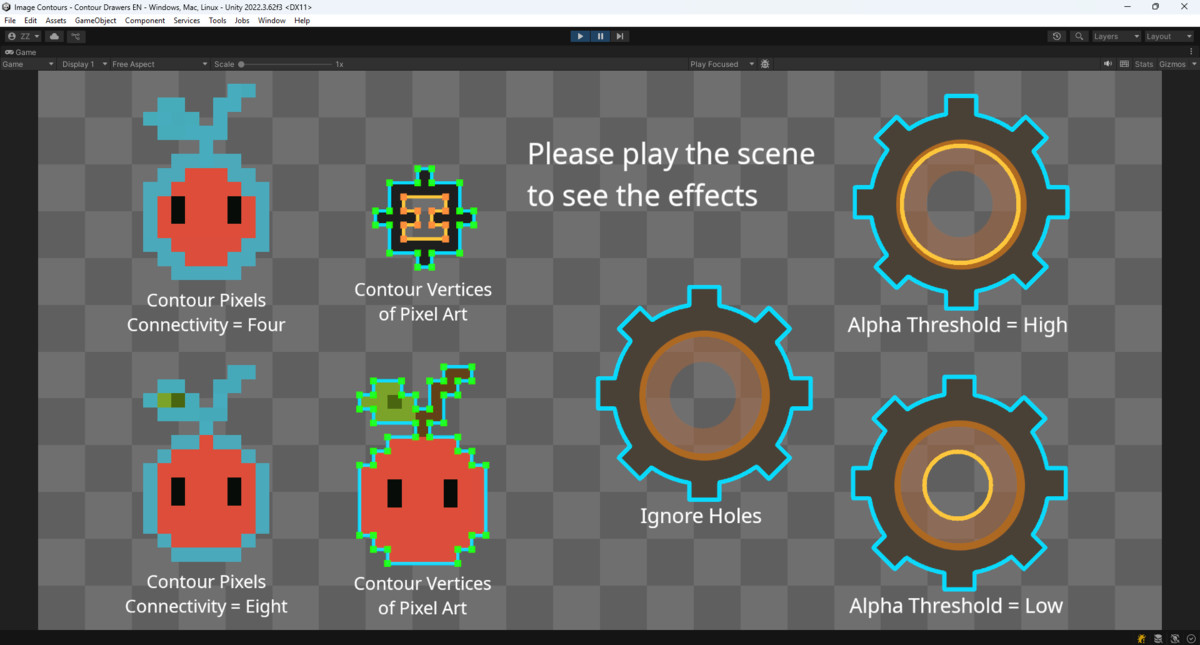
Image Contours (Outlines) in Pure C# screenshot 1
About this asset
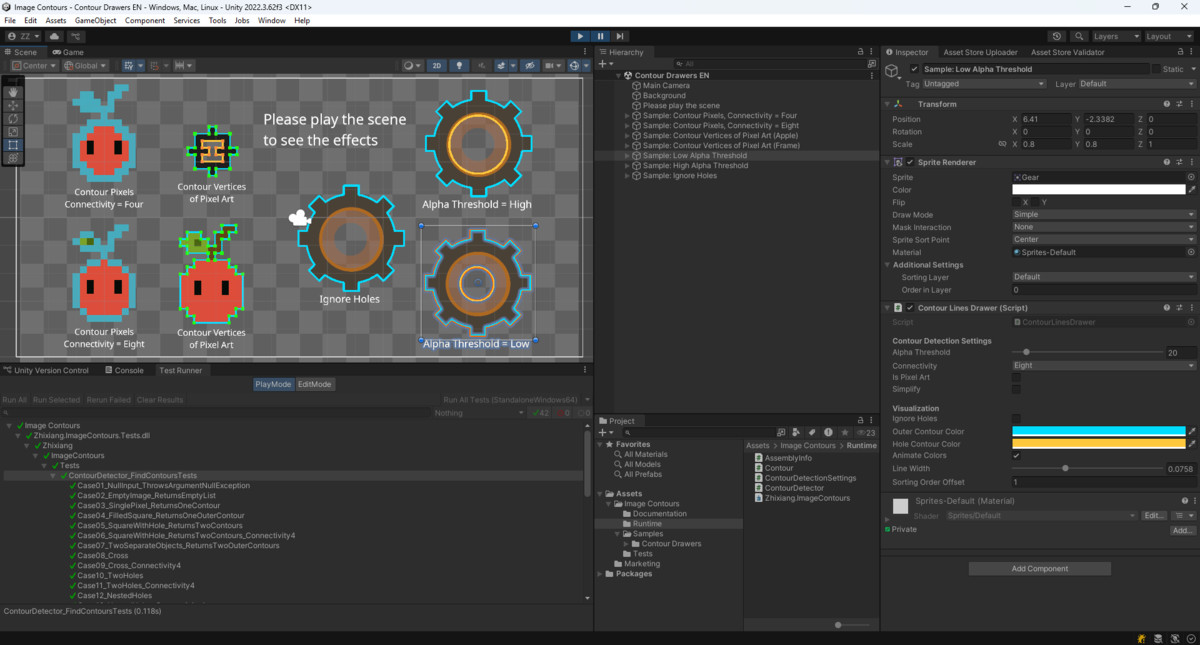
Image Contours (Outlines) in Pure C# implements the Suzuki-Abe border following algorithm with Pure C#. The algorithm analyzes images and extracts both outer contours and inner holes, including their hierarchical relationships.
In addition to contour detection, the package can also
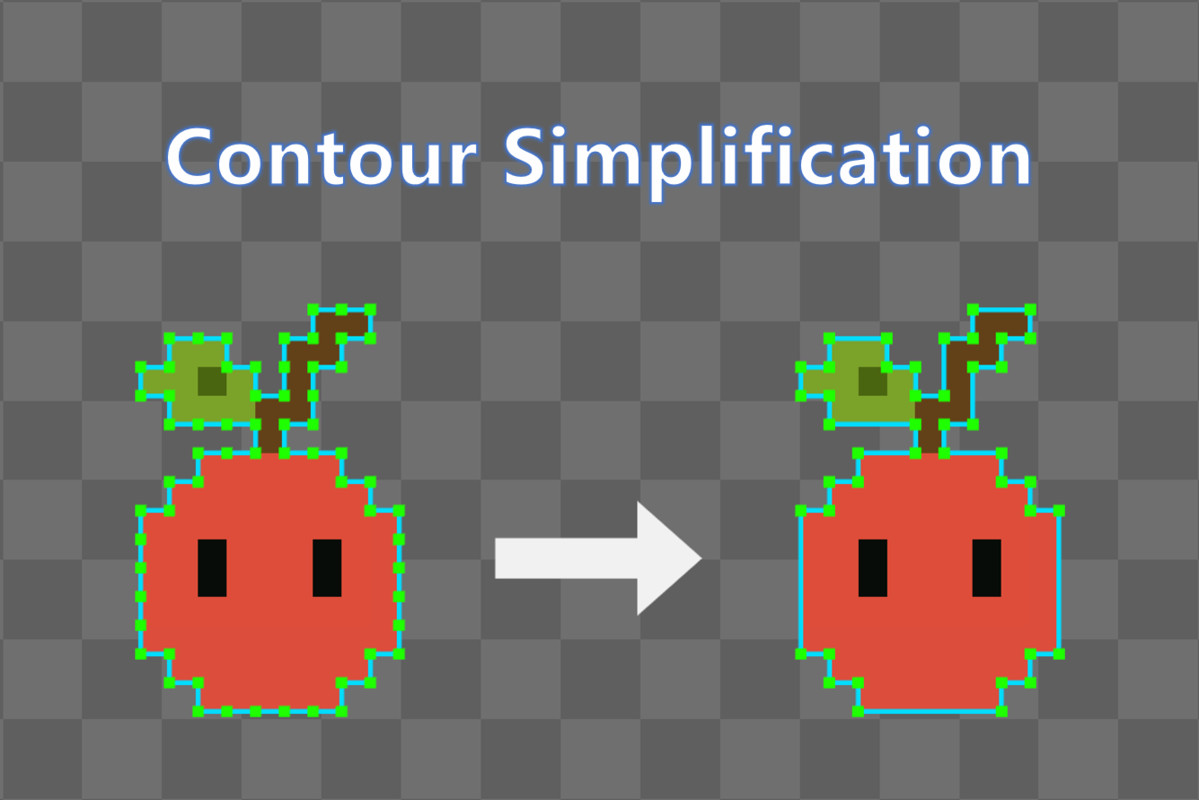
- simplify the result to use fewer points to represent the same contours,
- convert contour pixels into vertices, which are useful when working with pixel art and grid-based geometry.
The package is intended mainly for developers who need direct access to image shape data for rendering, tooling, or geometry generation. But the contour drawing components and samples might also be useful for artists and designers who need a simple tool to highlight sprite outlines.
Typical Use Cases
- Visualizing contours (outlines) of sprites or textures
- Building editor tools that operate on image shapes
- Preparing shape data for mesh generation, especially for pixel art
- Extracting regions for gameplay or AI systems
What’s Included
- Core contour detection implementation
- Contour simplification
- Contour vertex construction
- Sample components for drawing:
- Contour lines
- Contour vertices
- Contour pixels
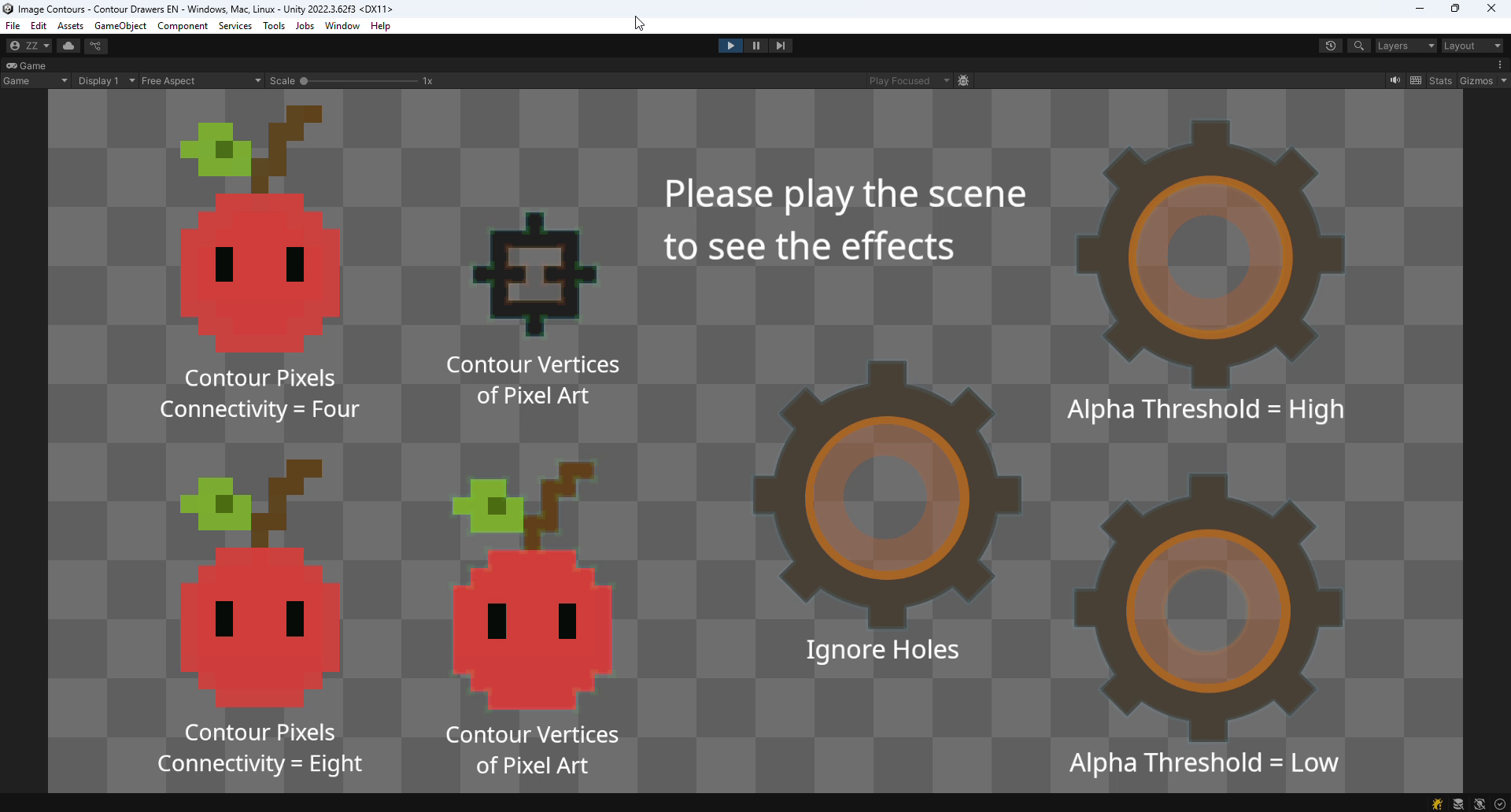
- Sample scenes with configurable parameters
- Full source code with XML and PDF documentation
- NUnit test cases
From the publisher's Asset Store listing.
Technical details
Core Features
- Implementation of the Suzuki-Abe border following algorithm
- Single-pass contour detection
- Detects both outer contours and hole contours
- Hierarchical contour structure with parent-child relationships
- Optional contour simplification to reduce point (pixel or vertex) count
- Configurable pixel connectivity (4 or 8)
- Custom predicate support for foreground detection
- Built-in alpha threshold detection
- Mip level support for Texture2D
- Automatic coordinate conversion to Unity's Texture2D space
API Highlights
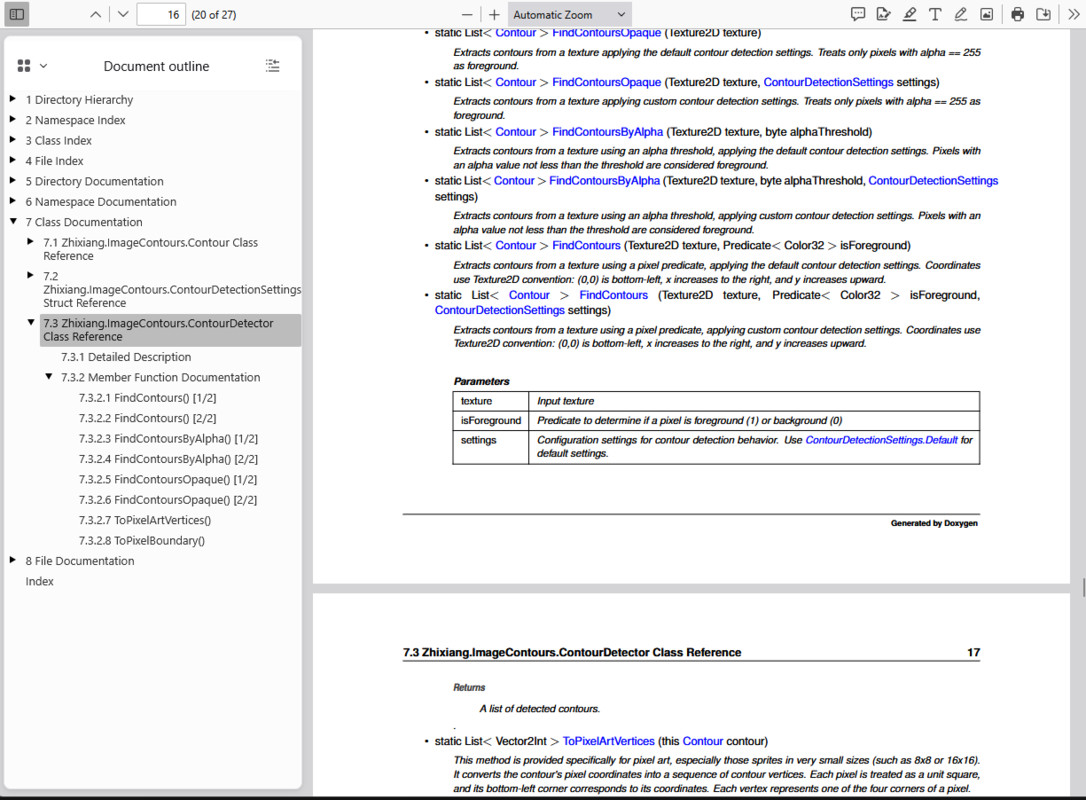
- ContourDetector.FindContoursOpaque(): Detect contours from fully opaque pixels
- ContourDetector.FindContoursByAlpha(): Detect contours using an alpha threshold
- ContourDetector.FindContours(): Detect contours using a custom predicate
- Contour.Simplify(): Remove points (pixels or vertices) that don't change the contour's shape
- Contour.Pixels: Access ordered contour pixel coordinates
- Contour.ToPixelArtVertices(): Convert contour pixels into vertices, assuming the image is pixel art
- Contour.Vertices: Access ordered contour vertex coordinates
- Contour.BoundingBox: Compute the bounding rectangle of a contour
- Contour.IsHole: Identify holes vs. outer contours
- Contour.Parent: Access contour hierarchy
About Contour Simplification
Calling Simplify() removes collinear points along straight runs, without changing the extracted shape — fewer points to store or hand to a LineRenderer or PolygonCollider2D. Most useful for shapes with long straight edges; less useful for noisy, highly irregular boundaries. Available as a checkbox on the samples or a single method call in the API.
About Pixel Art Vertices
The ToPixelArtVertices() method converts contour pixels into a sequence of vertices that represent the precise outline, assuming each pixel is a square.
- Vertices correspond to pixel corners, not centers
- Output forms a continuous loop suitable for rendering or geometry use
This can be helpful when working with pixel art, especially sprites in very small sizes (such as 8x8 or 16x16), where contour pixels alone may not be sufficient to describe the visible shape.
Sample Components
- ContourLinesDrawer: Draw contours in the scene using Unity's LineRenderer
- ContourPixelsDrawer: Draw contour pixels directly onto textures
- ContourVerticesDrawer: Draw contour vertices as dots
Platform Support
- Works on all Unity platforms
- No native plugins, shaders or external dependencies
Code & Extensibility
- Written in clean, readable C#
- XML documentation included
- Source code is fully accessible and can be modified to fit specific needs
Compatibility
| Unity version | Built-in | URP | HDRP |
|---|---|---|---|
| 2022.3.62f3 | Compatible | Compatible | Compatible |
As listed on the Asset Store.