
 View on Asset Store (opens in new tab)
Package details
- Latest version
- 1.0
- Last updated
- First released
- Unity version
- 6000.2.9 or later
- Package size
- 3.9 MB
- Files
- 26
- Views in the past week
- 6
Price tracking
- Last checked
- Tracked since
- Lowest recorded
- $4.99 on
Keywords
Stylized Unlit Rimlight shader
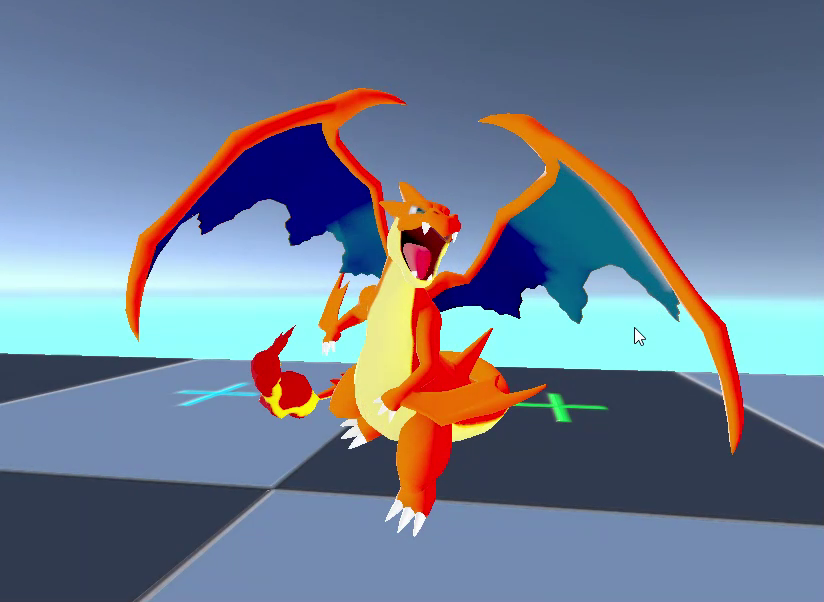
Stylized Rimlight Unlit Shader for Unity 6 URP. Replicates the clean Pokémon-style toon look. Includes dynamic rim lighting, shadow saturation, and easy setup. Perfect for stylized/cel-shaded games.
Affiliate link · Purchases support this site
Price history
Last 6 months
USDAsset preview
1 / 5
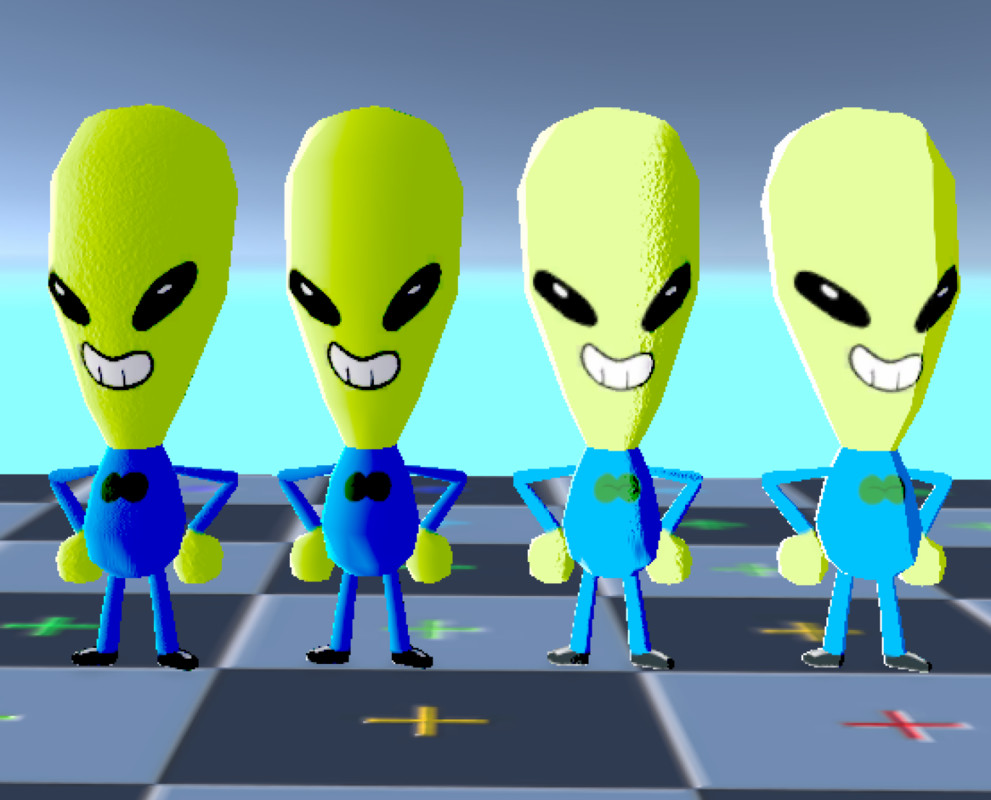
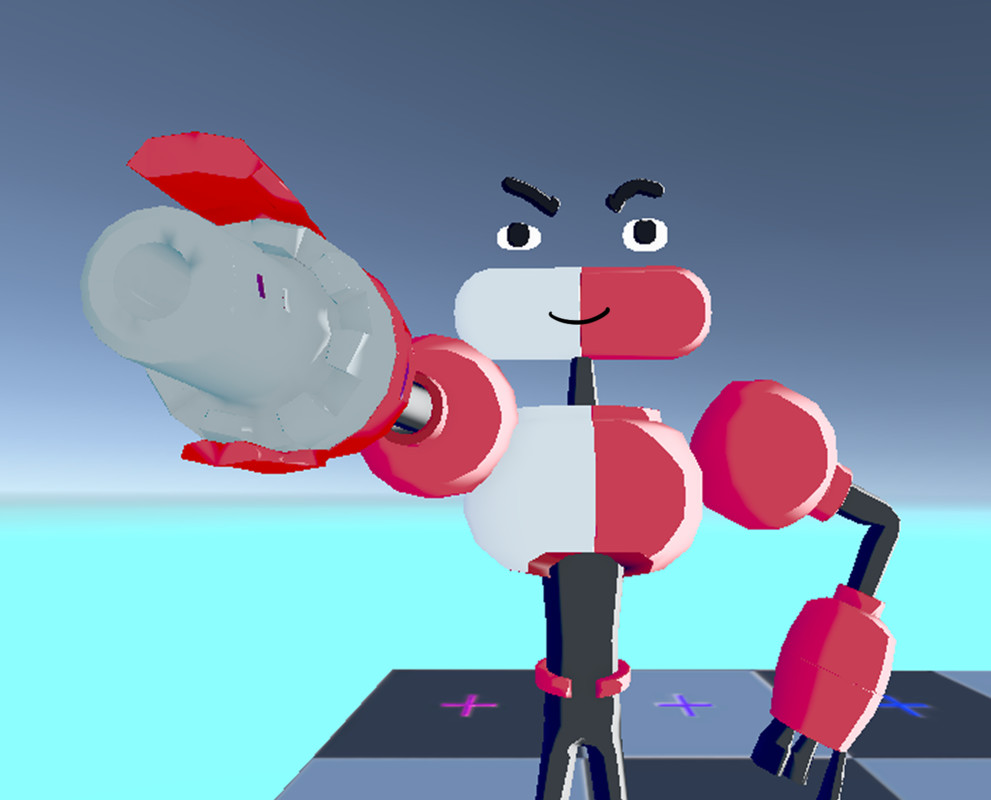
Stylized Unlit Rimlight shader screenshot 1
About this asset
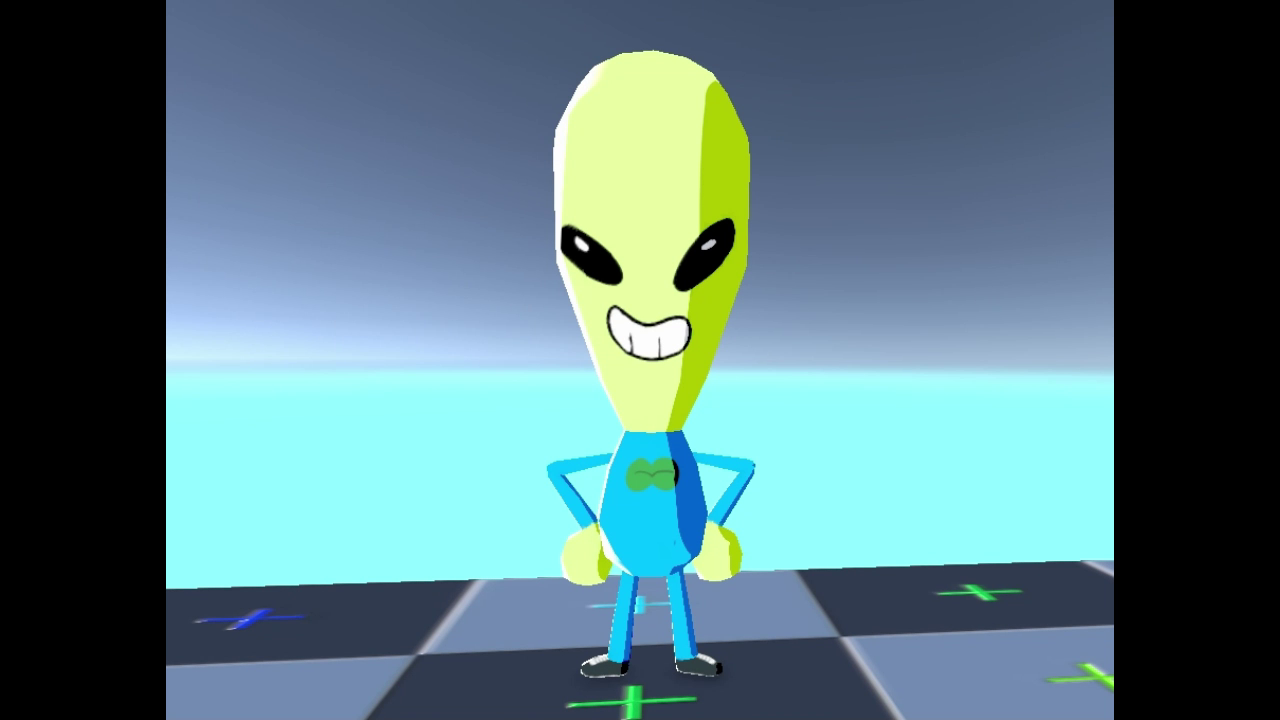
Bring your models to life with a clean, vibrant aesthetic. This shader is designed to replicate the high-end toon-shading seen in modern titles like the latest Pokémon games, offering a professional Cel-Shaded look with high customizability.
It is perfectly suited for RPGs, Platformers, or any project requiring a stylized, anime, or cartoon-style art direction.
Key Features:
- Dynamic Rim Lighting: A rim light that reacts to the direction of your Main Directional Light.
- Advanced Shadow Control: Adjust shadow saturation, opacity, and color for unique visual effects.
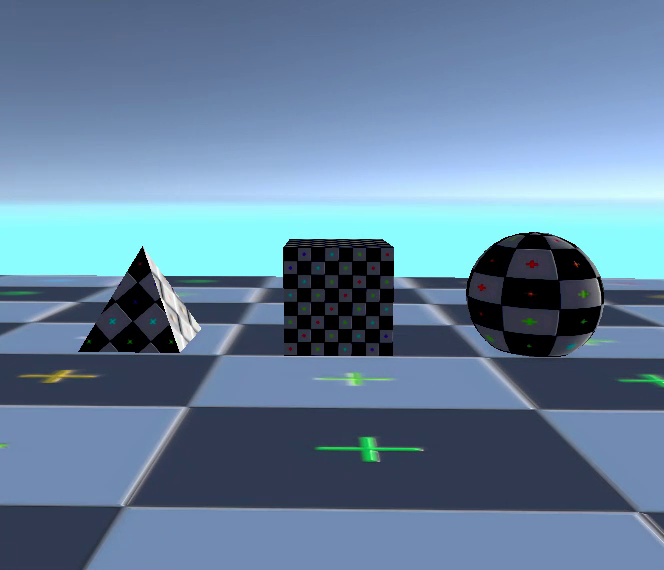
- Normal Map Support: Toggle between flat surfaces or detailed lighting that respects your model's normals.
- Unity 6 Optimized: Built from the ground up for URP and the new Render Graph system.
Customizable Parameters:
RIMLIGHT --------------------------------------------
- Rimlight Color: Set your preferred rim color.
- Rim Power & Range: Control the thickness and coverage area.
- Rim Threshold & Absent: Fine-tune the intensity and border sharpness.
- Flat Surface?: Toggle normal map influence on the rim.
- Smooth Edge: Adjust the falloff of the rim light.
SHADOW ---------------------------------------------
- Remap 1 & 2: Create perfect "hard" or "soft" toon shadows.
- Saturating Shadow Color: Control how much the shadow color pops.
- Shadow Color & Opacity: Full control over shadow density and tint.
Setup:
- Create a new Material.
- Select: Shader Graphs / RimLightUnlit.
- Assign to your mesh and enjoy!
Requires Universal Render Pipeline (URP). Developed for Unity 6.
From the publisher's Asset Store listing.
Technical details
- 1 Shader Graph: High-performance Unlit Rimlight Shader.
- Customizable Parameters: Full control over Rimlight (Color, Power, Range, Threshold, Smoothness) and Shadows (Remap, Saturation, Color, Opacity).
- Lighting Support: Dynamically reacts to the Main Directional Light direction.
- Normal Map Integration: Support for normal maps with a toggle for flat-surface rendering.
- Documentation Included: Comprehensive PDF guide for setup and parameter reference.
- Optimization: Unlit-based logic for high performance on all platforms (Mobile, PC, Console).
- Pipeline: Designed specifically for Universal Render Pipeline (URP).
- Compatibility: Built and tested for Unity 6 and the new Render Graph system.
Compatibility
| Unity version | Built-in | URP | HDRP |
|---|---|---|---|
| 6000.2.9f1 | Not listed | Compatible | Not listed |
- Pipeline: Exclusively for URP. May will be not compatible with Built-in or HDRP.
- Unity Version: Optimized for Unity 6 (6000.0+). May not work in older versions due to new Shader Graph nodes.
- Setup: Ensure a URP Asset is assigned in Graphics Settings. Fully compatible with the new Unity 6 Render Graph.
- Usage: Ideal for stylized/toon projects.
As listed on the Asset Store.