
 View on Asset Store (opens in new tab)
Package details
- Latest version
- 1.3.4
- Last updated
- First released
- Unity version
- 6000.5.0 or later
- Package size
- 29.2 MB
- Files
- 178
- Favorites
- 3
- Views in the past week
- 6
Price tracking
- Last checked
- Tracked since
- Lowest recorded
- $19.99 on
Keywords

Swarm Manager Pro v1.3.4 - Mob & Environment Spawner
Swarm Manager Pro is a two-in-one toolkit — a Mob AI system for basic/common behaviors and a high-performance GPU Prop Renderer for populating your world with thousands of VAT-animated objects.
Affiliate link · Purchases support this site
Price history
Last 6 months
USDAsset preview
1 / 4
Swarm Manager Pro v1.3.4 - Mob & Environment Spawner screenshot 1
About this asset
Swarm Manager Pro – Mob AI, GPU Instancing & Editor Toolkit
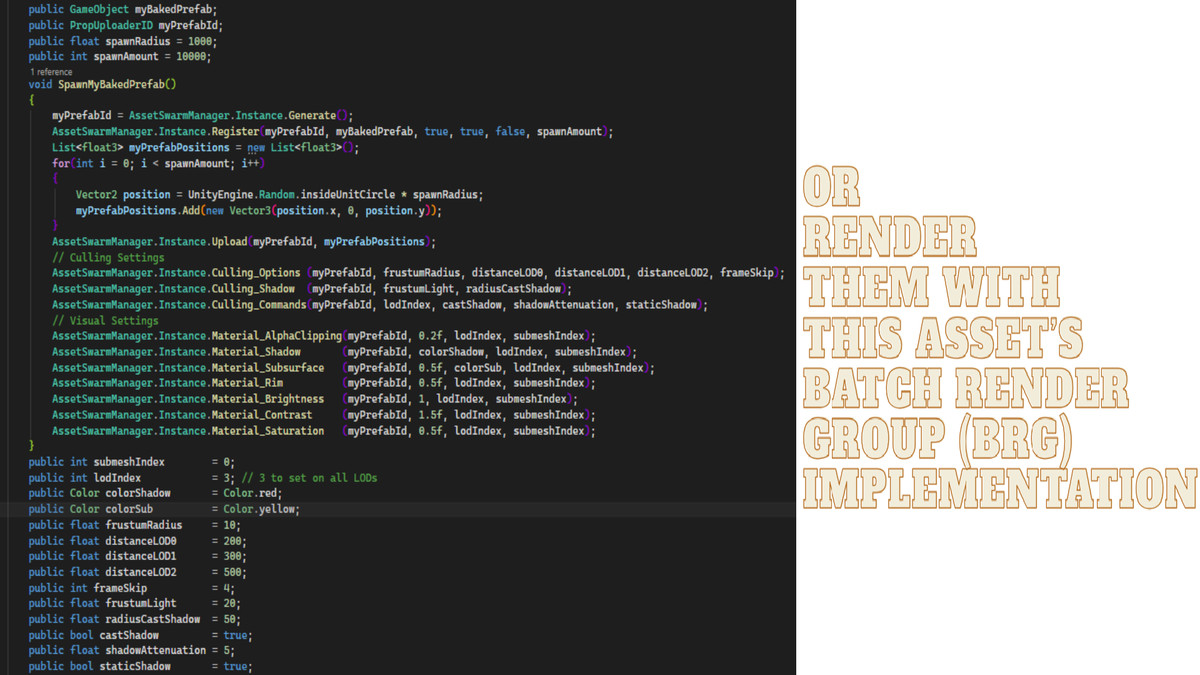
GPU Prop Renderer (BatchRendererGroup)
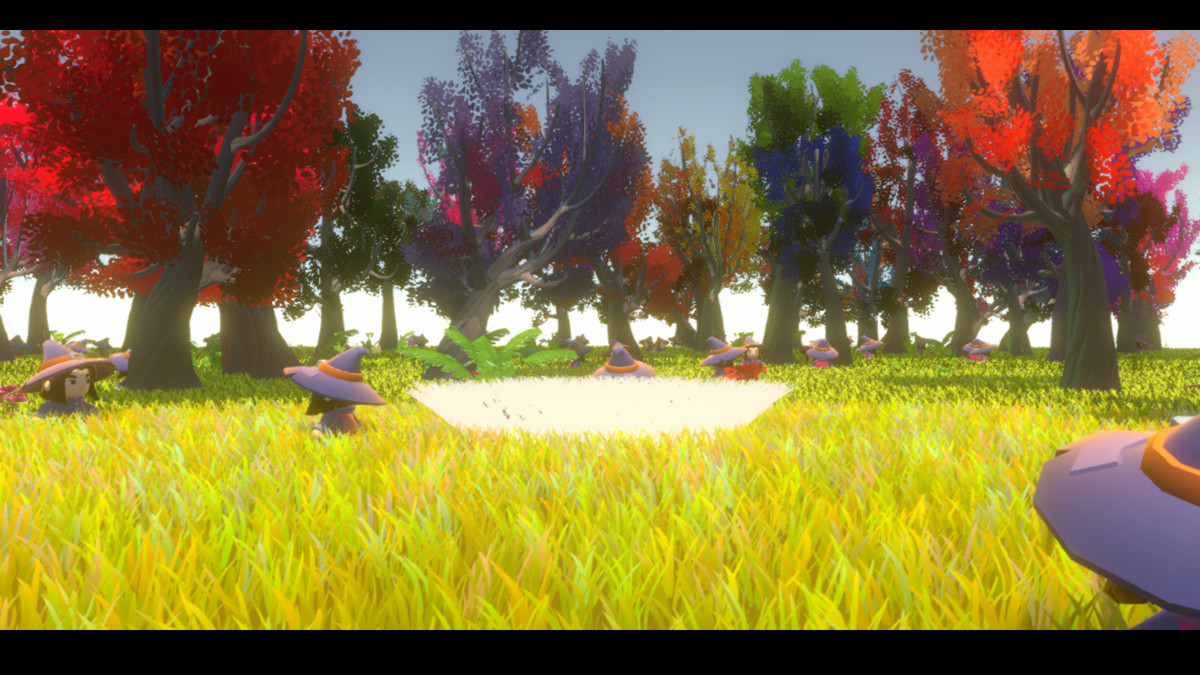
Render tens of thousands of VAT-animated props with near-zero CPU cost using Unity's Batch Renderer Group, or optionally pass a mesh to use the system.
- Zero GameObject overhead after upload.
- Automatic LOD — 3 mesh levels with per-level shadow and lighting control.
- Burst-compiled frustum and distance culling.
- Per-instance color, rim color, animation offset and animation speed
- Per-LOD visuals shader features such as alpha clipping, saturation, contrast, brightness, rim strength, dither, wind influence, shadow color and attenuation, normal map, mask and sub-surface color.
- Lit and Unlit selection per LOD level.
- Runtime visibility control — per instance, range, or all.
- Runtime position updates with partial buffer upload.
- Simple API — Generate, Register, Upload, SetActive, UpdateTransform.
GPU Instancing demo on Unity Play(asset scene)
https://play.unity.com/en/games/91ddf759-cc33-4bc9-9327-475aaa9c45f1/test-build-with-webgpu
Mob AI System
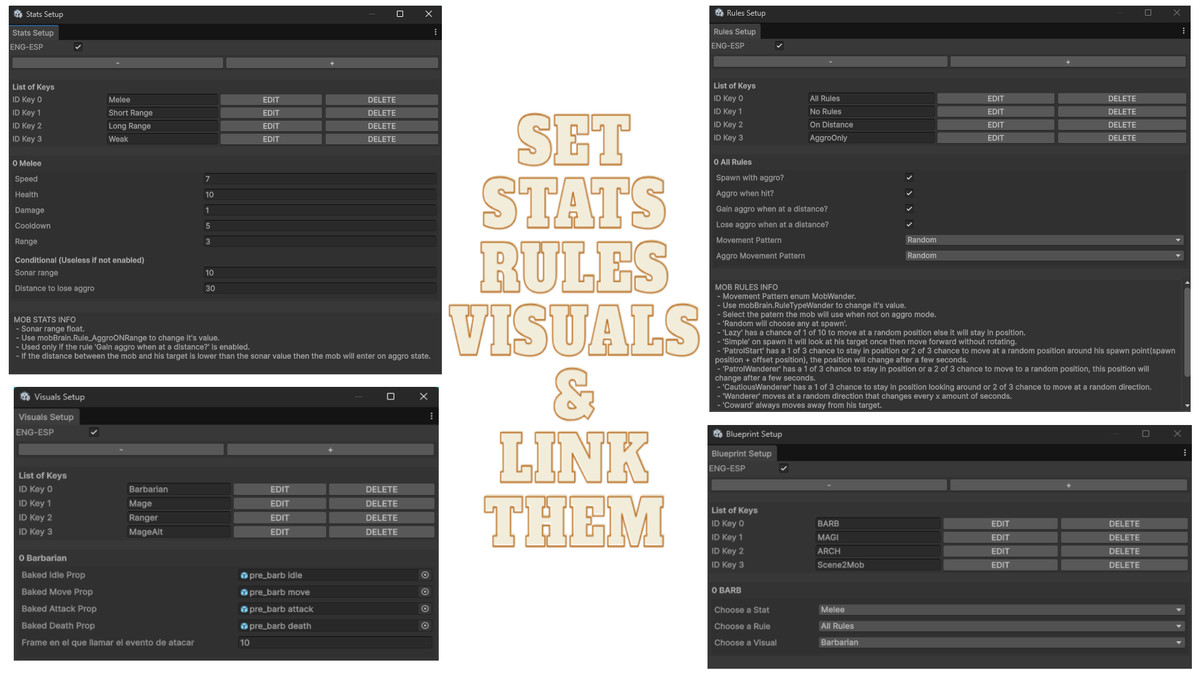
A modular, data-driven framework for building mob behaviors through an intuitive four-step editor workflow — no repetitive code, clean and production-ready.
1. Define Stats
2. Define Rules
3. Define Visuals
4. Link into a Blueprint
What's Included
BRG Prop Renderer
High-performance GPU instancing using BatchRendererGroup with automatic LOD, culling, per-lod and per-instance data — ready to use with any VAT-animation or mesh.
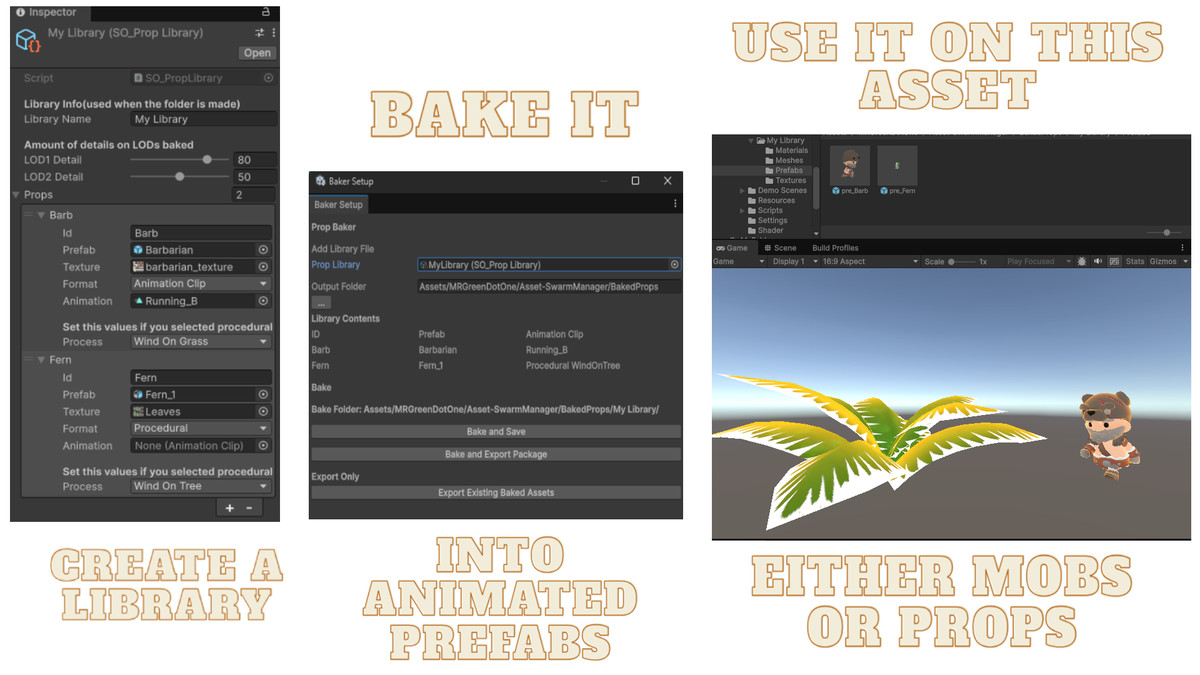
Prop Baker
Bake mesh animations into Vertex Animation Textures for use on your projects.
Mob Manager
Powered by Unity's Burst and Job System — handles mob updates, pool entry/exit, and blueprint-based spawning efficiently.
Dynamic Pool System
Automatically creates and resizes object pools as needed for optimal performance.
Custom Editor Windows
Purpose-built interfaces for Stats, Rules, Visuals, and global configuration through clean intuitive tools.
Ease-of-Use API
Helper methods and utilities to simplify common tasks and speed up integration.
Event-Driven Interface
Hook into asset events and inject custom logic through lightweight interfaces.
Multiple Showcase Scenes
3 Ready-to-use demo scenes demonstrating both systems.
Requirements
- Unity 6 (6000.0+)
- Universal Render Pipeline (URP)
- Burst and Jobs packages
From the publisher's Asset Store listing.
Technical details
Tested on Unity 6.5
This asset require the following components to work:
- Unity.Burst
- Unity.Mathematics
- Unity.Collections
Optional (Demo Scene only):
- TextMeshPro (included with Unity 2022+)
- Input System
On the section Graphics>Shader Stripping>Batch Render Group Variants, the option "Keep All" need to be set if instance mode is going to be used.
If you have the Lite version on your project, delete it before installing this one.
Compatibility
| Unity version | Built-in | URP | HDRP |
|---|---|---|---|
| 6000.5.0f1 | Not listed | Compatible | Not listed |
VAT Shader customized for URP
Basic and VAT shader made for BRG customized for URP
As listed on the Asset Store.