
 View on Asset Store (opens in new tab)
Package details
- Latest version
- 1.0
- Last updated
- First released
- Unity version
- 6000.0.64 or later
- Package size
- 31 KB
- Files
- 20
- Favorites
- 1
- Views in the past week
- 8
Price tracking
- Last checked
- Tracked since
- Lowest recorded
- $5.99 on
Keywords

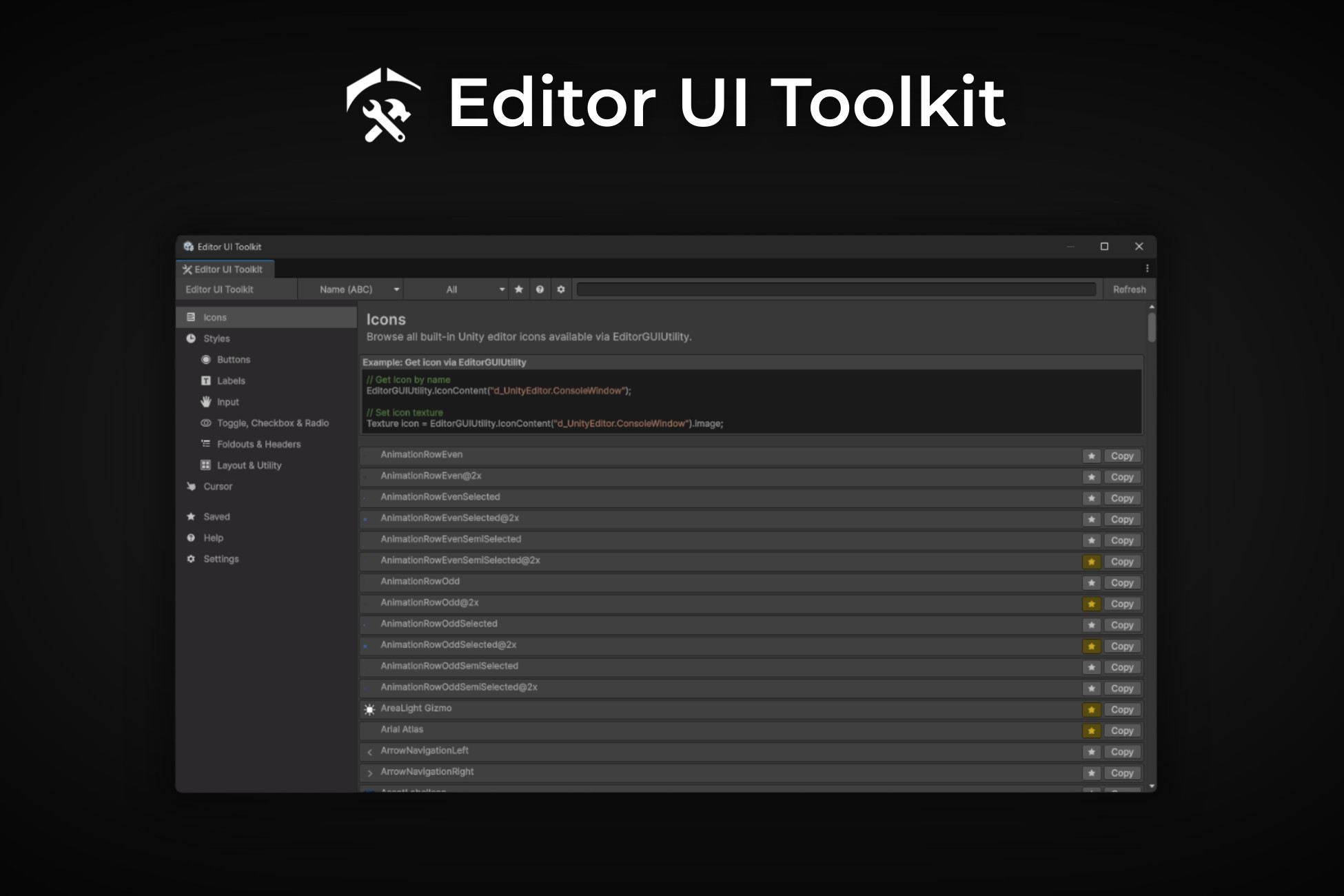
Editor UI Toolkit (Build Inspectors & Editors Easy)
Editor UI Toolkit - Browse, preview, and use Unity’s built-in editor icons, styles, buttons, labels, inputs, toggles, foldouts, utilities and cursors. Also, with the ability to save elements.
Affiliate link · Purchases support this site
Price history
Last 6 months
USDAsset preview
1 / 11
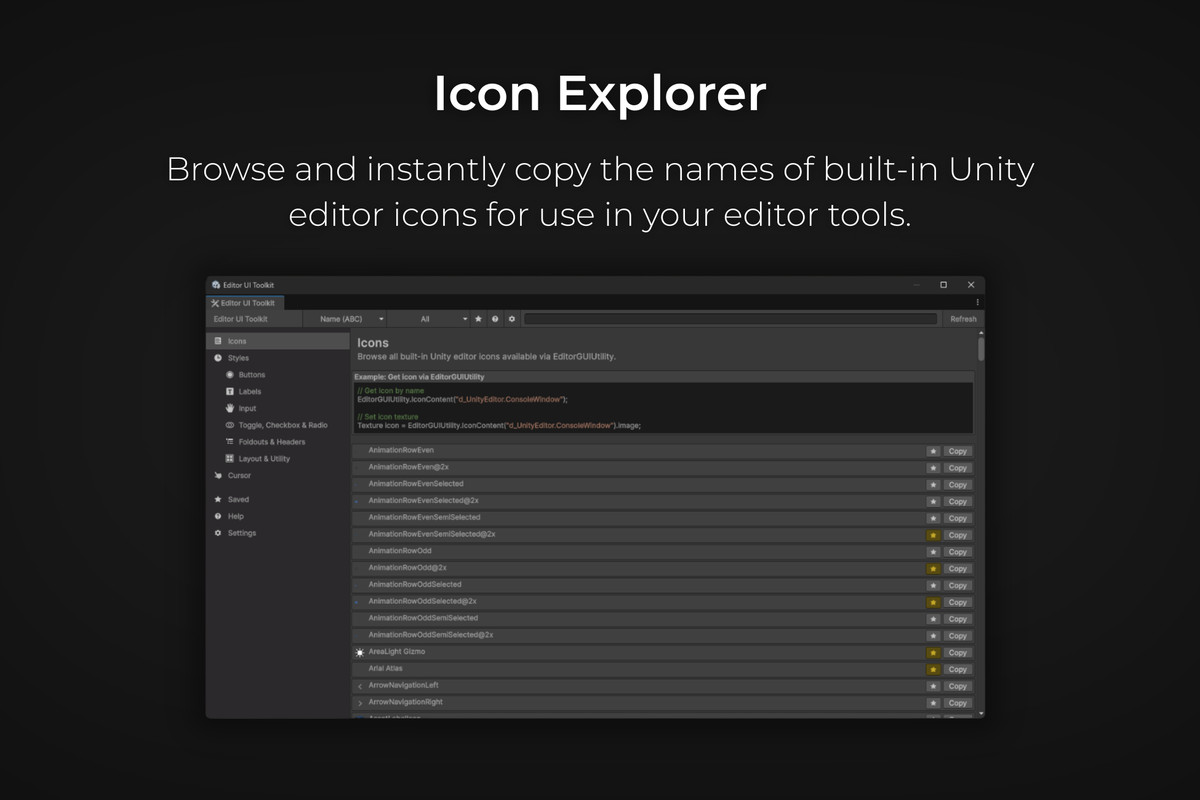
Editor UI Toolkit (Build Inspectors & Editors Easy) screenshot 1
About this asset
The Editor UI Toolkit is a powerful but lightweight Unity Editor extension designed to help you build consistent, professional editor tools. Access all built-in Unity editor resources in one place - no more digging through the internet, documentation or guessing names.
Key Features
- Browse and copy all built-in Unity editor icons.
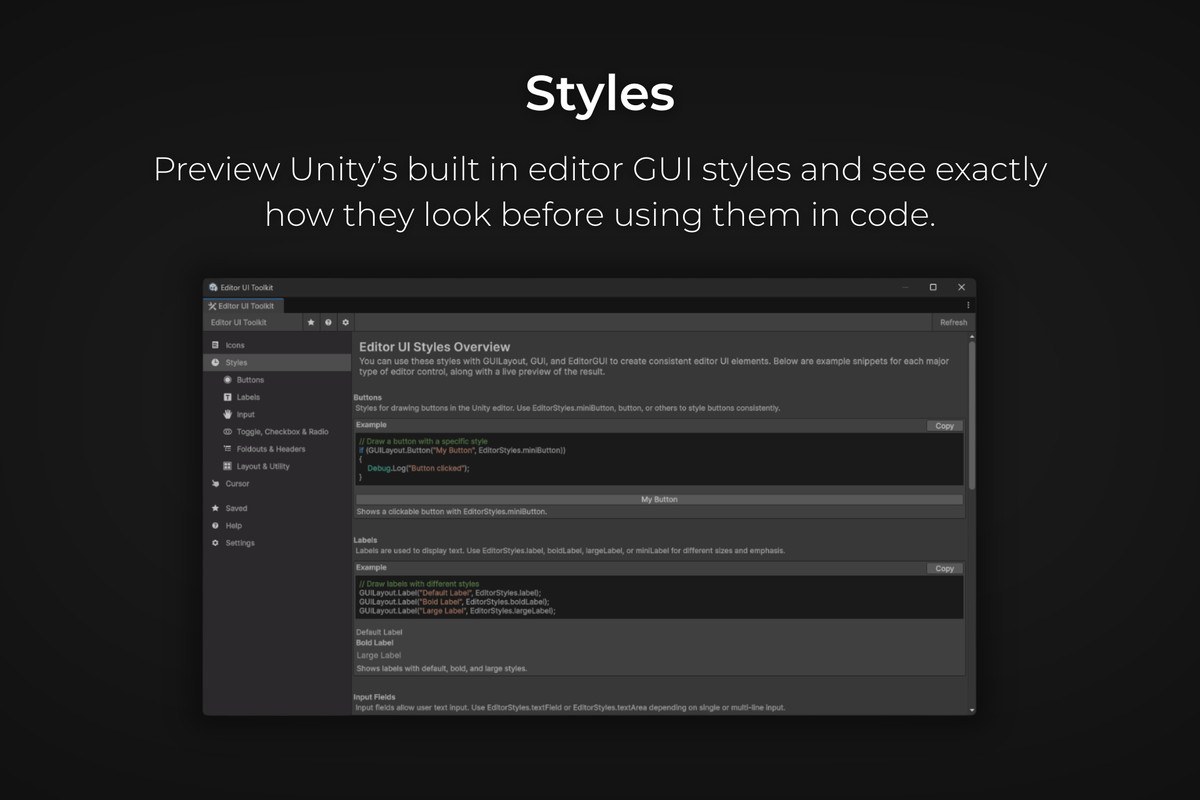
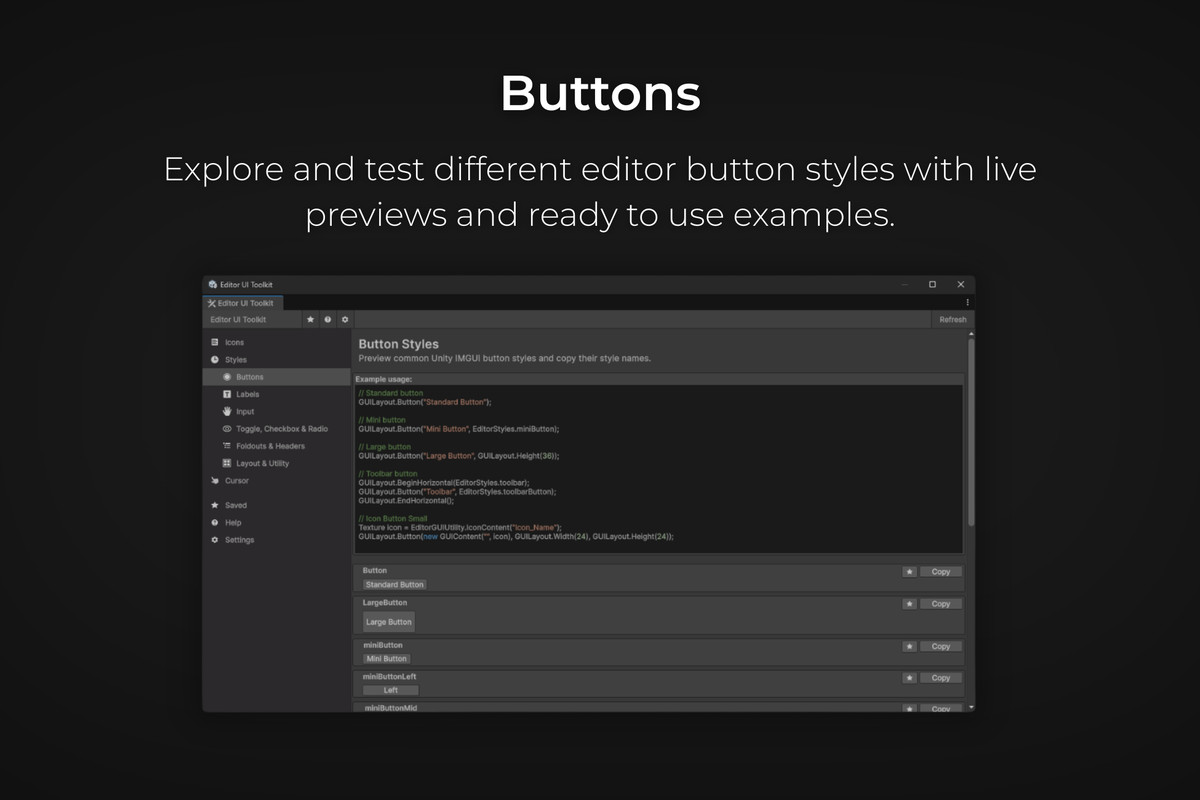
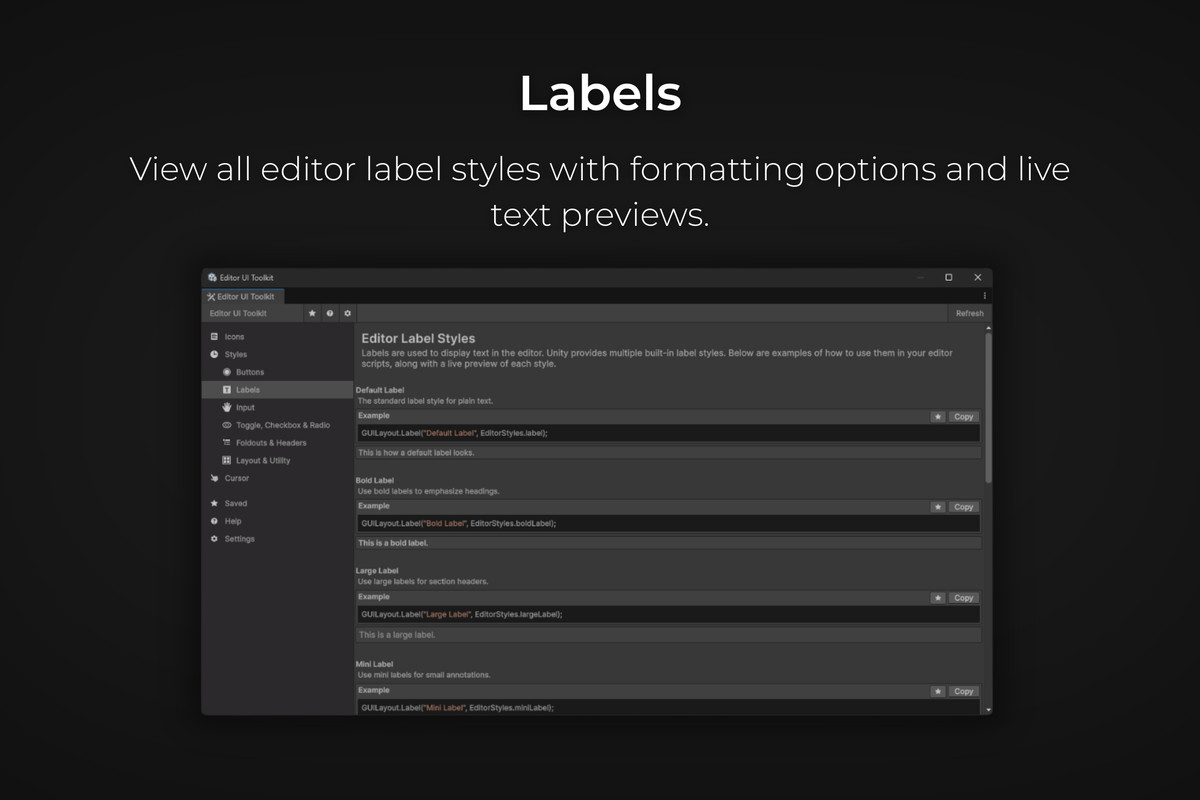
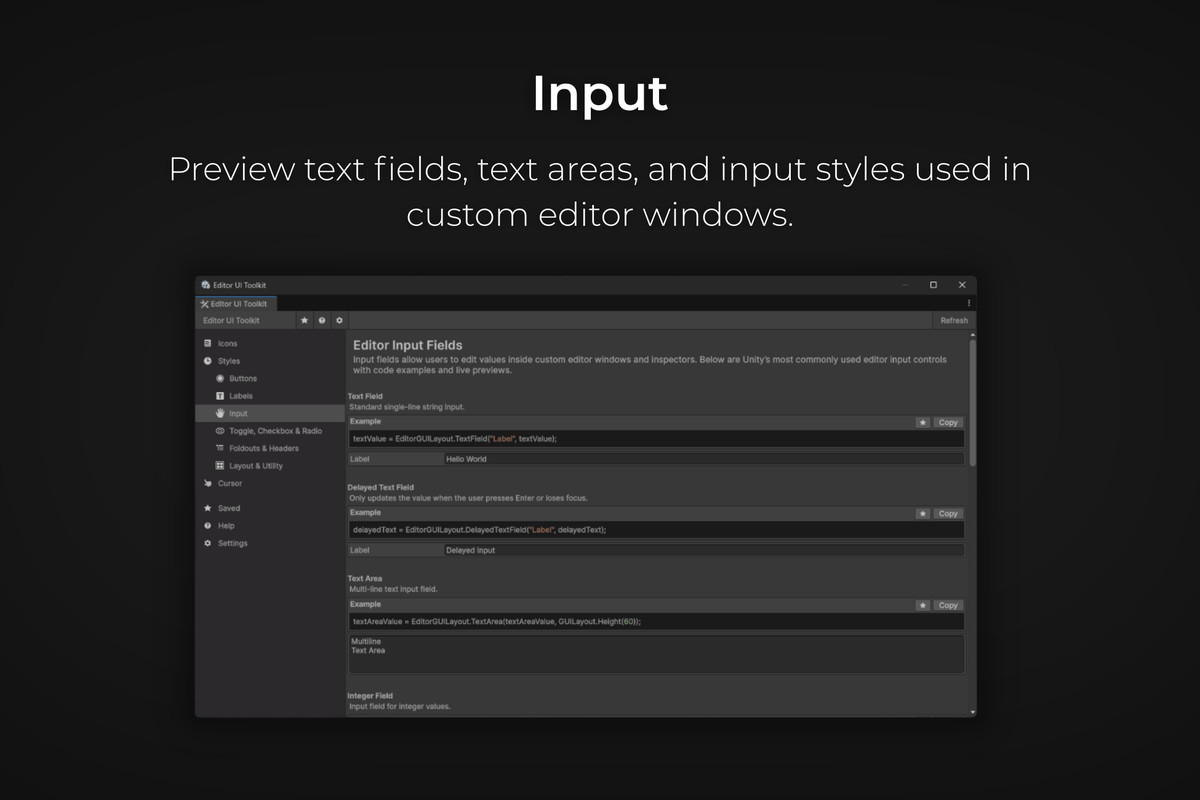
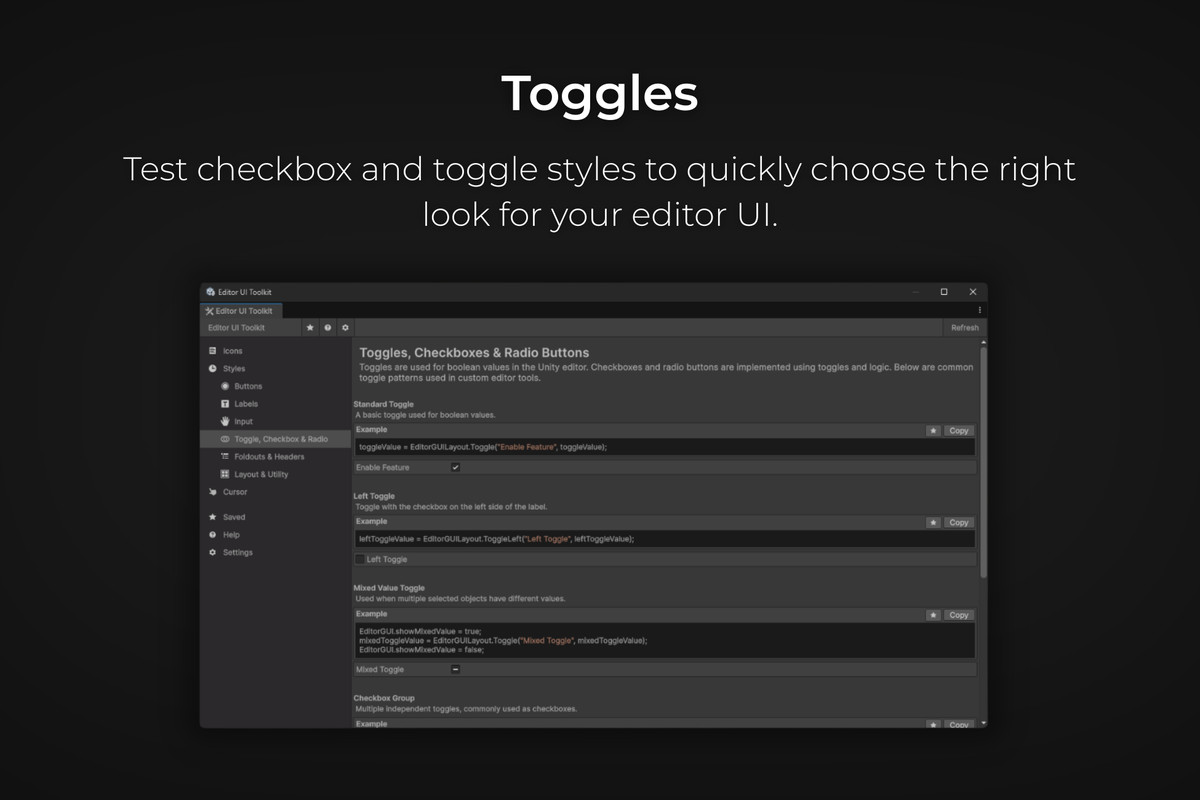
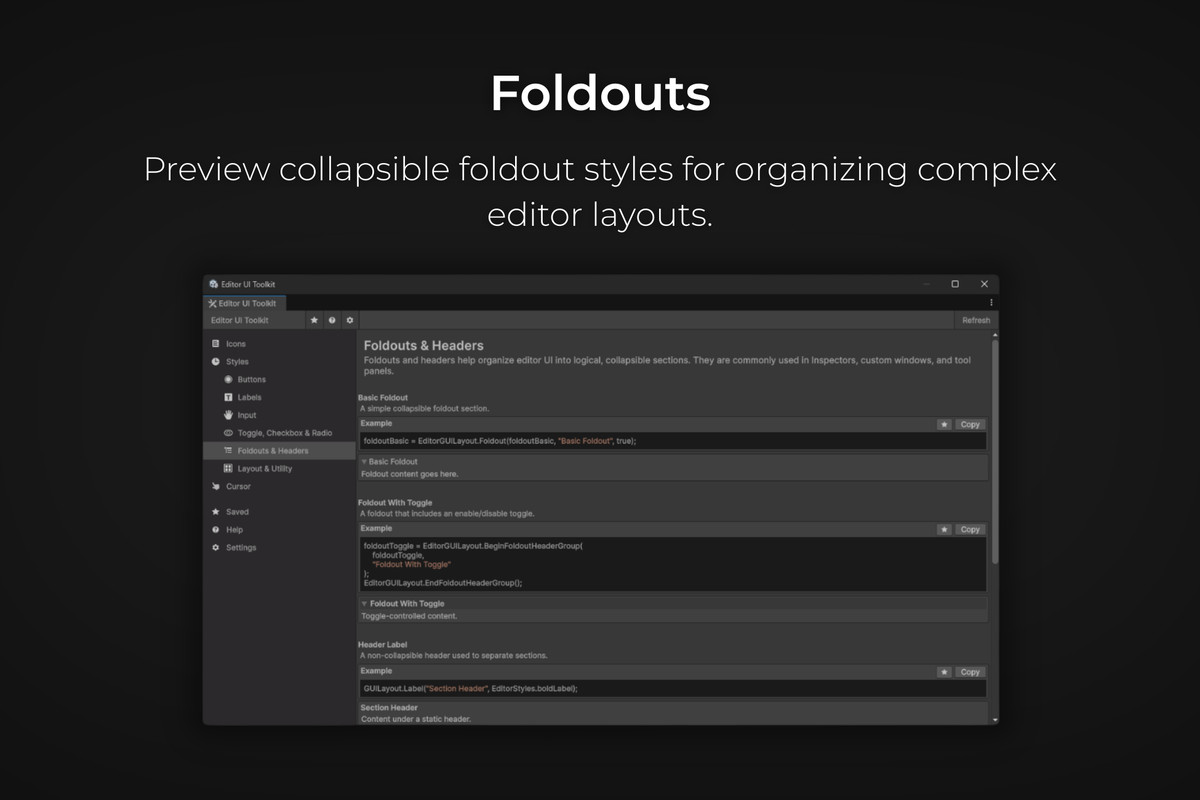
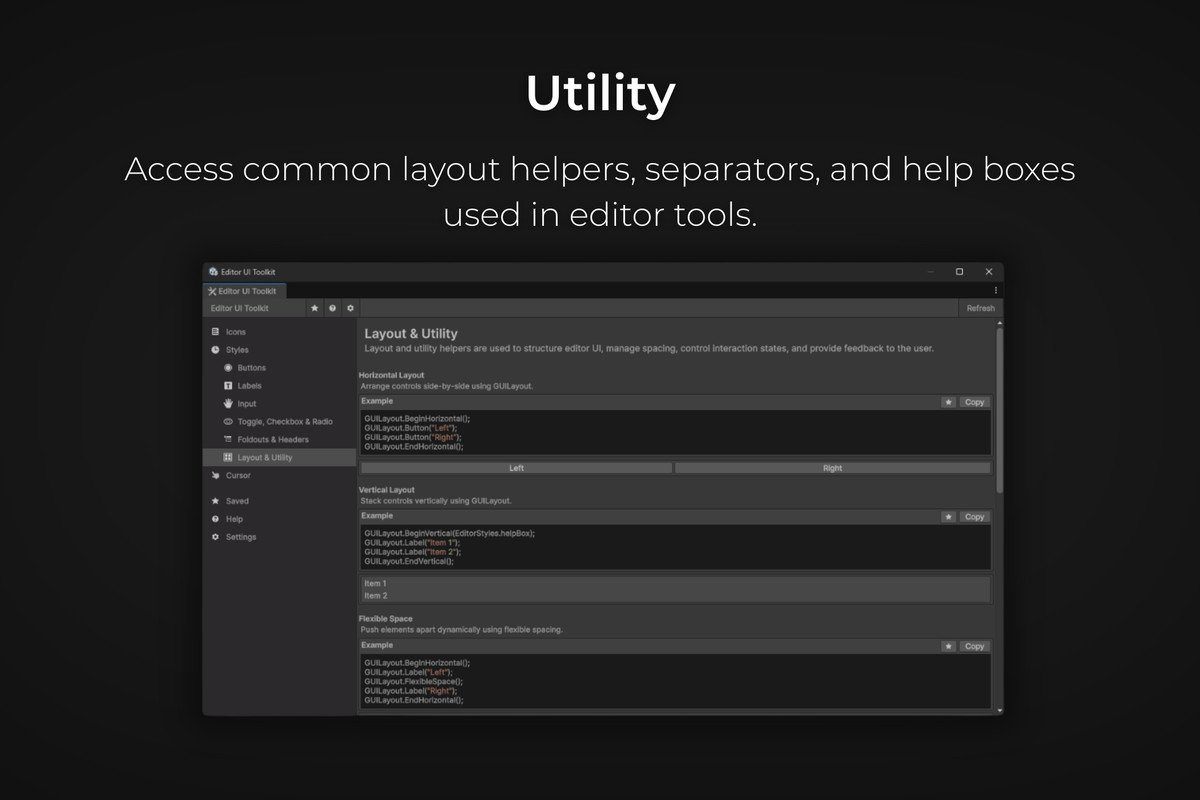
- Preview and use GUI styles for buttons, labels, inputs, toggles, foldouts, and utilities.
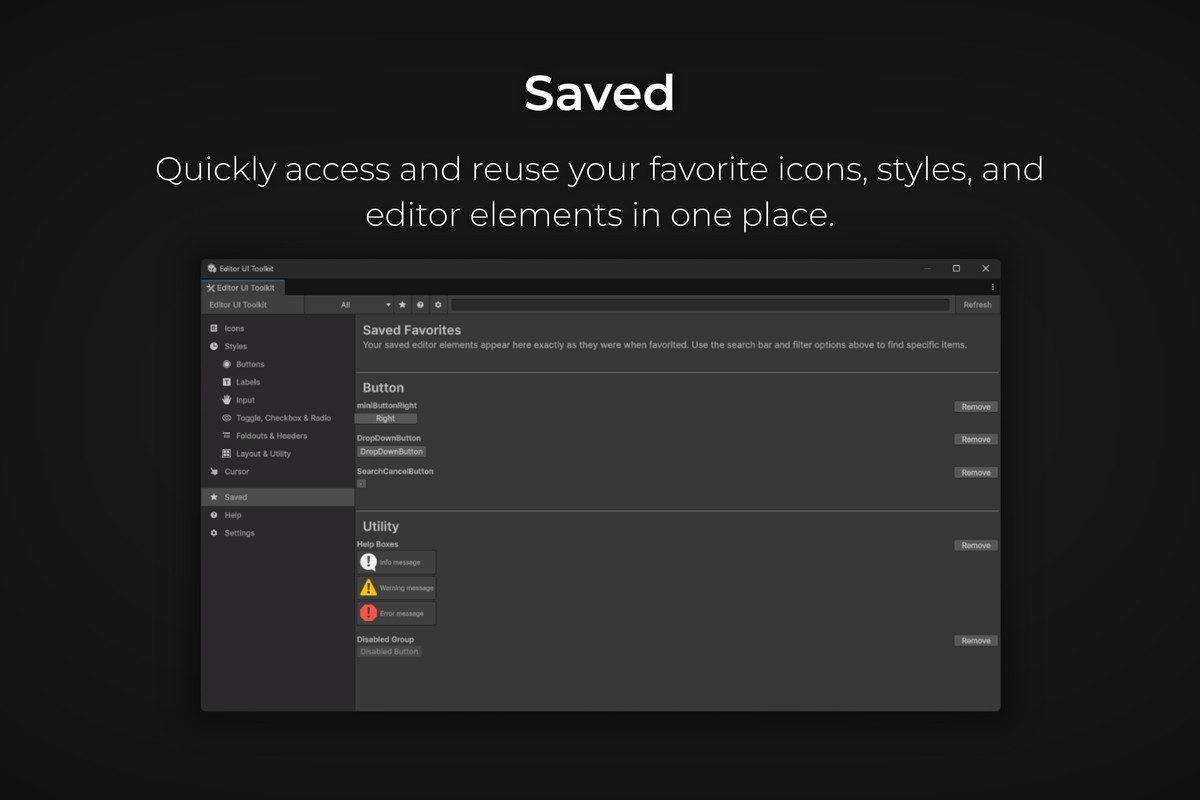
- Save your favorites for quick access.
- A search and filter option to locate resources instantly.
- Live preview areas for each style and icon.
- Fully compatible with Unity Editor UI Workflows
Tabs Overview
- Icons - Browse and copy icon names.
- Styles - Preview built-in editor styles.
- Buttons - Examples of button styles and states.
- Labels - Label style previews.
- Input - Text fields and areas.
- Toggle - Checkboxes and toggle styles.
- Foldouts - Collapsible sections for organizing UI.
- Utility - Layout helpers, separators, and help boxes.
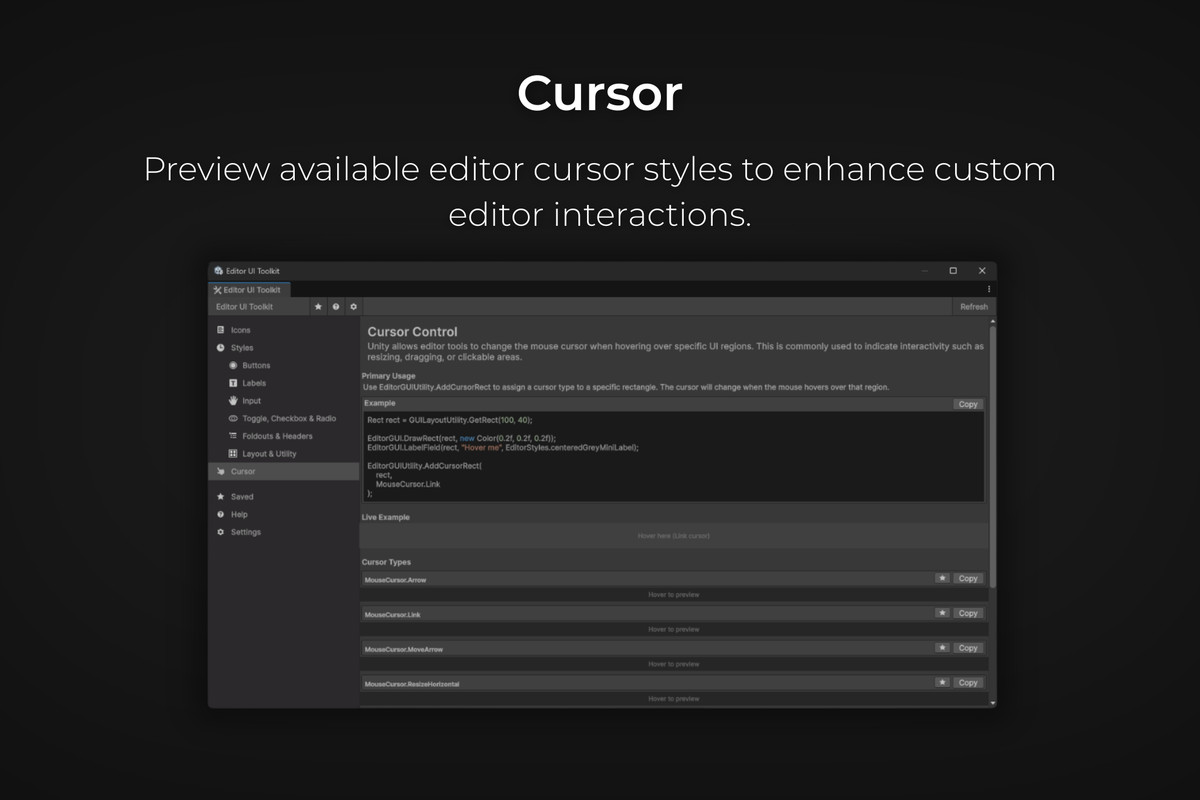
- Cursor - Preview available cursors in Unity.
- Saved - Access your favorite icons or elements.
- Settings - Configure preferences.
- Help - Full usage guide and tips.
Benefits
- Speeds up editor tool development.
- Improves workflow efficiency for UI-heavy projects.
- Reduces guesswork when referencing Unity built-in resources.
Documentation & Support
This asset is fully documented. Access the Help tab inside the window for usage guides, tips, and links to support. Ongoing updates for compatibility with the latest Unity versions.
From the publisher's Asset Store listing.
Technical details
Unity Versions Supported: 2021.3 LTS and later (tested up to 6000.0.64f1).
Target Platforms: Editor-only tool.
Dependencies: None, relies solely on Unity's built-in Editor APIs (EditorGUIUtility, EditorStyles, GUILayout, EditorGUILayout).
Script API Access: All functionality available via editor scripts; no runtime code included.
Favorites Storage: Uses EditorPrefs to persist favorites locally per user/machine.
Limitations: Editor-only; cannot be included in runtime builds; some built-in styles/icons may appear slightly different between Unity versions.
Recommended Use: Create custom editor windows, tools, and workflows with consistent, professional UI.
Updates: Actively maintained to support new Unity versions and improve functionality!
Compatibility
| Unity version | Built-in | URP | HDRP | Custom |
|---|---|---|---|---|
| 6000.0.64f1 | Compatible | Compatible | Compatible | Compatible |
Supported Unity Versions: 2021.3 LTS and later (tested up to 6000.0.64f1).
Platforms: Editor-only tool for Windows, macOS, Linux.
Dependencies: None; uses built-in Unity editor APIs.
Notes: Editor-only, favorites stored in EditorPrefs, UI may vary slightly across Unity versions. Ongoing updates provided.
As listed on the Asset Store.