
 View on Asset Store (opens in new tab)
Package details
- Latest version
- 2.0.0
- Last updated
- First released
- Unity version
- 6000.3.6 or later
- Package size
- 49.3 MB
- Files
- 223
- Favorites
- 5
- Views in the past week
- 14
Price tracking
- Last checked
- Tracked since
- Lowest recorded
- $24.99 on
Keywords

Virtual Inspector
- Hidden sale
- Price drop
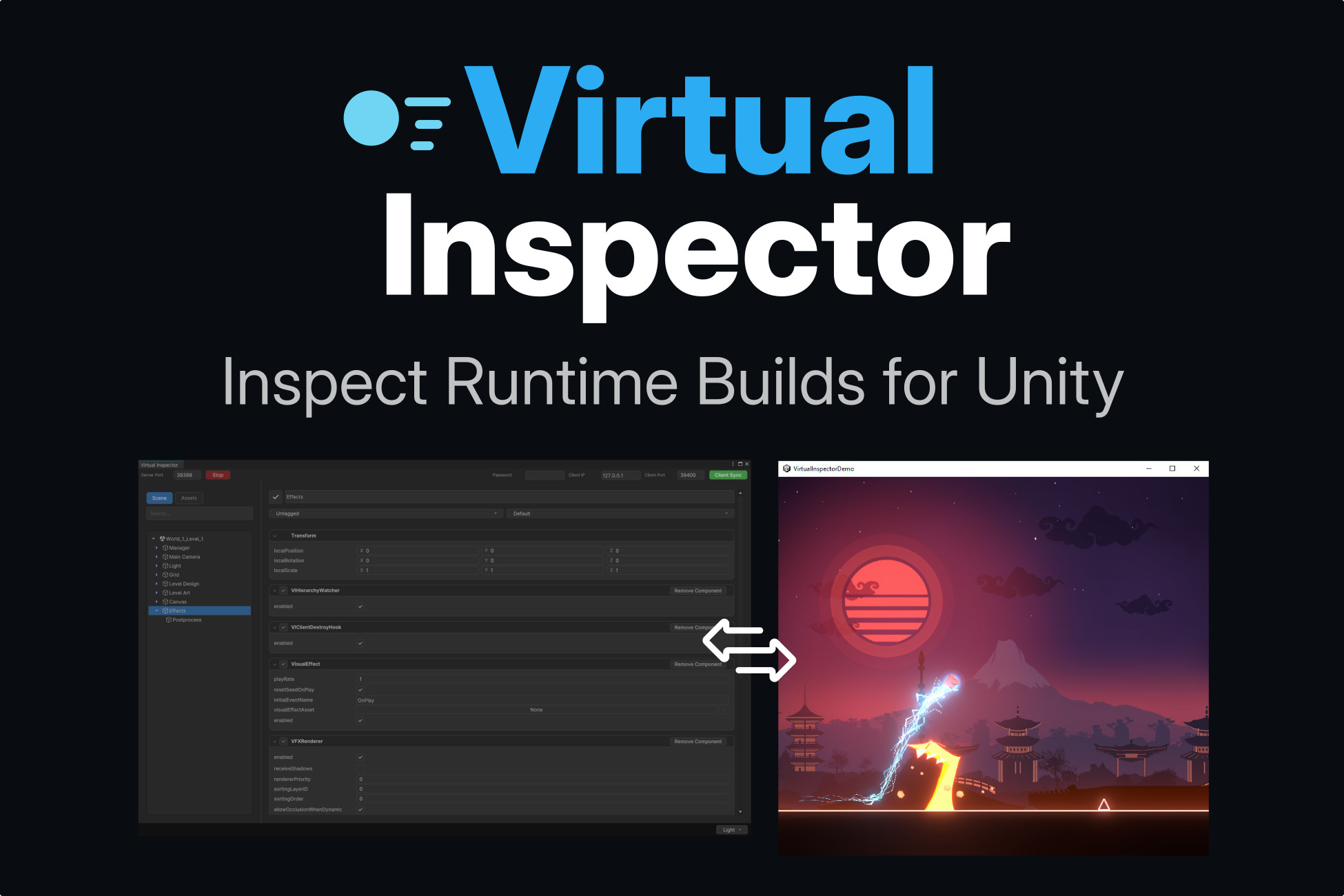
Real-time remote inspector for Unity builds. Inspect scenes, components, and live runtime data directly from the Unity Editor, without rebuilding or restarting.
Lowest recorded price
Get 67% off on Asset Store (opens in new tab)Affiliate link · Purchases support this site
Price history
Last 6 months
USDAsset preview
1 / 5

Virtual Inspector screenshot 1

About this asset
2.0 Launch Sale
To celebrate the release of Virtual Inspector 2.0, the asset is available at $24.99 instead of the regular price of $49.99.
This launch sale is available for 2 weeks only, from September 10, 2026 to September 24, 2026.
Virtual Inspector is a real-time debugging, inspection, and runtime analysis tool for Unity projects.
It allows developers to inspect, debug, and interact with a running Unity application remotely, directly from the Unity Editor, without rebuilding or restarting the project.
Virtual Inspector is designed to solve a common Unity workflow issue: bugs and runtime behaviors that only appear in builds or on target devices. With Virtual Inspector, you can inspect live scenes, GameObjects, components, runtime values, logs, performance data, and screen capture streams while your application is running on PC, mobile devices, consoles, VR devices, or standalone builds.
The tool uses a Client / Server architecture:
Client: runs inside the inspected Unity project or build and sends runtime data.
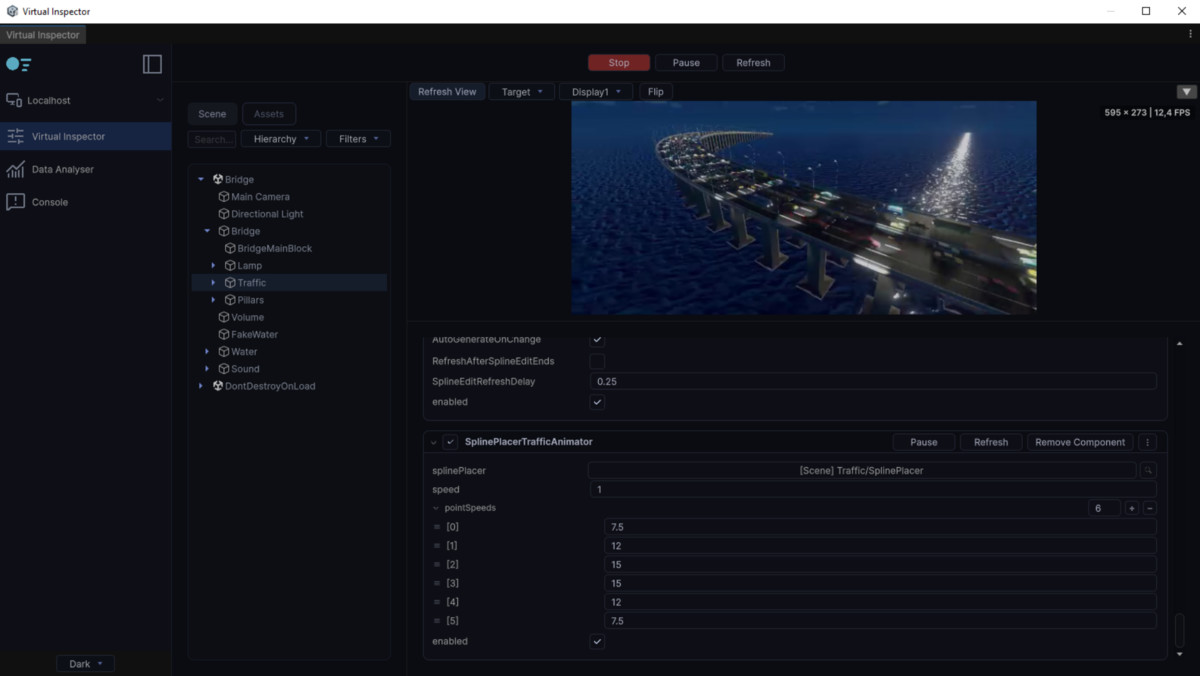
Server: runs inside the Unity Editor and displays the live hierarchy, inspector, logs, data analyser, and capture tools.
This approach enables faster iteration, improved debugging on external devices, and better visibility into real production environments.
Virtual Inspector is suitable for developers, technical artists, and QA teams working on games, simulations, prototypes, mobile apps, console projects, VR projects, or production tools.
Documentation
https://strix-corporation.gitbook.io/virtual-inspector-docs
Website
https://strixcorporation.com/virtual-inspector.html
Support & Contact
If you have questions, feedback, or feature requests, feel free to reach out.
https://www.linkedin.com/company/strixcorporation/
Follow us on LinkedIn to stay updated on Virtual Inspector updates, new Unity tools, and development insights.
From the publisher's Asset Store listing.
Technical details
Key Features
• Real-time remote inspection of running Unity builds
• Live synchronized scene hierarchy (Scenes & GameObjects)
• Runtime inspector with editable fields
• Edit transforms, components, materials, and properties at runtime
• Add, remove, enable, or disable components live
• Create, duplicate, rename, and delete GameObjects remotely
• Multi-selection workflow for faster inspection and editing
• Copy / paste components across one or multiple selected objects
• Undo / Redo support for runtime inspector actions
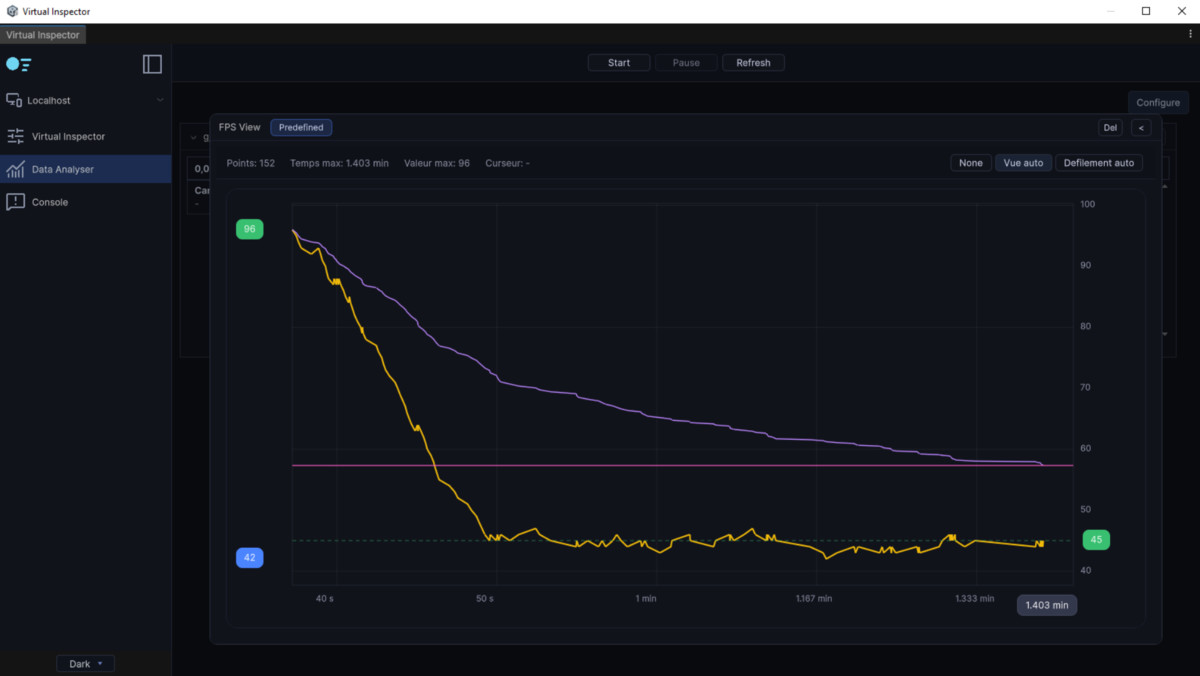
• Data Analyser module with graphs, tables, variables, camera recorder, and synchronized views
• Custom tracked variables and predefined performance metrics (FPS, Average FPS, 1% Low FPS, 0.1% Low FPS)
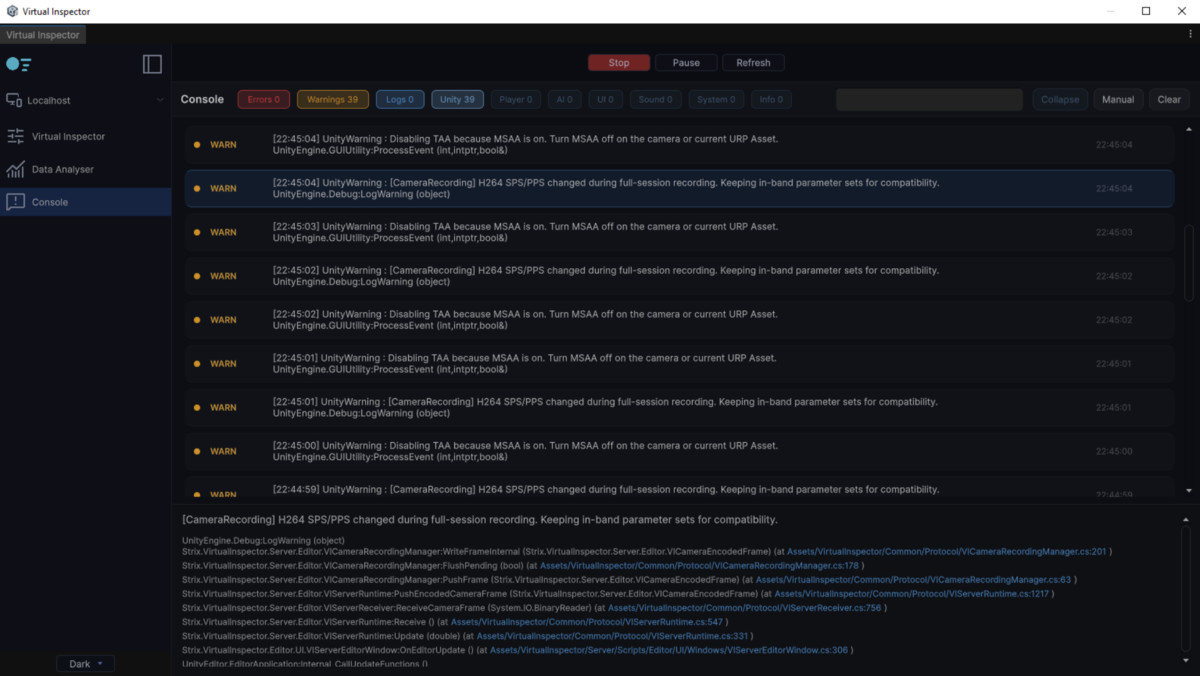
• Runtime console with Unity logs, custom logs, UI logs, world-space logs, categories, and filters
• Runtime screen capture, camera frame streaming, and camera recording
• Desktop recording support with FFmpeg
• Android native capture support for Vulkan and OpenGL
• Support for primitive fields (int, float, bool, string, Enum)
• Support for Unity types (Vector2/3/4, Color, Object references, List/Array, Struct)
• Support Memory Asset
• Editable arrays with resize and per-element editing
• Searchable hierarchy and component list
• Hierarchy filters by component, tag, and layer
• Automatic device detection and connection to running clients
• Client / Server communication over local network (LAN, UDP)
• Optional password or client secret authentication
• Optimized for low-latency local workflows
• Designed for devices where the Unity Editor cannot run (mobile, console, VR)
• Fully custom UI built with Unity UI Toolkit
• Dark theme optimized for long debugging sessions
Compatibility
| Unity version | Built-in | URP | HDRP | Custom |
|---|---|---|---|---|
| 6000.3.6f1 | Compatible | Compatible | Compatible | Compatible |
As listed on the Asset Store.