
 View on Asset Store (opens in new tab)
Package details
- Latest version
- 1.0.1
- Last updated
- First released
- Unity version
- 6000.3.4 or later
- Package size
- 4.4 MB
- Files
- 41
- Favorites
- 4
- Views in the past week
- 4
Price tracking
- Last checked
- Tracked since
- Lowest recorded
- $10.52 on
Keywords
- Search for dev notes
- Search for Workflow Tools
- Search for developer commentary
- Search for Level Design Tools
- Search for Developer Tools
- Search for debugging tools
- Search for production tools
- Search for voice notes
- Search for scene documentation
- Search for QA Tools
- Search for audio notes
- Search for in-editor audio

Developer Commentary
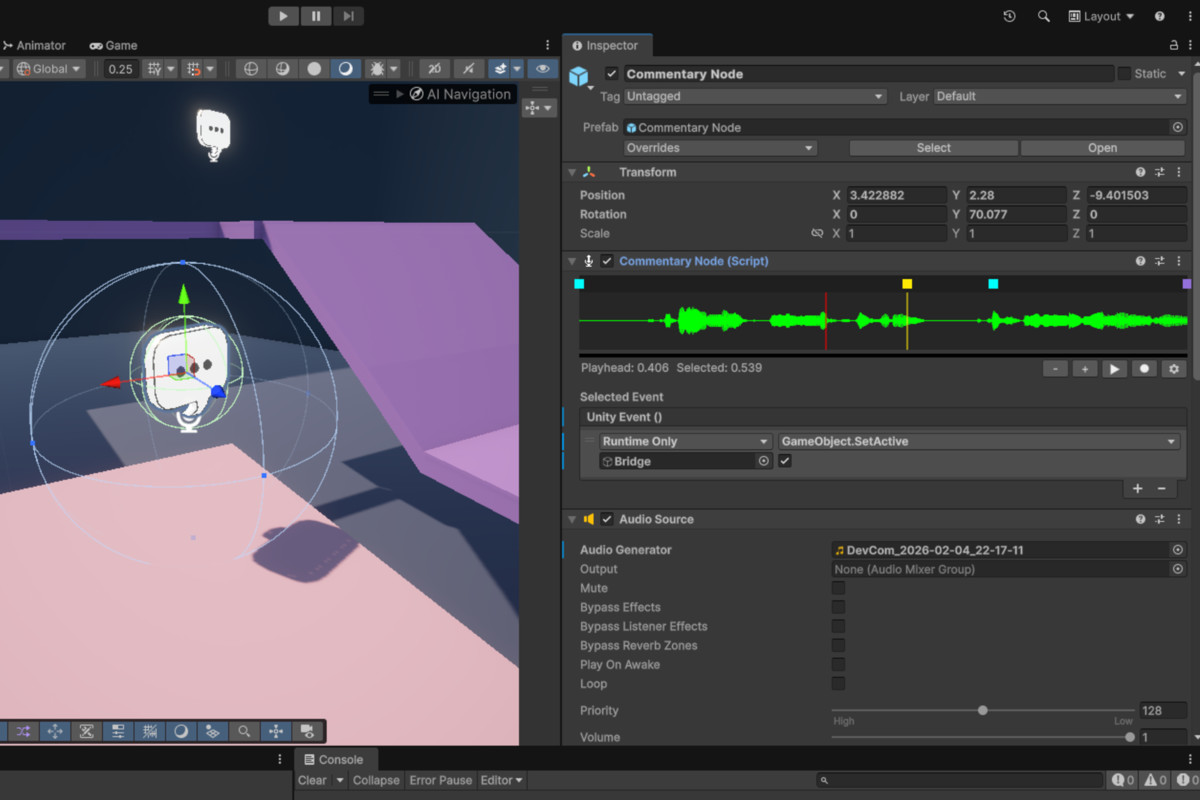
Quickly add in-game developer commentary. Record audio in-editor, sync timeline events, and share your dev insights with curious players.
Affiliate link · Purchases support this site
Price history
Last 6 months
USDAsset preview
1 / 4
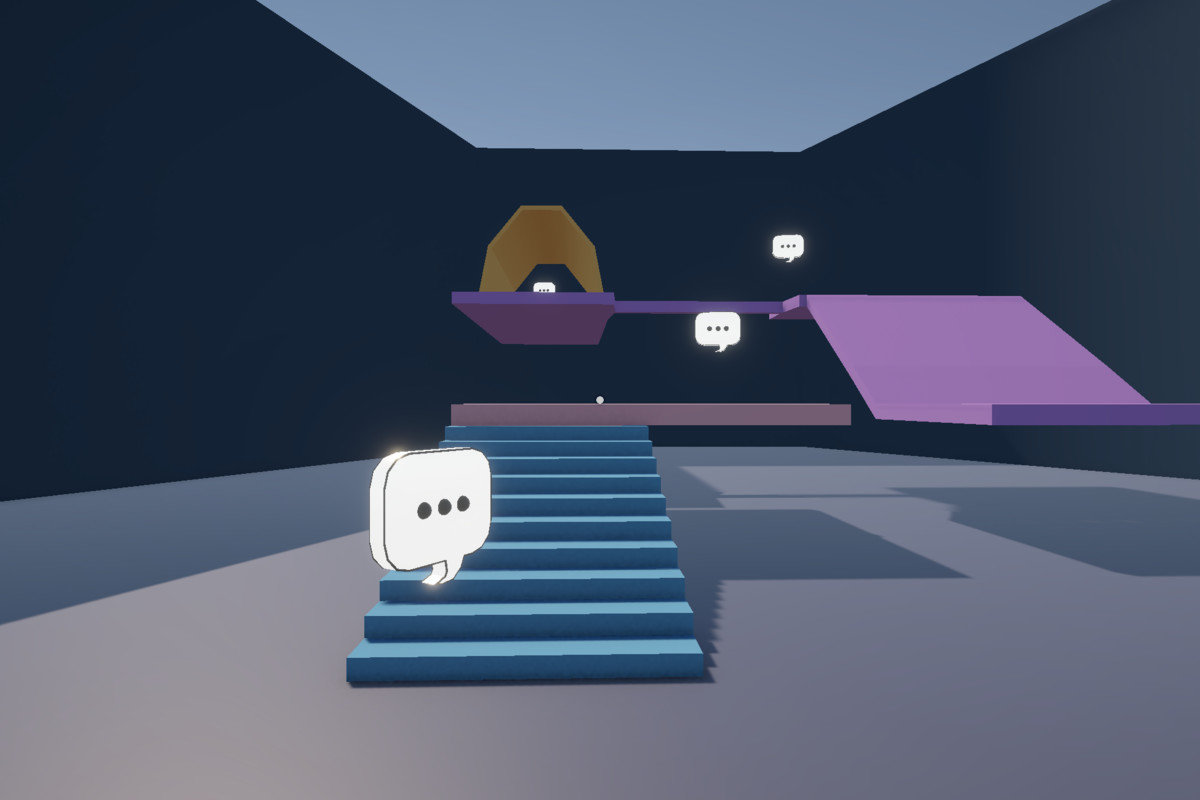
Developer Commentary screenshot 1
About this asset
Some of the most memorable games let the developers talk directly to the player — explaining design choices, technical tricks, cut ideas, and the occasional “what were we thinking?”
This asset lets you add optional in-game developer commentary, inspired by titles like Half-Life, Portal, and Superliminal.
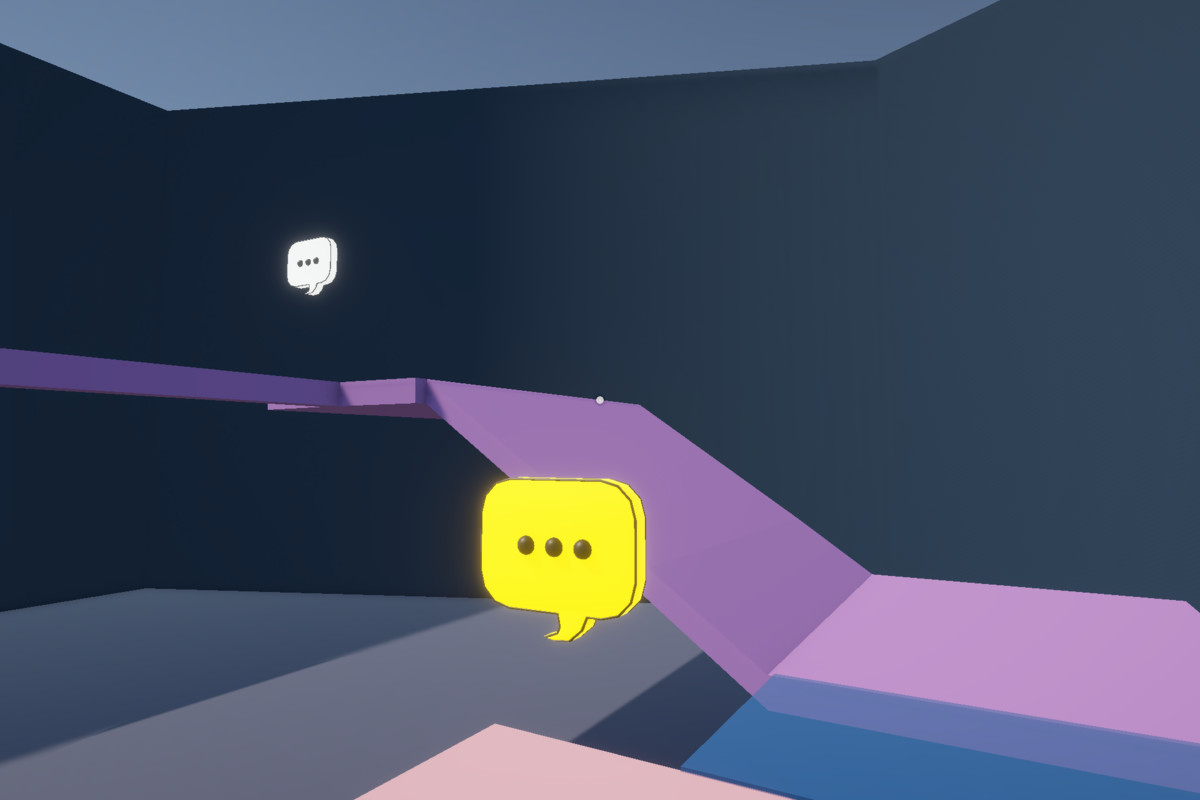
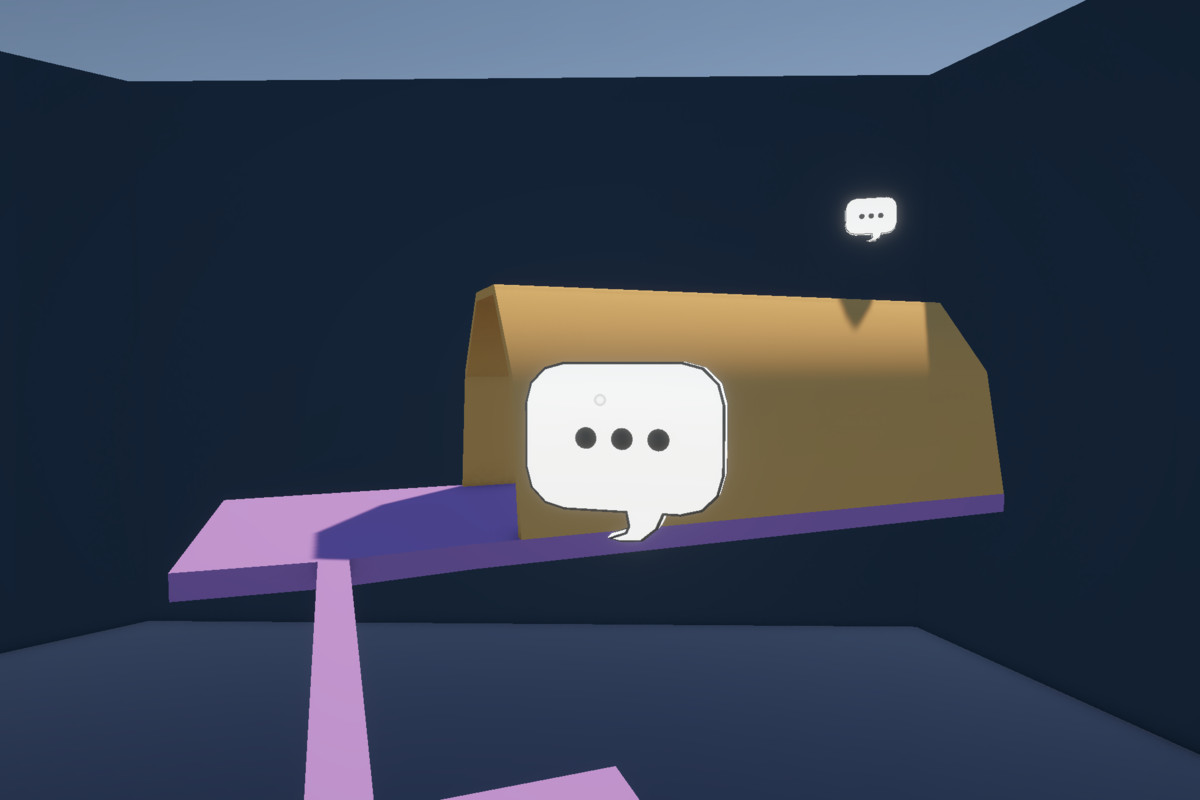
Record commentary using your microphone directly inside the Unity Editor, place commentary nodes in your scenes, and trigger events along the audio timeline to highlight moments, mechanics, or behind-the-scenes details.
Players can enable or disable commentary globally, so it’s there for the curious — and invisible for everyone else.
More games should have developer commentary.
Now yours can too.
From the publisher's Asset Store listing.
Technical details
Compatibility
| Unity version | Built-in | URP | HDRP | Custom |
|---|---|---|---|---|
| 6000.3.4f1 | Compatible | Compatible | Compatible | Compatible |
Core code doesn't depend on any render pipeline. The included demo scene is set up to use URP but this is easy to set up for other render pipelines by just changing the materials to compatible ones, or not using the demo scene.
As listed on the Asset Store.