
 View on Asset Store (opens in new tab)
Package details
- Latest version
- 1.0
- Last updated
- First released
- Unity version
- 2022.3.62 or later
- Package size
- 164.4 MB
- Files
- 51
- Favorites
- 2
- Views in the past week
- 10
Price tracking
- Last checked
- Tracked since
- Lowest recorded
- $4.99 on
Keywords
- Search for Horror FPS Kit
- Search for drag drawer
- Search for simulation interaction
- Search for mouse drag
- Search for unity drawer
- Search for fps interaction
- Search for horror interaction
- Search for interact system
- Search for Drawer System
- Search for drawer interaction
- Search for first person interaction
- Search for FPS System

DragDrawer System
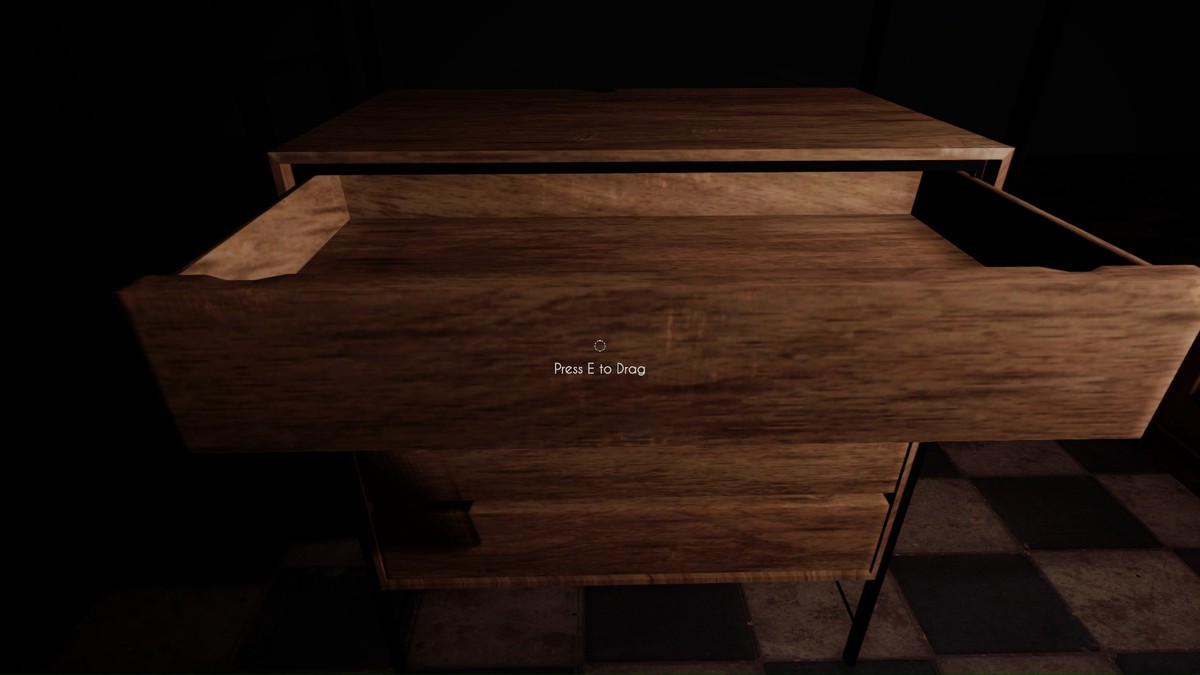
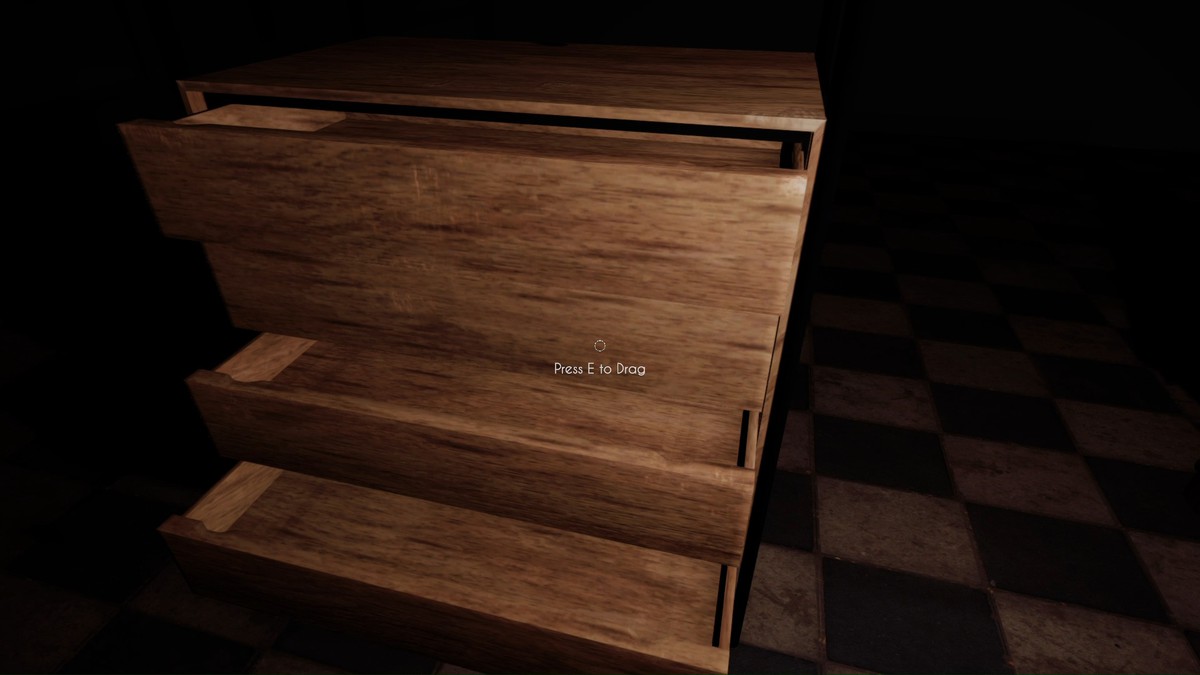
A lightweight drag-to-open drawer system for first-person Unity games, enabling realistic mouse-based interaction with minimal setup and clean integration.
Affiliate link · Purchases support this site
Price history
Last 6 months
USDAsset preview
1 / 10
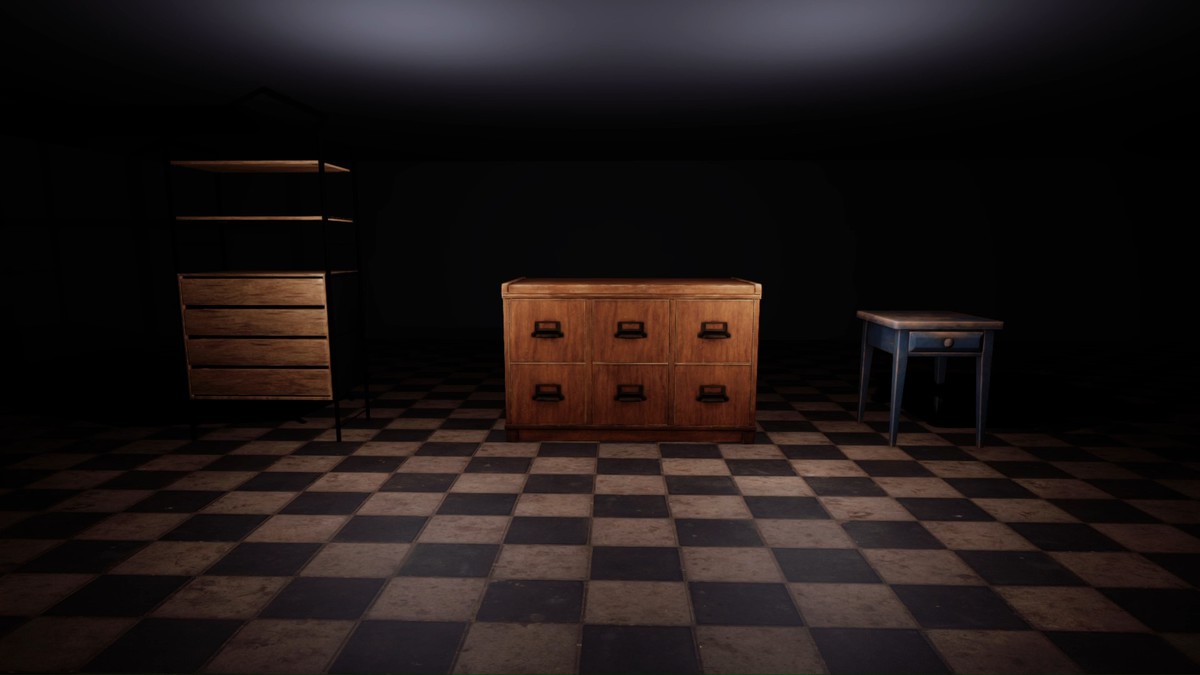
DragDrawer System screenshot 1
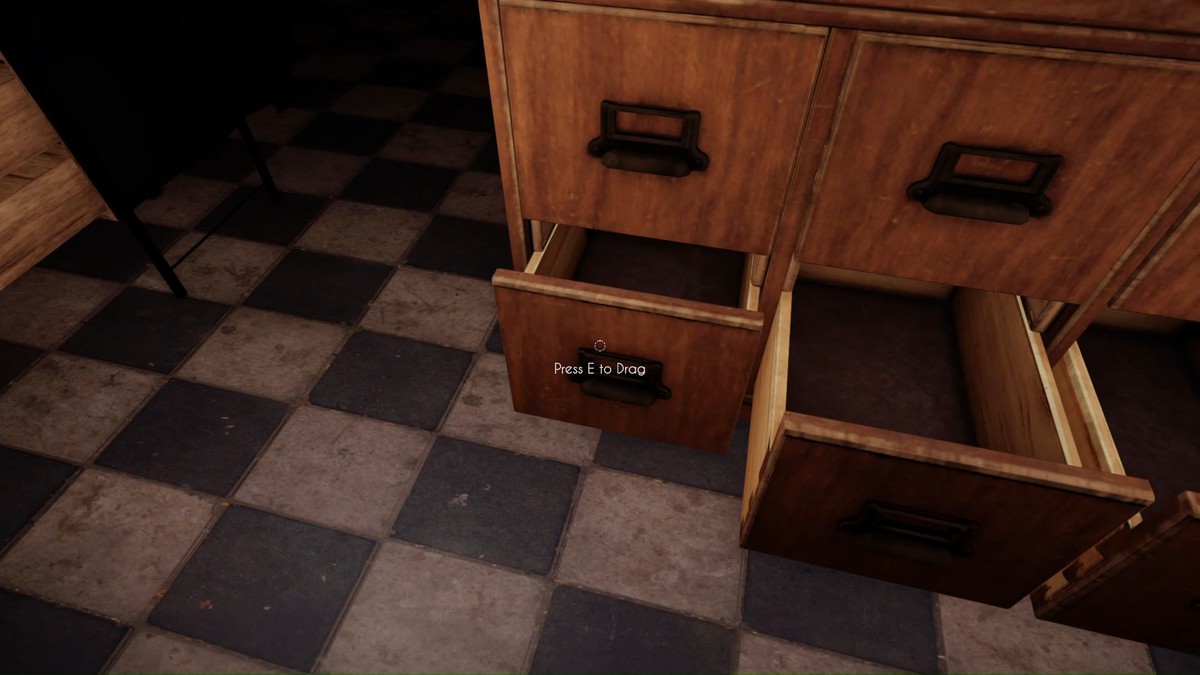
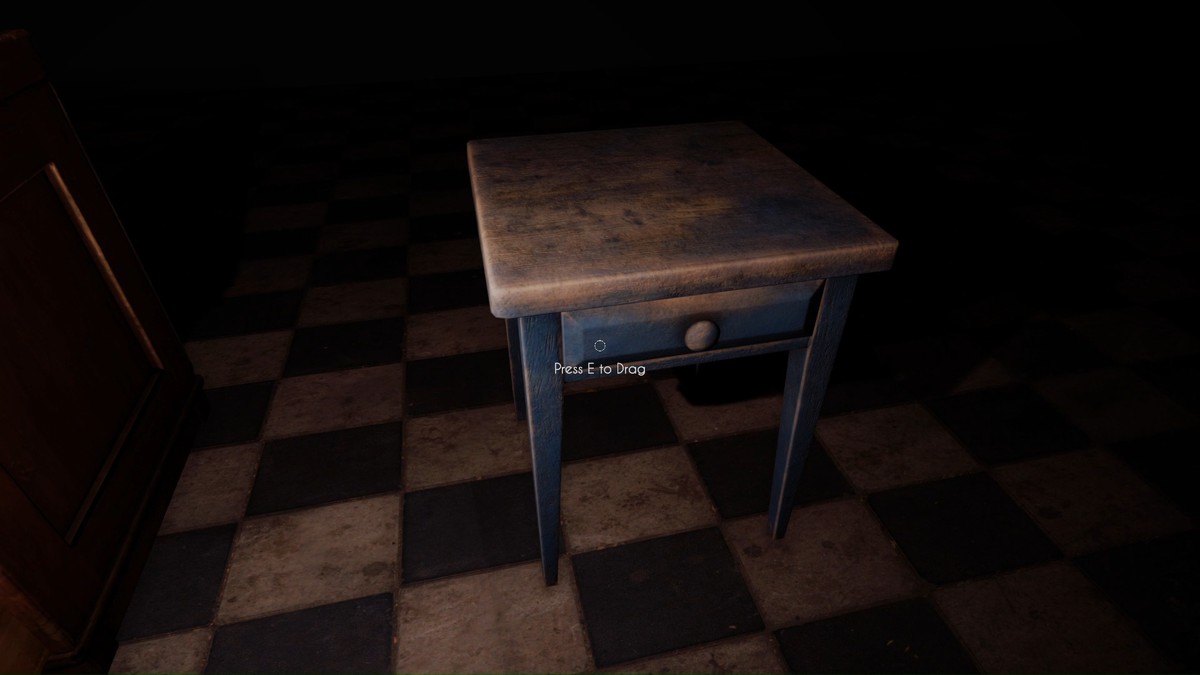
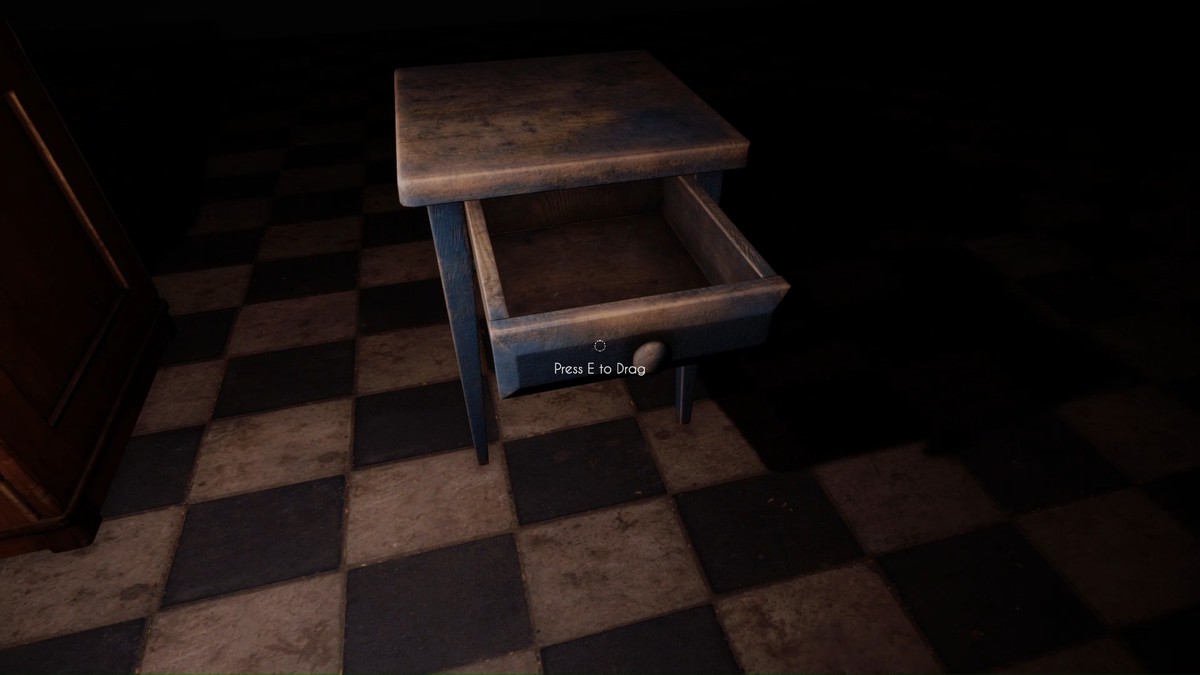
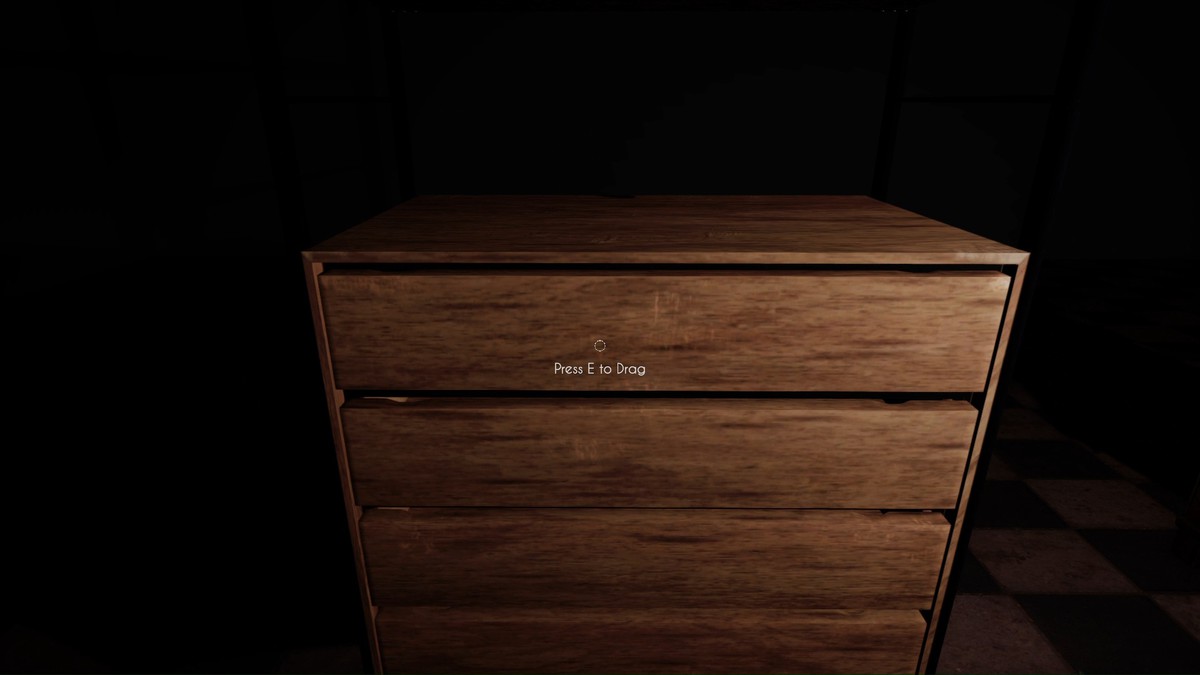
About this asset
Drag-to-Open Drawer System
Unity 2022.3 LTS | URP & Built-in Compatible
A lightweight, realistic, and plug-and-play drag-based drawer interaction system designed for first-person Unity projects.
This system allows players to physically drag drawers open and closed using mouse movement, creating natural and immersive interactions commonly seen in modern FPS and simulation games.
The package is built with clean code, no external dependencies, and focuses on simplicity, performance, and Asset Store–friendly structure.
Core Concept
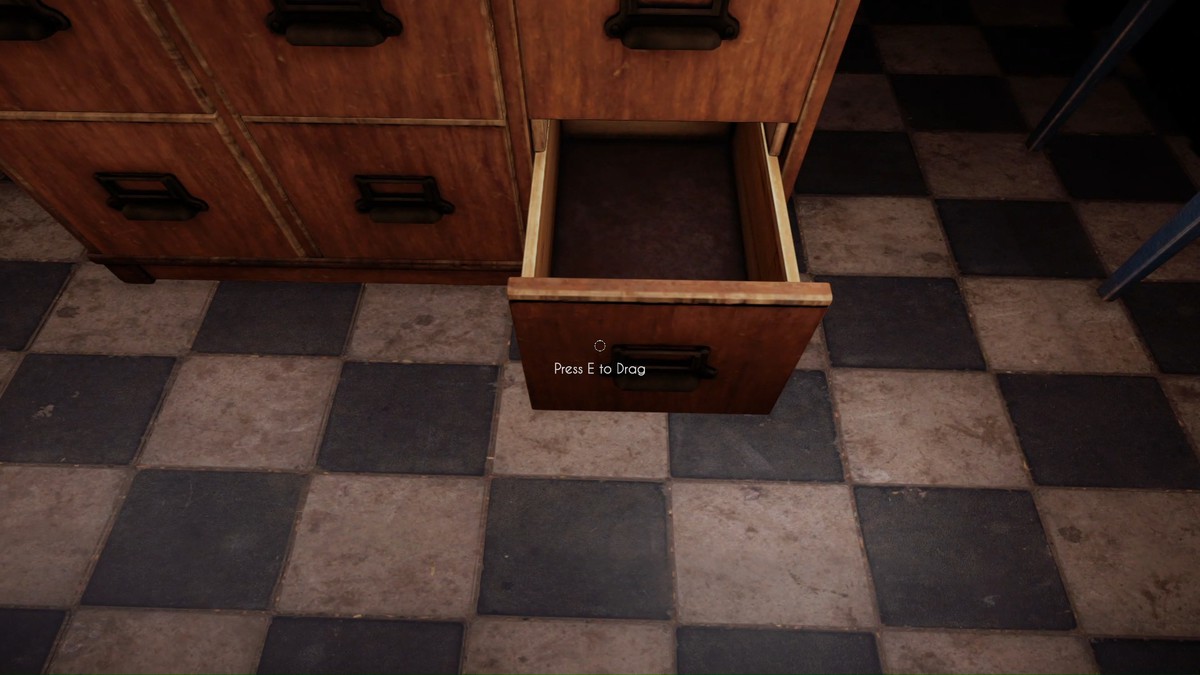
- Uses a center-screen raycast to detect interactable drawers
- When the player looks at a drawer within range, a minimal interaction UI appears
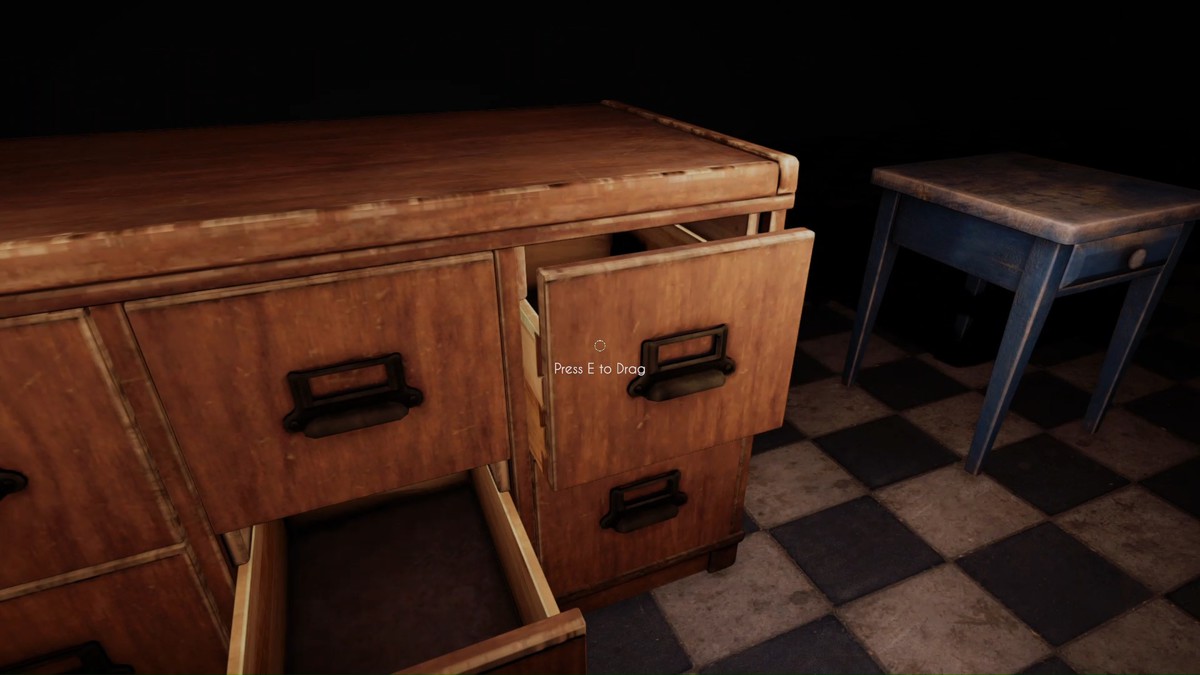
- Pressing "E" and holding the left mouse button and dragging vertically moves the drawer along its local Z axis
- Drawer movement is fully clamped to prevent over-extension
- Audio feedback plays only when the drawer fully opens or closes
- A single shared UI instance is used to prevent flickering when looking between multiple drawers
Key Features
- Drag-based drawer opening & closing (mouse-driven)
- Realistic, physics-free drawer movement
- Distance-based interaction detection
- Center-screen raycast interaction
- Minimal Interact UI (Image + Text)
- Included lightweight FPS controller
- Optional open / close audio support
- One global UI controller for all drawers
- No ScriptableObjects
- No Cinemachine
- No third-party packages
- Clean, readable, Asset Store–safe code
Input System Requirement (Important)
This asset requires BOTH Unity Input Systems to be enabled
The system uses:
- (for Input.GetAxis, Mouse X / Mouse Y, mouse buttons)Old Input Manager
- (required for compatibility with modern Unity setups and controllers)New Input System
You MUST set:
Project Settings → Player → Active Input Handling
Both
If only one input system is enabled, the drawer dragging and FPS controls will not work correctly.
TextMeshPro Requirement (Important)
TextMeshPro is REQUIRED
The interaction UI uses TextMeshPro for clean, sharp instruction text.
Make sure TextMeshPro is installed:
- Window → TextMeshPro → Import TMP Essential Resources
Without TextMeshPro, the Interact UI text will not render.
Included Scripts
DragDrawer
- Handles drawer dragging logic
- Controls open / close limits
- Manages audio playback
- Performs raycast interaction detection
- Communicates with the Interact UI
- Ensures only one drawer controls the UI at a time
InteractUI
- Centralized UI controller (singleton)
- Handles interaction image + TextMeshPro text
- Automatically shows/hides based on raycast detection
SimpleFpsController
- Lightweight FPS controller
- Mouse look + WASD movement
- Sprint support
- Cursor lock / unlock handling
- Designed specifically to work with drag interactions
Drawer Setup
- Add a Collider to the drawer mesh
- Attach the DragDrawer script
- Interact RangeSet:
Move Speed
Max Z Offset - Assign the Interactable layer
- Ensure the drawer opens along its local Z axis
Player Setup
- Create a Player GameObject
- SimpleFpsControllerAdd:
CharacterController - Assign the Camera Transform
- Make the camera a child of the Player
Interact UI Setup
- Create a Canvas (Screen Space – Overlay)
- A TextMeshPro Text (instruction text)Add:
An Image (interaction icon) - Attach the InteractUI script to the Canvas
- Assign the Image and TMP Text references
Controls
- Look: Mouse
- Move: WASD
- Sprint: Left Shift
- Drag Drawer: Hold Left Mouse Button
- Open / Close: Vertical Mouse Movement
Compatibility
- Unity 2022.3 LTS
- URP
- Desktop platforms
Notes
- No external dependencies
- No complex setup
- Beginner-friendly
- Easy to extend for doors, cabinets, or other drag-based objects
From the publisher's Asset Store listing.
Technical details
• Drag-based drawer opening and closing using mouse movement
• Center-screen raycast interaction detection
• Distance-based interaction range control
• Minimal interact UI using Image and TextMeshPro
• Single shared UI instance for all drawers
• Optional open and close audio support
• Lightweight FPS controller included
• Compatible with URP and Built-in Render Pipeline
• Requires both Old and New Unity Input Systems
Compatibility
| Unity version | Built-in | URP | HDRP |
|---|---|---|---|
| 2022.3.62f3 | Not listed | Compatible | Not listed |
Additional Compatibility Information
- Designed and tested primarily with Universal Render Pipeline (URP)
- Works in URP with no code changes (visuals depend on your materials/shaders)
- HDRP not officially tested; interaction logic works but visuals may need adjustment
- No SRP-specific shaders included
- Uses standard Unity components only
- Compatible with Unity 2022.3 LTS and above
As listed on the Asset Store.