
 View on Asset Store (opens in new tab)
Package details
- Latest version
- 0.1.14
- Last updated
- First released
- Unity version
- 6000.3.2 or later
- Package size
- 604 KB
- Files
- 581
- Favorites
- 12
- Views in the past week
- 56
Price tracking
- Last checked
- Tracked since
- Lowest recorded
- Free on
Keywords

Diversion Connect – Version Control for Unity (Git & Perforce alternative)
Version control that works for Unity projects. Commit changes, see who's editing your Scenes and Prefabs, and get conflict alerts; all inside the Editor. No Git CLI, no LFS, no server to maintain.
Affiliate link · Purchases support this site
Price history
Last 6 months
USDAsset preview
1 / 5
Diversion Connect – Version Control for Unity (Git & Perforce alternative) screenshot 1

About this asset
Diversion is version control and source control built for Unity teams — a modern alternative to Git, Perforce, SVN, and Unity Version Control (Plastic SCM) — so your whole team (programmers, artists, designers) works in the same project without stepping on each other.
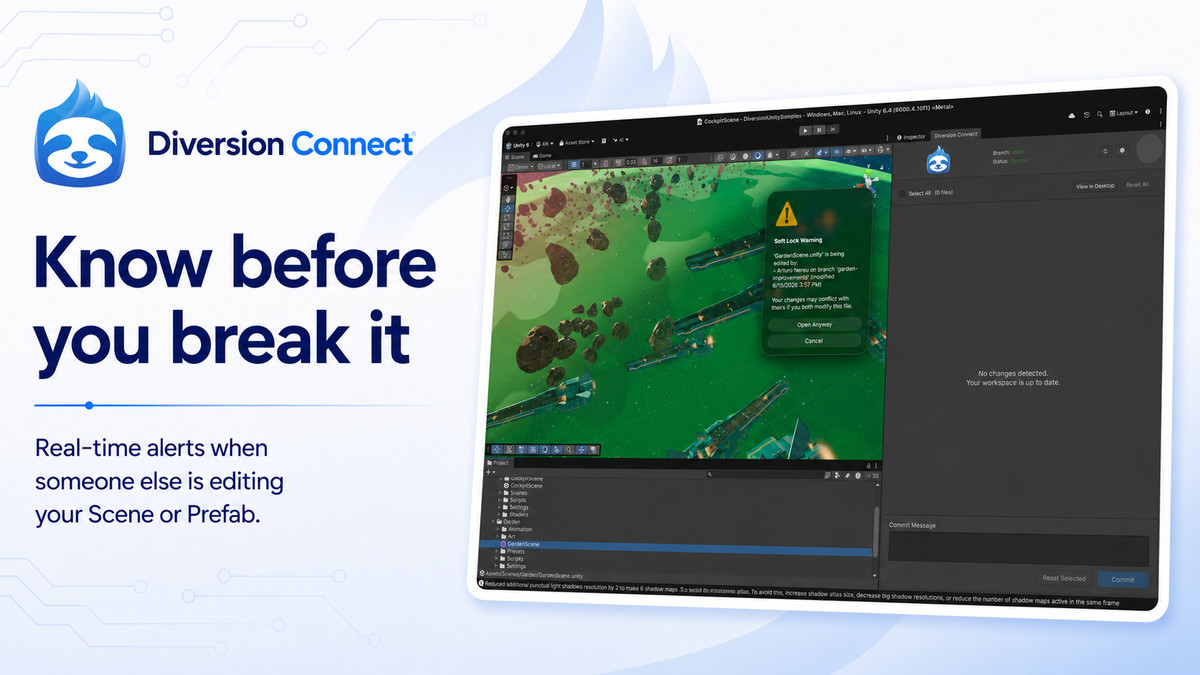
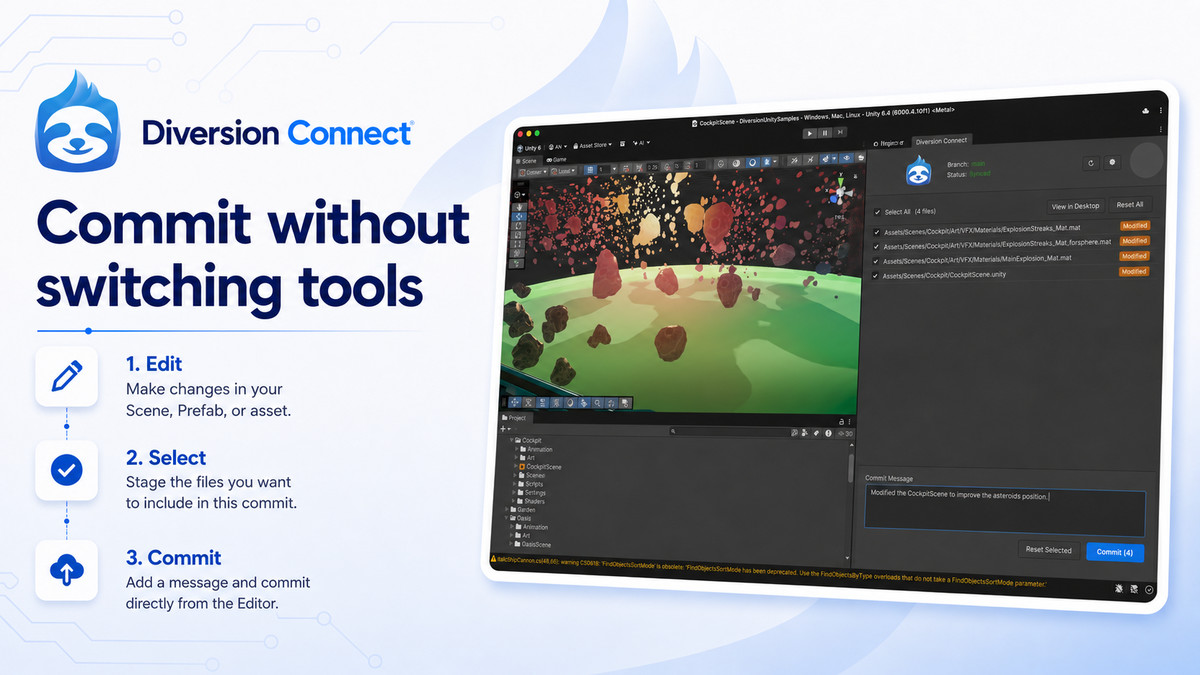
Commit directly from the Editor. See color-coded status icons on every asset in the Project window. Get an alert the moment someone else opens a Scene or Prefab you're working on; before it becomes a conflict, not after.
No file size limits. No LFS config. No server to set up. Your work syncs continuously to the cloud, and Diversion handles projects from solo devs to studios with hundreds of thousands of files.
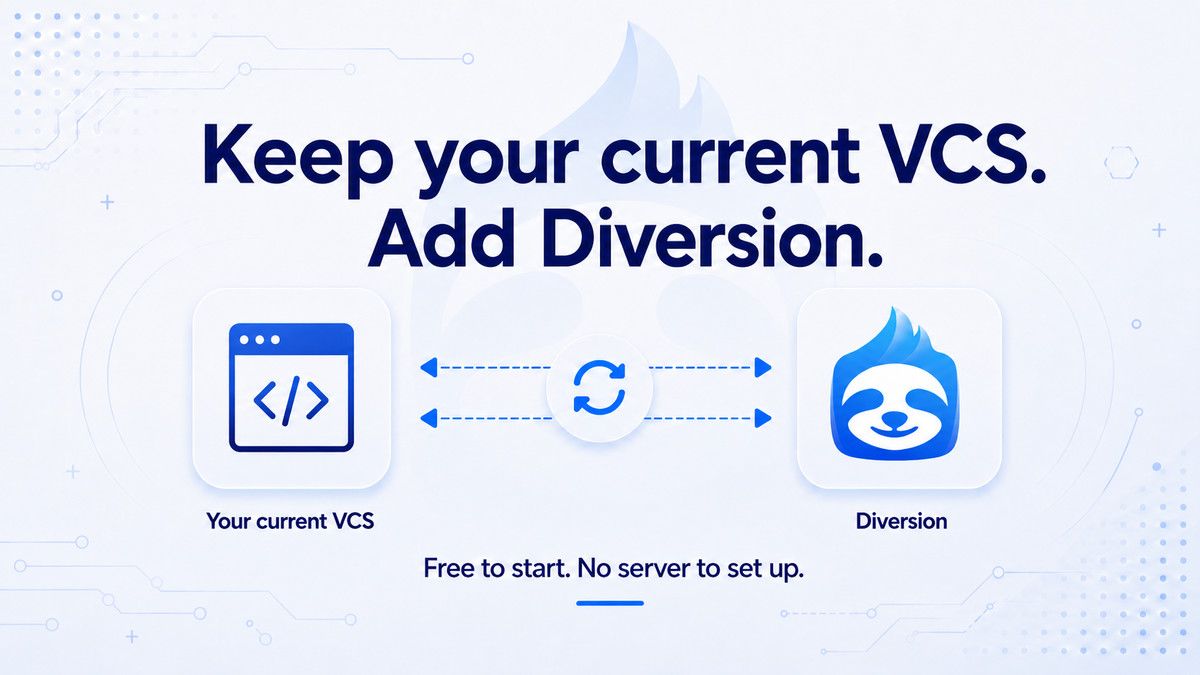
Already on Git? Use GitHub mirroring to keep your repo and CI/CD while adding Diversion. Coming from Perforce? We have automated migration tools.
Free to start
From the publisher's Asset Store listing.
Technical details
Features
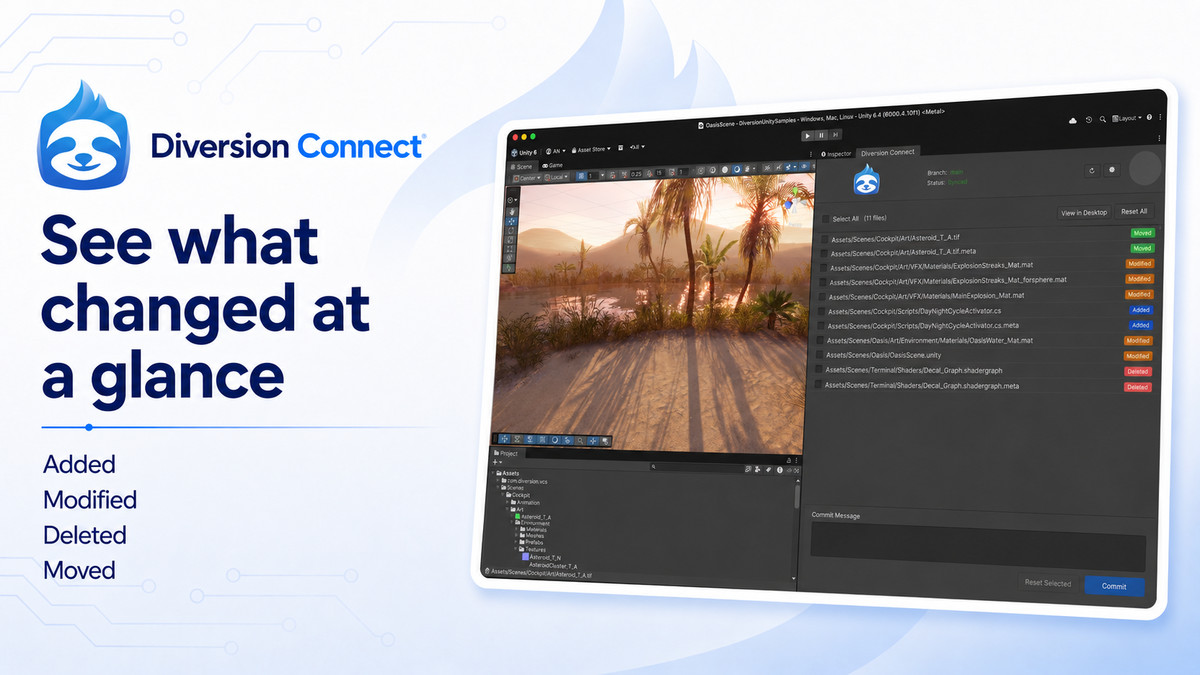
- Commit, reset, and review changes from inside the Editor
- Select which files to include in each commit
- View sync status and current branch at a glance
- Color-coded status icons on assets in the Project window (added, modified, deleted, moved, potential conflict)
- Soft lock alerts when you open or save a file someone else is editing — shows who, which branch, and when
- Sync pauses automatically during Play mode, resumes when you exit
- Configurable refresh, auto-reload scenes, and conflict warning settings
- Import an existing Unity project and keep it in sync
Requirements
- Diversion desktop app (free account)
- Unity 6 (6000.0) or later
Compatibility
| Unity version | Built-in | URP | HDRP | Custom |
|---|---|---|---|---|
| 6000.3.2f1 | Compatible | Compatible | Compatible | Compatible |
As listed on the Asset Store.