
 View on Asset Store (opens in new tab)
Package details
- Latest version
- 1.2.0
- Last updated
- First released
- Unity version
- 6000.0.78 or later
- Package size
- 1.6 MB
- Files
- 89
- Favorites
- 4
- Views in the past week
- 3
Price tracking
- Last checked
- Tracked since
- Lowest recorded
- $12.49 on
Keywords
Command Pocket - Command Palette & Productivity
Command palette and productivity tool for Unity. Search assets, organize with Pocket & Quick Actions, execute commands, calculate math, and share notes & colors all from one lightning-fast interface.
Affiliate link · Purchases support this site
Price history
Last 6 months
USDAsset preview
1 / 12
Command Pocket - Command Palette & Productivity screenshot 1
About this asset
What is Command Pocket?
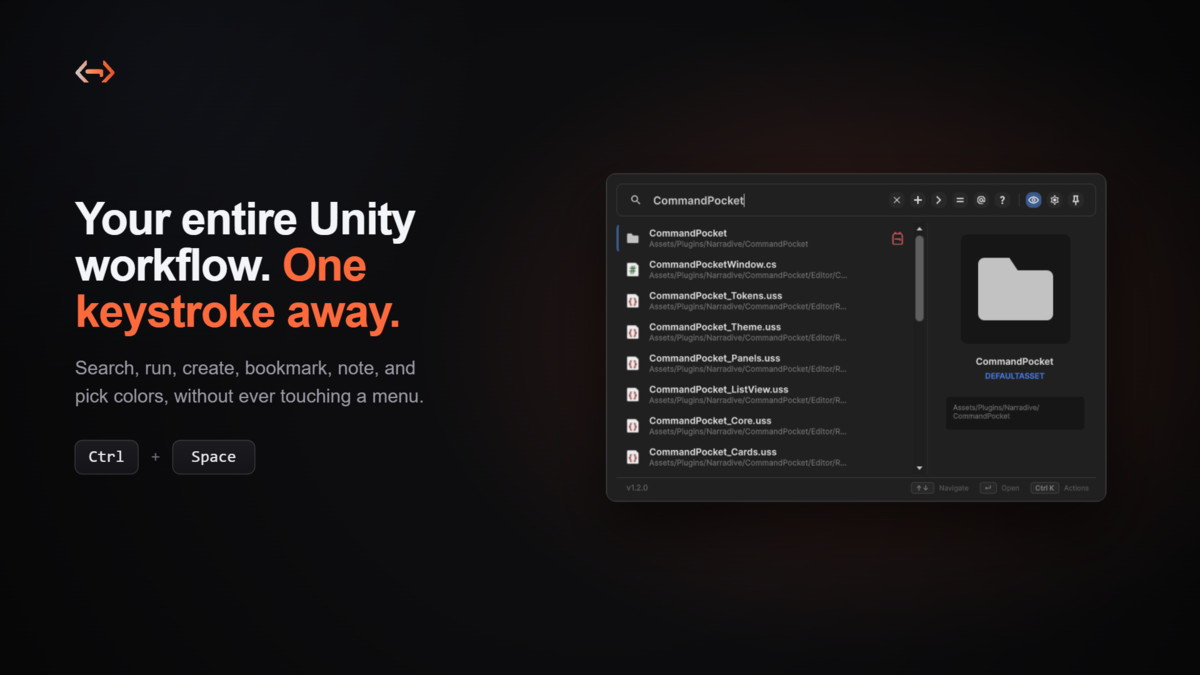
Command Pocket is a productivity tool for Unity developers. It gives you lightning fast, keyboard driven access to your Unity workflow through a single command palette, so you spend less time hunting through menus and more time building.
Documentation: Read the Docs
Studio: Narradive Studios
Support: [email protected] or Discord
Key Features
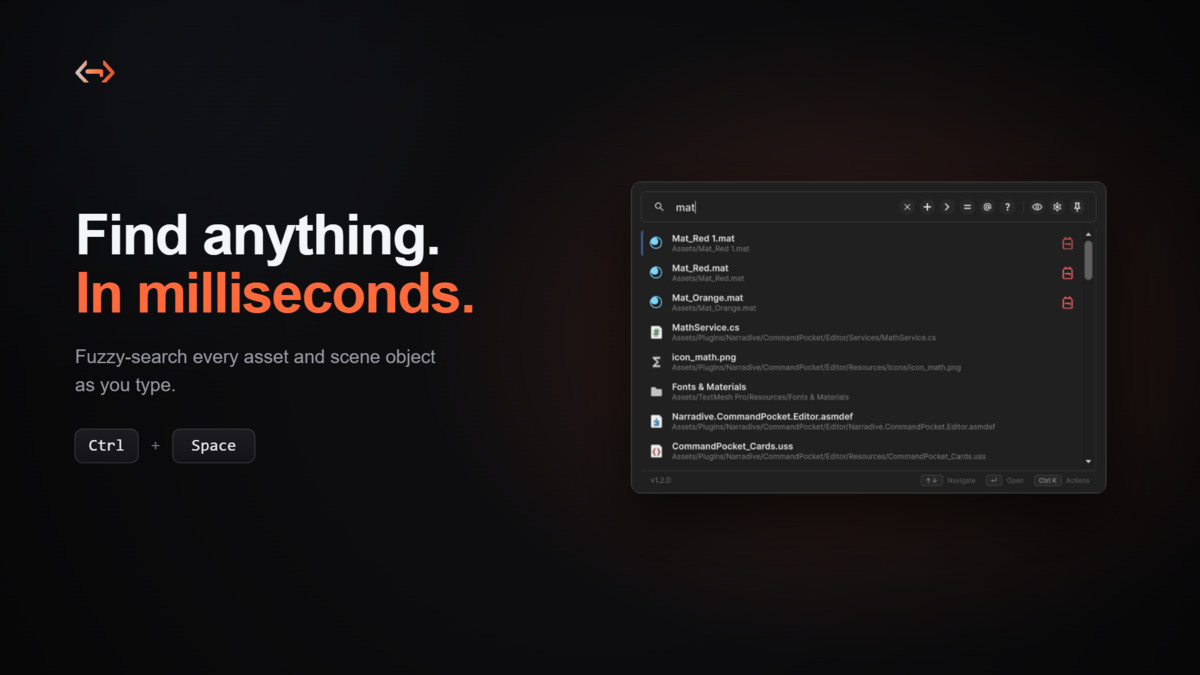
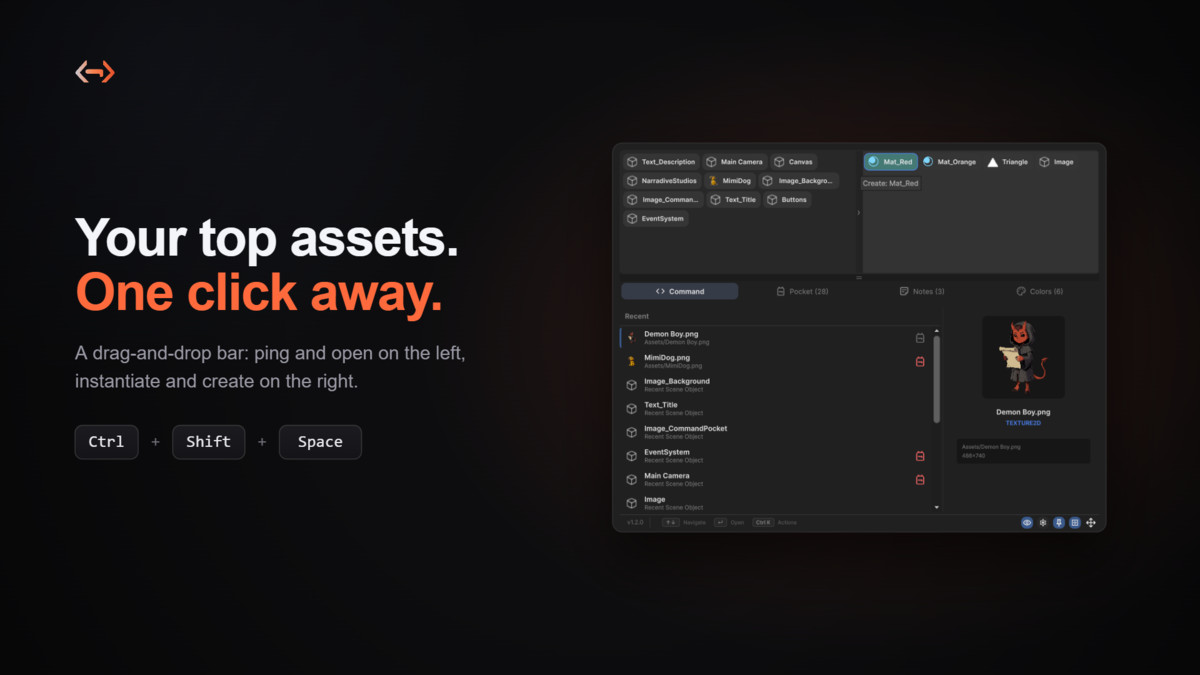
- Quick Search (Ctrl+Space): a borderless, screen centered launcher for instant search and prefix commands, dismissed with a keystroke.
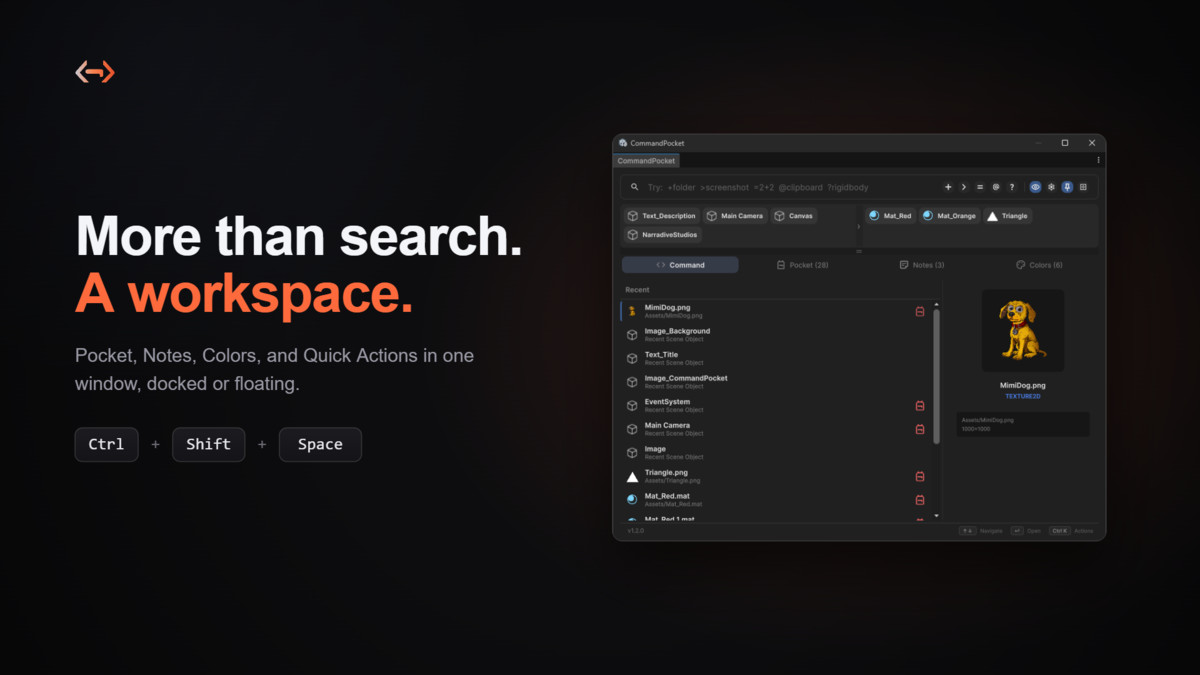
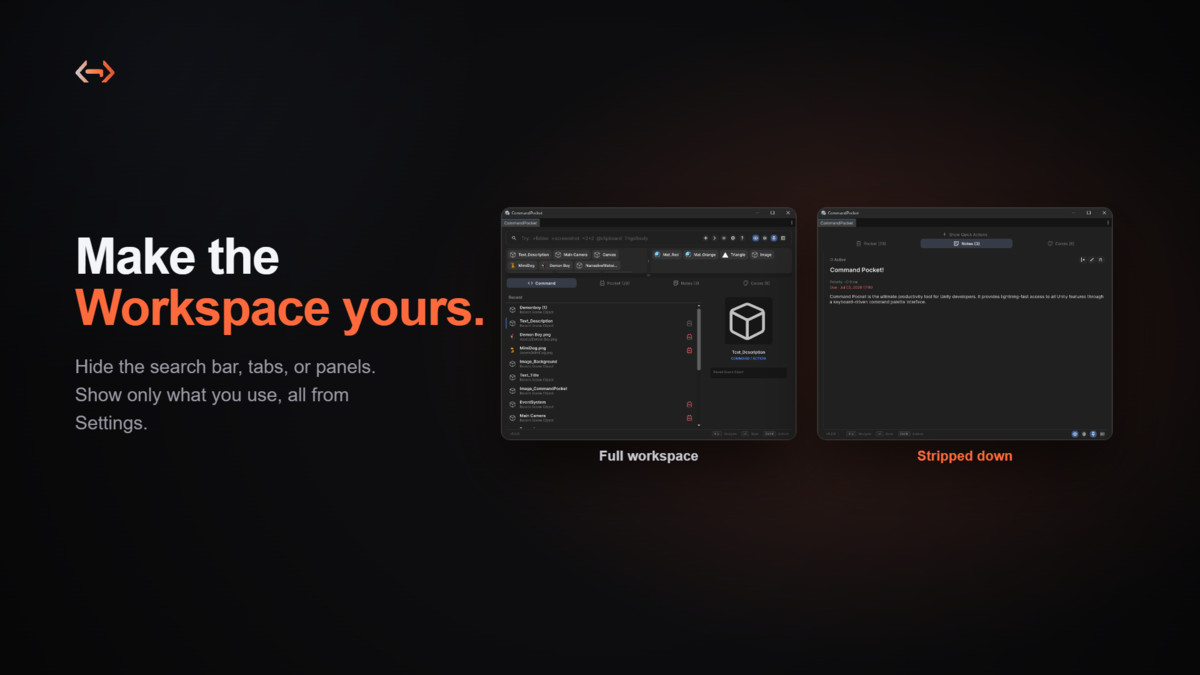
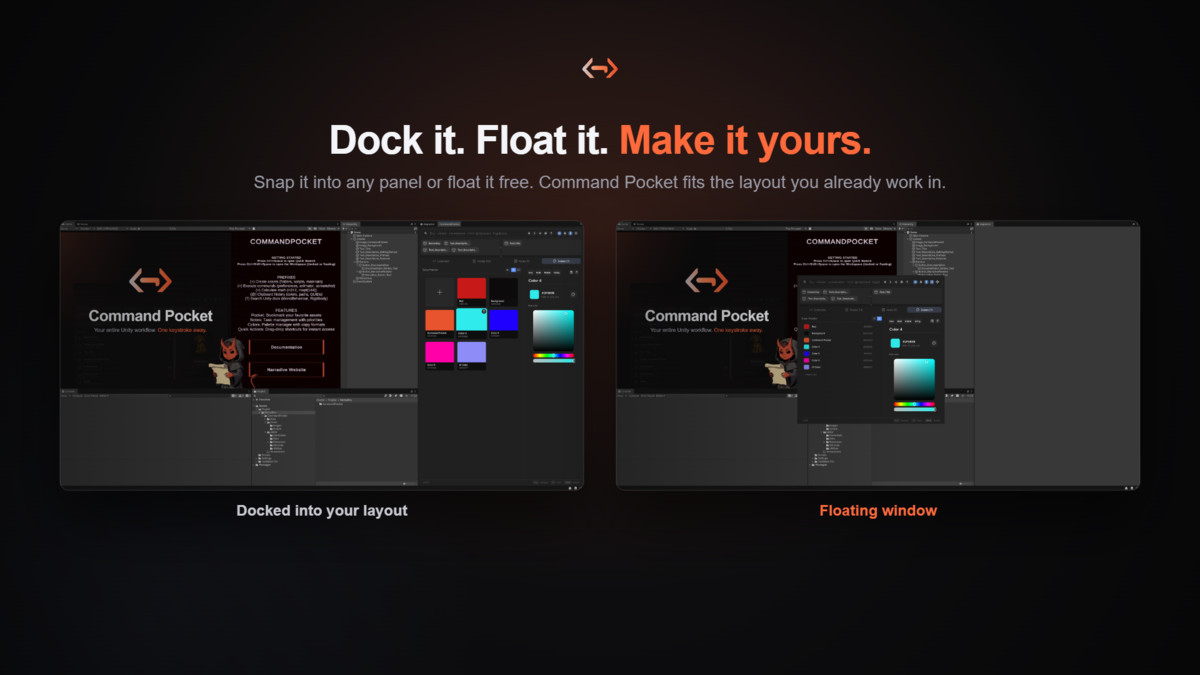
- Workspace (Ctrl+Shift+Space): the full window with Pocket, Notes, Colors, and Quick Actions. Dock it into your Editor layout or float it as a frameless window, and customize which tabs and panels you see.
- Search: find and run any Unity command in milliseconds.
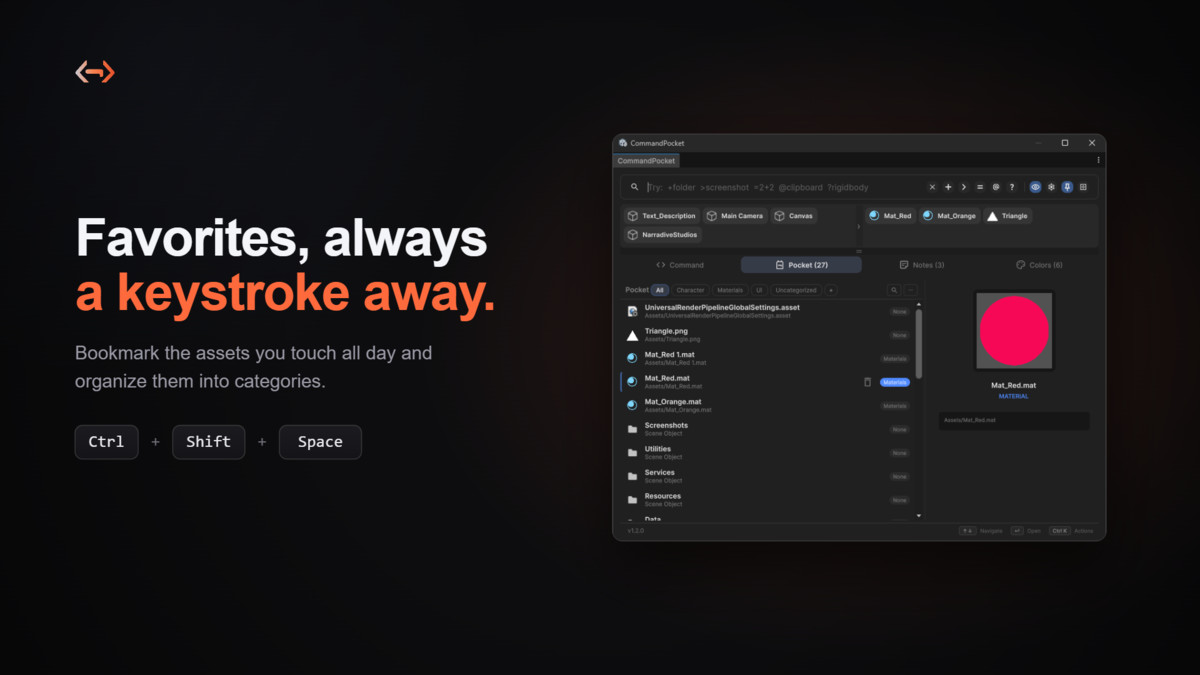
- Pocket: bookmark and organize your frequently accessed assets by category.
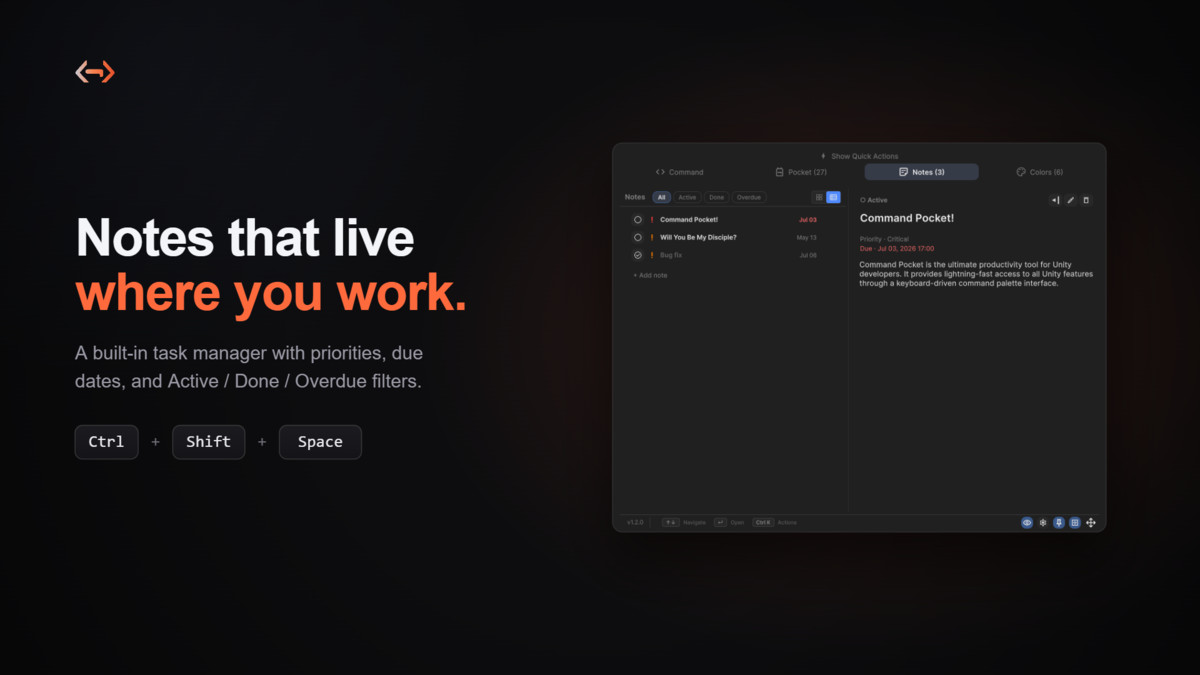
- Notes: a built in task manager with priorities and due dates.
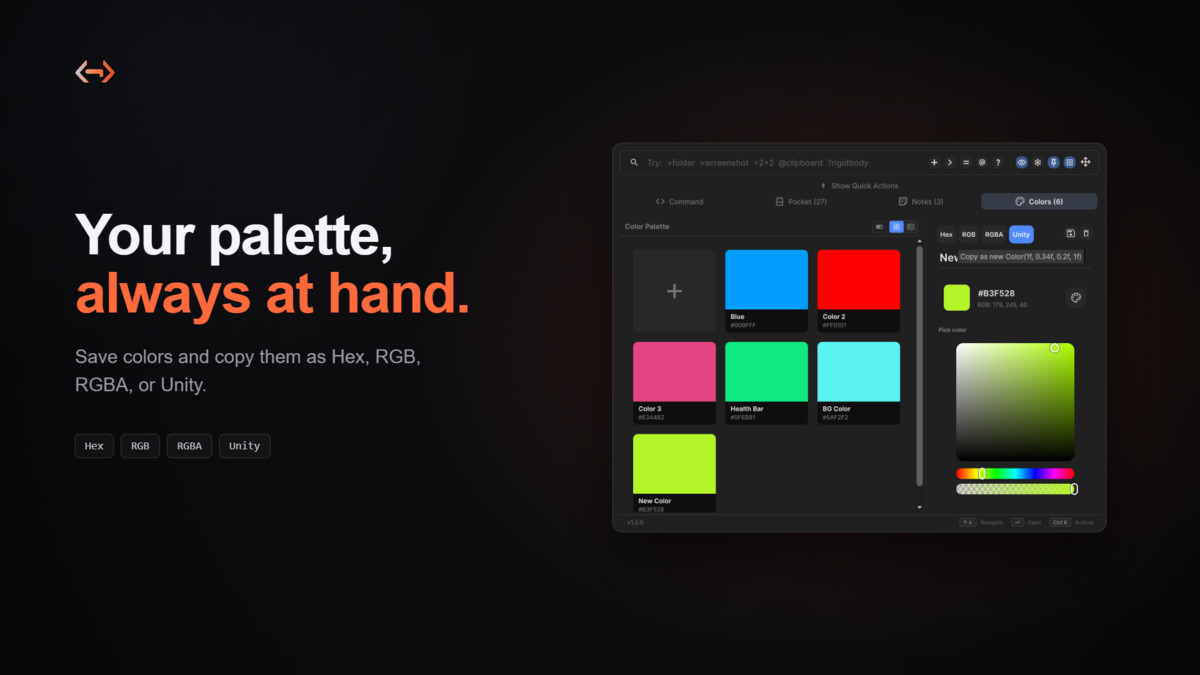
- Colors: pick, copy, and preview colors, with Hex, RGB, RGBA, and Unity copy formats
- Quick Actions: one click access to, or instant cloning of, your most used assets.
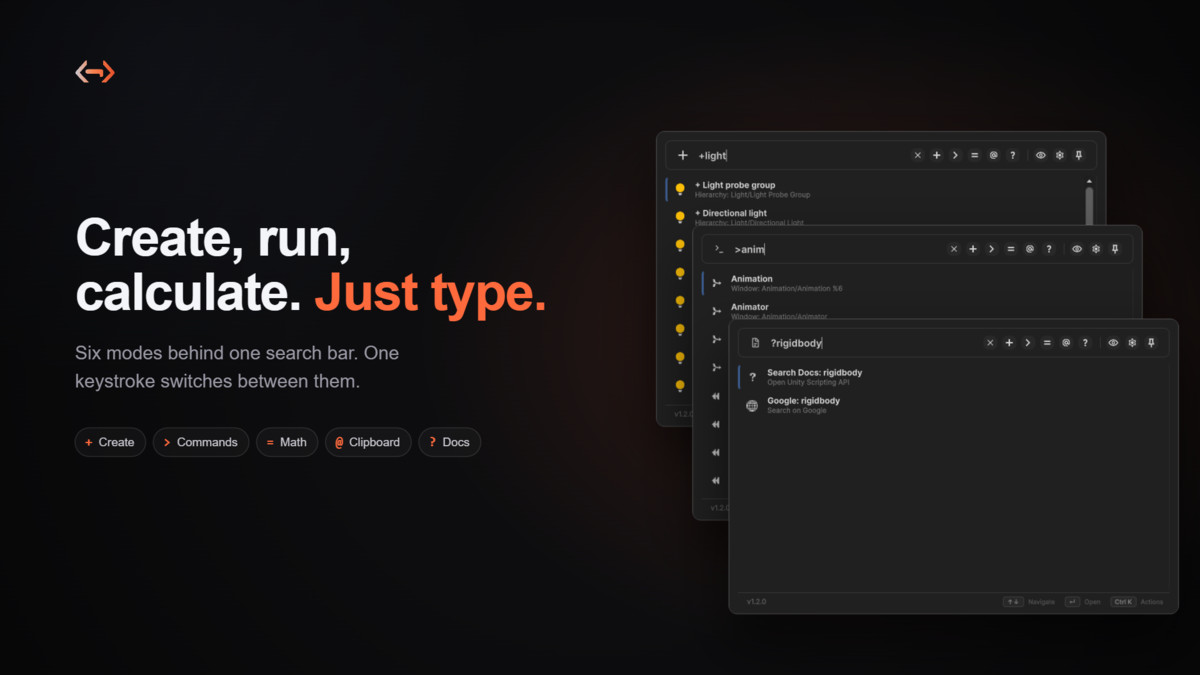
- Editor Commands (>): run any editor command, including those from third party tools.
- Smart Creation (+): create assets and GameObjects without digging through menus.
- Built in Calculator (=): solve math problems directly in the editor.
- Clipboard History (@): track and reuse copied GUIDs, colors, and URLs.
- Docs (?): search Unity docs or Google without leaving the editor.
- Screenshot: type ">screenshot" to capture runtime screenshots.
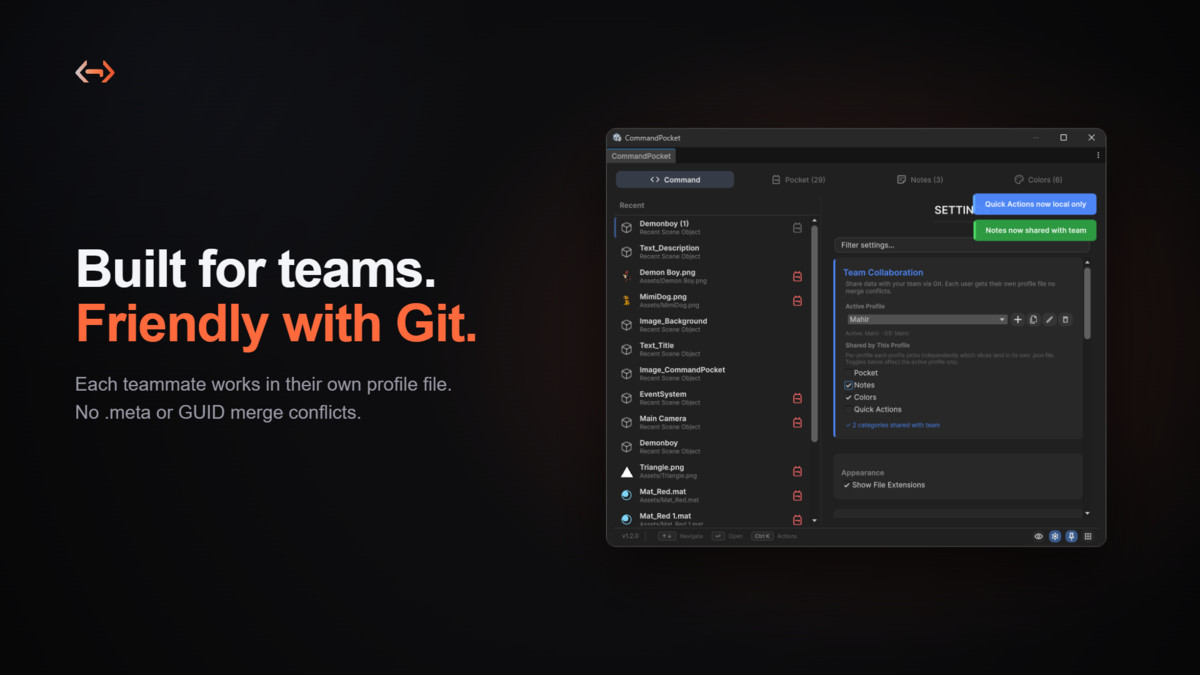
- Team ready and Git friendly: share your Pocket, Notes, Colors, and Quick Actions through per user profile files that avoid .meta and GUID merge conflicts.
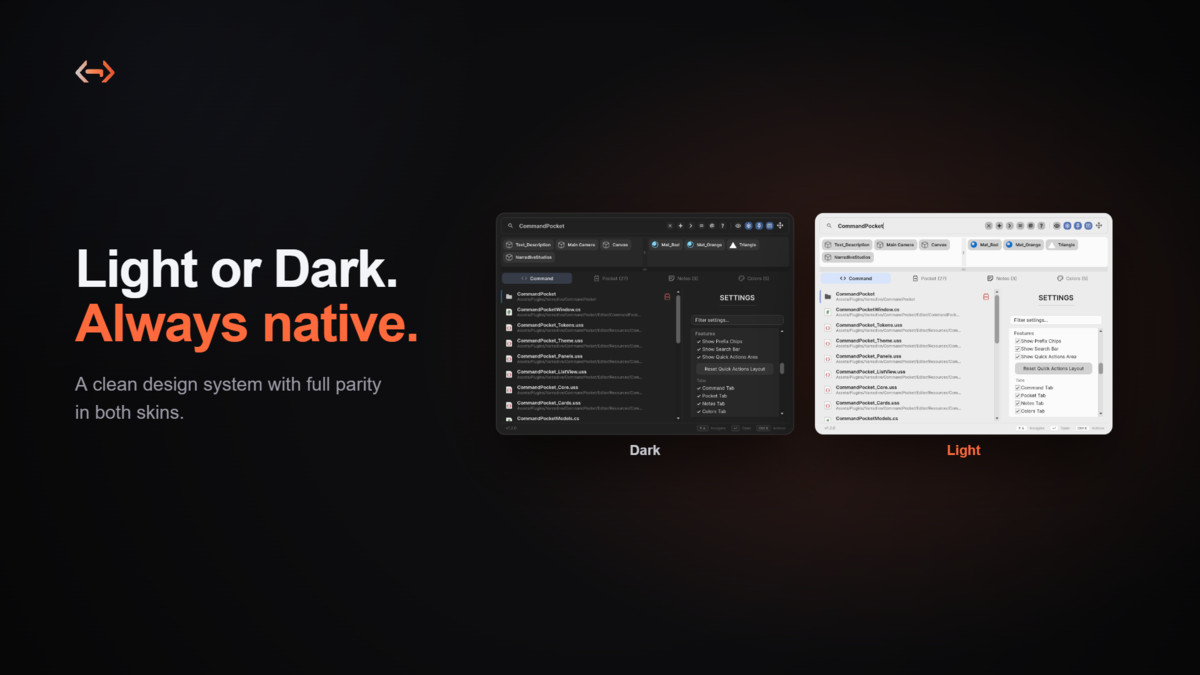
- Light and Dark themes, a token based design system, and smooth micro animations.
Origin Story
Command Pocket was born during the development of "Will You Be My Disciple?", a game created by Narradive Studios, an indie game studio co founded by Mahir Karabulut, Taha Berkay Sarp, and Buse Yücel. While building the game, we needed a faster way to navigate Unity's complex menu systems and access assets quickly. What started as an internal productivity plugin evolved into a comprehensive tool with advanced features, optimization, and thorough documentation, ready for the Unity Asset Store and the wider developer community.
Quick Start
Press Ctrl+Space to open Quick Search for instant searching, or Ctrl+Shift+Space to open the Workspace with Pocket, Notes, Colors, and Quick Actions. Then just start typing.
From the publisher's Asset Store listing.
Technical details
- Editor-only productivity tool, built entirely on UI Toolkit.
- Supported OS: Windows, macOS, and Linux (Unity Editor only)
- Requires: Unity 6 (6000.0) or newer
- Dependencies: none
Compatibility
| Unity version | Built-in | URP | HDRP | Custom |
|---|---|---|---|---|
| 6000.5.2f1 | Compatible | Compatible | Compatible | Compatible |
| 6000.3.10f1 | Compatible | Compatible | Compatible | Compatible |
| 6000.0.78f1 | Compatible | Compatible | Compatible | Compatible |
As listed on the Asset Store.