
 View on Asset Store (opens in new tab)
Package details
- Latest version
- 1.0
- Last updated
- First released
- Unity version
- 6000.3.1 or later
- Package size
- 269 KB
- Files
- 43
- Views in the past week
- 3
- Requires
Price tracking
- Last checked
- Tracked since
- Lowest recorded
- $7.99 on
Keywords
ButtonAnimator Easy
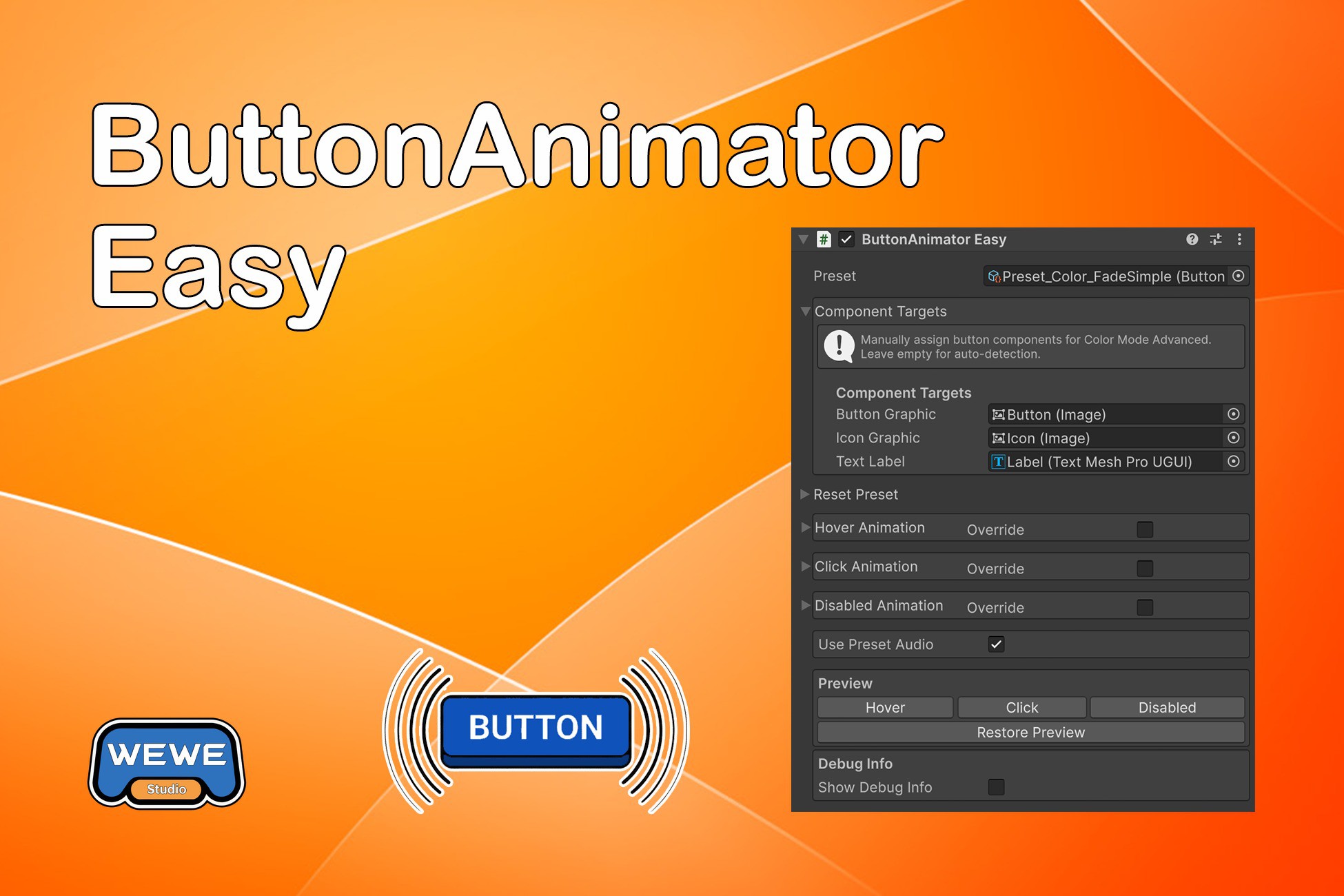
A preset-first, production-ready button animation system for Unity uGUI. Drag, Drop, Done. No Animator Controllers. No Timeline. Built for stable layouts and high-performance UI workflows.
Affiliate link · Purchases support this site
Price history
Last 6 months
USDAsset preview
1 / 3
ButtonAnimator Easy screenshot 1
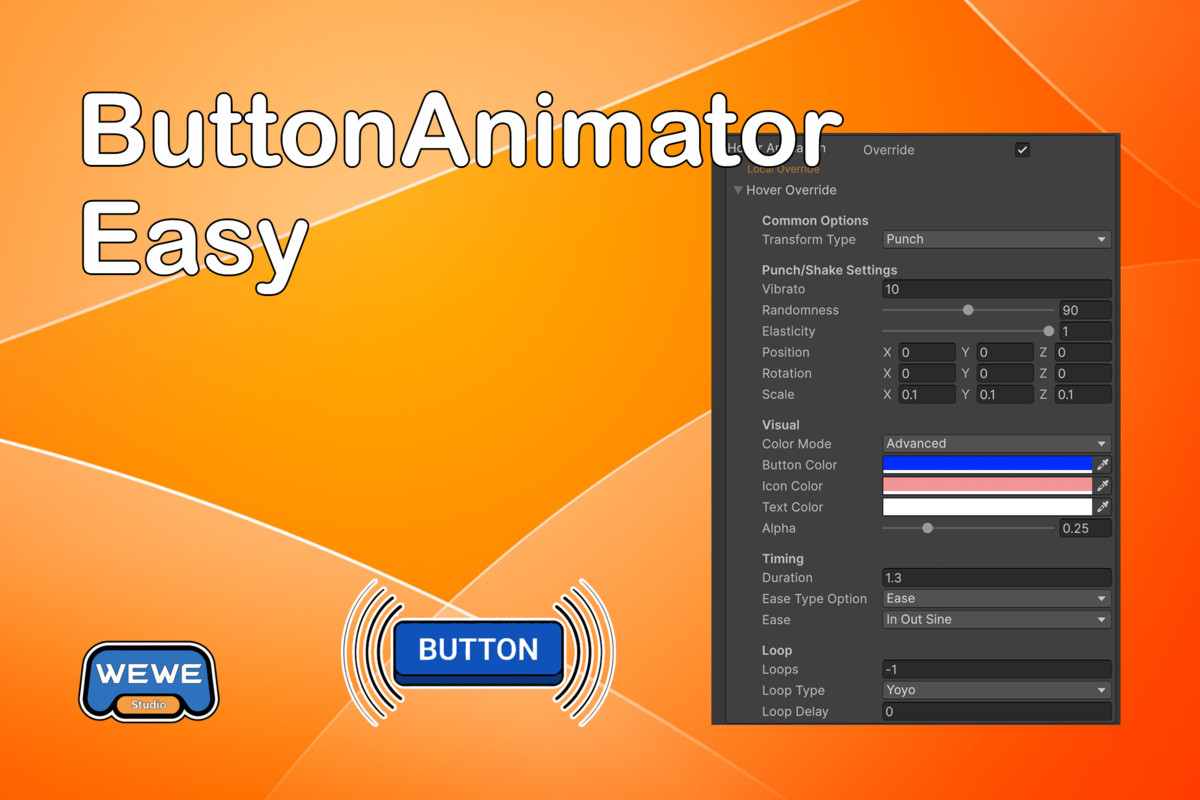
About this asset
ButtonAnimator Easy: Elegant, Precise, and High-Performance uGUI Animations
"Drag, Drop, Done." UI animation shouldn't be complicated.
ButtonAnimator Easy is a powerful, lightweight animation system designed specifically for Unity uGUI. By moving away from complex Animator Controllers and State Machines, we provide an intuitive Preset-first system that lets you breathe life into your UI in seconds.
Why Choose ButtonAnimator Easy?
- The Ultimate VR Companion: Uses Base Scale Caching to keep a stable scale reference for UI interaction, significantly reducing Raycast instability issues in World Space Canvases commonly caused by scale animations in VR.
- LayoutGroup Compatible: Automatically generates a __BAE_Anim Wrapper to handle position animations flawlessly without breaking Horizontal, Vertical, or Grid Layout systems.
- Performance Optimized: Designed for VR high-frame rates (90/120 FPS), the Update loop performs only a minimal boolean check, ensuring near-zero CPU overhead.
- Advanced Color Control: Automatically detects and animates multiple components simultaneously, including the Button Background, Icon, and TextMeshPro labels.
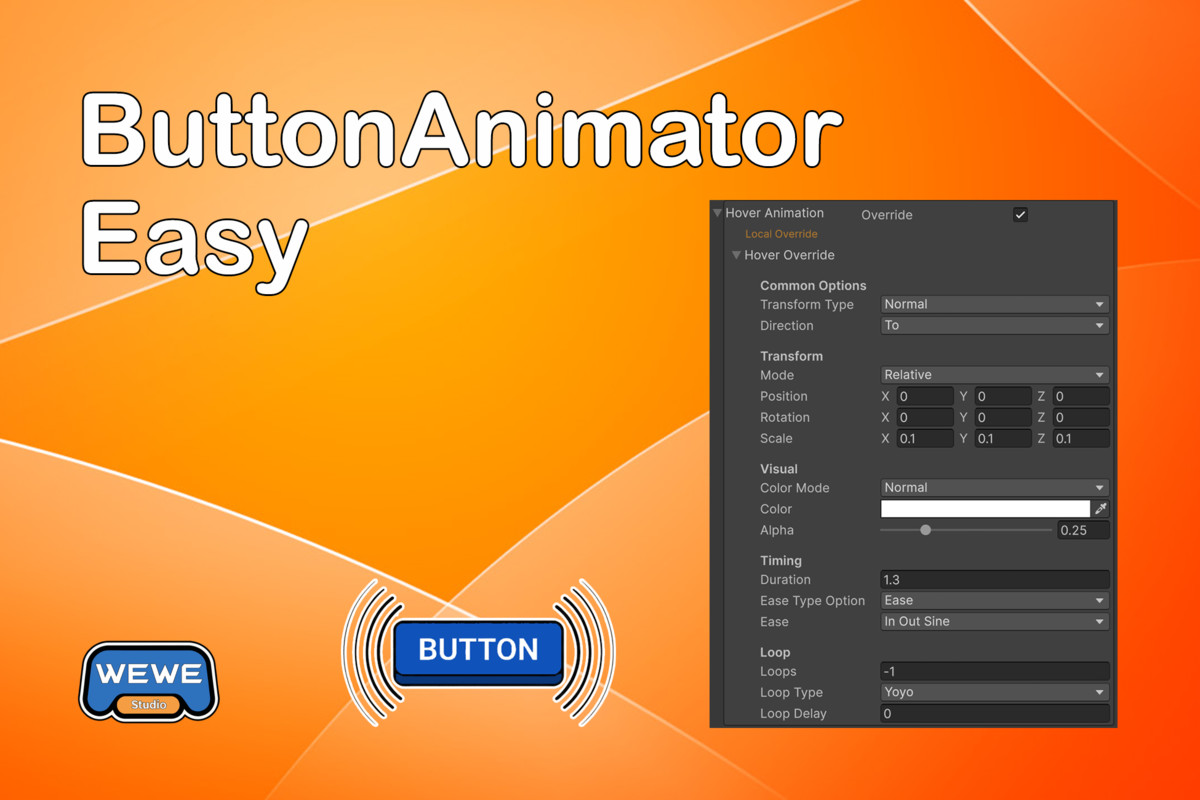
- Flexible Override Logic: The Local Override system allows you to maintain global visual consistency via Presets while fine-tuning specific parameters for individual buttons.
- Built-in Spatial Audio: Trigger 3D spatial sound effects at the button’s exact world position without the need to manually manage AudioSource components.
Core Features
Animation System:
- No coding required - Everything can be done in the Unity Inspector
- Preset-first design - Use high-quality ScriptableObject presets or create your own
- Local Override system - Override specific animation parameters without breaking preset updates
- Three animation states - Hover, Click, and Disabled animations
- DOTween-powered - Fast and efficient animations using DOTween
Audio System:
- Built-in audio support - Play sound effects on Hover and Click events
- Preset audio settings - Configure audio clips and volumes in presets
- Per-button audio override - Override audio settings for individual buttons
- No AudioSource required - Uses AudioSource.PlayClipAtPoint for simple setup
- VR spatial audio positioning - Sounds play at the button's world position, providing accurate 3D spatial audio localization for VR applications
Preset System:
- Many presets included - Organized by physical properties: Scale, Position, Rotation, Color & Alpha, Compound & Special, Punch, and Shake
- Easy preset switching - Change presets without losing local overrides
- Re-Apply functionality - Reset to preset values with one click
Editor Integration:
- Custom Inspector - Beautiful, intuitive UI with status indicators
- Preview system - Test Hover, Click, and Disabled animations without entering Play Mode
- Override toggle - Easy switching between Preset and Local Override modes
- DOTween dependency checker - Automatic detection and setup guidance
Runtime Features:
- Automatic interactable handling - Disabled animations trigger automatically when Button.interactable = false
- LayoutGroup compatible - Base scale caching prevents layout issues
- CanvasGroup support - Automatically adds CanvasGroup when alpha animations are needed, prioritizes CanvasGroup.alpha over Graphic.color.a
- Button transition management - Automatically sets Button.transition to None to prevent conflicts
- Multi-touch safe - Independent Tween IDs per state prevent conflicts
- TimeScale independent - Animations work correctly in pause menus
- Debug mode - Optional detailed debug logging for troubleshooting
Design Philosophy
ButtonAnimator Easy is built on three core principles that guide every design decision:
- Preset-first - Design animations once, reuse everywhere. Instead of customizing each button individually, create presets that can be shared across multiple buttons, ensuring visual consistency and rapid iteration.
- Inspector-driven - No Animator Controllers, no state machines, no code. Everything is configured directly in the Unity Inspector, making UI animations accessible to designers and developers alike without the complexity of traditional animation systems.
- Safe-by-default - Animations never break your UI layout or interfere with game time. Base scale caching prevents LayoutGroup issues, and TimeScale-independent animations ensure buttons work correctly even in pause menus.
When to Use / When Not to Use
Good For
- uGUI Button - Designed specifically for Unity's legacy UI system (uGUI)
- Mobile, PC, and VR UI - Works across all platforms that support uGUI
- World Space Canvas - Fully compatible with World Space Canvas for VR applications. Base Scale Caching ensures precise Raycast detection even during scale animations, solving a common issue where other uGUI plugins cause Raycast to break when button scale changes. All animations (Scale, Position, Rotation, Color, Alpha) function correctly regardless of Canvas Render Mode.
- Projects requiring quick consistent animation styles - Preset system enables rapid UI animation setup with consistent visual language
Not Suitable For
- UI Toolkit (UIElements) - ButtonAnimator Easy is built for GameObject-based uGUI, not the newer UI Toolkit system
- UI deeply bound to Animator Controller - If your UI animations are already tightly integrated with Unity's Animator system, this tool may conflict or be redundant
From the publisher's Asset Store listing.
Compatibility
| Unity version | Built-in | URP | HDRP |
|---|---|---|---|
| 6000.3.1f1 | Compatible | Compatible | Compatible |
As listed on the Asset Store.