
 View on Asset Store (opens in new tab)
Package details
- Latest version
- 1.1.0
- Last updated
- First released
- Unity version
- 2022.3.62 or later
- Package size
- 54.3 MB
- Files
- 30
- Views in the past week
- 4
Price tracking
- Last checked
- Tracked since
- Lowest recorded
- $75.00 on
Keywords
- Search for unity tools
- Search for Audio Recording
- Search for audio recorder
- Search for unity recording
- Search for Unity Utility
- Search for Video Capture
- Search for video recorder
- Search for runtime recording
- Search for record gameplay
- Search for pause resume recording
- Search for gameplay recording
- Search for screen capture

CMS Video Recorder Suite - Windows
Record gameplay, camera views, and audio directly in Unity with full control, pause & resume support, and real-time progress tracking—built for Windows.
Affiliate link · Purchases support this site
Price history
Last 6 months
USDAsset preview
1 / 15
CMS Video Recorder Suite - Windows screenshot 1

About this asset
🎬 CMSVideoRecorderSuite
Production-Ready Gameplay Recording for Windows (Mono + IL2CPP Supported)
CMSVideoRecorderSuite is a high-performance recording solution built specifically for Unity developers who ship real Windows builds.
Capture full screen gameplay, camera renders, and audio directly inside your project — without relying on unstable external tools, child processes, or backend limitations.
If you need a stable, optimized, IL2CPP-compatible recording system, this package is built for you.
🚀 What Makes CMSVideoRecorderSuite Different?
Many marketplace recorders focus on “multi-platform claims” but lack production reliability, IL2CPP support, or optimized pipelines.
CMSVideoRecorderSuite focuses on what truly matters:
✔ Full support for Mono and IL2CPP scripting backends
✔ No dependency on unstable child processes
✔ Optimized for real Windows production builds
✔ Clean API integration
✔ Optional Inspector-based configuration
✔ Built for performance and multitasking
This is not a demo recorder — it is designed for shipping projects.
🎥 Recording Capabilities
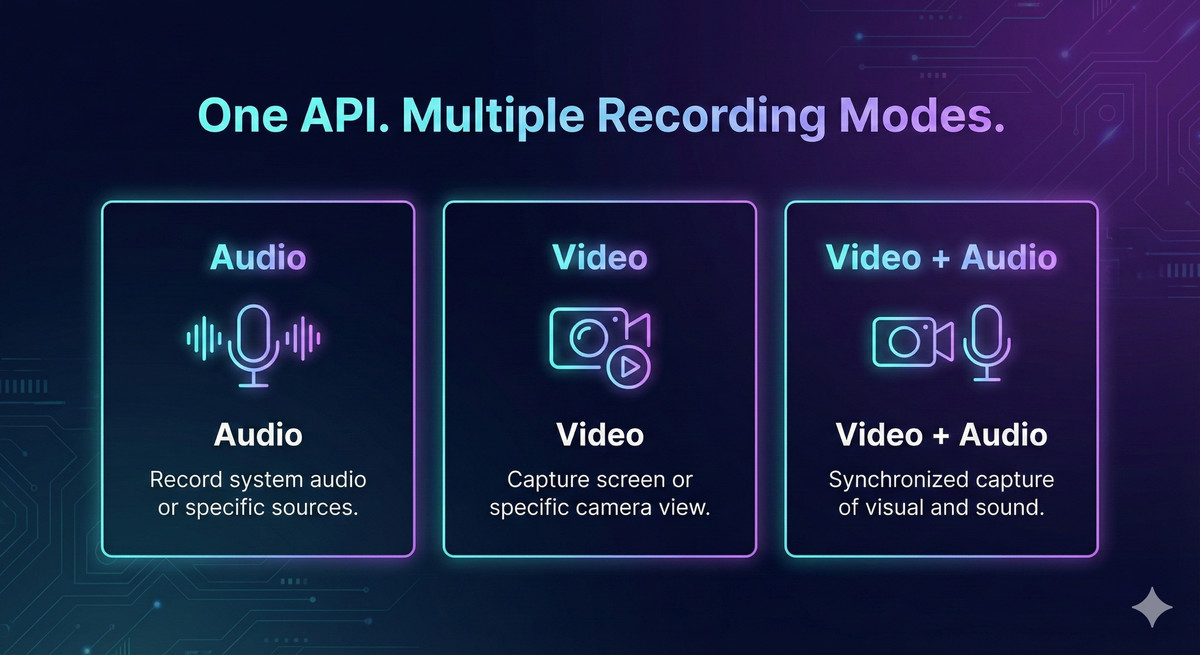
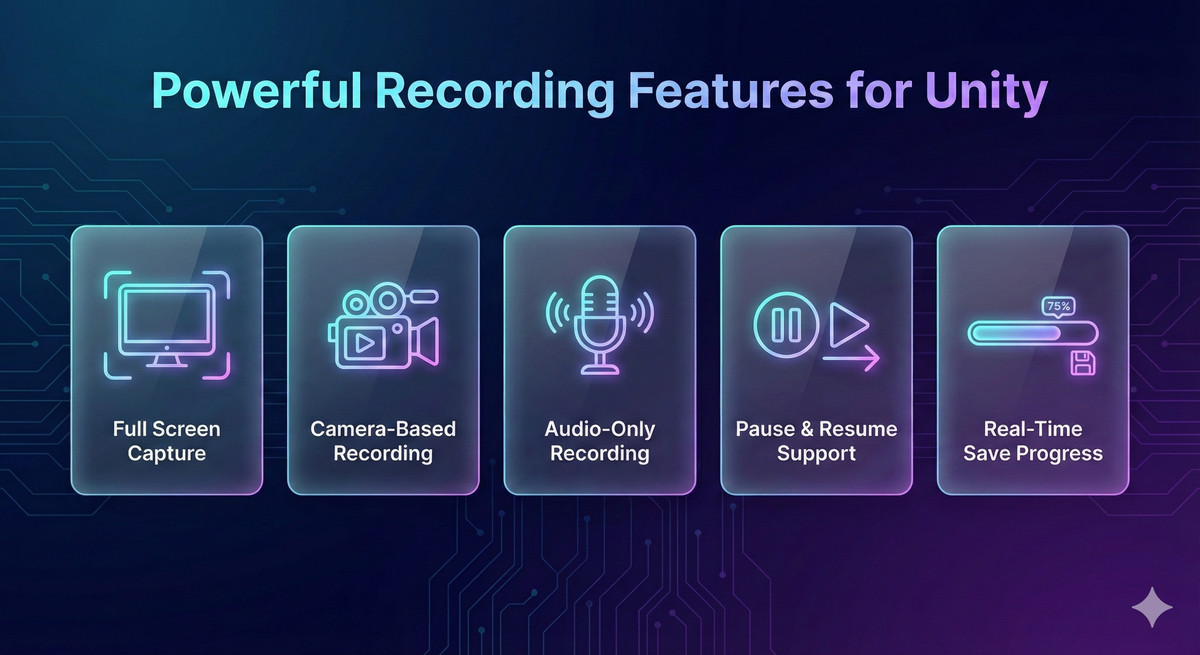
- Full Screen Capture (true screen capture — not camera trickery)
- Specific Camera Render Recording (optional)
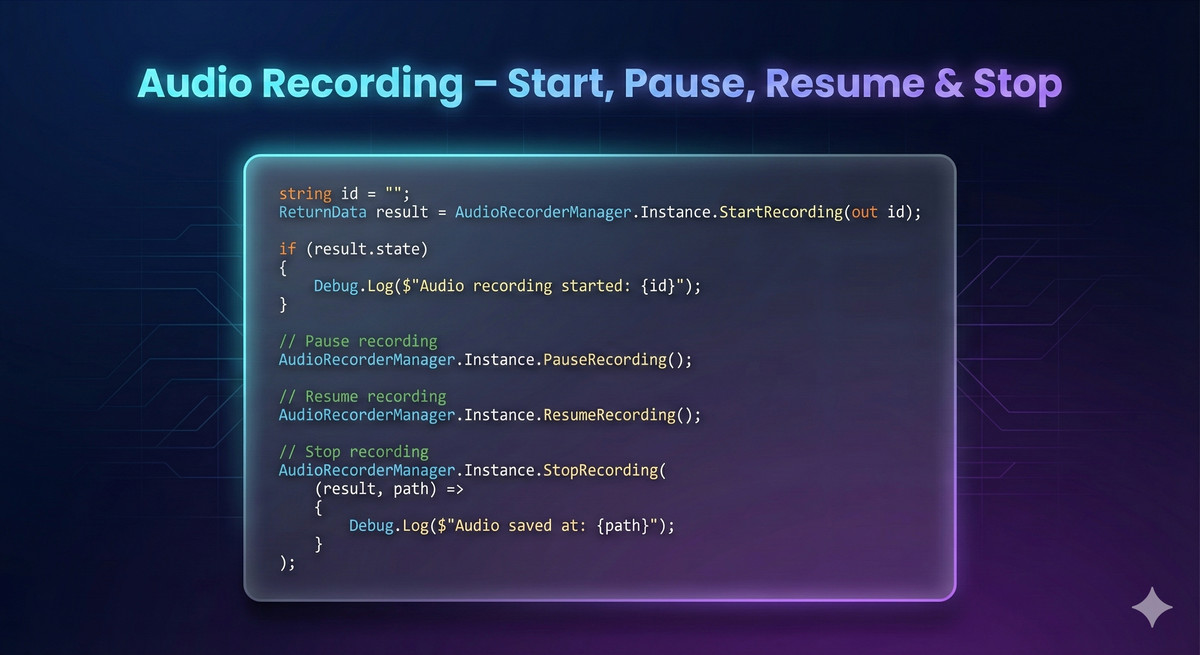
- High-quality audio recording via AudioRecorderManager
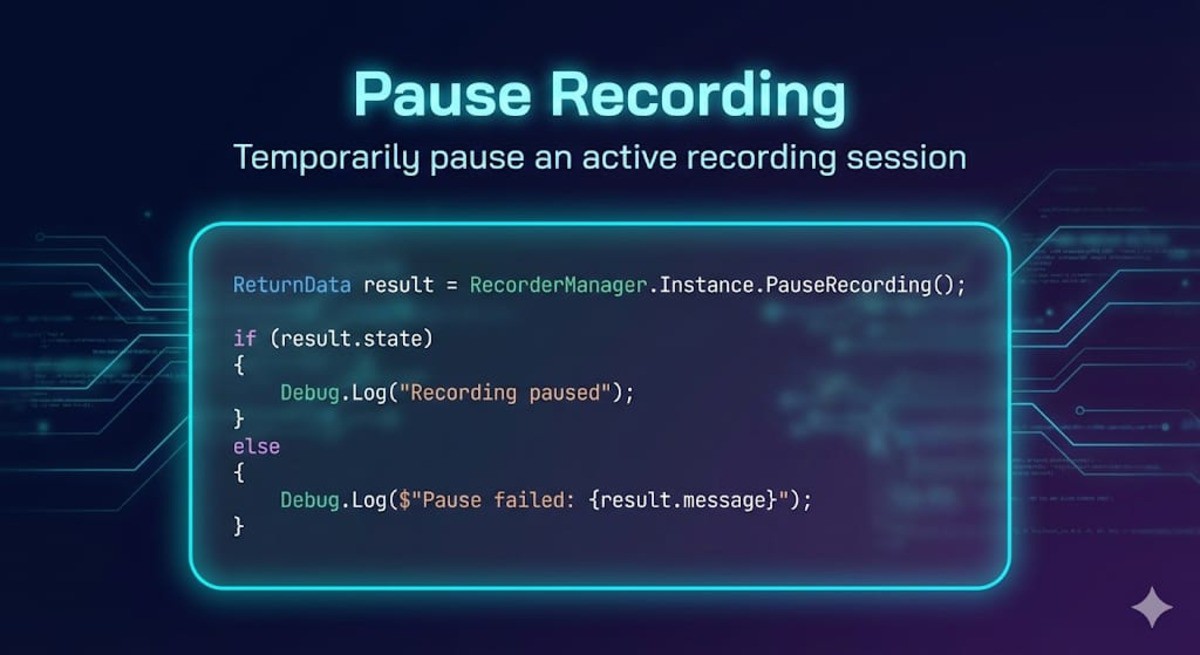
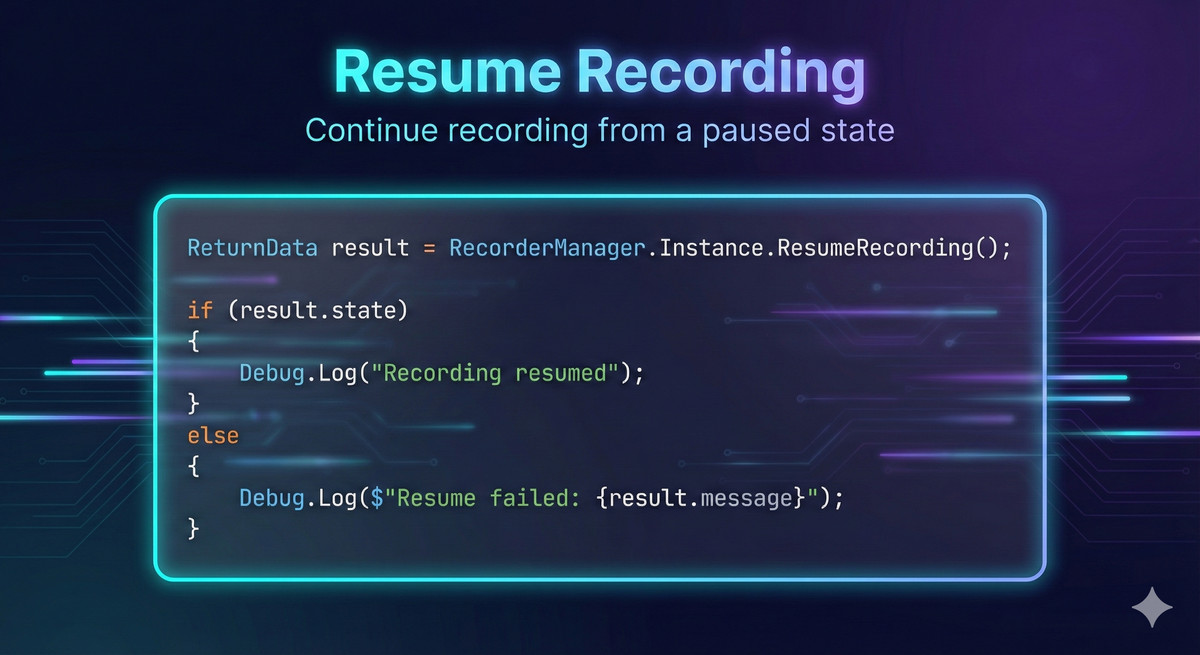
- Pause & Resume recording with ReturnData support
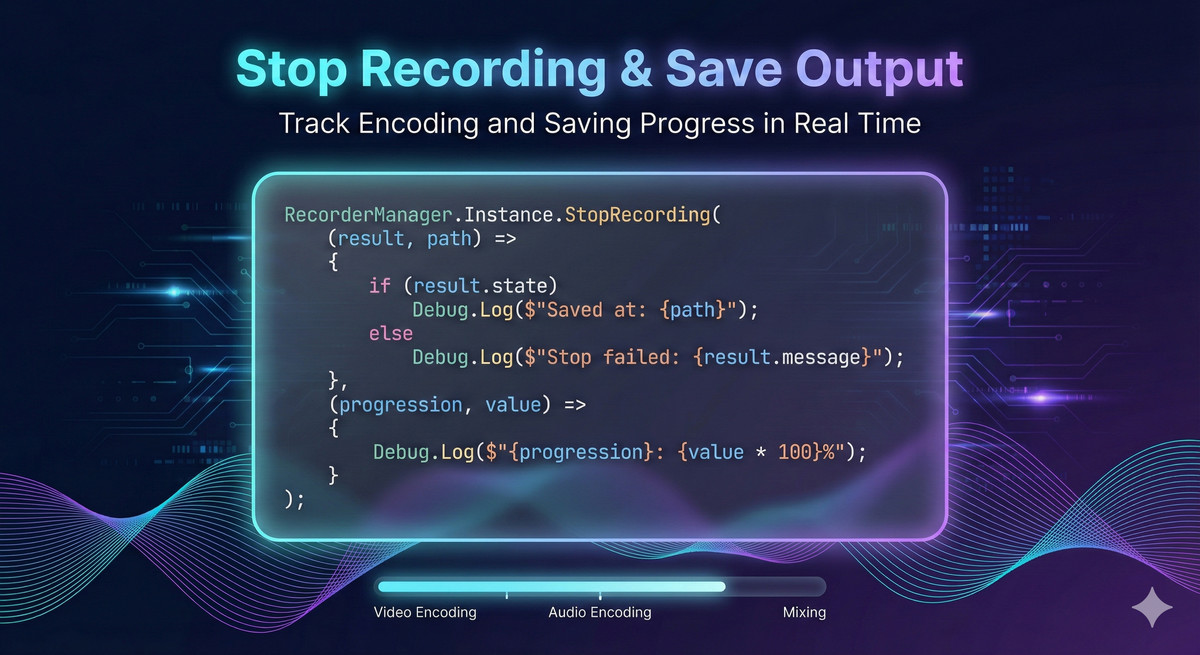
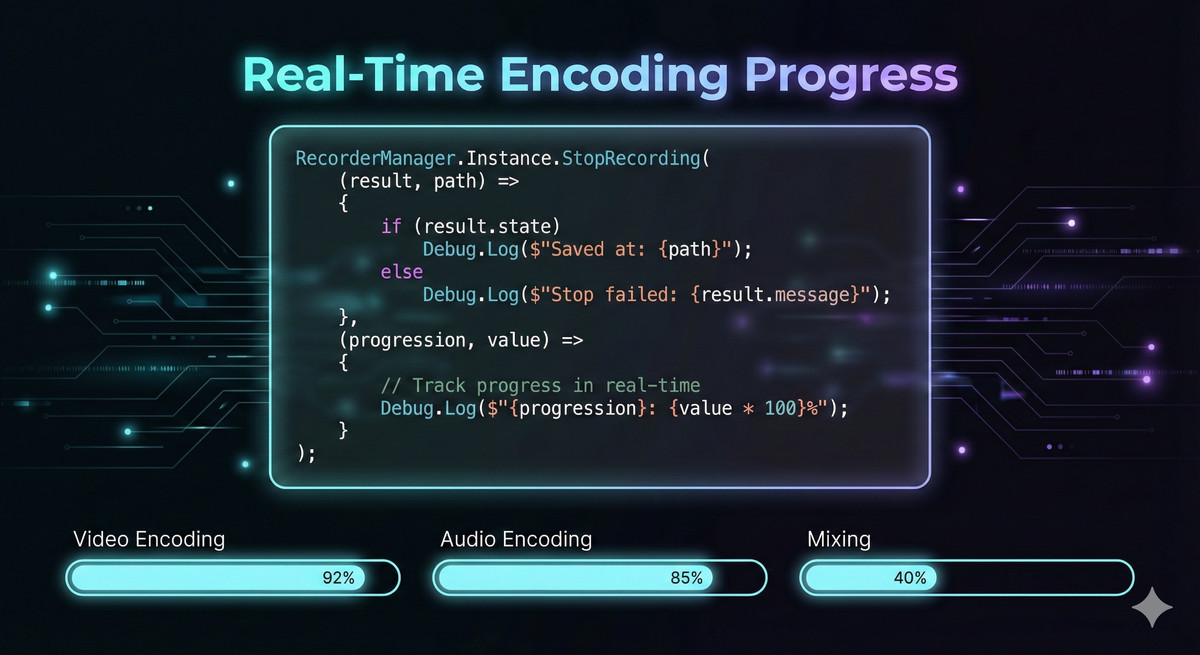
- Real-time encoding and mixing progress callbacks
- Export-ready output suitable for trailers, QA, tutorials, and replays
⚡ Performance-Focused Architecture
Unlike tools that rely on external child processes or blocking execution:
- Encoding is optimized
- Multitasking is handled properly
- Long recording sessions remain stable
- No unnecessary overhead
- No bloated architecture
Built for developers who care about performance.
🧠 Developer-Friendly Integration
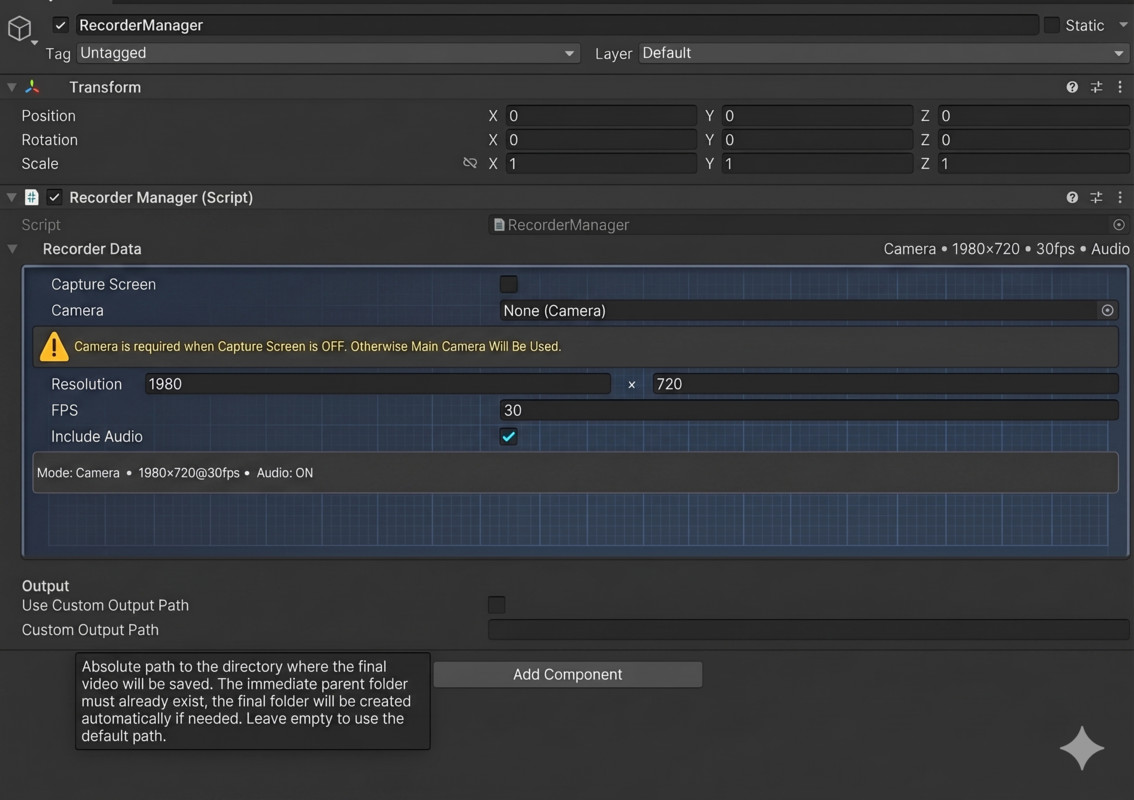
- RecorderManager MonoBehaviour (optional)
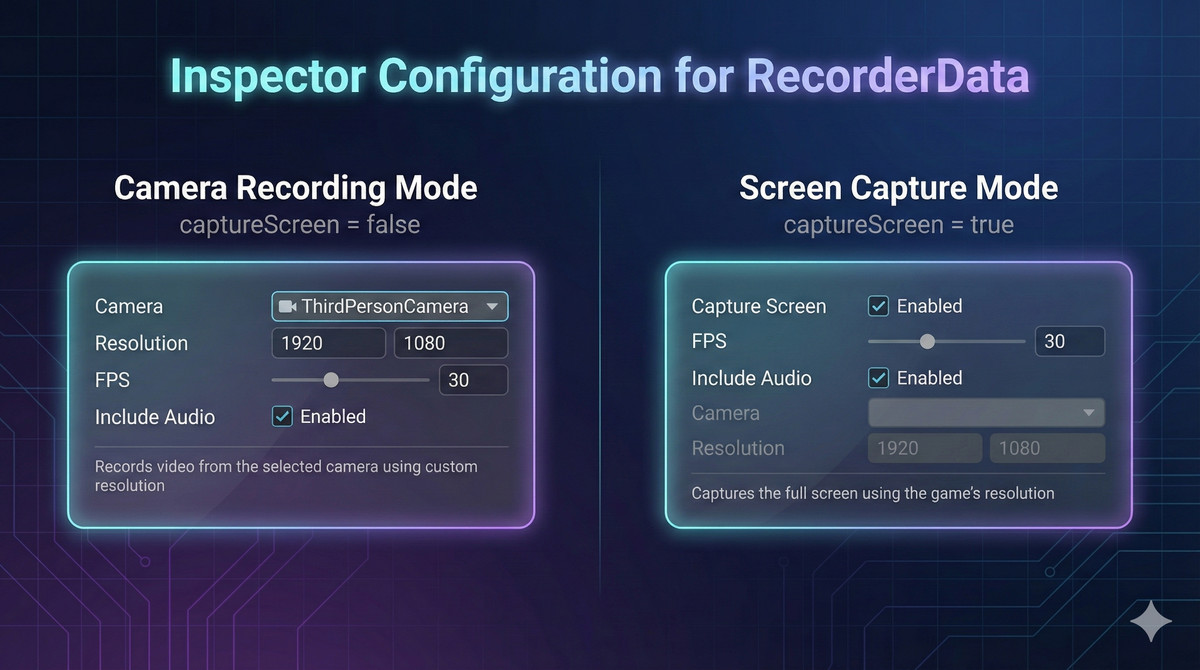
- RecorderData configurable via Inspector
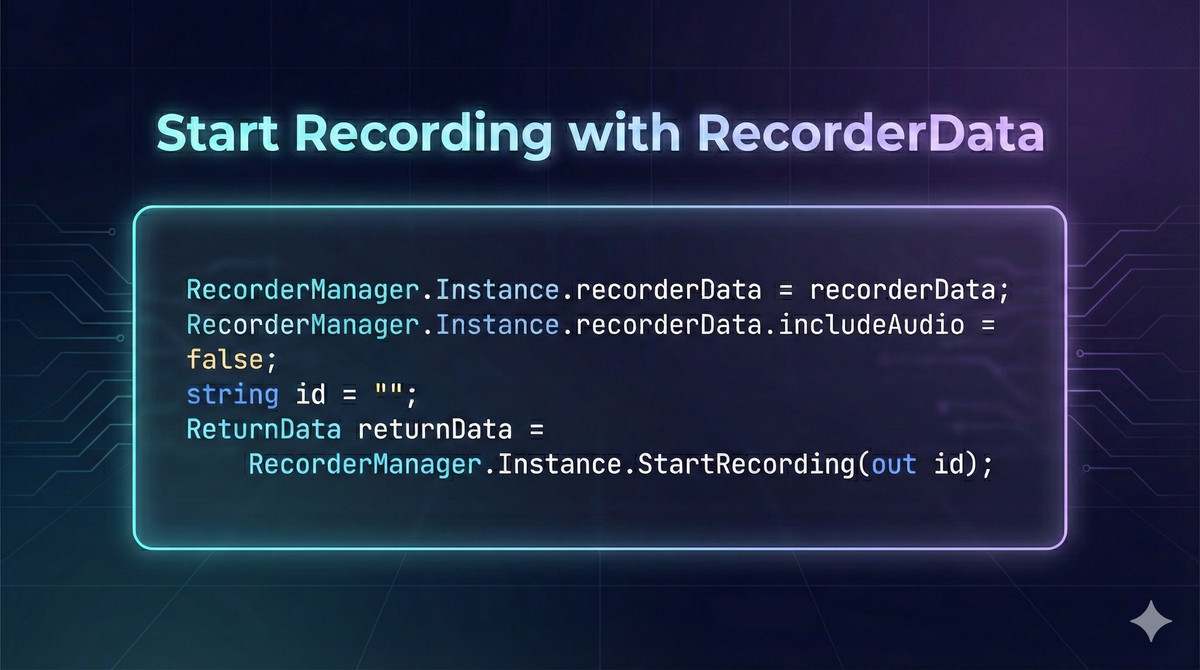
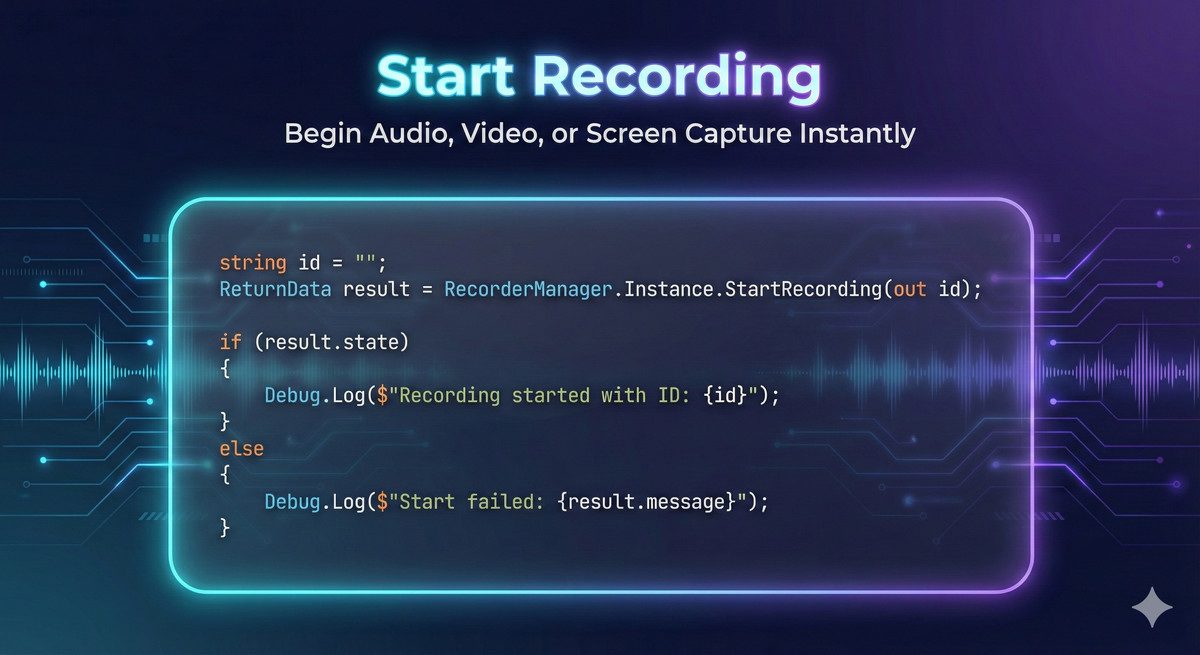
- Same function-based start workflow
- Minimal setup required
- Clean integration into existing pipelines
Attach it if you want Inspector control — or call it directly through code.
No forced architecture. No complexity.
From the publisher's Asset Store listing.
Technical details
🔹 Key Features
🎥 Video Recording
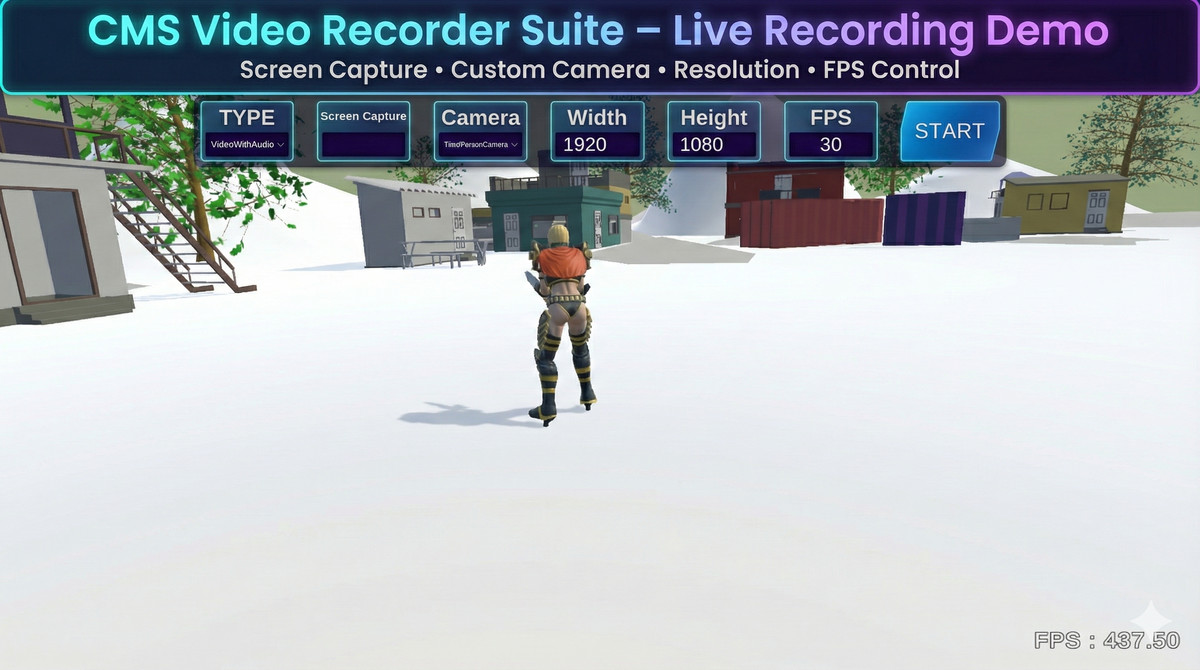
- Full-screen recording using the game’s native resolution
- Camera-based recording when screen capture is disabled
- Adjustable FPS for performance or quality control
- Supports video-only or video with audio
🎤 Audio Recording
- Dedicated audio-only recording manager
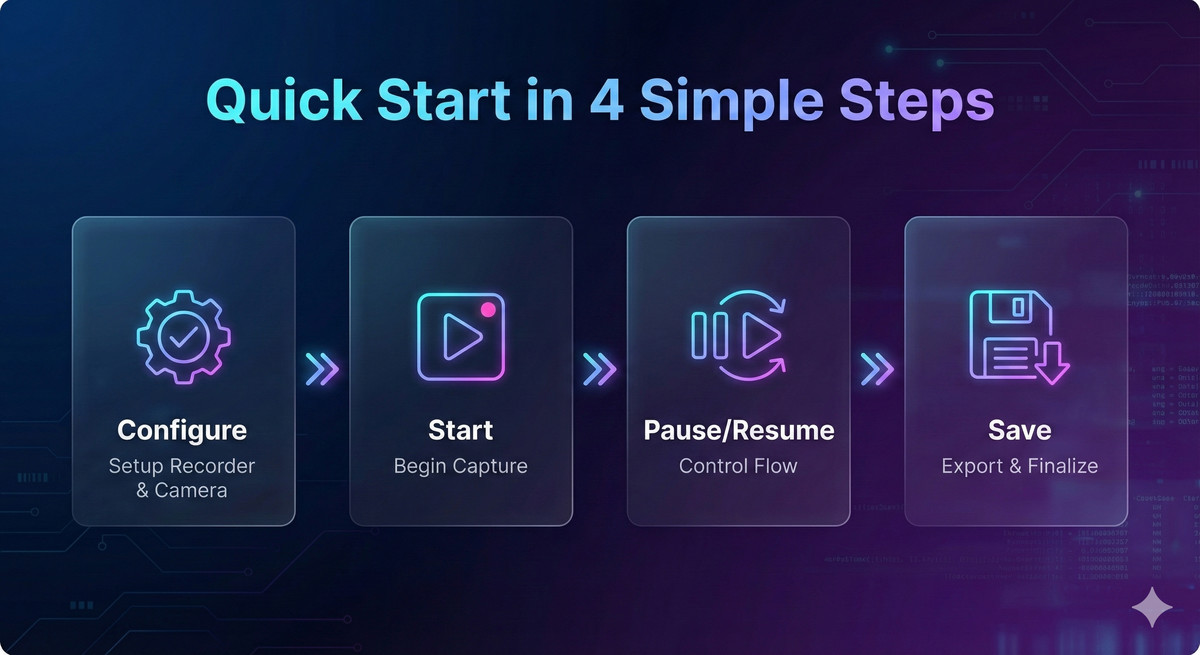
- Simple API for start, pause, resume, and stop
- Ideal for voiceovers, commentary, or background audio capture
⚙️ Flexible Configuration
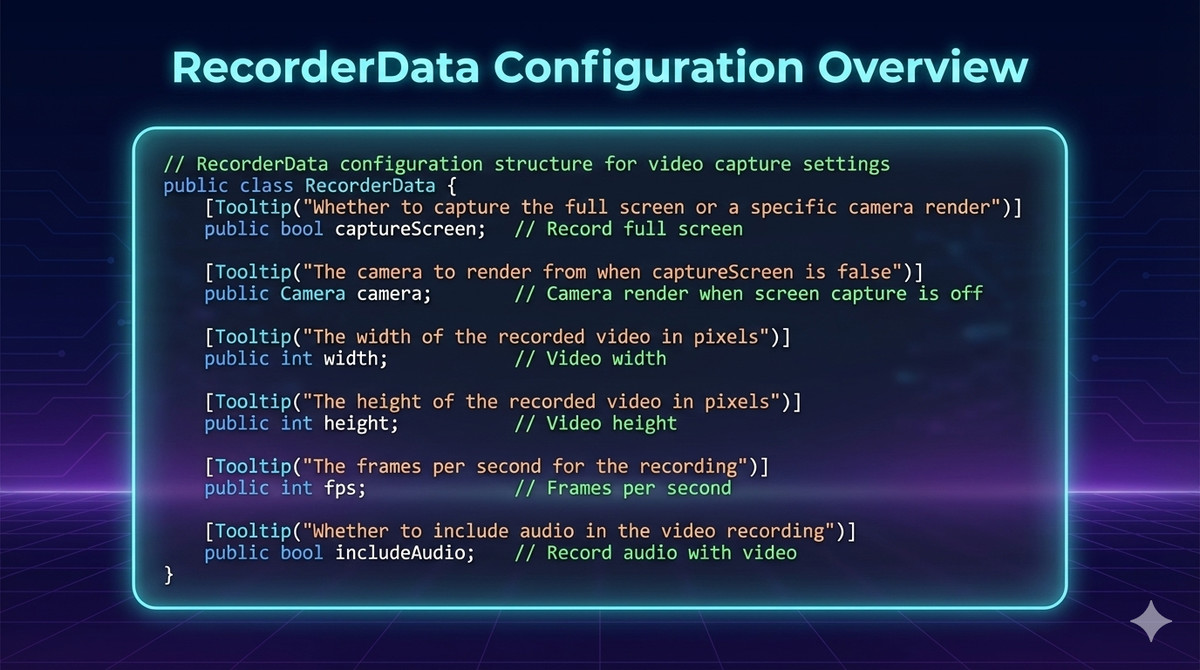
- Centralized RecorderData for all recording parameters
- Toggle screen capture vs camera render
- Configure FPS, width, height, and audio inclusion
- Inspector-based setup is optional (attach to any GameObject)
⏯ Pause & Resume Support
- Pause and resume recordings at runtime
- Works for video, audio, and combined recordings
- Useful for gameplay interruptions, menus, or checkpoints
📊 Real-Time Progress Tracking
- Video encoding
- Audio encoding
- Final video–audio mixing
- Ideal for progress bars or status UI during export
🧠 Clean & Predictable API
- Clear success/failure feedback using ReturnData
- No hidden background processes
- Easy debugging and safe error handling
🪟 Windows Focused
- Designed and optimized for Windows Unity builds
- Stable recording pipeline for production use
🔹 Why Choose CMSVideoRecorderSuite?
- Screen Capture ✅ Yes
- Camera Render Recording ✅ Yes
- Audio-Only Recording ✅ Dedicated Manager
- Pause & Resume ✅ Built-in
- Real-Time Encoding Progress ✅ Yes
- Inspector + Code Setup ✅ Optional
- Clean API & Error Feedback ✅ ReturnData
- Windows Optimization ✅ Yes
🔹 Best Use Cases
- Gameplay recording & trailers
- Tutorial & walkthrough creation
- QA testing and bug reproduction
- Simulation & training apps
- Creator tools and recording utilities
- Audio capture and commentary systems
🔹 Technical Highlights
- Modular architecture (RecorderManager, AudioRecorderManager)
- No mandatory MonoBehaviour attachment
- Automatic Camera fallback when not assigned
- Progress callbacks for encoding and mixing stages
- Clean shutdown and resource cleanup
Compatibility
| Unity version | Built-in | URP | HDRP | Custom |
|---|---|---|---|---|
| 6000.3.8f1 | Compatible | Compatible | Compatible | Compatible |
| 2022.3.62f2 | Compatible | Compatible | Compatible | Compatible |
As listed on the Asset Store.