
 View on Asset Store (opens in new tab)
Package details
- Latest version
- 1.1.0
- Last updated
- First released
- Unity version
- 2022.3.17 or later
- Package size
- 5.4 MB
- Files
- 29
- Favorites
- 1
- Views in the past week
- 12
Price tracking
- Last checked
- Tracked since
- Lowest recorded
- $5.00 on
Keywords
Image Puzzle Cutter
Turn images into puzzle pieces directly in Unity. Seven cutting styles, live previews, customizable outlines, transparent PNG export, and optional sprite import.
Affiliate link · Purchases support this site
Price history
Last 6 months
USDAsset preview
1 / 8
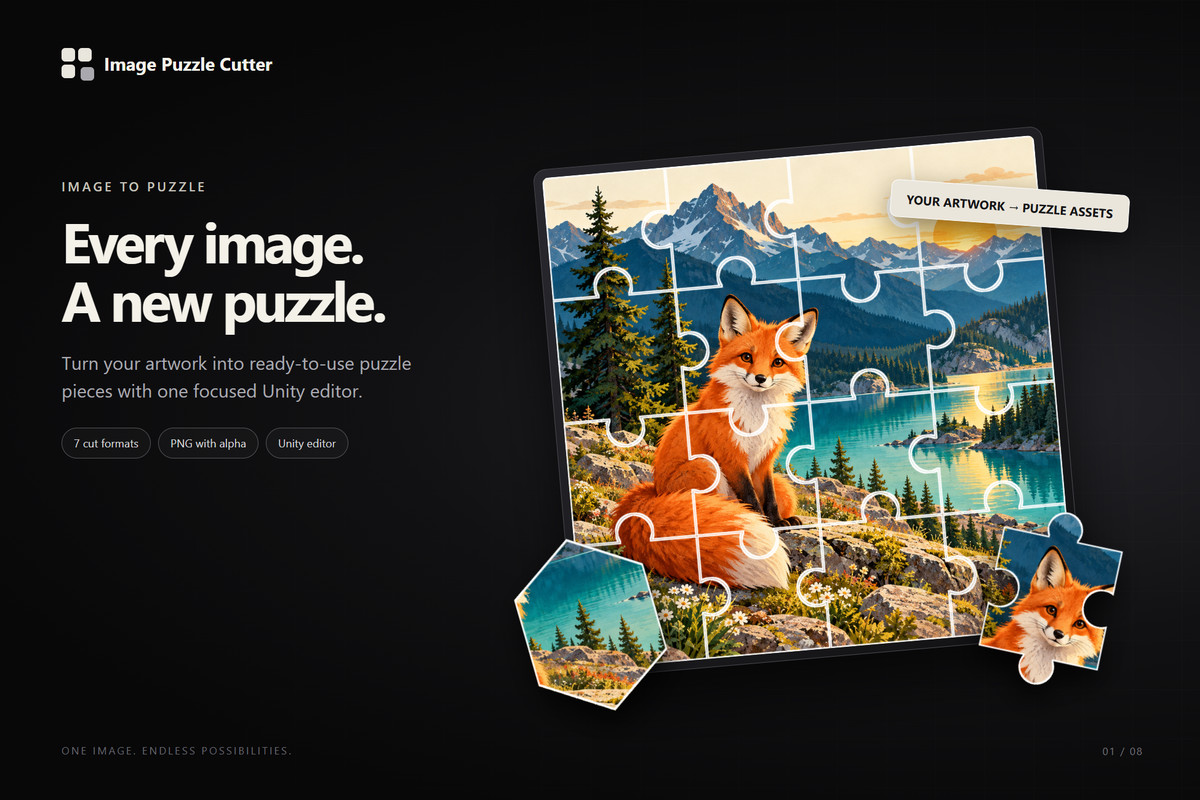
Image Puzzle Cutter screenshot 1
About this asset
Turn your images into puzzle pieces — directly inside Unity.
Image Puzzle Cutter is an editor tool for creating puzzle pieces, image tiles and irregular cutouts from your textures. Choose a cutting format, adjust the layout, inspect the preview and export individual PNG files with transparency.
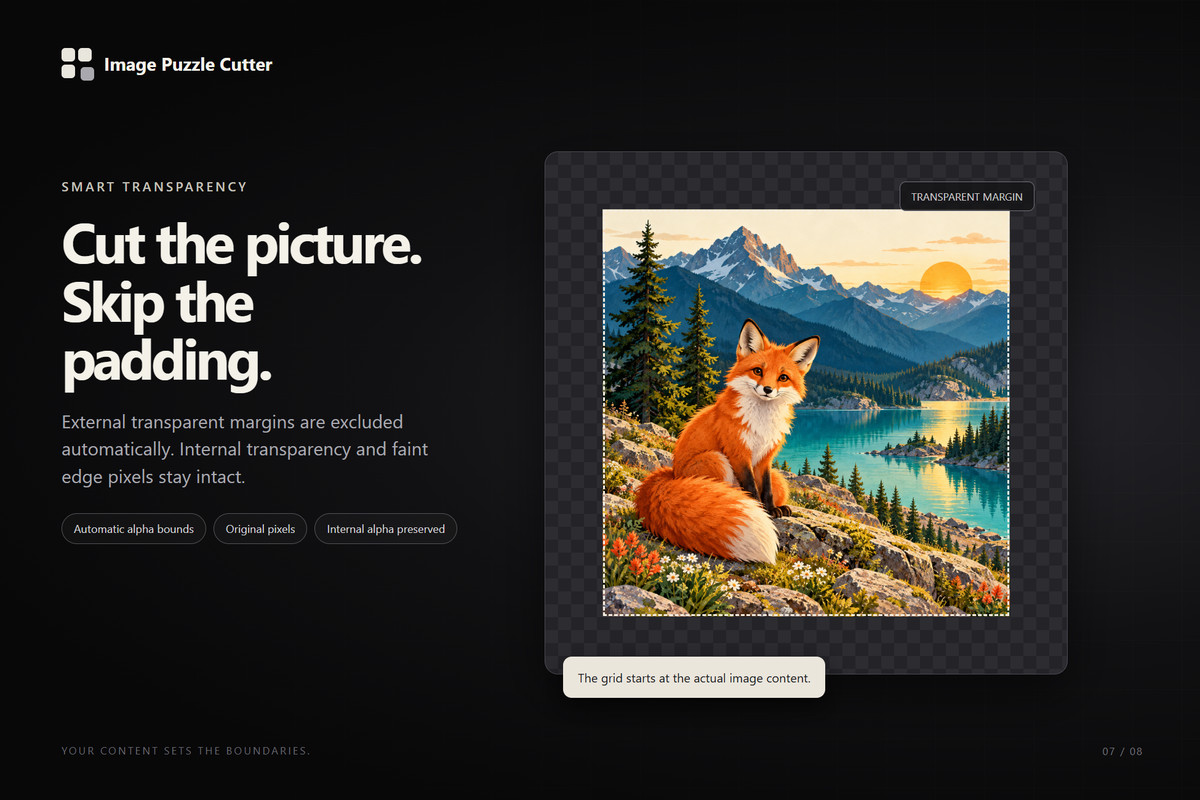
A custom black and graphite interface brings the source image, cutting controls and preview into one workspace. Automatic trimming excludes fully transparent outer margins, so the layout starts at the visible image content while preserving transparency inside the image.
Seven cutting formats
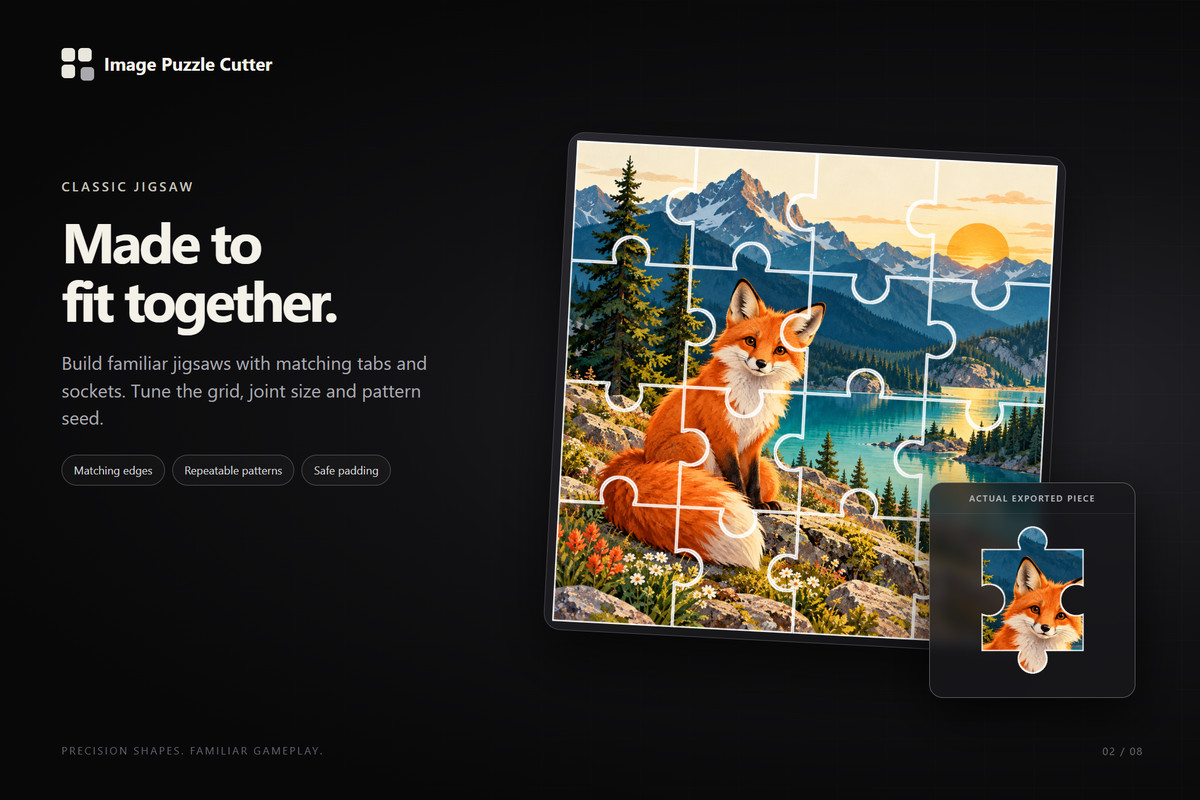
- Classic: traditional jigsaw pieces with matching rounded tabs and sockets.
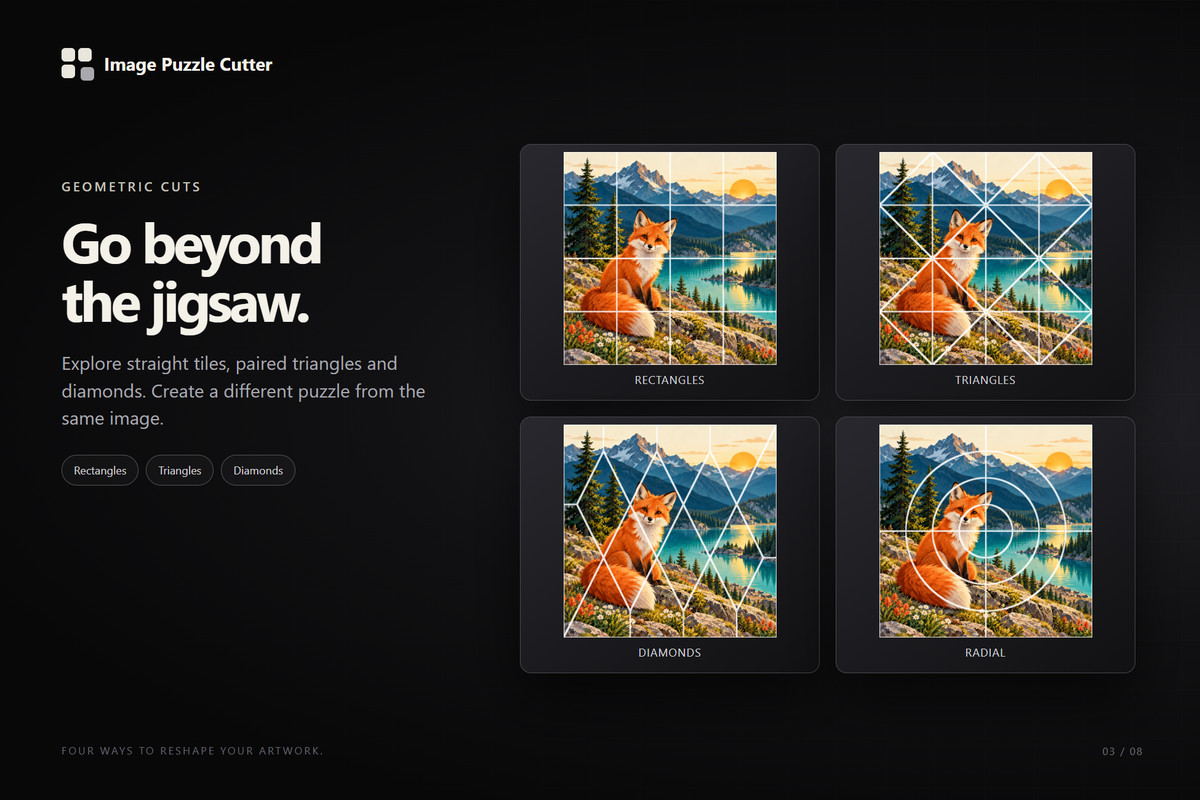
- Rectangles: straight grid tiles, squares or strips.
- Triangles: two complementary triangles per grid cell.
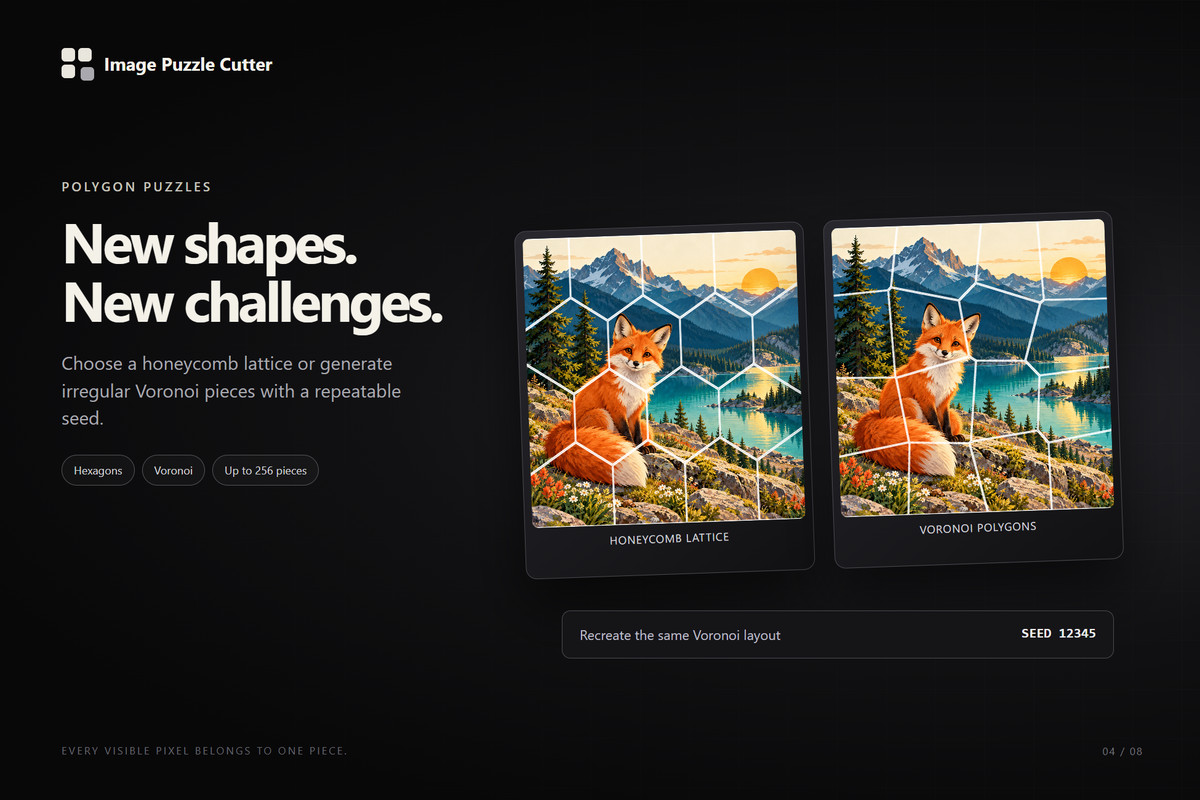
- Hexagons: a honeycomb layout clipped to the image boundary.
- Diamonds: a diamond lattice with clipped border pieces.
- Voronoi: irregular polygon pieces with reproducible patterns.
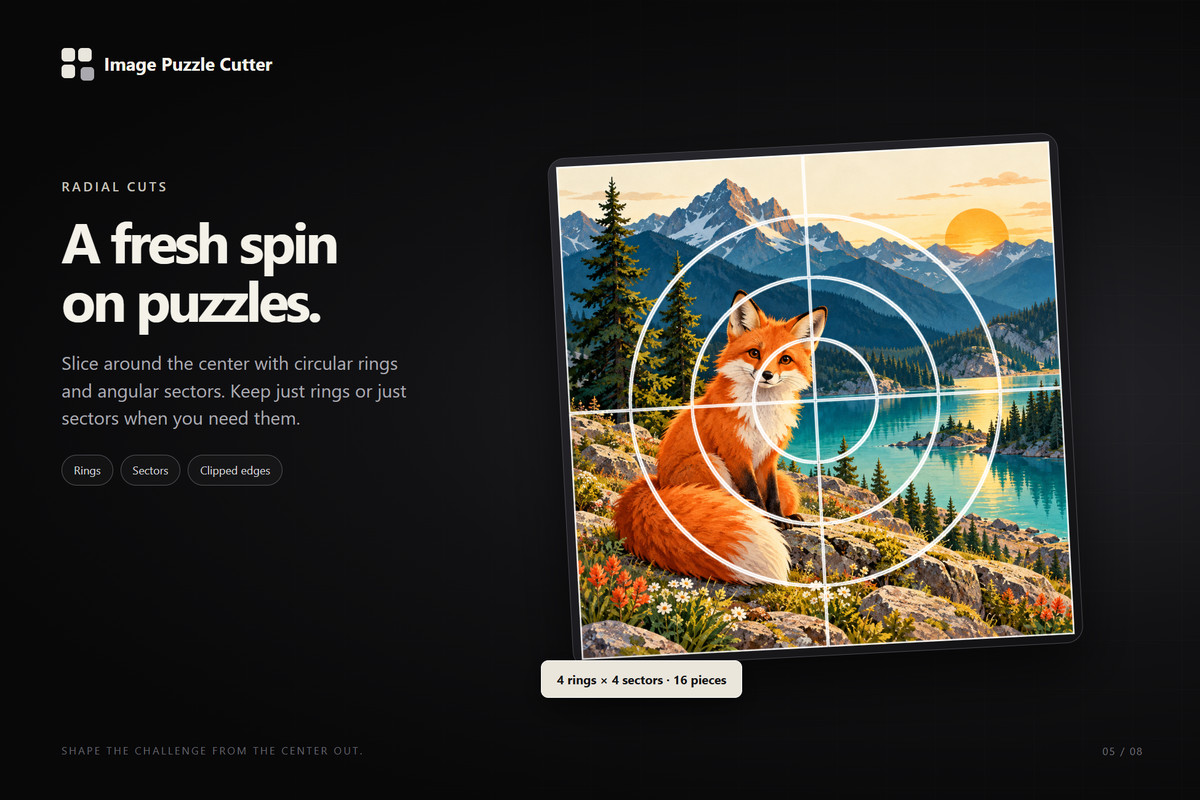
- Radial: circular rings, angular sectors or a combination of both.
Preview and refine
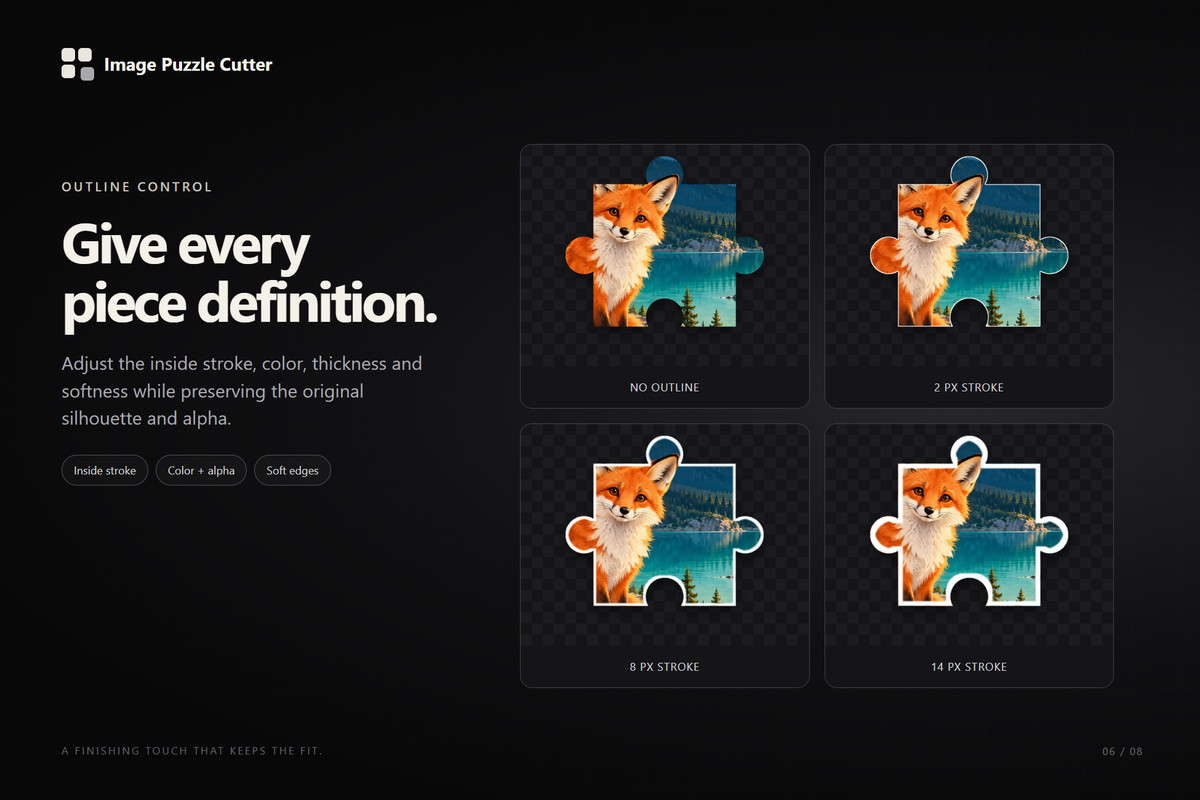
Switch between the assembled image and an individual piece. Adjust the layout, configure an inside outline, inspect seams, zoom and pan. Preview calculations run in the background, with outdated calculations cancelled when settings change.
Export for your project
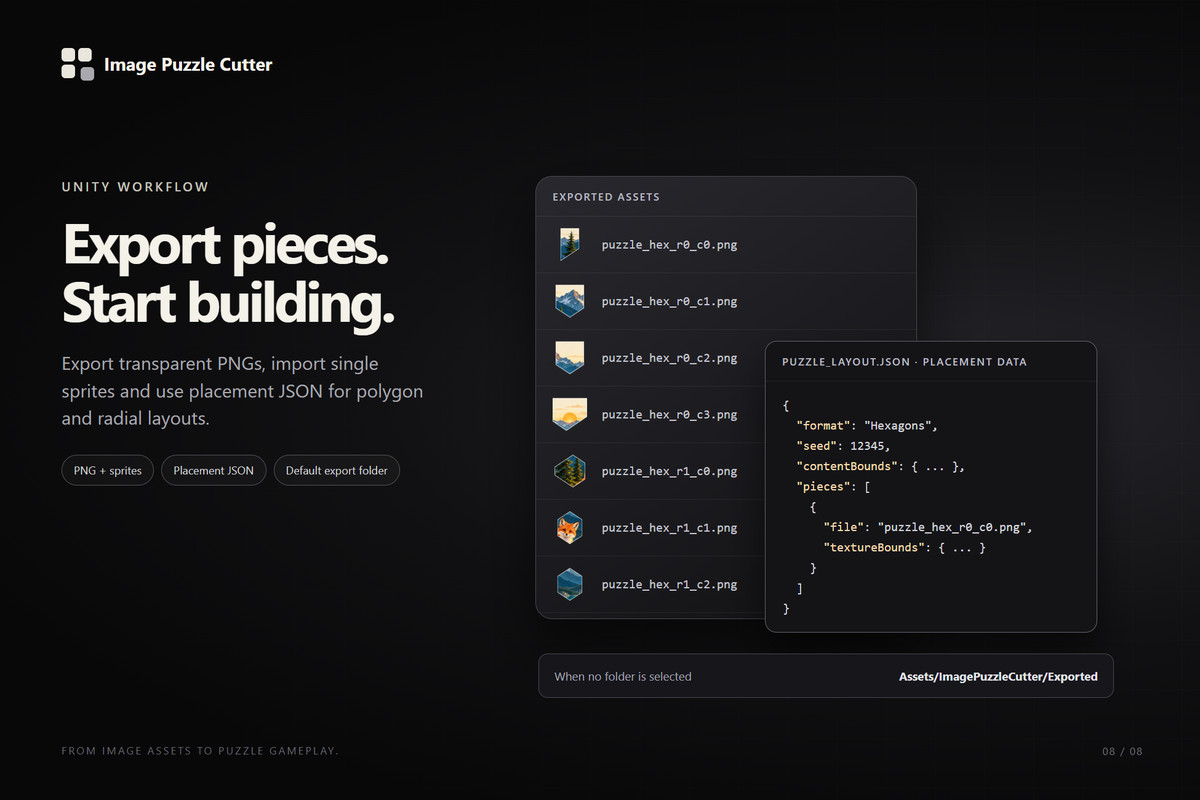
Export transparent PNGs and optionally import them as Unity sprites. Automatic padding accommodates protruding tabs. Placement manifests for Hexagon, Diamond, Voronoi and Radial formats provide coordinates for reconstructing the image.
Image Puzzle Cutter is useful for jigsaw games, image assembly mechanics, educational activities and other projects that need images divided into reusable pieces.
From the publisher's Asset Store listing.
Technical details
Compatibility and dependencies
- Minimum supported Unity version: 2019.4 LTS.
- Editor-only tool; no runtime components or additional packages required.
- Install by importing the Assets/ImagePuzzleCutter folder.
- Open through Tools > Image Puzzle Cutter.
Source image handling
- Accepts Unity Texture2D assets.
- Supports textures without Read/Write enabled through GPU readback.
- Preserves source texture importer settings.
- Automatically crops fully transparent outer margins.
- Preserves internal transparency and partially transparent edge pixels.
- Uses the texture’s imported dimensions and pixel data, including existing resizing or compression.
- Rejects fully transparent source images.
Cutting and customization
- Seven formats: Classic, Rectangles, Triangles, Hexagons, Diamonds, Voronoi and Radial.
- Configurable rows and columns; Radial uses rings and sectors.
- Adjustable tab radius and position for Classic pieces.
- Deterministic pattern seeds for Classic and Voronoi.
- Automatic or manual export padding.
- Optional inside outline with configurable color, thickness and softness.
- Each retained source pixel belongs to exactly one piece before outline processing.
- Non-divisible image dimensions are handled without discarding edge pixels.
Preview
- Assembled-image and single-piece views.
- Piece selection, grid and seam overlays.
- Zoom, pan and Fit controls.
- Single-piece preview includes export padding, transparency and outline.
- Background pixel processing with a 120 ms debounce and cancellation of superseded calculations.
Export
- Individual PNG files with alpha transparency.
- Optional automatic import as Single sprites.
- Default destination: Assets/ImagePuzzleCutter/Exported, created when exporting.
- Custom destination folders inside Assets.
- Configurable filename prefix and overwrite confirmation.
- Hexagon, Diamond, Voronoi and Radial exports include a JSON placement manifest.
- Manifest coordinates reference the original imported image and account for trimming and padding.
- Staged output generation and rollback handling for write or import failures.
Limits and included files
- Triangles produce two pieces per grid cell and require cells of at least 2 × 2 pixels.
- Hexagon, Diamond, Voronoi and Radial layouts support up to 256 pieces and require at least 4 × 4 source pixels per logical grid cell. Additional validation applies to Radial layouts.
- Includes C# source, the custom editor stylesheet, a demo image, README, PDF guide and automated self-test and audit tools.
Compatibility
| Unity version | Built-in | URP | HDRP | Custom |
|---|---|---|---|---|
| 6000.5.1f1 | Compatible | Compatible | Compatible | Compatible |
| 2022.3.17f1 | Compatible | Compatible | Compatible | Not listed |
Image Puzzle Cutter is an editor-only tool with no render pipeline dependencies. It can be used in projects using the Built-in Render Pipeline, URP or HDRP. Exported PNG files can be used with your project’s preferred materials and shaders.
As listed on the Asset Store.