
 View on Asset Store (opens in new tab)
Package details
- Latest version
- 1.1
- Last updated
- First released
- Unity version
- 6000.3.1 or later
- Package size
- 102 KB
- Files
- 4
- Favorites
- 12
- Views in the past week
- 18
Price tracking
- Last checked
- Tracked since
- Lowest recorded
- Free on
Keywords
- Search for object movement
- Search for Canvas UI
- Search for Level Design
- Search for Scene Editing
- Search for Unity editor tool
- Search for unity tools
- Search for 2D and 3D Support
- Search for Precision Control
- Search for keyboard shortcuts
- Search for object alignment
- Search for Editor Extension
- Search for editor productivity

ArrowMove Easy
ArrowMove Easy lets you move, rotate, and scale objects in the Unity Editor. Hold Ctrl/Cmd and use the arrow keys to make fast, precise adjustments without dragging or typing values.
Affiliate link · Purchases support this site
Price history
Last 6 months
USDAsset preview
1 / 1

ArrowMove Easy video 1
About this asset
ArrowMove Easy is a simple Unity Editor tool that lets you quickly adjust objects in your scene using keyboard shortcuts.
No more dragging with the mouse or typing in exact values. Just hold Ctrl/Cmd and press the arrow keys to move things around. It works equally well in 3D scenes and with 2D Canvas UI elements, and is especially useful when you need fine, precise control over object positioning.
What It Does
Ever wish you could nudge objects using your keyboard instead of carefully dragging them with the mouse? That is exactly what ArrowMove Easy is built for.
Select one or more objects, hold Ctrl (Win) or Cmd (Mac), and use the arrow keys to move, rotate, or scale them. It is simple, fast, and intuitive.
The tool automatically adapts to the currently selected Unity tool (Move, Rotate, Scale, or Rect), allowing it to fit seamlessly into your existing workflow without extra setup.
Features
- Keyboard Controls: Use arrow keys with Ctrl/Cmd modifier to transform objects
- Smart Tool Detection: Automatically works with Move, Rotate, Scale, and Rect tools
- 3D and 2D Support: Works with both 3D GameObjects and 2D Canvas UI elements
- Multiple Object Selection: Select and transform multiple objects simultaneously - perfect for aligning groups of objects or making bulk adjustments
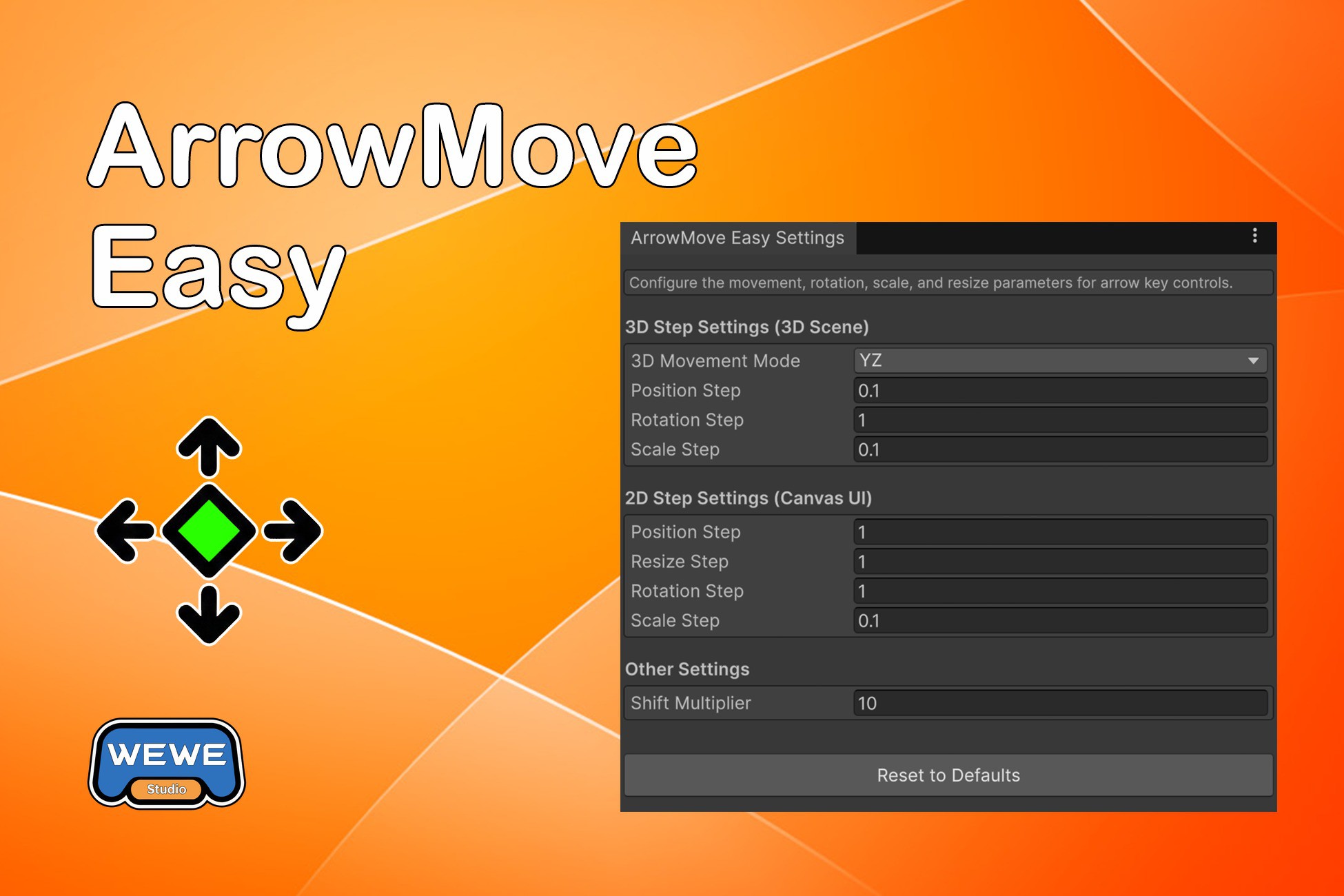
- Multiple Movement Modes: Choose how arrow keys map to 3D space (XZ, XY, or YZ)
- Shift for Speed: Hold Shift to move/rotate/scale faster
- Undo Support: All operations support Unity's standard Undo (Ctrl+Z)
- Customizable Steps: Adjust how much objects move, rotate, or scale per key press
- Separate 2D/3D Settings: Different step values for 3D objects and Canvas UI elements
A lightweight, free editor tool designed to speed up everyday scene editing.
Part of the Easy series of Unity Editor tools.
If you like this workflow, check out other Easy series tools for even more editor productivity.
From the publisher's Asset Store listing.
Compatibility
| Unity version | Built-in | URP | HDRP |
|---|---|---|---|
| 6000.3.5f1 | Compatible | Compatible | Compatible |
| 6000.3.1f1 | Compatible | Compatible | Compatible |
As listed on the Asset Store.