
 View on Asset Store (opens in new tab)
Package details
- Latest version
- 1.0
- Last updated
- First released
- Unity version
- 6000.1.17 or later
- Package size
- 801 KB
- Files
- 23
- Favorites
- 15
- Views in the past week
- 2
Price tracking
- Last checked
- Tracked since
- Lowest recorded
- $4.99 on
Keywords
Fancy Deck UI
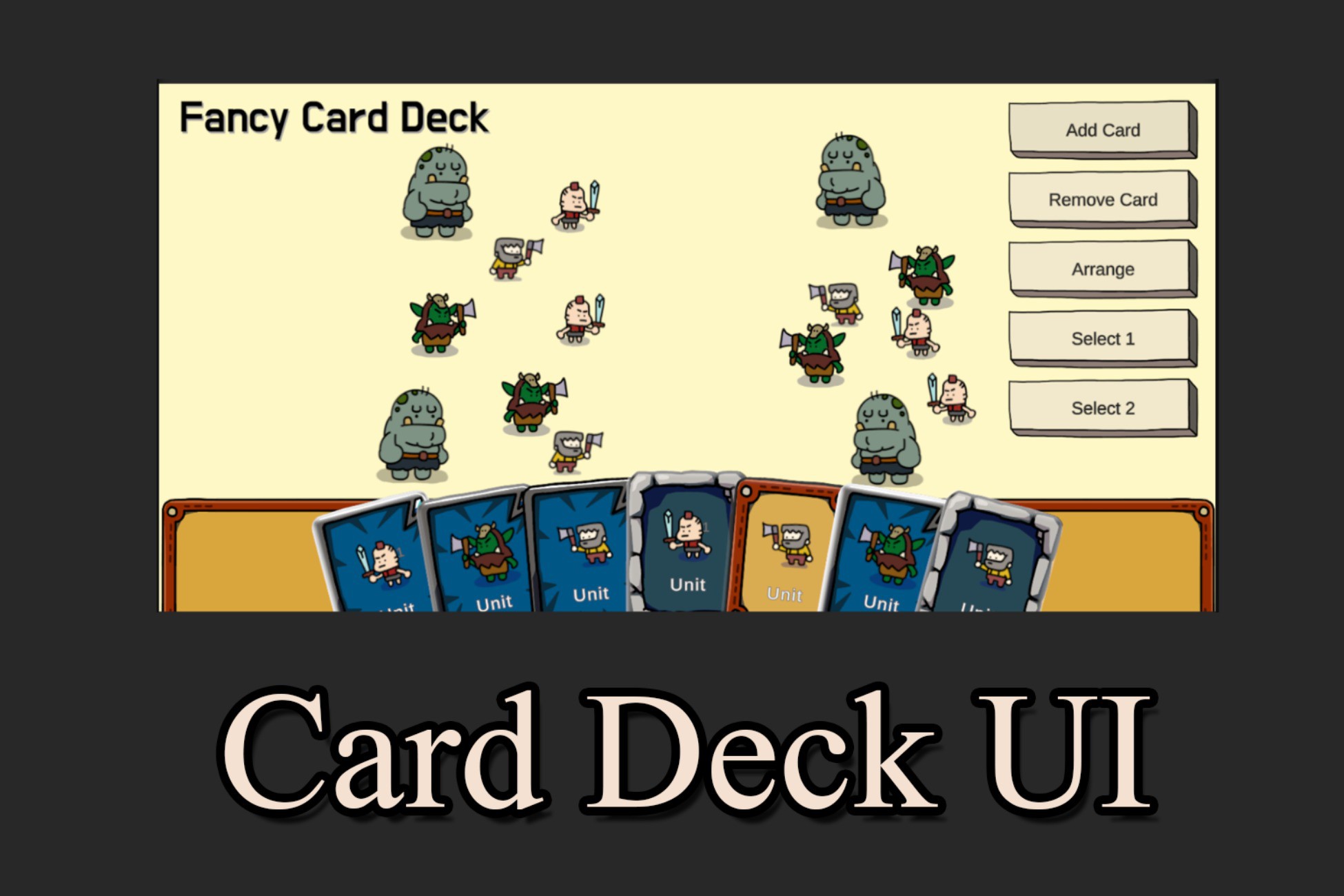
Fancy Card Deck UI. Great for TCG, RPG or any other game with card deck.
Affiliate link · Purchases support this site
Price history
Last 6 months
USDAsset preview
1 / 4
Fancy Deck UI screenshot 1
About this asset
StudioNAP FancyHorizontalLayout
================================
Description
-----------
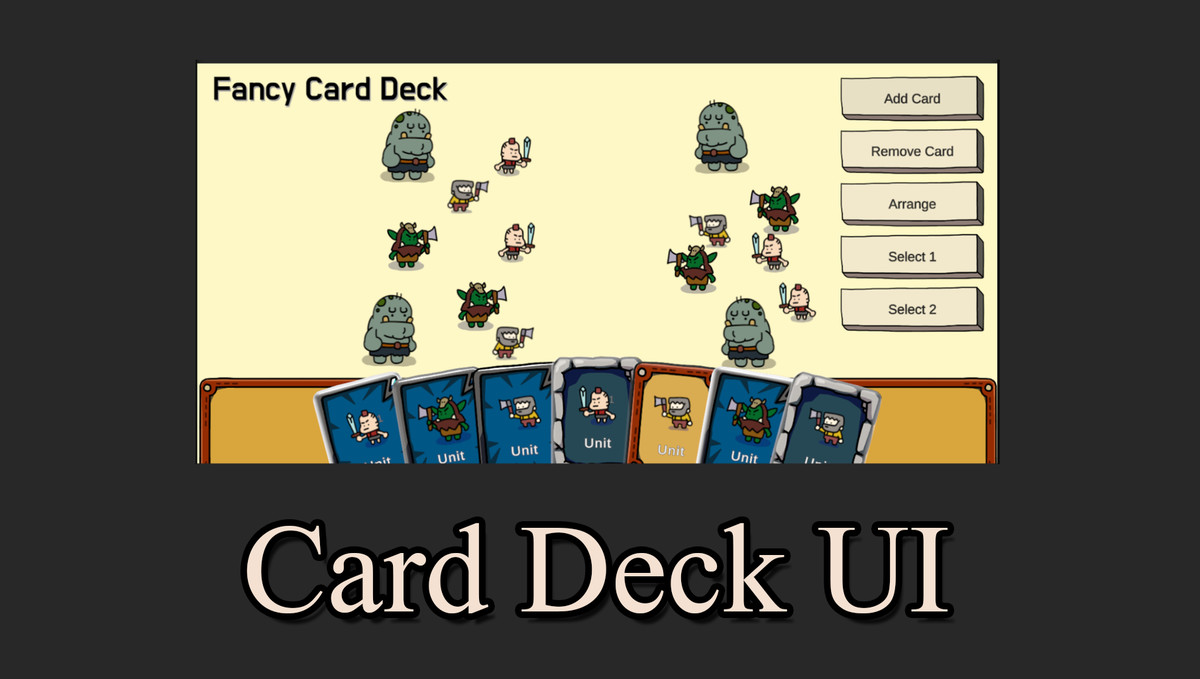
FancyHorizontalLayout is a Unity UI component that creates a card-based horizontal layout similar to Hearthstone's hand. It provides smooth animations and interactive hover effects for arranging UI elements in a fan-like display.
Key Features
-----------
1. Card Hover Effects
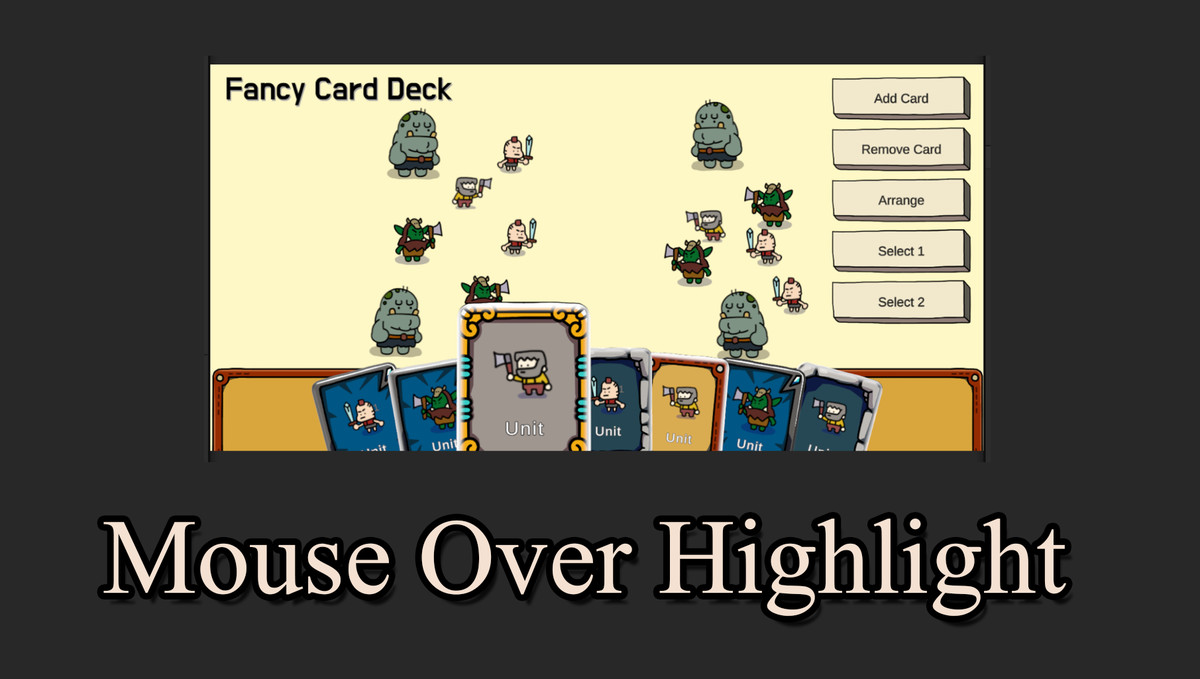
- Cards automatically scale up and move upward when hovered
- Neighboring cards shift sideways to make room
- Smooth, configurable animations
2. Fan Rotation Effect (Optional)
- Cards can be arranged in a fan shape with rotation
- Center cards remain straight (0 degrees)
- Edge cards rotate based on distance from center
- Creates a natural card-in-hand appearance
3. Automatic Layout Management
- Automatically arranges child RectTransforms horizontally
- Handles dynamic card addition and removal
- Adjusts layout in real-time
4. Customizable Settings
- Spacing and padding controls
- Hover scale and offset configuration
- Rotation angle and fan Y-offset adjustments
- Animation duration control
How to Use
----------
1. Click right mouse button and select Studio NAP/Fancy Deck.
or
1. Create an empty GameObject with a RectTransform component in your Canvas.
2. Add the FancyHorizontalLayout component to the GameObject.
3. Add child GameObjects (cards) as children of the FancyHorizontalLayout GameObject.
4. Configure the layout settings in the Inspector:
- Spacing: Distance between cards
- HorizontalPadding: Left and right padding
- HoverScale: Scale multiplier for hovered cards
- HoverOffsetY: Vertical offset for hovered cards
- NeighborOffsetX: Horizontal offset for neighboring cards when one is hovered
- EnableFanRotation: Toggle fan rotation effect on/off
- MaxRotationAngle: Maximum rotation angle for edge cards
- FanYOffset: Y-offset for fan effect (cards get lower towards edges)
- AnimationDuration: Animation speed in seconds
5. Make sure your Canvas has a GraphicRaycaster component for hover detection.
6. Cards will automatically arrange and animate when hovered.
Programmatic Usage
------------------
You can also add cards programmatically:
```csharp
FancyHorizontalLayout layout = GetComponent<FancyHorizontalLayout>();
GameObject newCard = // your card GameObject
layout.AddCard(newCard);
```
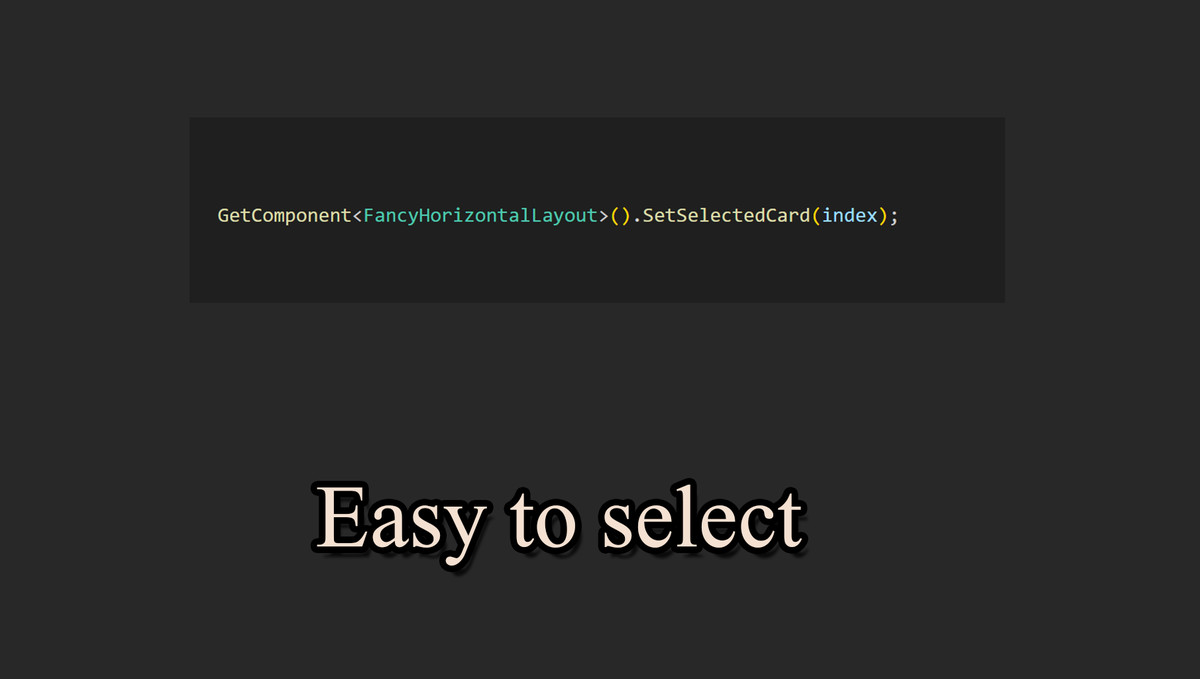
To set a selected card programmatically:
```csharp
layout.SetSelectedCard(cardRectTransform);
```
System Requirements
-----------------
- Unity 2019.4 or higher
- UI Canvas system (Unity UI)
- EventSystem in the scene for hover detection
Important Notes
-------------
- Child objects must have RectTransform components
- A GraphicRaycaster component is required in the Canvas hierarchy for hover detection
- Cards are automatically sorted based on hover state to prevent z-ordering issues
- The component uses unscaled delta time for animations (works with pause)
Support
-------
If you encounter any issues or need additional support, please use the contact feature on the Asset Store page.
Version Information
-----------------
- Current Version: 1.0.0
- Last Updated: December 2025
From the publisher's Asset Store listing.
Technical details
Key Features
-----------
1. Card Hover Effects
- Cards automatically scale up and move upward when hovered
- Neighboring cards shift sideways to make room
- Smooth, configurable animations
2. Fan Rotation Effect (Optional)
- Cards can be arranged in a fan shape with rotation
- Center cards remain straight (0 degrees)
- Edge cards rotate based on distance from center
- Creates a natural card-in-hand appearance
3. Automatic Layout Management
- Automatically arranges child RectTransforms horizontally
- Handles dynamic card addition and removal
- Adjusts layout in real-time
4. Customizable Settings
- Spacing and padding controls
- Hover scale and offset configuration
- Rotation angle and fan Y-offset adjustments
- Animation duration control
Compatibility
| Unity version | Built-in | URP | HDRP |
|---|---|---|---|
| 6000.1.17f1 | Compatible | Not listed | Not listed |
As listed on the Asset Store.