
 View on Asset Store (opens in new tab)
Package details
- Latest version
- 1.0
- Last updated
- First released
- Unity version
- 6000.0.42 or later
- Package size
- 22.5 MB
- Files
- 69
- Favorites
- 10
- Views in the past week
- 6
Price tracking
- Last checked
- Tracked since
- Lowest recorded
- $6.49 on
Keywords

Dark Signal Ui System
- Price drop
Dark Signal UI System is a cinematic, controller-first UI framework built for URP, featuring shader-driven effects, smooth navigation, and modular menu management.
Lowest recorded price
Get 57% off on Asset Store (opens in new tab)Affiliate link · Purchases support this site
Price history
Last 6 months
USDAsset preview
1 / 10

Dark Signal Ui System screenshot 1


About this asset
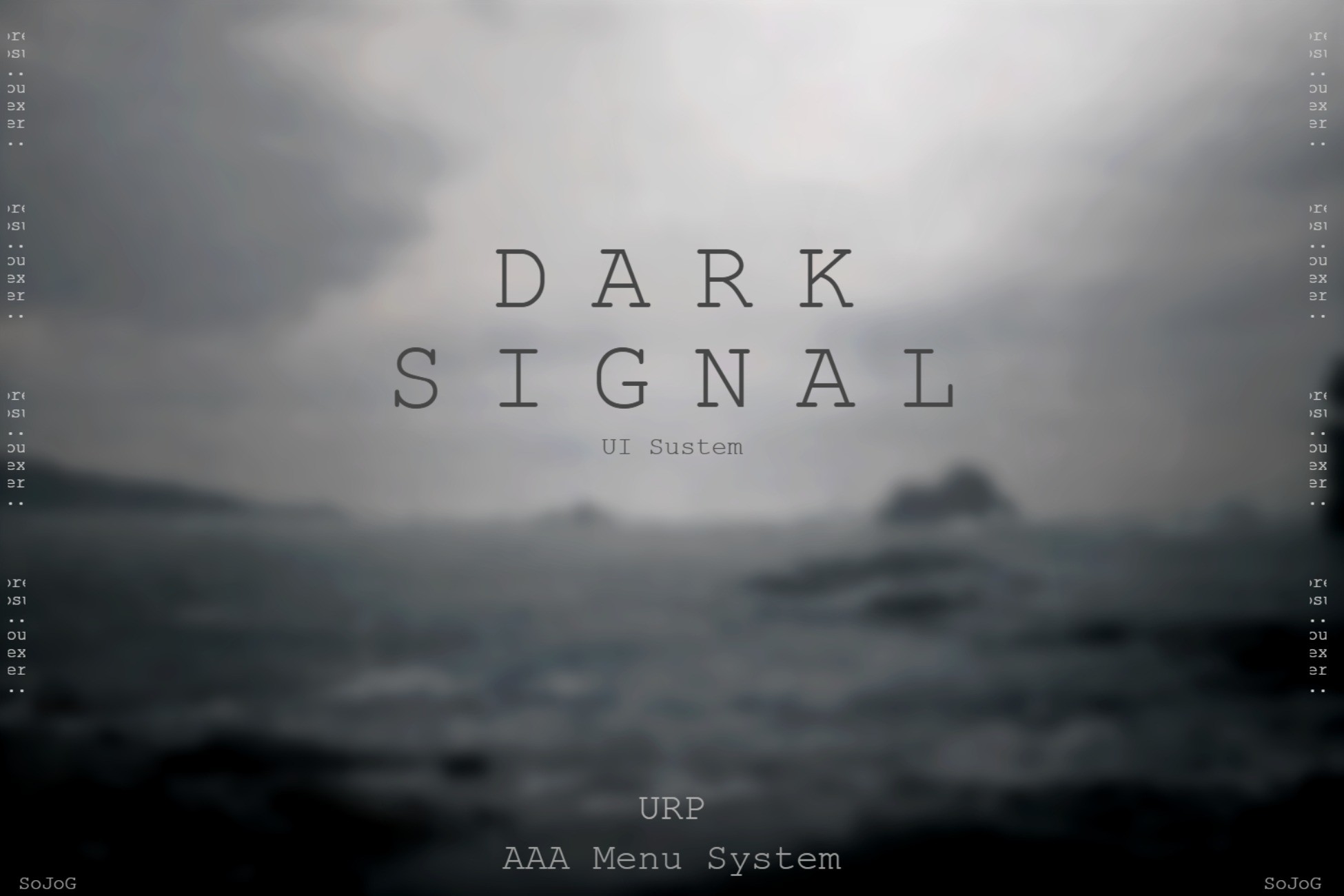
Dark Signal UI System is a cinematic, controller-first user interface framework designed for modern games built with Unity URP.
Inspired by minimal, atmospheric UI design, this system focuses on smooth navigation, visual feedback, and post-processing-driven effects, making it ideal for story-driven, sci-fi, survival, and premium AAA-style projects.
The system is built around a central Menu System Manager that handles panels, buttons, selection visuals, audio feedback, and navigation automatically. Panels detect their own buttons, remember last selections, and support seamless back navigation without manual wiring.
All interactive elements are controller-focused, using the New Unity Input System. Keyboard and mouse support may be added in future updates, but the current version is intentionally designed for gamepad-driven experiences.
Dark Signal UI System is fully modular:
- No prefabs are enforced
- You can freely copy, modify, and expand the UI
- Every component is cleanly separated and easy to customize
To enable visual effects such as glow, blur, and cinematic transitions, the Canvas must use Screen Space – Camera, allowing URP post-processing volumes to affect the UI correctly.
All included assets are royalty-free and safe for commercial use.
From the publisher's Asset Store listing.
Technical details
Rendering & Pipeline
- Universal Render Pipeline (URP only)
- Screen Space – Camera Canvas (required for post-processing)
- Shader-driven UI effects (glow, pulse, blink, wave)
Input & Navigation
- Controller-first design (New Unity Input System)
- Smooth D-Pad / Stick navigation
- Back button handling with panel memory
- Button selection memory per panel
UI System
- Central Menu System Manager
- Automatic button detection per panel
- Per-panel selection visuals & audio
- First-selected button support
- Return-to-previous-selection behavior
Option Selectors
- Left / Right option navigation
- Flickering arrow feedback
- Per-option UnityEvents
- On / Off and multi-value selectors
- Default value restoration support
Visual Effects
- Shader-based glow, pulse ring, blink box, and wave effects
- TMP glow handling for selected elements
- Optional haptic feedback on selection (gamepad)
Customization
- No forced prefabs
- Fully editable scripts & shaders
- Easily extendable for additional panels and features
Licensing
- Audio SFX & ambience from Pixabay (free for commercial use)
- Fonts from 1001 Fonts (free commercial category)
- Icons created in Photoshop
- Background visuals generated using AI
- All assets included are free to use commercially and publicly
Compatibility
| Unity version | Built-in | URP | HDRP |
|---|---|---|---|
| 6000.0.42f1 | Not listed | Compatible | Not listed |
As listed on the Asset Store.