
 View on Asset Store (opens in new tab)
Package details
- Latest version
- 1.0
- Last updated
- First released
- Unity version
- 2021.3.45 or later
- Package size
- 638 KB
- Files
- 20
- Favorites
- 2
- Views in the past week
- 8
Price tracking
- Last checked
- Tracked since
- Lowest recorded
- $9.99 on
Keywords
- Search for Folder Coloring
- Search for Pascal Case
- Search for asset management
- Search for Naming Convention
- Search for Folder Highlighting
- Search for editor utility
- Search for Project Dashboard
- Search for Project Organization
- Search for Folder Icons
- Search for clean project
- Search for Project Cleanup
- Search for Prefix Enforcer

Project Folder & Naming Enforcer
- Price drop
Stop the chaos! Professionalize your Unity project with vibrant folder coloring, 45+ industry templates, and automatic naming enforcement. Transform "New Folder" into professional order in seconds.
Lowest recorded price
Get 50% off on Asset Store (opens in new tab)Affiliate link · Purchases support this site
Price history
Last 6 months
USDAsset preview
1 / 3

Project Folder & Naming Enforcer screenshot 1

About this asset
Is your Project Window a minefield of "New Folder (1)", "temp_asset", and "final_final_v2"?
Managing a growing project is hard. As your asset count increases, finding files becomes a chore, naming conventions drift, and technical debt piles up. Project Folder & Naming Enforcer is the ultimate solution—a premium organization system that doesn't just "clean up" your project, but enforces a professional workflow that scales with you.
✨ Why this is a Must-Have:
- 🌈 Vibrant Visual Feedback: Instant recognition. Color-code your project with high-end background highlights, custom folder colors, and contextual tooltips. Find your Scripts or Materials in a heartbeat.
- 🏆 45+ Professional Templates: Why start from scratch? Includes 15 core templates and 30 genre-specific packs for Horror, RPG, RTS, Racing, VR, and Rapid Prototyping.
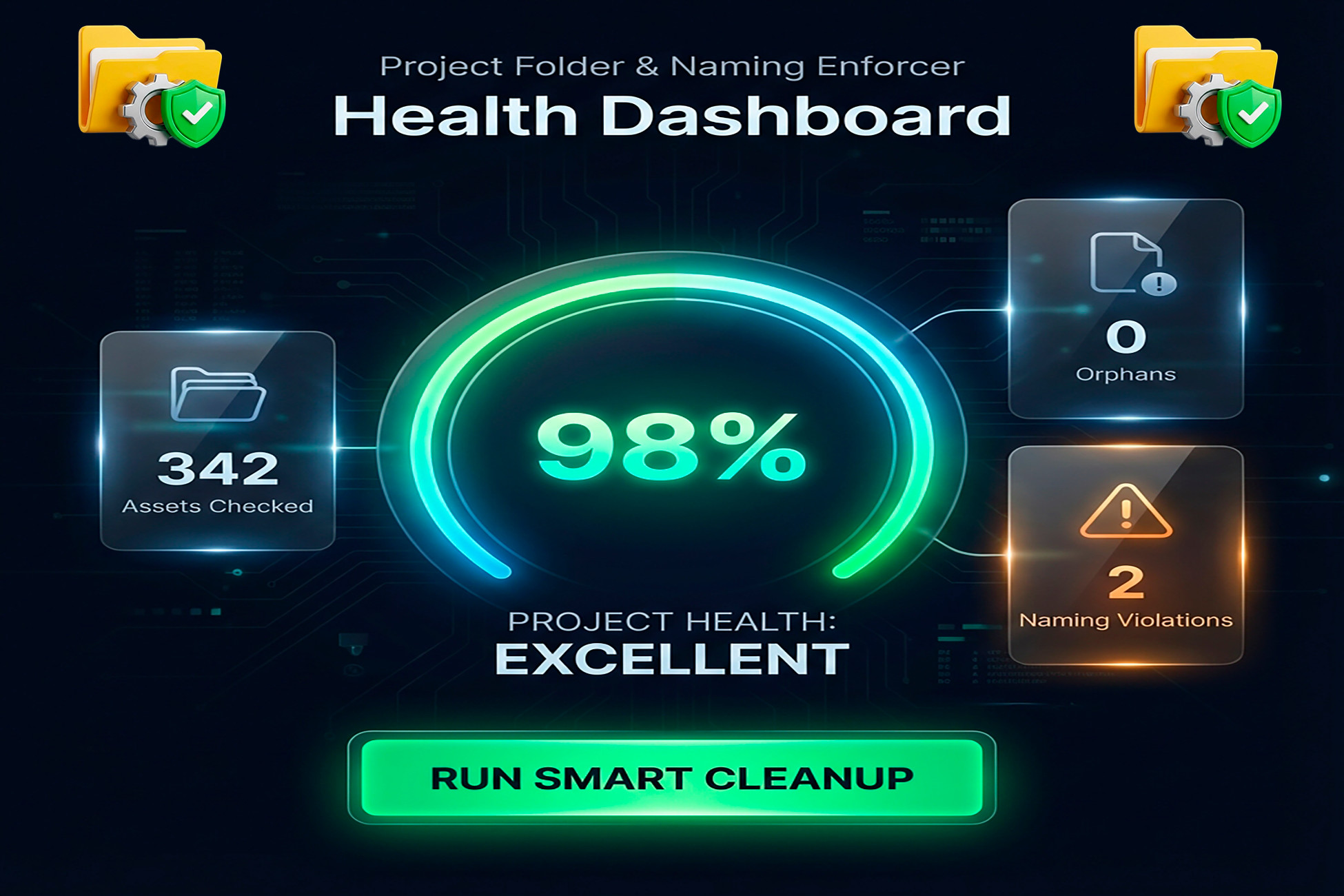
- 📊 Health Score Dashboard: Gamify your organization. Our premium visual gauge gives you a real-time "Health Score" of your project structure, highlighting exactly what needs attention.
- ⚡ One-Click Smart Cleanup: Instantly move misplaced assets to their correct homes and fix naming violations across your entire project with a single button.
- 🛡️ Strict Naming Enforcement: Tired of inconsistent names? Set up rules for PascalCase, specific prefixes (MAT_, SHD_), and "No Spaces" rules that keep your project clean 24/7.
- 🧊 Advanced Exclusion System: Simply drag and drop folders (like "Plugins" or third-party assets) into the ignore list to keep your analysis focused only on your code.
🛠️ Professional Workflow:
- Select a Template: Choose from 45+ industry-standard layouts.
- Enforce Rules: Activate naming conventions and folder highlights.
- Monitor Health: Use the Dashboard to track cleanliness.
- Automate: Right-click assets to "Auto-Move" or "Format Name" instantly.
Perfect For:
- Solo Developers: Save hours of manual organization.
- Small Teams: Sync everyone on the same standard without manual reviews.
- Technical Artists: Keep complex asset pipelines predictable and clean.
From the publisher's Asset Store listing.
Technical details
- Performance First: Highly optimized editor code with no impact on build performance.
- Full C# Source: Clean, documented code included (No DLLs).
- Universal Compatibility: Supports Unity 2019.4 LTS all the way to Unity 6.
- Render Pipeline Ready: Works perfectly with Built-in, URP, and HDRP.
- Non-Destructive: Uses standard Unity metadata; preserves GUIDs, scene references, and prefab links.
- Undo Everything: Full integration with Unity's Undo system (Ctrl+Z).
Compatibility
| Unity version | Built-in | URP | HDRP | Custom |
|---|---|---|---|---|
| 2021.3.45f2 | Compatible | Compatible | Compatible | Compatible |
As listed on the Asset Store.