
 View on Asset Store (opens in new tab)
Package details
- Latest version
- 1.0.1
- Last updated
- First released
- Unity version
- 2022.3.7 or later
- Package size
- 61 KB
- Files
- 3
- Favorites
- 1
- Views in the past week
- 15
Price tracking
- Last checked
- Tracked since
- Lowest recorded
- $14.39 on
Keywords

Assets Inventory Master
Assets Inventory Master is a Unity tool that lets you quickly search, filter, preview, favorite, and add notes to assets from a single window, improving workflow and organization in large projects.
Affiliate link · Purchases support this site
Price history
Last 6 months
USDAsset preview
1 / 5
Assets Inventory Master screenshot 1

About this asset
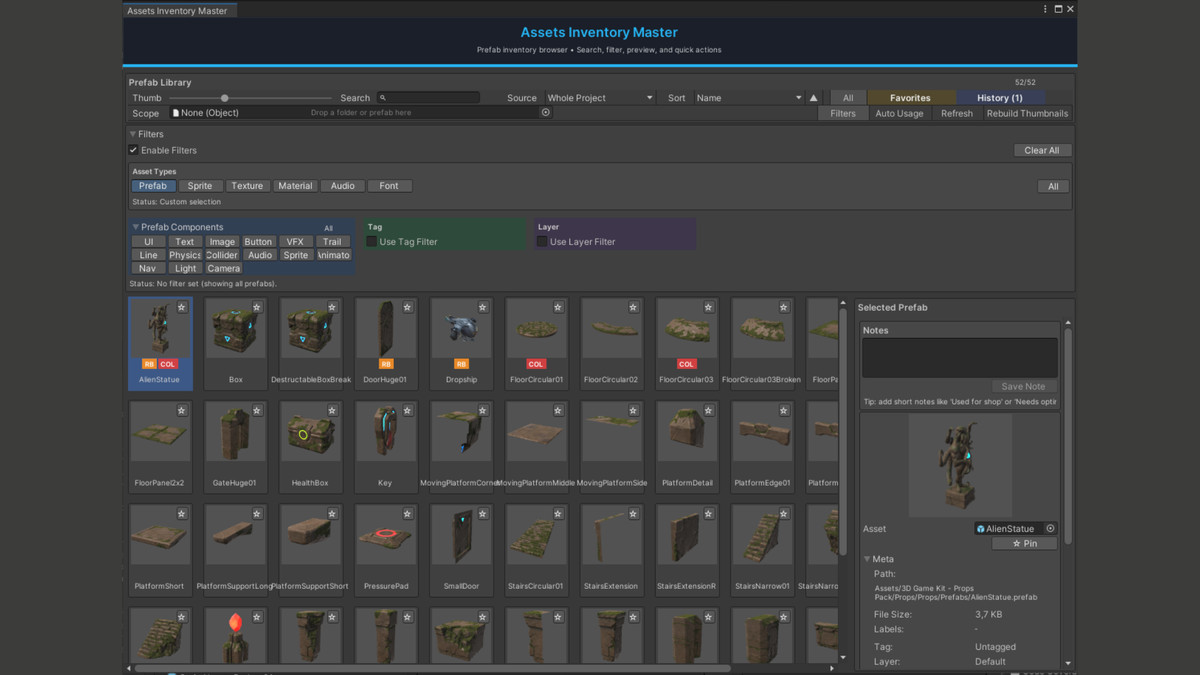
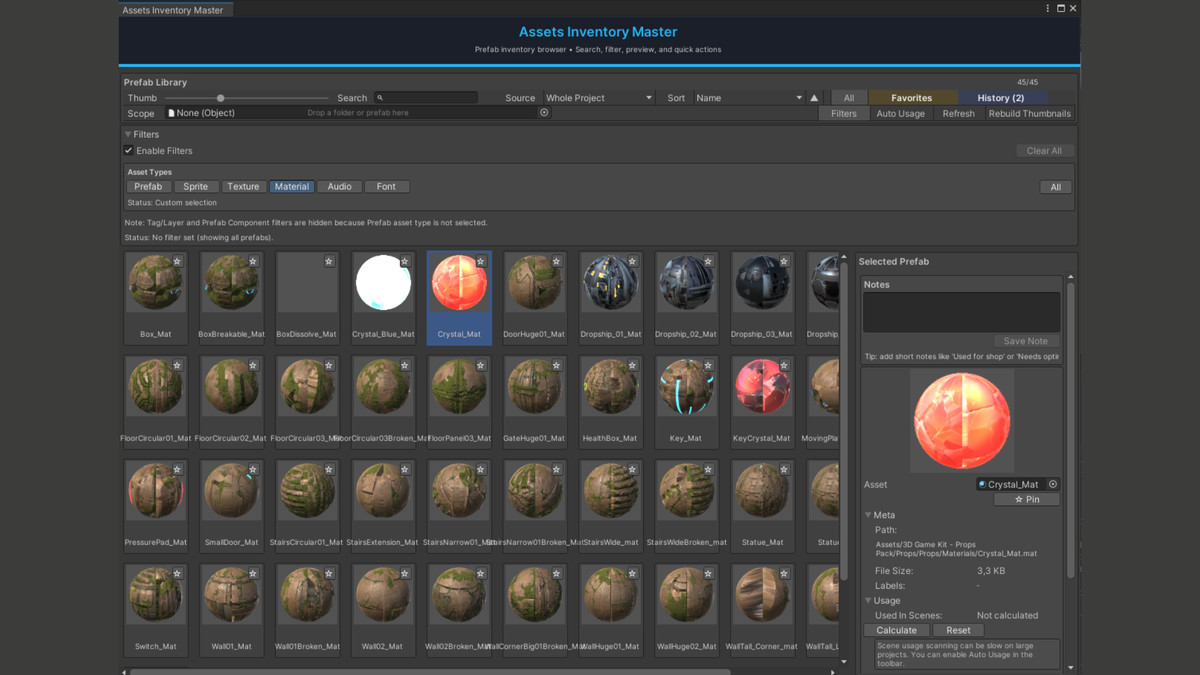
Assets Inventory Master is a productivity-focused Unity Editor tool designed to make browsing and managing project assets fast, organized, and scalable, especially in large projects.
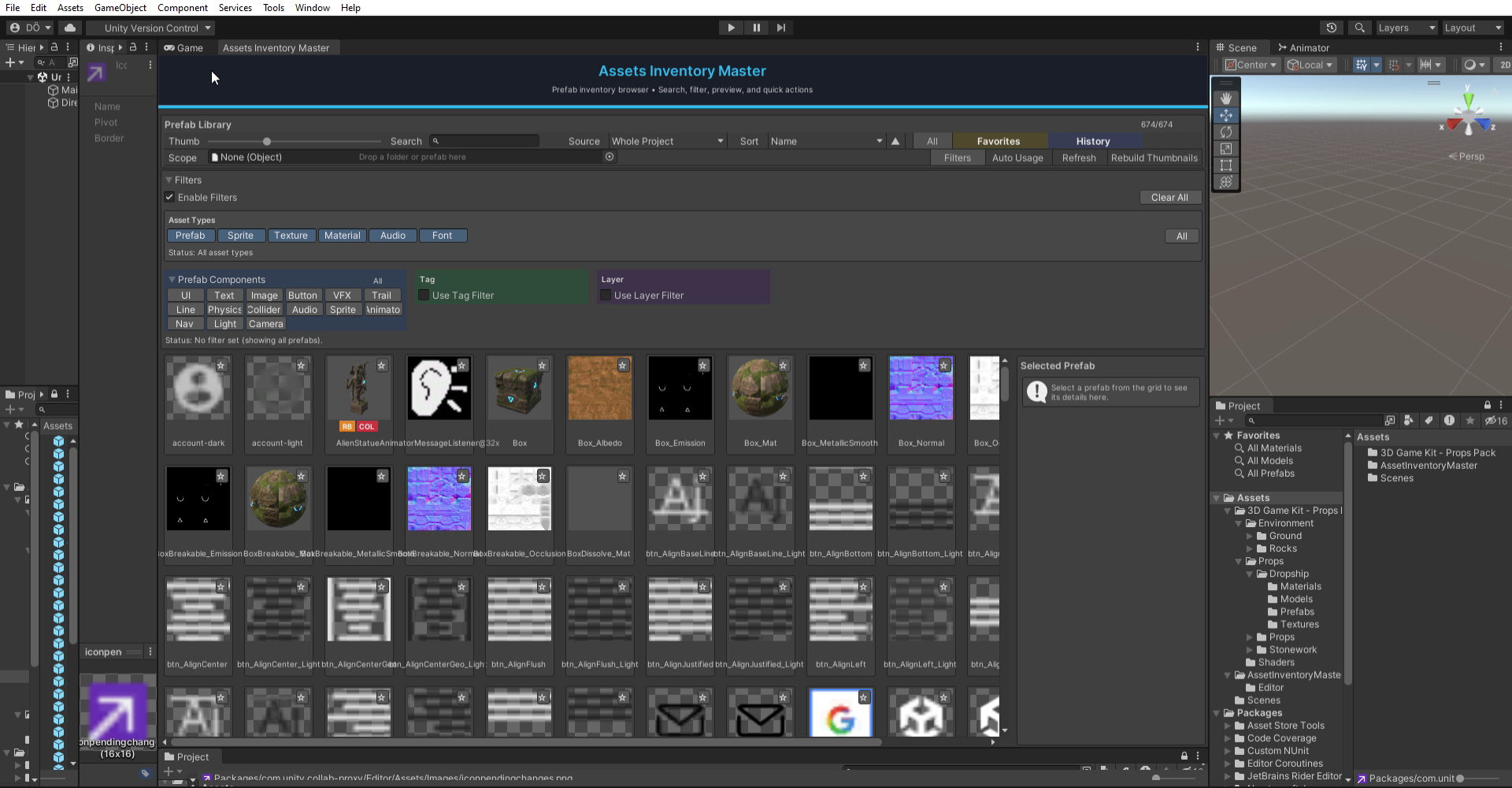
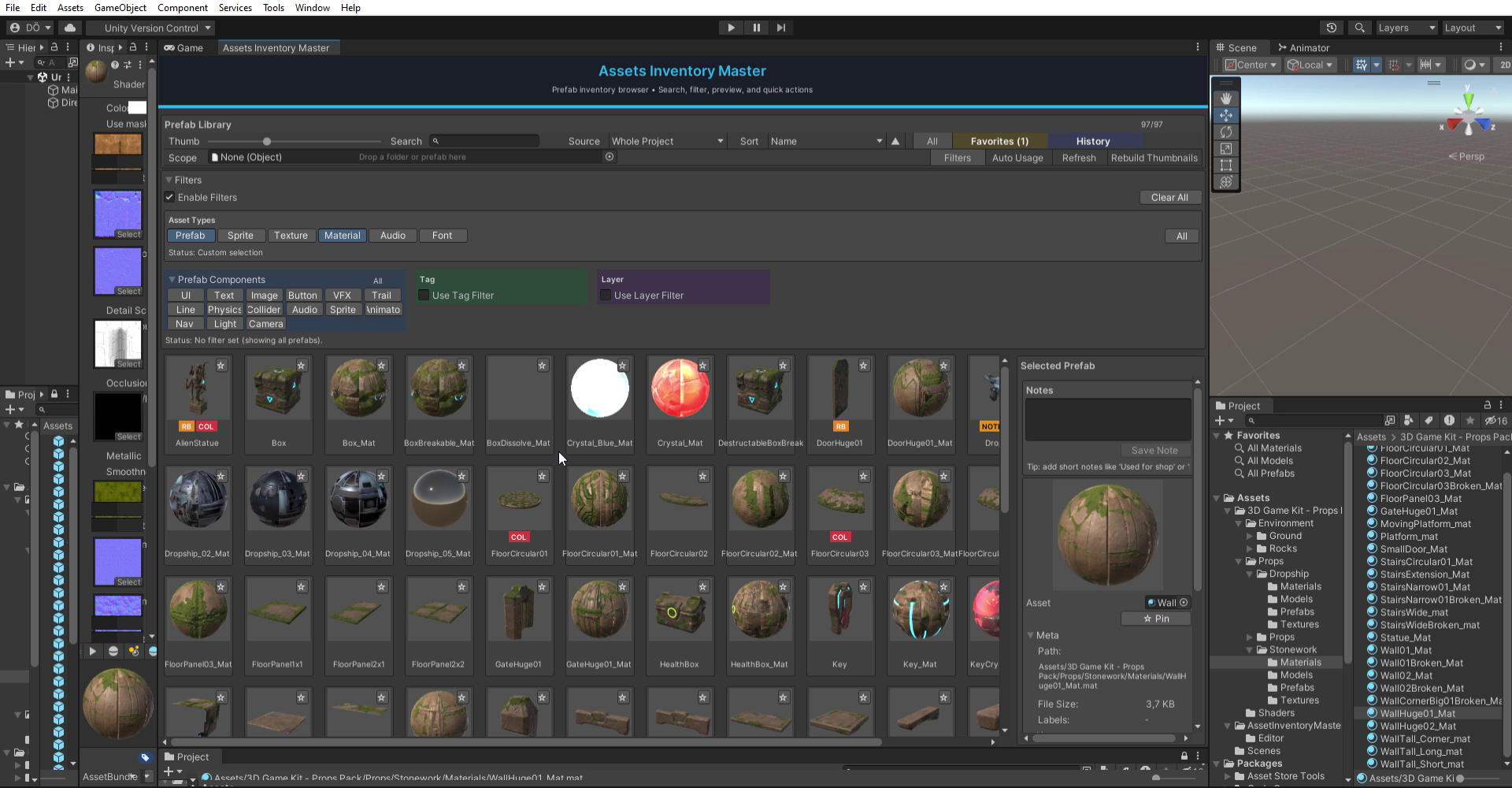
The tool provides a modern asset browser where you can search by name and path, filter by asset type, preview assets, mark favorites, track history, and add per-asset notes — all from a single Editor window. This removes the need to constantly navigate the Project window and manually inspect folders.
It supports common production asset types such as Prefabs, Sprites, Textures, Materials, AudioClips, and Fonts, including both Unity Fonts and TextMeshPro TMP_FontAsset. When working with prefabs, advanced filters like component-based filtering, tag filtering, and layer filtering become available automatically, keeping the interface clean and context-aware.
Assets Inventory Master is fully customizable through usage, not setup. You can limit scans to the whole project or narrow them down using selection or drag-and-drop scope. Sorting options, thumbnail sizes, filters, and optional expensive scans (such as usage count) are all controlled directly from the UI.
The tool is genre-agnostic and suitable for any Unity project, including mobile, PC, console, 2D, 3D, indie, or large production workflows. Since it is an Editor-only tool, it does not affect runtime performance, builds, or project settings.
Assets Inventory Master is built to save time, reduce friction, and improve asset organization in real production environments.
From the publisher's Asset Store listing.
Technical details
- Editor-only Unity tool (EditorWindow)
- Fast asset searching by name and path
- Supports multiple asset types:
Prefab
Sprite
Texture2D
Material
AudioClip
Font (Unity Font and TextMeshPro TMP_FontAsset) - Scope control:
Whole project scanning
Selection or drag & drop (folders or assets) - Advanced prefab-only filters:
Component-based filtering (UI, Text, Image, Button, Physics, VFX, Audio, etc.)
Tag filtering
Layer filtering - Favorites system with persistent storage (EditorPrefs)
- Asset history tracking:
Recently clicked
Recently added to scene - Per-asset notes stored via EditorPrefs
- Multiple sorting options:
Name
File size
Last modified
Label count
Usage count
Favorites first - Asset preview system using Unity AssetPreview with fallback previews
- Adjustable thumbnail size
- Manual thumbnail rebuild option
- Keyboard shortcuts for faster workflow
- Optimized for large projects with optional expensive operations
- Compatible with Built-in Render Pipeline, URP, and HDRP
Compatibility
| Unity version | Built-in | URP | HDRP | Custom |
|---|---|---|---|---|
| 2022.3.7f1 | Compatible | Compatible | Compatible | Compatible |
This package is an Editor-only tool and does not use any rendering features, shaders, or runtime components.
It is fully independent of rendering pipelines and works the same way in Built-in Render Pipeline, URP, and HDRP projects.
The tool does not modify scenes, assets, or project settings and has no impact on build size or runtime performance.
As listed on the Asset Store.