
 View on Asset Store (opens in new tab)
Package details
- Latest version
- 1.0
- Last updated
- First released
- Unity version
- 6000.2.12 or later
- Package size
- 2.2 MB
- Files
- 76
- Favorites
- 1
- Views in the past week
- 4
Price tracking
- Last checked
- Tracked since
- Lowest recorded
- $9.99 on
Keywords

LowPoly Modular Pipes Standard Pack
- Hidden sale
- Price drop
High-quality Modular Industrial Pipe kit featuring fully hollow. Includes custom Mesh Colliders for seamless gameplay inside the pipes. Perfect for FPS, Fantasy environments. Launch Sale active!
Lowest recorded price
Get 50% off on Asset Store (opens in new tab)Affiliate link · Purchases support this site
Price history
Last 6 months
USDAsset preview
1 / 5

LowPoly Modular Pipes Standard Pack screenshot 1

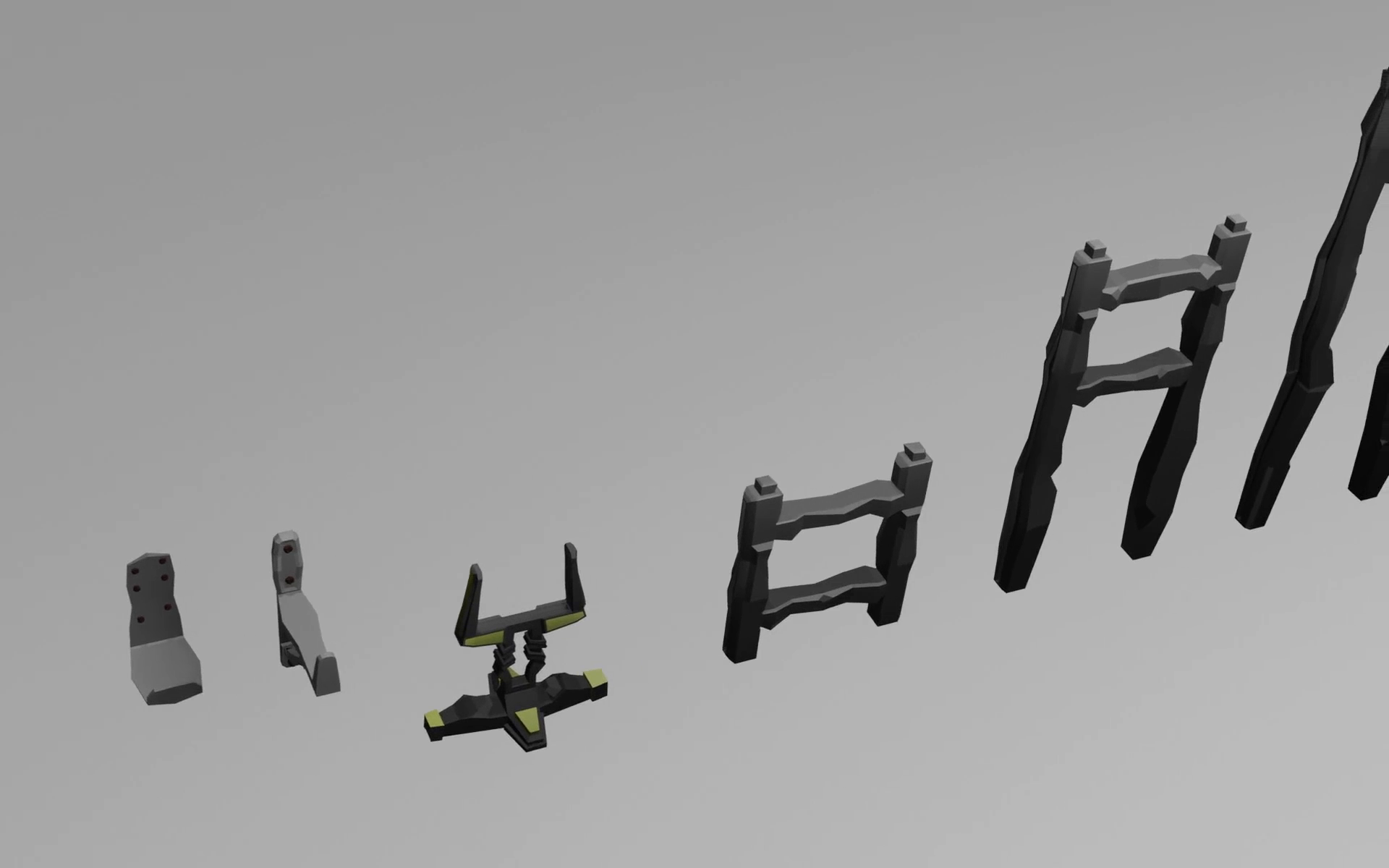
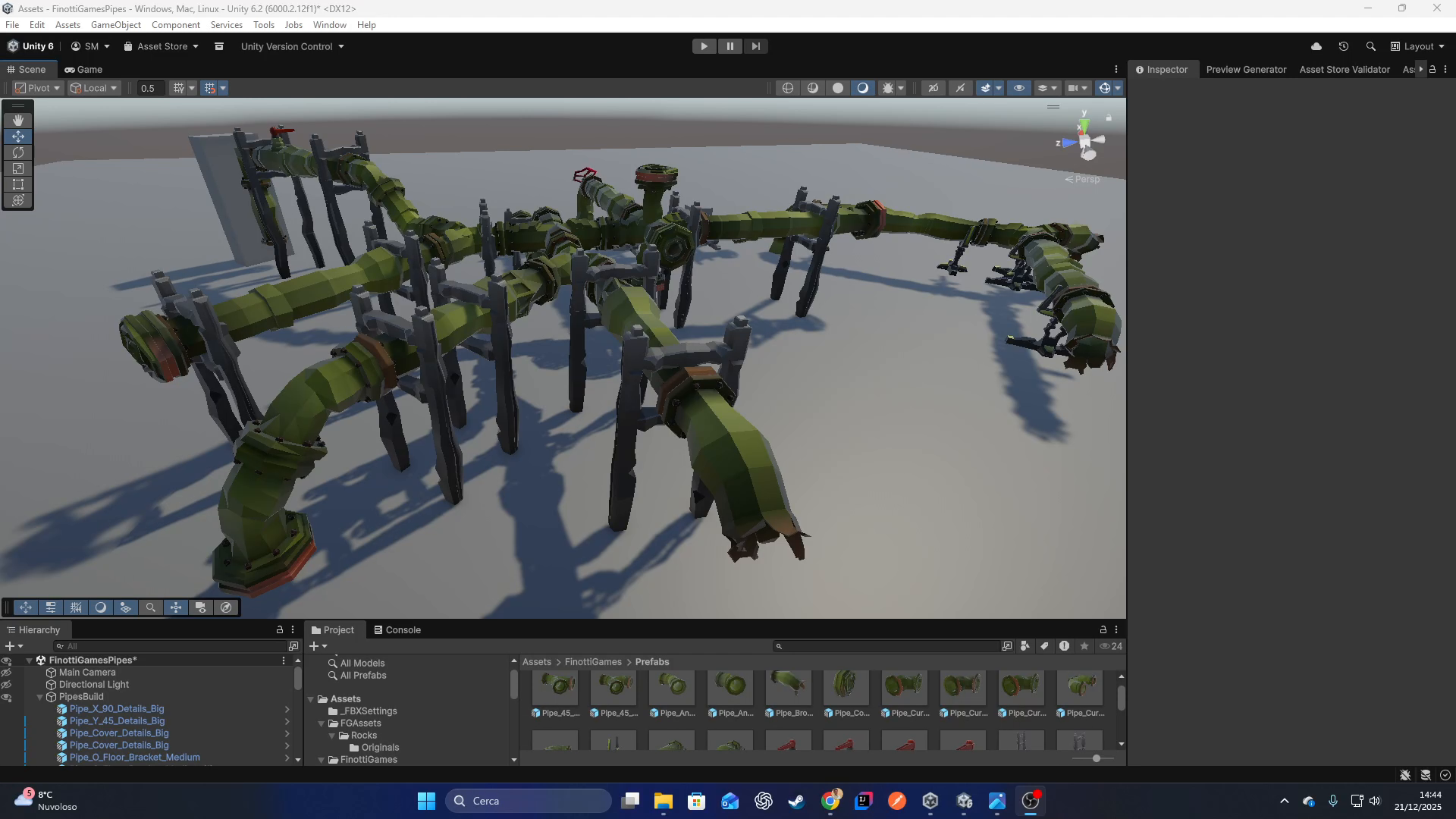
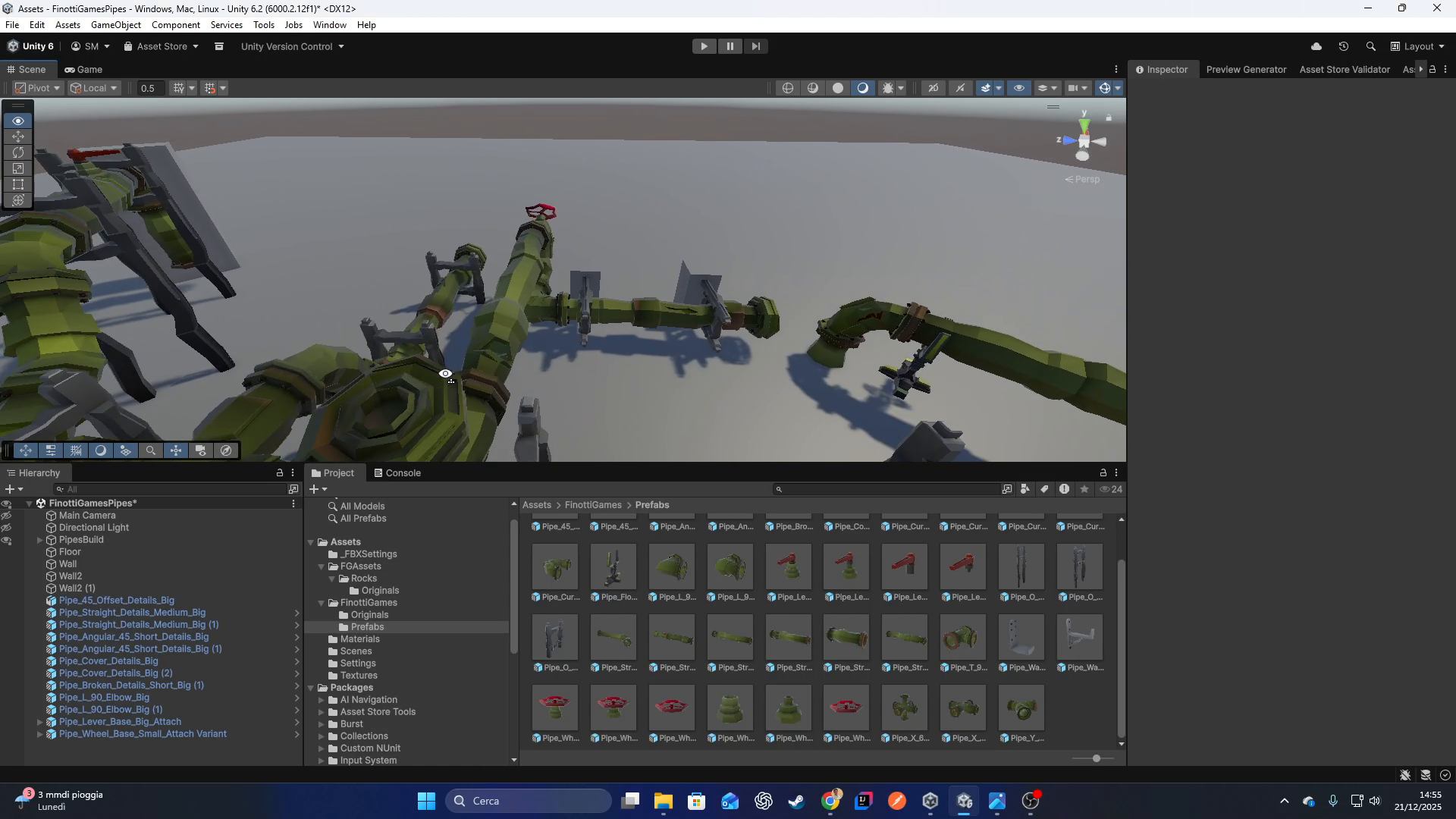
About this asset
LAUNCH SALE: 50% OFF!The price is currently $9.99 for the initial release. The price will increase to $19.99 / $29.99 in the next major update (which will include LODs, new modules).
This pack also includes Free Pipes Starter Pack
MODULAR PIPES!!
Create complex industrial networks, sewers corridors with this Walkable Modular Pipe Kit. Unlike standard decorative pipes, these assets are modeled with hollow interiors and set up with Custom Mesh Colliders, allowing players to walk, crawl, or fly inside them.
Designed for ease of use, every piece snaps perfectly to the grid, making level design fast and satisfying.
- v1.0 (Current): Initial Release - Core Pipe Set & Broken Pipes.
- v1.1 (Coming Soon): Optimization Update + new Modules.
- v1.2 (Planned): Expansion Update (Lods for all Assets, new modules)
HOW TO USE THEM:
- First of all import pipe package into Unity.
- Now, if you have alreay a Imphenzia palette color, please go to TEXTURE settings, filter mode, and switch from Point to Bilinear, to show a great gradient color (This is important).
- Turn on GRID SNAP.
- Set grid scale value to 0.5.
- Switch from Center to Pivot, in top left of Unity Editor.
- Switch Gizmo from Global to Local for a better management, in top left of Unity Editor.
- When you manage angular pipe, you may switch from Local to Global
- Start to build your first pipe structure with your Grid Snap ON.
- All the brackets are editable without GridSnap, so you can adapt them to your world scene.
Remember: If you turn off your grid snap, you can run into problems with Pipes, their are modular thanks to the grid snap.
Hierarchy Transform Issue: go to Edit/Preferences/SceneView/UsePrefabAssetPosition... be sure this option is turned on, so when you will dragon prefabs on hierarchy are going to be positioned in their original 0,0,0.
From the publisher's Asset Store listing.
Technical details
- Walkable Interiors: True hollow geometry. Perfect for ventilation shafts, sewers, or escape routes.
- Gameplay Ready: No "Box Colliders" blocking the way. Precise Mesh Colliders are pre-assigned to all prefabs.
- Modular Snapping: Pivot points are mathematically aligned. Pieces snap together seamlessly.
- Optimized Low Poly: Clean topology suitable for Mobile, VR, and Desktop. Uses a single texture atlas for maximum performance (draw call batching).
- Varied Pieces: Includes Straights, Curves (90°, 45°), Junctions (T, X, Y), Valves, and Broken/Damaged variants for environmental storytelling.
- Render Pipeline: Compatible with URP.
- Number of Prefabs: 35+.
- Polygon Count: Average 400-900 tris per piece.
- Texture Dimensions: 256x256 (Color Palette).
- Colliders: Custom Mesh Colliders included.
- Rigging: No.
- UV Mapping: Yes (Atlas mapping).
- LODs: No (Planned for update v1.2).
Compatibility
| Unity version | Built-in | URP | HDRP |
|---|---|---|---|
| 6000.2.12f1 | Not listed | Compatible | Not listed |
As listed on the Asset Store.