
 View on Asset Store (opens in new tab)
Package details
- Latest version
- 1.0
- Last updated
- First released
- Unity version
- 6000.1.3 or later
- Package size
- 72 KB
- Files
- 14
- Favorites
- 2
- Views in the past week
- 5
Price tracking
- Last checked
- Tracked since
- Lowest recorded
- $4.99 on
Keywords

Easy Interaction System: UI, World / Gamepad+Mouse integration
A lightweight, unified interaction system for UI and 3D/2D World objects. Includes virtual cursor support for Gamepads using the New Input System. Drag, drop, and interact!
Affiliate link · Purchases support this site
Price history
Last 6 months
USDAsset preview
1 / 5
Easy Interaction System: UI, World / Gamepad+Mouse integration screenshot 1
About this asset
Does your game need a simple way to click 3D objects and UI buttons using the same logic?
Stop writing separate raycast loops and UI handlers. [Nombre del Asset] unifies interaction into a single, easy-to-use workflow. Whether you are using a Mouse or a Gamepad (Virtual Cursor), your interactions work exactly the same way using standard Unity Events.
Perfect for Point & Click games, Menus, Puzzles, and Interactable Environments.
✨ Key Features:
- ⚡ Unified Workflow: Treat a 3D Chest and a UI Button exactly the same. Both use the Interactable base class.
- 🎮 New Input System Native: Built from the ground up for Unity's new Input System.
- 🕹️ Gamepad Virtual Cursor: Automatically converts Gamepad thumbstick input into cursor movement. No extra setup required.
- 📷 Camera Agnostic: Works perfectly with both Perspective and Orthographic cameras.
- 🧱 2D & 3D Support: Works with 3D Colliders and 2D Physics/UI.
- 🎨 Visual Feedback: Includes Hover, Click, and Enter/Exit events ready to hook up to Animations or Sound.
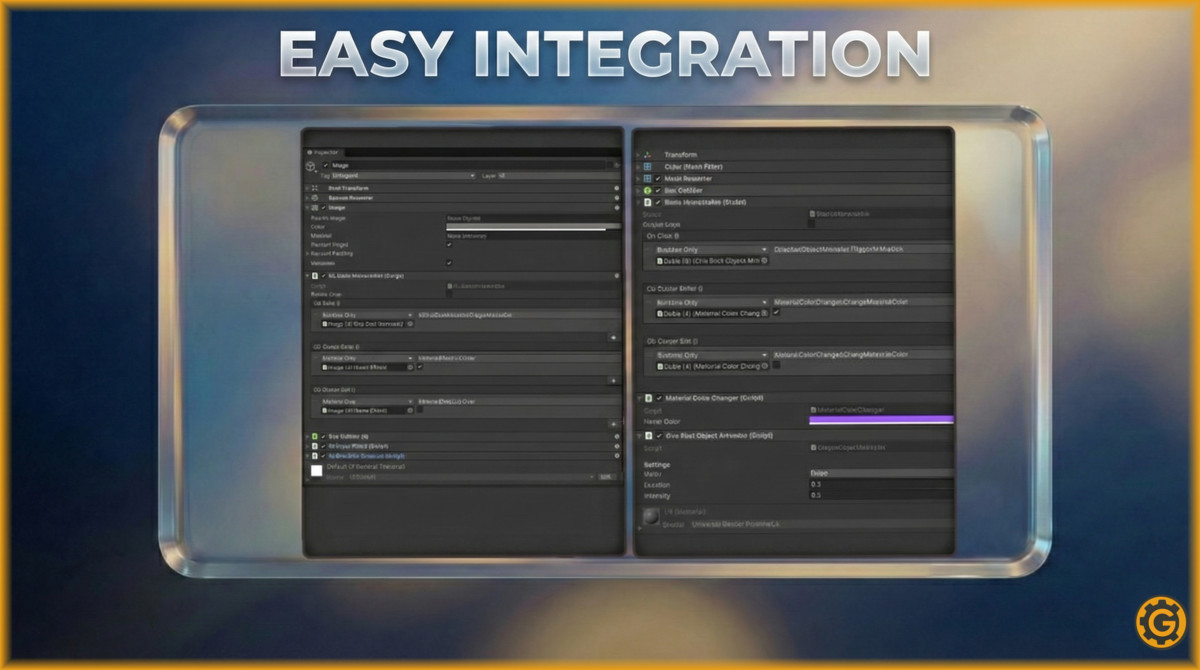
- 🔧 Zero Code Setup: Use Unity Events (OnClick, OnEnter, OnExit) directly in the Inspector.
📦 What's included?
- Core Interaction Manager (Singleton).
- Virtual Cursor Logic (Mouse & Gamepad).
- Base Interactable Scripts (World & UI).
- Helper scripts: Hover Effects, Color Changers, OneShot Animations.
- Demo Scene.
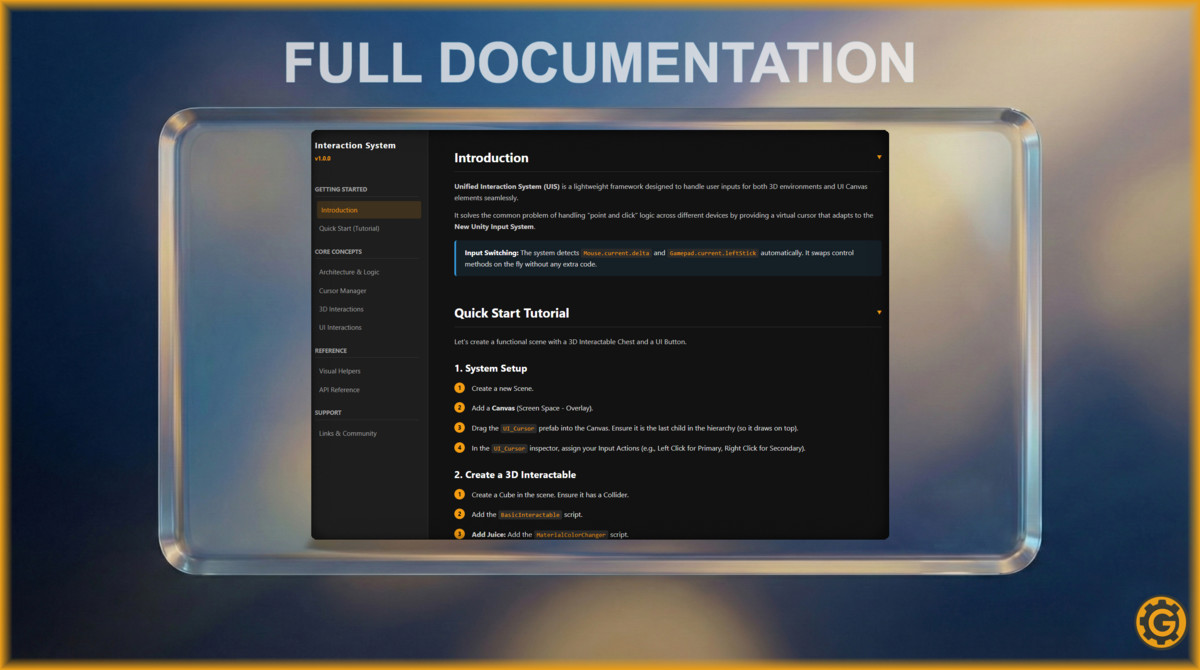
Setup is effortless:
- Drop the UI_Cursor prefab into your scene.
- Add BasicInteractable to a 3D object or UI_BasicInteractable to a Canvas button.
- Assign your events in the Inspector.
- Play!
From the publisher's Asset Store listing.
Compatibility
| Unity version | Built-in | URP | HDRP | Custom |
|---|---|---|---|---|
| 6000.1.3f1 | Compatible | Compatible | Compatible | Compatible |
As listed on the Asset Store.